

TL;DR
Here are the eight tools covered in this guide and the sales teams each one fits best:
- Followup CRM: Best for Commercial Contractors Tracking Bids and Follow-Ups.
- Pipedrive: Best for Small Sales Teams That Want a Visual Drag-and-Drop Pipeline.
- HubSpot Sales Hub: Best for Teams Connecting Pipeline Management With Marketing.
- Salesforce Sales Cloud: Best for Enterprise Sales Organizations With Complex Processes.
- Zoho CRM: Best for Teams Running Multiple Pipelines With Enforced Process Rules.
- monday CRM: Best for Teams That Want Pipeline Boards and Work Management Together.
- Close: Best for Inside Sales Teams Running High-Volume Outreach.
- Copper: Best for Teams That Sell From Google Workspace.
What to Look For in CRM Software for Sales Pipeline Management
A sales pipeline tool and a general CRM are not the same thing. A basic CRM stores contact data and logs conversations. A pipeline CRM goes a step further and models your sales process as a set of deal stages, so every opportunity has a position, an owner, and a next step.
It also helps to separate the pipeline from the sales funnel. The funnel describes the buyer’s journey from awareness to purchase. The pipeline describes what your sales reps do to move each deal forward. The best sales CRM software is built around the second one.
When you compare pipeline management software, these are the capabilities that matter most:
- Customizable pipeline stages that match how your team actually sells, not a template borrowed from another industry.
- Deal tracking with value, expected close date, and activity history attached to every opportunity.
- Automated reminders for follow-ups, so the stage where most deals are won never depends on memory.
- Workflow automation that cuts manual data entry, such as logging emails or moving deals when a task is completed.
- Forecasting and reporting that turn sales data into pipeline health, win rates, and potential revenue by stage.
Every tool in this guide covers these basics. The differences show up in who the tool is built for, how much setup it needs, and what it connects to.
Top 8 CRM Software Tools for Sales Pipeline Management
Each tool below is reviewed on its own terms, with the type of sales team it fits, how it handles deal stages and follow-ups, and what it reports back.
Some of these are general-purpose sales CRM platforms. One is built for a single industry. Start with the entry that matches how your team sells.
1. Followup CRM: Best for Commercial Contractors Tracking Bids and Follow-Ups
Followup CRM is a construction sales CRM built for commercial contractors and subcontractors whose sales cycle runs through bids, proposals, and long follow-up windows. Generic pipeline software asks you to invent your own stages.
Followup CRM lets your team move opportunities through stages that match how contractors pursue work, from first contact through estimating, proposal, follow-up, and award.
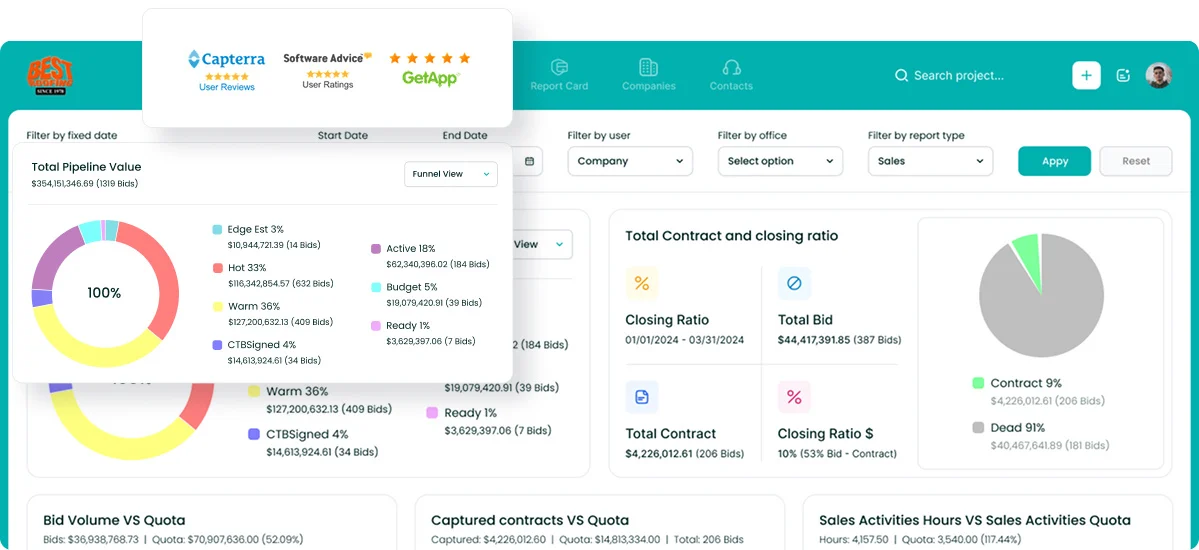
Every active opportunity sits in one shared view, with its owner, its next step, and its full contact history. Bid deadlines live on a digital bid calendar, so estimating never gets blindsided by a due date that was sitting in someone’s inbox.
Follow-up reminders are tied to the pipeline itself, which matters because follow-up is the stage where most commercial jobs are won or lost.
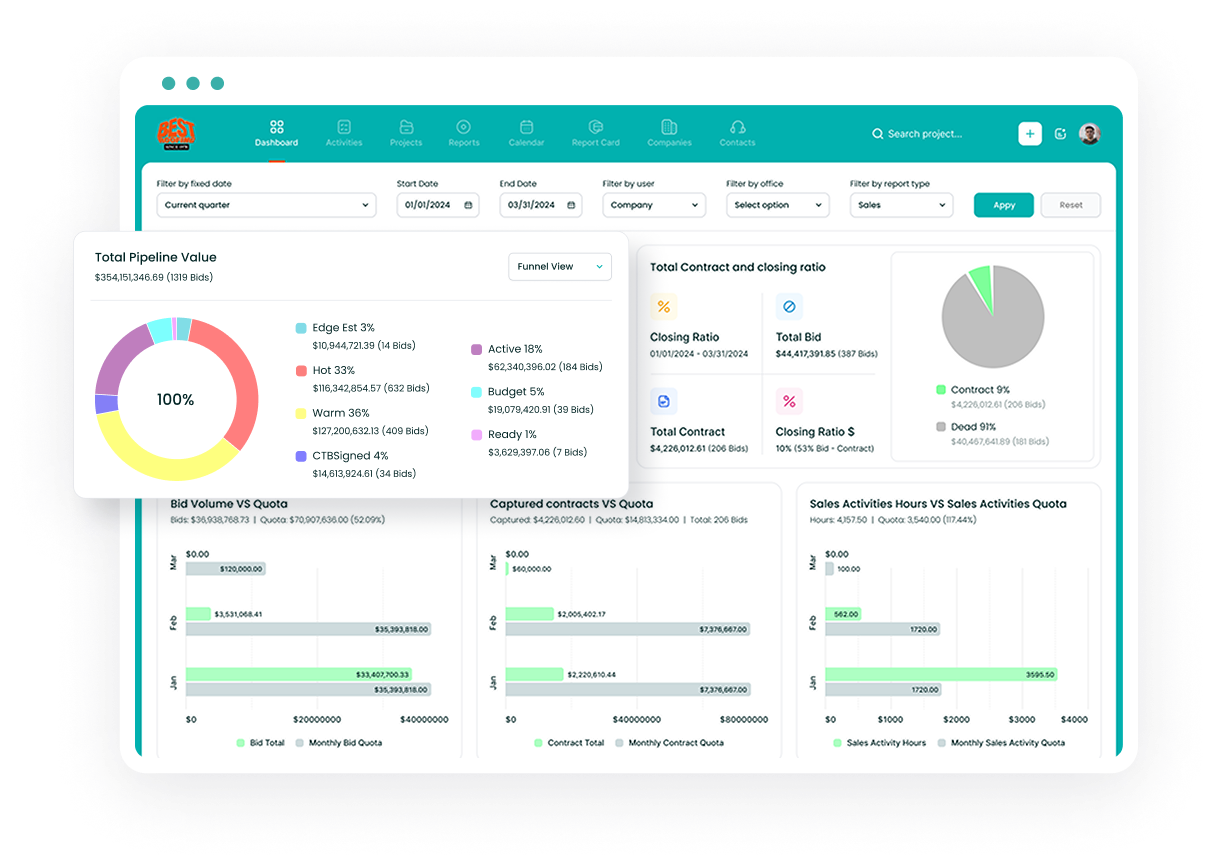
Sales and estimating dashboards help sales managers assess results and identify opportunities that need attention.
Forecasting takes the same data and shows what revenue is realistically landing next month or next quarter, which makes hiring and crew scheduling decisions easier. Pipeline reporting flags where deals stall, so coaching time goes to the right stage.
More than 4,000 construction professionals run their pipelines on Followup CRM, and the integration set covers Procore, Sage, Foundation, Vista, QuickBooks, Outlook, and Gmail.
Key Features
- Lead and bid tracking from intake through award, with lead source and project details captured on every record.
- Digital bid calendar shared with the whole team.
- Proposal generator and e-sign for branded proposals signed electronically.
- Sales and estimating dashboards with real-time pipeline value, close rates, and team performance.
- Revenue forecasting by month and quarter from live pipeline data.
- Notifications and reminders tied to each pipeline stage.
- Gregg AI Assist for drafting follow-up emails and status notes inside the record.
- Voice AI for spoken updates that the system turns into data entry.
- Outlook and Gmail integration that auto-logs email activity against the right deal.
Book a demo to see Followup CRM in action today.
2. Pipedrive: Best for Small Sales Teams That Want a Visual Drag-and-Drop Pipeline
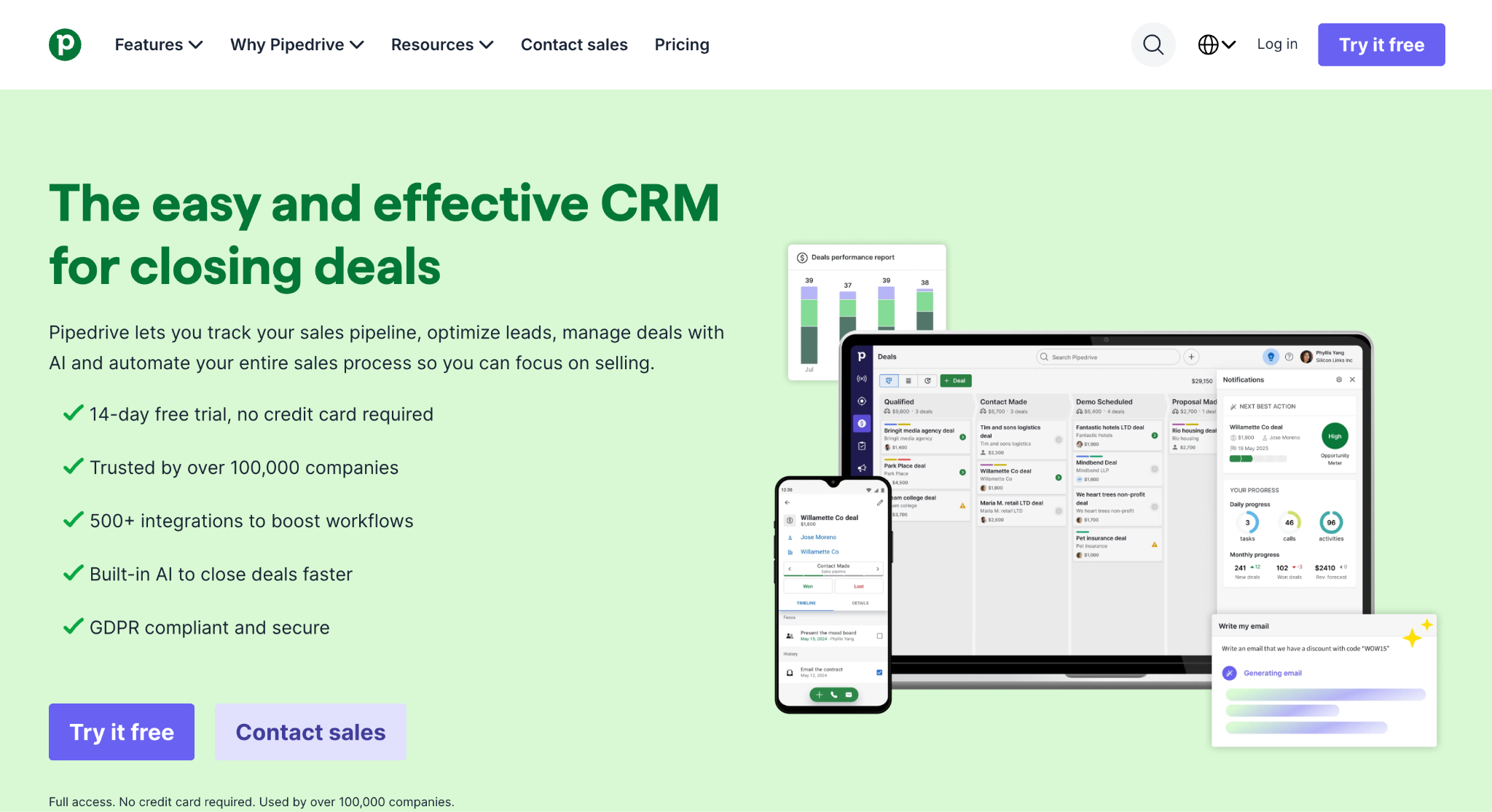
Image source: pipedrive.com
Pipedrive is a sales CRM built around the pipeline view itself. Deals appear as cards on a Kanban board, and sales reps move them between stages with drag and drop.
The board can be set up with stages that match how the team sells, and businesses that sell more than one product or run separate sales teams can create multiple pipelines with their own custom fields.
The tool pairs each stage with activities. A rep can assign a call, demo, or follow-up to a deal, link it to a pipeline stage, and see it on the activity calendar. That connection between stage and next step is what keeps deals from going quiet between touches.
Workflow automation handles the repetitive parts of pipeline management. Teams can trigger actions when a deal reaches a given stage or move opportunities forward automatically, which cuts manual data entry.
The Insights feature then turns the pipeline into dashboards with deal counts, conversion rates by stage, and bottleneck reports, so sales managers can run a pipeline review without exporting anything.
Pipedrive is a good fit for small and mid-sized sales teams that want a pipeline tool they can set up quickly and that reps will use daily. It is a general-purpose sales CRM, so industry-specific workflows have to be built by hand.
Key Features
- Kanban deal board with drag-and-drop stage changes.
- Customizable pipeline stages and multiple pipelines per account.
- Custom fields on deals, contacts, and organizations.
- Activity tracking linked to pipeline stages, with an activity calendar.
- Workflow automation triggered by stage changes.
- Insights reports and dashboards for deal flow and conversion rates.
- Nova meeting intelligence that records calls and drafts CRM updates.
- Marketplace with more than 500 integrations and a mobile app.
3. HubSpot Sales Hub: Best for Teams Connecting Pipeline Management With Marketing
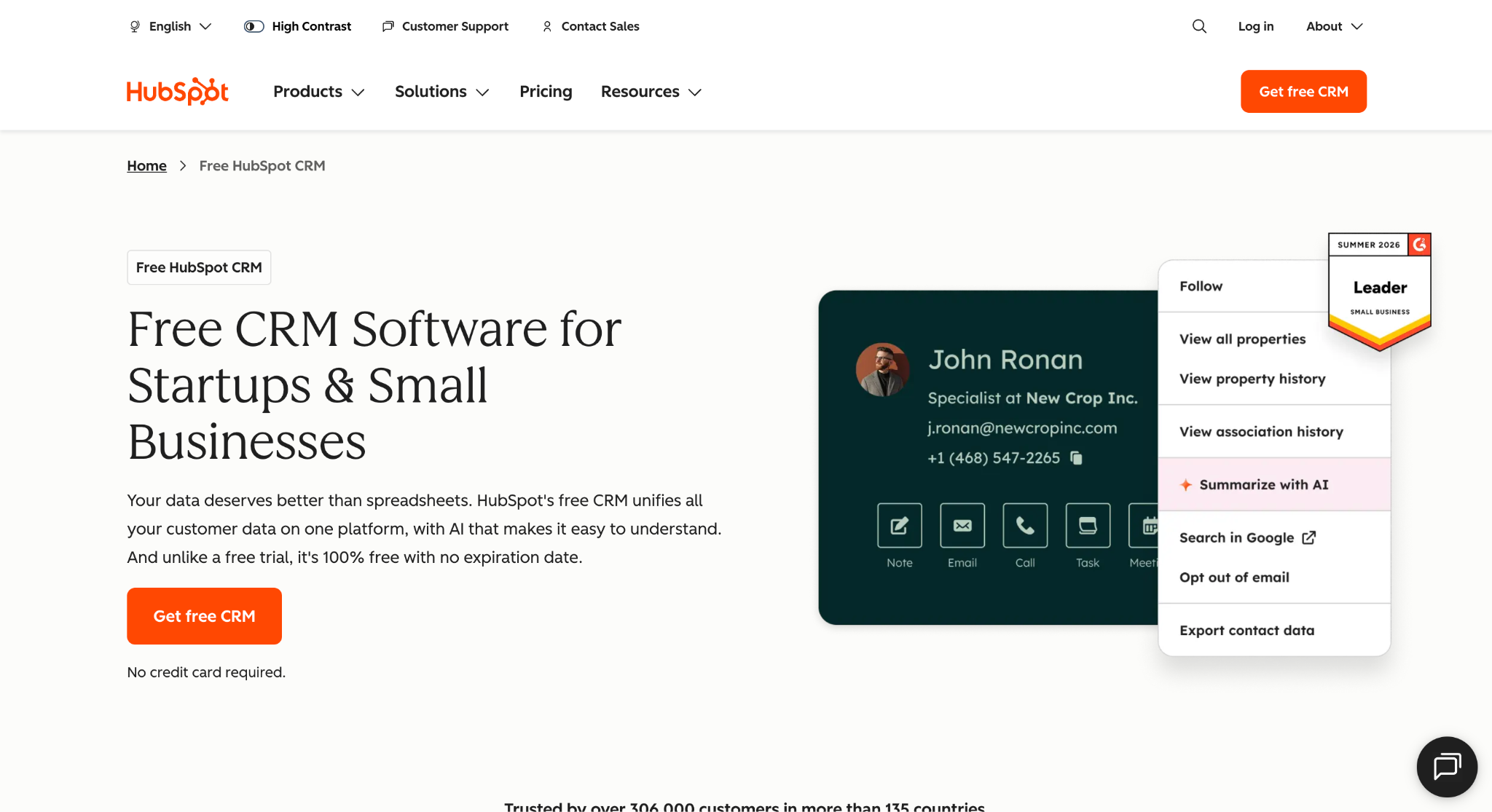
Image source: hubspot.com
HubSpot Sales Hub is the sales layer of the HubSpot customer platform, which also includes marketing, service, and content tools on the same contact database.
That shared foundation is the main reason to pick it. A lead captured by a marketing form or a nurture campaign lands in the same record a sales rep later works, so pipeline management and lead generation run on one set of customer data.
Deal pipelines work the way most sales teams expect. Deals move through stages, get tasks and reminders attached, and roll up into sales dashboards.
AI deal scoring ranks which deals are most likely to close, and the Deal Progression tool reads emails and call transcripts to suggest CRM updates and draft follow-up emails. Forecasting gives sales leaders projections built from the pipeline rather than a spreadsheet.
Sales automation covers sequences, multi-channel outreach, and email tracking, and the Gmail and Outlook extensions let reps log activity without leaving their inbox. Meeting scheduling and call tracking are built in as well.
HubSpot’s free CRM covers basic deal tracking. Paid plans add functionality, with Deal Progression and more advanced sales tools available on Professional and Enterprise.
HubSpot Sales Hub is a suitable generic option for growing businesses that want sales and marketing teams on one platform and are prepared to configure it for their process.
Key Features
- Deal pipelines with stages, tasks, and automated reminders.
- AI deal scoring that ranks deals by likelihood to close.
- Deal Progression that suggests CRM updates and drafts follow-ups.
- Sequences and sales automation for multi-channel outreach.
- Email tracking with Gmail and Outlook extensions.
- Forecasting with AI-assisted projections.
- Sales analytics and reporting on rep performance and pipeline health.
- Shared platform with Marketing Hub and a marketplace of 2,000+ integrations.
4. Salesforce Sales Cloud: Best for Enterprise Sales Organizations With Complex Processes
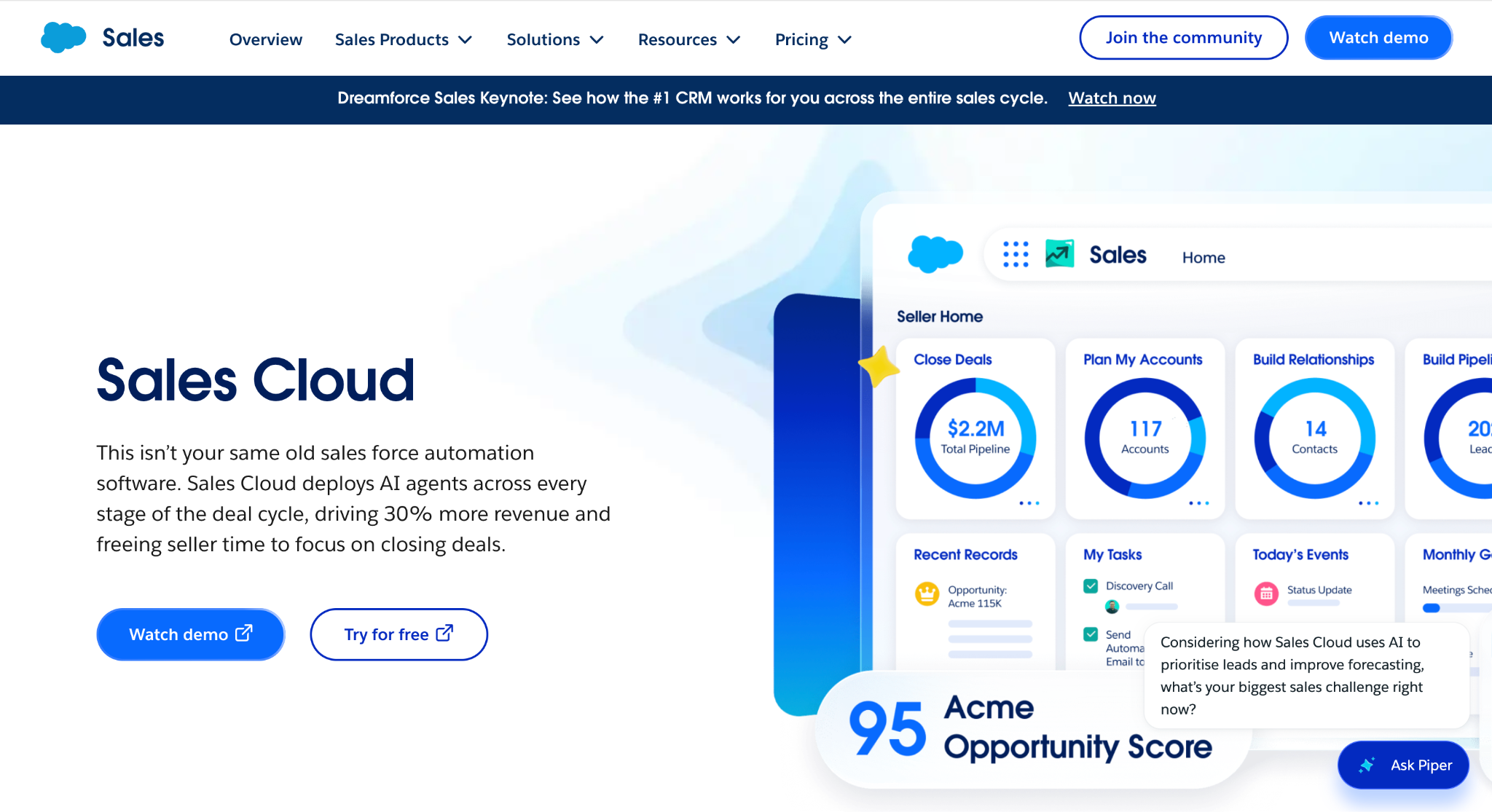
Image source: salesforce.com
Salesforce Sales Cloud is the enterprise end of this list. It manages opportunities, accounts, and contacts on one platform, and pipeline management runs through a consolidated view where built-in charts track how the pipeline has changed over time.
AI flags the deals that need attention, and sales managers can use deal insights for coaching rather than waiting for a rep’s status update.
Forecast management is a strength for large sales teams. Leaders can tailor the forecast metrics to their business goals and hold the whole team to one shared view of top deals and forecast trends.
Reports and dashboards come out of the box and can be personalized per role, which keeps up-to-date information in front of reps and executives alike.
Automation runs through Flow, a drag-and-drop builder for complex sales processes, territory assignments, and approvals. Activity capture logs emails, events, and meetings against the right records automatically.
Agentforce agents can research prospects and monitor accounts, and the Headless Sales approach lets reps update deals from Slack, Microsoft Teams, and other tools they already use.
That depth comes with setup work. Configuration is usually a CRM admin’s responsibility, and Salesforce itself points to consultants and partners on AgentExchange for implementation help.
Sales Cloud is suitable for organizations with the scale and admin resources to make full use of it.
Key Features
- Opportunity and account management with deal-specific guidance.
- Consolidated pipeline view with charts that track changes over time.
- Forecast management with customizable metrics.
- Reports and dashboards personalized per role.
- Flow workflow automation for processes, approvals, and territory assignments.
- Activity capture that logs emails, events, and meetings automatically.
- Agentforce AI agents for prospect research and account monitoring.
- Slack and Microsoft Teams access to CRM records, plus a mobile app.
5. Zoho CRM: Best for Teams Running Multiple Pipelines With Enforced Process Rules
Image source: zoho.com
Zoho CRM is built for businesses whose sales process is not one process. Its multi-pipeline setup lets a company map separate pipelines for different products, services, or regions, each with its own stages and rules.
A team selling both a one-call product and a six-month contract does not have to force both into the same board.
Blueprint is the feature that sets it apart on this list. It turns the sales process into a guided sequence, so a deal cannot move to the next stage until the required fields are filled and the required actions are done.
That enforces process uniformity without a sales manager policing every record. Cadences add automated follow-up sequences that branch based on how the lead responds.
Zia, Zoho’s AI assistant, scores deals by likelihood to close, flags anomalies in sales data, and can run commands by voice. Advanced filters surface the deals that need attention, and dynamic reports and dashboards cover pipeline health, trends, and bottlenecks.
Customization goes deep. Page layouts, custom fields, and conditional rules can be designed for each sales process, and Canvas lets admins redesign the interface without code.
Zoho CRM is a good fit for businesses that want process control and already run, or plan to run, other Zoho apps alongside it.
Key Features
- Multiple pipelines with their own deal stages per product, service, or region.
- Blueprint process automation that enforces stage requirements.
- Cadences for branching automated follow-ups.
- Zia AI deal predictions and anomaly detection.
- Advanced filters to isolate deals by stage, value, or activity.
- Dynamic reports and dashboards for pipeline health.
- Custom layouts, fields, and conditional rules per sales process.
- Canvas no-code interface design.
6. monday CRM: Best for Teams That Want Pipeline Boards and Work Management Together
Image source: monday.com
monday CRM runs on the same board structure as the rest of the monday.com platform. A sales pipeline is a board, each deal is a row, and columns hold the deal value, stage, owner, and any custom fields the team adds.
Boards, fields, views, automations, and dashboards can all be changed without a developer, which is the main appeal for teams that want to shape the tool around their own process.
The platform covers pre-sale and post-sale work in one place. Once a deal closes, the same workspace can hand it to onboarding, delivery, or account management without exporting it to a separate project tool.
That is a real advantage for businesses where the sales team and the delivery team share the same clients.
Automations handle the routine parts of pipeline management, such as moving a deal when a status changes or assigning a follow-up task. Forecasting is backed by pipeline coverage analysis and stage-by-stage diagnosis.
The AI layer includes a notetaker for calls, deal summaries and prioritization, and agents for lead sourcing, meeting prep, and pipeline monitoring that flags slowing deals.
monday CRM is a good generic option for small and mid-sized revenue teams that want the sales pipeline and the work that follows it on one platform. Integrations include Outlook, Gmail, Slack, Zoom, QuickBooks, and Google Workspace.
Key Features
- Customizable pipeline boards with no-code fields, views, and layouts.
- Kanban and table views of the same deals.
- Automations for stage changes, task assignment, and notifications.
- Forecasting with pipeline coverage and velocity signals.
- Dashboards for deal flow, rep performance, and revenue.
- AI notetaker and deal prioritization.
- AI agents for lead sourcing, meeting prep, and pipeline monitoring.
- Shared platform with monday work management for post-sale handoff.
7. Close: Best for Inside Sales Teams Running High-Volume Outreach
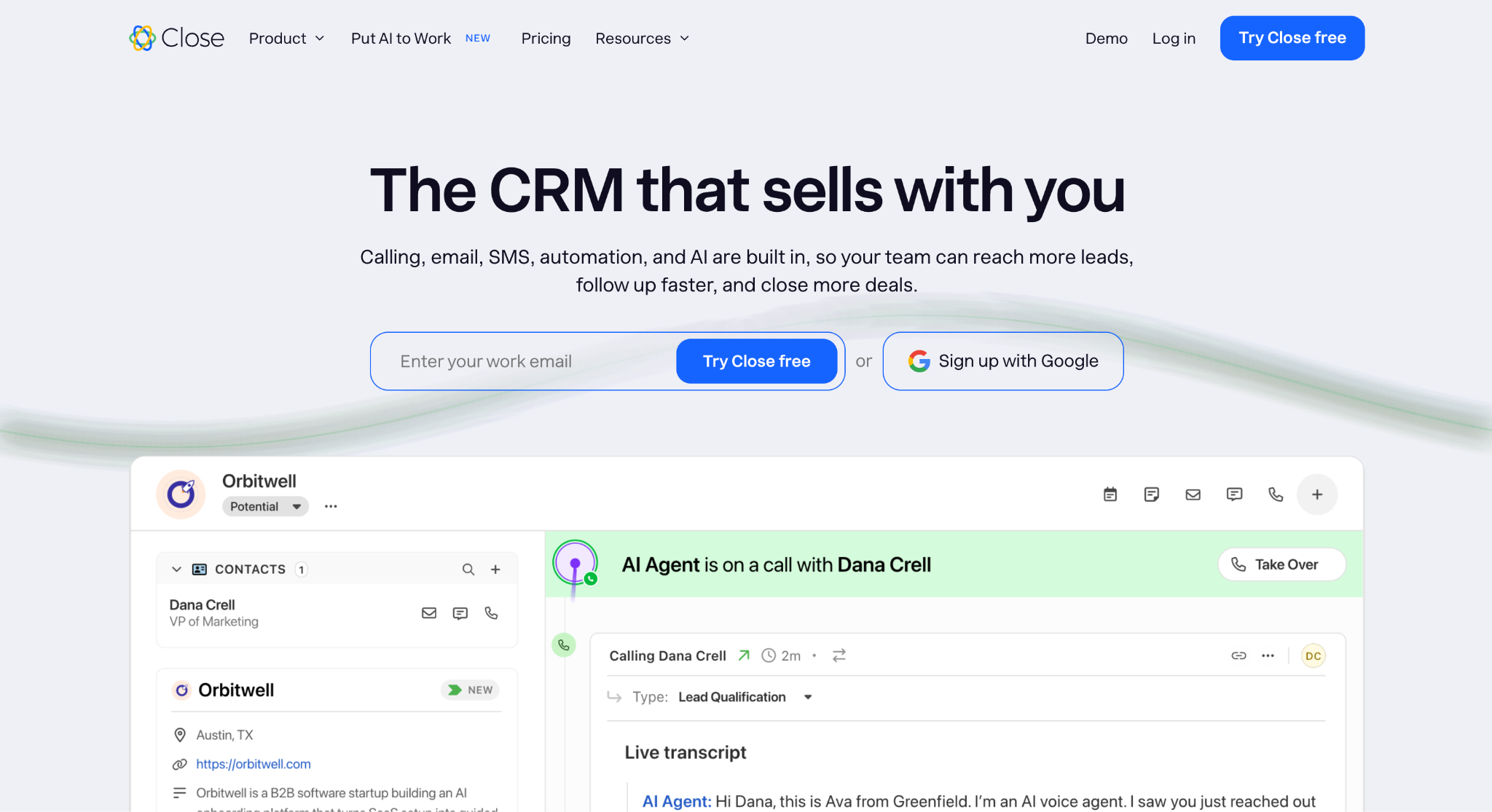
Image source: close.com
Close is a sales CRM built for teams that spend the day on the phone and in the inbox. Calling, email, and SMS are native to the product rather than add-ons, and every conversation is logged against the lead automatically.
The pipeline view shows each deal by stage and value with a suggested next step attached, so a rep knows which deal to move before the first call of the day.
The power dialer is the center of the outbound workflow. A rep opens a Smart View, which is a saved filter of leads, hits dial, and Close works through the list on its own, connecting the rep when someone picks up.
AI notes capture what was said on every call and meeting, so the details land in the record without manual data entry.
Workflows handle multi-channel follow-up. A new lead that arrives on Friday evening can get an email that night, a text on Saturday, and a call task on the rep’s list for Monday, all from one rule set up once.
Chloe, the built-in AI assistant, answers questions about the pipeline from the team’s own data and drafts follow-ups. Reporting covers pipeline, activity, and forecasting.
Close is suitable for inside sales teams, founders running their own outreach, and businesses in SaaS, financial services, insurance, and coaching. It connects to more than 100 tools, including Gmail, Microsoft 365, Zoom, and Zapier.
Key Features
- Built-in calling, email, and SMS in one inbox.
- Power dialer that works through Smart Views automatically.
- Pipeline view by stage and value with suggested next steps.
- Workflows for automated multi-channel sequences.
- AI notes that log call and meeting details to the record.
- Chloe AI assistant for pipeline questions and follow-up drafts.
- Reporting on pipeline, activity, and forecasts.
- 100+ integrations, including Gmail, Microsoft 365, Zoom, and Zapier.
8. Copper: Best for Teams That Sell From Google Workspace
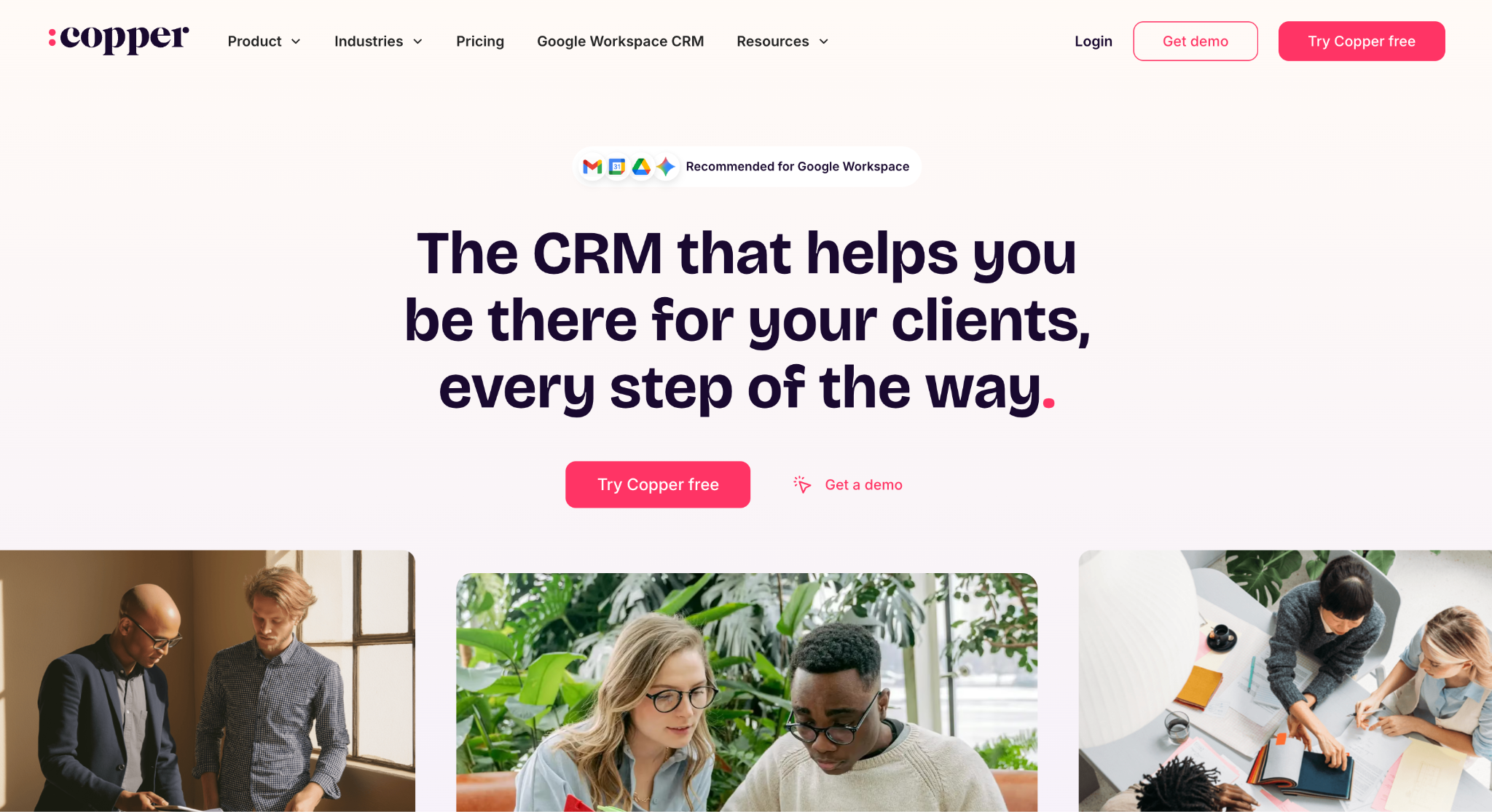
Image source: copper.com
Copper is a CRM that lives inside Gmail and Google Calendar through a Chrome extension. Instead of opening a separate app, a rep sees the contact record, deal history, and tasks in a side panel next to the email they are reading.
Contact details get captured automatically, and emails and meetings are logged against the right record as the team works, which keeps the pipeline current without manual entry.
Pipelines are visual and drag-and-drop, with AI-powered flags that call out slipping deals.
Each pipeline can be set up with its own stages, and pipeline automations trigger an email or a reminder when an opportunity moves to the next stage. Custom reports project revenue, show team activity, and surface customer trends.
Copper also carries deals past the close. A won opportunity can be duplicated into a project for onboarding or service delivery, with tasks assigned from a central list, so the sales team and the delivery team work from the same record.
Email series handle welcome messages and follow-ups, and a rekindle feature reaches back out to contacts that have gone quiet.
Copper is a good fit for relationship-focused service businesses, such as agencies, consultancies, and financial advisors, whose team already runs the day in Google Workspace. It is built to run without a dedicated CRM admin.
Key Features
- Gmail and Google Calendar integration through a Chrome extension.
- Automatic contact capture and email logging.
- Drag-and-drop pipelines with AI flags for slipping deals.
- Pipeline automations that trigger emails and reminders on stage changes.
- Custom reports for revenue projections and team activity.
- Project handoff from closed deals, with task lists.
- Email series and rekindle emails for follow-up.
- Integrations with Google Drive, Sheets, Looker Studio, Slack, QuickBooks, DocuSign, and Zapier.
How to Choose the Right CRM for Your Sales Pipeline
The best CRM for your sales pipeline is the one your sales reps will update every day. A tool with every feature on this list still fails if the team treats it as an afterthought, so start with fit rather than feature count.
Match the tool to how you sell. A team that works inbound leads from marketing needs a different sales pipeline tool than a team that bids on projects with three-month cycles. Map your sales pipeline stages first, then check whether the CRM can model them without workarounds.
Check whether task automation can boost productivity by reducing routine work and keeping sales efforts focused on active opportunities.
Follow-ups, reminders, and task automation are where most pipeline software earns its keep, because the stage where deals go quiet is usually the stage where they are lost. Ask how the tool prompts a rep when a deal has not moved.
Check the reporting against the questions your sales managers actually ask.
Pipeline value, win rate by stage, average sales cycle length, and forecast accuracy are the metrics that show whether a pipeline is healthy. If the dashboard cannot answer those without an export, keep looking.
Finally, weigh the setup cost in time. A platform that needs a CRM admin or an implementation partner suits a company that has one. A smaller team is usually better served by a tool that fits its industry out of the box.
Take Full Control Over Your Bids With Followup CRM
Most contractors do not lose work because of a bad estimate. They lose it because a bid deadline surfaced two days late, a proposal sat unanswered, and nobody logged the follow-up that would have kept the job alive.
That is not a sales talent problem. It is a pipeline management problem, and it has a fix.
Followup CRM gives commercial contractors one place to run the entire sales cycle, from lead intake through bid, proposal, follow-up, and award. Every opportunity shows its owner, its next step, and its full history.
Bid deadlines sit on a shared digital bid calendar. Reminders fire from the pipeline itself, so timely follow-ups stop depending on whose memory is best that week.
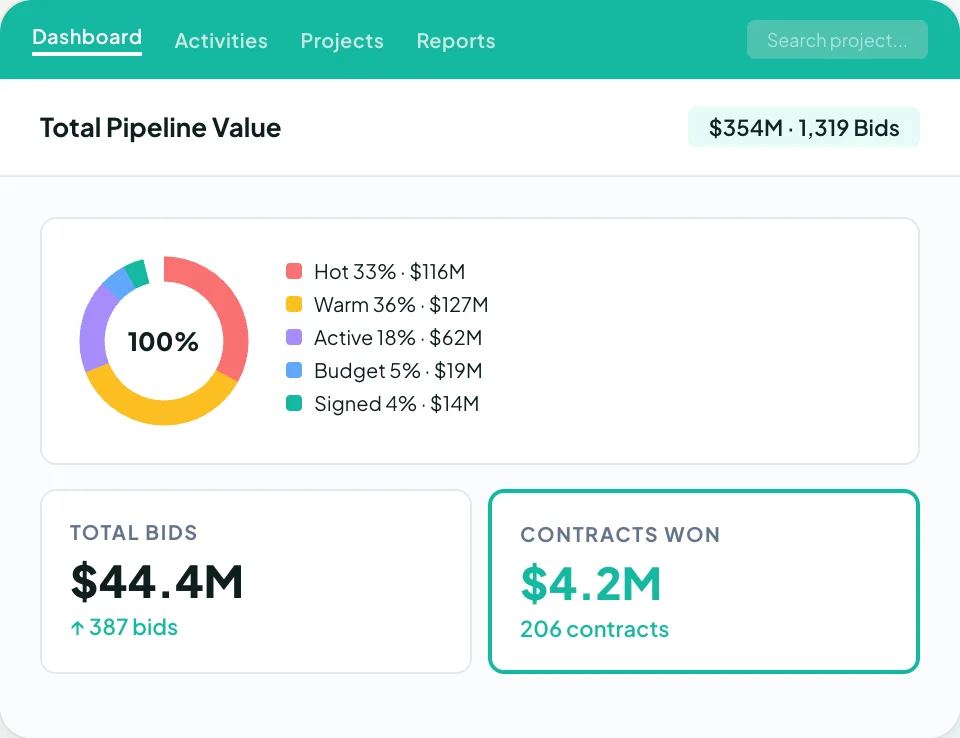
Sales managers get the numbers without chasing anyone. Dashboards show pipeline value, close rates, and rep performance from live CRM data, and forecasting shows what revenue is realistically landing next quarter.
When a deal stalls, pipeline reporting shows which stage it stalled in, so coaching goes where it counts.
More than 4,000 construction professionals run their pipelines on Followup CRM, with Procore, Sage, Foundation, Vista, and QuickBooks connected so won deals do not get re-keyed into accounting or project management.
FAQs About Top CRM Software for Sales Pipeline Management
Which CRM tools have you used to manage your sales pipeline?
The tools sales teams reach for most often are the ones covered in this guide: general-purpose sales CRMs such as Pipedrive, HubSpot Sales Hub, Salesforce Sales Cloud, Zoho CRM, monday CRM, Close, and Copper.
They all handle deal stages, follow-ups, and reporting, and they differ mainly in who they are built for. Contractors tend to outgrow generic tools once bid deadlines and long proposal cycles enter the picture, which is why Followup CRM was built around that workflow from the start.
What are the best tools for managing sales pipelines?
The best sales pipeline management software matches how your team sells: marketing alignment for inbound, built-in calling for outbound, and deep customization for enterprise teams.
For commercial contractors, Followup CRM combines a bid calendar, proposal tools, and follow-up reminders tied to each pipeline stage, with sales and estimating dashboards showing pipeline health in real time.
What are the top five CRM software?
Most “top CRM” lists include the same general-purpose names: Salesforce, HubSpot, Pipedrive, Zoho CRM, and monday CRM. Those rankings measure breadth, not fit for a specific industry.
A commercial contractor comparing CRM software should weigh how each tool handles bids, proposals, and multi-month follow-up cycles, which is the lane Followup CRM is built for.
How does CRM software improve a sales team’s performance?
It keeps everyone on the same page. Sales reps track leads and sales activities in one place, keeping other team members on the same page. Automated workflows handle reminders and stage changes.
Sales managers gain real-time insights through visual reports on key metrics, helping them prioritize leads and coach reps. Followup CRM adds bid deadlines and proposals to that picture, so the same visibility covers the whole sales cycle for contractors.
What sales tools do you need to track prospects through the pipeline?
One CRM is enough if it does three things: captures every lead with its source, moves sales opportunities through clear stages with a reminder attached to each one, and reports on where deals stall.
Followup CRM covers all three for contractors and adds a bid calendar and proposal generator, so the whole sales strategy runs from one system.
The CRM Built For Construction Companies
No more disorganized data. Track your leads, bids, and customers all in one place.
Seamless Integration with:
✅ Foundation ✅ Viewpoint ✅ Sage and more