



TL;DR
Here are the five picks at a glance, sorted by use case:
- Followup CRM: Best for commercial sales and bid management.
- Procore: Best for large commercial construction projects.
- Cubit: Best for estimating and takeoffs.
- HammerTech: Best for site safety and WHS compliance.
- Simpro: Best for trade service job management.
Types of Construction Software Australian Contractors Use
Construction software covers a wide range of tasks in the construction industry, and most teams use more than one system. Each category handles a different part of the business.
A company without the right mix usually fills the gaps with spreadsheets and other manual processes. That creates communication gaps between the office and the site, slows down approvals, and leads to delays and extra costs that eat into margins.
- CRM and bid management track leads, tenders, follow-ups, and client communication so sales teams know which opportunities need attention. Contractors who find work through construction bid boards use a CRM to manage everything that happens after the invitation arrives.
- Project management keeps drawings, RFIs, variations, and approvals in one place once a job is won.
- Estimating and takeoff measures quantities from plans and turns them into priced quotes for labour and materials.
- Safety and compliance replaces paper inductions, permits, and site documentation with digital records.
- Job management handles scheduling, quoting, and invoicing for trade companies running many smaller jobs.
Each pick below represents one of these categories, so you can match the software to the part of your company that needs it most.
5 Best Construction Software Tools in Australia for 2026
The five platforms below each cover a different part of running a construction business. Followup CRM handles winning work, while the others cover project delivery, estimating, safety, and trade jobs.
1. Followup CRM: Best for Commercial Sales and Bid Management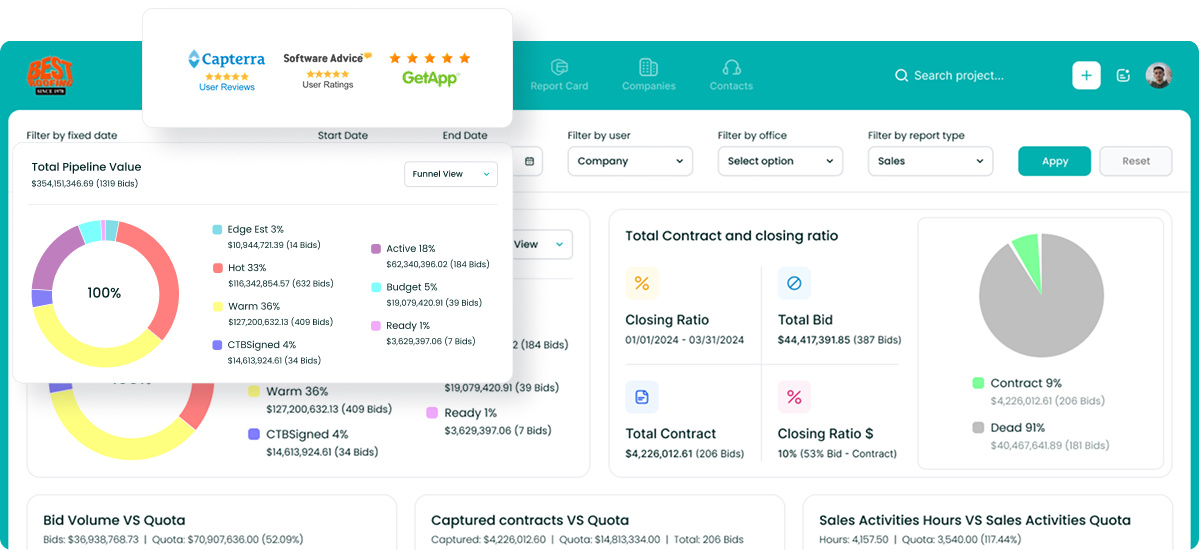
Followup CRM is a construction CRM built for commercial contractors, general contractors, and subcontractors. It covers the complete sales cycle, from lead intake through bids, proposals, and close, and more than 4,000 construction professionals use it to manage their pipelines.
The platform suits companies whose revenue depends on winning bids and keeping repeat clients. Leads arrive from tenders, referrals, and other lead generation channels, and each one lands in a single pipeline with its contacts, documents, and history attached.
Bid tracking keeps every submission and due date in view, so nothing slips while estimators move on to the next job.
Leadership gets a clear view of performance too. A director can open the pipeline dashboard and see which bids need a follow-up, how the close rate is trending, and how each salesperson is tracking against goals.
Key Features
- Lead and bid tracking that follows each opportunity through every pipeline stage.
- A digital bid calendar that keeps tender due dates in front of the whole team.
- Sales and estimating dashboards with real-time pipeline, close-rate, and performance data.
- A proposal generator that creates branded, client-ready proposals that can be approved with e-signature.
- Voice AI, which turns a spoken update into CRM entries, and Gregg AI Assist, which drafts comments and emails from a record's context.
- Integrations with Vista, Spectrum, Foundation, Sage, and QuickBooks that keep project data and financial data in sync, plus Procore, CompanyCam, Outlook, and Gmail.
Book a demo to see Followup CRM in action!
2. Procore: Best for Large Commercial Construction Projects
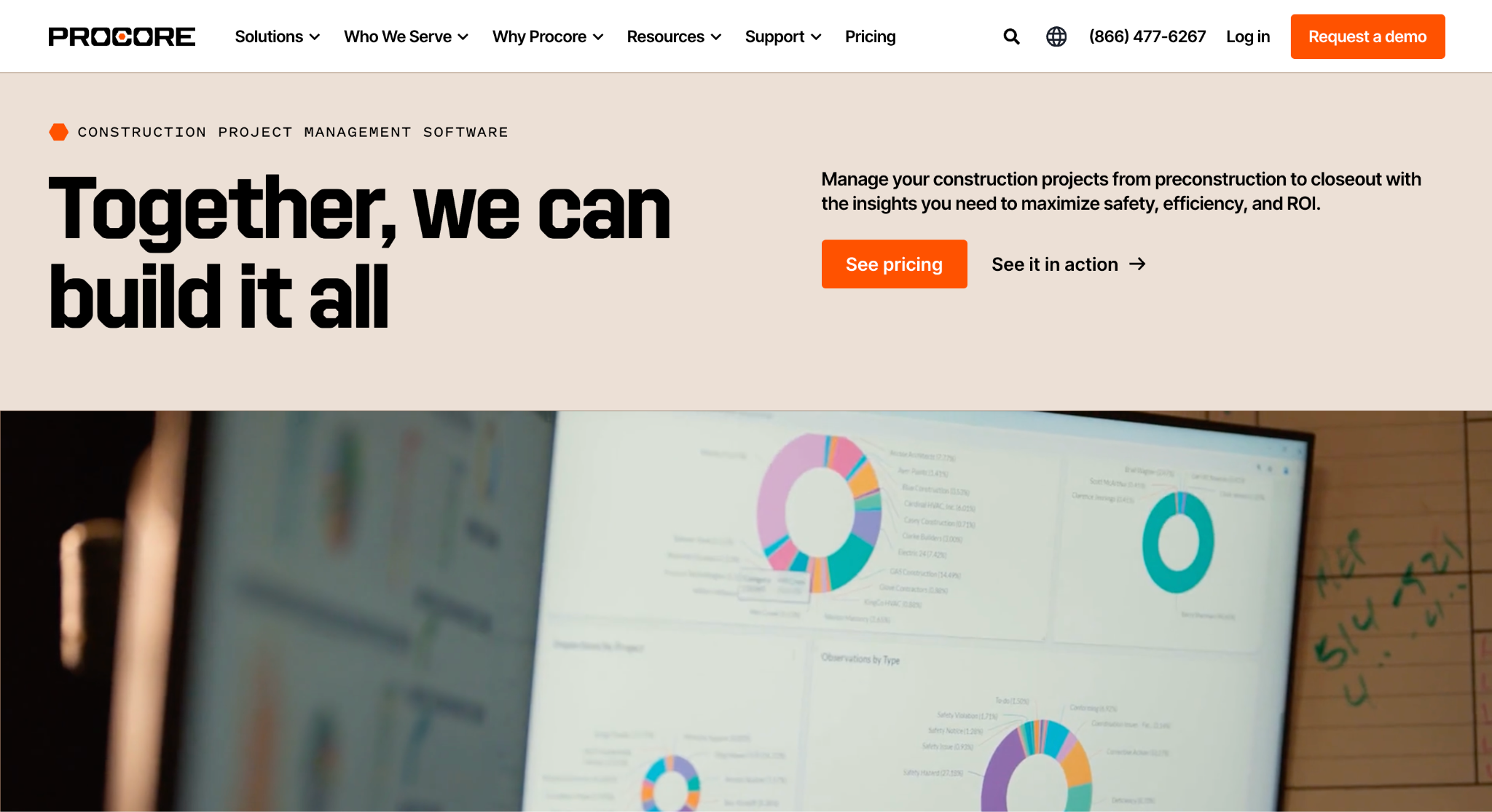
Image source: procore.com
Procore is a construction management platform that covers the complete project lifecycle, from preconstruction to closeout. It serves head contractors, developers, and subcontractors, and its Australian version includes features for tendering, head contracts, and site diaries.
The platform is a good fit for a construction group managing a significant portfolio of large projects with many stakeholders. Drawings, documents, and RFIs sit in one shared workspace, so site teams and the office work from the same information in real time.
Architects and engineers can answer RFIs by email without logging in, which keeps communication moving and avoids delays when the design team sits outside the company.
Key Features
- RFI management with automated follow-up reminders and email-based replies.
- Drawing and document management with markups and linked site photos.
- Mobile site diaries that can be updated even without a signal.
- Cost control with real-time visibility into budgets and project financials.
- Procore AI agents that draft RFIs and turn site photos and notes into site diary entries.
- An app marketplace with more than 500 integrations.
3. Cubit: Best for Estimating and Takeoffs
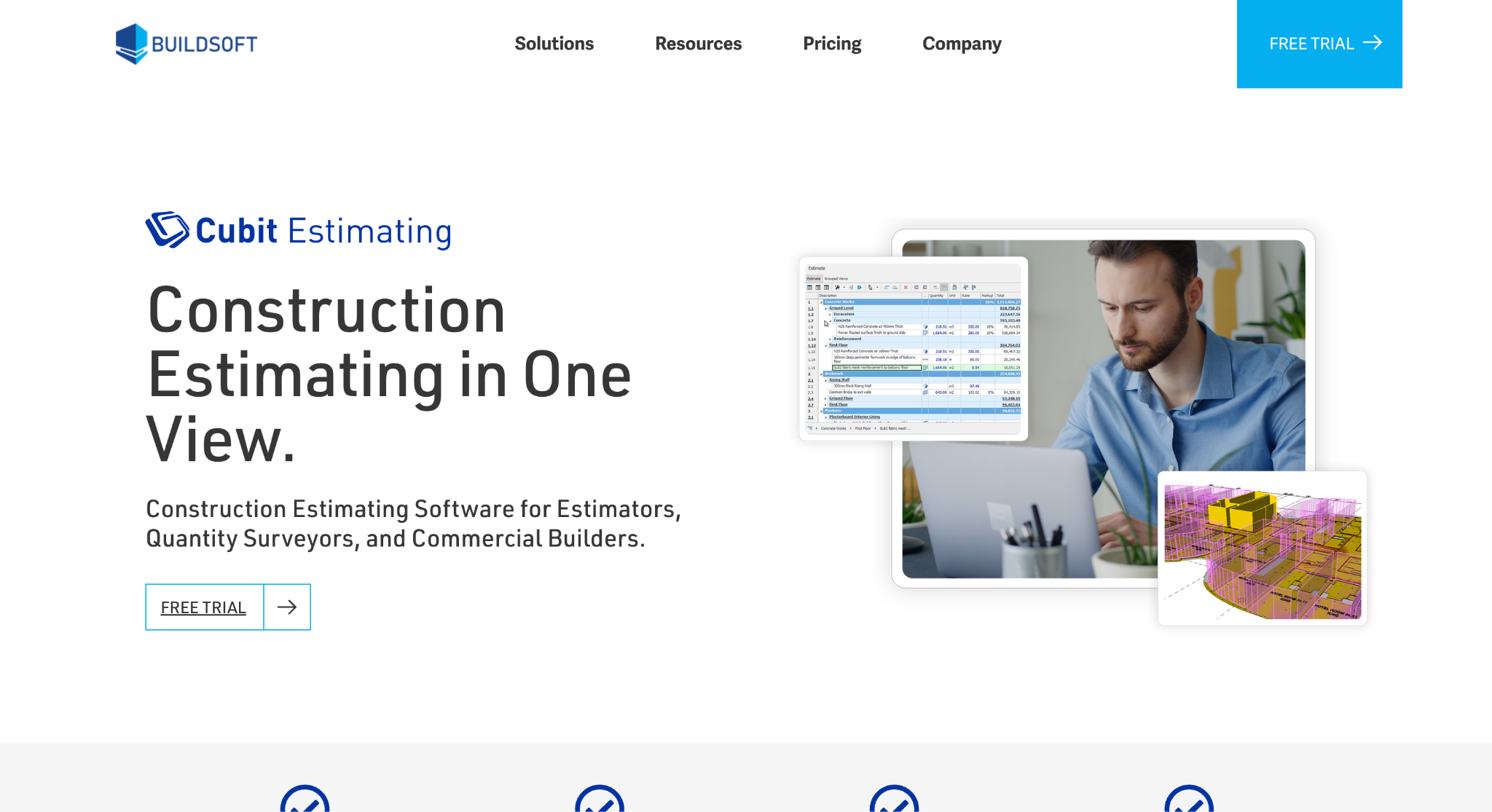
Image source: buildsoft.com
Cubit Estimating combines digital takeoff and cost estimating in one workspace for estimators, quantity surveyors, contractors, and commercial and residential builders.
Cubit suits teams that price multi-trade jobs against tight tender deadlines. Takeoff and estimating happen in a single view, so the estimate updates instantly when a measurement goes onto the plans.
When drawings change, each revision is tracked and the estimate updates with it. That helps estimators avoid pricing a tender off superseded plans, a mistake that can cost a builder real money.
Key Features
- Takeoff from PDFs, computer-aided design (CAD) files, images, and building information modelling (BIM) models in the Enterprise edition.
- Master price lists and template jobs that give estimators control over labour and materials pricing.
- An optional AI Estimating add-on that automates repetitive takeoff work.
- Bills of quantities, trade breakdowns, and cost reports exported to PDF or Excel.
- Desktop and cloud-hosted versions, both backed by Australian-based support.
- Integrations with Xero, Excel, and Cubit Select for tender management.
4. HammerTech: Best for Site Safety and WHS Compliance
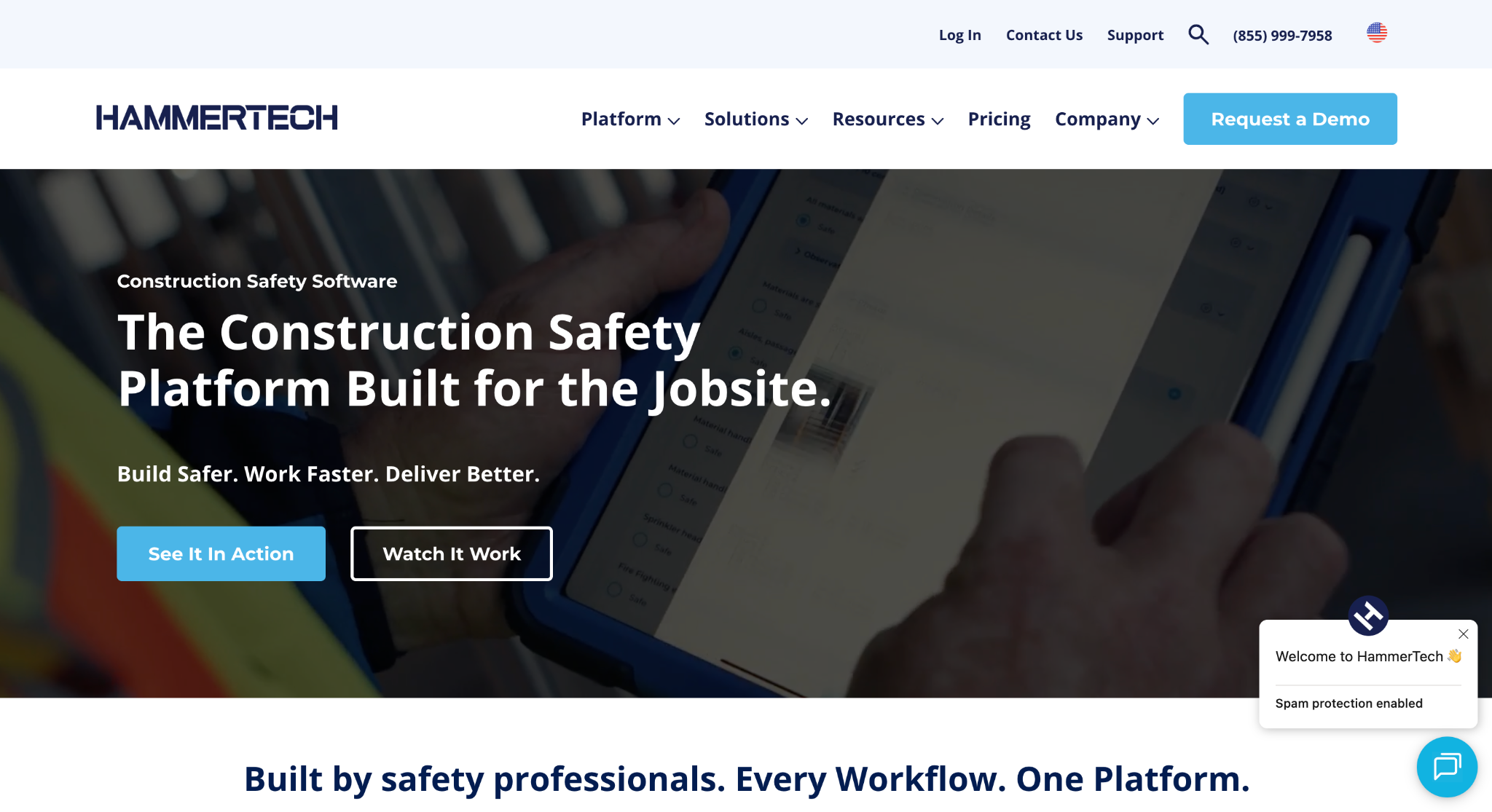
Image source: hammertech.com
HammerTech brings safety, compliance, and site operations into one platform built for the construction industry. Principal contractors, subcontractors, and project owners use it on commercial, civil, and industrial jobs.
The platform suits builders who want to move safety documentation off paper and into a digital workflow. Workers complete onboarding and inductions digitally, and site teams manage each trade partner's details from one place.
Safety data then feeds a dashboard that updates in real time, so leaders can see performance on every project without chasing reports from each site.
Key Features
- Digital inductions and worker information records.
- Safe work method statements (SWMS), safety data sheets (SDS), and safety plans.
- Permits that can be requested and approved digitally, plus risk assessments and safety meetings.
- Inspections, site observations, incident reporting, and site diaries.
- Subcontractor management for keeping trade partners compliant.
- HammerTech Intelligence, an AI layer that automates parts of safety reporting.
5. Simpro: Best for Trade Service Job Management
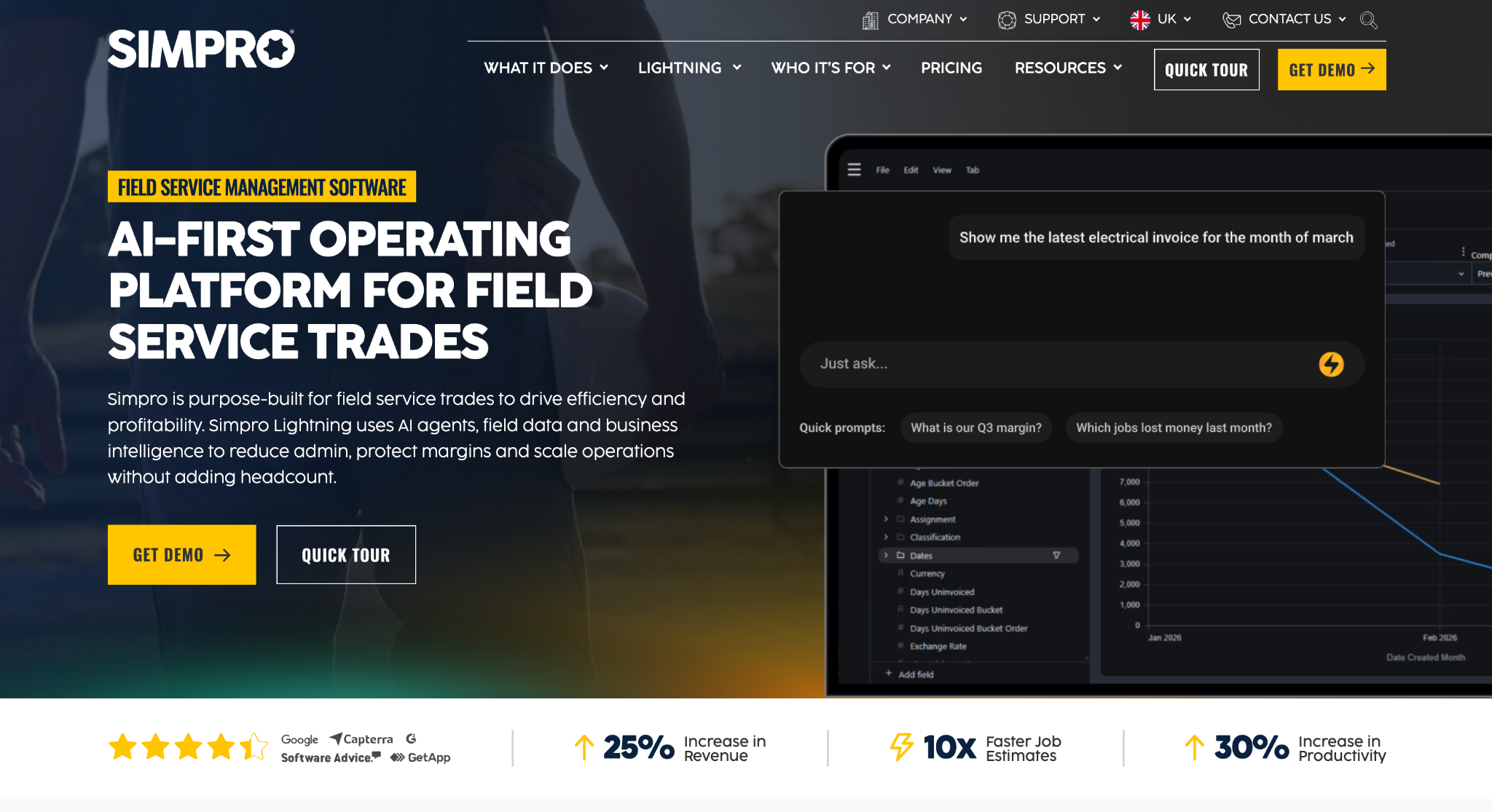
Image source: simprogroup.com
Simpro is job management software focused on trade companies. Today it serves electrical, plumbing, HVAC, fire protection, and security contractors, among others, on both service jobs and project work.
The platform suits trade contractors running many jobs and field crews at once. The office builds quotes, schedules technicians, and manages job costs. Meanwhile, employees in the field log labour hours, materials, and site variations on their phones.
When a job closes, the invoice goes out, customers can pay on the spot, and accounting integrations keep the books in sync for your accountant.
Key Features
- Estimating and quoting with prebuilt assemblies that bundle labour and materials.
- Scheduling and dispatch for individual technicians and multi-stage projects.
- A field mobile app for job history, notes, safety checklists, and customer sign-offs.
- Progress claims and retention tracking for project work.
- Simpro Lightning features, including the FieldReady AI agent for technician training and GPS-enabled time tracking.
- Integrations with Xero, MYOB, and QuickBooks.
How Construction Professionals Can Choose the Right Software
The right solution depends on where your company loses the most time and money today. A few practical checks help get everyone on the same page before you book demos.
Start With the Communication Gaps That Slow You Down
List the tasks that eat the most hours or cause the most delays. For some builders, it's getting variations approved. For others, it's re-entering data between systems, slow lead generation, or losing track of tender due dates.
Pick software that fixes that problem first, because that's where you'll see the biggest difference.
Check Local Compliance and Accounting Integrations
The Australian construction industry runs on progress claims, GST, and WHS documentation, so look for software that matches local requirements.
An integration with your accounting software also matters, since data that flows straight to your accountant saves hours of double entry.
Look for Real-Time Data and a Workflow That Fits
A new system should match the way your team already works, not force you to create every workflow from scratch.
Ask how the system handles approvals and whether the site and office see the same data in real time. Check how communication flows between them and how much control managers retain over cost data.
Plan for Training and Adoption
Even the best platform fails if employees don't use it, so training matters as much as features. Ask vendors what training and onboarding they offer new employees, and whether site crews can work efficiently from a simple mobile app.
Expect a few weeks before the team is ready to run on a new tool day-to-day.
Never Lose Track of Tenders and Follow-Ups With Followup CRM
Every platform on this list solves a real problem, but none of them matters if the work never comes in. For most commercial contractors, the weak point sits early in the process.
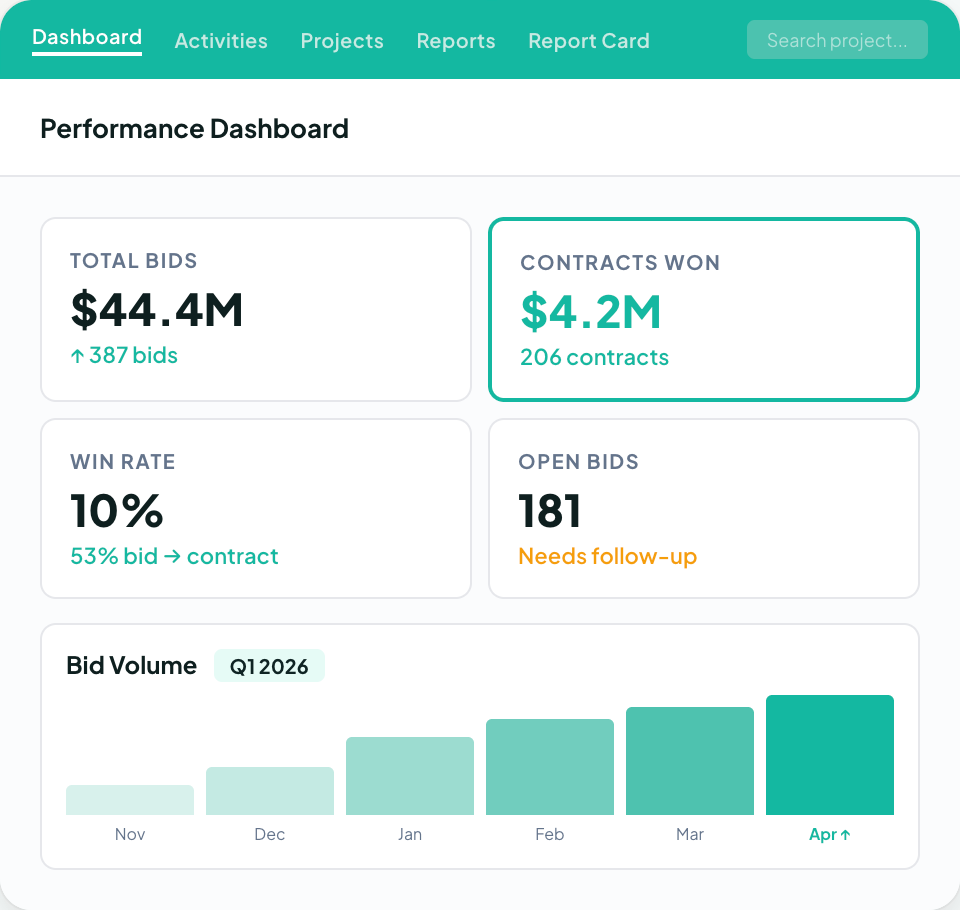
Tender invitations and documents land in one inbox, follow-up dates live in someone's head, and the bid tracker is a spreadsheet only one person understands. Opportunities slip away, and nobody notices until a competitor wins the job.
Followup CRM gives your sales team one place to manage every lead, bid, and client communication. The digital bid calendar keeps due dates visible, and reminders flag follow-ups before a lead goes cold.
The proposal generator helps your team build branded construction proposals without starting from a blank page. Directors finally see the full pipeline at a glance instead of waiting weeks for a report.
Its integrations with enterprise resource planning (ERP), accounting, and project management systems mean data from won jobs doesn't have to be typed in twice.
When you're ready to see how it fits your own bid process, book a Followup CRM demo.
FAQs About Best Construction Software Australia
What is the best construction software in Australia?
The best construction software in Australia depends on what your company needs to fix first. Project management platforms handle drawings and RFIs, estimating software prices jobs, and safety software manages WHS records.
For commercial contractors whose growth depends on winning bids, Followup CRM is the strongest starting point. It tracks every lead, tender, and follow-up in one pipeline, so the work that feeds every other system actually comes in.
What is the best construction estimating software in Australia?
The right estimating software depends on your trade, your project sizes, and the format your plans arrive in. Look for takeoff and estimating in one view, support for PDF and CAD files, revision tracking when drawings change, and reports your clients can read easily.
An estimate only pays off once it becomes a signed job, though. Followup CRM stays connected to your estimating software and pulls estimate figures into proposals and the sales pipeline, so nothing is retyped and every bid gets a follow-up.
What software do most construction companies use?
Most construction companies run a mix of tools rather than one system. A typical stack includes accounting software, a project management platform, an estimating tool, and something to track sales.
That last piece is often a spreadsheet, which is where bids and follow-ups get lost. Followup CRM fills that gap with a construction-specific CRM solution that connects to the accounting, ERP, and project management systems many contractors already use.
What are the best apps for builders in Australia?
The best apps for builders depend on the role. Site managers lean on project management and safety apps, trade contractors use job management apps to run their crews, and estimators work in takeoff software. Sales teams need the right app too.
Followup CRM helps sales teams manage leads, bids, and client contacts in one place, and its Voice AI feature lets users log an update instantly by speaking instead of typing, which helps when they're between sites.
Is construction software worth the cost for small builders?
For most contractors, yes, as long as the software fixes a real problem. Manual processes, missed follow-ups, and rework all carry a cost, so start with the area that loses your company the most work.
For contractors who bid regularly, that is often the sales process. A construction CRM such as Followup CRM tracks every bid and follow-up in one place, so fewer opportunities slip away.
The CRM Built For Construction Companies
No more disorganized data. Track your leads, bids, and customers all in one place.
Seamless Integration with:
✅ Foundation ✅ Viewpoint ✅ Sage and more
