

TL;DR
Here is the short list, with the use case each tool fits best:
- Followup CRM: Best for tracking bids on commercial construction projects.
- Procore: Best for general contractors managing bids inside a full project platform.
- BuildingConnected: Best for sending bid invitations through a large subcontractor network.
- ConstructConnect: Best for finding projects to bid and managing invitations in one place.
- Buildertrend: Best for residential builders managing bids with project data.
- STACK: Best for takeoffs and estimates tied to bid preparation.
What Construction Bid Management Software Does
Construction bid management software gives a contractor one place to store bids, their documents, their deadlines, and the people attached to them. Outside the US, the same workflow is often called the tendering process, but the mechanics are identical.
An opportunity comes in, someone decides whether to pursue it, the team prepares a number, submits it, and follows up until the decision lands.
In practice, the category splits into two kinds of tools. Solicitation tools serve general contractors. They create bid packages, send bid invitations to trade partners, host the plan room, and line up bid responses side by side so the estimator can compare scope and cost.
Pursuit tools serve the contractor doing the bidding. They act as a construction bid board, tracking every invite, its due date, its status, and the next follow-up, then reporting on what was won and lost.
Some platforms try to do both. Most do one well. Knowing which problem you are solving (e.g., not enough invitations coming in or too many slipping through once they arrive) narrows the list faster than any feature comparison.
Best Bid Management Software for Construction Teams in 2026
The six tools below are grouped by the job they do best. The first is built for contractors pursuing bids. The rest lean toward solicitation, project discovery, or estimating, with bid management as one part of a wider platform.
1. Followup CRM: Best for Tracking Bids on Commercial Construction Projects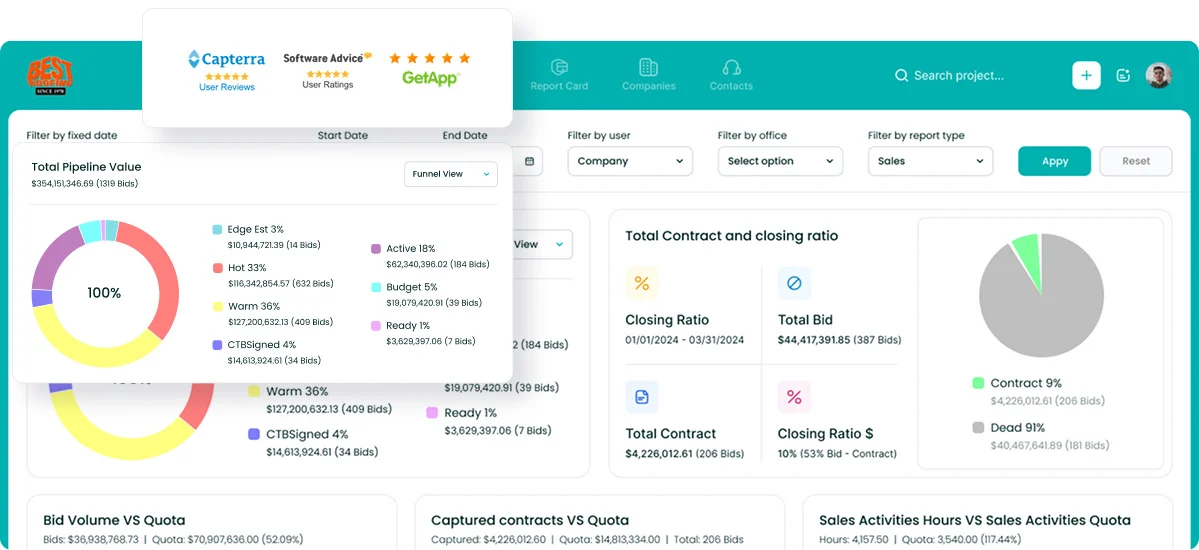
Followup CRM is a construction CRM built for commercial contractors who need to manage bids as a sales process rather than a filing problem.
It is trusted by 4,000+ construction professionals, with roofing, electrical, glass, waterproofing, concrete, and flooring among the trades it serves.
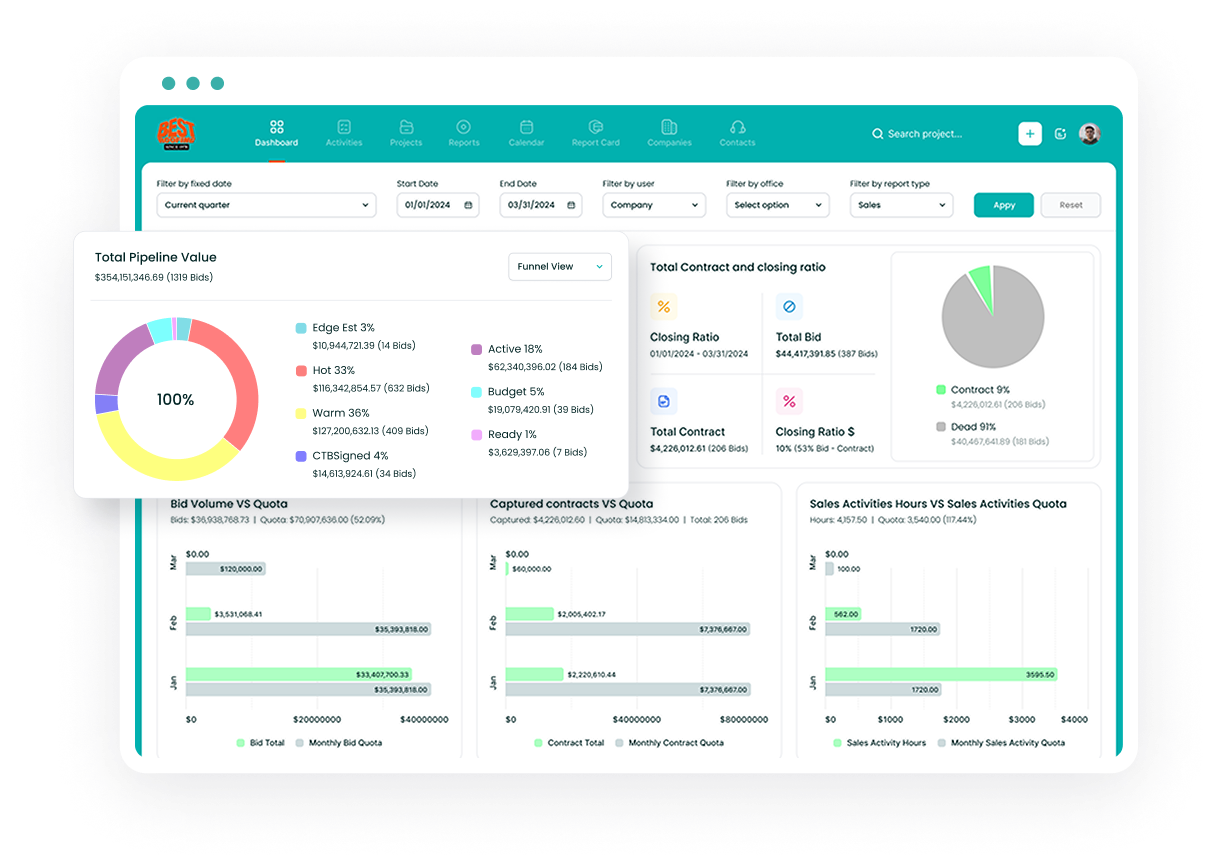
Every opportunity enters a pipeline with its bid date, contacts, documents, and status. A shared digital bid calendar keeps due dates visible to the whole team, and reminders prompt the next touch so a submitted proposal does not go quiet while the general contractor decides.
Email tracking logs Outlook and Gmail activity against the right deal, and dashboards turn that project activity into close-rate and pipeline reporting for decision makers.
Gregg AI Assist, the platform’s AI-powered writing helper, drafts comments and follow-up emails inside the record, and Voice AI handles data entry from a spoken update. Setup is supported by a knowledge base and live support.
Key Features:
- Lead and bid tracking in one pipeline view.
- Digital bid calendar with shared due dates.
- Proposal generator with e-signature.
- Email, call, and activity logging per deal.
- Sales and estimating dashboards with win/loss reporting.
- Gregg AI Assist and Voice AI for drafting and data entry.
- Integrations with Procore, BuildingConnected, Foundation, Sage, Vista, QuickBooks, and STACK.
Book a demo and see how Followup CRM can help you manage your bids better.
2. Procore: Best for General Contractors Managing Bids Inside a Full Project Platform
Image source: procore.com
Procore is a construction management platform, and Bid Management is one tool within it. It suits general contractors who already run projects in Procore and want bidding connected to the same project record.
Estimators create bid packages that pull drawings, specs, and project details from the wider platform, then send invitations to bid to their own contacts or to companies in the Procore Construction Network.
Bidders can download the package from the planroom and submit directly back into the system. Once bids arrive, bid leveling places them side by side by cost code to show gaps and outliers, and standardized templates cut the manual steps of building each package.
Procore also folds trade partner qualification into the same workflow, with subcontractor risk analysis before an invite goes out. Because estimate, bid, contract, and financials sit in one system, an awarded bid carries straight into the project without re-entry.
Key Features:
- Bid package creation with project data pulled from Procore.
- Invitations to bid and bidder access to the planroom.
- Side-by-side bid leveling by cost code.
- Trade partner qualification and risk analysis.
- Centralized tracking of bid status and communications.
- Marketplace of 500+ integrations.
3. BuildingConnected: Best for Sending Bid Invitations Through a Large Subcontractor Network
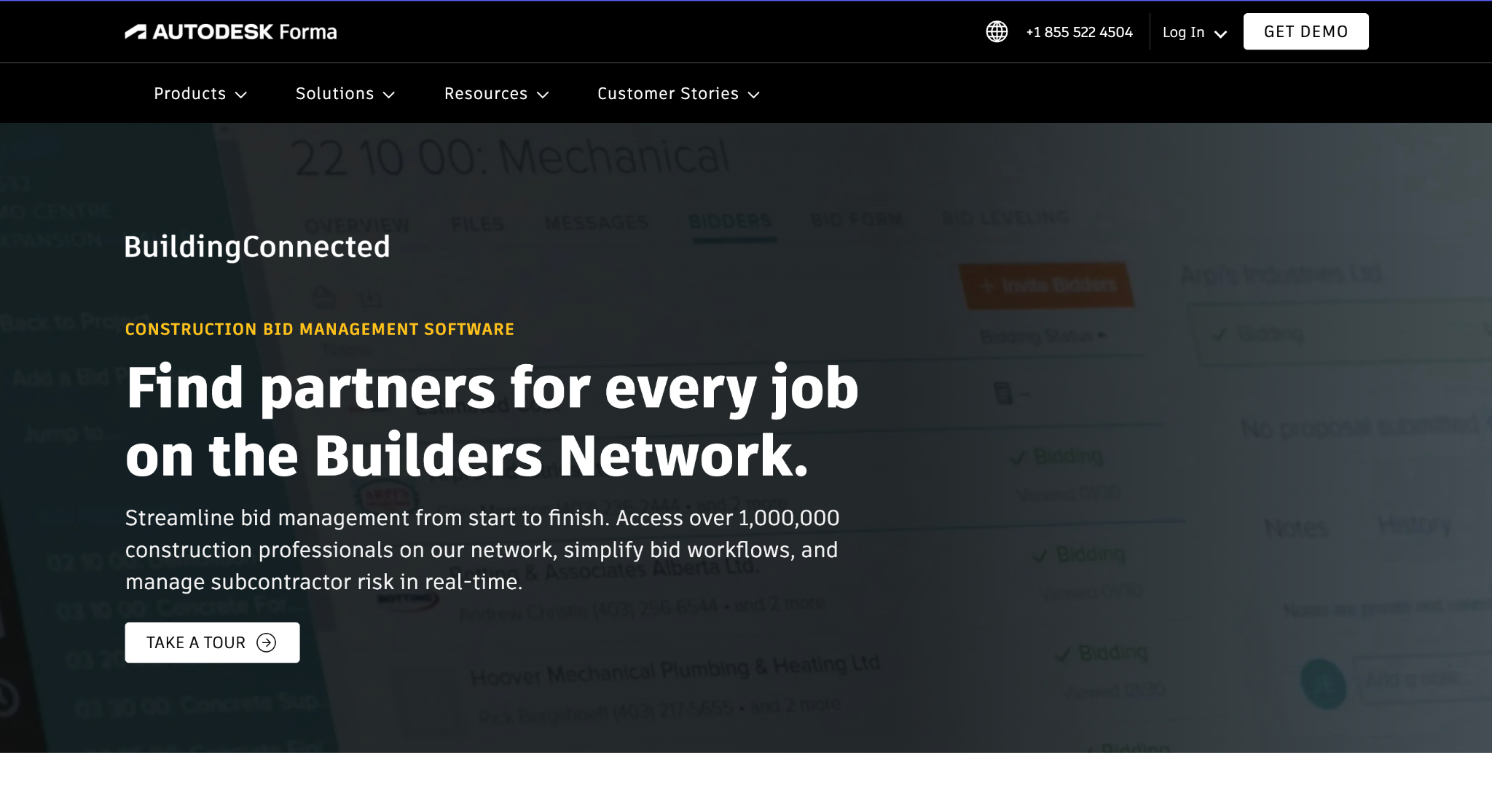
Image source: construction.autodesk.com
BuildingConnected is Autodesk’s preconstruction and bid management platform, and it is a useful option for teams whose main constraint is bid coverage.
Its crowdsourced network of builders is the core asset, and most of the product is built around finding, inviting, and qualifying the right subs for each project.
BuildingConnected Pro is the general contractor side. Estimators send invitations to bid, share project documents, and level the bid responses that come back, working from a single up-to-date set of files.
Bid Board Pro is the subcontractor side, an online bid board that tracks incoming invites, due dates, projects, and team workload in one view.
TradeTapp, the qualification product, feeds financial and safety risk data into BuildingConnected Pro so estimators see it before choosing a bidder.
The platform connects to the wider Autodesk construction suite, which may suit firms already using Autodesk tools for takeoff and project management.
Key Features:
- Crowdsourced network for finding and inviting subcontractors.
- Invitations to bid with centralized project documents.
- Bid leveling for comparing responses.
- Bid Board Pro for tracking invites and due dates.
- TradeTapp subcontractor qualification and risk analysis.
- Connection to Autodesk takeoff and project management products.
4. ConstructConnect: Best for Finding Projects to Bid and Managing Invitations in One Place
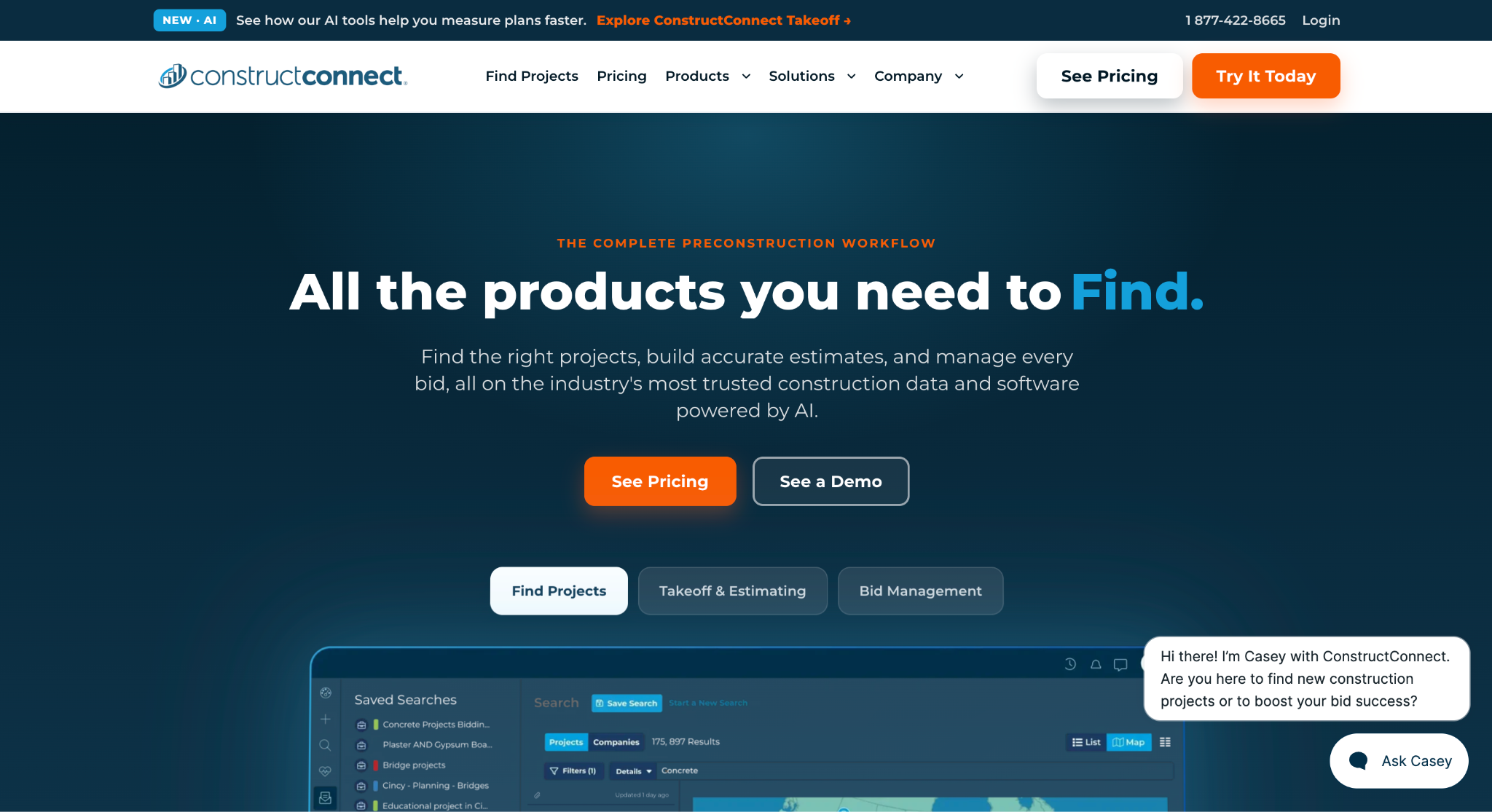
Image source: constructconnect.com
ConstructConnect combines a commercial project database with a bid management tool, which makes it a good fit for general contractors who need both a steady flow of bid opportunities and a way to run the invitations that follow.
SmartBid and iSqFt also sit inside the ConstructConnect product family.
The Bid Management tool creates a project and bid package in three steps, then filters the company’s network to reach only subcontractors that match the project’s trades and service area.
Invitations, addenda, and updates go out under the contractor’s own branding. Bid goals flag where coverage is thin, and an engagement score ranks bidders by how actively they interact with current and past projects.
Documents upload in bulk, and trade lists map automatically to CSI codes. Prequalification forms, standard or custom, sit in the same workflow.
ConstructConnect reports a network of over 450,000 construction professionals in North America. Subcontractors can view an invitation and submit bids without holding a subscription.
Key Features:
- Project Intelligence database for finding commercial projects.
- Bid package creation with trade and service area filtering.
- Branded invitations to bid, addenda, and updates.
- Bid goals and coverage tracking per trade.
- Bidder engagement scoring and activity history.
- Document organization with CSI code mapping.
- Subcontractor prequalification forms.
5. Buildertrend: Best for Residential Builders Managing Bids With Project Data
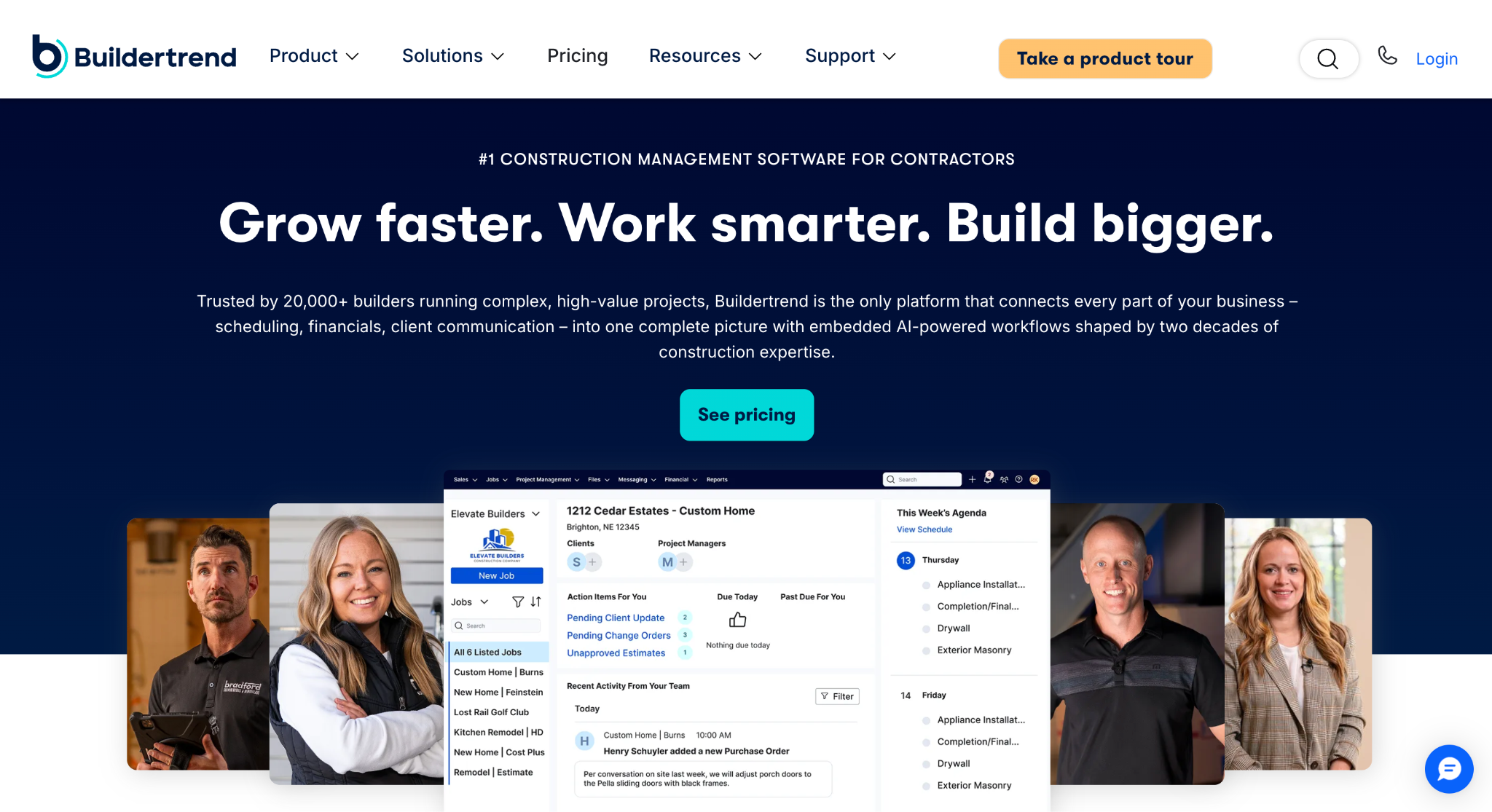
Image source: buildertrend.com
Buildertrend is construction management software for residential builders and remodelers, and its Bids tool handles subcontractor pricing as part of a wider project and financial workflow.
It is a suitable choice for builders who want bid requests, purchase orders, and client communication in one system.
A bid package is created from the job itself and includes scopes of work, plans, attachments, and a deadline.
The builder releases it to multiple subs at once, who can respond by email or through the platform, whether or not they are active Buildertrend users. Automated reminders go out by email, text, or push notification as the deadline approaches.
When responses arrive, the builder compares them side by side, selects one, and converts the accepted bid into a purchase order or contract. Editing a released package resets submitted bids, so scope should be settled before it goes out.
Because the tool sits inside Buildertrend’s financials, accepted pricing flows into the job budget without re-entry.
Key Features:
- Bid packages built from the job with scopes, plans, and attachments.
- Release to multiple subcontractors at once.
- Deadline reminders by email, text, and push notification.
- Side-by-side bid comparison.
- Conversion of accepted bids into purchase orders or contracts.
- Sync with Buildertrend scheduling, budgeting, and client portal.
6. STACK: Best for Takeoffs and Estimates Tied to Bid Preparation
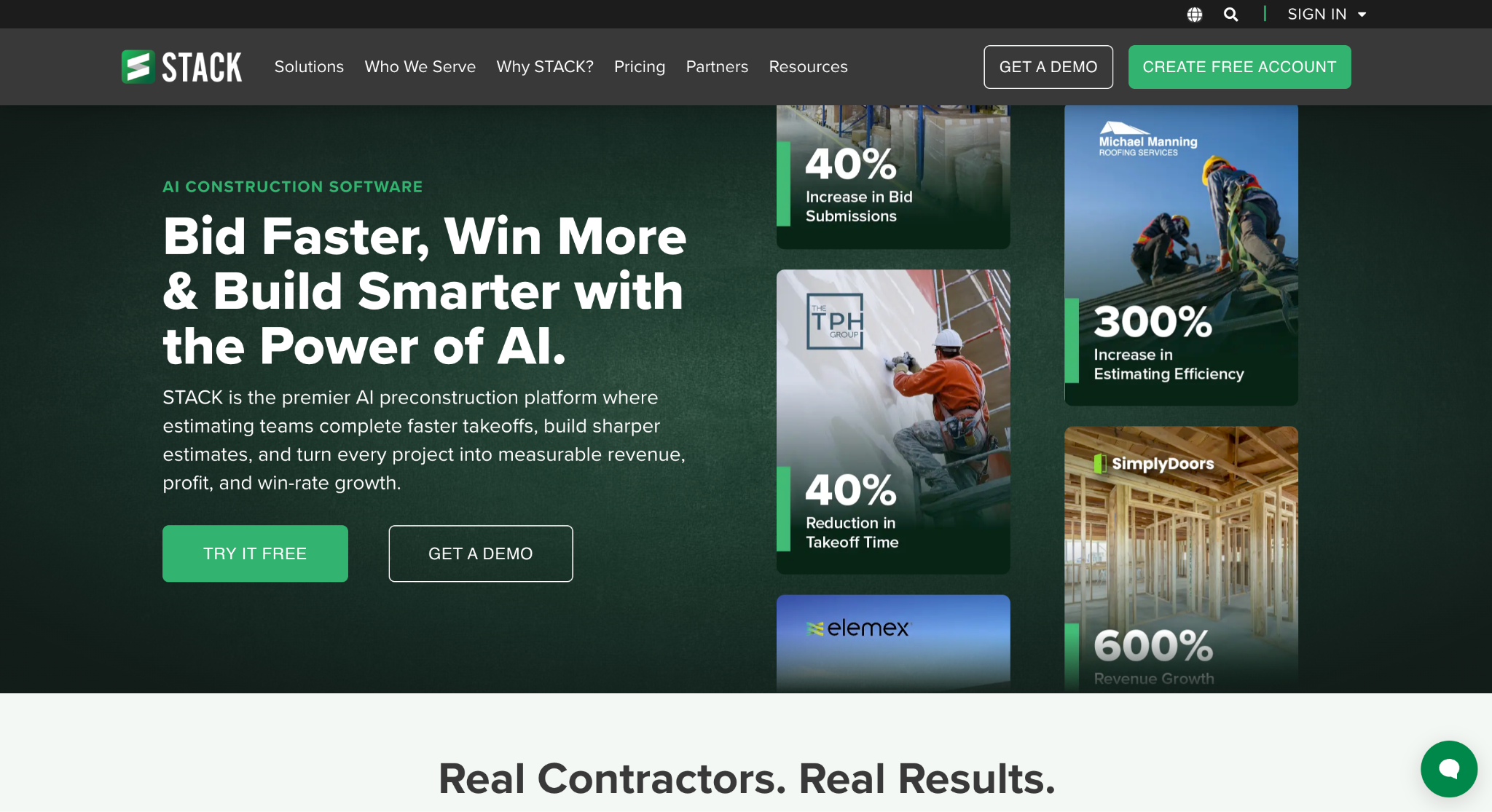
Image source: stackct.com
STACK is a cloud-based preconstruction platform centered on takeoff and estimating, and it is a useful option for specialty contractors and general contractors whose bottleneck is producing accurate numbers fast enough to submit more bids.
Bid management here is the end of the estimating workflow rather than a standalone pipeline.
The process starts with plan upload, where STACK’s AI names sheets and flags revisions. Takeoff tools measure linear, area, count, and volume quantities, with auto-count for repeated symbols and version overlay to catch drawing changes.
Quantities flow into worksheet-style estimates built from item and assembly libraries, with regional cost data available inside the platform. The estimate then becomes the proposal that goes out with the bid.
STACK is fully cloud-based with unlimited viewer seats, so estimators, project managers, and field staff can work from the same plans. A field app and ERP connectors extend the data past the bid stage.
Key Features:
- AI-assisted plan organization and revision flagging.
- Digital takeoff with auto-count and version comparison.
- Worksheet-style estimating with items and assemblies.
- Trade-specific item libraries and regional cost data.
- Proposal creation from the finished estimate.
- Excel integration and ERP connectors.
How to Choose the Right Bid Management Software for Construction Professionals
The right tool depends on where bids actually stall in your company. Four questions settle most of the decision.
Workflows for General Contractors vs. Subcontractors
Start with your position in the bid. A general contractor sends bid packages out and needs invitation tools, a plan room, and a way to level bid responses.
A subcontractor receives invitations and needs a pipeline that tracks each one through estimate, proposal, and decision, with reminders that keep the follow-up on a construction bid from falling through.
A commercial subcontractor running a solicitation tool will find half the features irrelevant, and a GC running a pursuit CRM will have no way to manage bidders.
Project Documents and Bid Packages in One Place
Every tool on this list stores project documents, but check how they attach to the bid. Plans, specs, and addenda should sit on the opportunity record, not in a separate folder someone has to find.
For contractors building proposals, a proposal generator that pulls from the same record saves re-entry and keeps versions straight. Co-authoring and bid writing support matter more for teams that respond to formal RFPs than for those pricing from drawings.
Reporting That Supports Smarter Decisions
A bid log that only records outcomes tells you little. Look for reporting that breaks win rate down by estimator, customer, project type, and lead source, so decision makers can see which bids are worth the hours.
Controlled access matters here too. Leadership needs the full picture, while individual estimators may only need their own workload.
Integrations With Estimating and Accounting
Bid data should not stop at the award. Confirm that the tool connects to your estimating software, your accounting or ERP system, and the project management platform the job will run on.
Followup CRM’s integrations with Procore, Foundation, Sage, and STACK are an example of the set to look for.
When evaluating, roll out to a small group of estimators first and confirm the data lands where it should before the whole team moves.
No Missed Deadlines and Follow-Ups With Followup CRM
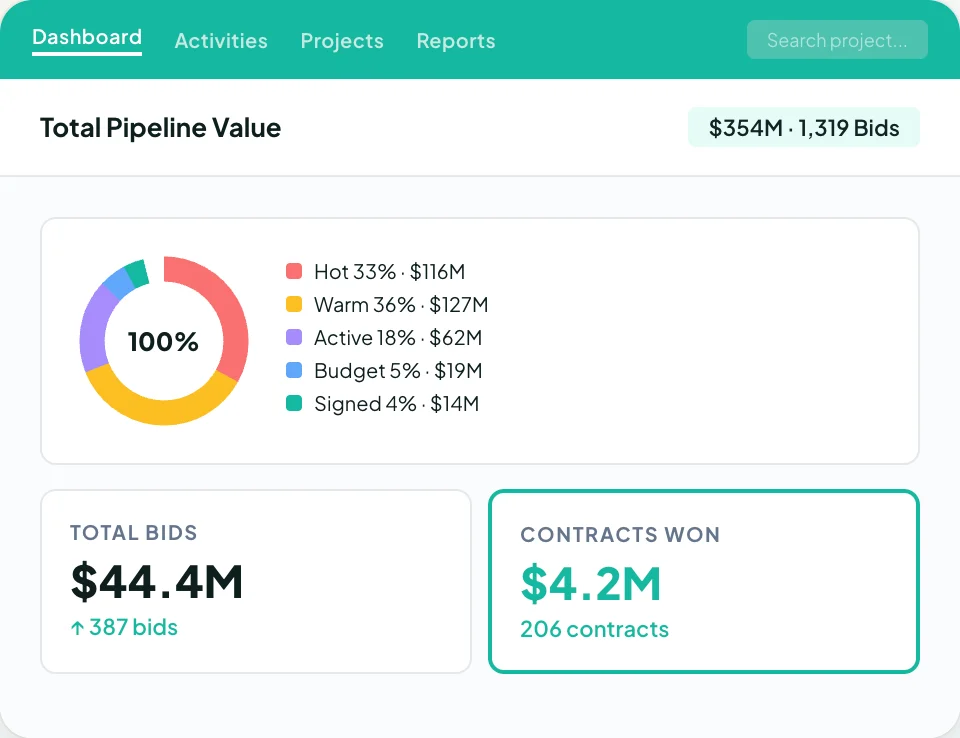
Most of the bids a commercial contractor loses were winnable. The proposal went out on time, the number was competitive, and then the general contractor went quiet, and nobody called.
Or the invitation arrived on a Friday, sat in one estimator’s inbox over the weekend, and the due date passed before anyone else saw it.
Followup CRM is built to close those gaps. Every bid lives in one pipeline with its due date on a shared calendar, its documents attached, and its next follow-up assigned to a person. Reminders fire before deadlines, not after.
Email and call activity logs against the deal automatically, so the full history is there when the GC finally picks up the phone.
Dashboards show which customers, estimators, and project types produce wins, which lets leadership bid smarter instead of bidding more.
Proposals generate from the record and go out for e-signature, and integrations with Procore, Foundation, Sage, and STACK carry the data forward once the job is awarded.
FAQs About Bid Management Tools
What is the best construction bidding software?
It depends on which side of the bid you are on. General contractors sending invitations need a solicitation tool with a plan room and bid leveling.
Commercial contractors pursuing bids need a pipeline that tracks every opportunity, its due date, and its follow-up through to the award.
For that second group, Followup CRM is the strongest fit, with bid tracking, a shared bid calendar, proposal generation, and reporting built around how contractors sell.
How to keep track of bids?
Log every bid in one place the moment the invitation arrives, with its due date, documents, contacts, and an owner. Review the list by deadline each week, record the outcome of every bid, and set a follow-up date for anything still pending.
Followup CRM turns that routine into a workflow, with a digital bid calendar, reminders, and win/loss reporting that shows which bids are worth the hours.
What does the bid management process look like from invitation to award?
The bidding process usually runs in five steps. An invitation or lead comes in, the team makes a bid or no-bid call, the estimator prices the work and assembles the bid document, the proposal goes out, and the contractor follows up until the owner or general contractor decides.
Each step creates manual tasks when it lives in a different place, and the manual effort of re-entering dates and contacts is where bids get lost.
Running bid proposals, deadlines, and follow-ups on a single platform like Followup CRM is how contractors save time and stay ahead of each due date.
How much does bid management software cost?
Bid management software cost depends on the pricing model more than the feature list. Some vendors sell a monthly subscription per user, others charge for network or plan room access, and larger platforms quote several packages based on company size and modules.
The better way to choose software is to price the problem first, meaning the missed bids and the hours spent on re-entry each month, then compare that to the management software cost.
Followup CRM provides pricing on request, and a live demo shows which tier fits your team.
The CRM Built For Construction Companies
No more disorganized data. Track your leads, bids, and customers all in one place.
Seamless Integration with:
✅ Foundation ✅ Viewpoint ✅ Sage and more