



TL;DR
Here are the six tools in this guide and the stage of the job each one fits.
- Followup CRM: For commercial builders’ sales and bid tracking.
- ClickHome: For residential construction management.
- Databuild: Best for estimating and job costing.
- Payapps: Best for progress claims and payments.
- Dashpivot: Best for site forms, quality, and safety records.
- Aconex: Best for document management on large construction projects.
What Australian Builders Need From Tender to Final Invoice
Every building business runs a little differently, but the same core needs show up on most jobs in Australia. Knowing which ones cost you the most time makes it easier to pick the right construction software.
Winning Work
Commercial builders and subcontractors often price several tenders at once. A missed due date or a forgotten follow-up can cost a job you never got the chance to compete for.
A simple system for tracking construction bids as your pipeline grows keeps that side of the business under control.
Estimating and Job Costs
Accurate estimating starts with a solid takeoff. Those numbers then need to carry into project budgets and actual project costs once the build starts.
Progress Claims and Contractor Management
Each state has its own Security of Payment (SOP) Act with set timeframes for payment claims and payment schedules. Builders need a reliable way to handle claims, variations, and retentions on time.
That also means keeping subcontractor details and claim history organised for every project.
Site and Document Records
Inspections, defects, and Work Health and Safety (WHS) forms need sign-offs and a clear audit trail. Larger jobs add a heavy load of drawings, revisions, and formal correspondence.
The main trade-off is breadth versus depth. All-in-one systems cover more ground, while specialist tools go further in one area. Small builders often start with one or two tools and add more as the business grows.
6 Best Construction Software Tools for Builders in Australia
Each tool below covers a different stage of the job, from winning the work to closing out the documents. You likely won’t need all six, so focus on the entries that match the gaps in your current setup.
1. Followup CRM: Best for Commercial Builders’ Sales and Bid Tracking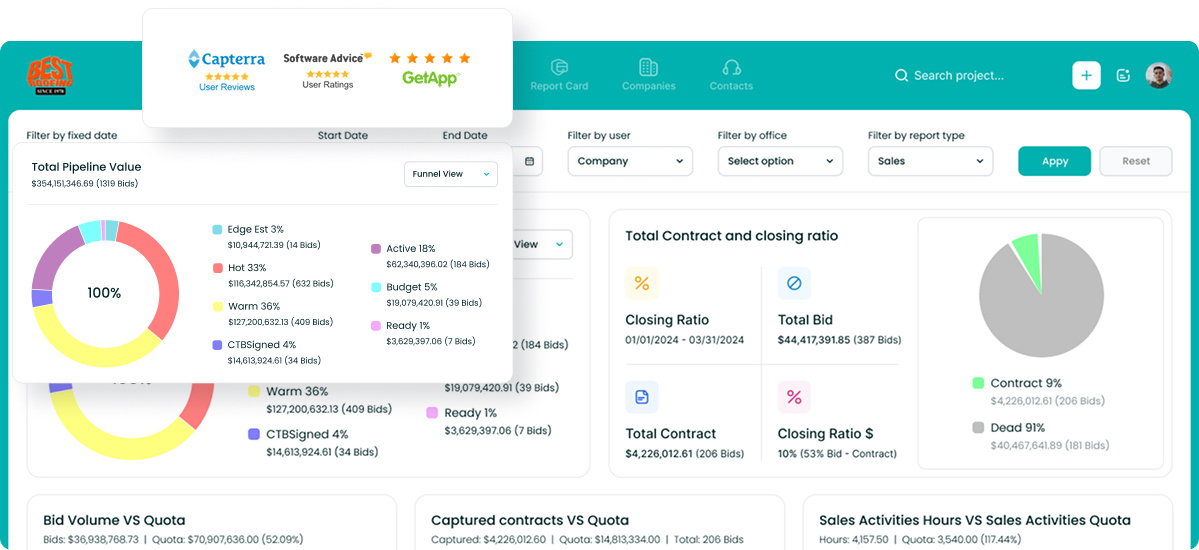
Followup CRM is a construction CRM built for commercial builders, general contractors, and subcontractors. It covers the work that happens before a project starts, from the first lead to the signed contract.
More than 4,000 construction professionals use this powerful platform to manage tenders, contacts, and follow-ups in one place.
Project managers and office staff can see the full pipeline for multiple projects at once, instead of piecing it together from spreadsheets and inboxes. Followup CRM also connects with Procore, Sage, QuickBooks, Vista, Outlook, Gmail, and other tools your team already uses.
Key Features
- Lead tracking. Import leads from many sources and follow each one from first contact to tender.
- Digital bid calendar. See every tender due date in a shared calendar, with reminders tied to each follow-up.
- Proposals and e-sign. Build branded proposals with the proposal generator and send them for electronic signature.
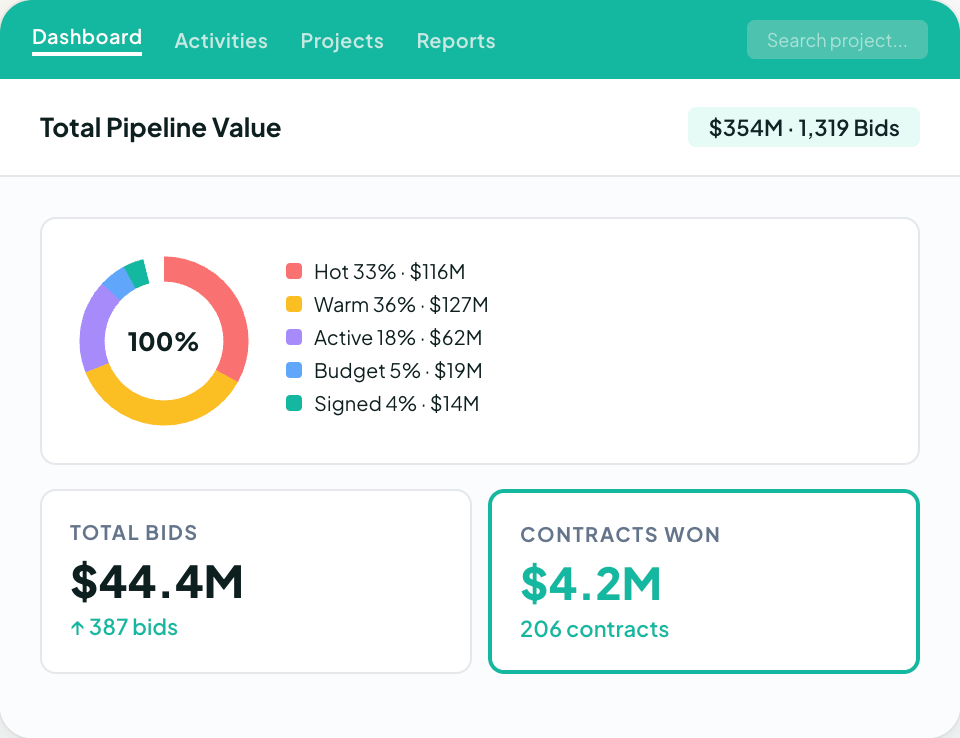
- Dashboards and reporting. Get real-time insights into pipeline value, close rates, and team goals to make informed decisions about which jobs to chase.
- Voice AI and Gregg AI Assist. Voice AI does the heavy lifting on data entry when you describe what happened, and Gregg AI Assist drafts comments and follow-up emails for you to review.
Book a demo to see it in action!
2. ClickHome: Best for Residential Construction Management
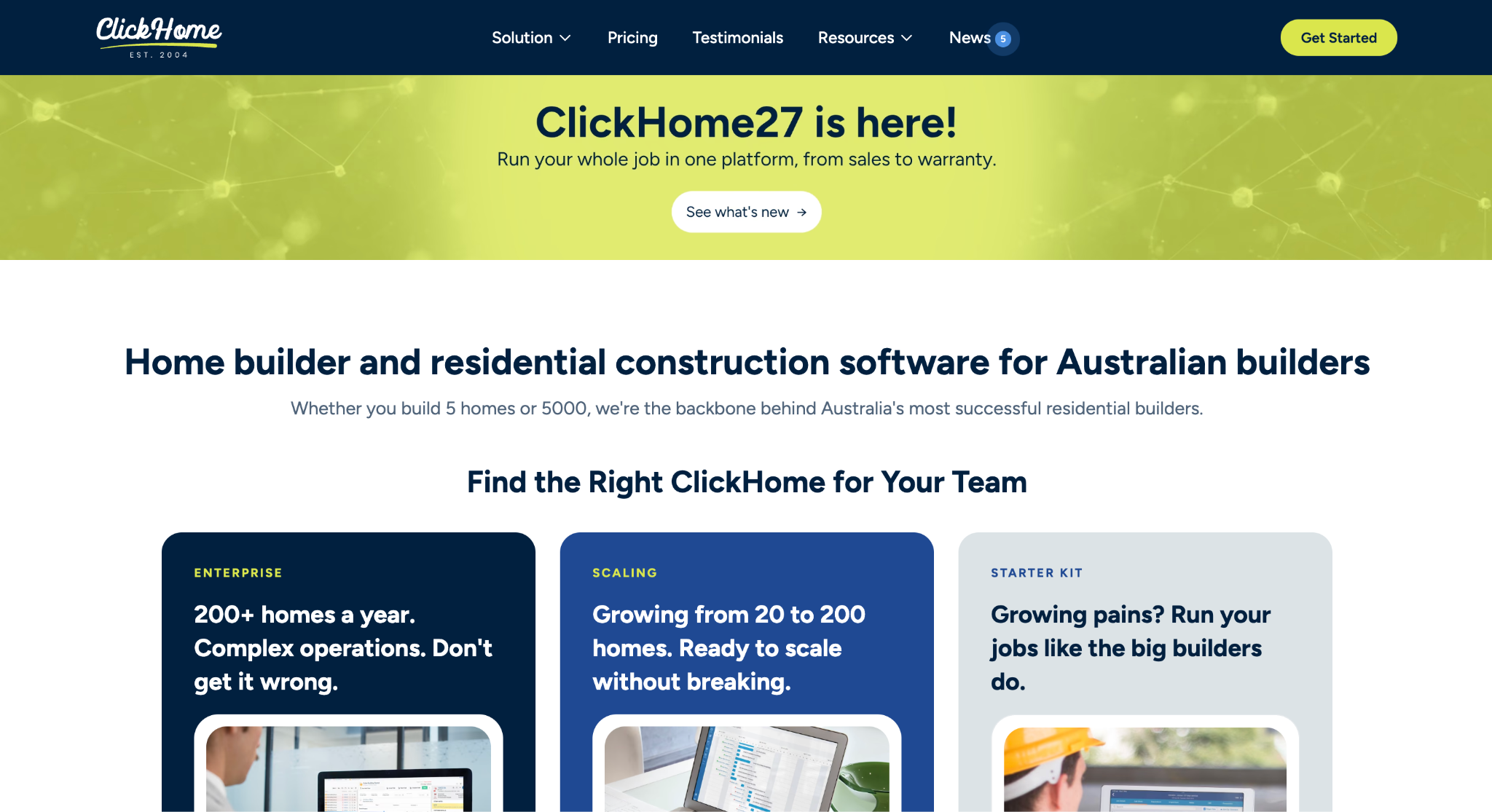
Image source: clickhome.com.au
ClickHome is home builder software built in Australia for residential builders. It suits teams ranging from small custom builders to high-volume production builders, and it covers the job from the first enquiry to warranty work after handover.
The platform keeps sales, pre-construction, scheduling, and maintenance in one connected system. Supervisors can update jobs from a tablet on site, so the office and site teams stay connected.
ClickHome can run in the cloud or on a builder’s own servers, which may suit firms with strict IT requirements.
Key Features
- Sales pipeline. Capture leads from the web, walk-ins, and referrals, then build quotes from current pricing.
- Selections and variations. Clients make selections against real prices, and every variation is captured with signatures and an audit trail.
- Construction scheduling. Schedules recalculate when a task shifts, and trade call-ups go out from the live program.
- Maintenance and warranty. Homeowners log defects through a client portal, and each request is tracked to completion.
3. Databuild: Best for Estimating and Job Costing
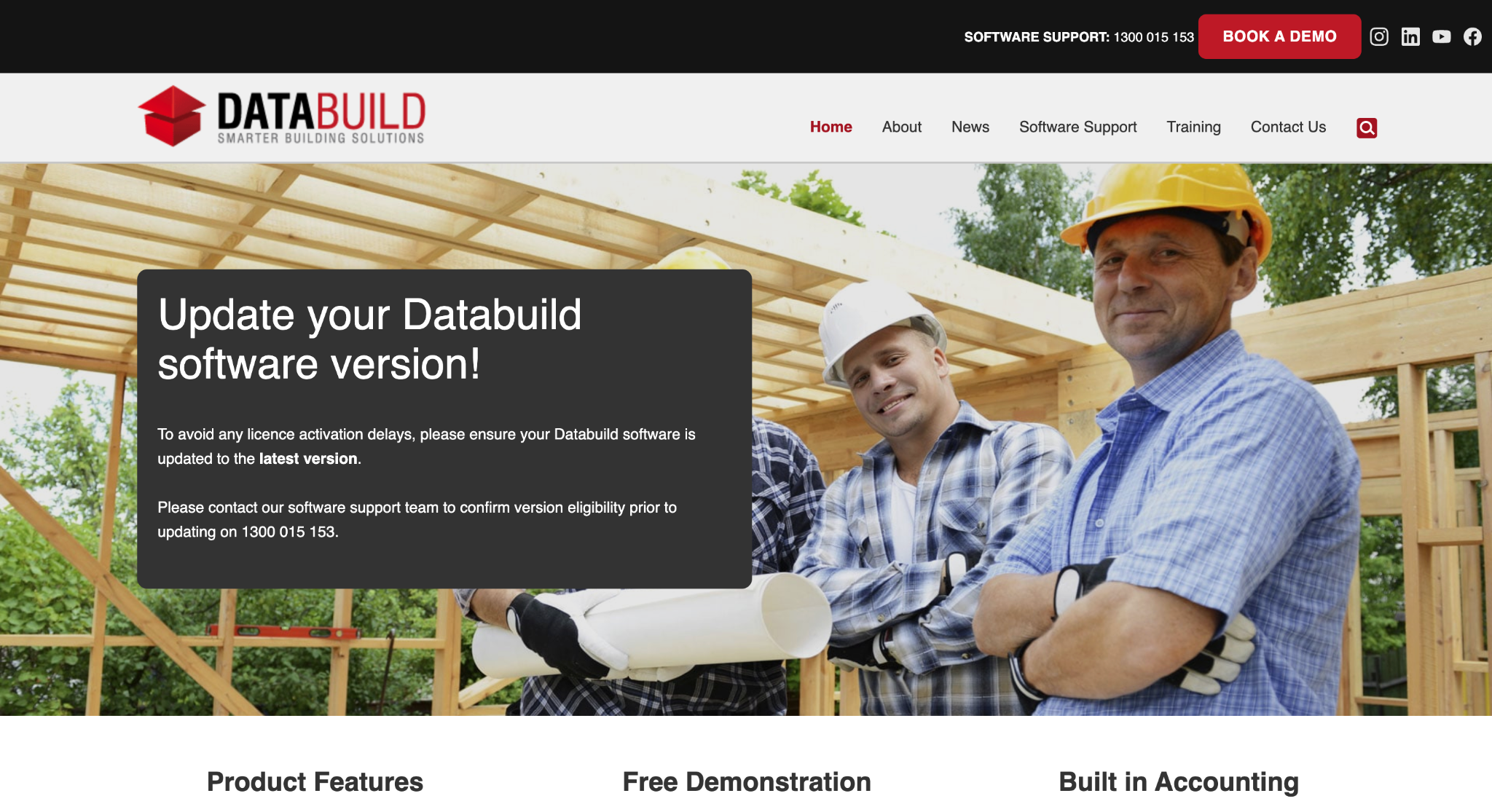
Image source: databuild.com.au
Databuild is estimating and accounting software developed in Australia for the building and construction industry. It is a good fit for builders who want pricing, ordering, and the books in one system.
All modules share the same base data. Estimates can become quotes, then bills of quantities, then purchase orders, so numbers flow from the first price through to project finances without re-keying.
Automatic invoice checking flags duplicate invoices and bills that exceed the budget or order amount.
Teams can add user licences as the business grows, and Databuild offers remote, on-site, and classroom training.
Key Features
- Recipe-based estimating. Build estimates from preset or business-specific recipes to price jobs quickly.
- Purchase orders. Create and email purchase orders for materials straight from the system.
- Job cost reporting. Compare actual project costs with the estimate and catch overruns early.
- Accounting and payroll. Manage invoices, payments, and Goods and Services Tax (GST) reporting, with payroll for Australian businesses.
4. Payapps: Best for Progress Claims and Payments
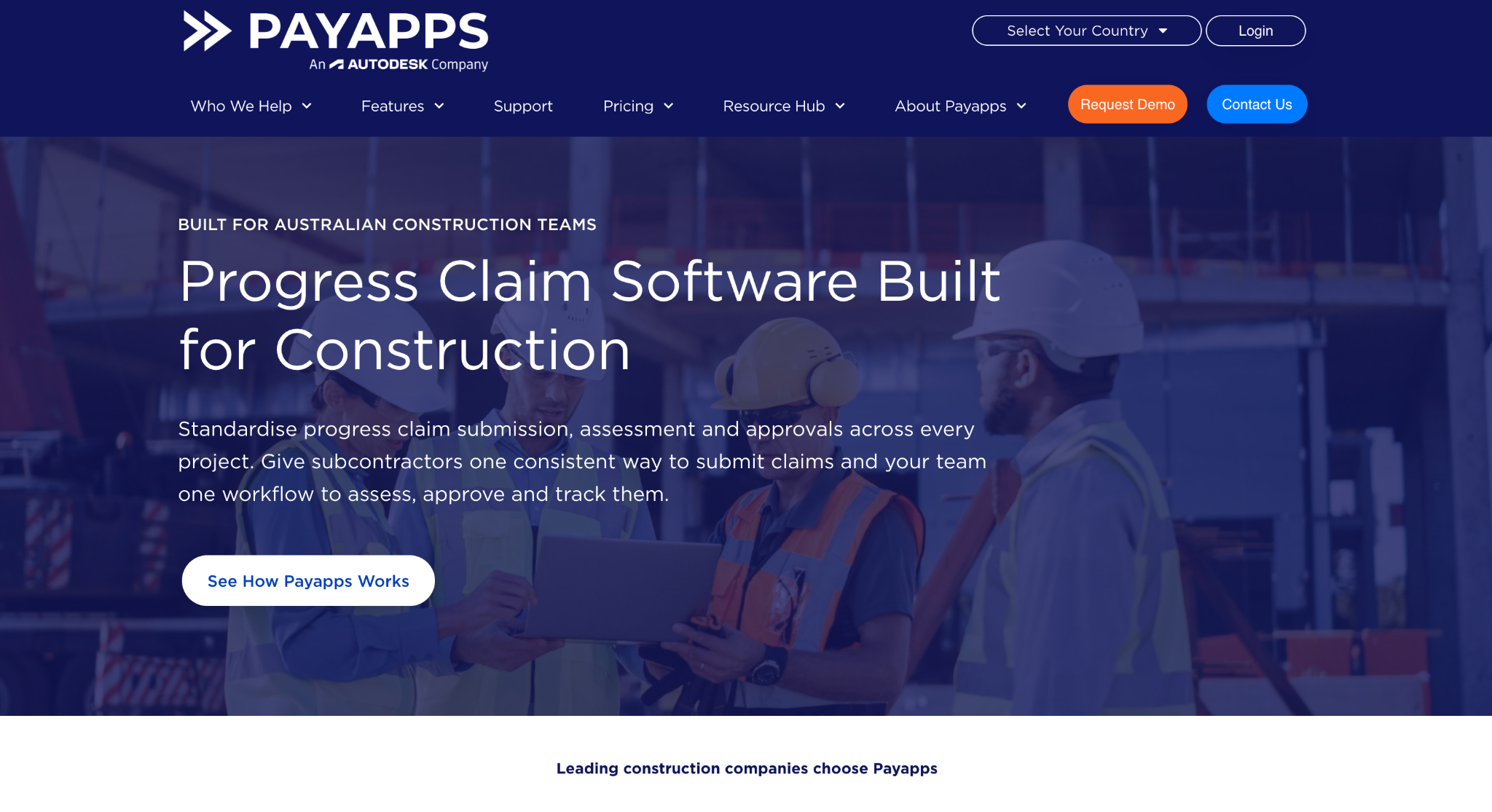
Image source: payapps.com
Payapps is cloud-based software that brings builders and subcontractors together to submit, assess, and approve progress claims.
It handles variations and retentions alongside each claim, which can save time for office staff who would otherwise manage claims through spreadsheets and email.
Payapps reports that its users include industry leaders as well as thousands of subcontractors in Australia and New Zealand.
The platform is useful for builders who process a high volume of monthly claims. Configurable approval workflows and automated alerts remind teams to respond and issue payment schedules, which supports compliance with state Security of Payment legislation.
Payapps works on its own or connects with construction enterprise resource planning (ERP) and accounting software.
Key Features
- Standardised claims. Subcontractors submit claims in a consistent format that builders can review in one place.
- Approval workflows. Configurable approvals and automated reminders keep payment schedules on track.
- Claim history. Previously approved claims carry forward and reconcile each month automatically.
- Status visibility. Both parties can see where each claim sits and what has been approved.
5. Dashpivot: Best for Site Forms, Quality, and Safety Records
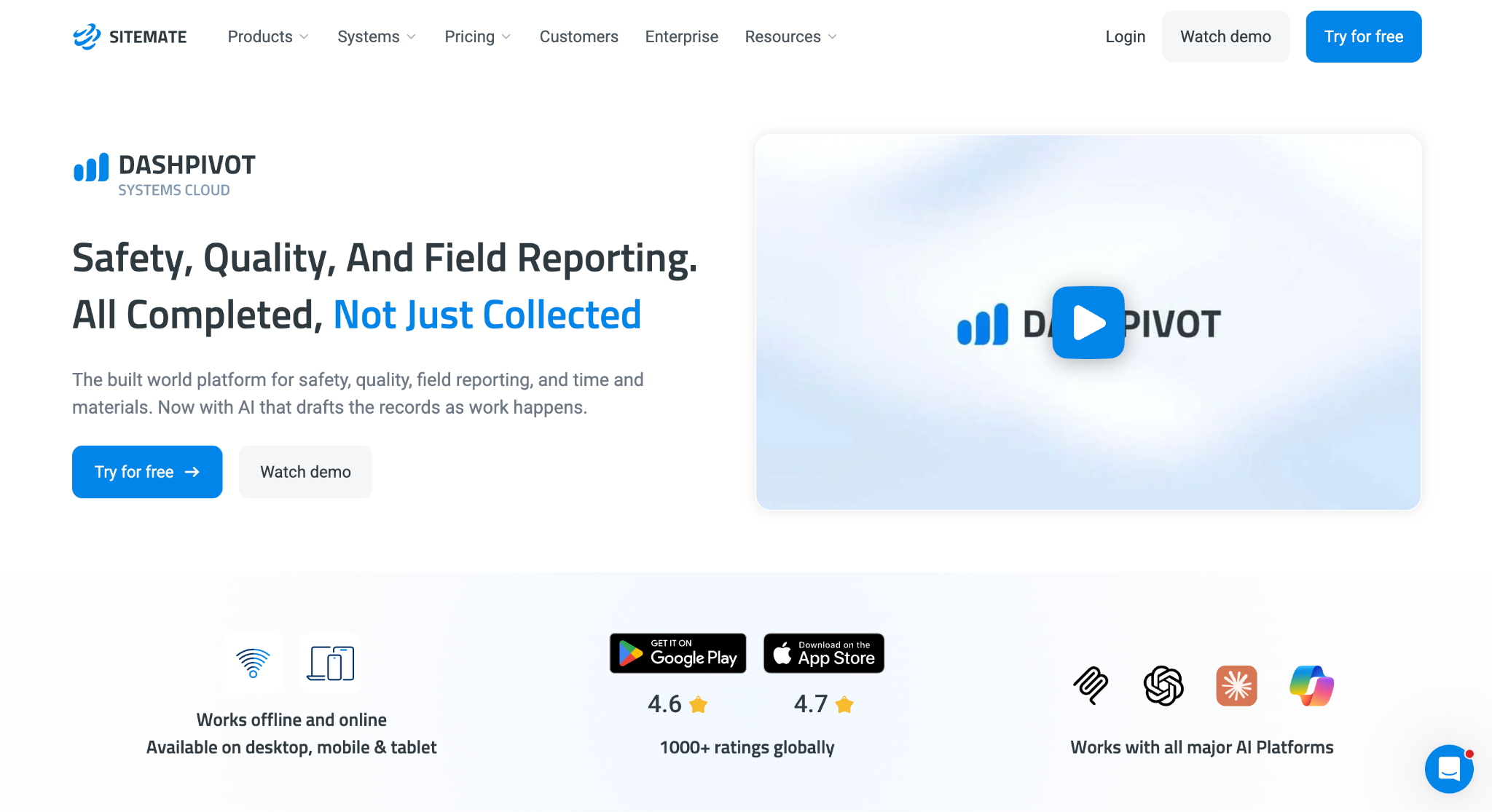
Image source: sitemate.com
Dashpivot is a no-code platform from Sitemate, a Sydney company that has been building software for construction and other built-world industries for more than a decade.
It replaces paper forms, spreadsheets, and PDFs with digital forms, registers, and workflows.
Field teams fill in inspections and checklists on a phone or tablet, while managers in the office review the results on a desktop. Teams can start from ready-made templates or build their own without coding.
Dashpivot is a suitable option for builders who need a clear audit trail for quality and WHS records on every project.
Key Features
- Templates and custom forms. Use prebuilt safety templates, including Safe Work Method Statements (SWMS), or create custom forms for inspections and checklists.
- Mobile sign-offs. Workers record defects, attach photos, and sign off forms in the free Sitemate mobile app.
- Corrective actions. Assign follow-up actions with automatic reminders until each one is closed.
- Linked records. Connect quality data with safety, environmental, and commercial workflows.
6. Aconex: Best for Document Management on Large Construction Projects
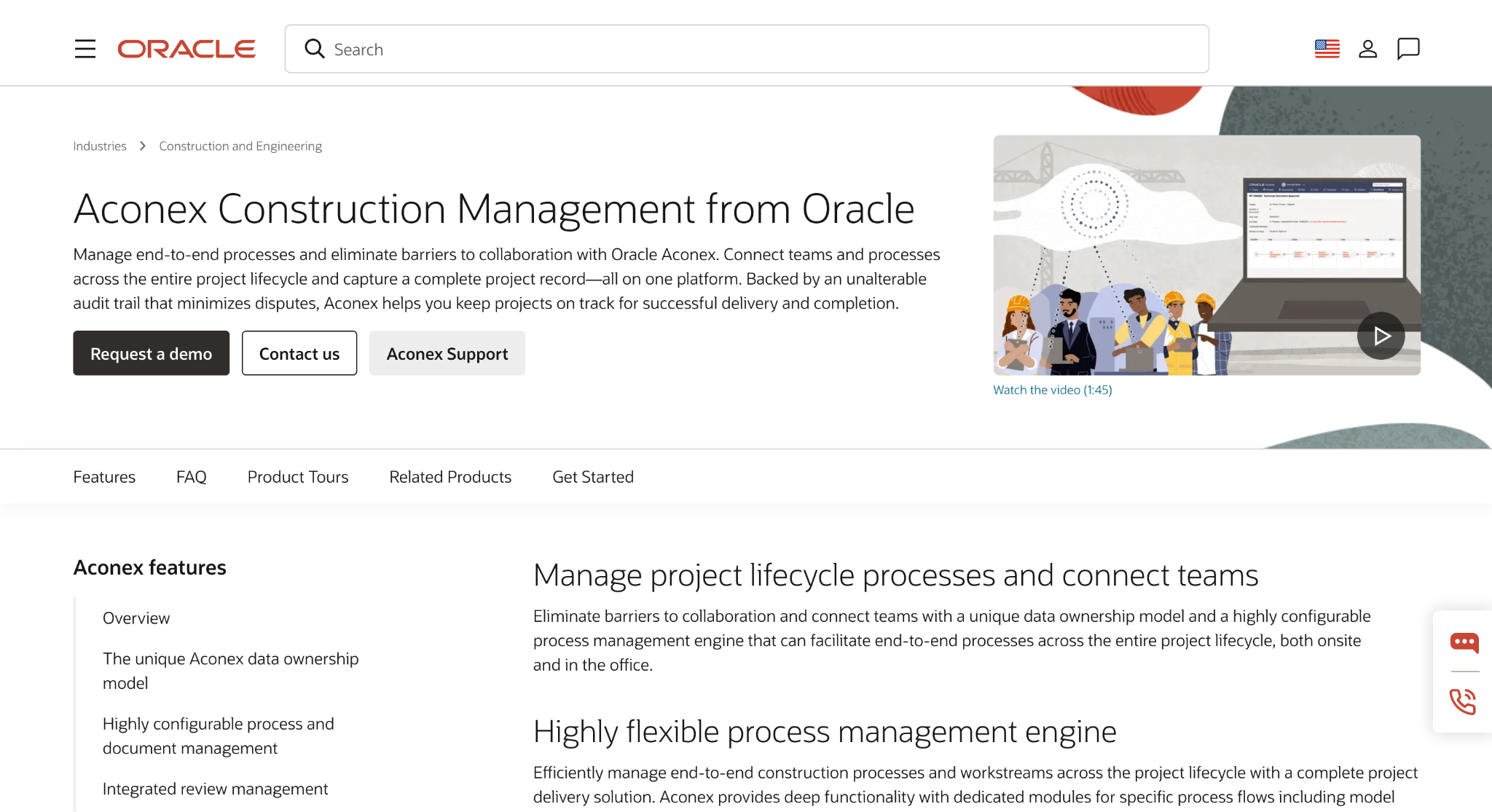
Image source: oracle.com
Aconex is a construction management platform from Oracle, built for large projects where many parties share drawings, documents, and formal correspondence. It keeps every document, message, and project decision in a connected record backed by an unalterable audit trail.
That makes Aconex a good fit for commercial builders and project managers working with consultants, owners, and subcontractors on complex jobs.
A single document register with revision tracking helps teams work from the current set of plans. Mail threading keeps related correspondence together, which helps when questions come up months later.
The platform is most relevant on projects with many outside parties and a high volume of documents.
Key Features
- Document register. Store drawings and documents in one register with revision tracking.
- Mail threading. Keep formal correspondence in a permanent record, grouped by thread.
- Review workflows. Run structured document reviews with comment management and an automated review matrix.
- Contract and change management. Manage contracts and changes with the supply chain in the same system.
How to Choose Construction Management Software
The right construction management software depends on the size of your construction business, the type of construction project you run, and where money leaks out of each job. These checks help narrow the list before you book demos.
Start With Your Biggest Bottleneck
List the tasks that eat the most time each week. For some teams it’s chasing tenders. For others it’s re-keying a take-off into a budget or tracking retentions for multiple projects.
Fix that problem first. A focused tool that solves one real issue will do more for productivity than a large system your team only half uses.
Check Australian Compliance Requirements
Construction software built for overseas markets may not match how the construction industry works across Australia.
Check that progress claims follow your state’s Security of Payment rules and that safety forms suit local WHS requirements.
If the software runs payroll, confirm it supports Single Touch Payroll (STP) reporting, along with GST and retention reporting.
Decide Between One Platform and Specialist Tools
One platform gives you a single view of the business, but it can add cost and complexity for a small team. Specialist solutions go deeper in one area and are often faster to set up.
For a small team, check whether a free plan supports a single user before committing to a wider rollout.
Many builders pair a few tools that integrate well. They might use a CRM for winning work and an estimating system for project budgets. A project management app can then handle job tracking on site.
Ask About Onboarding and Training
Check how each vendor handles setup before you commit. Ask who builds your templates and imports your data, how long training takes, and whether field staff have access to a mobile app. The right software can streamline work, but it only pays off if your team uses it every day.
Use Followup CRM and Say Goodbye to Messy Spreadsheets
Tenders don’t wait. When leads sit in inboxes and due dates live in a spreadsheet, it’s easy to miss a follow-up or submit a price too late. For commercial builders and general contractors, a missed tender is work that goes to someone else.
Followup CRM gives your team one place to manage tasks, track every tender, and see due dates in real time. Sales leaders get clear visibility into the pipeline and greater control over which jobs the team chases.
Good construction sales management depends on consistent follow-up, and Followup CRM builds that habit into daily work with reminders, dashboards, and Voice AI that handles the data entry.
Your team can bring in leads from many sources, build branded proposals, send them for e-signature, and connect the CRM with the accounting and project tools you already run.
More than 4,000 construction professionals use Followup CRM to keep their pipelines organised and their follow-ups on time.
Book a demo to see how Followup CRM fits your sales process.
FAQs About Builders Software Australia
What is the best software for builders?
The best software depends on where your business loses time. Residential builders may need scheduling and client selections, while commercial builders focus on winning tenders.
For commercial builders, general contractors, and subcontractors, Followup CRM is a strong choice. It tracks leads, bid due dates, proposals, and follow-ups in one place, then connects with the accounting and project tools you already use.
What is the best construction estimating software in Australia?
Look for estimating software with local rate libraries, takeoff support, and a direct link to job costing, so your budgets match what you priced. Once the estimate is done, the next challenge is tracking the tender through to a decision.
Followup CRM integrates with estimating tools such as STACK and The Estimating Edge, so your team can follow every priced job from submission to award.
What are the best apps for builders in Australia?
Many builders run a mix of apps covering sales, estimating, site forms, and progress claims. Teams are often split between the office and several sites, so cloud access matters as much as features.
Followup CRM is a cloud-based CRM that gives your sales team access to leads, tenders, and follow-ups wherever they work, so nothing slips while estimators and project managers are out on site.
The CRM Built For Construction Companies
No more disorganized data. Track your leads, bids, and customers all in one place.
Seamless Integration with:
✅ Foundation ✅ Viewpoint ✅ Sage and more
