TL;DR
These are the six best Buildertrend alternatives for contractors:
- Followup CRM
- Contractor Foreman
- JobTread
- Procore
- Houzz Pro
- Fieldwire
What Should You Look for in a Buildertrend Alternative?
Buildertrend offers a broad platform, so evaluating alternatives starts with an honest look at your own operations.
The first factor is your lane. Residential remodelers and commercial general contractors run very different projects, and most software leans toward one or the other.
The second factor is where your current system falls short. Some construction teams need better project management, scheduling, or document management. Others lose work before a project even starts because leads and bids get lost.
Those are two different problems, and they call for two different tools.
Team size matters as well. A platform built for large projects can overwhelm smaller teams with complexity and features they will never use, while a lightweight system may not keep up as the company grows.
The right tool should feel accessible to the field crew on day one and still have room for the office to grow into.
Finally, weigh the practical costs of switching. Data transfer from your current system, training time for the office and the field, and the total cost of the subscription all affect whether a change pays off.
Top 6 Buildertrend Competitors for Contractors
The six tools below each solve a different problem, from sales tracking to large-scale project management.
1. Followup CRM
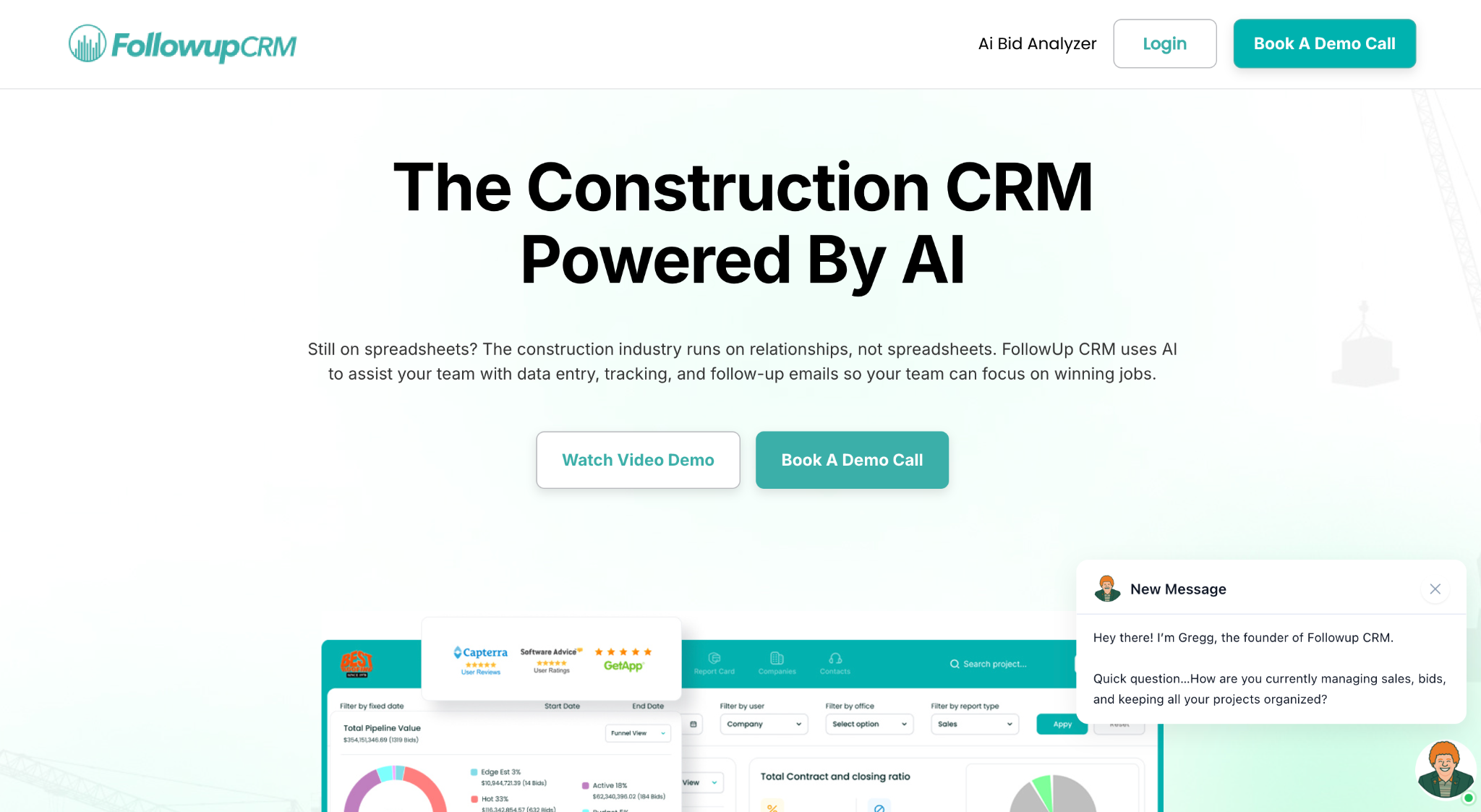
Best for: Sales and bid tracking for commercial and specialty trade contractors.
Followup CRM takes the top spot for a specific reason: most Buildertrend competitors compete on project execution, while Followup CRM fills the gap where contractors actually lose work, the sales process.
It is a cloud-based CRM built specifically for commercial and specialty trade contractors. The platform tracks the full sales cycle from lead intake through bid, estimate, proposal, and close, then turns that activity into pipeline and performance reporting.
Followup CRM was built by contractors, for contractors, and today it serves trades including roofing, electrical, glass and window, concrete, and flooring.
Buildertrend approaches construction software from the project side, with scheduling, client communication, and financial tracking built around residential builders. Followup CRM approaches it from the sales side.
It gives commercial contractors a structured pipeline for the work Buildertrend was never designed to manage: chasing leads, hitting bid deadlines, and turning follow-ups into closed contracts.
What Sets Followup CRM Apart From Other Construction Management Software
Every other tool on this list manages the work after the contract is signed. Followup CRM manages everything before it.
Leads come in from multiple sources and land on one platform. A digital bid calendar keeps every due date visible so the team never misses a deadline.
The proposal generator builds branded proposals and sends them for virtual signature, and dashboards show close rates and team performance in real time.
Outlook and Gmail integration logs email activity automatically, and two-way ERP integration syncs the sales side with construction accounting systems like Foundation, Sage, and Viewpoint.
For general contractors and subcontractors who bid a high volume of work, that visibility is the difference between chasing projects and winning them. It is a software solution built for exactly one job, which is making sure no bid slips away.
Key Features
- Lead and bid tracking imports leads from many sources and follows each one through the pipeline, so no opportunity depends on memory or spreadsheets.
- A digital bid calendar gives the whole team a shared view of upcoming bid deadlines and keeps every due date visible well before it arrives.
- The Proposal Generator creates branded proposals with a built-in e-signature, which shortens the gap between an estimate and a signed contract.
- Sales and estimating dashboards show pipeline, close rates, and team performance in real time, so leadership works from live numbers instead of month-end reports.
- Notifications and reminders keep follow-ups on schedule and tied to the pipeline view, so no opportunity goes cold.
- The platform is highly intuitive, so users can get used to it within an hour.
- There are no rigid templates; the tool is completely customizable.
- Integration with ERP, accounting, project management, field management, reporting, sales tracking, and email systems.
2. Contractor Foreman
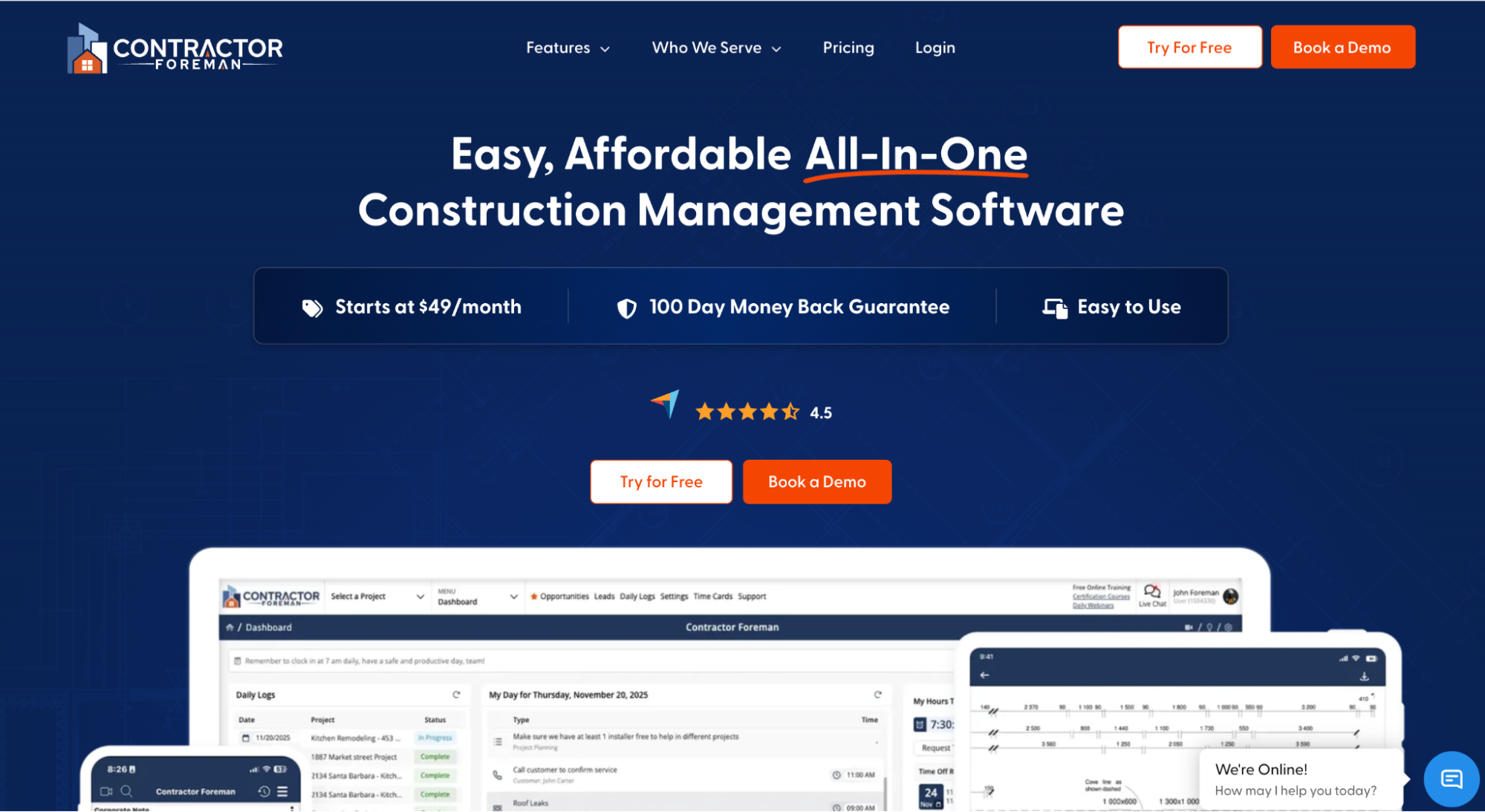
Image source: contractorforeman.com
Best for: Small businesses that want broad coverage in one affordable system.
Contractor Foreman is an all-in-one construction management platform aimed at small business owners and smaller teams who want broad functionality without an enterprise-grade system.
The platform covers estimating, scheduling, daily logs, change orders, time cards, and document management in one user-friendly system. A client portal lets customers view project updates, and QuickBooks integration keeps job costing and accounting in sync.
The scheduling module includes Gantt charts with dependencies, calendar views, and crew assignments, so the office and the field work from the same plan.
Contractor Foreman also includes safety meeting resources and equipment logs, giving smaller companies broad coverage without stacking multiple subscriptions.
Key Features
- Estimating tools turn takeoffs into professional estimates and proposals.
- Scheduling includes Gantt charts, calendar views, and crew assignments.
- Change orders and daily logs keep project records organized and current.
- A client portal gives customers visibility into project progress.
3. JobTread
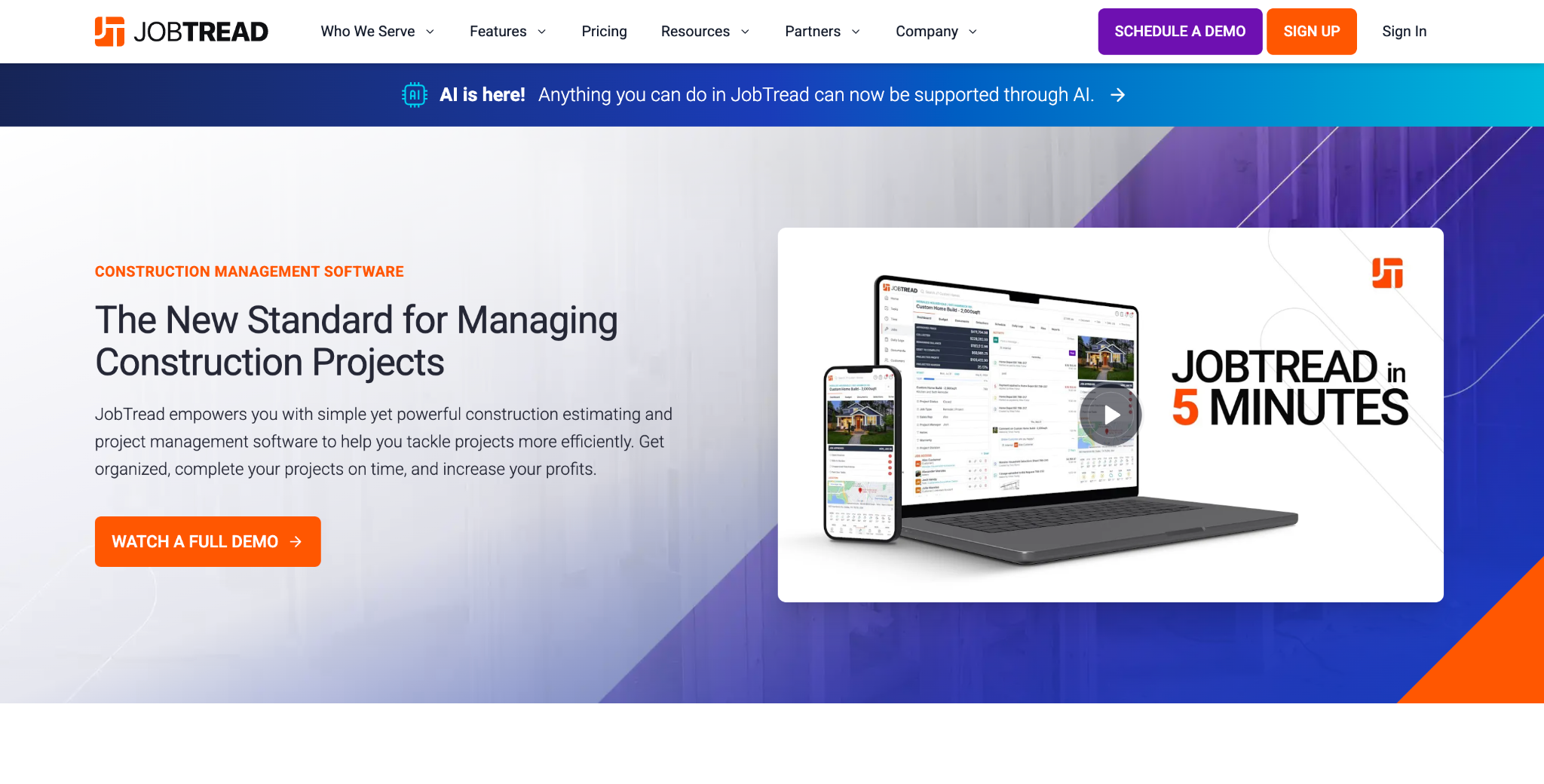
Image source: jobtread.com
Best for: Job costing and pre-construction control.
JobTread is a construction management platform with a strong focus on job costing and pre-construction work. Contractors use it to build detailed estimates, set budgets, and then track actual costs against those budgets as the job progresses.
The platform covers the full flow from estimate to invoice: proposals with e-signatures, scheduling, document management, change orders, and customer portals. Budgets sit at the center of the system, so cost data stays connected from the first takeoff to the final payment.
JobTread also gives customers, vendors, and subcontractors their own portal access, so everyone involved in a job can view documents, approve changes, and stay informed without extra tools.
Key Features
- Estimating tools build detailed, professional estimates from cost catalogs.
- Budgets track estimated versus actual costs in real time for accurate job costing.
- Proposals include e-signatures and can be converted directly into working budgets.
- Customer and vendor portals keep subcontractors and clients informed.
4. Procore
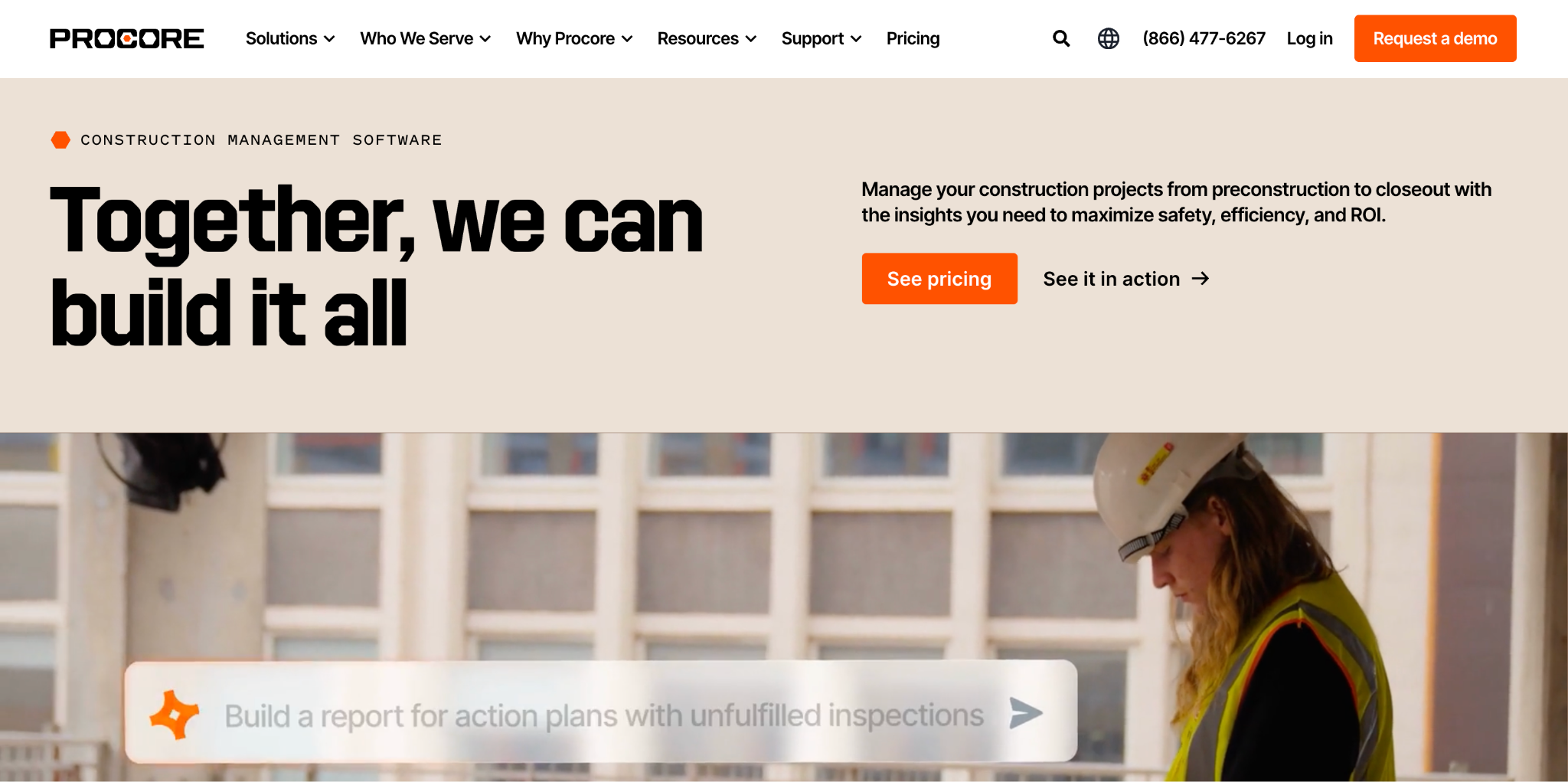
Image source: procore.com
Best for: Large commercial projects with many stakeholders.
Procore is an enterprise construction management platform built for general contractors, owners, and subcontractors managing large projects.
The platform spans project management, financials, quality and safety, and bid management.
Its scale is the main differentiator. Procore is designed for projects with many stakeholders, where owners, architects, engineers, and dozens of subcontractors all need controlled access to the same documents, tasks, and workflows.
An extensive app marketplace connects Procore to hundreds of other tools, including Followup CRM, and the platform supports advanced customization of workflows, permissions, and reporting for companies with complex operations.
Key Features
- Project management centralizes drawings, RFIs, submittals, and daily logs.
- Financial tools connect budgets, change orders, and invoicing to project data.
- Quality and safety modules manage inspections, observations, and incident tracking.
- Bid management organizes subcontractor bidding and vendor selection.
5. Houzz Pro

Image source: houzz.com
Best for: Residential remodelers, builders, and interior designers.
Houzz Pro is an all-in-one business management platform for residential professionals, such as remodelers, home builders, and interior designers.
The platform combines project management with client-facing and marketing tools. Contractors can build estimates and takeoffs, send branded proposals, manage schedules and daily logs, and invoice with online payments. QuickBooks integration handles the accounting side.
The client portal is a core strength. Homeowners get a dashboard with access to documents, timelines, and approvals, which cuts down on status calls and keeps communication in one place. Visual tools like 3D floor plans and mood boards support the sales and design process.
Key Features
- Estimates and takeoffs turn plans into client-ready proposals.
- A client portal gives homeowners access to documents, timelines, and approvals.
- 3D floor plans and mood boards support design presentations.
- Invoicing with online payments and QuickBooks integration manages the financial side.
6. Fieldwire
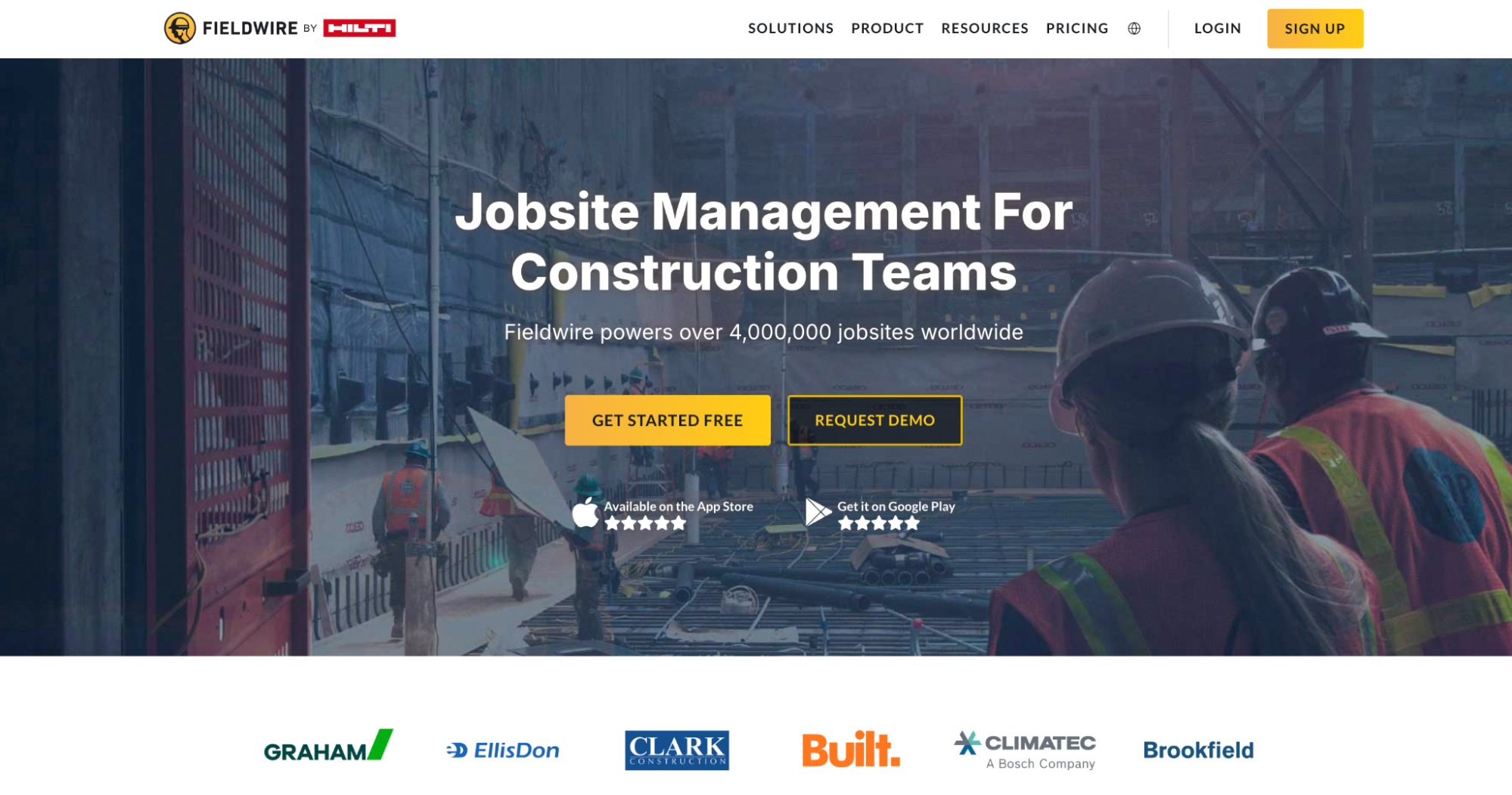
Image source: fieldwire.com
Best for: Field crews that need job-site task and plan coordination.
Fieldwire by Hilti is jobsite management software built for the field first. While most construction software runs from the office, Fieldwire puts plans, tasks, and updates directly on the phones of the crews doing the work.
The core of the platform is task management tied to drawings. Foremen assign tasks, pin them to a location on the plan, and attach photos, videos, and notes. Plan viewing includes automatic version control, so the field always works from the current set.
Punch lists, inspections, and custom forms handle tracking and reporting, while scheduling tools let teams plan upcoming work by day, week, or month. The mobile apps work offline, which matters on jobsites where connectivity drops.
Key Features
- Task management assigns work, pins it to plan locations, and tracks it to closeout.
- Plan viewing keeps drawings current on any device with automatic versioning.
- Punch lists and inspections record issues with photos and notes.
- Custom forms cover daily reports, timesheets, and safety checklists.
Best Practices for Switching From Buildertrend
Moving to a new platform goes more smoothly when the groundwork is done before anyone logs in.
Start by auditing your current construction workflows. Document how leads, estimates, schedules, and change orders move through the company today, and note where work stalls. This becomes the checklist that any new software has to satisfy.
Clean your data before the transfer. Duplicate contacts, dead leads, and outdated project records should not follow you into the new system. A clean import saves weeks of frustration later.
Run a pilot with one team or one project before rolling out company-wide. This surfaces training gaps and configuration issues while the stakes are low.
Plan the training in phases. Office staff and field crews use different parts of the system, so train each group on what they actually touch instead of running everyone through the same session.
Last but not least, set a hard cutover date and treat it as a firm commitment.
Running two systems in parallel for too long splits your data and doubles the admin work. A clear deadline keeps the transition free of half-migrated records and lingering confusion. Pick the date, communicate it, and hold the line.
Win More Bids With Followup CRM
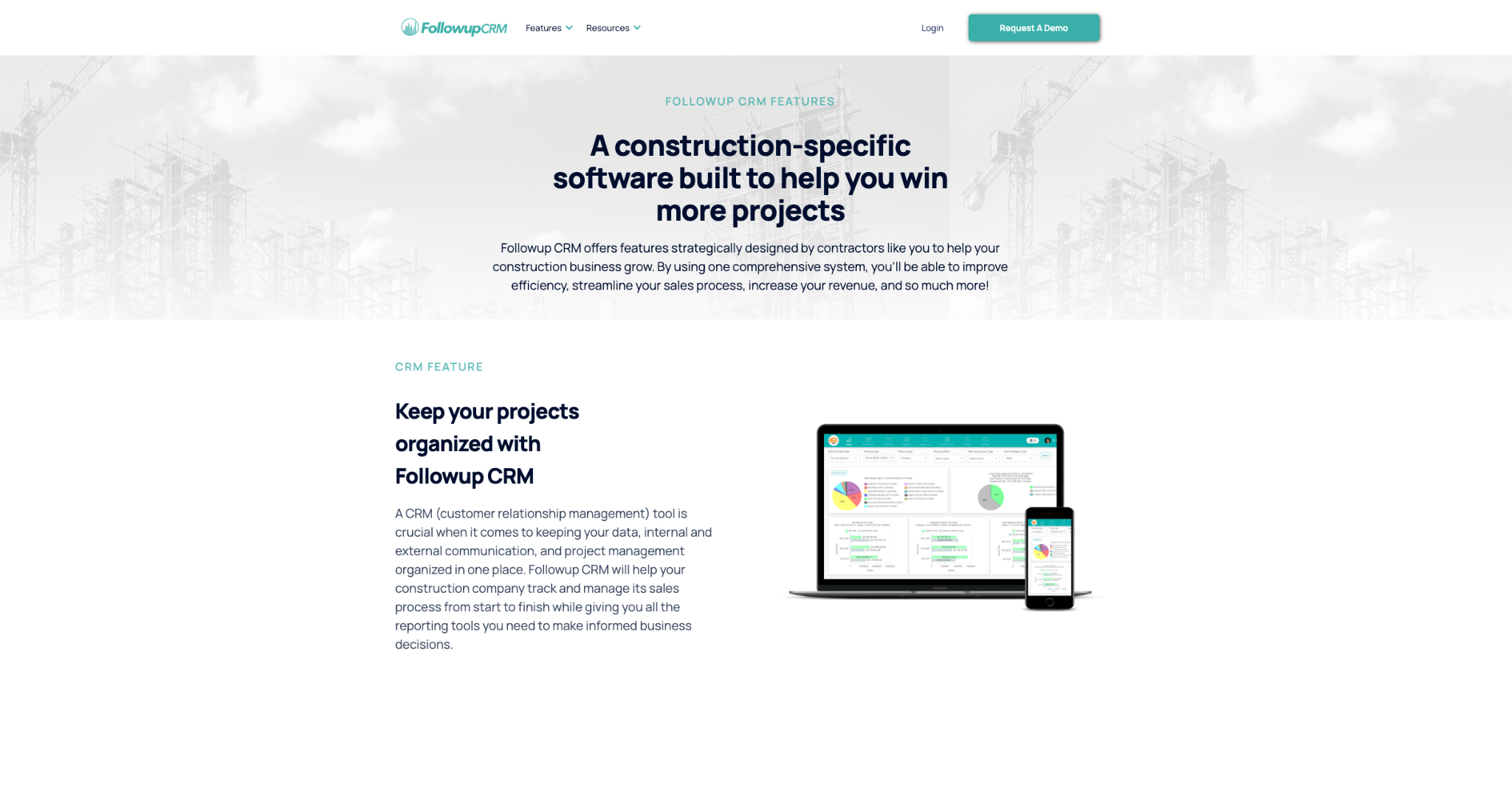
Most construction management software focuses on the work after the contract is signed. The bids you lose before that point never show up in any project dashboard.
Followup CRM closes that gap. Every lead lands in one system, every bid deadline sits on a shared calendar, and automated reminders keep the follow-up process moving so opportunities stop going cold.
Leadership gets real-time reporting on close rates and team performance, turning the sales process into something you can measure and improve instead of guessing at.
That efficiency compounds over time, and for contractors focused on growth, it shows up directly in the win rate.
If missed follow-ups and untracked bids are costing your construction business money, the fix does not require replacing your project management stack. It runs alongside it.
Book a demo call with Followup CRM and see how it fits your sales process.
FAQs About Buildertrend Competitors
Is Procore better than Buildertrend?
Neither software solution is better outright. They serve different segments. Procore is built for large commercial projects with many stakeholders, while Buildertrend has historically focused on residential builders and remodelers.
What is the most popular construction software?
Popularity depends on the software segment. Procore is among the most widely used platforms for large commercial work, while Buildertrend has a large base of residential builders.
For sales and bid tracking specifically, Followup CRM is a leading choice for commercial and specialty trade contractors.
What is similar to Buildertrend?
Contractor Foreman, JobTread, Procore, and Houzz Pro all cover construction project management for different company sizes and lanes.
The CRM Built For Construction Companies
No more disorganized data. Track your leads, bids, and customers all in one place.
Seamless Integration with:
✅ Foundation ✅ Viewpoint ✅ Sage and more