

TL;DR
Here are the six best construction billing software tools in 2026, with the use case each one fits:
- Foundation Software: Best for construction accounting with multiple billing formats.
- Siteline: Best for subcontractor pay apps and lien waivers.
- Procore: Best for general contractors managing multi-trade pay applications.
- QuickBooks Online: Best for contractors adding progress invoicing and online payments to standard accounting.
- Knowify: Best for small trade contractors doing commercial progress billing.
- Contractor Foreman: Best for billing inside an all-in-one construction management app.
What Construction Billing Software Does for Cash Flow
Construction billing software handles the invoicing side of a contracting business, from the first deposit to the final retainage release. Standard invoicing tools are built for one bill per completed sale.
Construction companies bill in stages, against a schedule of values, with a percentage held back until the job closes out. That is where general-purpose billing software breaks down.
A construction-specific tool keeps each invoice tied to the contract and the project costs behind it. It knows how much has been billed to date, how much is still outstanding, and what the next pay application should show.
It also tracks payments as they come in, so the office can see payment statuses without opening a spreadsheet.
The cash flow effect is direct. Invoices go out on time because the invoice data is already in the system. Fewer invoices get rejected for math errors or missing backup. Automated reminders chase overdue invoices without anyone making a phone call.
These controls can help contractors get paid faster, while project managers can see where every job stands.
Key Features of the Best Invoicing Software for Construction Companies
Most tools in this category share the same four building blocks. The difference is how deep each one goes.
Progress Billing Tied to Project Progress
Most commercial work is billed as a percentage of completion. The software should build project invoices from the schedule of values, carry forward amounts billed in previous periods, and calculate retainage on each line.
If a general contractor requires American Institute of Architects (AIA) G702 and G703 forms, the tool should generate them from the same data rather than leaving someone to fill out a template by hand.
Automatic Payment Reminders and Payment Tracking
Once an invoice is out, the tool should track it until it is paid.
That means a clear view of outstanding invoices by project and customer, partial payments recorded against the right line, and automatic payment reminders that go out before and after the due date.
Nobody should have to scan an aging report to find out which customer is 45 days late.
Online Payment Options to Accept Payments Faster
Convenient online payment options can simplify the payment process for clients. Look for a payment link on the invoice itself, with the option to accept credit cards and Automated Clearing House (ACH) bank transfers. Some tools add digital wallets such as Apple Pay.
Either way, each payment should post back to the invoice automatically, so the payment status updates without manual data entry.
Sync With Accounting Platforms
Billing software is rarely the system of record. Invoice data, payments, and project costs need to land in the accounting platform, whether that is QuickBooks Online for a small business or a construction enterprise resource planning (ERP) system for a larger one.
A two-way sync removes double entry and keeps the financial data consistent for the bookkeeper and the project managers.
6 Best Construction Billing Software Tools
Each tool below fits a different kind of contractor and a different billing setup. Pick the lane first, then the tool.
1. Foundation Software: Best for Construction Accounting With Multiple Billing Formats
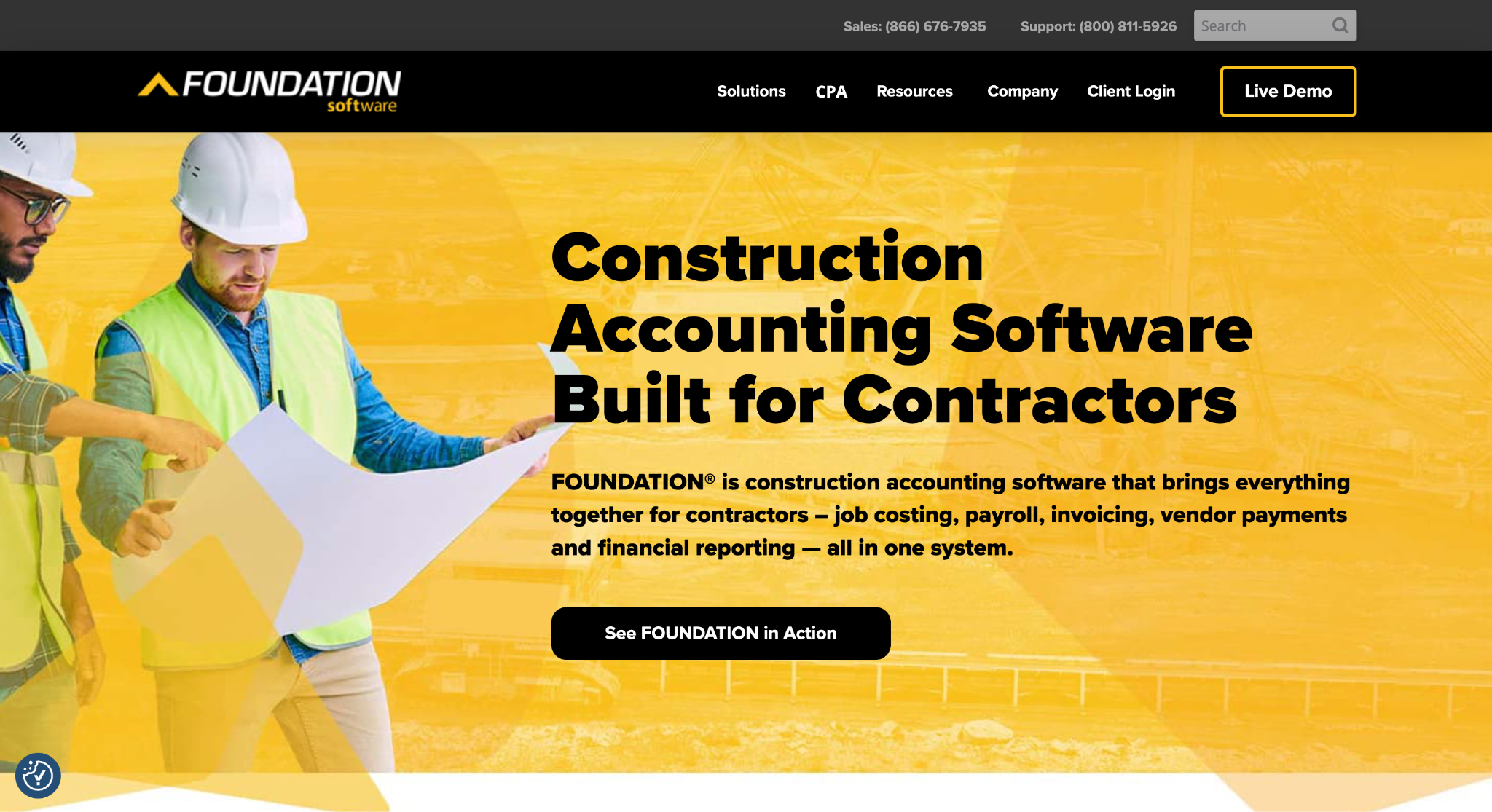
Image source: foundationsoft.com
Foundation Software is construction accounting software with billing built into the same system as job costing, payroll, and the general ledger.
Its Time & Material module captures billable job expenses, applies custom markups by employee, equipment, inventory item, subcontract, or cost code, and turns the result into professional invoices from reusable templates.
Billing rates can be assigned per customer and per job, and invoice layouts can be tailored to different customers and job types.
The Unit Price Billing module covers quantity-driven invoices for Department of Transportation (DOT) and other government work.
Accounts Receivable connects billing to job cost reporting, so receivable amounts and retainage are tracked per project, and the Executive Dashboard shows aging, cash flow, and accounts receivable (A/R) totals by job and customer.
An online payments option is offered through FOUNDATION Pay.
Foundation is a good fit for contractors that want billing to live inside the accounting system rather than in a separate tool, especially those running a mix of lump-sum, time-and-material (T&M), and unit-price contracts.
2. Siteline: Best for Subcontractor Pay Apps and Lien Waivers
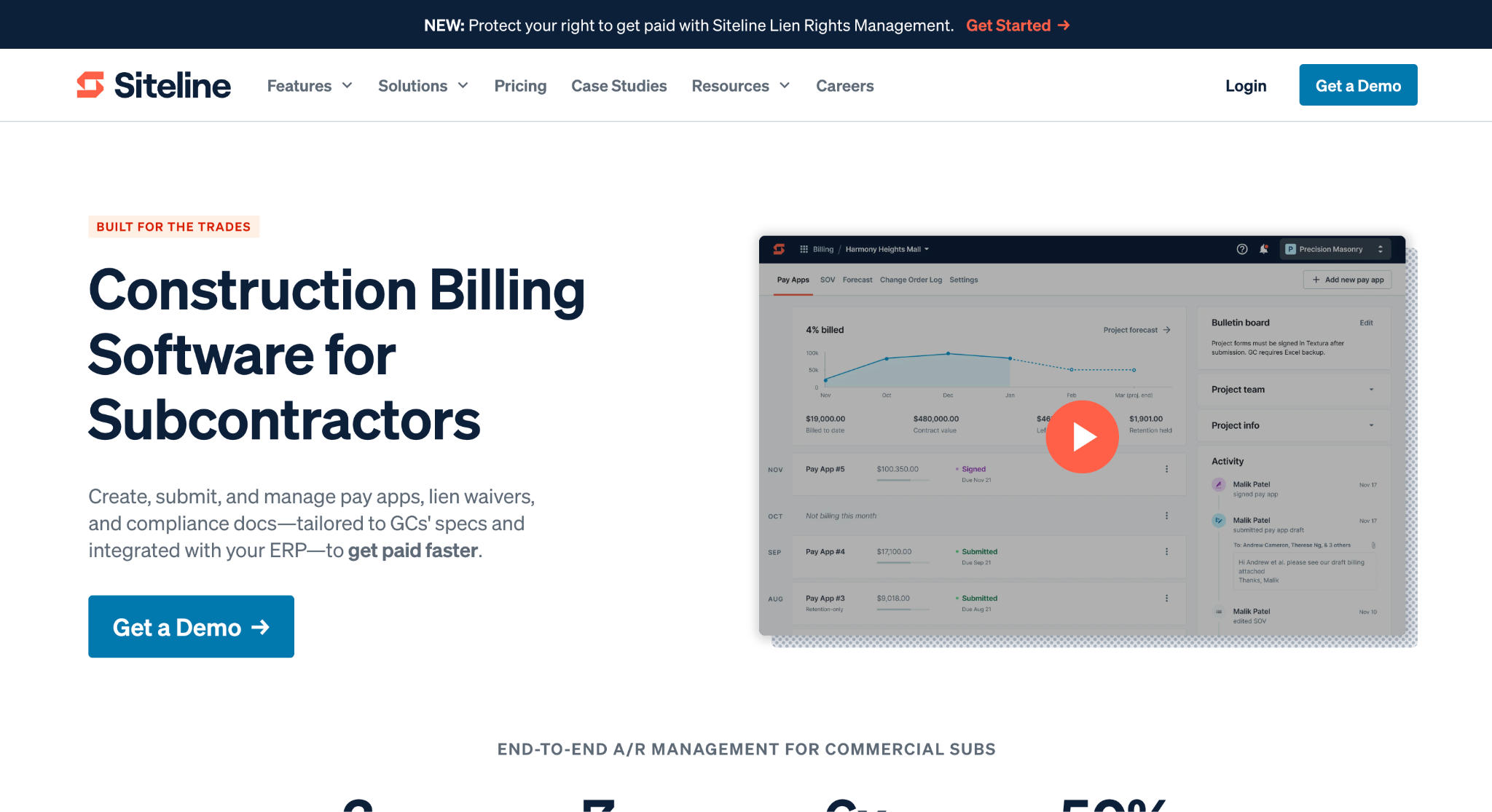
Image source: siteline.com
Siteline is construction billing software built for commercial subcontractors.
It generates pay applications on each general contractor’s required forms, complete with digital signatures. Siteline says its library contains 23,000+ pay app and lien waiver forms from 17,000+ GCs.
Lien waiver collection runs in the same place. Siteline generates and sends waivers, automates reminders, and tracks lower-tier vendor waivers so a pay app is not kicked back for a missing document. Compliance tracking covers certificates of insurance and similar requirements.
On the collections side, it shows invoice aging, predicts payment dates, and lets the team schedule client payment reminders. Billing and cash flow forecasts give owners a view of backlog and expected payment timing.
It integrates with accounting systems and GC payment portals, which removes the double entry between the two. Siteline suits specialty trade contractors billing several GCs each month, each with their own form requirements.
3. Procore: Best for General Contractors Managing Multi-Trade Pay Applications
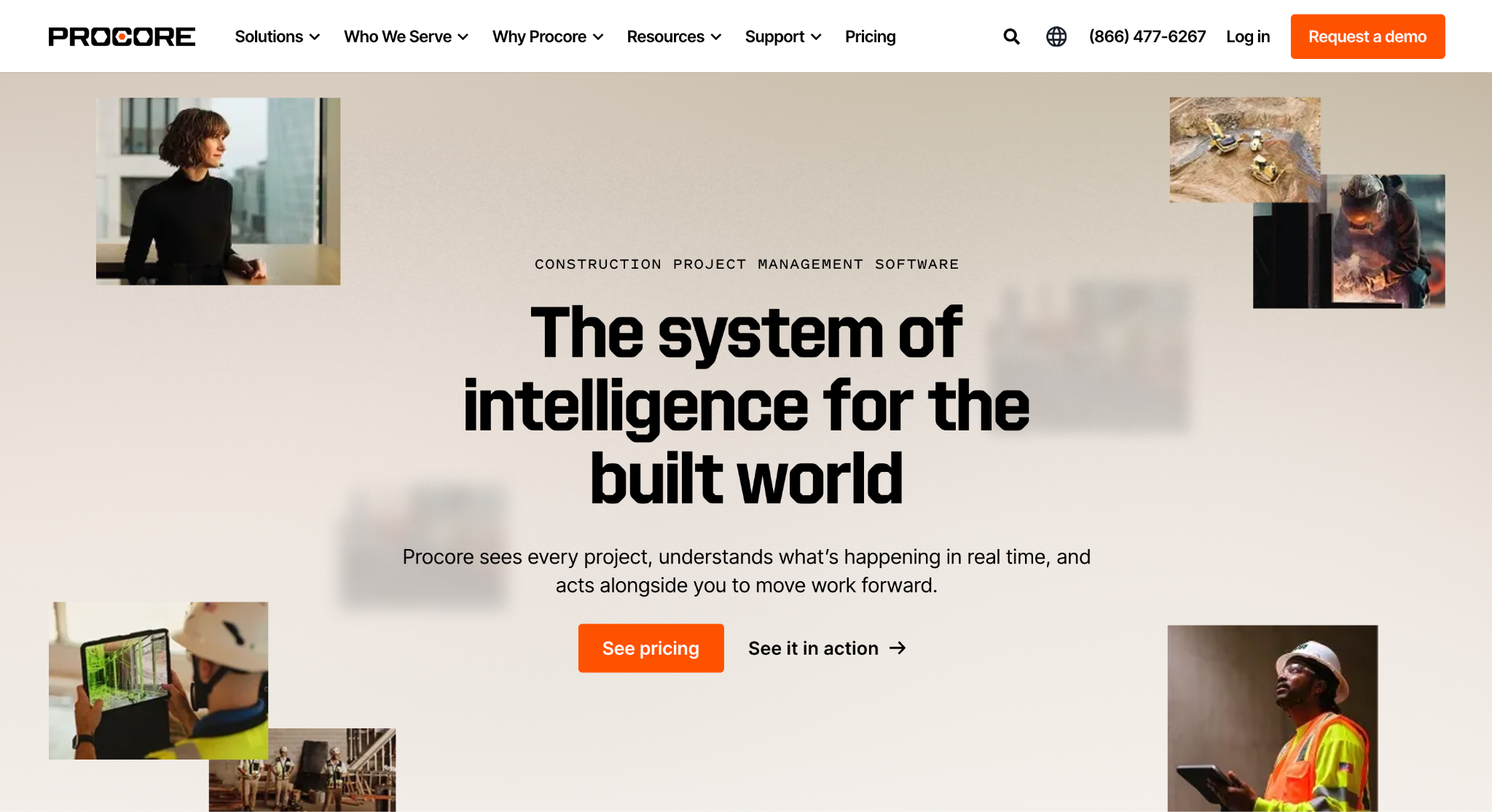
Image source: procore.com
Procore’s Invoicing tool sits inside its project financials. Subcontractor invoices are created against commitments in a progress billing format with a schedule of values, retainage set and released per line item, and stored materials accounted for.
Owner invoices can draw eligible costs from approved subcontractor invoices, direct costs, and commitment change orders. Supporting documents can accompany the billing package.
Approval workflows route each invoice for review, and approved amounts flow into the project budget, so cost tracking and billing stay aligned. Permissions for releasing retainage on a subcontractor invoice depend on the user’s role and billing period.
Procore is suitable for general contractors managing pay applications from many trades on the same project, where billing has to reconcile with the rest of the project record.
4. QuickBooks Online: Best for Contractors Adding Progress Invoicing and Online Payments to Standard Accounting

Image source: quickbooks.intuit.com
QuickBooks Online is general accounting software, but its progress invoicing feature covers the basic needs of a small contracting business.
Once turned on, it splits a single estimate into as many partial invoices as the job needs, and the Estimates & Progress Invoicing Summary by Customer report shows what has been billed against each estimate.
With QuickBooks Payments, every invoice carries a Pay now button. Clients can pay by credit card, ACH bank transfer, Apple Pay, PayPal, or Venmo, and each payment is matched to the invoice automatically.
Invoice reminders can be sent manually or on an automatic schedule, and partial payments are recorded against the open balance.
QuickBooks Online works well for contractors with simpler jobs billed to property owners or property managers. Companies that need official AIA forms or line-item retainage usually pair it with one of the construction-specific tools on this list.
5. Knowify: Best for Small Trade Contractors Doing Commercial Progress Billing

Image source: knowify.com
Knowify is project management and billing software for trade contractors, built around a QuickBooks sync.
Progress billing builds the schedule of values from the project budget, applies retainage per line item in each billing period, and tracks change orders and stored materials.
Through its partnership with AIA Contract Documents, it generates the official G702 Application for Payment and G703 Continuation Sheet from live project data.
Invoices can also be sent for service work and T&M jobs, from the office or from the field.
A QuickBooks Payments integration adds a payment portal to any invoice sent from Knowify, so clients can pay by credit card or ACH, and the real-time QuickBooks sync keeps the books current without re-entry.
Knowify may do well for small commercial trade contractors that bill a GC monthly and want to keep QuickBooks as the accounting system.
6. Contractor Foreman: Best for Billing Inside an All-in-One Construction Management App
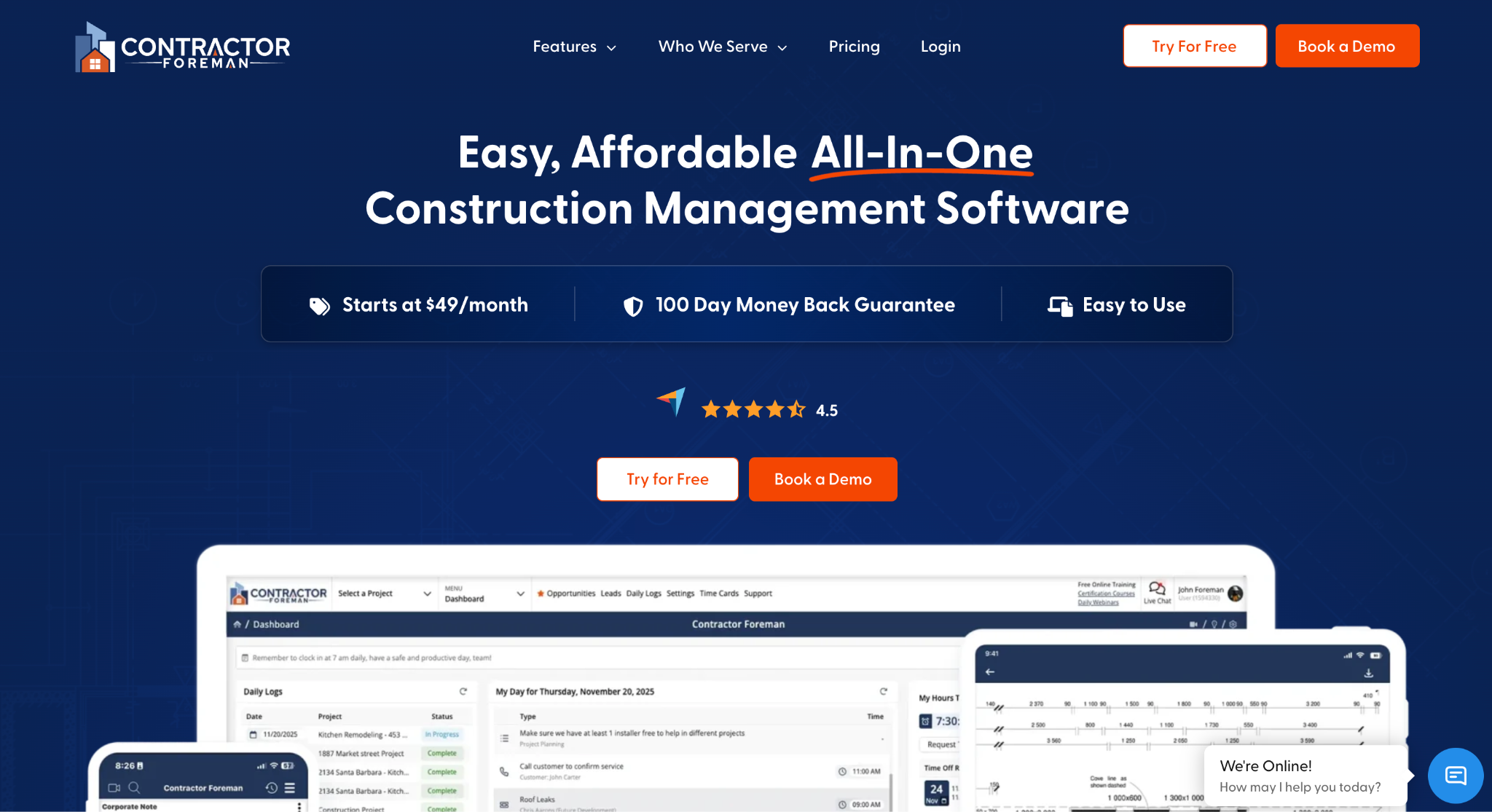
Image source: contractorforeman.com
Contractor Foreman is all-in-one construction management software, and invoicing is one module alongside estimates, scheduling, daily logs, change orders, and job costing.
Invoices can be created for T&M work, AIA contracts, or standard billing. The system generates G702 and G703 forms automatically, tracks retainage in the background, and pulls real job costs into billing.
Clients pay invoices online by credit card or ACH without creating an account. Multiple tax rates and region-specific tax rules are supported, invoices accept custom fields, and the client portal gives customers access to their invoices and billing questions.
Automatic notifications alert clients and staff when an invoice changes. A QuickBooks integration keeps invoices and payments in sync with the books.
Contractor Foreman suits small and mid-size contractors that want project management and billing in a single app rather than a dedicated billing tool.
How to Choose Construction Invoice Software
Start with how you bill. Lump-sum contracts with a schedule of values need progress billing and retainage tracking. T&M work needs markup rules and billable expense capture. Unit price work needs quantity-driven invoices.
Then look at who you bill. Subcontractors billing GCs need pay apps on the GC’s forms and lien waiver management. Contractors billing property owners and property managers get more value from online payment options and automatic payment reminders.
For construction invoicing, test advanced features such as retainage calculations and stored-material billing with a sample contract.
Check the accounting side next. The tool should sync with the accounting platform you already run, so invoice data and payments post without double entry.
General invoicing tools such as Zoho Invoice can create professional-looking invoices and accept payments online, but they do not handle a schedule of values or retainage, which rules them out for most commercial work.
If winning work also needs attention, assess how billing connects with construction customer relationship management (CRM) software. Confirm which customer, contract, and job records transfer after award.
The two systems should connect, so a won bid becomes a billable job without anyone retyping it.
Connect Sales and Billing With Followup CRM
Every tool on this list starts working after the contract is signed. Followup CRM covers the part before that, from the first lead to the signed proposal, for commercial and specialty trade contractors.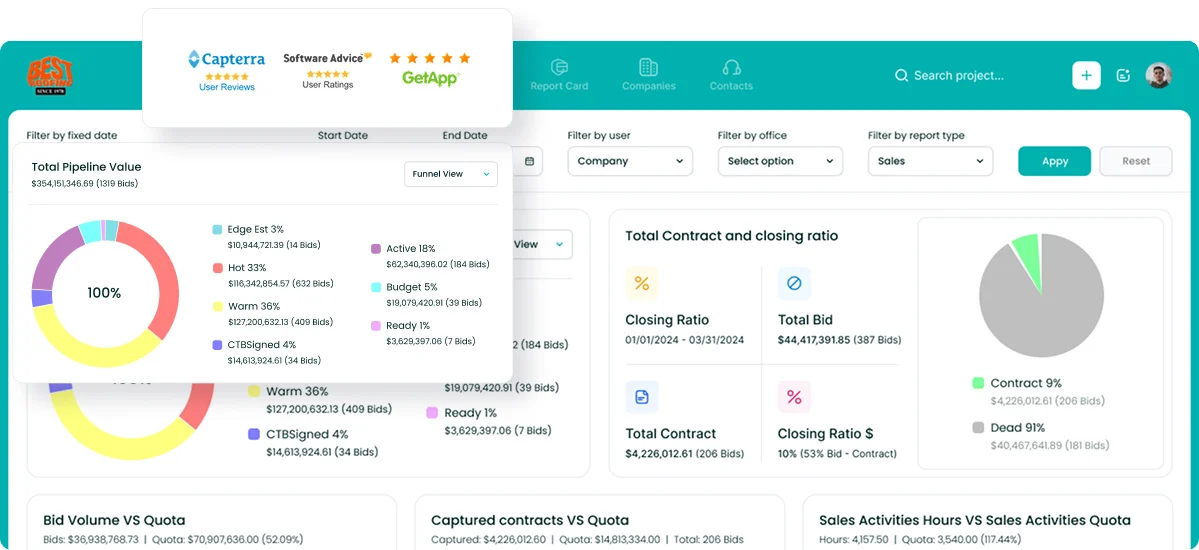
It imports leads from multiple sources and tracks each one through the pipeline. A digital bid calendar keeps due dates visible to the whole team, and email and call activity is logged against the right deal automatically through the Outlook and Gmail integrations.
The proposal generator builds branded proposals and sends them for e-signature, so the handoff from won bid to first invoice starts with clean contract data.
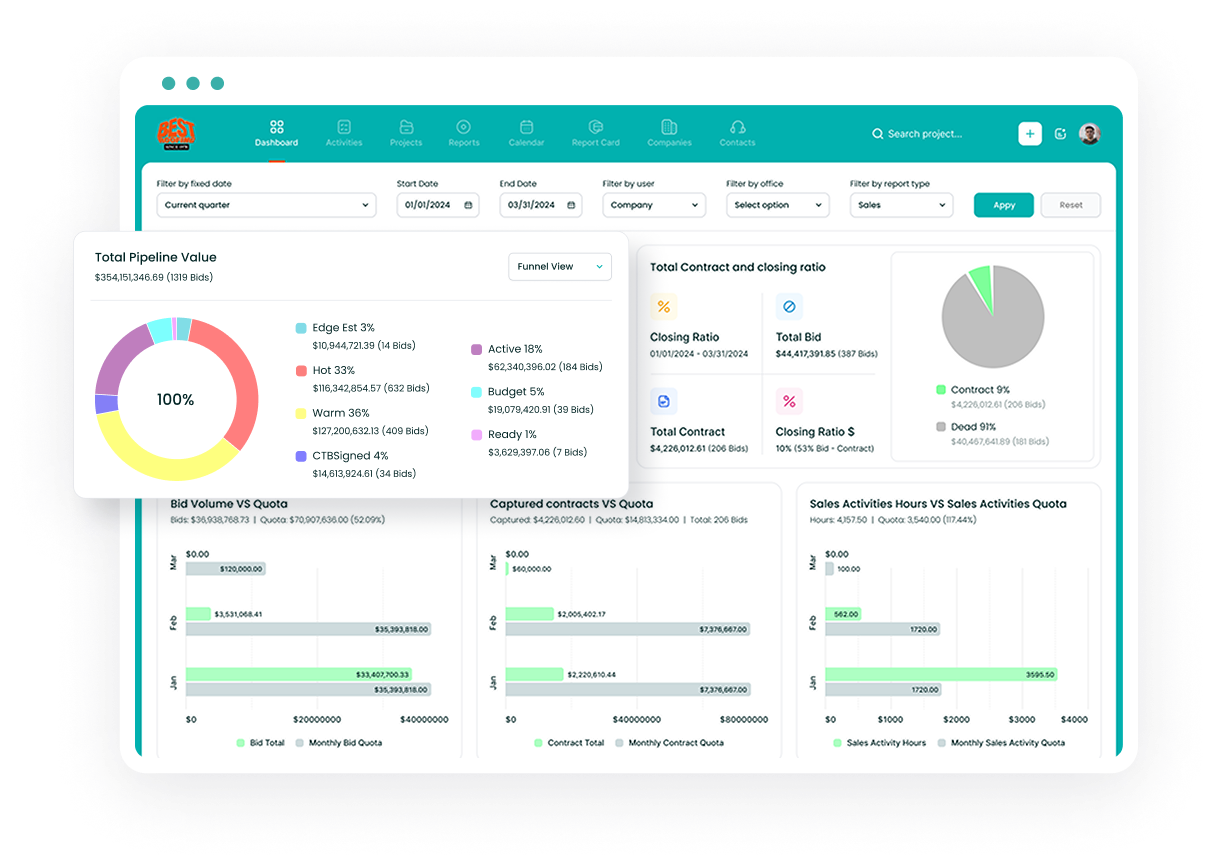
Sales and estimating dashboards show close rates, pipeline value, and team performance in real time, and Voice AI lets a contractor speak what happened on a call while the system handles the data entry.
When the job is won, Followup CRM’s integrations carry it into the systems you bill from, including Foundation, Vista, Spectrum, Sage, ComputerEase, QuickBooks, and Procore. More than 4,000 construction professionals use Followup CRM to bid less and win more.
Request a live demo to see how Followup CRM fits ahead of your billing software.
FAQs About Construction Billing Software
What is the best software for construction accounting?
The best option is a construction-specific platform that combines job costing, progress billing, retainage tracking, and payroll in one system, rather than general accounting software with a project add-on. Which one fits depends on company size and contract types.
Followup CRM integrates with the major construction accounting systems, including Foundation, Sage, and Vista, so the sales pipeline connects to whichever one you run.
What is the best construction invoice app?
For construction companies, the best billing software matches their contracts. Commercial pay applications may require retainage and GC-specific forms; simpler jobs may only need professional invoices and tools to collect payments.
Followup CRM covers the stage before the first invoice, so won bids reach the invoicing system with the contract data already in place.
What is the best billing software?
For construction companies, the best billing software is one built for progress billing, retainage, and pay applications. General billing tools can send professional invoices and collect payments, but they do not handle a schedule of values or GC forms.
Followup CRM is not a billing tool, but it feeds won jobs into the construction accounting and ERP systems where billing happens.
How does construction billing software fit into the invoicing process?
It centralizes the billing process: create invoices, attach supporting documents, and set payment terms. Project managers can approve invoices before sending.
Automated features track invoices, send reminders, and record credit card payments and ACH payments, reducing manual data entry. Some tools split invoices into deposit, progress, and final bills.
Invoice management supports billing, while Followup CRM organizes leads, bids, and proposals before award.
Can one platform handle billing for multiple projects and multiple clients?
Yes, and for a growing construction business it should.
Billing across multiple projects and clients is where spreadsheets fail, so look for project management features that keep each job’s budget, resource management, and financial processes separate while rolling everything up for cash flow management.
The CRM Built For Construction Companies
No more disorganized data. Track your leads, bids, and customers all in one place.
Seamless Integration with:
✅ Foundation ✅ Viewpoint ✅ Sage and more