

TL;DR
Here are the top seven JobNimbus alternatives covered in this guide and the type of contractor each one fits:
- Followup CRM: Best for commercial roofing and specialty trade sales teams.
- AccuLynx: Best for residential restoration and retail roofing companies.
- Leap: Best for in-home sales and digital proposals.
- Roofr: Best for roof measurements and proposal speed.
- Jobber: Best for small field service crews.
- Buildertrend: Best for home builders and remodelers running multi-phase projects.
- Procore: Best for large general contractors and project execution.
Why Look for a JobNimbus Alternative
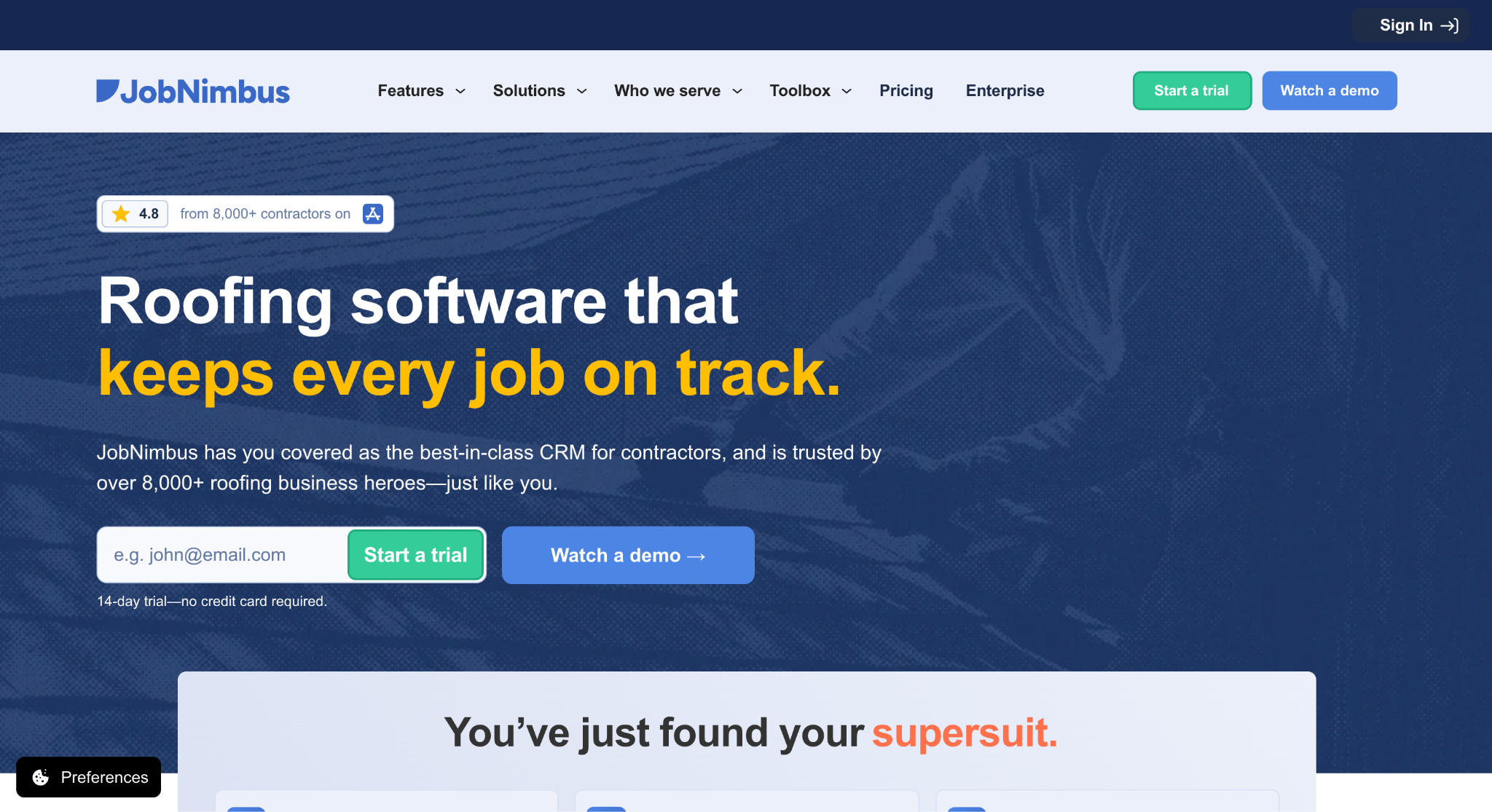
Image source: jobnimbus.com
JobNimbus describes its audience as home exterior contractors, mainly those working in roofing, restoration roofing, solar, gutters, and siding.
The platform manages work from lead to payment, combining contacts, estimates, project boards, active automations, invoicing, payments, and customer financing in one system. Its SumoQuote tool handles proposals.
JobNimbus integrates with QuickBooks Online, CompanyCam, and EagleView, plus material suppliers such as ABC Supply, QXO, and SRS Distribution, and it runs on iOS and Android mobile apps.
JobNimbus pricing is sold in four tiers. Essentials covers up to three users, Pro up to ten, Premium up to 19, and Enterprise starts at 20, with multi-location support from Pro upward. The company does not publish prices.
Its pricing page describes the model as an account-based CRM price plus role-specific project management pricing, and optional add-ons sit on top of the base subscription.
Those include a Marketing Bundle and a Communications Bundle, which package the Engage texting tool for existing customers. There are no onboarding fees, and the free trial runs for 14 days with no credit card required.
The reasons contractors switch usually come down to fit rather than quality. A company that bids commercial work through general contractors and property managers needs a bid calendar and a pipeline built for that sales cycle, and a residential platform rarely has one.
Growing teams run past the user caps on their tier. Some businesses only want a sales tool and already run production elsewhere, while others need deeper project management than a roofing CRM provides.
If that sounds familiar, it is worth asking whether your current CRM is supporting the sales process or slowing it down.
Top 7 JobNimbus Alternatives for Contractors in 2026
Each tool below was reviewed on its own, using the vendor’s current product pages. Entries are ordered by use case rather than ranked against each other, so start with the label that describes your business.
1. Followup CRM: Best for Commercial Roofing and Specialty Trade Sales Teams
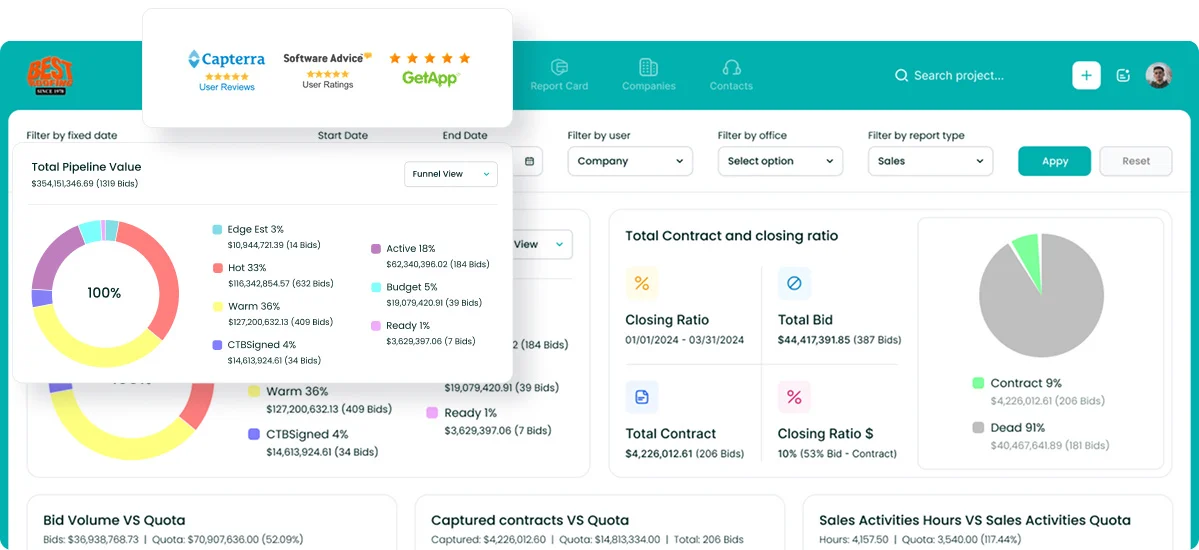
Followup CRM is a sales and bid-tracking CRM built for commercial contractors, general contractors, and subcontractors.
Roofing has been its core market since the start, and it also serves electrical, glass and window, waterproofing, concrete, and flooring trades. It is used by 4,000+ construction professionals.
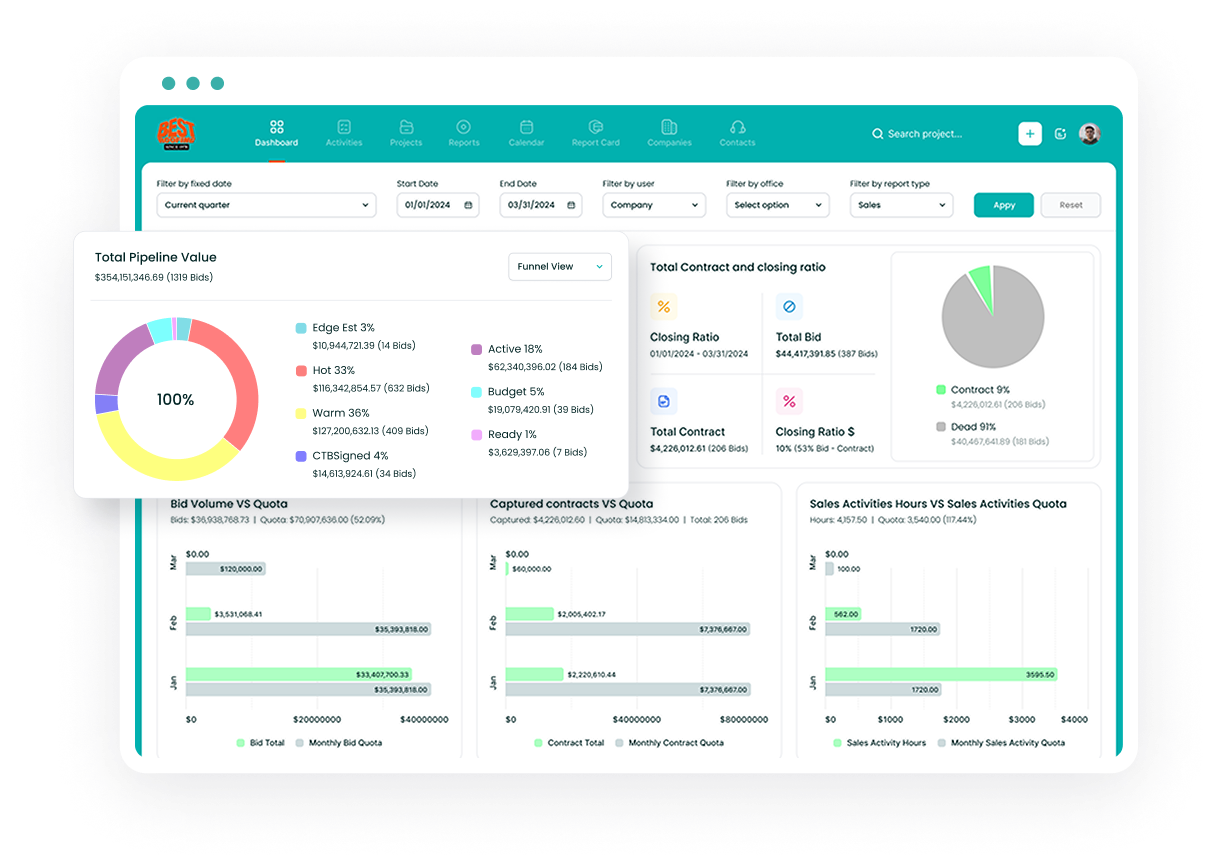
The platform covers the pre-award side of the business. Leads come in from any source, each bid gets a due date on a shared digital bid calendar, and the proposal generator produces branded proposals that go out for e-signature.
Every email, call, and site visit is logged against the right deal, and dashboards turn that activity into pipeline, close-rate, and team-performance reports.
For a company that wants to grow its commercial roofing business through general contractors, property managers, and facility owners, that is the part of the sales cycle a residential platform tends to leave out.
Data entry is handled by AI. Voice AI lets a salesperson describe what happened after a meeting, and the system fills in the record.
Gregg AI Assist drafts comments and follow-up emails from the context already on the record, with the user reviewing before anything is sent.
On the back end, Followup CRM integrates with Foundation, Vista, Spectrum, Sage, QuickBooks, Procore, BuildingConnected, Outlook, Gmail, Zapier, and more. Supported connections transfer job data and reduce duplicate entry; sync behavior varies by system.
Key Features
- Lead and bid tracking: Every opportunity moves through one pipeline from first contact to close.
- Digital bid calendar: Shared due dates keep estimators on deadline.
- Proposal generator and e-sign: Branded proposals sent and signed without leaving the CRM.
- Sales and estimating dashboards: Real-time pipeline, close rate, and team visibility.
- Voice AI and Gregg AI Assist: Spoken updates and drafted follow-ups replace manual data entry.
- ERP and accounting integrations: Two-way sync with construction accounting systems.
Followup CRM is demo-led, with a live demo available on request.
2. AccuLynx: Best for Residential Restoration and Retail Roofing Companies
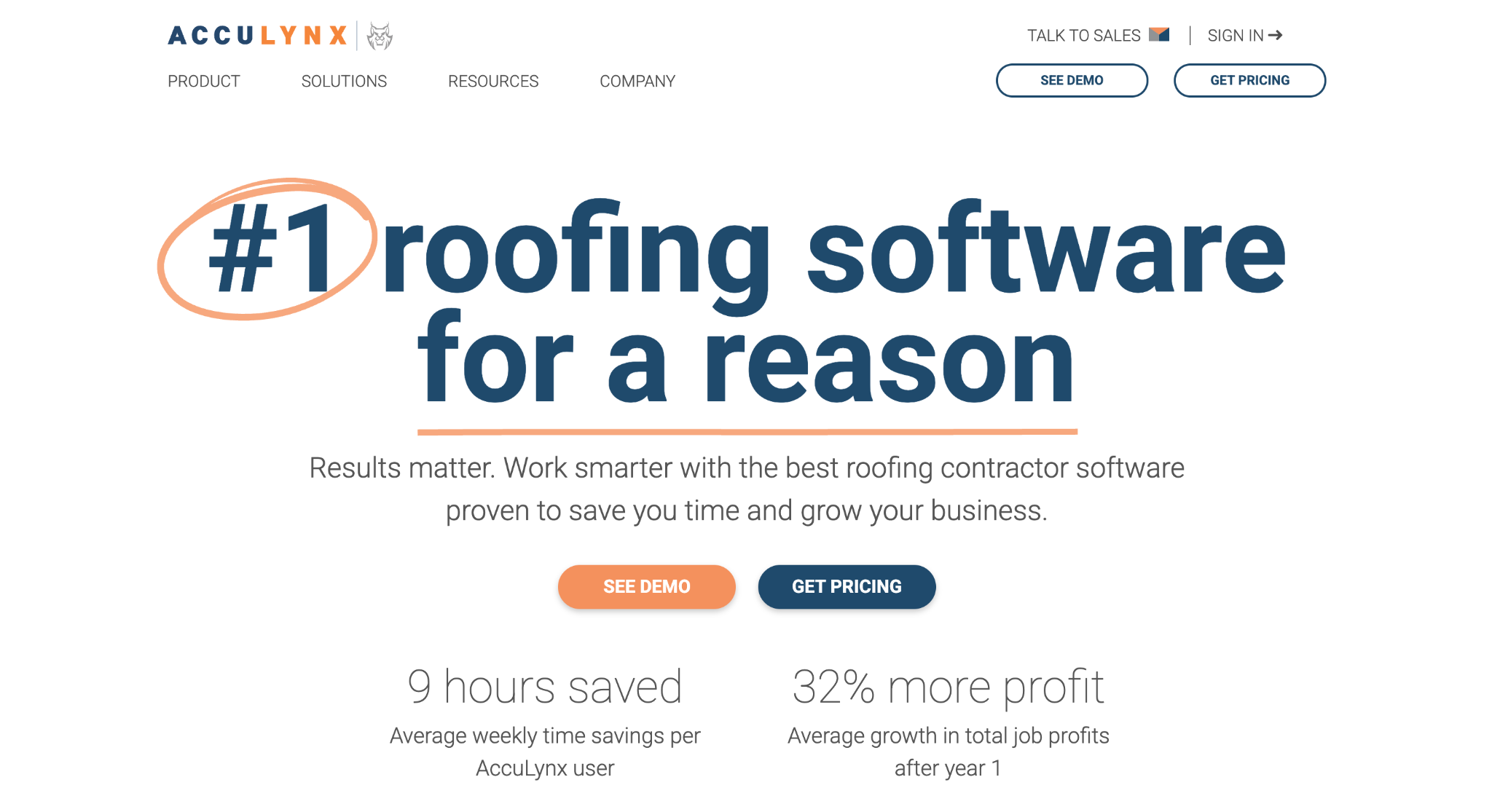
Image source: acculynx.com
AccuLynx is an all-in-one platform for roofing contractors handling residential insurance restoration and retail roofing.
Sales, production, finance, and business management sit in one system, and the company says its customers range from three-user startups to multi-location operations with hundreds of users.
On the sales side, the CRM tracks a lead through to a signed contract, and built-in AI-powered lead intelligence ranks contacts by their likelihood to buy.
Aerial measurements ordered from EagleView, Hover, Geospan, or GAF QuickMeasure populate an estimate without manual entry, and material ordering runs on live ABC Supply, SRS Distribution, and QXO catalogs at the company’s preferred pricing.
For insurance restoration work, the job file holds permits, supplements, and mortgage checks together, which keeps supplement tracking attached to the job instead of a separate spreadsheet.
Production tools cover a shared crew calendar, job costing with profit forecasts, annotated photos, and a customer portal for sharing documents and collecting payments.
AccuLynx charges a monthly subscription per license, quoted on request, with optional add-ons and no long-term contract. It is a good fit for residential roofers who want insurance supplement workflows and production tracking in the same system as sales.
Key Features
- Residential roofing CRM: Lead-to-contract tracking with AI-ranked lead records.
- Supplement tracking: Permits, supplements, and mortgage checks stored in the job file.
- Supplier integrations: Live ABC Supply, SRS Distribution, and QXO catalogs with direct ordering.
- Job costing: Per-job revenue and expense tracking with profit and loss forecasts.
- Multi-location management: Several company locations run from one account.
3. Leap: Best for In-Home Sales and Digital Proposals
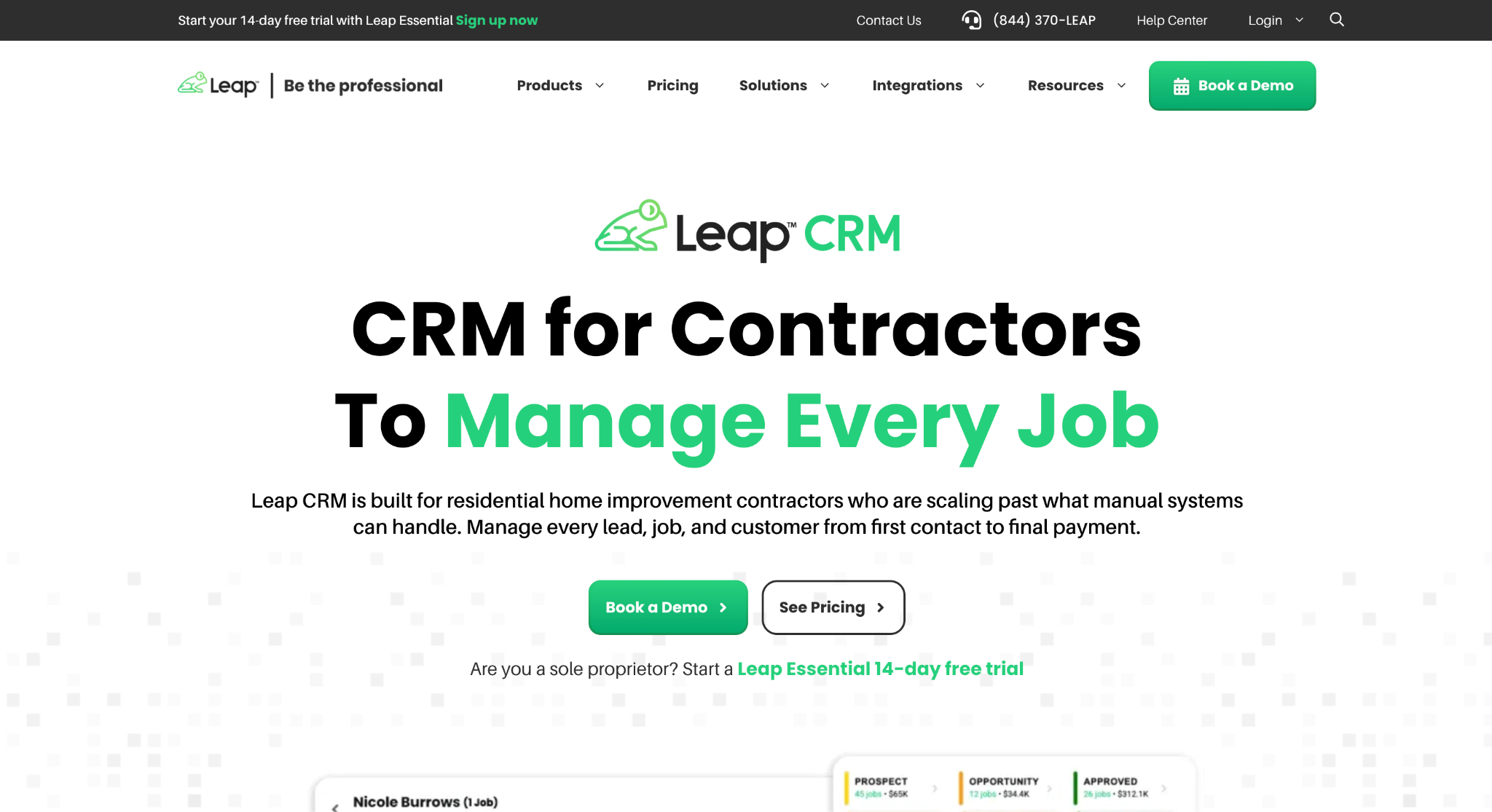
Image source: leaptodigital.com
Leap is built for roofing and remodeling contractors and splits into two products.
Leap CRM manages the job from first inspection to final payment, and Leap SalesPro is the in-home sales app a rep uses at the kitchen table. Trades named on its site include roofing, siding, windows and doors, kitchen and bath, and residential construction.
SalesPro is the differentiator. A rep builds the estimate on site from a synced price guide, presents options, offers financing, and collects a signature in a single appointment from a phone or tablet.
Leap CRM then picks up the job with customizable workflows, production tracking, crew scheduling, material orders, punch lists, and invoicing. Customer and subcontractor portals keep homeowners and subs informed without phone calls.
Integrations include EagleView, CompanyCam, QuickBooks, GreenSky, Angi Leads, and the ABC Supply, QXO, and SRS supplier catalogs.
Leap offers a 14-day free trial of its Leap Essential plan. It is suitable for home improvement contractors whose close rate depends on what happens during the in-home appointment, and who want the sales and production managed through connected tools.
Key Features
- In-home sales app: Estimates, proposals, contracts, and financing in one appointment.
- Customizable workflows: Job stages set up to match how the business operates.
- Production tracking: Crew scheduling, material orders, and punch lists.
- Customer and subcontractor portals: Project details shared without manual updates.
- Supplier and measurement integrations: EagleView, CompanyCam, and major roofing distributors.
4. Roofr: Best for Roof Measurements and Proposal Speed
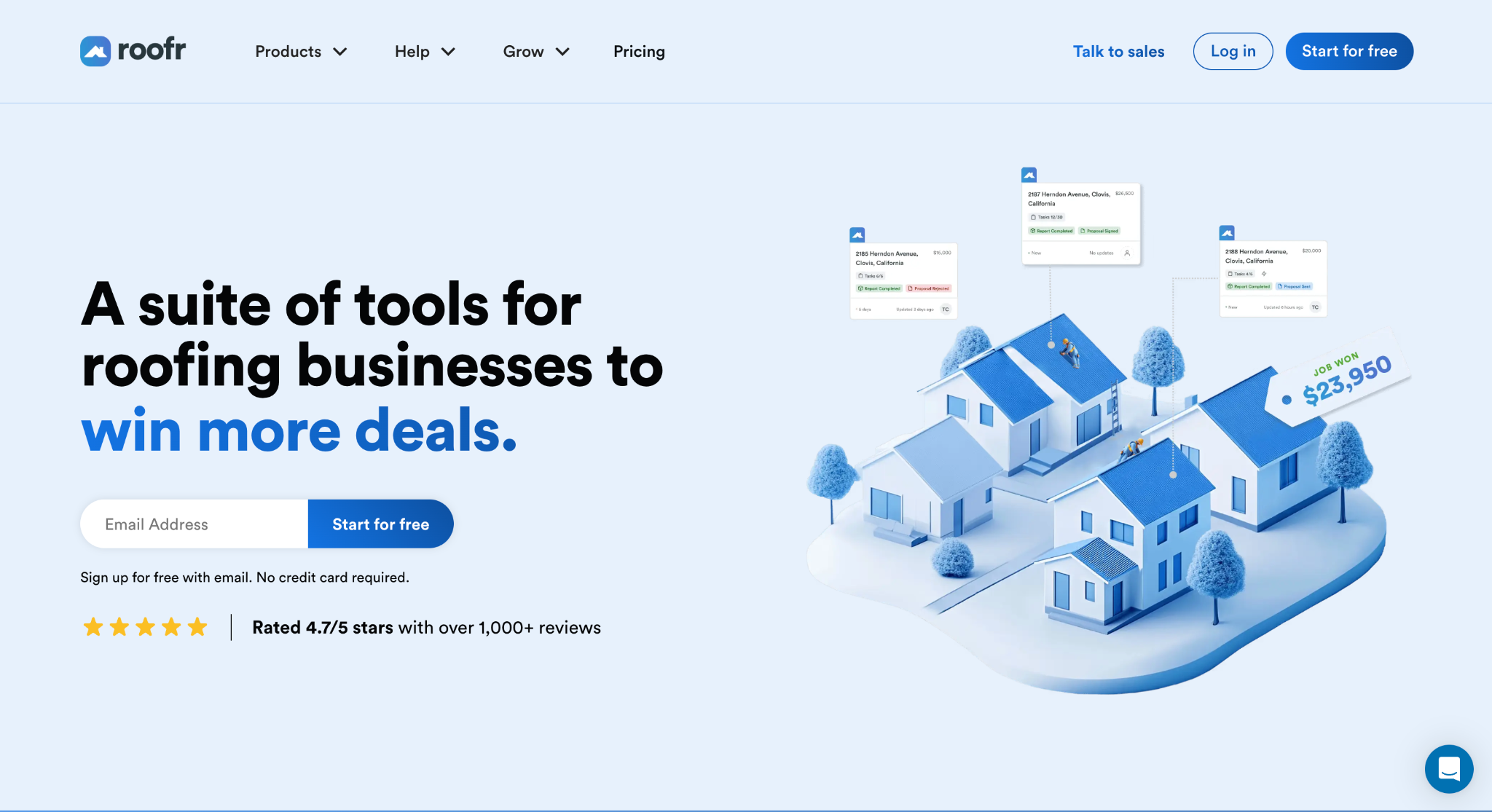
Image source: roofr.com
Roofr is a roofing platform built around its measurement reports. A contractor orders a report; the measurements flow into an estimate and a branded proposal, and the proposal converts into a material order, an invoice, and a work order without re-entering figures.
The CRM, calendar, instant estimator, payments, and material ordering all sit on the same job card.
Pricing is published in US dollars and does not charge per seat, so every plan includes unlimited users. The Starter plan costs $0 per month and covers measurement reports at $19 each, one basic job board, and a limited number of trial proposals and invoices.
Essentials is $249 per month, or $209 per month billed yearly, and adds unlimited proposals, e-signatures, card and ACH payments, and $13 reports delivered within two hours.
Scale is $349 per month, or $299 billed yearly, and adds seven customizable job boards, crew management, job costing, a performance dashboard, and a QuickBooks integration that can export contacts, catalog items, invoices, and payment data.
Supplier integrations with ABC Supply, QXO, and SRS Roof Hub are included on every plan, and texting is a paid add-on.
Roofr is a good fit for roofing companies that want measurement-to-proposal speed and a free entry point, although its tools are designed to work inside Roofr rather than plug into another CRM.
Key Features
- Measurement reports: Pay-per-report roof measurements with guaranteed delivery times on paid plans.
- Proposals and e-sign: Dynamic proposals built from measurements and material pricing.
- Material ordering: Proposals converted into supplier orders through ABC Supply, QXO, and SRS.
- Payments and invoicing: Card and ACH collection for US businesses.
- Unlimited users: No per-seat pricing on any plan.
5. Jobber: Best for Small Field Service Crews
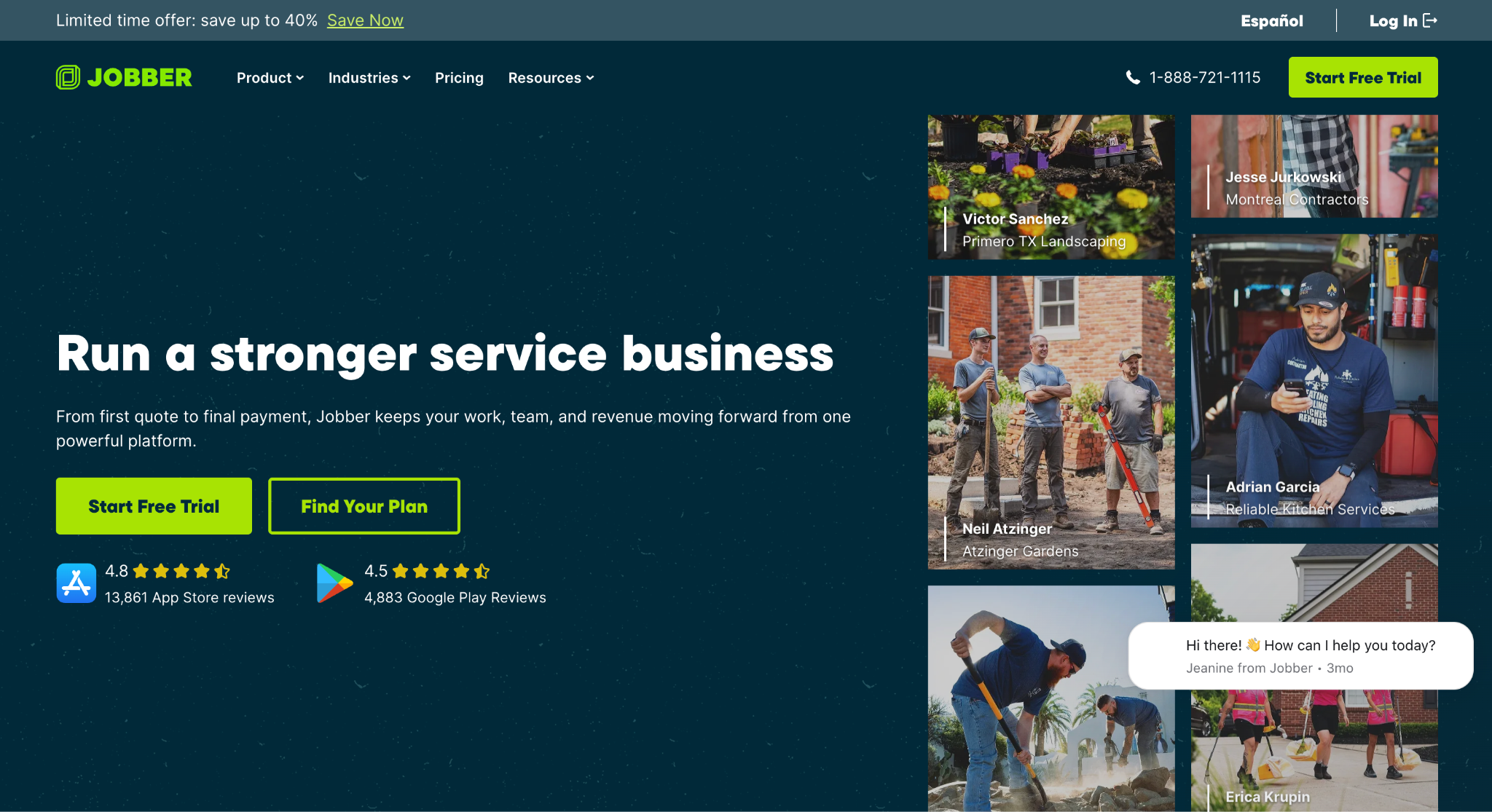
Image source: getjobber.com
Jobber is field service software rather than a roofing-specific tool. Roofing is one of 18 industries listed on its site, alongside HVAC, plumbing, landscaping, and general contracting.
The platform covers requests, quoting, scheduling, dispatching, invoicing, and payments, with a client hub where customers approve quotes and pay online.
Plans are Core, Connect, Grow, and Plus. Core is priced for a solo operator at one user, and the company’s published starting price is $29 per month, billed annually, with extra users at $29 per month each.
Higher plans add automated reminders and QuickBooks Online sync at Connect, job costing and two-way texting at Grow, and crew scheduling, custom reports, and a sales pipeline at Plus.
Field documentation tools let crews attach photos, checklists, and notes to a job from the mobile app, and a Jobber AI voice tool logs notes hands-free.
A Reviews add-on sends review requests after a job, and the 14-day free trial runs on the Grow plan with no credit card required.
Jobber is suitable for small roofing or multi-trade crews that mainly need scheduling, invoicing, and payment collection, and that do not need insurance supplement or bid-tracking features.
Key Features
- Quoting and invoicing: Professional quotes, batch invoicing, and automated follow-ups.
- Scheduling and routing: Drag-and-drop calendar with route optimization and GPS tracking.
- Photo documentation: Photos, checklists, and job notes captured in the field.
- Client hub: Self-serve portal for approvals, appointments, and payments.
- Accounting sync: QuickBooks Online and Xero integrations.
6. Buildertrend: Best for Home Builders and Remodelers Running Multi-Phase Projects
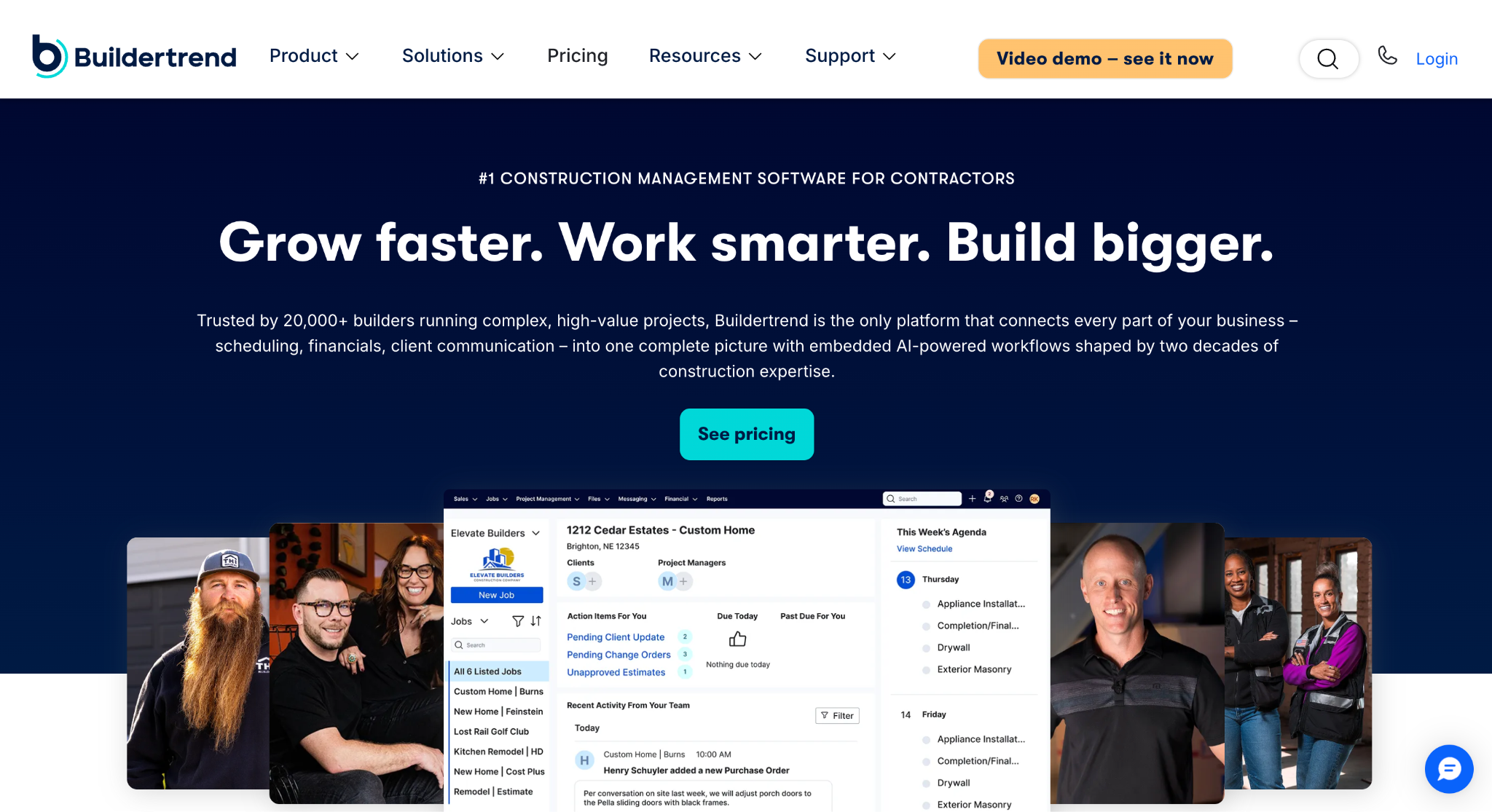
Image source: buildertrend.com
Buildertrend is construction management software for home builders, remodelers, and specialty contractors, with a separate track for commercial general contractors.
Its pricing page says it was built for businesses that oversee five or more projects a year or handle complex, multi-phase builds, which is a different profile from a roofing company turning jobs in days.
The platform runs the full project. Sales tools cover lead management, proposals, and email drip campaigns.
Project management includes scheduling, daily logs, a punch list, a time clock, change orders, selections, and a sub portal. Financial tools cover bids, estimates, a job costing budget, purchase orders, invoices, takeoffs, and payments for US customers.
A client portal gives property owners real-time updates and approvals, and integrations include Followup CRM, QuickBooks, Xero, and Gusto.
Pricing is quoted after a short questionnaire about builder type and annual volume, and every subscription includes unlimited users and unlimited projects.
Buildertrend may do well for exterior contractors that have grown into whole-home remodeling or new construction and need schedule and budget control over months rather than days.
Key Features
- Project scheduling: Shared schedules with daily logs, tasks, and a punch list.
- Job costing budget: Estimates, purchase orders, and bills tracked against budget.
- Client portal: Approvals, selections, and updates in one place for the owner.
- Sales management: Lead tracking, proposals, and email marketing.
- Unlimited users and projects: Included on every subscription.
7. Procore: Best for Large General Contractors and Project Execution
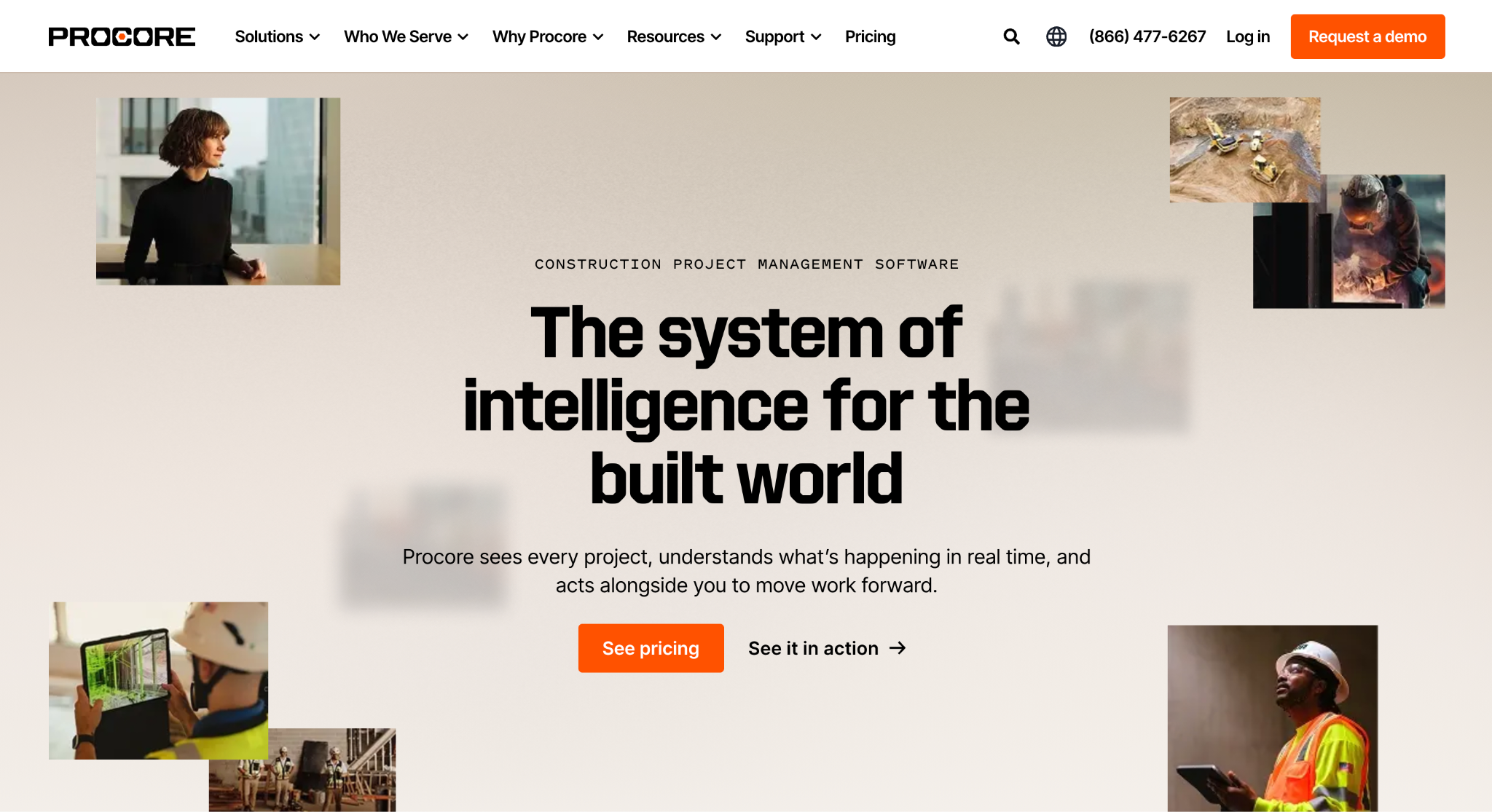
Image source: procore.com
Procore is an enterprise construction platform used by general contractors, specialty contractors, and owners, with more than 3 million users worldwide according to its site.
Procore is relevant when project execution becomes the main requirement, including coordination of drawings, costs, and field teams on large commercial jobs.
The platform is organized around project execution, cost management, and resource management. Project tools keep RFIs, submittals, drawings, and specs in one record, with quality and safety inspections run from the field.
Cost management handles budgets, forecasting, and change documentation, and resource management covers crew scheduling, time tracking, equipment, and material tracking.
Procore’s AI agents draft RFIs, review submittals, and turn field photos or voice notes into daily logs, with every action approved by a person. An app marketplace connects it to accounting and estimating systems.
Pricing is available on request through its sales team. Procore suits commercial contractors managing large projects with many stakeholders, helping coordinate documents, costs, and crews throughout months-long builds.
Key Features
- Project management: RFIs, submittals, drawings, and specs in one connected record.
- Cost management: Budgets, forecasts, and change orders with audit trails.
- Resource management: Crew scheduling, timecards, and material tracking.
- AI agents: Drafted RFIs and daily logs reviewed before they go out.
- App marketplace: Integrations with accounting, estimating, and field tools.
How to Choose the Right JobNimbus Alternative
Start with where the work comes from, because that decides the business model the software has to support.
A residential roofer selling at the kitchen table needs in-home proposals and financing. A commercial contractor wins through bids, so bid tracking software that keeps due dates, follow-ups, and win rates in one place matters more than a payment portal.
Where JobNimbus wins on fit for your sales process, there is no reason to switch.
Then work out the total monthly cost for your team size.
Some tools charge per user, some include unlimited users, and some sell texting or automated review requests as add-ons, so compare the full stack rather than the base plan. A feature-rich platform is only worth paying for if your team will use the features.
Check the integration list against the accounting and estimating systems you already run, and ask how job history and contacts export if you ever move again.
Read recent reviews on Capterra, G2, and Software Advice from companies your size rather than relying on the overall rating.
Finally, run the trial or demo on live jobs with the people who will use the tool every day. A purpose-built system the crew ignores is worse than a simpler one they open every morning.
Bid Management Has Never Been So Easy With Followup CRM
Most roofing CRMs are designed around the residential job. The lead comes from a storm or a referral, the rep sells at the property, and the software carries the job through production and payment. That workflow breaks down when your revenue comes from bids.
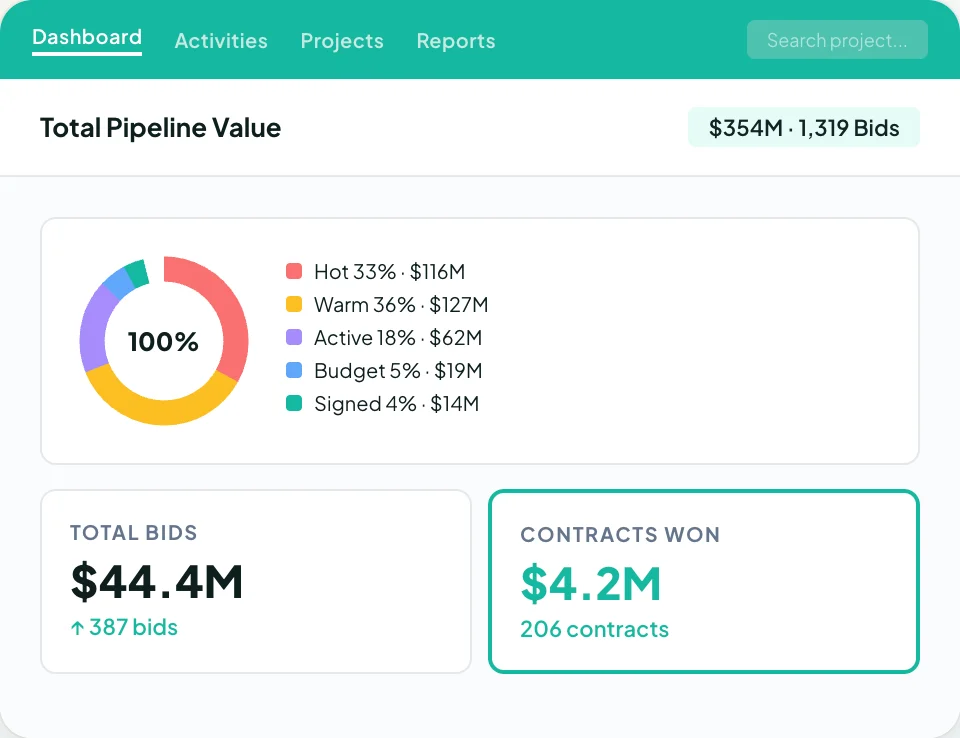
Commercial work is won through general contractors, property managers, and facility owners, with due dates, plan reviews, estimates, and weeks of follow-up before anyone signs. A tool with no bid calendar leaves that whole stage in spreadsheets and inboxes.
Followup CRM was built for that stage. Every lead and invitation to bid lands in one pipeline, each bid carries a due date on a shared calendar, and reminders make sure follow-ups happen while the opportunity is still open.
Proposals go out branded and signed from the same system, and dashboards show close rates by estimator, by client, and by job type, so you know which work is worth chasing.
Voice AI and Gregg AI Assist handle the data entry, and integrations with construction accounting and ERP systems carry won jobs into production without re-keying.
FAQs About JobNimbus Alternatives
Is JobNimbus only for roofers?
No. Roofing is its core market, and its website also lists siding, gutters, fencing, solar, restoration, painting, remodeling, concrete, pool, and window and door contractors.
The common thread is residential home exterior work. Contractors who win commercial projects through general contractors and property managers are better served by a sales CRM built for bids, which is the lane Followup CRM covers.
What is the best CRM software for roofing?
It depends on how the company sells. Residential retail and insurance work usually calls for an all-in-one roofing platform with proposals, financing, and production in one place.
Commercial roofing requires a sales process built around bid deadlines, client relationships, and follow-ups. Followup CRM is built for that cycle, with lead tracking, a digital bid calendar, proposals, and pipeline reporting.
What is the best JobNimbus alternative for commercial contractors?
Followup CRM is the strongest fit for commercial and specialty trade contractors because it is built around the bid cycle rather than the residential sale.
It tracks leads, bids, estimates, proposals, and follow-ups in one pipeline, keeps bid due dates on a shared calendar, and reports close rates by estimator and client.
The CRM Built For Construction Companies
No more disorganized data. Track your leads, bids, and customers all in one place.
Seamless Integration with:
✅ Foundation ✅ Viewpoint ✅ Sage and more