TL;DR
- Capture every opportunity and track it against bid deadlines in one place with the right CRM tool.
- See every deal stage, close rate, and team member's workload at a glance.
- Log emails, calls, and notes against the right contact automatically.
- Build branded proposals and collect signatures without leaving the system.
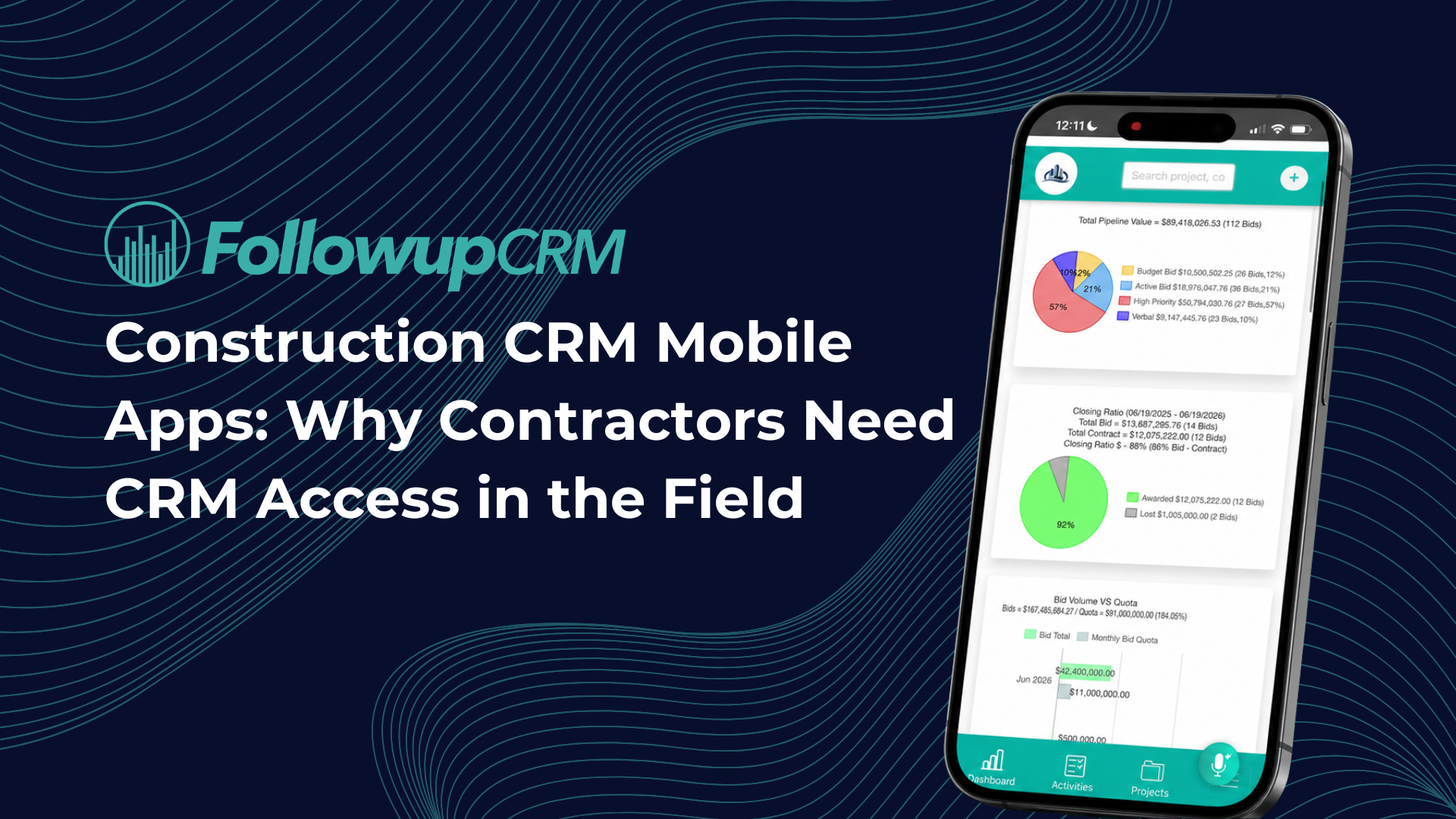
- Followup CRM puts these and other useful features to work for construction businesses.
What Is a Construction CRM?
A construction CRM is software built specifically for how contractors sell work.
Generic CRM systems are designed around short sales cycles and one-off transactions. Construction sales run differently. A single deal can involve a general contractor, an owner's rep, an architect, and three estimators, with a bid deadline sitting in the middle of it all.
CRM software for construction reflects that reality. Instead of generic deal stages, it tracks the actual path a project follows: lead intake, bid, estimate, proposal, negotiation, and close.
It ties contacts to projects rather than treating them as standalone records, and it keeps bid due dates front and center instead of buried in a calendar app.
For construction firms, the payoff is a single source of truth. Everyone on the sales team sees the same pipeline, project details, and follow-up history, whether they work from the office or a job site.
Importance of the Right CRM Features for Construction Companies
Feature lists all look similar on a pricing page. In practice, the gap between a CRM your team uses and one they abandon comes down to whether the features match how contractors actually work.
The cost of getting it wrong is concrete.
Manual data entry eats hours that estimators should spend on bids. Leads from referrals and networking get scattered between inboxes and sticky notes. Follow-ups depend on memory, and close rates depend on whoever happens to be organized.
Managing client relationships this way caps business growth long before market conditions do.
The right feature set removes those ceilings. Small and medium-sized construction businesses get the most leverage here, because they rarely have a sales operations person cleaning up data behind the scenes.
The software has to do that work. When it does, construction companies see more bids submitted on time, faster follow-ups, and a pipeline that leadership can actually trust when planning ahead.
Key Features of Construction CRM Software
Not every feature carries equal weight. The ones below are the core of what separates construction CRM platforms from generic sales tools, and they should anchor any evaluation. Treat this as your checklist when comparing options.
Lead Management and Intake
Every deal starts as a lead, and construction leads arrive from everywhere: referrals, plan rooms, networking events, website forms, and cold outreach.
A construction CRM captures all of them in one system with consistent customer data, so nothing depends on an estimator's inbox.
Good lead management goes beyond storage. Look for lead source tracking, so you know which channels actually produce work, and duplicate detection, so two salespeople never chase the same opportunity.
The system should also record project type and location at intake, which makes qualifying leads faster and keeps your pipeline honest from day one.
Bid Management and Deadline Tracking
Missed bid deadlines are lost revenue, full stop. This is where construction-specific software earns its keep.
A shared digital bid calendar puts every due date in front of the whole team, and features like automated deadline reminders keep estimators focused on the right bid at the right time.
Strong bid management also tracks the project details attached to each opportunity: bid amount, general contractor, scope, and status. Over time, that record becomes valuable on its own, showing which types of projects you win and which ones waste estimating hours.
Visual Sales Pipeline and Dashboards
A visual sales pipeline shows every open deal by stage, from new lead to signed contract, in one view. That single screen answers questions that otherwise take a whole meeting: what is closing this month, who is overloaded, and where deals stall.
Dashboards turn that same data into sales performance reporting.
Close rates by salesperson, pipeline value by stage, and win rates by project type give leadership real numbers for forecasting. Pipeline management stops being a gut feeling and becomes something you can inspect.
Contact Management and Client Communication
Construction deals involve layers of project stakeholders: owners, general contractors, architects, and subcontractors, each with different roles on different projects.
Contact management in a construction CRM links every person and company to the projects they touch, so client interactions always have context.
Client communication features build on that foundation. Email integration logs correspondence against the right deal automatically, call notes live on the contact record, and anyone covering for a teammate can see the full history in seconds.
That continuity is what turns one-off jobs into repeat client relationships.
Document Management
A single bid can generate dozens of files: plans, specs, site photos, insurance certificates, and signed contracts. Document management keeps all of them attached to the right project record instead of scattered between email threads and shared drives.
Centralized storage matters most when speed does. When a general contractor calls with a question, the estimator pulls up the project, and every file is right there.
It also protects the company when people leave, because the documents belong to the record, not to someone's laptop.
Proposal Generation and E-Signature
The proposal stage is where deals slow down. Built-in proposal generation shortens it by pulling project and contact data straight into branded templates, so estimators stop rebuilding the same document in Word for every bid.
E-signature closes the loop. Clients sign virtually, the signed copy attaches to the project record, and the sales process moves forward without printing, scanning, or chasing paperwork. Faster signatures mean earlier starts, and the CRM timestamps every step for a clean audit trail.
Workflow Automation and Reminders
Follow-up is where most construction sales are won or lost, and it is also the first thing that slips when the team gets busy.
Workflow automation takes over the repetitive tasks that memory handles badly: follow-up reminders after a proposal goes out, task assignments when a deal changes stage, and alerts when a bid date approaches.
The goal is not to remove the salesperson. It is to make sure the next action always exists and always has an owner. Teams that automate follow-up sequences contact more leads with the same headcount, and no opportunity dies of silence.
Mobile Access
Construction sales do not happen at a desk. Estimators walk job sites, meet general contractors on location, and take calls from the truck. A mobile app puts the full CRM in their pocket, so they can pull up project details before a meeting and log notes before they forget them.
Mobile access also improves data quality. When entering an update takes thirty seconds on a phone, it actually happens. Project managers and salespeople in the field stop batching a week of activity into one messy Friday entry.
Reporting and Analytics
Reporting turns pipeline activity into decisions. Standard reports show win rates, sales cycle length, and revenue by project type, while activity reports reveal whether follow-ups actually happen. Leadership can track project timelines from lead to close and spot where deals stall.
The analytics layer also informs resource allocation. When the data shows which project types close fastest and which estimators carry the heaviest load, assigning the next bid stops being guesswork.
Over time, reporting becomes the case for every hiring and strategy decision the sales team makes.
Integration Capabilities
A CRM should not be an island. Integration capabilities determine whether it fits your existing systems or creates one more silo. Email integration with Outlook and Gmail is the baseline.
From there, look for connections to ERP and accounting platforms, estimating tools, and project management software.
The best construction CRM options treat CRM and project management as connected stages of the same job: the CRM manages the deal until award, then hands clean data to the project management system that runs delivery.
That project management integration removes duplicate entry between sales and operations, and financial management stays accurate because both sides work from the same records.
Benefits of CRM Software for Construction
Once the features above are in place, the results show up in numbers a construction business can measure.
Win rates climb first. When every bid gets submitted on time, and every proposal gets a follow-up, contractors win work they previously lost to silence. Speed matters too: the first bidder to respond to a question often sets the tone for the whole evaluation.
Repeat business follows. Complete client data and logged history let the team enhance client relationships over years, not just deals.
A general contractor who gets fast answers and consistent communication calls the same sub again, and client satisfaction quietly becomes a sales channel through referrals.
Forecasting sharpens. With clean pipeline data, leadership can predict revenue quarters ahead and time hiring decisions to real demand instead of hunches.
Lastly, the sales-to-operations handoff stops leaking information. Award details, contacts, and documents transfer as structured customer data, so managing projects starts from an accurate record and customer satisfaction carries through from the first call to closeout.
How to Choose the Right Construction CRM
Start with your sales process, not a feature list. Map how a lead becomes a signed contract in your company today, then check whether a CRM solution can mirror that path without heavy customization.
A system that forces contractors into generic deal stages will lose the team within a month.
Next, weigh fit against your existing systems. If your accounting runs on an ERP and your operations run on project management software, the essential features are the integrations that connect them.
Finally, judge adoption risk. Construction professionals will not use software that feels like homework, so favor a clean interface, fast data entry, and a mobile experience that works from a truck.
Ask for a live demo with your own scenarios: a multi-stakeholder deal, a busy bid week, a handoff from sales to operations on complex projects. The right choice is the one your team still uses in six months.
How Followup CRM Covers Every Feature That Matters
Followup CRM was built by contractors who needed exactly this feature set. Gregg Wallick, owner of Best Roofing, created the original system in 2009 because nothing on the market fit specialty contracting.
That system grew into Followup CRM and helped Best Roofing scale from $6M to $60M, and today more than 1,000 construction professionals run their sales on it.
The platform checks every box covered above. Lead and bid tracking pulls opportunities from any source into one pipeline. The digital bid calendar keeps the whole team on deadline.
Sales and estimating dashboards show close rates and team performance in real time, and the proposal generator with e-sign moves deals from estimate to signature without leaving the system.
Outlook and Gmail integration logs email activity automatically, and Voice AI lets contractors speak what happened on a call while the system handles the data entry.
On integrations, Followup CRM connects with ERP platforms like Foundation, Sage, and Vista, and works with Procore as an integration partner:
- Followup CRM manages leads, bids, proposals, and follow-ups before award.
- The tool then pushes the won project to Procore for execution, with no re-entry of project data.
No More Messy Leads and Bids Tracking With Followup CRM
Every week on spreadsheets is another week of missed follow-ups, bid deadlines tracked by memory, and deals that die quietly because nobody owned the next step. The tools feel free, but the lost work is not.

Followup CRM gives your team one pipeline for every lead, bid, proposal, and follow-up. The digital bid calendar keeps deadlines visible, dashboards show leadership exactly what is closing, and automated reminders make sure every opportunity gets the next touch.
When you win, the project pushes straight to your operations tools with no re-entry.
Setup is fast, the interface works for the least technical estimator on the team, and support comes from people who know construction sales.
Book a demo and see it running on your own sales process.
FAQs About Construction CRM Features
What CRM do construction companies use?
Construction companies typically use industry-specific CRM software rather than generic sales tools, because they need bid tracking, project-based contact records, and construction integrations out of the box.
Followup CRM is built for commercial and specialty trade contractors, with roofing, electrical, glass, and concrete among its core verticals.
What are the major features of CRM?
The major features of any CRM are contact management, pipeline tracking, activity logging, reporting, and automation. A construction CRM adds industry-specific features on top: a digital bid calendar, project-linked contacts, proposal generation, and ERP integration.
Followup CRM includes all of these in one platform.
What are the four pillars of a CRM?
The four pillars of CRM are strategy, people, process, and technology. Software is only one pillar, which is why adoption matters as much as features. Followup CRM addresses the other three by mirroring the contractor sales process, so teams actually use it day to day.
Can a CRM track construction projects through the entire project lifecycle?
Not alone, and it should not try to. In the construction industry, a CRM covers the sales side: CRM for construction companies handles lead intake, sales pipeline tracking, client management, and communication tools up to the point of award.
Detailed project tracking after award, including project progress, schedules, and field data, belongs to project management tools. The way construction companies manage the entire project lifecycle is by connecting the two.
The CRM Built For Construction Companies
No more disorganized data. Track your leads, bids, and customers all in one place.
Seamless Integration with:
✅ Foundation ✅ Viewpoint ✅ Sage and more

.png)