



TL;DR
Here are the top six Tradify alternatives covered in this guide, each matched to the use case it handles best:
- Followup CRM: Best for commercial contractor sales and bid tracking.
- ServiceM8: Best for sole traders and small teams.
- Fergus: Best for job costing.
- AroFlo: Best for asset management and compliance.
- Simpro: Best for growing service businesses.
- Connecteam: Best for field worker scheduling and time tracking.
Why Look for a Tradify Alternative
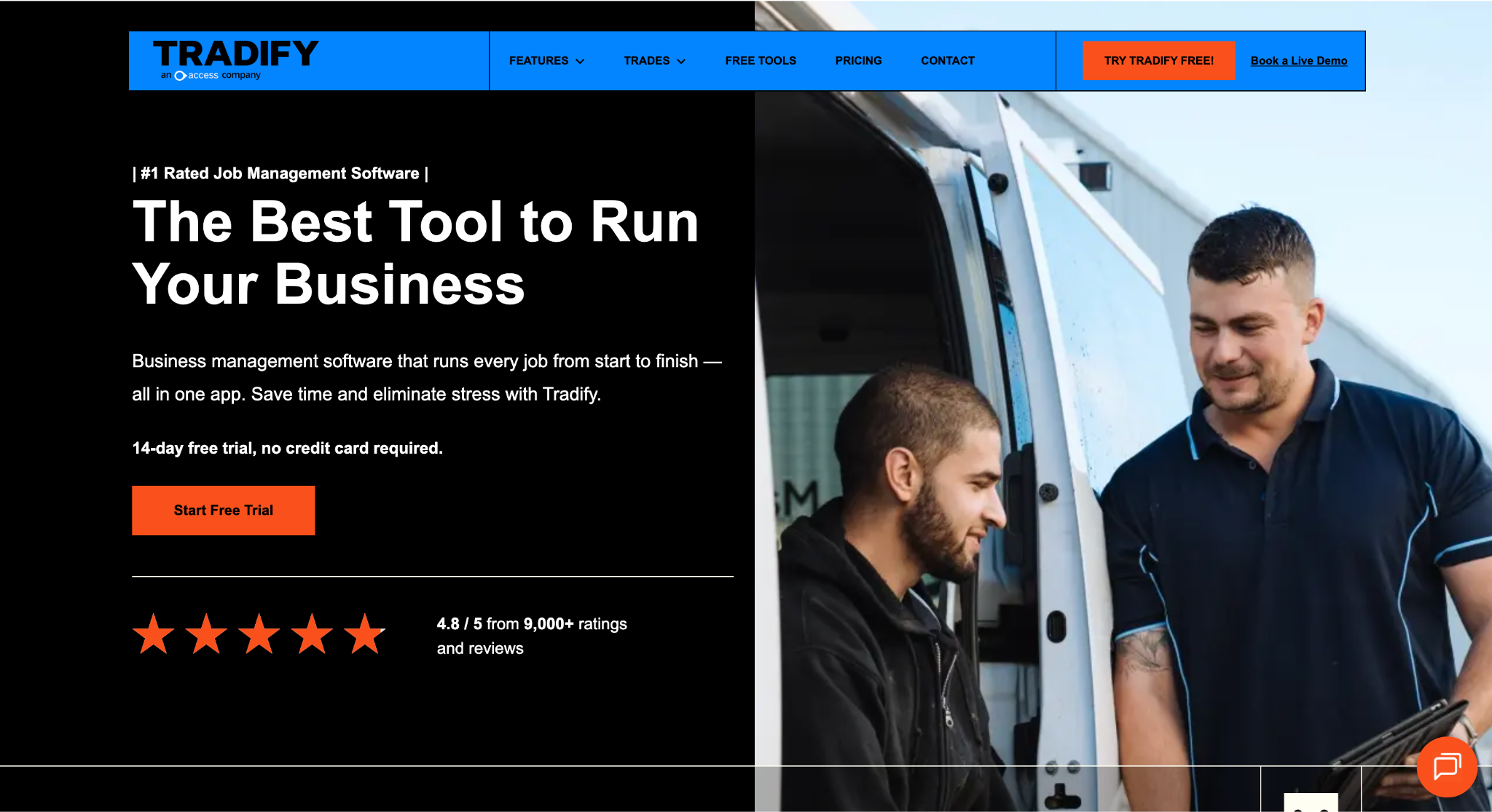
Image source: tradifyhq.com
Tradify covers the core of a small trade business. It takes work from inquiry to quote, job, invoice, and payment in one app.
Crews can sync their schedule with Google Calendar, add job photos and notes, and track payments on site or in the office. Invoices sync with Xero, MYOB, or QuickBooks, which cuts double handling with your accounting software.
Plans are priced per user at A$48, A$52, and A$62 per month for Lite, Pro, and Plus, excluding goods and services tax (GST). There is a 14-day free trial with every feature included and no credit card required.
The reasons contractors compare alternatives usually come down to fit rather than flaws. A sole trader on a tight budget may want a free plan. A plumbing or electrical business focused on margins may want job costing at the center of the app.
Maintenance contractors often need asset registers and compliance records for every site they service. Larger operations running service, projects, and maintenance at once may want one platform built for that mix.
Then there are trades moving into commercial work. When jobs start coming through tenders and bid invitations, the hardest part of the business is often winning the work, not running it. That calls for a dedicated sales pipeline alongside job management.
6 Best Tradify Alternatives for Australian Trade Businesses
Each tool below solves a different problem, so the right pick depends on where your business feels the most pressure. Some focus on running jobs, some on costs or compliance, and one on winning the work in the first place.
Here is how they compare on features, fit, and pricing.
1. Followup CRM: Best for Commercial Contractor Sales and Bid Tracking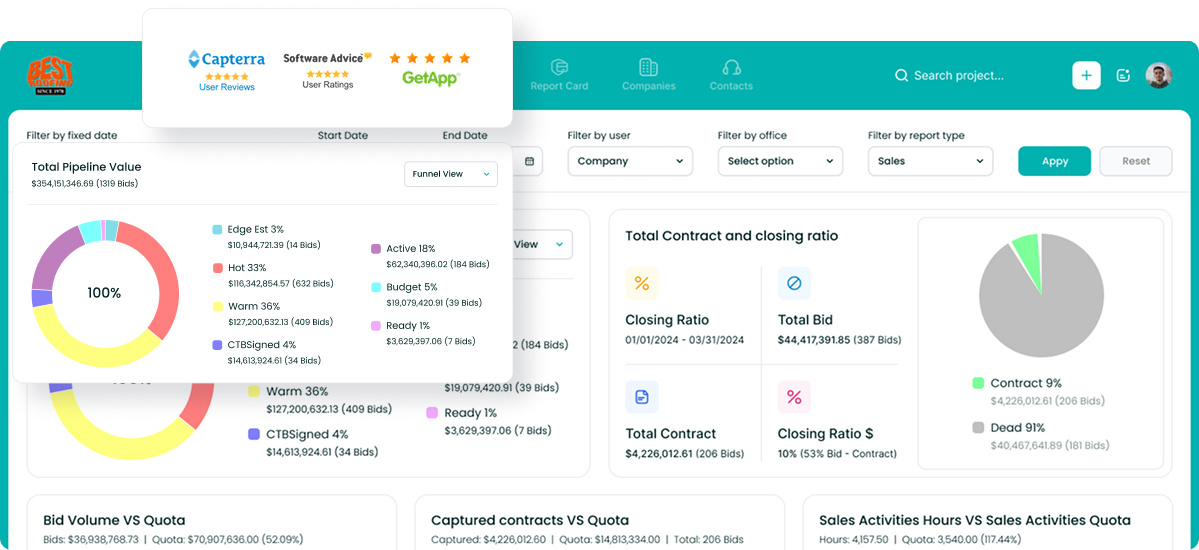
Followup CRM is a sales and bid tracking customer relationship management (CRM) platform built for commercial and specialty trade contractors.
It is not a job management app. It covers the stage before a job exists, when leads, bids, proposals, and follow-ups decide whether the work comes in at all.
More than 4,000 construction professionals use it to replace the spreadsheets and inboxes that usually hold that information.
For trades moving from service calls into commercial tenders, this is often where the bottleneck sits. A head contractor sends a bid invitation, the estimate goes out, and then the follow-up slips.
Followup CRM keeps every opportunity in a sales pipeline with due dates, owners, and next steps, so no bid goes quiet without someone noticing.
Key Features
- Lead and bid tracking. Leads come in from many sources and move through the pipeline stage by stage.
- Digital bid calendar. Every bid due date sits on one shared calendar, so sales and estimating work to the same deadlines.
- Proposal generator and e-signature. Branded proposals go out for virtual signature from inside the CRM.
- Email tracking. The Outlook and Gmail integration logs emails and activity against the right contact or deal.
- AI tools. Gregg AI Assist drafts comments and follow-up emails inside a record, and Voice AI turns a spoken update into data entry.
- Dashboards and reporting. Pipeline, close-rate, and team performance reports show where sales stand at any time.
Followup CRM integrates with construction accounting and enterprise resource planning (ERP) systems such as Foundation, Vista, Spectrum, Sage, and QuickBooks. It also connects with Procore, BuildingConnected, STACK, CompanyCam, and Zapier.
Followup CRM costs US$99 per user per month, billed annually. There is no free plan, and a demo is available on request.
Book a live demo to see it in action.
2. ServiceM8: Best for Sole Traders and Small Teams
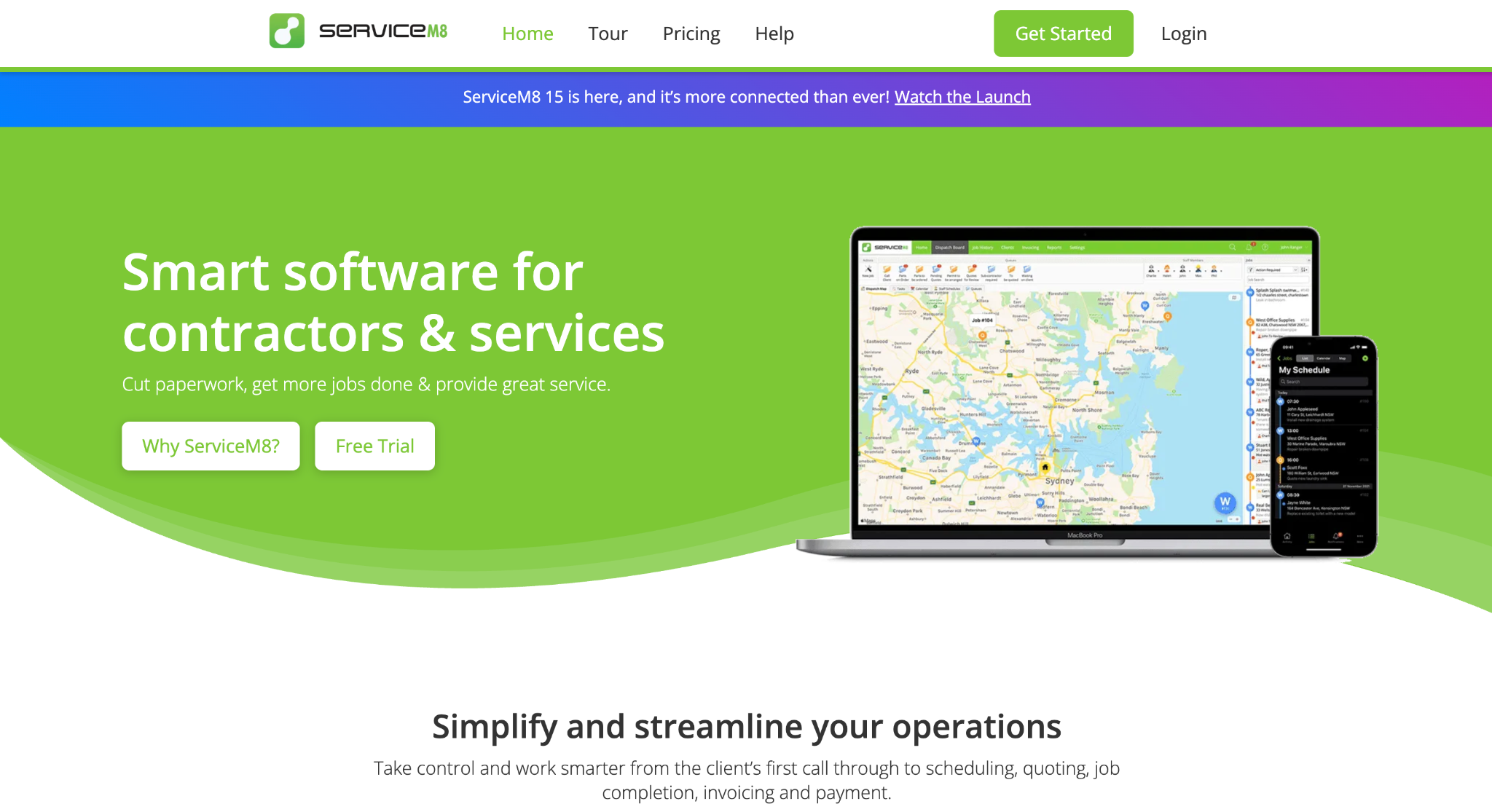
Image source: servicem8.com
ServiceM8 is job management software for trade and service businesses, built around a mobile job card.
Each job holds the client’s details, photos, notes, quotes, and invoices. The full job history stays attached to the client for the next visit. Staff receive scheduled jobs on their phones, and the app runs on iPhone and Android devices.
Its pricing model is the main reason small operators look at it. ServiceM8 does not charge per user.
Plans are priced by the number of new jobs created each month, and every paid plan is one price for the whole team, with unlimited users. That suits sole traders who want to start small and small teams that plan to add staff.
Key Features
- Job cards and job history. Every job keeps its photos, notes, and messages, and past work stays visible for each client.
- Quoting and invoicing. Users add materials and labour rates to create quotes and invoices on site, then send them by email or text.
- Online bookings. Clients can get a price, pick a time, and book a service online.
- Accounting integrations. Clients, invoices, and payments sync with Xero, QuickBooks Online, or MYOB.
- Plan add-ons. Asset management and electronic forms are included from the Growing plan, and job costing from Premium.
Solo operators can start free with one user and up to 30 jobs a month. Paid plans start at A$29 per month for 50 jobs and go up to A$349 per month for 1,500 or more jobs on the top tier, Premium Plus.
Prices include GST, and paid plans come with 24/7 chat and email support. A 14-day free trial is available with no credit card required.
3. Fergus: Best for Job Costing
Image source: fergus.com
Fergus is job management software for trade businesses, and the company says more than 25,000 trade businesses use it.
It covers quoting, scheduling, job cards, timesheets, and invoicing, but its focus is on knowing what each job really earns. Fergus tracks how much a job actually costs against what was charged, so owners can spot unprofitable work before it repeats.
Job phases are a big part of that. A larger job can be split into sections, each with its own costs, progress, and invoices. Variations stay inside the job card, linked to the parent job, so extra work gets billed rather than forgotten.
Supplier invoices from merchants such as Reece and Tradelink import and match to the right job, which keeps actual costs current without manual entry.
Key Features
- Job costing and profitability. Reports compare actual costs with what was charged on every job.
- Job phases. Large jobs split into stages with separate costs and progress invoices.
- Supplier integrations. Supplier invoices match to jobs automatically on the Pro plan and manually on Essentials.
- Fergus Go app. Field staff can update job details by typing or speaking on site.
- Accounting sync. Contacts, invoices, and payments sync with Xero, MYOB, and QuickBooks.
Fergus Essentials starts from A$53 per month and Pro from A$77 per month, billed per user with no lock-in contracts. Purchase orders, safe work method statements (SWMS), and advanced reporting are included on Pro.
Essentials includes email and chat support, while Pro adds phone support. Businesses with more than 10 staff can request a custom Enterprise plan. A 14-day free trial is available with no credit card required.
4. AroFlo: Best for Asset Management and Compliance
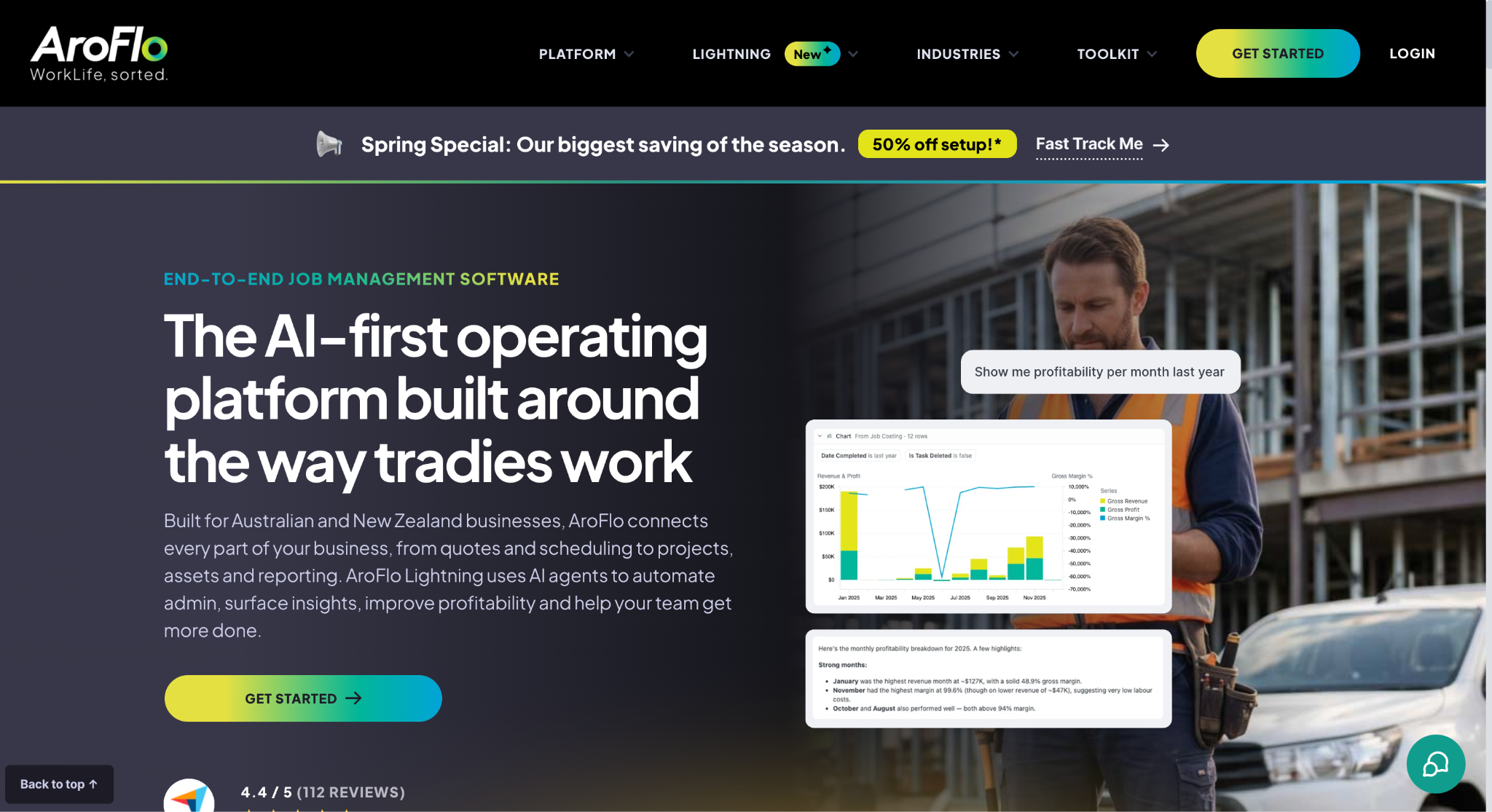
Image source: aroflo.com
AroFlo is Australian-made job management software for trade and service businesses, from sole traders to teams of 40 or more technicians.
It covers quoting, scheduling, timesheets, invoicing, and inventory, but it is built for asset-heavy work. If your revenue depends on servicing equipment, running routine audits, or maintaining client sites, that is where AroFlo puts its focus.
Every asset gets its own record with service history, invoices, repaired parts, documents, and notes. Routine audits can generate jobs automatically, with the right compliance forms attached, at whatever frequency you set.
Technicians can scan an asset’s barcode to pull up its history, complete pass or fail forms, and turn failed items into a repair quote.
Key Features
- Asset management. Client and business assets sit in one register, with usage, maintenance costs, and an asset calendar.
- Inbuilt compliance and safety forms. Compliance and safety forms are included on all plans.
- Live supplier pricing. Supplier catalog integrations show real-time pricing, including negotiated rates, from wholesalers such as Reece and Rexel.
- Purchase orders and supplier invoices. Orders go straight to Reece and Rexel from the purchase order screen, and supplier invoices import onto the job.
- Project management. Gantt charts and detailed stock control are included for larger jobs.
AroFlo starts at $80 per user per month, with a minimum of three users. The per-user rate drops as you add licenses. Pricing details and demos are available through AroFlo’s sales team.
5. Simpro: Best for Growing Service Businesses
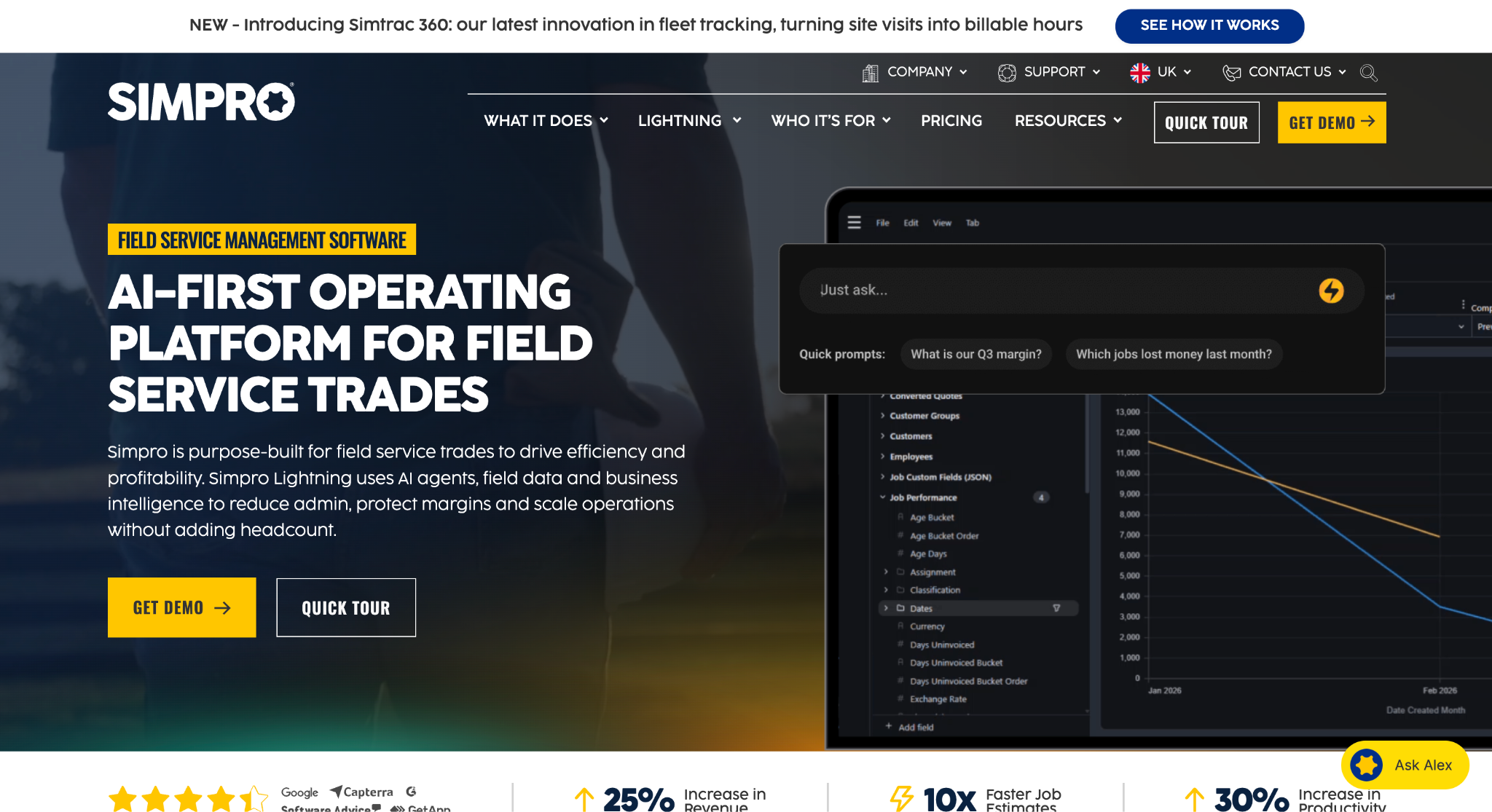
Image source: simprogroup.com
Simpro is field service and job management software for trade businesses that run several types of work at once.
It handles service and repair jobs, multi-stage projects, and recurring asset maintenance in one system, for teams of five to 200 staff. That mix suits growing teams that have moved past simple quote-to-invoice work and need one platform for every job type.
The base plan covers quoting and estimating, field and contractor scheduling, inventory and purchasing, invoicing, and reporting.
Businesses running more than one company or division can manage them from a single account. Add-ons extend the platform further, including digital forms, a maintenance planner, plan takeoffs for quotes and tenders, and GPS fleet tracking.
Key Features
- Service, project, and maintenance workflows. Repair jobs, staged projects, and asset maintenance run side by side.
- Inventory and purchasing. Real-time stock levels, purchase orders, and vendor pricing comparisons keep material costs in view.
- Multi-company management. Separate companies or divisions can be managed from one platform.
- Supplier and accounting integrations. Simpro connects with wholesalers such as Reece and Rexel, and with Xero, MYOB, QuickBooks, and Sage.
- Reporting. Profit and loss, work in progress (WIP), and technician activity reports are included.
Simpro does not publish its prices, and pricing is available on request through its sales team. The base plan can be extended with paid add-ons, and support includes custom training, implementation, and 24/6 live customer support.
6. Connecteam: Best for Field Worker Scheduling and Time Tracking
Image source: connecteam.com
Connecteam is a workforce management app built for teams that spend the day away from a desk.
It is not trade-specific job management software. It focuses on people, time, and communication, which suits contractors whose biggest admin load is scheduling crews and getting accurate timesheets in.
Field workers clock in and out from their phones, with a GPS location stamp on each entry. Managers build schedules, publish open shifts that staff can claim, and attach tasks and forms to each shift.
Timesheets export for payroll, and chat, company updates, and a knowledge base keep site crews informed without a separate messaging app.
Key Features
- GPS time clock. Staff track time from the app, and higher plans add geofencing and live location tracking while on the clock.
- Job scheduling. Shifts, open shifts, and repeating schedules keep crews assigned to the right sites.
- Forms and checklists. Unlimited digital forms and checklists capture site data and photos.
- Team communication. Group chats, company updates, and a knowledge base sit in the same app.
- HR tools. Time off requests, documents, and training courses live in the HR and Skills Hub.
Connecteam has a free Small Business Plan for up to 10 users, with access to all hubs.
Paid plans are priced per hub at one price for the first 30 users. The Operations Hub starts at US$29 per month, billed yearly on the Basic plan, with a per-user fee for each user after 30. A 14-day free trial is available with no credit card required.
Choose Job Management Software for Your Business Needs
The right tool depends on the problem costing you the most time or money right now. Job management software only delivers its key benefits when it fits how your trade business actually runs.
List the work your team does in a typical month. A sole trader on quick service calls needs something different from a contractor running staged projects or routine audits.
Then look at where work slips. If jobs keep running over budget, look for job-level costing and accurate quotes built from current supplier pricing. If chasing timesheets eats your week, a solid time clock will make a big difference.
Compare pricing models against your growth plans. With per-user pricing, the monthly bill climbs as you add field workers, while job-based or flat plans charge by volume or team size. Run the numbers for your team today and in a year.
Test before you switch. Every cloud-based tool has a learning curve, so ask what setup support is included and how much of the heavy lifting the vendor handles.
Use the free trial on real jobs to check whether active quotes and job details are easy to find, accounting integrations work with your current system, and the software keeps day-to-day operations running smoothly. Involve the crew who will use it before making a decision.
If more of your work now comes through commercial tenders, map your construction sales process first, because job management starts after the work is won.
Track Commercial Tenders With Followup CRM
Job management apps keep work moving once it is booked. The stage before that is different. Chasing bid invitations, sending estimates, and following up with general contractors often still lives in spreadsheets, inboxes, and memory.
When a tender goes quiet, nobody notices until the job goes to someone else.
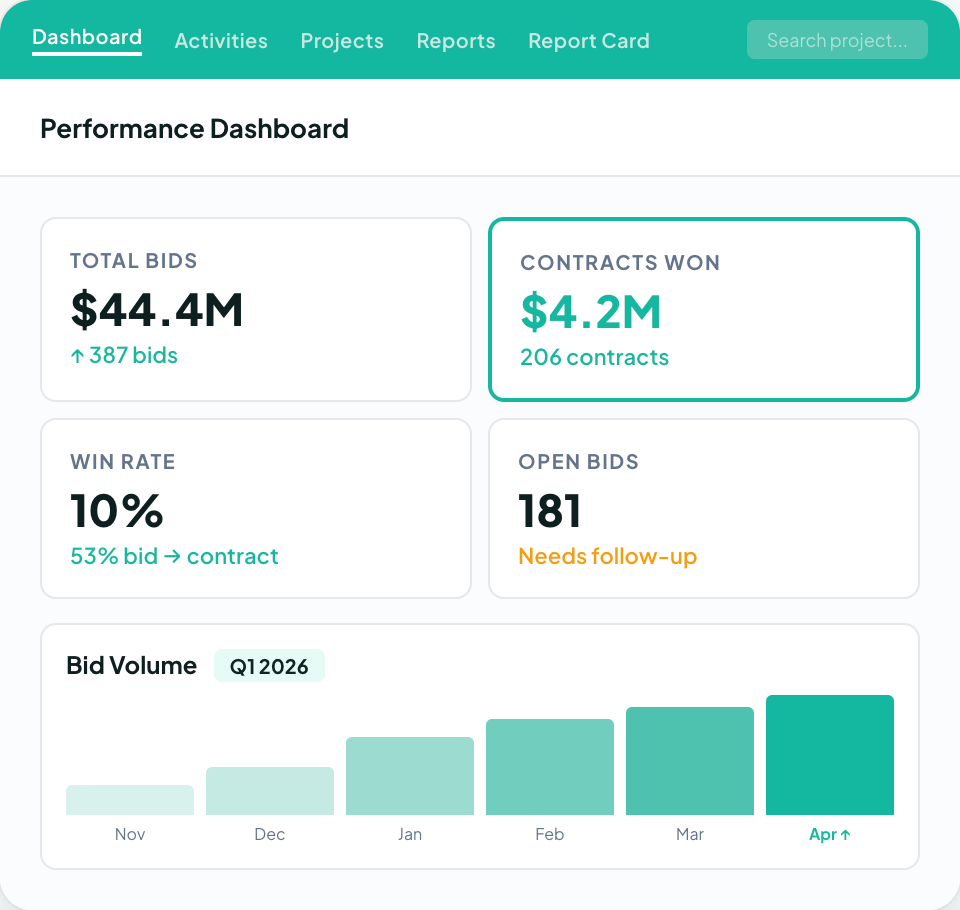
Followup CRM is built for that stage. It gives commercial and specialty trade contractors one place to track every lead and bid, see due dates on a shared bid calendar, and create branded proposals with e-signature.
Reminders make sure follow-ups happen on time. Dashboards show your pipeline and close rate, so you know which work is likely to land and where the gaps are.
More than 4,000 construction professionals use Followup CRM to manage their sales process. It connects with the accounting, ERP, and project management tools many contractors already run, so it sits alongside your current setup instead of replacing it.
FAQs About Tradify Alternatives
Can I use Tradify in Australia?
Yes. Tradify has plans from A$48 per user per month excluding GST. Invoices sync with Xero, MYOB, or QuickBooks, and the app runs on iPhone, iPad, and Android devices.
If your business bids on commercial work, cloud-based Followup CRM lets your sales team track leads and bids from anywhere.
Is Tradify or ServiceM8 better?
Tradify charges per user from A$48 per month excluding GST. ServiceM8 prices its plans by new jobs, includes unlimited users on paid plans, and offers a free plan for one user. Both handle jobs after booking.
Contractors pursuing commercial tenders can use Followup CRM to track bids and follow-ups before the job starts.
What is the best app for tradies?
There is no single best app, because tradies need different tools at different stages. Job management apps handle quoting, scheduling, and invoicing once work is booked, while workforce apps focus on timesheets and crew scheduling.
For commercial and specialty trade contractors, growth often depends on winning tenders. Followup CRM is built for that stage, with lead and bid tracking, a shared bid calendar, and proposal tools in one place.
The CRM Built For Construction Companies
No more disorganized data. Track your leads, bids, and customers all in one place.
Seamless Integration with:
✅ Foundation ✅ Viewpoint ✅ Sage and more



-Feb-13-2025-08-31-54-1865-PM.webp)