TL;DR
Here is the short version of the comparison: how ServiceM8 and Tradify stack up, and where Followup CRM fits.
- Tradify: Per-user pricing from A$48 to A$62 per user per month, full-feature apps on iPhone and Android, and stronger materials handling with purchase orders and kit bundles. It needs a live internet connection.
- ServiceM8: Pricing by monthly job count with unlimited users on paid tiers, a free tier for solo operators up to 30 jobs a month, a full iOS and Android app, offline access, and add-ons for electronic forms, asset tracking, and a phone system.
- Both: Xero integration and QuickBooks Online sync, automated reminders to clients, and the quote-to-invoice workflow for a small team of tradies.
- The gap: Neither is built around bid tracking, proposals, or a sales pipeline for commercial work.
- Followup CRM: A construction-specific customer relationship management (CRM) platform for commercial contractors who need lead and bid tracking in front of their job management tool.
Tradify vs ServiceM8: Quick Overview
|
Tradify |
ServiceM8 |
|
|
Built for |
Trade and service businesses from sole traders up |
Trade and service businesses from solo operators up |
|
Pricing model |
Per user, per month |
Per job volume, unlimited users on paid tiers |
|
Published pricing |
Lite A$48, Pro A$52, Plus A$62 per user; Custom by quote |
Free A$0, Starter A$29, Growing A$79, Premium A$149, Premium Plus A$349 per month |
|
Free plan |
No |
Yes, 1 user and 30 jobs a month |
|
Free trial |
14 days, no credit card |
14 days, no credit card |
|
Mobile apps |
iPhone, iPad, and Android with the same feature set |
Full iOS and Android apps |
|
Offline access |
No |
Yes |
|
Accounting integrations |
Xero, QuickBooks Online |
Xero, QuickBooks Online, MYOB |
|
Job costing |
Costing and bill tracking on Pro, purchase orders on Plus |
Job costing and markup billing on Premium and up |
|
Forms and assets |
Job service reports on Plus |
Electronic forms and asset management on the Growing plan and up |
|
Suits |
Mixed-device teams that want predictable per-user costs and materials tracking |
iPhone-based crews with variable job volumes that want automation and offline work |
What Is Tradify?
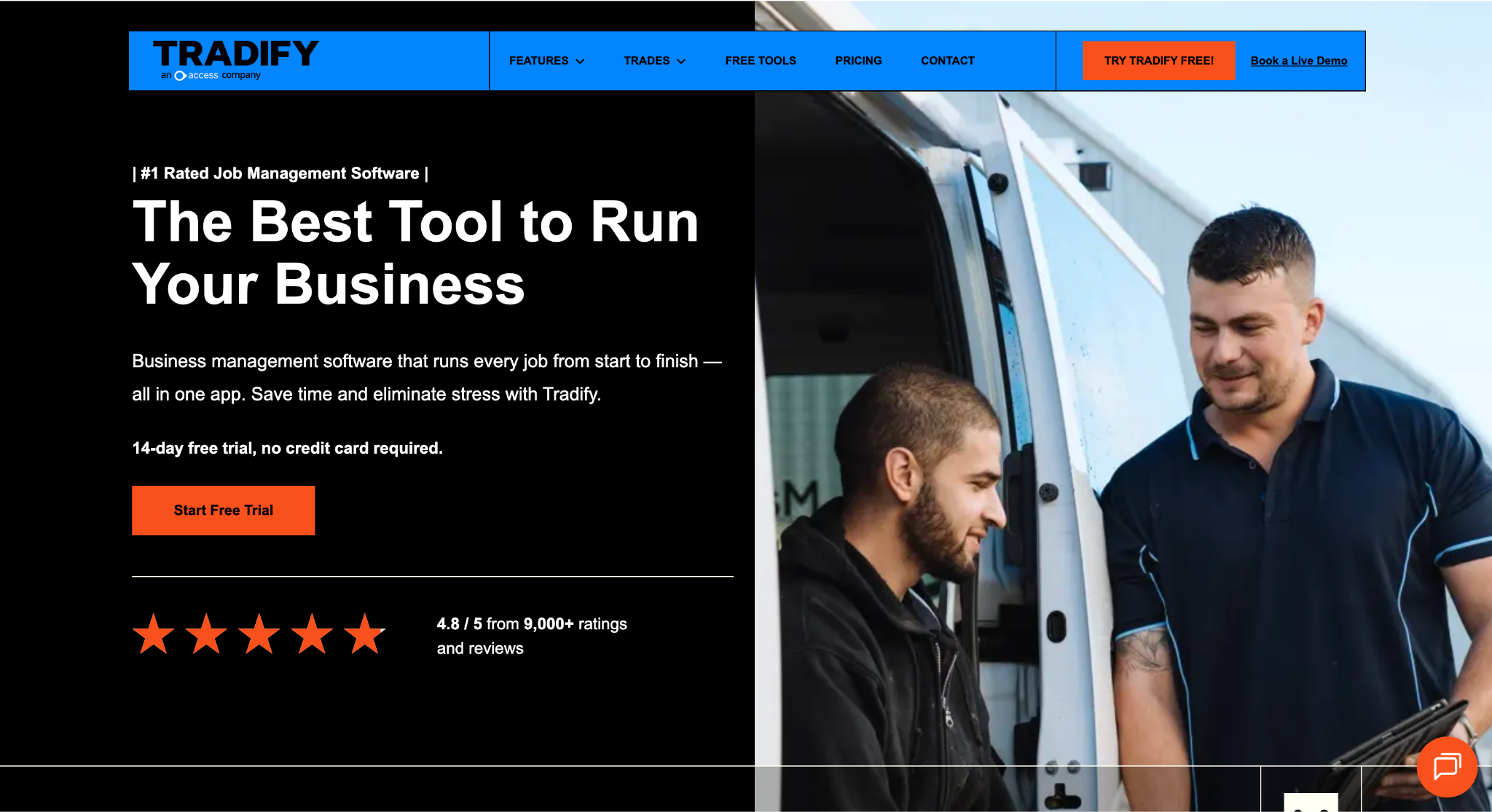
Image source: tradifyhq.com
Tradify is job management software for trade and service businesses, pitched as a single app that takes a job from first enquiry to final invoice.
Office staff work from the web console, and field staff use the mobile app on iPhone, iPad, or Android, with the same feature set on every device.
The core workflow covers job notes and tracking, scheduling with Google Calendar sync, quoting and invoicing from saved templates and price lists, and online card payments through Stripe.
Every tier includes the Xero integration (or QuickBooks Online) so invoices and contacts stay in sync with the accounting software, and every tier tracks when a customer has opened an email.
Feature depth varies by plan. Pro adds timesheets, recurring jobs, progress invoicing, costing and bill tracking, subcontractor scheduling, and customer communication history.
Plus adds purchase orders, kit bundles, bulk invoicing, job service reports, and reporting, along with Tradify’s SmartTools AI for quoting and cost tracking. An Instant Website add-on is available for A$19 a month.
Tradify frames its job dashboards and interactive map as project management for trade work. In practice, that means tracking status, budget, and progress on each job rather than full project management for a construction build.
What Is ServiceM8?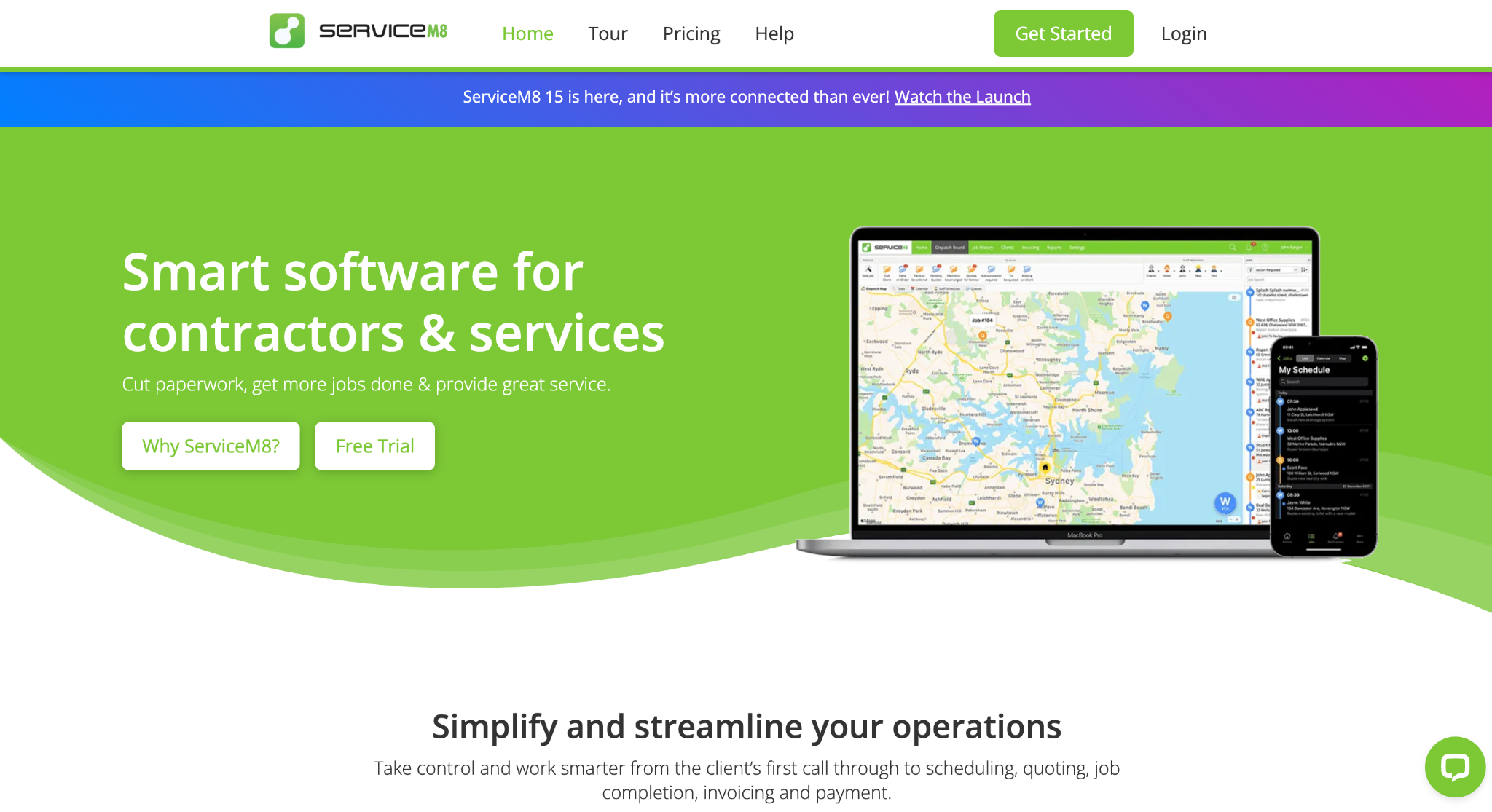
Image source: servicem8.com
ServiceM8 is job management software built mobile-first for Australian trade businesses, and used by service companies well beyond Australia.
Field staff run their day from the iOS app on iPhone or iPad, while office staff use the Online Dashboard or the Mac and PC desktop app.
Android users get the ServiceM8 app that covers creating and scheduling jobs, messaging clients, quotes and invoices, and clocking on and off.
Every tier includes job cards, scheduling with push notifications, quoting and invoicing, on-site card payments, online bookings, and full job history and client history with notes, photos, and messages.
Automation is a strong part of the pitch: booking confirmations, on-the-way texts, quote follow-ups, and payment reminders can all run without manual effort.
Staff GPS, a dispatch map, and auto routing are also standard, and the app works offline, syncing when the connection returns.
Higher tiers unlock electronic forms, asset management, proposals, and an email inbox on Growing, then job costing and markup billing on Premium. ServiceM8 Phone is an optional call system from A$19 a month.
The Xero integration is standard, alongside QuickBooks Online, MYOB, Zapier, and a REST API. Pricing runs on monthly job credits, so a small team with variable job volumes pays for jobs created, not seats.
ServiceM8 vs Tradify: Feature Comparison and Pricing
Both platforms cover the same core workflow for a trade business, so the useful comparison is in the details: how each one schedules work, bills it, costs it, and runs on a phone.
The feature comparison below sticks to what each software vendor publishes for its own tiers.
Job Scheduling and Dispatch
Tradify schedules from a drag-and-drop calendar in the web console and mobile app, syncs with Google Calendar so personal appointments show alongside jobs, and supports recurring jobs and subcontractor scheduling on Pro and above.
An interactive map shows where jobs sit, and appointment reminders go out to customers automatically on Pro.
ServiceM8 builds scheduling around the field team. Staff get push notifications when a job lands on their calendar, a dispatch map shows live staff locations and job status, and urgent dispatch picks the nearest available technician.
Auto routing is the most advanced scheduling feature on either platform: it reorders a day’s jobs to cut travel time, and schedule change notifications keep multiple staff in sync.
Recurring jobs and booking reminders are included on every tier, which helps with missed jobs on maintenance contracts.
Quoting, Invoicing, and Online Payments
Tradify produces quotes and invoices from saved templates and price lists, with quote options and online acceptance, progress invoicing, and quote and invoice reminders on Pro.
Plus adds bulk invoicing and kit bundles for repeat pricing. Online card payments run through Stripe, and customers can pay from the invoice link.
ServiceM8 quotes and invoices from the job card, with quote options, online acceptance, electronic signatures, deposits, and progress invoicing from Starter up.
Card payments work on site through the app or Tap to Pay, and automated payment follow-ups chase overdue invoices by email and text. An AI helper can draft a quote description and billing items from the job notes.
Both platforms integrate with Xero and QuickBooks Online so invoices and payments land in the books. Neither Xero integration automates bank reconciliation, which still happens inside the accounting software.
Client Communication and Missed Calls
Both platforms treat client communication as part of the job workflow rather than a separate tool. Tradify sends appointment, quote, and invoice reminders, tracks when a customer opens an email, and offers text messages as an add-on billed per message sent.
ServiceM8 leans harder on workflow automation. Booking confirmations, on-the-way texts, quote follow-ups, and payment reminders run on their own, and SMS is included on every paid tier up to a monthly cap, with the Free tier charged at 10 cents a message.
Missed calls are where the two part ways. ServiceM8 Phone, from A$19 a month, routes incoming calls through a single business number, matches caller ID to the client’s job history, and lets staff create a job directly from an active or recent call.
Tradify has no built-in phone system, so missed calls stay in each tradie’s personal call log.
Job Costing, Materials, and Asset Management
Tradify tracks costs and supplier bills against each job on Pro, and adds purchase orders, kit bundles, and job service reports on Plus.
Price lists and stock imports keep material pricing consistent, and markups can be set per item or per job, though neither platform is built for inventory tracking beyond that.
ServiceM8 handles job costing differently. Supplier invoices can be emailed straight into a job from Starter up, barcode scanning adds items to an invoice, and bundles group labour and materials into one line on Growing and above.
Job profitability and markup billing, which show expected and actual margin per job, sit on Premium.
Asset management is a ServiceM8 feature with no direct equivalent in Tradify: businesses that install or service equipment can log each asset, its location, and its service history from Growing up.
Mobile App and Offline Access: One App for Every Device?
Tradify runs the same mobile functionality on iPhone, iPad, and Android, and the same feature set on desktop, so a crew with mixed devices sees the same screens.
The trade-off is connectivity: Tradify’s help centre confirms both the web console and the mobile app need a live internet connection, so work in a basement or a rural site waits for a signal.
ServiceM8 is built around its iOS app, which carries the full feature set, including photo markup, Siri Shortcuts, and Apple CarPlay.
ServiceM8’s Android app now supports most core iOS workflows, including scheduling, quotes, invoices, payments, forms, and proposals. Features that remain exclusive to the iOS version are room scanning, diagram drawing, PDF editing, and camera tagging.
Offline access is included on every tier, with changes syncing when the device reconnects.
Time Tracking, GPS Tracking, and Team Management
Time tracking works differently on each platform. Tradify adds timesheets on Pro, so hours logged against a job feed into job costing and the office can see who worked on what.
ServiceM8 handles time tracking through clock-on and clock-off on the job card, which works on iOS and in ServiceM8 on Android.
GPS tracking is standard on ServiceM8: Staff GPS shows live locations on the dispatch map, and urgent dispatch picks the nearest technician. Tradify’s interactive map shows job locations rather than live staff positions.
For team management, both let the office manage scheduling for multiple staff and keep job tracking visible to everyone on the job.
The difference is cost: ServiceM8’s unlimited users on paid tiers put every field worker on the software, while Tradify charges for each seat.
Ease of Use and Learning Curve
Neither vendor locks customers into a contract, and both offer a 14-day free trial with full feature access and no credit card, which is the practical way to test the learning curve and make an informed decision for a specific team.
Tradify pairs the trial with guided onboarding from its support team, who walk new accounts through setup and core features, and user reviews tend to single out its interface as easy to pick up.
ServiceM8 leans on self-serve resources: a Getting Started guide, a Learning Roadmap of training videos that unlocks plan rewards as a team completes it, and 24/7 chat and email support on paid tiers.
Businesses that want hands-on setup can hire a local ServiceM8 partner, and ServiceM8 offers a rebate toward that cost.
Pricing Structure
In the Tradify vs ServiceM8 pricing comparison, the two models could not be more different. Tradify charges per user.
Lite is A$48, Pro is A$52, and Plus is A$62 per user per month, with custom pricing by quote for larger operations. The monthly bill scales with user count, so a ten-person team on Pro pays A$520 a month.
ServiceM8 charges by job volume. The Free plan covers one user and 30 jobs a month. Starter is A$29 for 50 jobs, Growing is A$79 for 150, Premium is A$149 for 500, and Premium Plus is A$349 for 1,500 or more, with extra jobs at 20 cents each.
Every paid plan includes unlimited users, so team size does not change the bill, but the number of jobs does.
Feature access also steps up with each tier on both software platforms, so the level a business needs depends on job type and the features it uses as much as on headcount or job count.
ServiceM8 and Tradify: The Right Platform for Your Business Size
On pricing alone, the ServiceM8 vs Tradify decision points most businesses toward one tool or the other, and the feature gaps settle the rest. Here is where each platform tends to be the right choice.
When Tradify Makes Sense
Tradify suits a small team running a mix of iPhones and Android phones, since every device gets the same mobile functionality and nobody works from a cut-down app.
Per-user pricing is predictable, which makes it a good fit for businesses that do a steady number of jobs with a stable crew, and for a sole trader who would rather pay one seat than count jobs.
It also does well for work that eats materials. Price lists, costing and bill tracking, purchase orders, and kit bundles give a plumbing, electrical, or building business a clearer view of margin per job than a service-only operation needs.
The main condition is connectivity, so teams that regularly lose signal on site should test that limitation during the trial.
When ServiceM8 Is the Right Choice for Large Teams
ServiceM8 is a good fit for an iPhone-based crew, and for businesses where team size is high relative to job count, because unlimited users on paid tiers means adding staff does not add cost.
A solo tradie doing under 30 jobs a month can run on the Free plan, and larger operations can scale through the job tiers without renegotiating seats.
The automation layer suits service businesses with high volumes of short jobs: booking confirmations, on-the-way texts, quote follow-ups, and payment reminders cover the admin that otherwise slips.
Offline access, electronic forms, asset management, and the optional phone system add depth for maintenance- and compliance-heavy trades.
Large teams on Android should check the current ServiceM8 feature list against their needs before committing.
Where Followup CRM Fits for Commercial Contractors
ServiceM8 and Tradify both start working once a job exists. For a residential service business, that is the right scope.
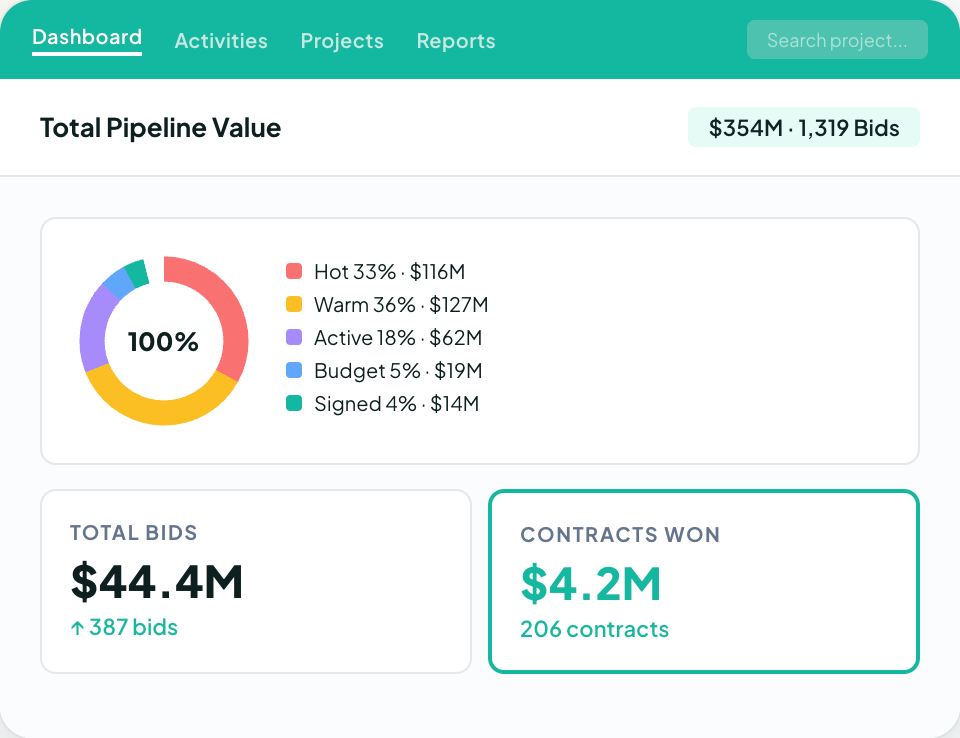
A commercial contractor has a longer front end: leads come in from general contractors and property managers, estimates go out on a bid due date, proposals get revised, and a job only reaches the schedule after it is won.
Neither piece of job management software is built around that pre-award pipeline.
Followup CRM is a construction-specific CRM built for commercial and specialty trade contractors, covering roofing, electrical, glass and window, waterproofing, concrete, and flooring.
It tracks every lead from first contact through bid, estimate, proposal, and close, so the sales team can manage the whole pipeline in one system.
A digital bid calendar keeps bid due dates visible to the whole team, the proposal generator produces branded proposals with e-signature, and sales and estimating dashboards show pipeline, close rate, and team performance in real time.
Outlook and Gmail integration logs email activity against the right contact automatically, and Voice AI lets a salesperson speak what happened on a call and have the data entry handled.
Followup CRM also connects to the software a contractor already runs, including Foundation, Sage, Procore, QuickBooks, and CompanyCam.
Trusted by 4,000+ construction professionals, it is the strongest fit for contractors who have outgrown spreadsheets for bid tracking. The three platforms serve different roles: Tradify and ServiceM8 support job delivery, while Followup CRM focuses on commercial sales and bid tracking.
FAQs About Tradify vs ServiceM8
Which system is better for job management, ServiceM8 or Tradify?
It depends on the team, and for most tradies the pricing model decides it. Tradify suits mixed-device crews that want per-user pricing and materials tracking, while ServiceM8 suits iPhone-based crews whose job numbers vary and that want automation and offline access.
Both platforms stop at job management. Commercial contractors who need to track leads, bids, and proposals before a job exists should pair either tool with Followup CRM, which handles the sales side of the business.
Who owns ServiceM8?
ServiceM8 is a privately held Australian company based in Darwin, Northern Territory. It was founded in 2009 by Kim Ford, who serves as CEO, after he bought a locksmith business and set out to cut its paperwork.
Is ServiceM8 any good?
ServiceM8 is a well-established job management app for small trade businesses, and its own site reports more than $50 billion in jobs managed through the platform.
It is a good fit for iPhone-based teams that want scheduling, quoting, payments, and client automation in one app. It does not cover pre-award bid tracking, which is where Followup CRM adds value for commercial contractors.
The CRM Built For Construction Companies
No more disorganized data. Track your leads, bids, and customers all in one place.
Seamless Integration with:
✅ Foundation ✅ Viewpoint ✅ Sage and more