



TL;DR
Here are the best construction management software tools in 2026, each matched to the part of the work it handles best:
- Followup CRM: Best for commercial preconstruction sales and bids.
- Procore: Best for commercial project delivery.
- Autodesk Forma (formerly Autodesk Construction Cloud): Best for building information modeling (BIM) and design coordination.
- Buildertrend: Best for residential builders and remodelers.
- Fieldwire: Best for field task management.
- Oracle Aconex: Best for document control on large projects.
- HCSS HeavyJob: Best for heavy civil and infrastructure crews.
- Bluebeam: Best for drawing markup and review.
- Contractor Foreman: Best for small contractors who want one app.
What Is Construction Management Software?
Construction management software helps construction companies plan, run, and track their work in one system instead of spreadsheets, email threads, and paper files.
Unlike general project management software, these platforms are built around construction workflows. They handle drawings, requests for information (RFIs), change orders, daily logs, and job costs that a generic task app was never designed to manage.
Most tools focus on one or two parts of the job:
- Preconstruction: Lead tracking, bids, estimates, and proposals before a project is awarded.
- Project management: Scheduling, budgets, and project coordination once work begins.
- Field management: Task management, inspections, punch lists, and daily reports for field teams.
- Document management: Drawings, specifications, and project documents with version control.
- Financial management: Job costing, invoicing, and connections to accounting tools.
Some platforms cover several of these areas, while others go deep on one. The right construction management software for your team depends on which part of the work causes the most friction today.
Why Construction Teams Use Construction Software
Construction teams that still run jobs on spreadsheets, email, and paper lose hours every week to retyping data and chasing updates. Construction software replaces those workarounds with one shared record for every job.
That is why more construction firms, from a small construction business to a national general contractor, now treat it as core infrastructure for construction projects of every size.
Less Manual Data Entry
When estimates, schedules, and budgets live in separate files, someone has to copy the same numbers from one place to the next, and every copy is a chance for an error.
Construction project management software connects those stages, so an approved change order updates the budget and the schedule without another round of manual data entry. Project managers spend less time on admin and more time on the job.
Clearer Client Communication
Property owners and general contractors want to know where their construction projects stand without calling the office. Client portals, shared photos, and automatic updates give them that view.
Better client communication means fewer disputes over change orders and faster approvals, which matters on any job where clients sign off on frequent changes.
Real-Time Project Tracking With Multiple Job Sites
Superintendents running multiple projects need to see crew status, open tasks, and inspection results without driving to every site.
With mobile apps, field crews manage tasks, file daily logs, and upload photos that attach straight to the project record, so task tracking stays current without a phone call.
For teams working multiple job sites, project tracking and task management in one app make a slipping schedule visible before it turns into a missed deadline.
Tighter Cost Management
Job costing tools compare actual labor, material, and equipment spending against the estimate while the work is still happening. When a cost code trends over budget, the team can step in while there is still time to protect the margin.
For any construction business on thin margins, that early warning is often the reason to adopt construction project management in the first place.
Top 9 Construction Management Software Tools by Use Case
Each tool below handles a different part of the construction process. Use the "Best for" label to find the platform that matches the work your team needs the most help with, whether that is winning bids, coordinating designs, running crews, or controlling project documents.
Some are full construction project management software suites that run construction projects end to end, while others focus on one part of project management, like bids or drawings, and fit into existing construction workflows.
1. Followup CRM: Best for Commercial Preconstruction Sales and Bids
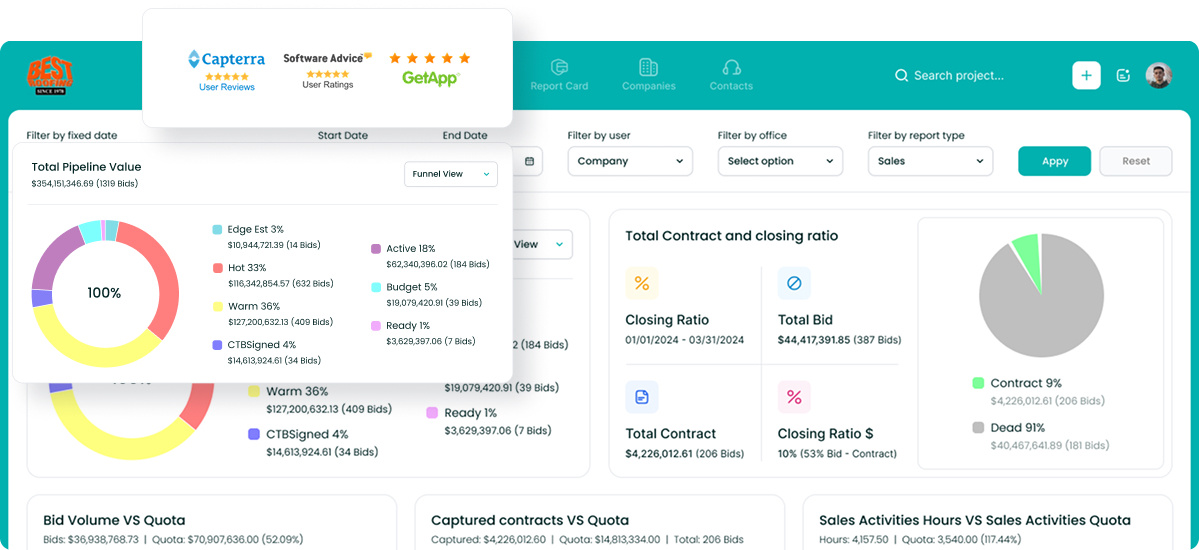
Followup CRM is a construction customer relationship management (CRM) platform for commercial general contractors and specialty contractors managing long sales cycles with many bids in play.
It is the ideal pick for contractors that want to win more work before project delivery begins.
Most construction software picks up after a contract is signed. Followup CRM tracks every lead, bid, and proposal from first contact to award, and more than 4,000 construction professionals use it to run their sales process.
Plans start at $99 per user per month, billed annually, and a live demo is available on request.
Key Features
- Lead and bid tracking: Every lead enters one sales pipeline with job details, bid amounts, and status.
- Digital bid calendar: A shared calendar shows every bid due date, so estimators working on multiple projects never miss a deadline.
- Proposals and e-signature: The proposal generator builds branded proposals from deal data and collects virtual signatures.
- Sales and estimating dashboards: Real-time reports show pipeline value, close rates, and team performance.
- Voice AI and Gregg AI Assist: Contractors speak an update instead of typing it, and the built-in assistant drafts follow-up emails, comments, and project summaries.
- Email tracking: Outlook and Gmail integration logs emails and calls to the right contact, keeping client communication history in one place.
- Integrations: Followup CRM integrates with ERP, accounting, estimating, and project management tools, including Foundation, Vista, Spectrum, Sage, QuickBooks, Procore, and STACK, so sales and project data never need to be retyped.
Book a demo to see it in action for your own business needs.
2. Procore: Best for Commercial Project Delivery
Image source: procore.com
Procore is a construction management platform for general contractors, specialty contractors, and owners. It brings project management, financials, and field work into one system from preconstruction through closeout, giving every stakeholder access to the same project record.
Project managers can import schedules from Microsoft Project and Primavera P6, manage RFIs and submittals, and keep the field building from the current drawing set.
Its document management features reduce the risk of crews working off old revisions, and mobile apps give field teams project information on site.
Pricing is quote-based, and Procore does not charge extra for adding users.
Key Features
- Project coordination: RFIs, submittals, project scheduling, and drawings live in one shared project record.
- Financial management: Budget tracking, cost forecasting, change orders, and invoicing keep spending visible on every job.
- Quality and safety: Inspections, observations, and incident reports can be completed from any device.
3. Autodesk Forma: Best for BIM and Design Coordination
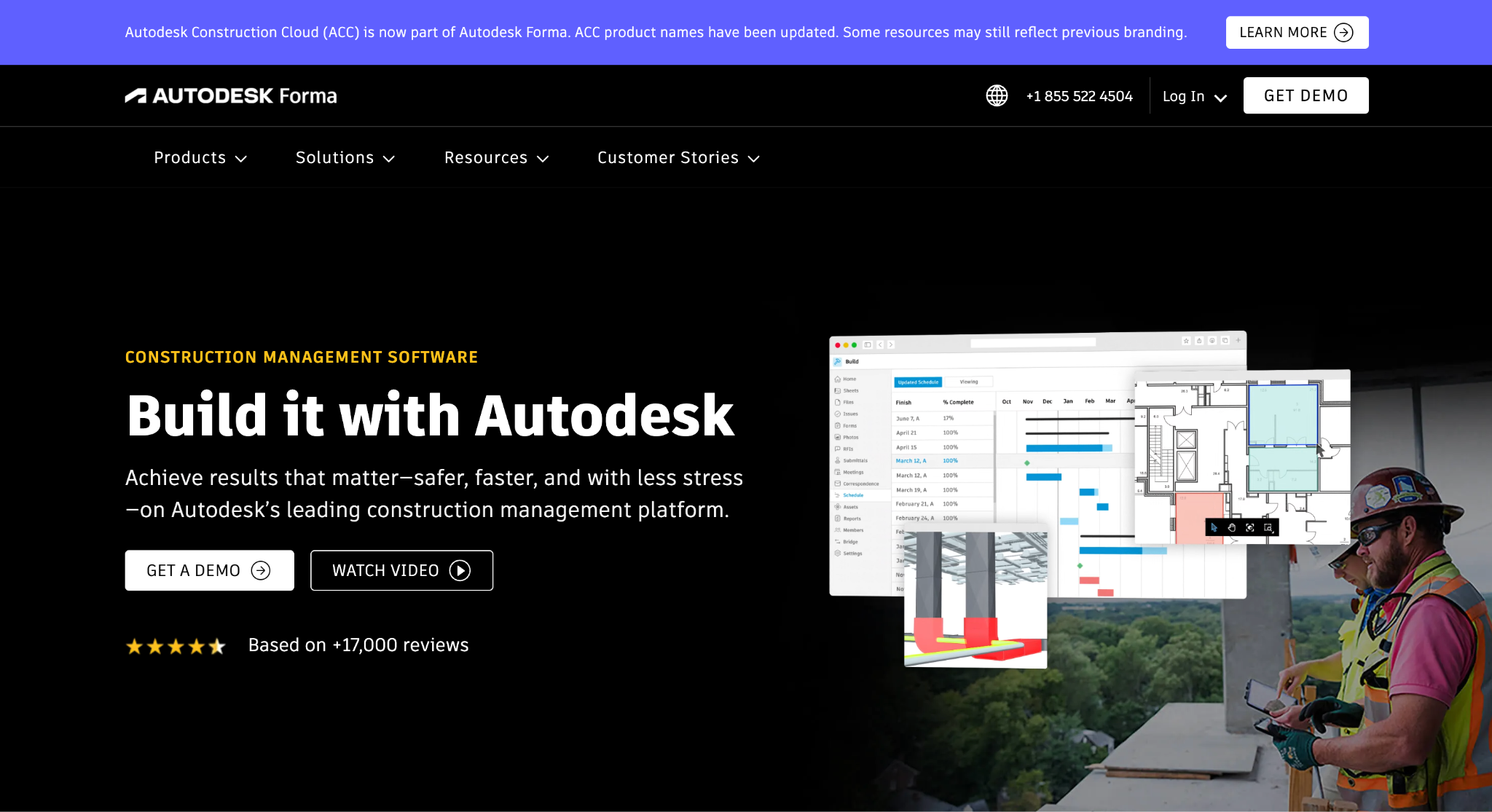
Image source: construction.autodesk.com
Autodesk Construction Cloud is now part of Autodesk Forma, a connected product family for design and construction.
The platform suits BIM and virtual design and construction (VDC) teams that need to coordinate models before work starts. Teams can combine models from different disciplines, detect clashes automatically, and track each issue until it is resolved.
Forma Build adds RFIs, submittals, budget control, schedule management, quality, and safety tools, so design and construction workflows and project timelines stay in one connected environment.
Bundle pricing is quote-based, with user, project, and account-based options and a 30-day money-back guarantee.
Key Features
- Model coordination: Automated clash detection turns conflicts in combined models into trackable issues.
- Design collaboration: Teams share and compare design data, track package exchanges, and mark up drawings in the cloud.
- Document management: Forma Data Management offers automatic version tracking, permissions, and approval workflows.
4. Buildertrend: Best for Residential Builders and Remodelers
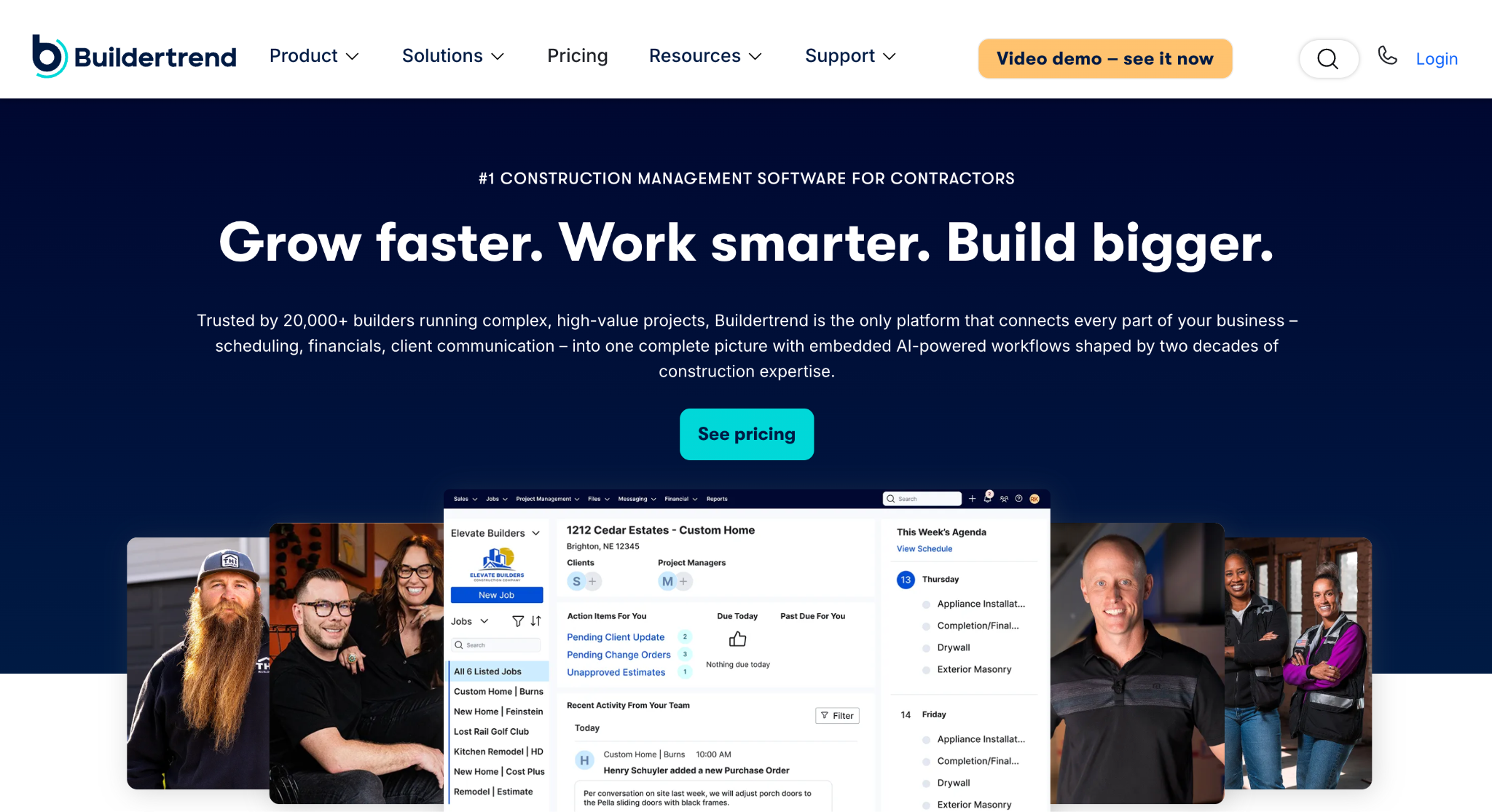
Image source: buildertrend.com
Buildertrend is construction management software for home builders, remodelers, and specialty contractors, with tools for commercial general contractors as well.
It is a good fit for residential construction, where client communication matters as much as the schedule.
Teams can sequence every trade on the schedule, compare project budgets against actual spending, and send professional proposals.
Homeowners get a client portal where they can track progress, review documents, approve change orders, and make payments from a web browser or mobile app.
Buildertrend integrates with QuickBooks and Xero, so residential contractors can keep job costing data in sync with the accounting system they already use.
Pricing is tailored to each business and includes unlimited users and projects.
Key Features
- Scheduling: Trades are sequenced, tasks are linked to the schedule, and delay days can be built in.
- Job costing: Budget views show the gap between what was estimated and what is being spent.
- Client portal: Clients review selections, approve changes, and pay online in one place.
5. Fieldwire: Best for Field Task Management
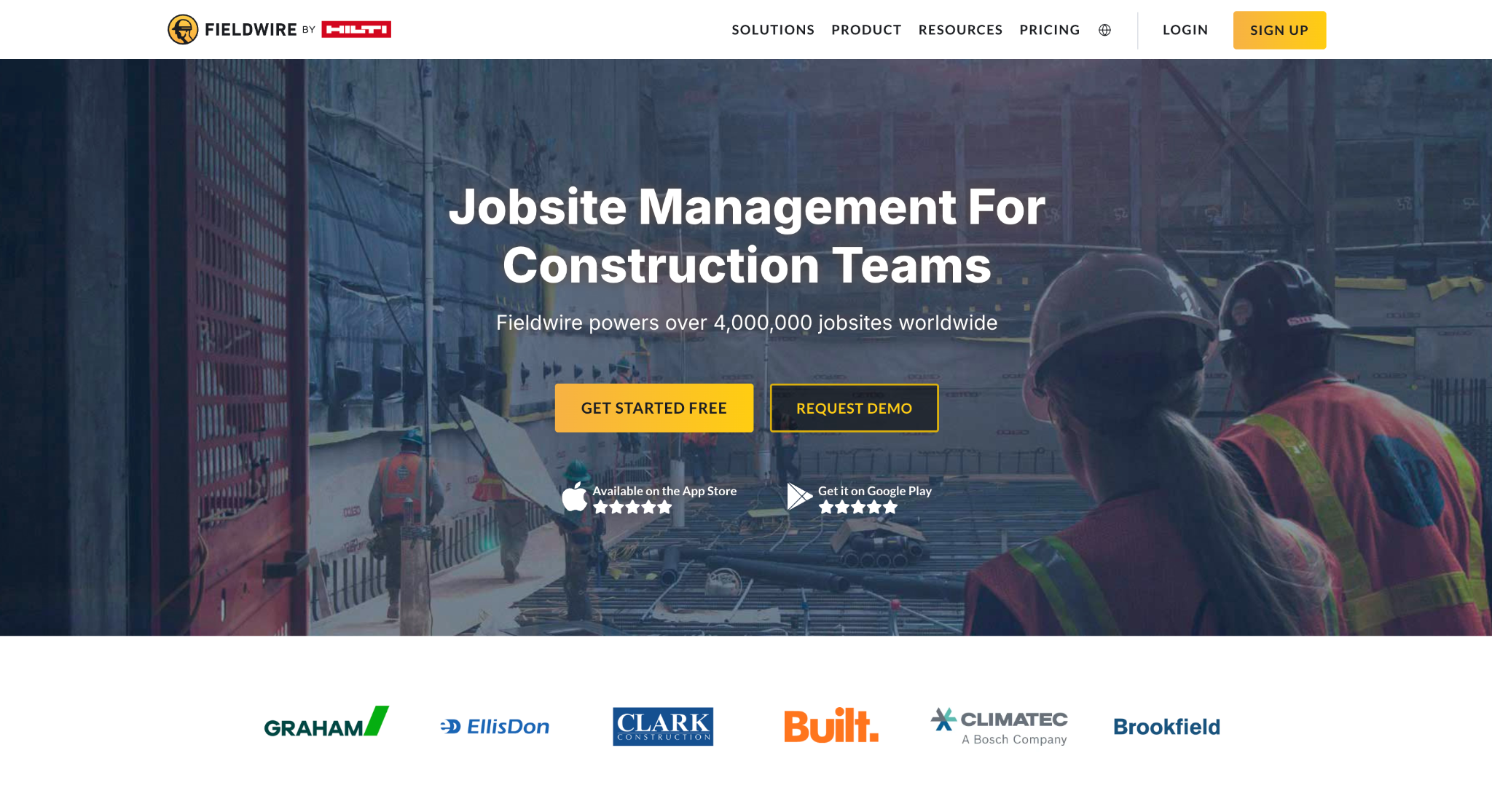
Image source: fieldwire.com
Fieldwire by Hilti is a jobsite management platform for field and office teams. General contractors, specialty contractors, and owners use it to assign tasks, work from up-to-date drawings, and track project progress from any device.
Its main job is to simplify task management on site. Supervisors and foremen can mark up plans with notes, photos, and videos, run punch lists and inspections, and plan work with Gantt charts, Kanban boards, or a calendar view.
Conversations attach to specific tasks with push notifications, which keeps team communication tied to the work itself.
Fieldwire has a free plan for up to 5 users, 3 projects, and 100 sheets. Paid plans start at $39 per user per month, billed annually. This gives small construction teams room to test field adoption before moving to paid plans.
Key Features
- Task tracking: Teams assign and manage tasks and see exactly who did what.
- Custom forms: A form builder creates daily reports, checklists, and inspection forms from scratch.
- Plan viewing: Drawings open on web, iOS, and Android with version control and auto-hyperlinking.
6. Oracle Aconex: Best for Document Control on Large Projects
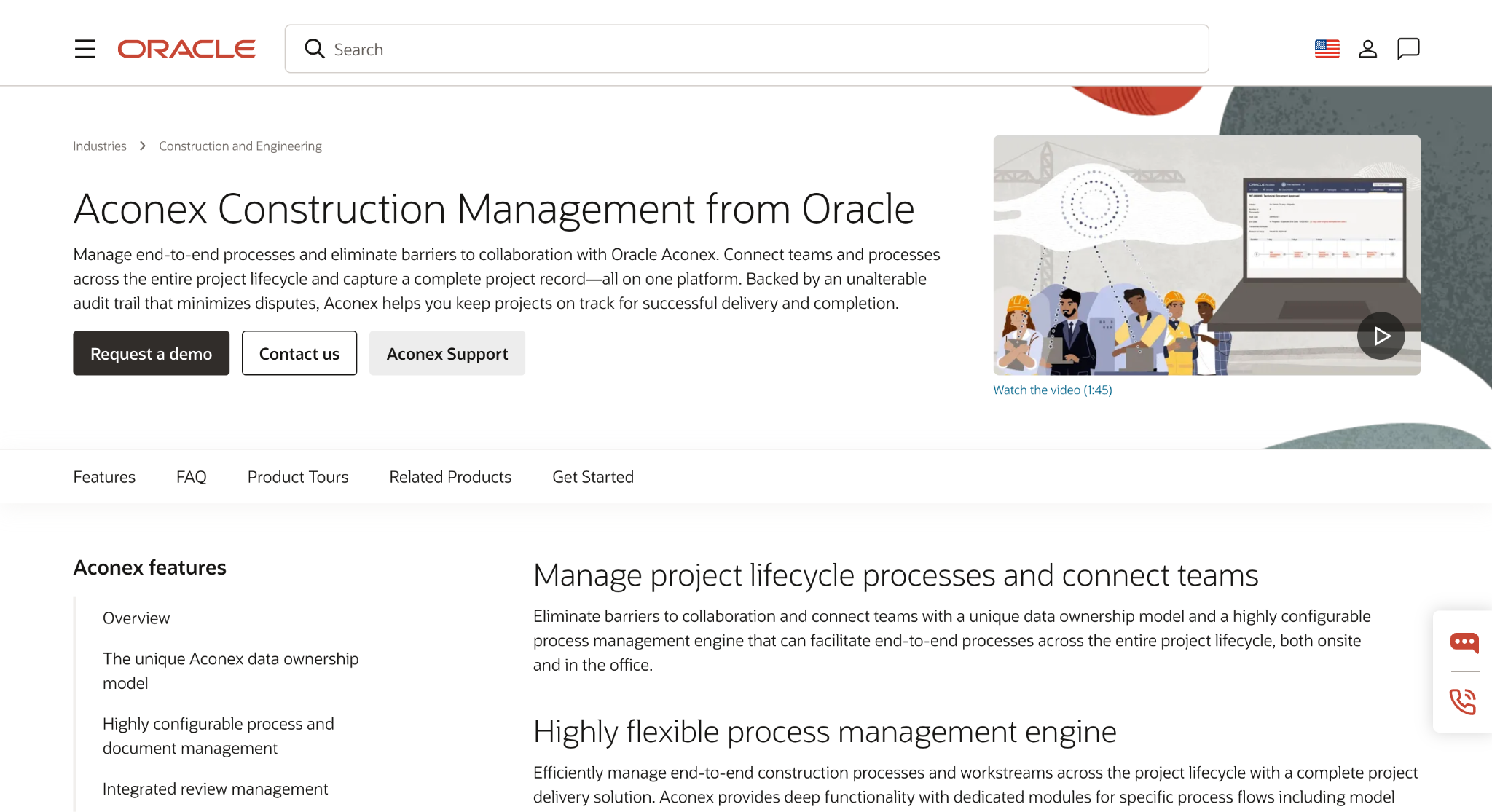
Image source: oracle.com
Oracle Aconex is a cloud-based project collaboration system for construction, infrastructure, and engineering projects.
Oracle describes it as particularly well suited to large, complex projects where many organizations need to collaborate securely. That makes it a strong choice for document management on complex projects.
Every project document sits in a single register with strict version control, and each organization keeps its own private workspace. Correspondence sent through Aconex Mail is logged automatically, and an unalterable audit trail records every action and decision.
That takes file management and contractual correspondence out of email inboxes, which matters when many companies share one project.
Owners, contractors, subcontractors, and designers all work in Aconex, and Oracle positions it for sectors that include infrastructure projects such as roads, bridges, and rail.
Oracle does not publish Aconex pricing, so teams need to request a demo or contact sales.
Key Features
- Document control: A central document register with configurable fields acts as a single source of truth.
- Workflows: Custom workflows standardize and automate review and approval cycles.
- Model coordination: Teams view, federate, and share models, and can open Revit files directly in Aconex.
7. HCSS HeavyJob: Best for Heavy Civil and Infrastructure Crews
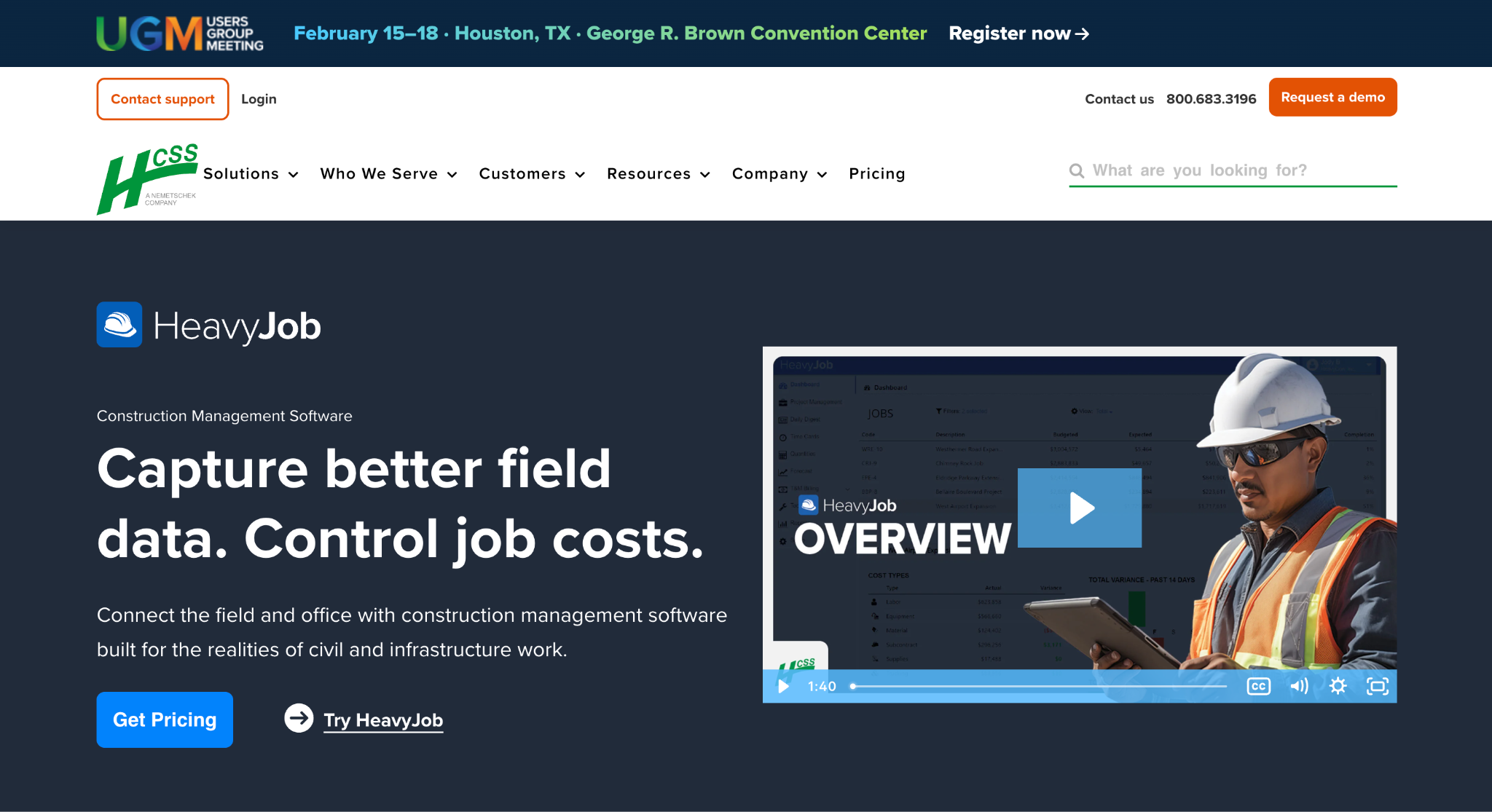
Image source: hcss.com
HCSS HeavyJob is field and job costing software designed for self-performing civil, infrastructure, and utility contractors. It connects what crews do on site with what the office sees in the budget.
Foremen enter time cards, track quantities, and capture site conditions, photos, and project progress on mobile devices, with or without an internet connection.
That gives the office a current view of project costs and production rates instead of a stack of paper timesheets at the end of the week.
Production data also flows back into HCSS HeavyBid to help estimators improve future bids. Equipment maintenance and telematics are separate HCSS products that connect to HeavyJob.
HCSS prices HeavyJob through custom quotes, and a free demo is available.
Key Features
- Digital time cards: Crew hours, equipment hours, and quantities are logged in minutes.
- Job costing: Reports flag cost codes that are trending over budget.
- Custom forms: Paper forms become digital forms built around the company's own process.
8. Bluebeam: Best for Drawing Markup and Review
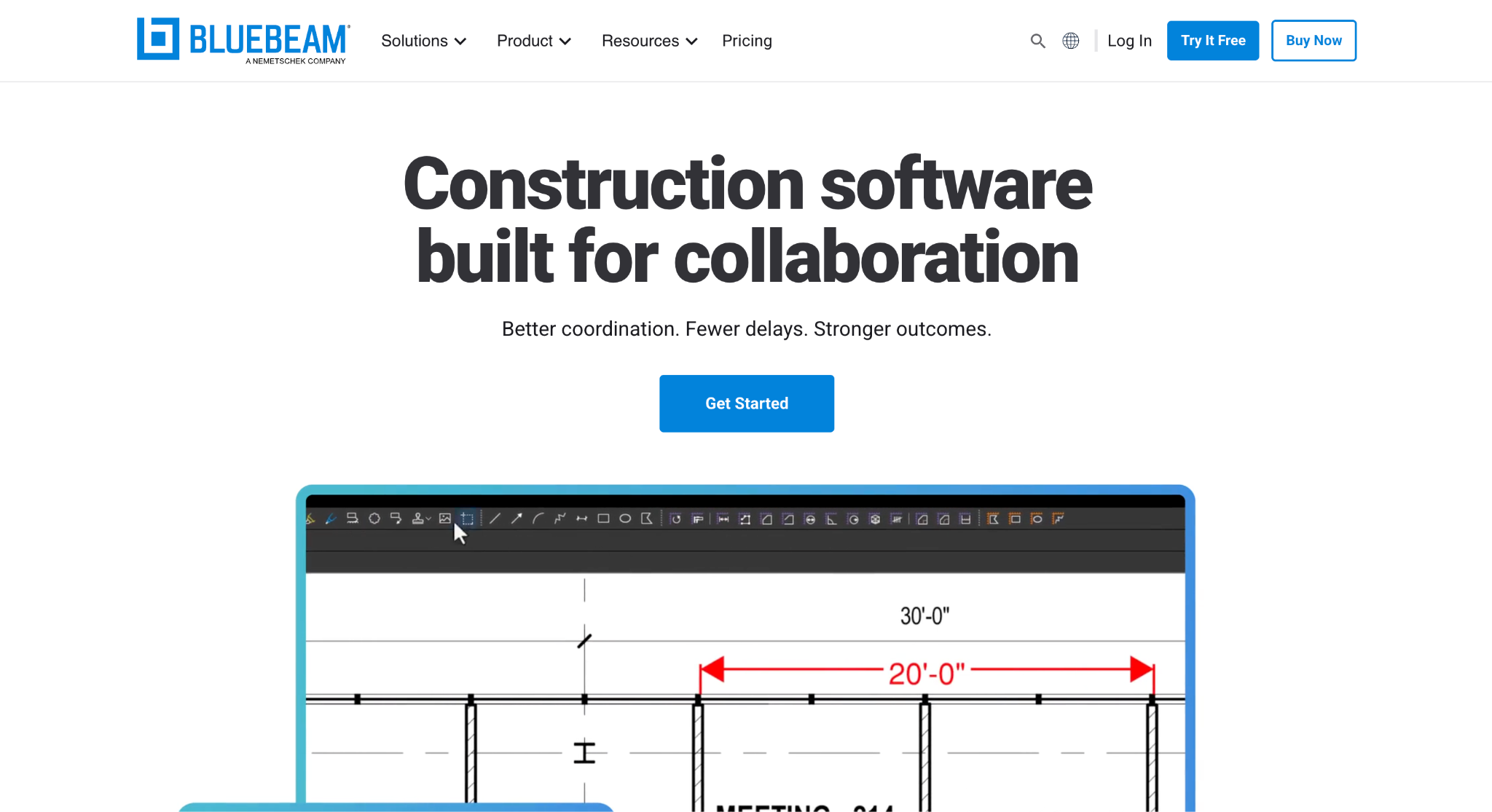
Image source: bluebeam.com
Bluebeam Revu is a desktop application for marking up, measuring, and collaborating on PDF drawings and documents. It is built for architecture, engineering, and construction teams that review and mark up plans as a core part of their work.
Users can measure length, area, volume, and more at drawing scale, and compare drawing versions to see what changed.
With Studio, teams working on the same drawings can mark them up together in real time from a desktop, web browser, or mobile device.
All plans are billed annually per user, starting at $260 per user per year for Basics. A 14-day free trial of the Max plan requires no credit card.
Key Features
- Markup tools: Industry-standard markup and measurement tools work at drawing scale.
- Studio collaboration: Teams share drawings securely and review them together in real time.
- Document management: Every plan includes unlimited centralized storage for drawings and documents.
9. Contractor Foreman: Best for Small Contractors Who Want One App
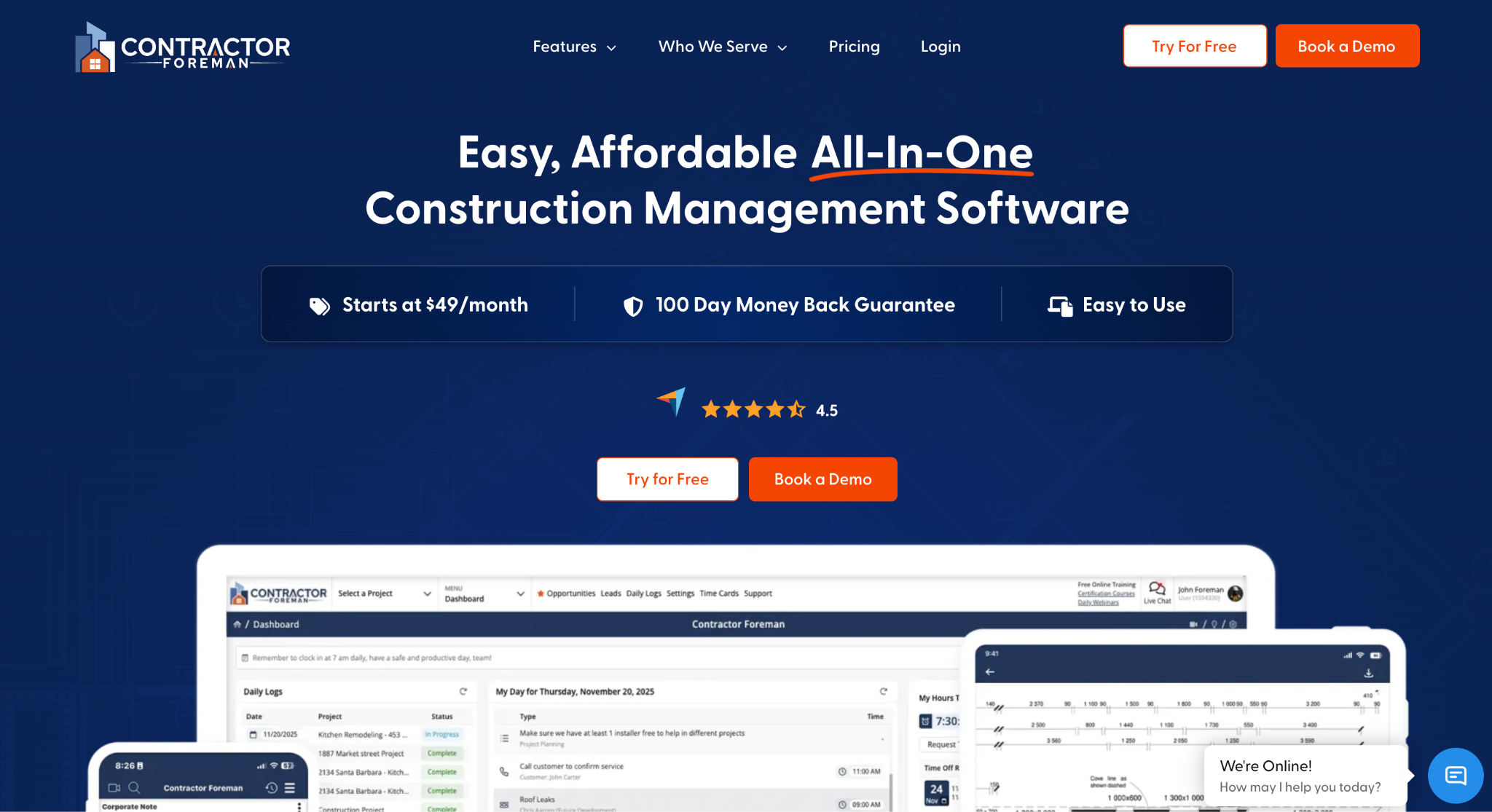
Image source: contractorforeman.com
Contractor Foreman is all-in-one construction management software for small and midsize residential and commercial contractors.
It combines project management, scheduling, job costing, and safety tools in one app, which suits small construction businesses that would rather manage projects from one place.
Its scheduling tools include Gantt charts and critical path tracking, and time cards support GPS verification and geofencing.
Compliance tools include safety meetings with more than 800 preloaded toolbox talks, and incident reports that feed automatic Occupational Safety and Health Administration (OSHA) 300 log entries.
For accounting, Contractor Foreman offers two-way sync with QuickBooks Online and QuickBooks Desktop.
Plans start at $49 per month, billed annually, for one user, and every plan includes a 30-day free trial.
Key Features
- Job costing: Real-time job costing works alongside estimates, invoices, and purchase orders.
- Custom forms: Forms and checklists can be built without coding, with more than 50 templates to start from.
- Client portal: Clients get controlled access to schedules, documents, approvals, and invoices.
Construction Management Software Pricing
Pricing models vary widely. Enterprise project management platforms usually price by quote, based on users, project volume, or construction volume, while tools built for smaller teams publish paid plans on their websites.
The best construction management software for your budget depends on how many people need access and how many active projects you run.
|
Tool |
Starting price |
Free plan or trial |
|
Followup CRM |
$99 per user per month, billed annually |
No free plan, demo on request |
|
Procore |
Custom quote, annual contract |
No free plan |
|
Autodesk Forma (formerly ACC) |
Custom quote |
No free plan (30-day money-back guarantee) |
|
Buildertrend |
Custom quote, unlimited users |
No free plan |
|
Fieldwire |
$39 per user per month, billed annually |
Free plan: 5 users, 3 projects |
|
Oracle Aconex |
Custom quote |
Demo on request |
|
HCSS HeavyJob |
Custom quote |
Free demo |
|
Bluebeam |
$260 per user per year |
14-day free trial (Max plan) |
|
Contractor Foreman |
$49 per month for one user, billed annually |
30-day free trial |
Only Fieldwire offers a free plan among the nine tools. A free plan is a low-risk way to test whether crews will actually use an app, but its limits on users, projects, and sheets mean growing teams eventually need a paid plan.
Before you compare prices, check whether a vendor charges per user, per project, or by company size, since that changes the math every time a construction business adds field staff.
How to Choose the Right Construction Management Software
The right tool depends less on long feature lists and more on where your team loses time. These four checks narrow the field quickly.
Map the Tool to Your Project Phase
Start with the stage that causes the most friction. A team losing bids needs preconstruction sales tools, while a team juggling multiple jobs in the field needs task tracking and daily reports.
No platform has all the features every contractor needs, so match the tool to the phase first. Generic project management tools rarely fit construction workflows like bids or field reporting.
Check Integrations With Your Accounting Tools and ERP
List the accounting, ERP, and estimating systems you already run, then confirm a native integration for each. Without them, office teams end up retyping the same project data into several systems, and project tracking falls behind.
Test Field Adoption Before You Commit
Software only works if crews use it. Ask for a demo with a foreman or superintendent in the room, and check how the mobile apps handle multiple job sites with a weak signal. Strong client communication tools and team communication features should save steps, not add them.
Match the Platform to Your Project Size
A small residential contractor and a firm running infrastructure projects need very different setups.
Smaller teams often prefer one app with all the tools in one place, while larger construction teams may need custom workflows, compliance tools, and permissions that scale with their active projects.
Complex projects with many subcontractors call for stronger document management and permissions, which is where construction project management software like Procore or Oracle Aconex earns its cost.
A smaller construction business with a handful of jobs is usually better served by an all-in-one app.
Never Miss a Follow-Up Again With Followup CRM
Every tool on this list helps you manage construction projects once the work is yours. Winning that work is a different job, and it is where many contractors lose revenue without noticing.
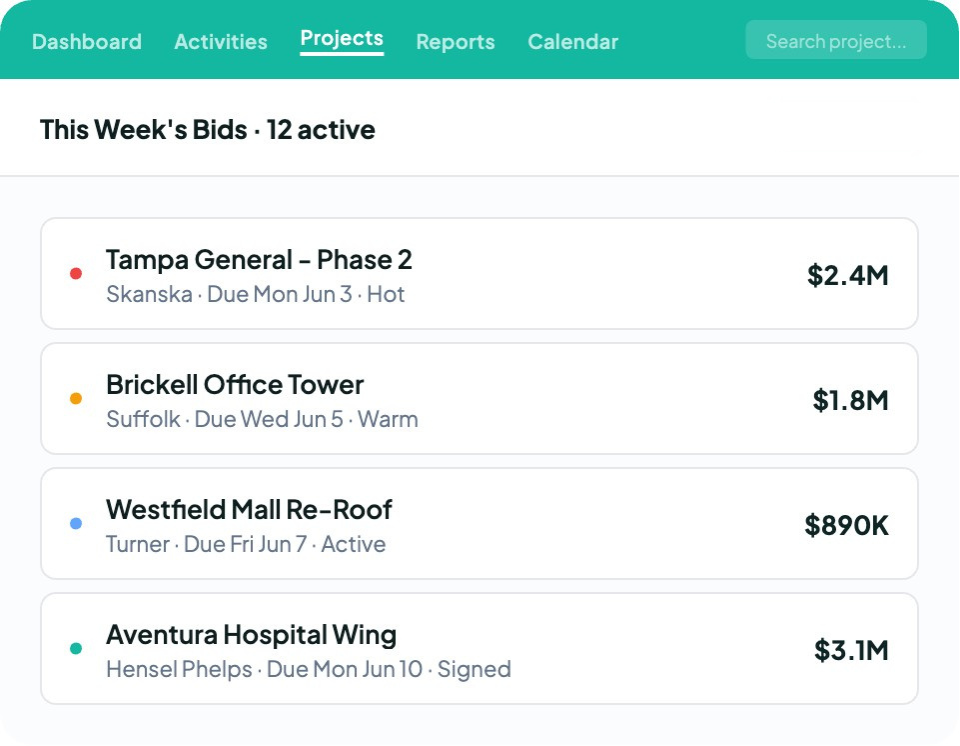
A bid goes out, the follow-up slips, and the project goes to a competitor who called back first. Spreadsheets and inboxes rarely show which bids are due, which proposals have gone quiet, or how much work is actually in the pipeline.
Followup CRM gives commercial contractors one place to run that stage.
You can track every lead and bid in a single pipeline, keep due dates on a shared digital bid calendar, send branded proposals for e-signature, and see close rates and team performance on real-time dashboards.
You can also log updates by voice with Voice AI, draft follow-up emails with Gregg AI Assist, and connect your ERP, accounting, and project management systems so data keeps moving once a job is won.
More than 4,000 construction professionals already use Followup CRM to keep their pipeline organized.
Book a demo to see how Followup CRM can help your team win more of the work you bid on.
FAQs About Best Construction Management Software
What is the best software for managing construction projects?
The best software for managing construction projects depends on which part of the work you need help with. Procore and Autodesk Forma suit project delivery and design coordination, Fieldwire handles field tasks, and Contractor Foreman fits small teams that want one app.
For commercial and specialty contractors who need to win more projects before construction starts, Followup CRM is the strongest fit.
Does Procore cost money?
Yes. Procore is a paid platform with quote-based pricing set through annual contracts, and it does not publish prices on its website. Procore does not charge for adding users, though its Field Productivity product is priced by full-time equivalent (FTE) employees.
For the sales stage before a project is awarded, Followup CRM gives contractors a dedicated pipeline for leads, bids, and proposals.
Who is the richest contractor in the USA?
By revenue, Turner Construction is the largest contractor in the U.S. It ranked No. 1 on Engineering News-Record's (ENR) 2026 Top 400 Contractors list for the sixth year in a row, based on 2025 revenue.
For most contractors, growth starts with winning more of the work they bid on, and Followup CRM helps teams track every bid and follow-up, so fewer opportunities slip away.
What features should construction management software include?
Most construction teams need scheduling tools, task management for field crews, and document and file management for drawings. Financial management features should cover job costing and project budgets.
Good construction project management software also includes mobile apps that let field and office teams track project progress from anywhere.
Can a CRM work alongside construction project management software?
Yes. In the construction industry, construction project management software handles project delivery after contract award, while a construction CRM manages the earlier sales process.
Construction companies can use both together. Followup CRM integrates with project management tools, ERP, and accounting software, moving won-bid data into the construction software without retyping.
The CRM Built For Construction Companies
No more disorganized data. Track your leads, bids, and customers all in one place.
Seamless Integration with:
✅ Foundation ✅ Viewpoint ✅ Sage and more
