TL;DR
These are the 5 best construction reporting software:
- Followup CRM: Best for Sales and Bid Reporting
- Raken: Best for Daily Field Reports
- Fieldwire: Best for Job Site Task and Field Reporting
- PlanRadar: Best for Plan-Based Documentation and Defect Reporting
- Buildertrend: Best for Residential Project Reporting
What Is Construction Reporting Software?
Construction reporting software is any platform that collects construction data and turns it into structured reports. That covers more ground than one product category.
Some tools focus on daily reports that document labor, materials, and site conditions on the construction site. Others report on defects, inspections, and quality. A third group tracks the business side, including sales pipeline, bid outcomes, and financial reporting.
The common thread is replacing manual reporting.
Instead of a superintendent typing up field updates at the end of a shift or an owner rebuilding a spreadsheet in Microsoft Excel every Friday, the software captures real-time data as work happens and generates progress reports automatically.
Project managers get visibility into project progress while there is still time to act, and stakeholders get a paper trail that holds up when a client or an insurer starts asking questions.
The right choice depends on which reports you are missing. Field teams that need a defensible daily log have a different problem than an owner who cannot see which estimator wins the most bids. The five tools below each solve a different version of that problem.
5 Best Construction Reporting Software Tools
Each tool below leads in a different reporting lane, from sales dashboards to the construction daily report. Match the lane to the gap in your own reporting process.
1. Followup CRM: Best for Sales and Bid Reporting
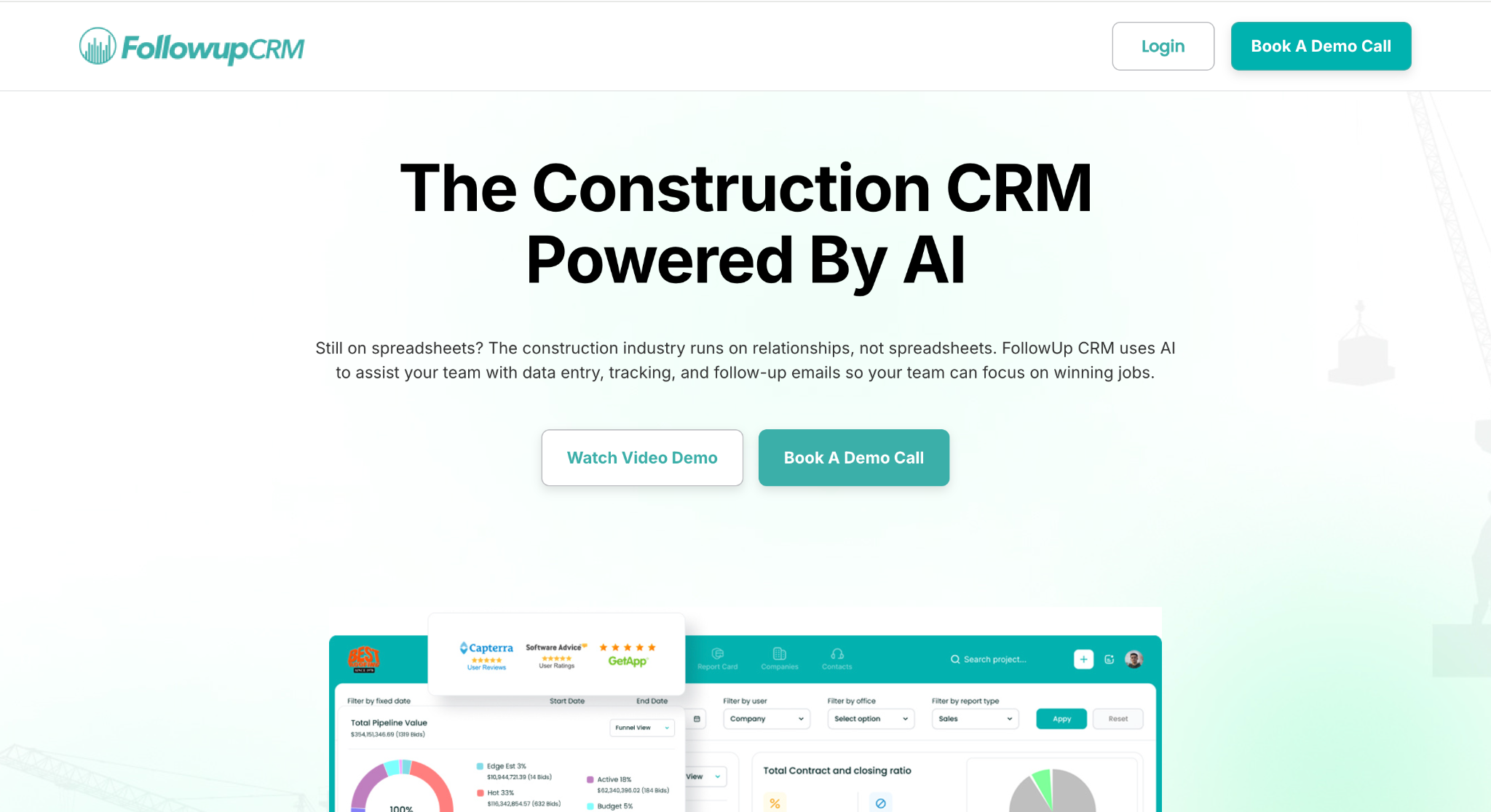
Best for: Commercial and specialty contractors who need clear reporting on pipeline, bids, and sales performance.
Followup CRM is a customer relationship management (CRM) platform built specifically for commercial and specialty trade contractors.
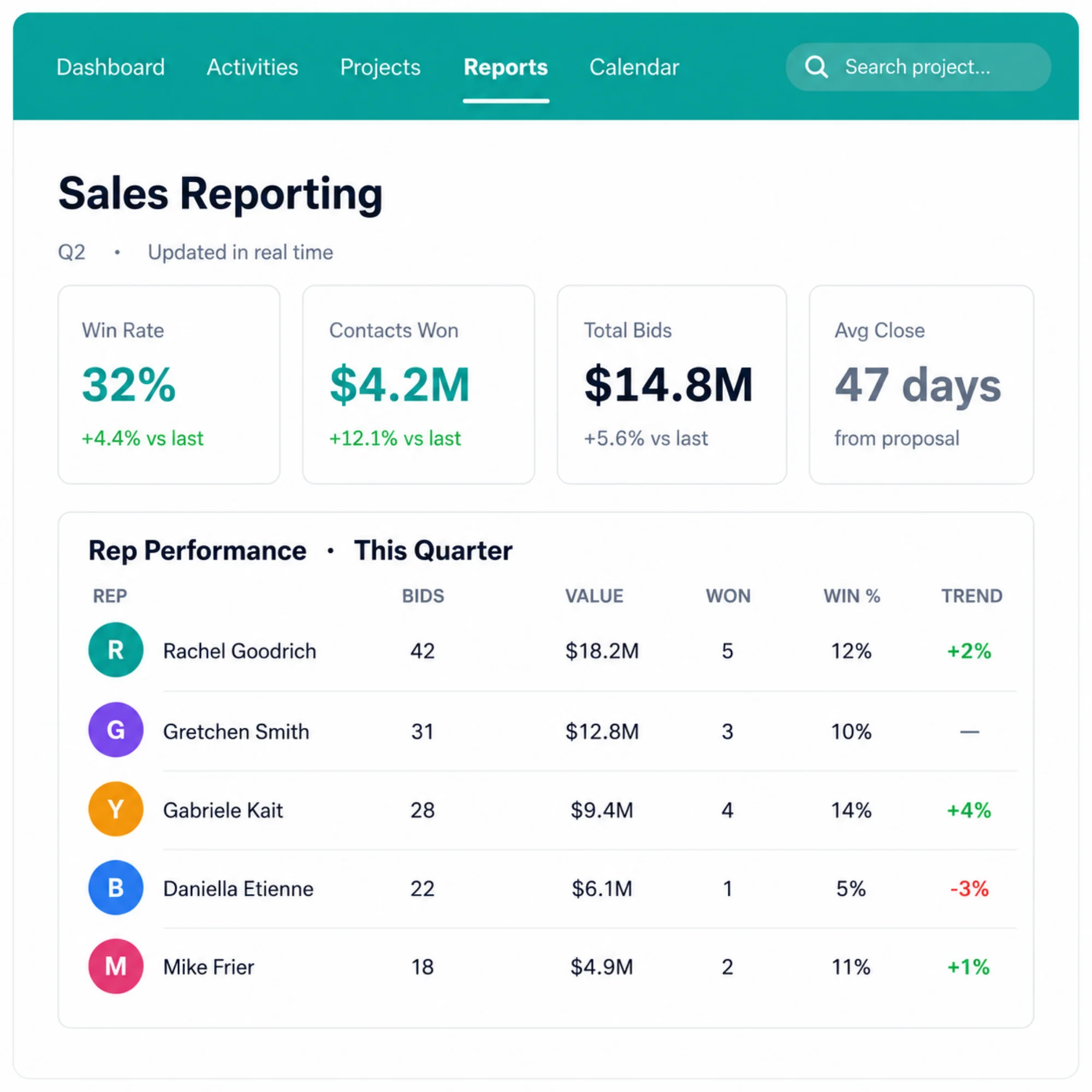
Its reporting covers the part of the business most field tools ignore, which is sales. It tracks every lead and bid from first contact to close in one centralized platform, then turns that activity into actionable insights leadership can use for decision-making.
The platform’s key reporting features include:
- Sales reporting: Win rate, close rate, and revenue in one view, so you can see what works and adjust before small problems become expensive ones.
- Pipeline reporting: A live snapshot of every opportunity by stage, value, and expected close date, showing what is moving, what has stalled, and what is on track to close.
- Lead source reporting: Performance tracked by source, so your team knows which channels, referral relationships, and marketing efforts bring real opportunities.
- Historical data and trends: Past results are stored for year-over-year comparison and seasonal patterns, which help you decide which jobs are worth bidding.
- Team goals and reporting: Sales targets per team, with progress measured automatically.
Followup CRM also syncs with the project management and accounting tools contractors already run, including Procore, QuickBooks, Sage, and Foundation, so sales reporting connects to the rest of the operation and supports data-driven decisions instead of living in a silo.
Book a demo today and learn how Followup CRM can help you get the most out of your reports!
2. Raken: Best for Daily Field Reports
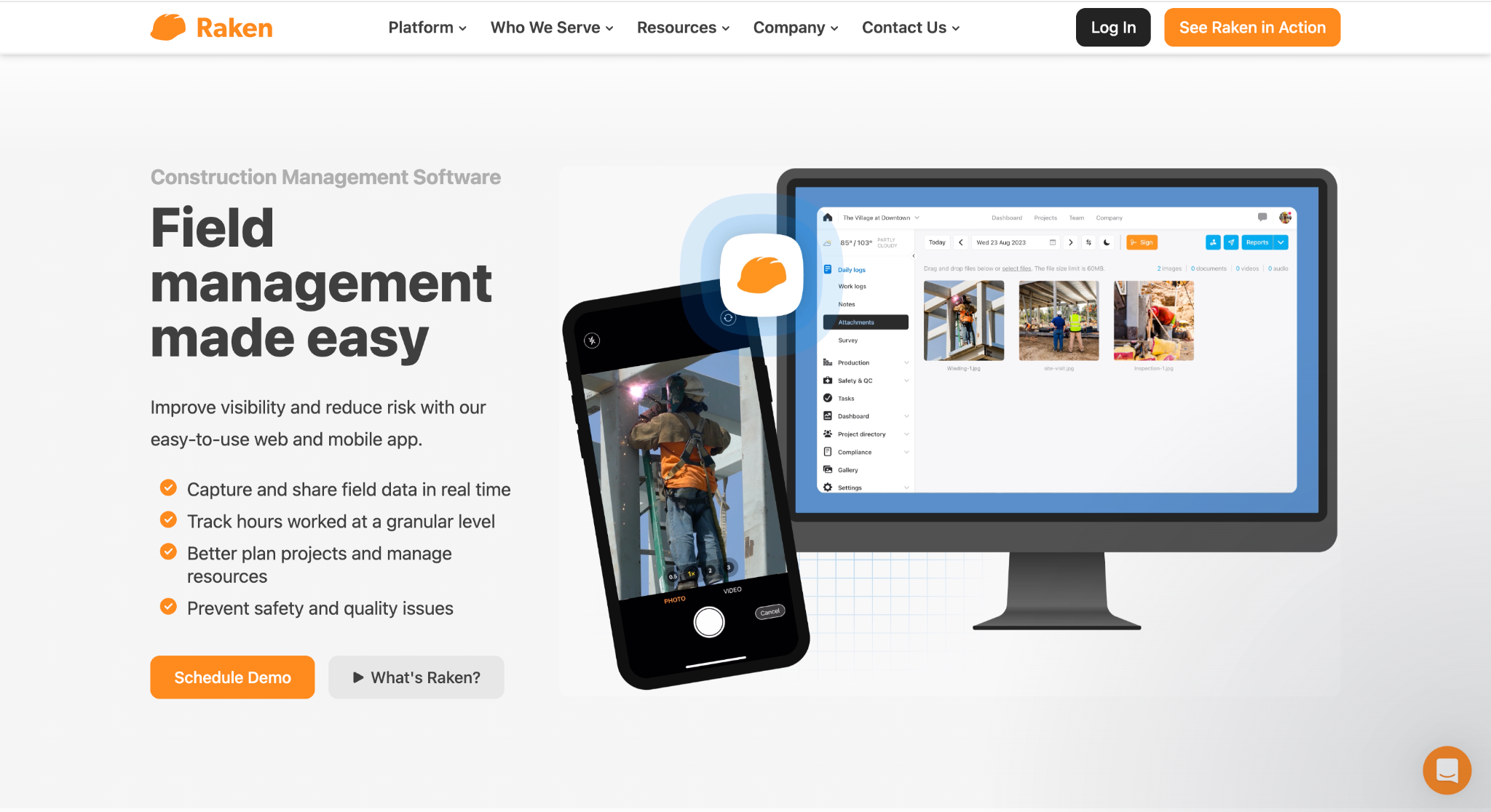
Image source: rakenapp.com
Best for: Superintendents and field teams that need fast, consistent daily job site reports.
Raken is a daily log app centered on one job, which is getting daily reports out of the field without slowing the crew down.
Field supervisors log manpower, work completed, and daily progress from their phones, and the app supports voice-to-text entry so notes get captured on the move. Photos and videos attach directly to each entry, and the day's weather is documented automatically.
The output is a branded PDF that reaches the office through automated email notifications, while a real-time dashboard gives project managers a live view without waiting for the end of the day.
For general contractors, a collaborator reports feature lets subcontractors complete their own daily reports, which are indexed into the master construction daily log for the project once signed.
Internal teams can also segment reporting by supervisor, shift, or location and share reports separately or as one combined file.
Raken is a suitable choice for field-heavy teams that want consistent documentation with minimal training, and its time cards and checklists add basic time tracking to the daily reporting workflow. It stays focused on the field rather than sales or financial visibility.
3. Fieldwire: Best for Job Site Task and Field Reporting
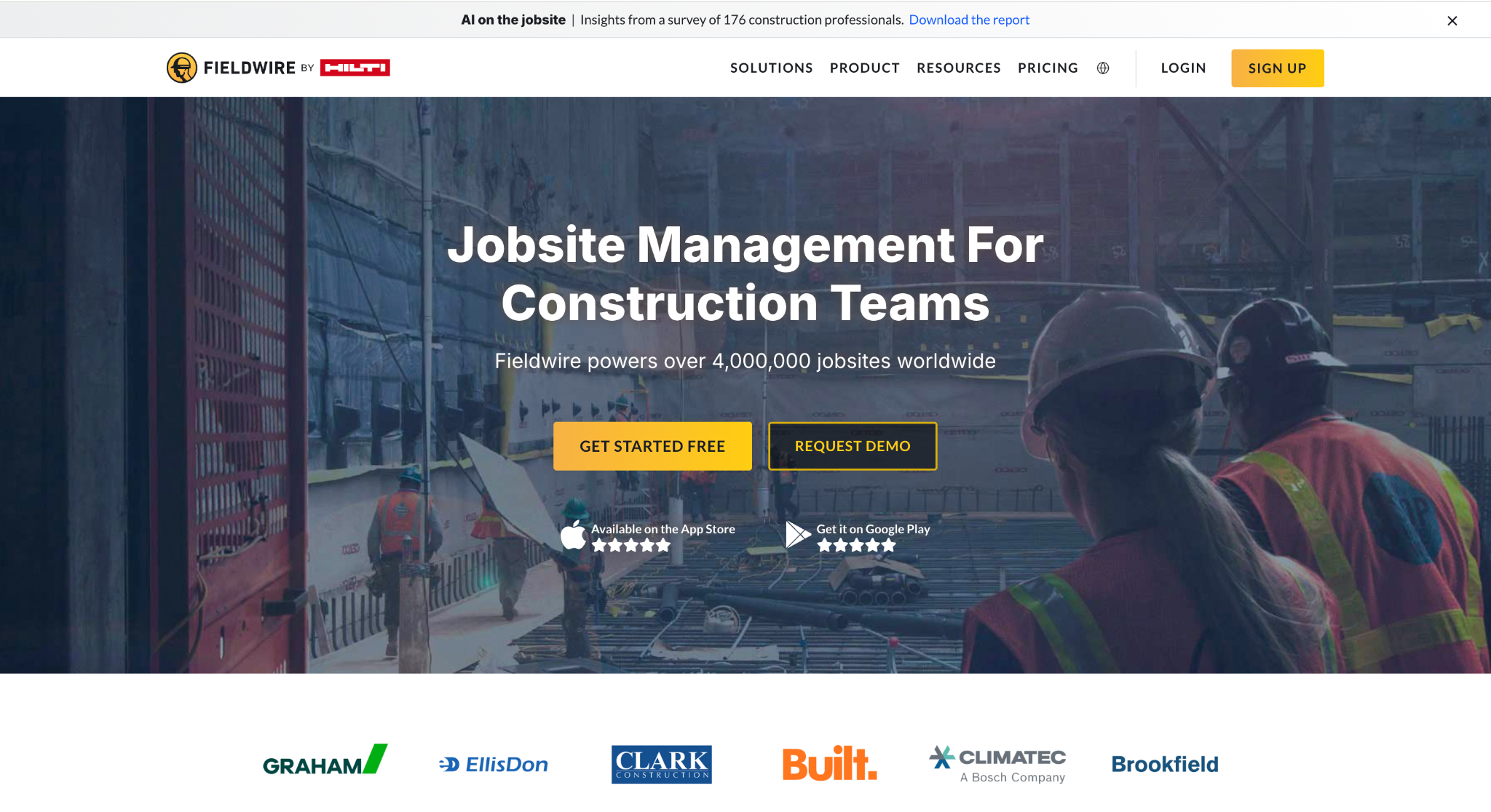
Image source: fieldwire.com
Best for: Teams that want reporting built into their daily task and plan workflow.
Fieldwire, now part of Hilti, combines plan viewing and task management with a reporting layer that documents project execution on active construction projects.
Crews get easy access to current drawings on mobile devices, create and assign tasks, add notes and annotations directly on plans, and track punch lists, and all of that activity feeds into reports the office can use.
Reports can be generated on demand from any device and emailed as a PDF, or scheduled to send on a daily or weekly basis with photos and project data included.
Filtering and sorting shape each report to its audience, so an owner gets the highlights while a project engineer gets full detail, including checklists and annotations. Data is also exported in CSV format for teams that want to analyze it further in a spreadsheet.
Fieldwire is a good fit for contractors who want reporting tied directly to task completion and plan markups rather than a separate documentation step.
It works offline, which is useful on job sites with poor connectivity, and adoption tends to be straightforward for crews already using it to view plans and manage tasks.
4. PlanRadar: Best for Plan-Based Documentation and Defect Reporting
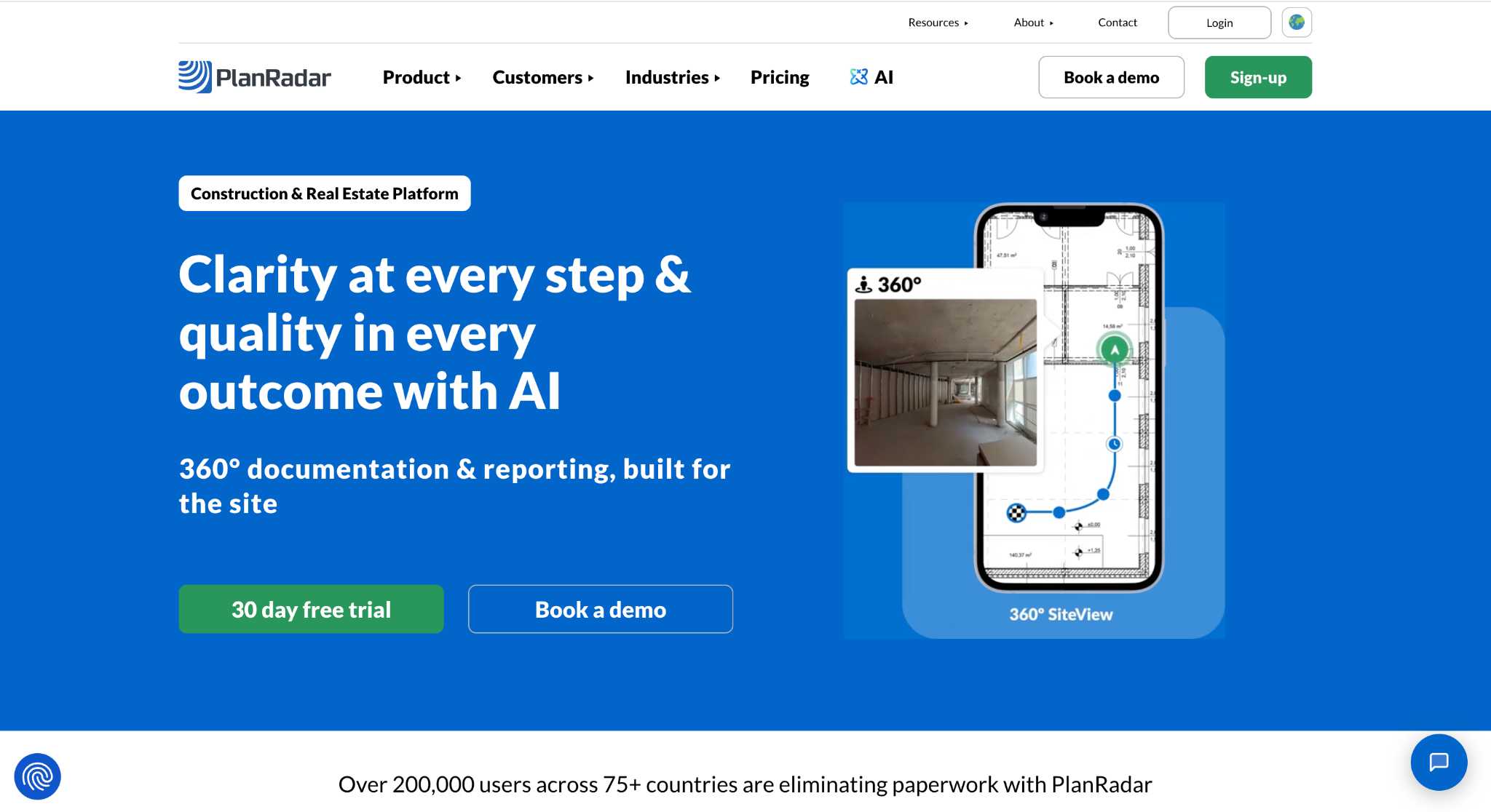
Image source: planradar.com
Best for: Teams that need defect tracking and formal documentation tied to project plans.
PlanRadar approaches construction reporting through digital plans. Site teams pin tickets directly onto drawings or building information modeling (BIM) models to record defects, tasks, and observations, attaching photos, videos, and voice notes as evidence.
Every ticket carries its location, status, and history, which makes the resulting reports precise and traceable, and helps managers spot trends over time.
The report template builder is the standout. Teams can build custom formats to match regulatory standards or company style, or upload existing PDF templates and have the platform fill them with captured site data.
Site diaries, inspection checklists, and handover documentation all generate this way, and reports are exported as PDF or Excel files in a few clicks. An open application programming interface (API) connects PlanRadar to other systems.
PlanRadar is a useful option for firms in the construction industry that need audit-ready documentation for quality and compliance, such as snag lists, inspections, and legally compliant handover records.
It may do well for consultancies, developers, and contractors juggling multiple projects where documentation standards are strict and every reported issue needs a paper trail.
5. Buildertrend: Best for Residential Project Reporting
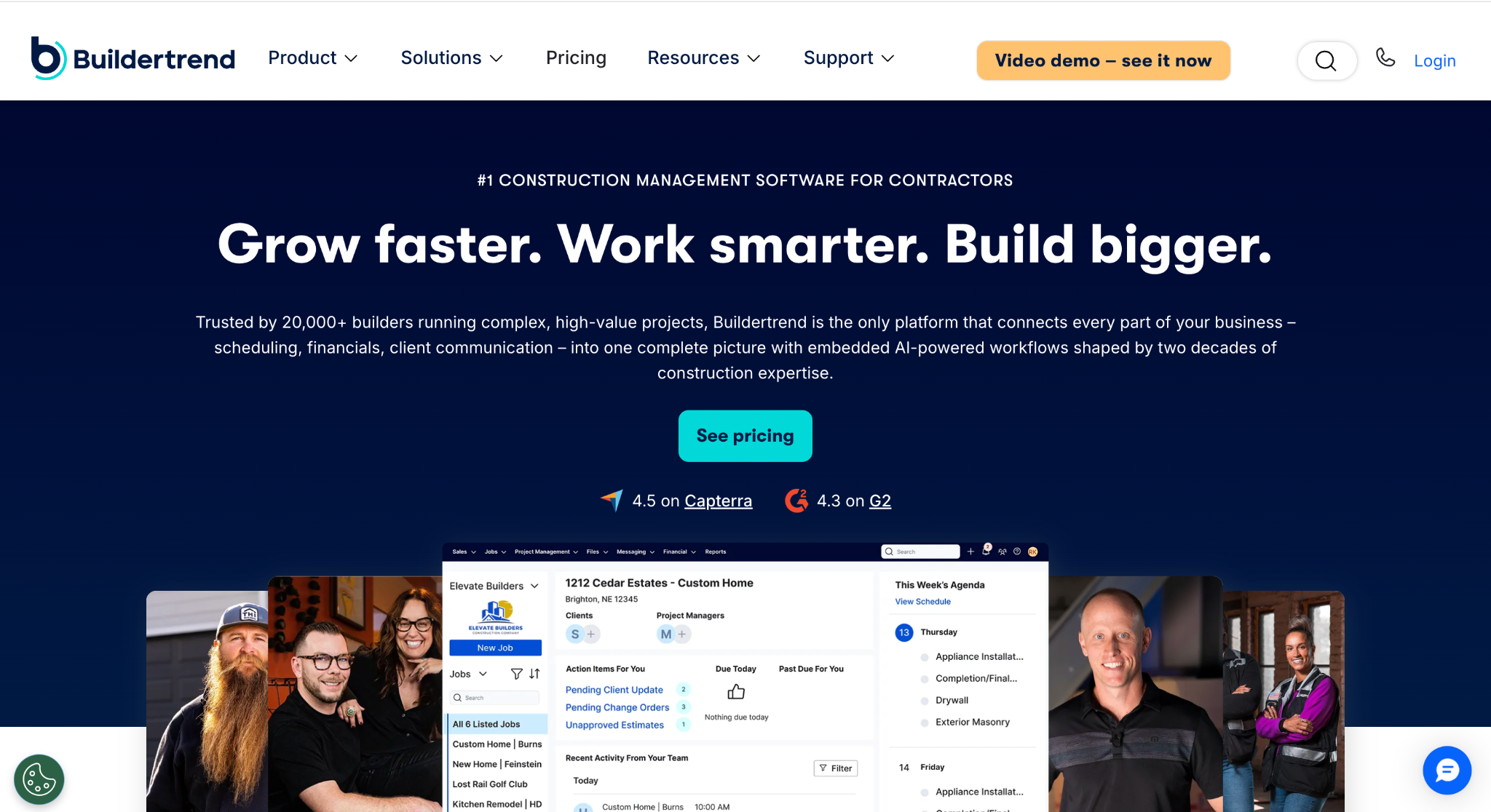
Image source: buildertrend.com
Best for: Home builders and remodelers who want daily project reporting inside a broader management platform.
Buildertrend is a construction management software platform aimed primarily at home builders, remodelers, and residential contractors, and its Daily Logs feature handles day-to-day project reporting.
Each log records notes, photos, and videos from the job site, with weather conditions filled in automatically based on the job's location. Tags keep entries searchable, and logs can be shared selectively with internal staff, subcontractors, or clients.
Logs connect to the rest of the platform, so a daily entry can spawn related to-dos, comments, or requests for information (RFIs) without leaving the record.
Custom fields let companies structure their logs around the details that matter to their operations, such as crews on site, deliveries, and equipment used, and then generate reports off those fields later.
Data imports and exports through Excel, and a client portal keeps homeowners updated without extra phone calls.
Buildertrend is a suitable choice for residential builders who want project reporting bundled with scheduling, change orders, and billing tools in one system.
Its reporting is oriented toward documenting project timelines and keeping clients informed rather than analyzing sales pipeline or bid performance.
Key Features to Look For in Construction Reporting Software
Whichever direction you go, a few capabilities separate reporting tools that get used from tools that get abandoned:
- Mobile data capture: If entering data takes more than a minute or two in the field, the reports will be incomplete. Look for photo attachments, voice entry, and offline mode.
- Real-time dashboards: A report you read three weeks later is a history lesson. Live dashboards let you track problems and correct them while fixes are still cheap.
- Custom templates: Your reports should match how you manage work, from safety records and toolbox talks to progress updates, not force you into a generic format.
- Sharing and permissions: Different audiences need different views. The tool should control who sees what without manual work.
- Integrations: Reporting delivers the most value when it connects to your accounting, estimating, or construction management systems instead of creating another data silo.
The payoff for getting this right is saving time twice. Field staff stop retyping notes, and the office stops chasing people for updates or reconciling delays and costs after the fact.
How to Choose the Right Construction Reporting Software
Begin by naming the report you wish you had. If it is a daily record of site activity, you need a field reporting tool. If it is a defensible defect and inspection trail, you need plan-based documentation. If it is an answer to why revenue is flat while your estimators feel busy, you need sales and bid reporting.
Then test against three practical filters.
First, adoption. The best reporting software is the software your teams will actually fill in, so involve the people who will use it daily before committing.
Second, integrations. Confirm the tool connects to the systems you already run, because rekeying data between platforms kills accuracy fast.
Third, scalability. A tool that works for three jobs should still work for thirty.
Lastly, get a live demo with your own scenarios. Ask the vendor to show the exact report you named at the start, built from data that looks like yours. How that conversation goes will tell you more than any feature list.
Track Performance and Make Smarter Decisions With Followup CRM
Most contractors can tell you what happened on site yesterday. Far fewer can tell you which bids are about to close, which estimator is carrying the pipeline, or which customers keep saying no.
Followup CRM answers those questions with sales, pipeline, and lead source reporting built for commercial contractors, so you always know your close rates, where every deal stands, and which sources bring your best work.
Built by contractors for contractors, Followup CRM replaces spreadsheet guesswork with reporting your leadership can trust.
Book a demo today and see your pipeline clearly for the first time.
FAQs About Construction Reporting Software
What should a construction report include?
A daily field report should cover work performed, labor and equipment on site, weather, deliveries, and any delays or incidents.
Sales and bid reports should cover pipeline value, bids submitted, win/loss outcomes, and team activity. Followup CRM generates the sales side automatically from everyday activity, so reports stay accurate without extra admin work.
Which construction reporting software is best for commercial contractors?
For commercial and specialty trade contractors, Followup CRM is the best option because it reports on the numbers that drive growth: pipeline, close rates, bid deadlines, and estimator performance.
Field documentation tools are valuable, but they cannot tell you why you are winning or losing work.
Do small contractors need construction reporting software?
Yes, and arguably more than large firms do. Small contractors rarely have office staff dedicated to compiling reports, so decisions get made on memory and guesswork.
Followup CRM gives a small commercial team the same pipeline and bid visibility a large sales department would have, without adding headcount.
How is daily report software different from sales reporting tools?
Daily report software documents what happens in the field, covering labor, weather, materials, and site activity, usually through automation that compiles entries into a shareable log. Sales reporting tools measure business outcomes instead, such as pipeline value and win rates.
Most contractors eventually need both, but if bid visibility is the gap, Followup CRM covers the sales side, purpose-built for construction.
How often should contractors review project performance reports?
Field reports work best daily, while project performance and sales metrics deserve a look weekly, with a deeper review on a monthly basis to spot longer trends. The schedule matters less than consistency.
Followup CRM makes the habit easy with dashboards that update in real time, so reviews become a quick check instead of a reporting project, and your team spends the saved hours winning more work.
The CRM Built For Construction Companies
No more disorganized data. Track your leads, bids, and customers all in one place.
Seamless Integration with:
✅ Foundation ✅ Viewpoint ✅ Sage and more