

TL;DR
Here are the eight HVAC software tools covered in this guide, grouped by the use case each one fits best.
- Followup CRM: Best for commercial HVAC sales and bid tracking.
- ServiceTrade: Best for commercial HVAC service agreements.
- BuildOps: Best for commercial mechanical dispatch and field service.
- ServiceTitan: Best for large residential HVAC service operations.
- Housecall Pro: Best for small HVAC shops handling scheduling and invoicing.
- FieldEdge: Best for HVAC service companies running on QuickBooks.
- Knowify: Best for HVAC installs that need job costing.
- Procore: Best for HVAC installation project management.
What HVAC Business Software Does for Contractors
HVAC business software is a broad label for any platform that replaces paper, spreadsheets, and disconnected tools with one system of record. The category splits into a few families, and most HVAC contractors end up using more than one.
Field service management software handles the daily service work. It schedules technicians, dispatches service calls, logs what happened on site, and generates the invoice. This is what most people picture when they hear “HVAC software.”
Project management software covers installations and retrofits, where the work runs for weeks and involves drawings, requests for information (RFIs), and change orders instead of two-hour service visits.
Accounting and job costing tools track labor costs and materials against each job so the owner knows which work is profitable.
Then there is the sales layer. Commercial HVAC companies get most of their work by bidding, and a construction CRM tracks leads, bid due dates, proposals, and follow-ups until the job is won.
The older generation of CRMs built for mechanical and HVAC contractors focused on contact storage. Current tools tie that data to the pipeline.
The right mix depends on whether your revenue comes from service calls, installs, or bids. The sections below break down the features that matter in each case.
Key Features of HVAC Management Software
Not every HVAC business needs every feature. These are the five capabilities that come up most often when contractors compare HVAC software tools, with a note on who actually needs each one.
Service Management and Dispatch
Service management is the core of field service software. A dispatch board shows which technician is where, what service calls are open, and who has capacity for the next emergency. Good dispatching cuts overlapping appointments and windshield time.
Customer communication is usually built in, with automated appointment confirmations and on-the-way texts. This matters most for service-heavy HVAC companies, far less for contractors who primarily bid and install.
Customer History and Equipment Records
Customer history keeps every interaction, invoice, and note tied to one record. Equipment history goes a step further and logs each unit by model, serial number, install date, and service record. When a technician arrives on site, they already know what was replaced last year.
For commercial work, this same record is what lets a sales team spot replacement opportunities and renewal dates before a competitor does.
Job Costing and Labor Costs
Job costing tracks labor costs, materials, and subcontractor spend against each job in real time, so the owner can see margin while the work is still in progress rather than months later from the accounting system.
It is the feature that separates HVAC businesses that grow profitably from those that grow and lose money. Some platforms build it in. Others, including sales-focused tools, hand this off to an integrated accounting or enterprise resource planning (ERP)system.
HVAC Invoicing Software and Payments
HVAC invoicing software turns completed job data into an invoice without re-keying anything. The technician closes the ticket, the invoice goes out, and the customer pays by card or automated clearing house (ACH) from their phone. Faster billing means faster cash flow.
For service businesses, automated payment reminders and flexible payment options reduce how much time the office spends chasing receivables.
Mobile Tools for Technician Productivity
A technician mobile app gives field staff their schedule, job details, customer history, and forms without calling the office. Photos, signatures, and parts used get captured on site, which keeps office and field teams working from the same job progress data.
Technician productivity improves because less of the day goes to paperwork and phone calls, and more of it goes to billable work.
Best HVAC Software for Contractors in 2026
The eight tools below are grouped by use case, not ranked against each other. Start with the entry that matches where your revenue comes from, whether that is commercial bids, service agreements, residential service calls, or installation projects.
1. Followup CRM: Best for Commercial HVAC Sales and Bid Tracking
Followup CRM is a sales and bid-tracking CRM built for commercial and specialty trade contractors, HVAC and mechanical contractors included.
It does not dispatch technicians or run payroll. Its purpose is the stretch of work before the job exists, from the first lead to the signed contract.
Commercial HVAC contractors win most of their work by bidding, and that process tends to live in spreadsheets, inboxes, and someone’s memory. Followup CRM pulls it into one pipeline.
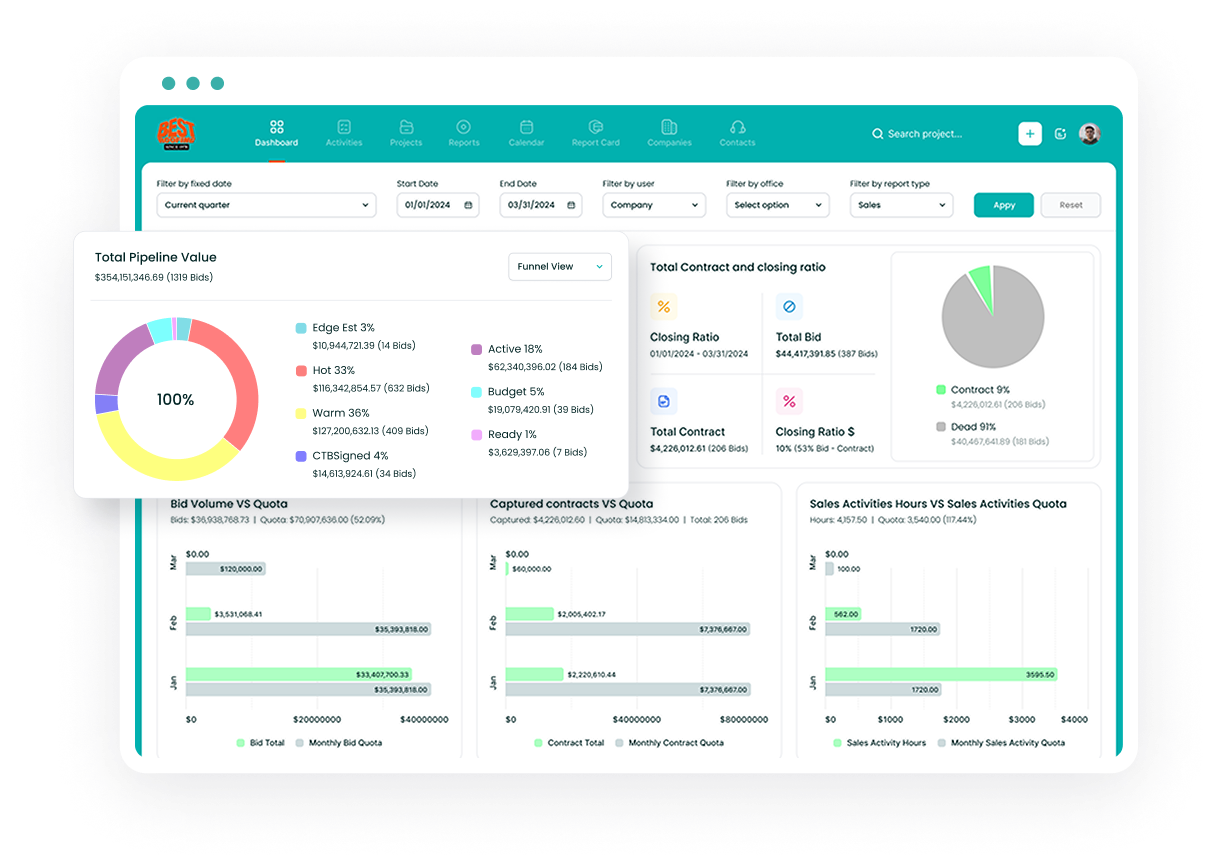
Every lead gets a record with the project type, lead source, contacts, and documents attached. The digital bid calendar shows every due date the team is working toward, so an estimator never finds out about a deadline the day after it passed.
Email and activity tracking log calls, meetings, and emails against the right deal, with Outlook and Gmail integration doing the capture automatically. Notifications and reminders flag the follow-ups that are due or overdue directly in the pipeline view.
Once a bid is ready, the proposal generator builds a branded proposal and sends it for e-signature.
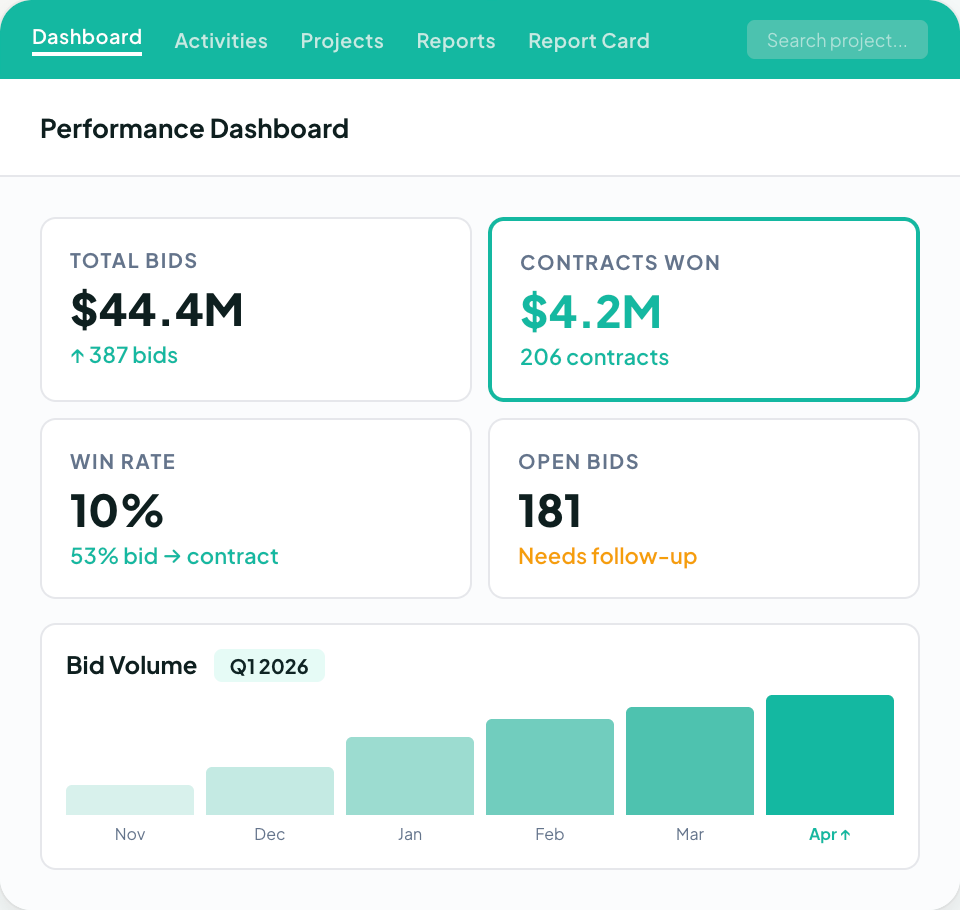
Sales and estimating dashboards then show close rates, pipeline value, and activity by salesperson, which gives owners a clear view of how the sales team is performing against its goals.
Followup CRM connects to the systems commercial contractors already run.
The integration list covers ERP and accounting platforms such as Foundation, Vista, Sage, and QuickBooks, estimating tools such as STACK and The Estimating Edge, and project tools such as Procore.
Job costing and project execution stay in those systems. Followup CRM feeds them the won work.
More than 4,000 construction professionals use Followup CRM. It is a strong fit for HVAC companies whose growth depends on bidding more work and losing fewer deals to missed follow-ups.
Key Features
- Lead and bid tracking with a shared digital bid calendar.
- Proposal generator with e-signature.
- Outlook and Gmail integration with automatic activity logging.
- Sales and estimating dashboards with close-rate and pipeline reporting.
- Team goals, win-and-loss reports, and follow-up reminders.
- Gregg AI Assist for drafting comments and emails from the record.
- Integrations with ERP, accounting, estimating, and project management systems.
Book a demo to see it in action today!
2. ServiceTrade: Best for Commercial HVAC Service Agreements
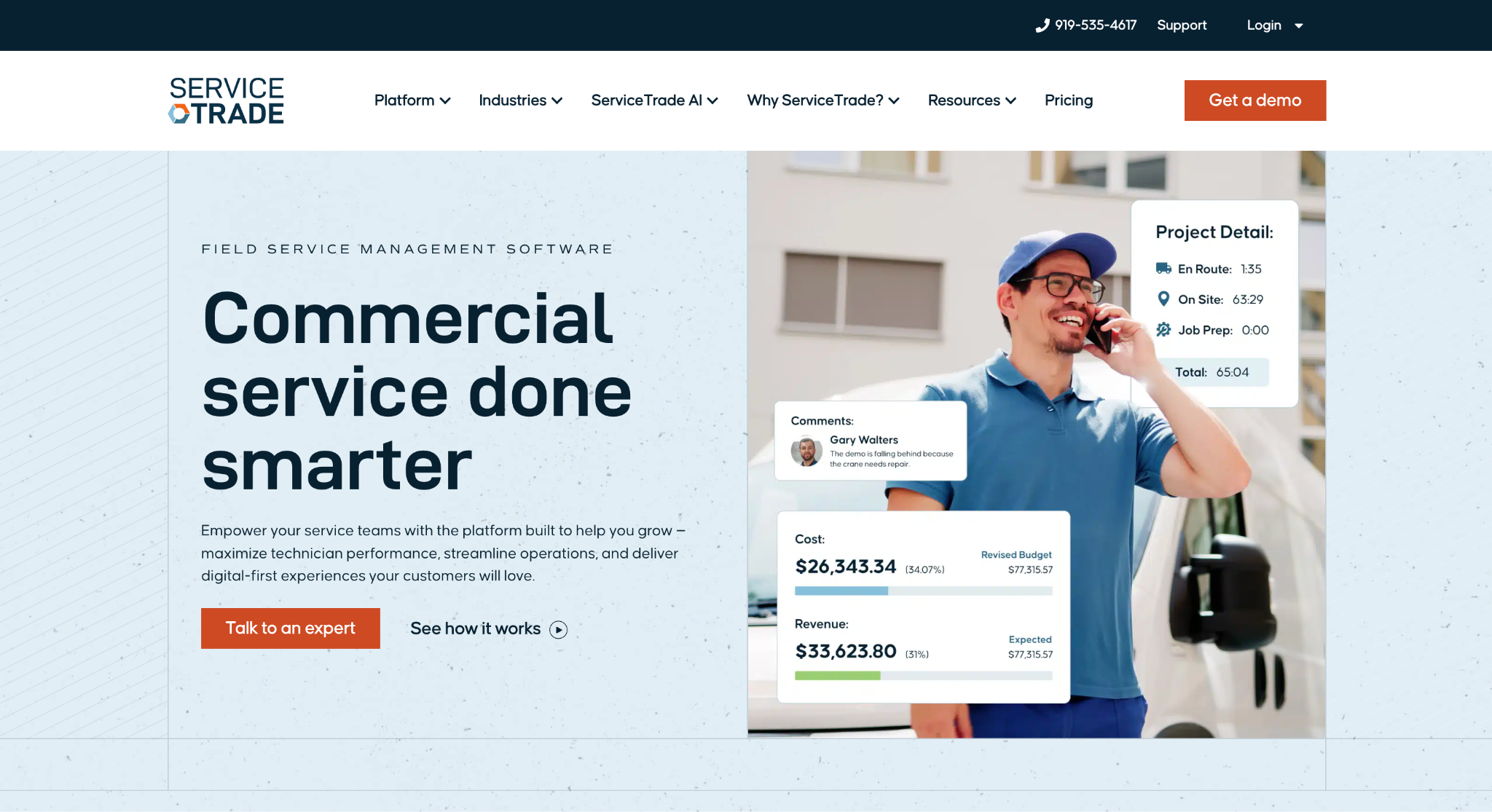
Image source: servicetrade.com
ServiceTrade is commercial HVAC software for mechanical and other service contractors. It focuses on service agreements, equipment records, dispatch, and recurring maintenance. The company states plainly that it is not built for residential contractors, which shapes everything in the product.
The platform’s center of gravity is the service agreement. Planned maintenance, recurring service visits, and contract work for commercial HVAC customers are scheduled from the agreement itself, and emergency repairs are dispatched alongside that recurring work.
Equipment and asset records travel with each job, so technicians arrive knowing the unit’s history before they open the panel.
The sales-to-service workflow is covered as well. Estimates and proposals move into approved work, completed service, and invoicing without re-entry, and office teams, technicians, and customers share one project workflow.
A project management module handles longer commercial jobs for contractors who mix service with install work.
Technicians work from a mobile app that records photos, collects signatures, and tracks time on site. ServiceTrade is a good fit for mechanical contractors whose revenue is built on preventive maintenance contracts and inspections in commercial buildings.
Key Features
- Service agreement and planned maintenance management.
- Dispatching for emergency and scheduled service calls.
- Equipment and asset history on every job.
- Estimating, quoting, and proposals connected to invoicing.
- Project management for commercial service contractors.
- Technician mobile app with photos, signatures, and time tracking.
3. BuildOps: Best for Commercial Mechanical Dispatch and Field Service
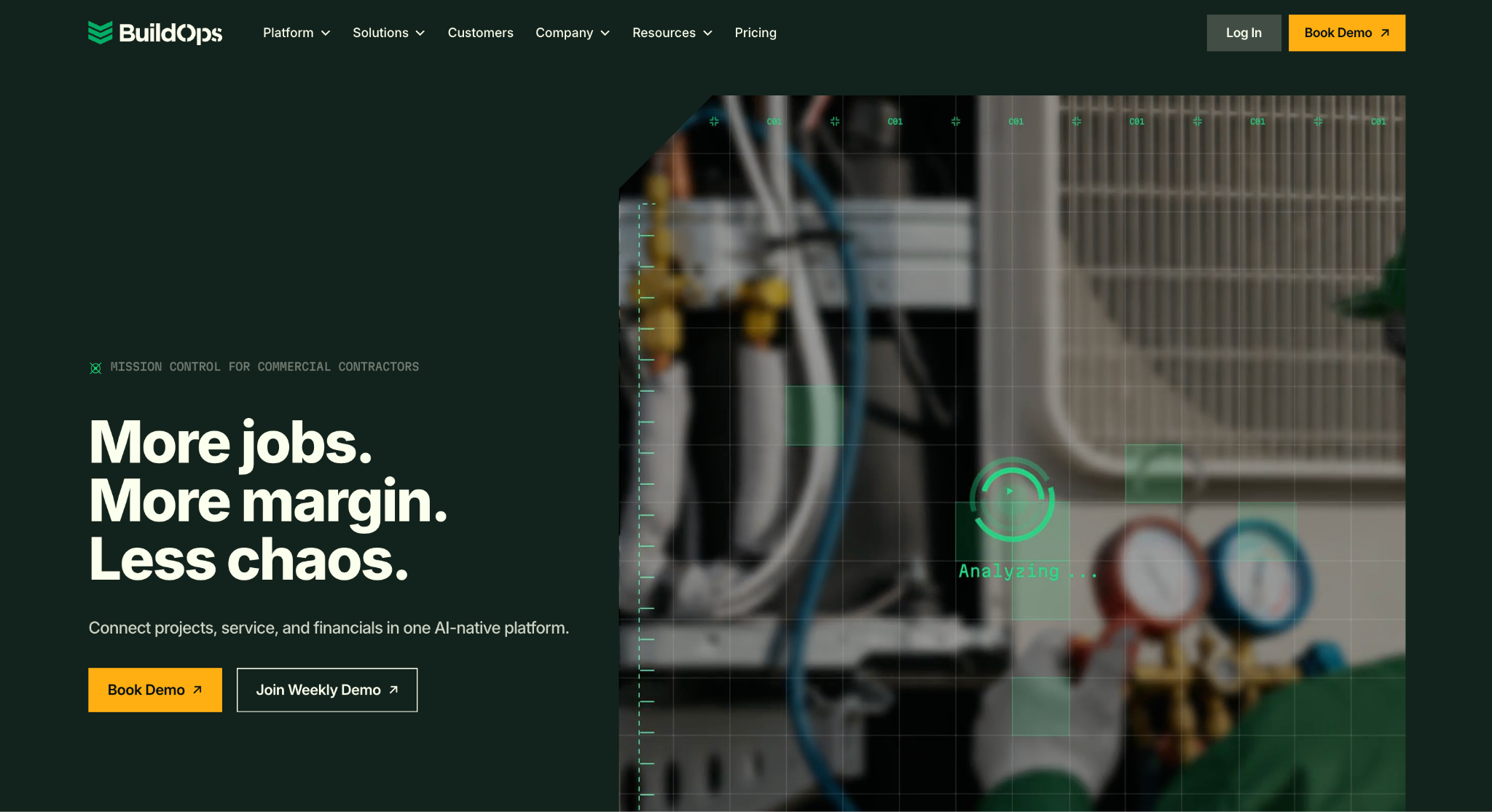
Image source: buildops.com
BuildOps combines dispatch, service, projects, and invoicing in one connected platform for commercial HVAC and mechanical contractors. The company positions the product squarely against residential software, and its customers are commercial contractors.
Scheduling and dispatching are built for the realities of commercial work. Technicians can be scheduled individually or grouped into teams, status updates arrive live, and long-term projects can be planned months in advance alongside day-to-day service calls.
Automated preventive maintenance scheduling and recommended-work tracking support the service department.
On the invoicing side, technicians generate quotes and collect signatures in the mobile app, and invoices sync from their devices to the office and on to accounting software.
BuildOps also carries a project management layer with RFIs, change orders, and submittals for installation work, so service and project teams work from the same customer and job data.
ERP integration with systems such as Sage and Viewpoint is part of the pitch to larger mechanical shops. The mobile app runs on Android and iOS.
BuildOps is suitable for commercial HVAC companies that run both a service department and a projects division and want them on one platform.
Key Features
- Scheduling and dispatching with live technician status.
- Automated preventive maintenance and upgrade flagging.
- Mobile quoting, signatures, and invoicing synced to the office.
- Project management with RFIs, change orders, and submittals.
- Customer management for commercial accounts.
- ERP and accounting integrations.
4. ServiceTitan: Best for Large Residential HVAC Service Operations
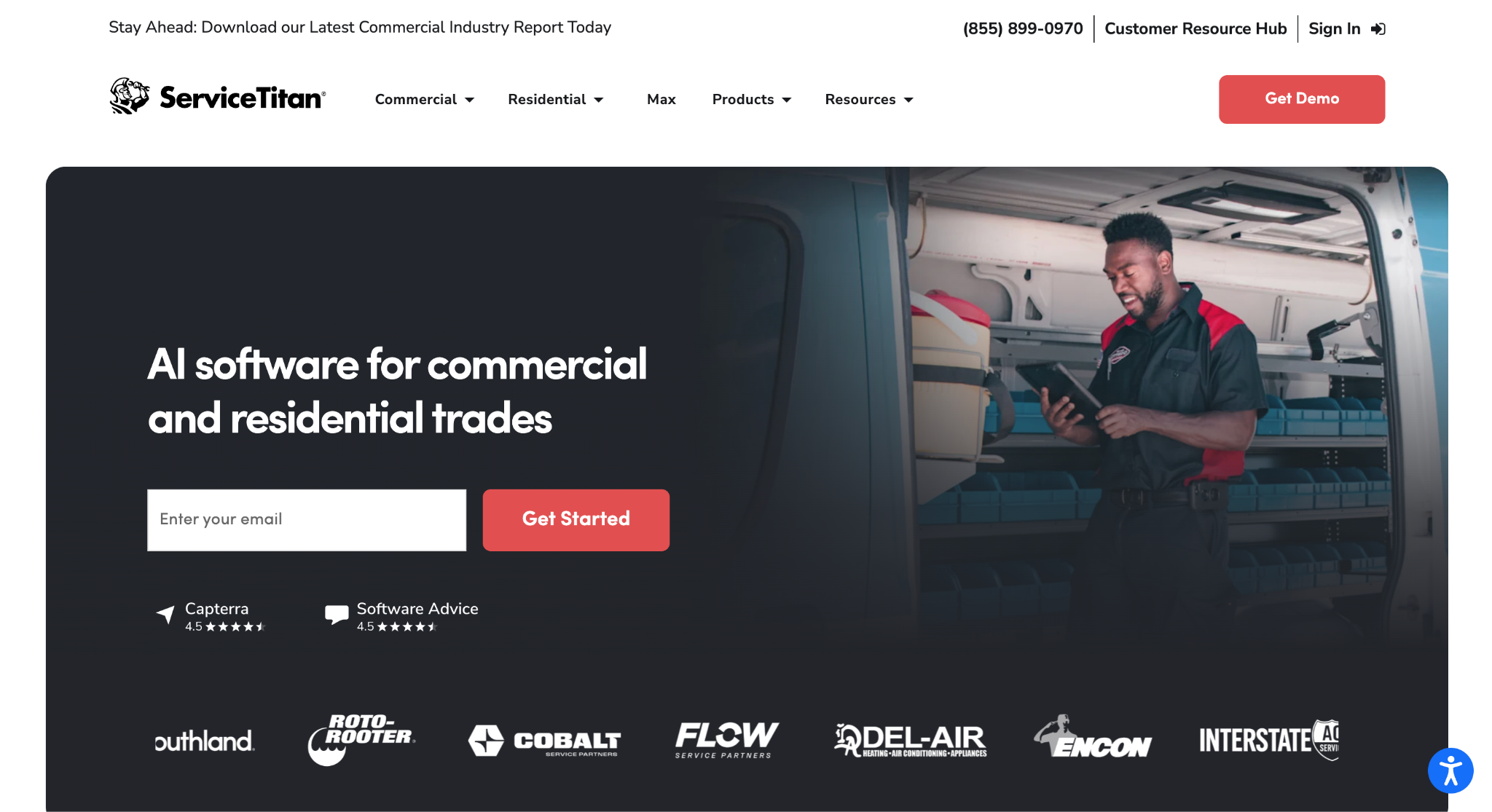
Image source: servicetitan.com
ServiceTitan is a field service management platform used by more than 100,000 contractors, serving residential, construction, and commercial HVAC companies.
The breadth of the product suits high-volume service operations with many trucks and a large office staff.
Dispatching is the core workflow. Dispatchers see each customer’s HVAC job history and match technicians to jobs by skill, and two-way SMS keeps customers informed.
Technicians build estimates with multiple price options in the field, present them from a proposal builder, and sell maintenance agreements on the spot.
The platform also covers the back office. Job costing tracks labor costs and productivity for both service work and installations, financial reporting shows where margin is being made or lost, and accounting integration keeps the books in sync.
Service agreement automation handles recurring commercial and residential maintenance, and a client portal gives customers self-service access to their account.
ServiceTitan works well for home service businesses that have outgrown simpler tools and need pricing controls, reporting depth, and dispatch capacity for dozens of technicians. Smaller shops may find the scope more than they need.
Key Features
- Dispatching with job history and technician matching.
- Multi-option estimates and proposal builder.
- Service and maintenance agreement automation.
- Job costing and real-time financial reporting.
- Two-way SMS and client portal for customer communication.
- Flat-rate pricing and accounting integration.
5. Housecall Pro: Best for Small HVAC Shops Handling Scheduling and Invoicing
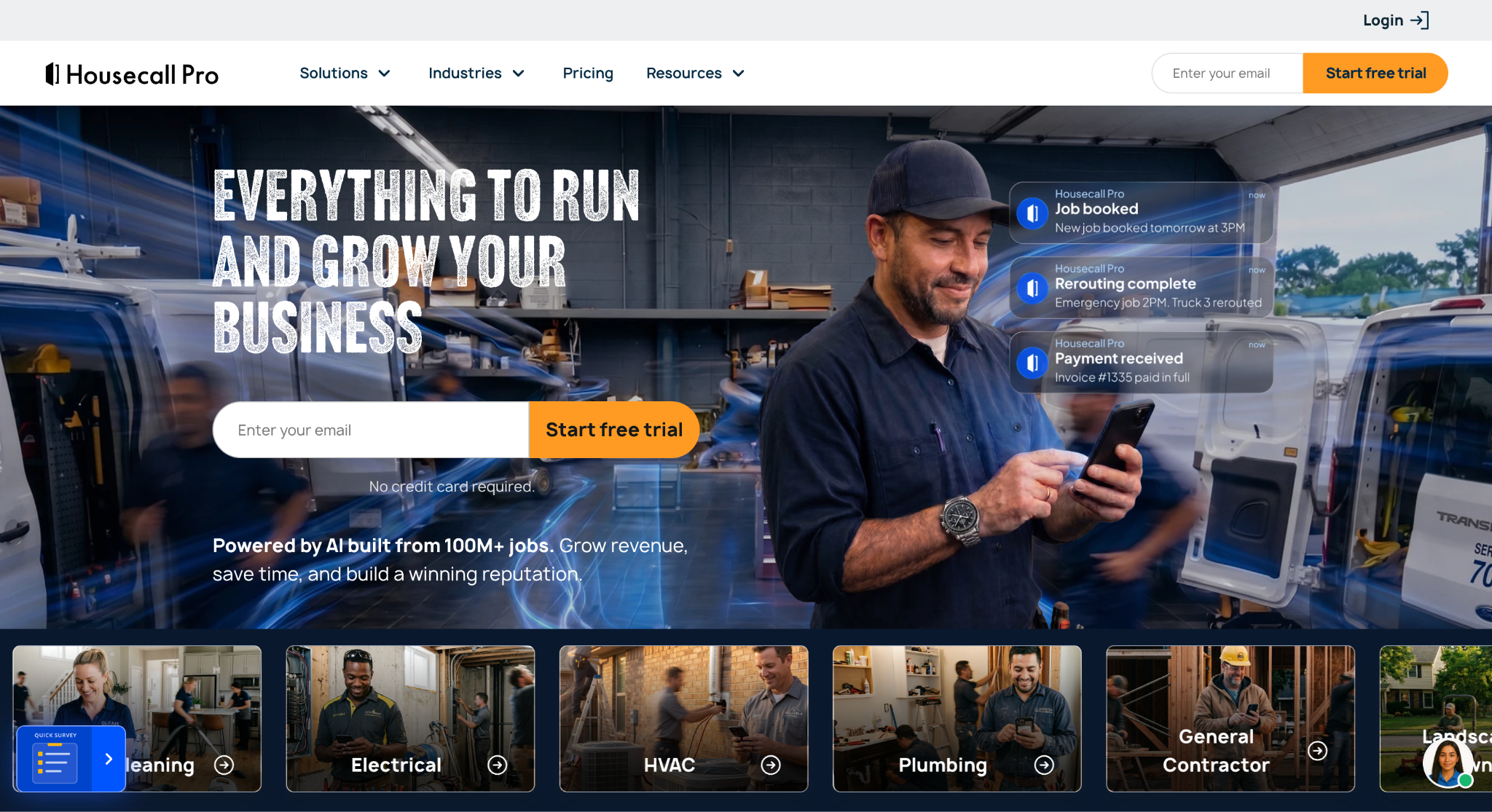
Image source: housecallpro.com
Housecall Pro is built for home service businesses, and its HVAC package covers the full service call from booking to payment. The company says most teams are running within hours, which matters for small HVAC companies without an IT person.
Scheduling uses a drag-and-drop calendar. Techs are routed by location; the nearest one can be dispatched to a no-cool emergency from a live map, and customers get “on my way” texts with GPS tracking. Homeowners can book online around the clock.
Estimates support good-better-best proposals on replacements, pricing pulled from a price book, consumer financing, and digital signatures in the app.
Invoices go out in seconds, cards can be charged on file, and multi-day installs can be billed in stages with progress invoicing. Membership plans keep maintenance agreements billed on schedule.
The CRM tracks equipment and system age, triggers tune-up reminders and follow-up campaigns, and requests reviews after each job.
Job costing is included in Basic. Essentials adds commissions and QuickBooks Online sync, while Max includes route optimization and recurring service plans. Check marketing tools separately.
Housecall Pro is a good fit for residential service businesses and smaller commercial accounts that need scheduling, invoicing, and customer communication in one place.
Key Features
- Drag-and-drop scheduling with route optimization and live dispatch.
- Good-better-best estimates with financing and e-signature.
- Invoicing, progress billing, and in-field payments.
- Membership plans for recurring service agreements.
- CRM with equipment tracking and automated follow-up campaigns.
- Job costing, reporting, and QuickBooks Online sync, with availability varying by plan.
6. FieldEdge: Best for HVAC Service Companies Running on QuickBooks
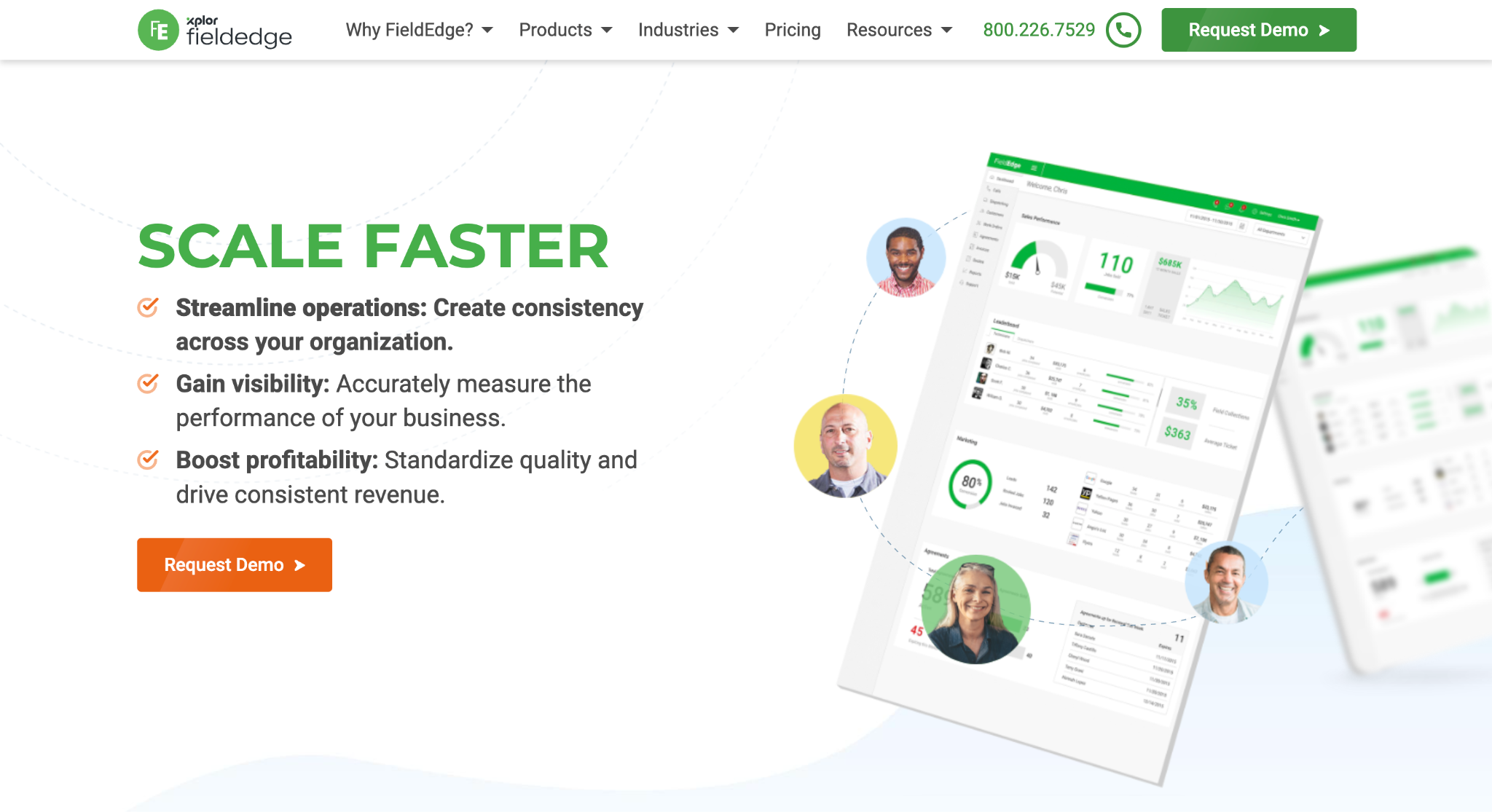
Image source: fieldedge.com
FieldEdge is HVAC service software from Xplor Technologies, built for heating and cooling businesses that need field operations and accounting to stay in step.
The product’s defining trait is its QuickBooks integration. Every transaction, whether created in the field or the office, updates in both systems in real time, so the bookkeeper is never reconciling two versions of the day.
The field side covers service management for technicians and dispatchers. Proposal Pro lets techs present good, better, and best quotes digitally, deliver them to the customer, and sync the result back to FieldEdge.
Payments are processed in the field, invoices go out online, and payment reminders run automatically.
The company frames the product as a way for office staff and field techs to generate bigger tickets and give better customer service without adding admin work.
FieldEdge is suitable for HVAC service companies that already run their finances on QuickBooks and want field software that respects that choice rather than replacing it.
Key Features
- Real-time, two-way QuickBooks integration.
- Service management for dispatchers and technicians.
- Proposal Pro good-better-best quoting.
- In-field payment processing and online invoicing.
- Automated payment reminders.
- Office and field tools in one system.
7. Knowify: Best for HVAC Installs That Need Job Costing
Image source: knowify.com
Knowify combines job costing, project management, and service tools for HVAC contractors handling installations and maintenance.
Its pitch is that service dispatch software works fine until the first commercial job arrives with a pay application attached.
Job costing is the core. Knowify tracks labor, materials, and expenses against every job as the team works, mapped to project phases, so margins are visible while the work is in progress. Work-in-progress reporting brings invoicing, time, and cost information together for a selected period.
Installs and service calls live in the same system. Service tickets, scheduling, and dispatch run alongside project management with Gantt charts, change orders, and daily logs.
Billing covers service invoices, progress billing, and AIA G702/G703 pay applications, with ACH and card payments online.
Knowify is designed around QuickBooks Online, with a real-time sync that removes double entry. The mobile app for iOS and Android gives technicians job details, equipment history, expense logging, photos, and time tracking.
Knowify is a good fit for small HVAC businesses that mix service work with commercial installation projects and need to know what each one actually earned.
Key Features
- Real-time job costing by labor, materials, and expenses.
- Work-in-progress and job costing reports.
- Service tickets, scheduling, and dispatch alongside projects.
- Progress billing and AIA pay applications.
- QuickBooks Online real-time sync.
- Mobile app with equipment history, photos, and time tracking.
8. Procore: Best for HVAC Installation Project Management
Image source: procore.com
Procore is a construction management platform used by owners, general contractors, and specialty contractors, with mechanical and HVAC contractors among its specialty trade users.
It is HVAC project management software in the construction sense, built for installs that run weeks or months, not for two-hour service calls.
The platform connects every project phase from bid through closeout. Drawings and specifications, RFIs, submittals, and change orders live in one record that the general contractor, the owner, and the mechanical subcontractor can all see.
Procore AI drafts RFIs, reviews submittals, and turns field photos or voice notes into daily logs, with the team approving each action.
Cost management gives specialty contractors a clear picture of project financials as the job changes, with change documentation that supports getting paid for the work performed.
Resource management schedules crews by real-time availability, tracks time for payroll and labor reports, and tracks materials from order to installation.
An app marketplace and native connectors sync with industry-standard accounting systems, and a mobile app runs on iOS and Android.
Procore is suitable for HVAC contractors whose installation and retrofit projects are complex enough to need formal document control and cost tracking.
Key Features
- Drawings, specs, RFIs, submittals, and change orders in one record.
- Cost management and project financials.
- Crew scheduling, time tracking, and material tracking.
- Procore AI for RFIs, submittals, and daily logs.
- App marketplace with ERP and accounting connectors.
- Mobile app for field teams.
Why Commercial HVAC Companies Need a Different Toolset
Most HVAC software is designed around the residential service call. A homeowner books online, a technician arrives, and the invoice is paid on the spot. That is a real market, but it is not how commercial HVAC contractors earn their revenue.
Commercial HVAC work runs on bids, contracts, and relationships with property managers, facility teams, and general contractors.
A single project in a commercial building can take months and involve submittals, pay applications, and multiple decision-makers. Service revenue comes from preventive maintenance contracts covering dozens of rooftop units rather than one furnace at a time.
That changes the software requirements.
Commercial HVAC contractors need a sales pipeline that tracks bid due dates and follow-ups, service agreement management built for multi-site accounts, project tools that handle RFIs and change orders, and an accounting system that supports job costing by phase.
Light commercial service shops often sit in the middle and can get by with residential-style field service software plus a dedicated sales tool. Mechanical contractors bidding larger work usually need the full stack.
When an existing system cannot track bid deadlines, proposals, and follow-ups clearly, a dedicated sales CRM fills that gap.
How to Choose the Right HVAC Platform for Your Business
Start with where the money comes from. An HVAC company that earns most of its revenue from service calls has different needs than one that earns it from installs or from bidding commercial projects.
The best software for your business is the one that fits that revenue mix, not the one with the longest feature list.
Second, decide which gaps hurt most. Disconnected tools are the usual complaint, but the fix is not always one giant platform.
Many growing HVAC contractors do well with a field service tool for dispatch and invoicing, an accounting system for job costing, and a dedicated CRM for the sales team, as long as those systems share job data.
Third, check the integrations before the demo. A platform that cannot talk to your accounting system or your estimating software will create double entry no matter how good the rest of it is.
Fourth, look at who will actually use it. Office teams and field technicians have different tolerances for complexity. A tool the crew ignores produces no job data at all.
Also, think about where the business will be in three years. Growing HVAC businesses outgrow entry-level tools quickly, and migrating customer history twice is painful.
No More Missed Follow-Ups with Followup CRM
Commercial HVAC contractors rarely lose work because the estimate was wrong. They lose it because the bid deadline slipped, the follow-up call never happened, or the proposal sat in someone’s inbox while a competitor picked up the phone.
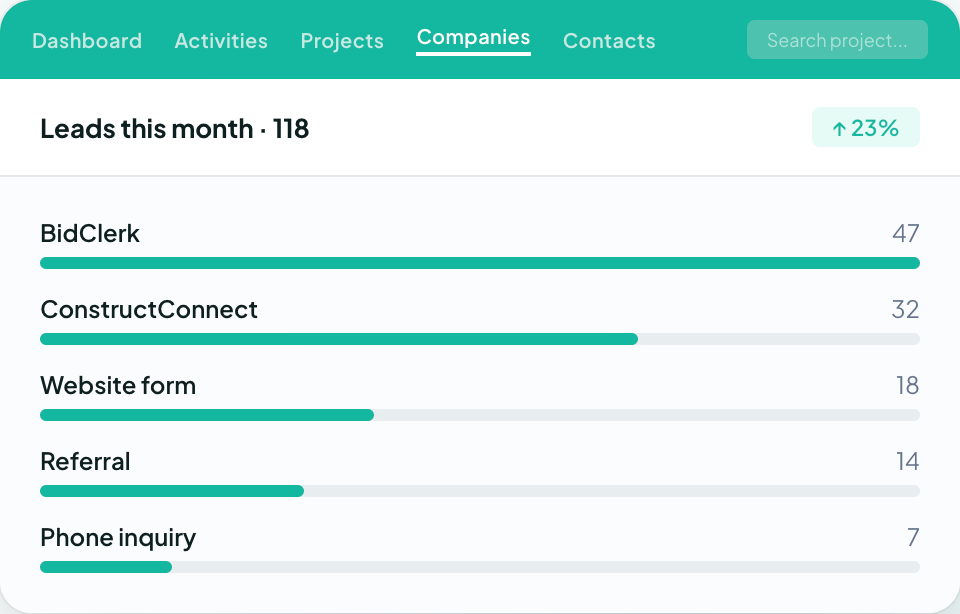
Followup CRM was built to close that gap. It gives HVAC companies one place to track every lead, bid, and proposal from first contact to signed contract.
The digital bid calendar keeps due dates visible to the whole team. Email tracking logs every call and message against the right deal. Reminders flag follow-ups before they go cold, and dashboards show the sales team exactly where the pipeline stands.
The proposal generator produces branded proposals and sends them for e-signature, so the handoff from estimate to contract happens in the same system.
Once a project is won, integrations with ERP, accounting, estimating, and project management platforms carry the data forward without re-entry.
FAQs About HVAC Contractor Software
What software do most HVAC companies use?
Most HVAC companies use a field service platform for scheduling, dispatch, and invoicing, plus an accounting system such as QuickBooks or a construction ERP.
Commercial contractors typically add a sales CRM to manage bids and follow-ups, which is the role Followup CRM fills for HVAC and mechanical contractors.
What CRM software is best for HVAC contractors?
The right CRM depends on how the business sells. Residential service shops often use the CRM built into their field service software.
Commercial HVAC contractors who win work through bidding need a construction-specific CRM with bid tracking, proposal generation, and pipeline reporting, which is what Followup CRM is designed for.
Is there any free HVAC software available?
Some HVAC software tools offer free plans with limited users or features, and most vendors offer a trial or demo. Followup CRM does not have a free plan. It is demo-led, and paid plans carry a 30-day money-back guarantee.
What is the difference between HVAC field service software and an HVAC CRM?
Field service software manages the work after it is sold: dispatching technicians, completing service calls, and invoicing. An HVAC CRM manages the work before it is sold: tracking leads, bid deadlines, proposals, and follow-ups.
Followup CRM is a CRM, and it integrates with the field and accounting systems that take over once the job is won.
Do commercial HVAC contractors need job costing software?
Yes. Commercial projects run long enough that margin can disappear before anyone notices without job costing by phase.
Job costing usually lives in the accounting or ERP system, and Followup CRM integrates with platforms such as Foundation, Vista, and Sage so won bids flow into those systems without re-entry.
The CRM Built For Construction Companies
No more disorganized data. Track your leads, bids, and customers all in one place.
Seamless Integration with:
✅ Foundation ✅ Viewpoint ✅ Sage and more