

TL;DR
These are the best Pipedrive alternatives in 2026, grouped by the kind of team each one serves. Only the first one is built for construction, while the other six are general-purpose sales CRMs:
- Followup CRM: Best for commercial and specialty trade contractors.
- HubSpot: Best for combining sales and marketing in one platform.
- Salesforce Sales Cloud: Best for large sales organizations.
- Zoho CRM: Best free Pipedrive alternative for small teams.
- Copper: Best for teams that work inside Google Workspace.
- monday CRM: Best for teams that want pipeline and project boards together.
- Attio: Best for teams that want an AI-native CRM.
Why Teams Look for Pipedrive Alternatives
Pipedrive CRM is a sales CRM for lead tracking and deal management in the plainest sense. It organizes contacts, activities, and email around visual pipelines.
Plans run from Lite to Growth, Premium, and Ultimate, all priced per seat, with a 14-day free trial and no credit card required.
There is no free plan, and features like email marketing, project boards, and document tracking are sold as paid add-ons on top of the base subscription.
That setup works well when you choose Pipedrive for a small team with a simple sales process. The trouble starts when the business needs more than deal tracking.
Teams that run marketing from the same system, need project management after the sale, or want AI built into the data model tend to outgrow it.
Industry-specific sellers hit a different wall. A contractor managing bid calendars and estimates will often find that a general CRM slows the sales process down instead of supporting it, because the workflow was designed for a different kind of deal.
The seven tools below each solve one of those problems better than Pipedrive does on its own.
Top 7 Pipedrive Alternatives in 2026
Each tool below was reviewed on its own merits, with pricing taken from the vendor’s current pricing page. The “best for” label tells you which kind of team it suits, so you can skip straight to the entries that match your situation.
1. Followup CRM: Best for Commercial and Specialty Trade Contractors
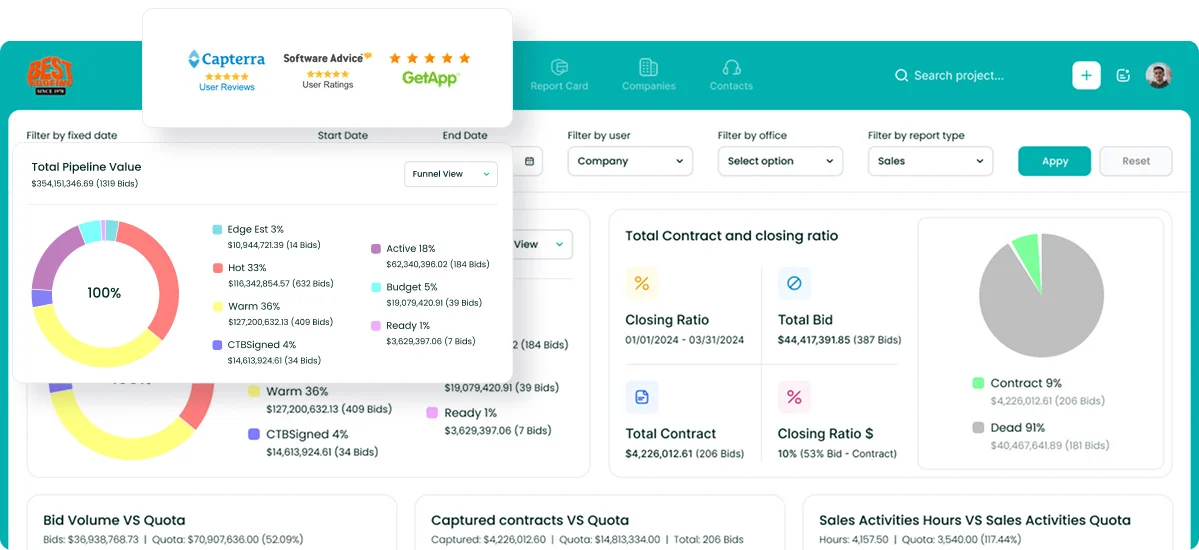
Followup CRM is a sales and bid-tracking CRM built for commercial contractors, general contractors, and subcontractors. Where a general sales CRM tracks deals, Followup CRM tracks the full construction sales cycle, from lead and bid to estimate, proposal, and close.
It is used by 4,000+ construction professionals, with roofing, electrical, glass, concrete, and flooring among the trades it serves.
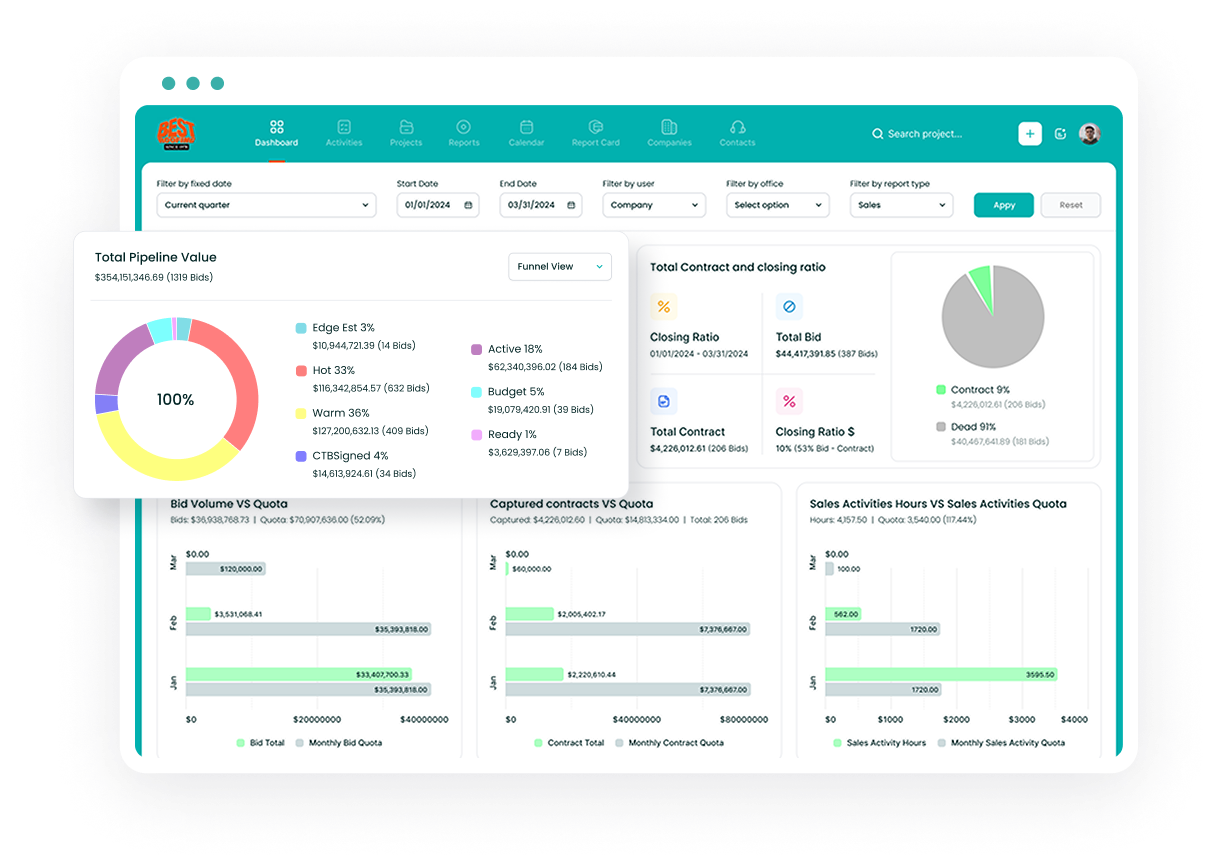
The system centralizes contacts, documents, and bid due dates, then turns daily activity into pipeline and close-rate reporting.
A shared digital bid calendar keeps estimators on deadline, and the proposal generator produces branded proposals that go out for e-signature.
Because construction CRM software has to connect to the tools contractors already run, Followup CRM integrates with Foundation, Sage, Vista, Procore, QuickBooks, Outlook, Gmail, and Zapier, so email activity logs automatically and job data syncs with accounting.
AI handles the admin. Voice AI lets a salesperson describe what happened on a site visit, and the system does the data entry.
Gregg AI Assist drafts comments and emails inside each record and can summarize information on a project so a manager gets the status without reading every note.
Key Features
- Lead and bid tracking with a shared digital bid calendar.
- Proposal generator with e-signature.
- Sales and estimating dashboards with win/loss reporting.
- Voice AI and Gregg AI Assist for data entry and drafting.
- Two-way sync with construction ERP and accounting systems.
Pricing: $99 per user per month, billed annually. No free plan, demo on request.
Book a demo and see Followup CRM in action!
2. HubSpot: Best for Combining Sales and Marketing in One Platform
Image source: hubspot.com
HubSpot brings marketing, sales, and customer service into an all-in-one platform built around shared customer data.
Sales Hub covers the sales side with deal pipelines, meeting scheduling, email templates, and a reporting dashboard, while Marketing Hub adds email marketing, landing pages, and lead capture.
Because everything sits on one platform, a marketing touch and a sales call show up on the same contact record, which makes the customer journey easier to follow from first visit to closed deal. Sales automation grows with the plan.
Starter allows up to 50 workflows with limited triggers, Professional opens up 300 fully customizable workflows, sequences, lead scoring, and forecasting, and Enterprise adds deal journey analytics and custom goals.
Paid plans also include HubSpot Credits, which power AI agents for prospecting and data upkeep.
HubSpot suits a sales team that already runs inbound marketing or plans to. It is a broad system, so the learning curve is steeper for a team that only needs a pipeline.
It is also a general-purpose platform, so a contractor would need to set up bid tracking and estimate stages from custom properties.
Key Features
- Free CRM for up to two users.
- Deal pipelines, sequences, and workflow automation.
- Lead scoring and forecasting on Professional and above.
- Marketing Hub for email marketing and lead capture.
- AI agents run on included HubSpot Credits.
Pricing: Free tools for up to two users, no credit card required. Sales Hub Starter starts at $7 per seat per month, billed annually under a limited-time offer (list price $20 monthly).
Professional is $90 per seat per month, billed annually ($100 monthly) plus a required one-time onboarding fee of $1,500. Enterprise starts at $150 per seat per month, with a $3,500 onboarding fee.
3. Salesforce Sales Cloud: Best for Large Sales Organizations
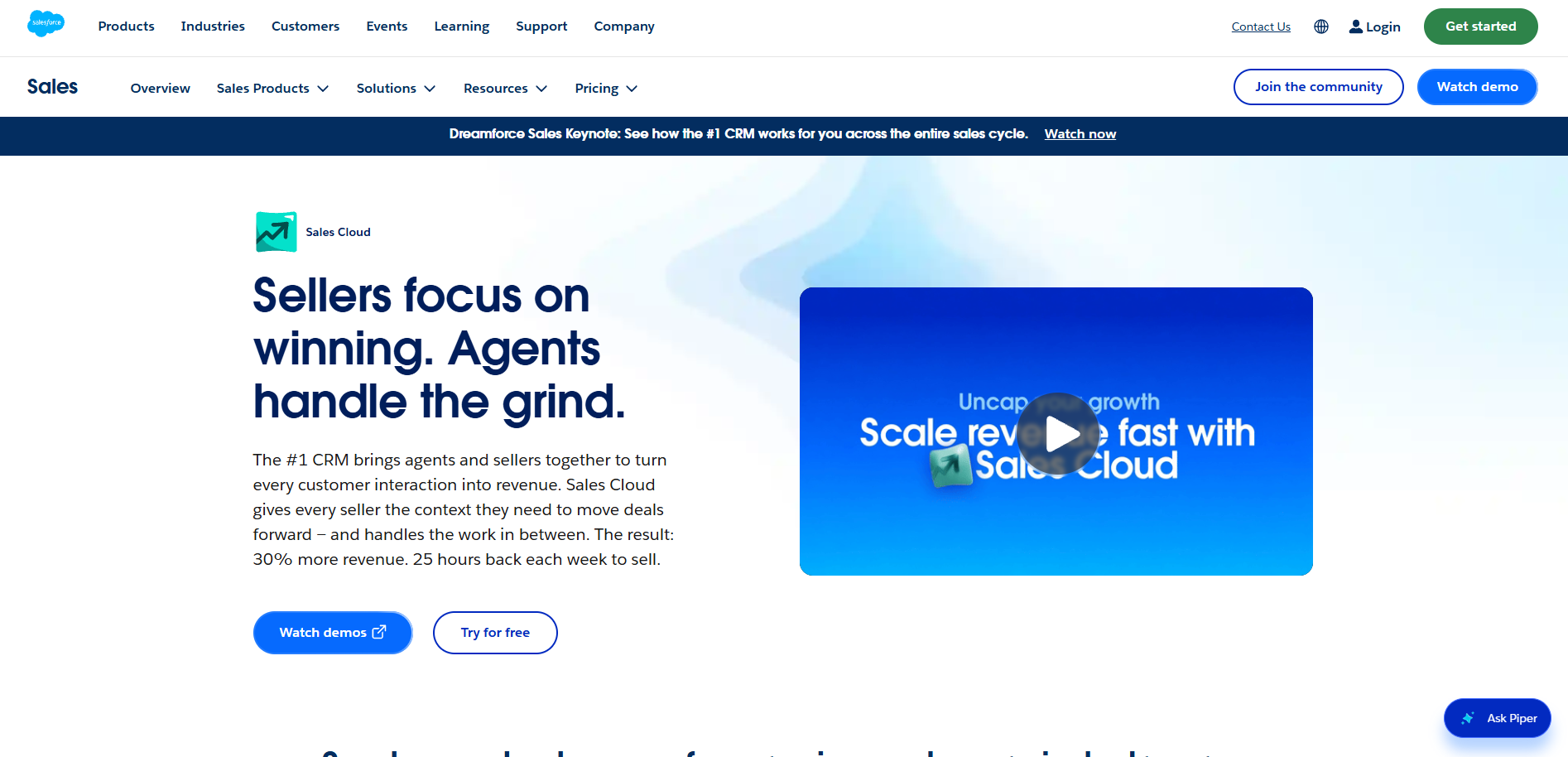
Image source: salesforce.com
Salesforce Sales Cloud is suitable for sales organizations with many reps, several regions, and a sales process that needs heavy customization.
The platform is built around custom objects, custom fields, and custom reports, so a sales operations team can model almost any process inside it.
Territory management, approval chains, and forecasting at the team-hierarchy level are the kinds of advanced features that larger companies tend to buy it for.
The editions scale up in steps. Starter Suite bundles basic sales, service, and marketing tools for small businesses. Pro Suite adds greater customization, automation flows, forecasting, and quoting.
Enterprise brings advanced pipeline management, conversation intelligence, and Agentforce AI agents, while Unlimited adds predictive AI, sales engagement tools, and full sandbox access.
A large AppExchange marketplace covers third-party integrations for most business systems.
A dedicated administrator or sales operations function helps companies maintain Salesforce, and most teams budget time for setup and training before reps see the benefit.
For a construction sales team working bids and estimates, that is usually more system than the process calls for.
Key Features
- Custom objects, fields, and reports for any sales process.
- Territory management and hierarchy-level forecasting.
- Agentforce AI agents on Enterprise and above.
- Sandbox environments for testing changes.
- AppExchange marketplace for third-party integrations.
Pricing: Starter Suite is $25 per user per month, available on monthly or annual billing. Pro Suite is $100 per user per month, billed annually.
Enterprise, Unlimited, and Agentforce 1 Sales editions are priced per user per month on annual contracts, with current rates listed on the Salesforce pricing page.
Certification and paid training can add to the cost. The Salesforce Platform Administrator exam costs $200 per person before tax, with $100 retakes.
4. Zoho CRM: Best Free Pipedrive Alternative for Small Teams
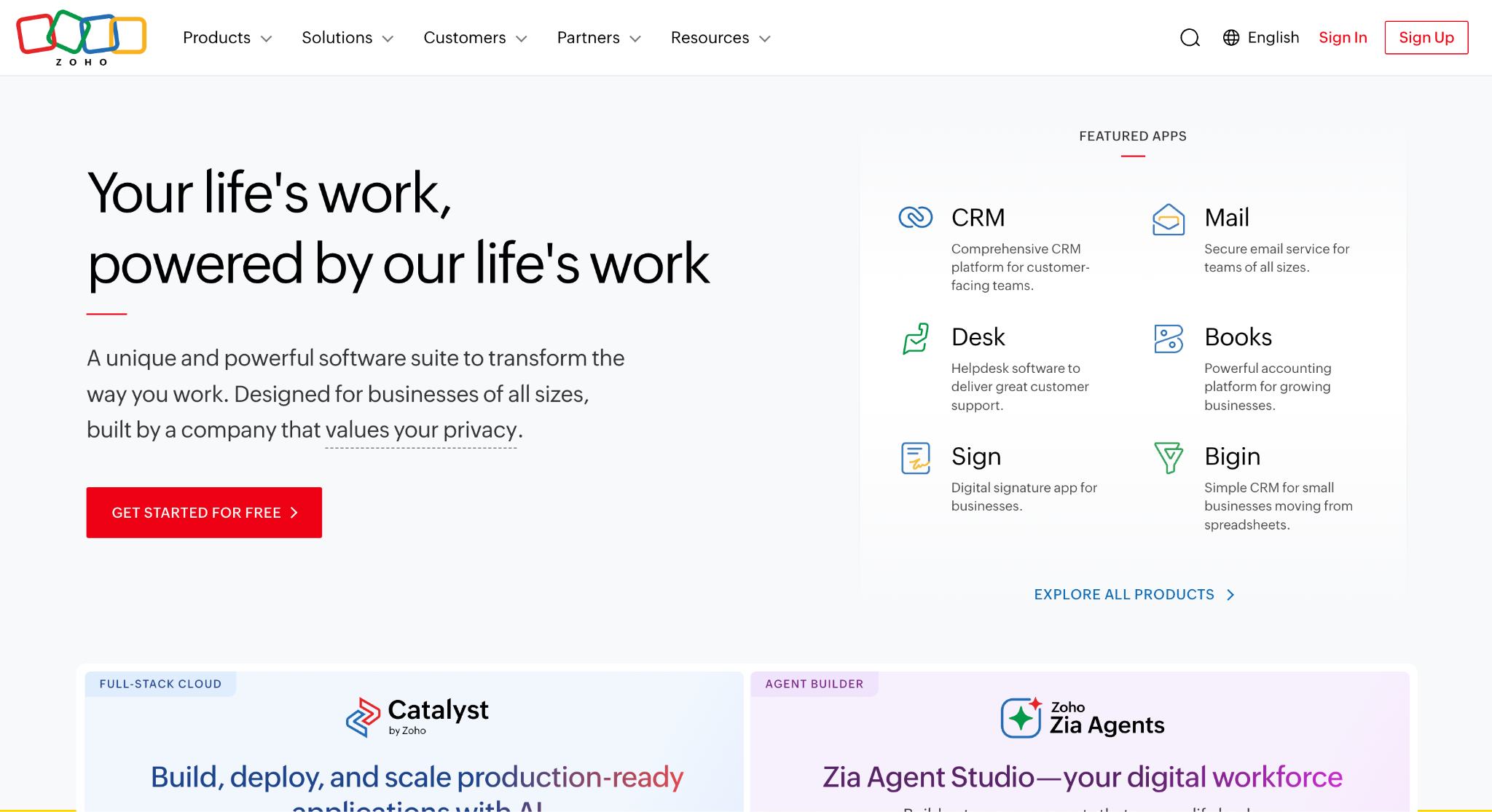
Image source: zoho.com
Zoho CRM is a good fit for a small team or a single person who wants a real CRM without paying for it yet.
The Free Edition is free forever for up to three users and includes contact management, follow-up reminders, workflow automation, standard reports, data import and export, API access, and the mobile app.
That is enough to run a working sales pipeline for a very small business, with a clear upgrade path once the team grows past three seats.
The Standard plan adds email integration, built-in calling, multiple sales pipelines, calendar sync, web forms, and sales forecasting. Professional brings AI agents, Blueprint process management, quoting, and customer journeys.
Enterprise adds multi-team management, reporting hierarchy, a developer sandbox, Zia AI insights, and a QuickBooks integration.
Zoho also sells a full suite of business apps, from Books to Desk and Campaigns, so a company that standardizes on Zoho can keep sales, support, and finance in one connected system.
Zoho CRM may do well for a team that is comfortable configuring its own tools. The number of modules and settings takes time to learn.
Key Features
- Free Edition for up to three users.
- Workflow automation included on every plan, free tier included.
- Built-in calling and multiple pipelines from Standard up.
- Blueprint process management and AI agents on Professional.
- Connects to the wider Zoho app suite.
Pricing: Free Edition for up to three users. Paid plans are billed per user per month: Standard at $14 billed annually ($20 monthly), Professional at $23 ($35 monthly), Enterprise at $40 ($50 monthly), and Ultimate at $52 ($65 monthly).
5. Copper: Best for Teams That Work Inside Google Workspace
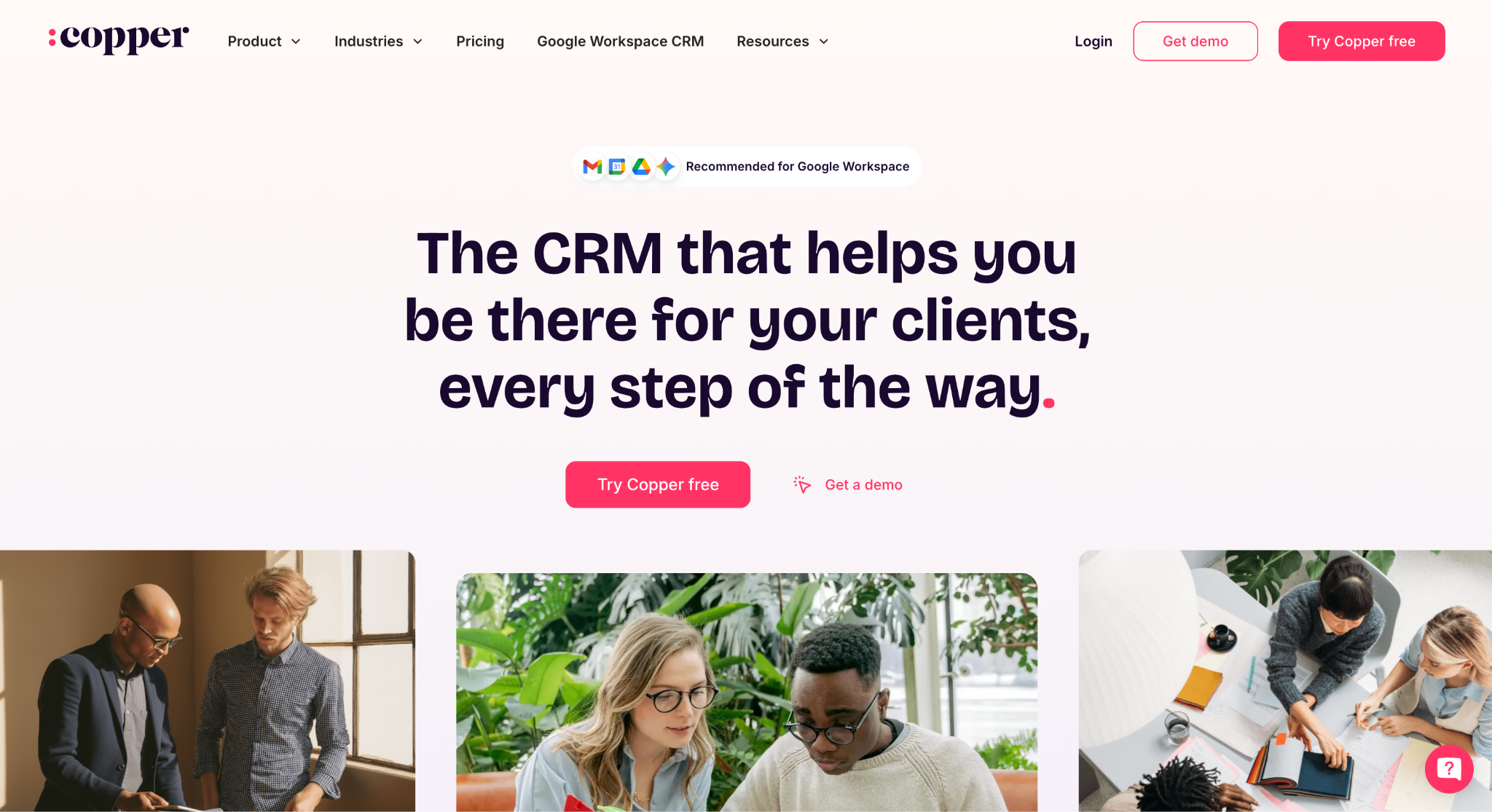
Image source: copper.com
Copper is suitable for a sales team that lives in Gmail and Google Calendar and wants the CRM to come to them. The Chrome extension puts Copper inside Gmail, so a rep can add a lead, log an activity, or update a deal without opening another tab.
Emails, contacts, and files sync from Gmail, calendar events sync both ways, and Google Drive documents link straight to records. For reporting, Copper data syncs to Google Sheets and Looker Studio.
The CRM itself covers the standard ground. Customizable sales pipelines track deals, task automation lets the system create tasks after an action, and workflow automation on higher plans handles multi-step custom workflows.
Project pipelines sit alongside sales pipelines, so a team can carry a won deal into delivery without leaving the tool. Bulk email, email series, and custom reports are also tied to the higher plans, and the contact list cap rises with each tier.
Agencies and consultancies already using Google Workspace are a natural fit for Copper. Teams on Microsoft 365 would get less from it.
Key Features
- Chrome extension for Gmail and Google Calendar.
- Gmail, Calendar, Contacts, Drive, and Sheets sync.
- Sales and project pipelines in one system.
- Task automation on every plan, workflow automation on Professional and above.
- Zapier connection to 5,000+ apps.
Pricing: Basic is $23 per seat per month, billed annually ($29 monthly), Professional is $59 ($69 monthly), and Business is $99 ($134 monthly). A free trial is available with no credit card required.
6. monday CRM: Best for Teams That Want Pipeline and Project Boards Together
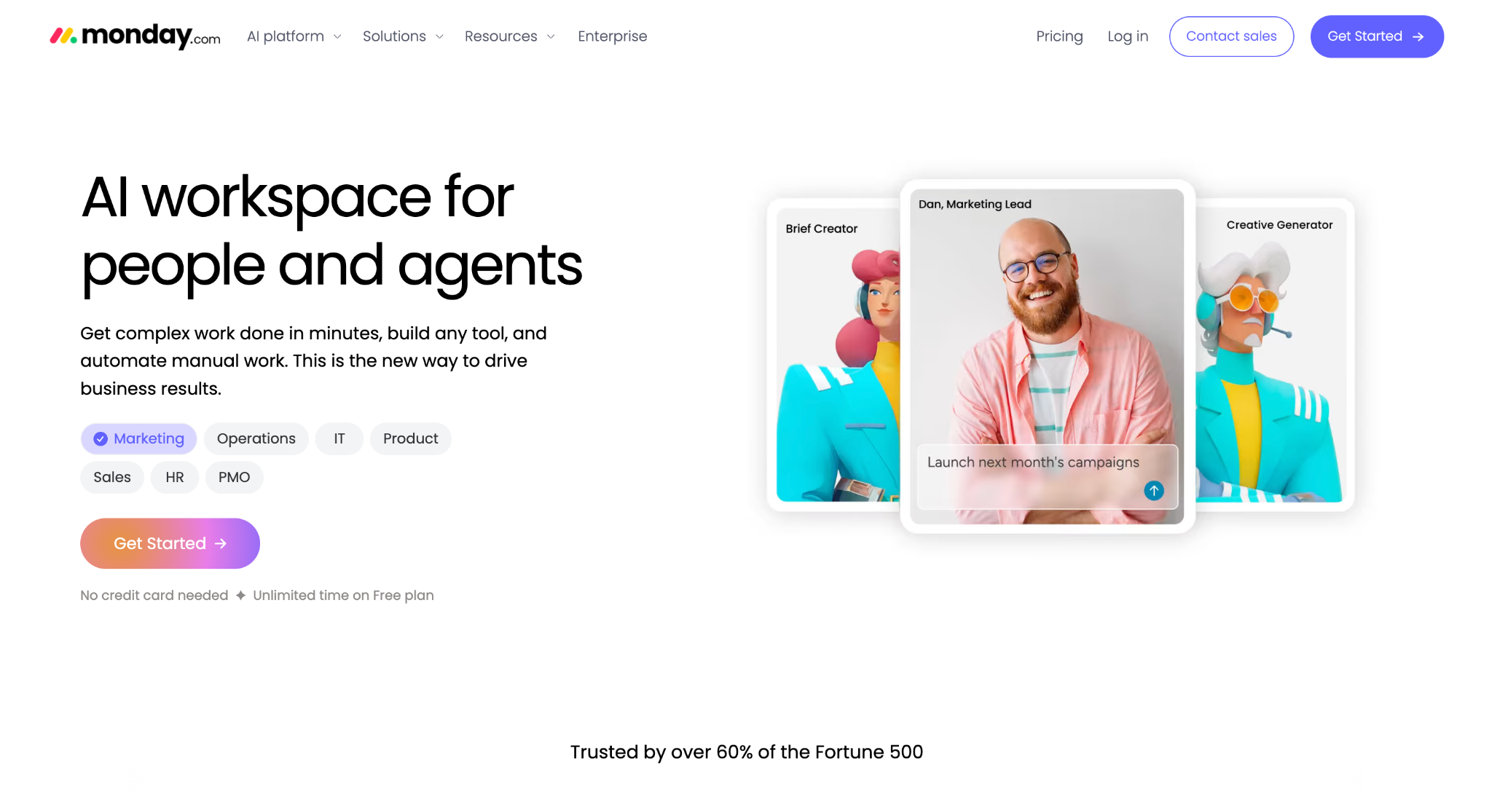
Image source: monday.com
monday CRM is a good fit for a team that already thinks in boards.
Deal pipelines, contacts, and post-sale projects all live as boards with configurable columns, so a sales team and a delivery team can work from the same workspace instead of handing off between a CRM and a separate project management tool.
Custom dashboards pull from any board, and the number of dashboards, columns, and contacts rises with each plan.
Automation is where the plans separate. The Standard plan includes 250 custom automations a month plus a centralized comms hub that logs emails, calls, and meetings on each contact, and the mobile apps start here.
Pro raises the limit to 25,000 automations a month and adds mass email and email sequences. AI credits are included from Standard up, covering a meeting prep agent, a notetaker, AI-powered data fields that fill in or categorize records, and a builder for custom agents.
Ultimate adds enterprise security, advanced permissions, HIPAA compliance, and 25,000 API calls a day.
monday CRM may do well for a team that wants sales and project tracking in one visual system. Plans start from three users, so it is less suited to a single person.
The boards are generic by design, so a construction team builds its own bid and estimate structure instead of starting from one.
Key Features
- Pipeline, contact, and project boards in one workspace.
- Custom automations, 250 a month on Standard and 25,000 on Pro.
- Quotes and invoices generated from deal records.
- Included AI credits for agents, notetaking, and data fields.
- Mass email and sequences on Pro.
Pricing: Basic is $12 per seat per month billed annually ($18 monthly), Standard is $17 ($25 monthly), Pro is $28 ($41 monthly), and Ultimate is a custom quote. Plans start from three users. There is a 14-day free trial and no free plan.
7. Attio: Best for Teams That Want an AI-Native CRM
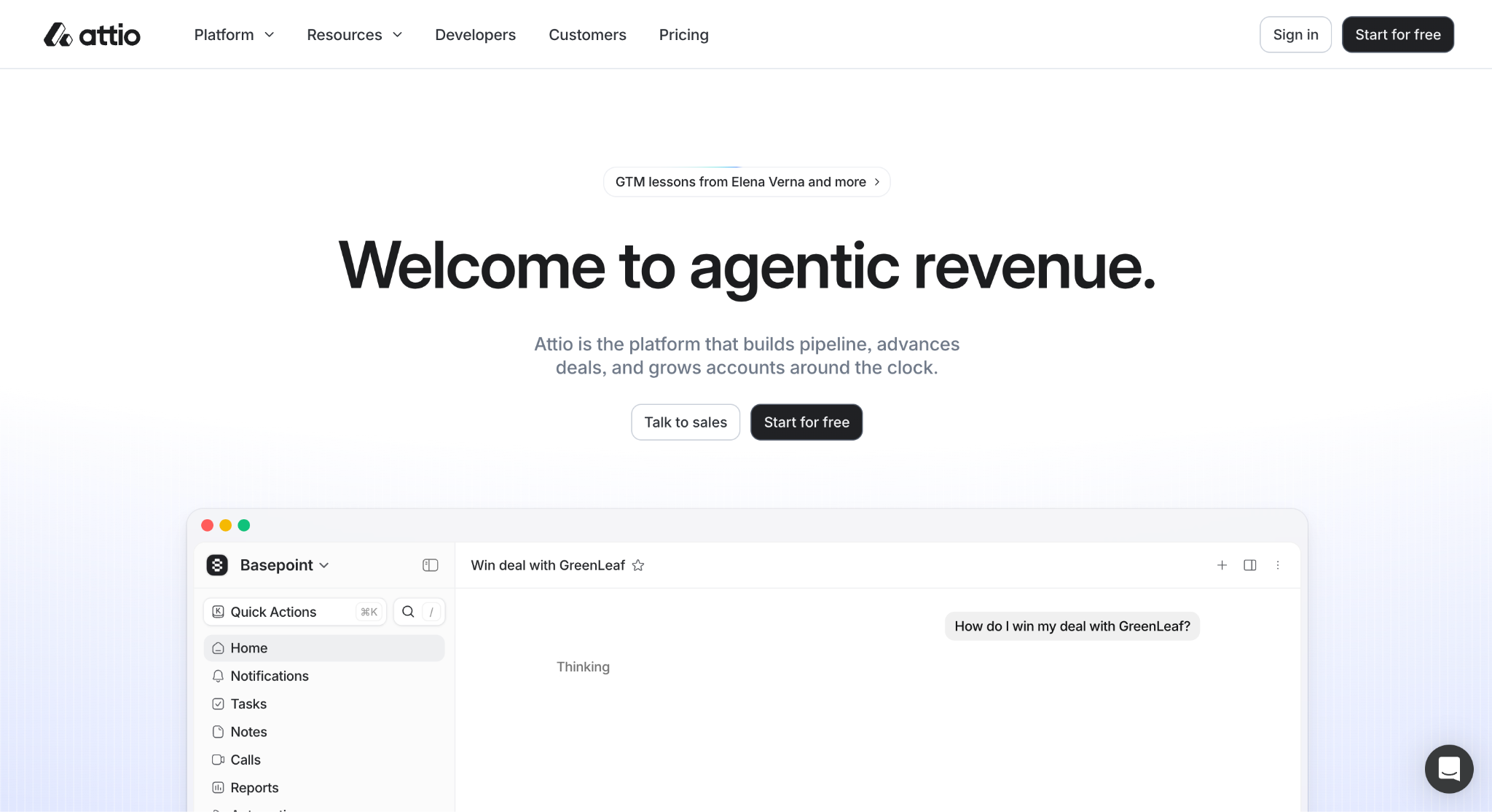
Image source: attio.com
Attio is suitable for a sales team that wants AI built into the CRM rather than bolted on. The platform is organized around a flexible data model.
Companies, people, and deals are standard objects, and a team can add custom objects, relationship attributes, and formula fields to shape the CRM data around its own sales process.
Connecting email and calendar builds the contact database automatically, and enrichment fills in company and people details without manual entry.
The AI layer runs on credits included with every plan. Ask Attio answers questions and creates reports from customer data in plain language, custom agents take on repeat tasks, a web agent researches prospects, and Call Intelligence records and summarizes meetings on Pro.
Workflows and sequences cover sales automation, and an MCP server plus an API and webhooks let developers connect it to other tools.
Attio suits startups and tech-leaning teams that want to configure the CRM themselves. Object limits rise by plan, from three on Free to twelve on Pro, so a complex data model needs a higher tier.
Key Features
- Custom objects, relationship attributes, and formula fields.
- Automatic enrichment from email and calendar sync.
- Ask Attio, custom agents, and web agent on included credits.
- Call Intelligence and sequences on Pro.
- API, webhooks, and MCP server.
Pricing: Free for up to three seats. Plus is $35 per user per month billed annually ($44 monthly), Pro is $79 ($99 monthly), and Enterprise is a custom quote billed annually. A 14-day trial of Pro is available with no credit card required.
How to Choose the Right Pipedrive Alternative
Start with the sales process, not the feature list. Write down how a lead becomes a closed deal in your business, including the stages, documents, and handoffs along the way, then check whether each CRM can model that process without workarounds.
A tool that fits the process is the one your reps will actually update, and a CRM only pays off when the team logs every sales opportunity in it.
Next, read the pricing page carefully. Most CRM software is priced per user, with a discount for annual billing, but some vendors use a flat rate, and others charge extra for add-ons and/or features that look included at first glance.
Note which AI features sit on higher plans, whether they use included credits or need your own API key, and whether seat minimums apply.
Then think about where the business is going. A tool that makes sense for three people may not hold up when the team grows, and switching CRMs twice costs more than choosing carefully once.
Unlike Pipedrive, several tools on this list grow into project management or marketing as well, which is worth weighing if you want a long-term solution.
Finally, run a full comparison on your own data. Import a sample of real leads into a trial, work them for a week, and see which tool helps you close deals with the least friction.
Track Bids in a CRM Built for Contractors With Followup CRM
A general sales CRM can hold your contacts and deals, but it does not know what a bid is.
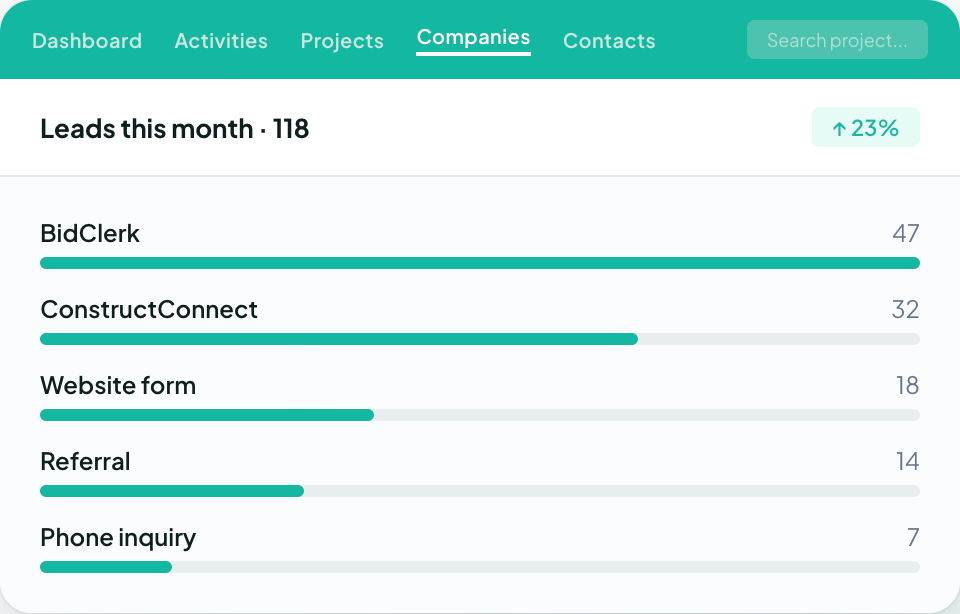
It has no bid calendar, no link between an estimate and the proposal that follows it, and no way to push a won job into your accounting or project management system without someone re-entering the data.
For a commercial or specialty trade contractor, that gap is where follow-ups get missed, and bids go out late.
Followup CRM was built for this sales cycle. Leads, bids, estimates, proposals, and close-outs run through one pipeline that your estimators and salespeople can update from the office or the field.
The digital bid calendar keeps every due date in front of the team, the proposal generator sends branded proposals for e-signature, and the integrations with Foundation, Sage, Vista, Procore, QuickBooks, Outlook, and Gmail keep the data moving without double entry.
Voice AI and Gregg AI Assist take the data entry and drafting off your reps so they can spend the time on property owners and general contractors instead.
More than 4,000 construction professionals already run their sales process in Followup CRM. If your current CRM is slowing the sales process down, you can see how the bid-to-close workflow looks on your own jobs.
Request a live demo of Followup CRM and walk through it with your team’s pipeline in mind.
FAQs About Pipedrive Alternatives
What are the top 3 CRM platforms?
The best CRM depends on your sales process and the support your team needs. Large enterprises usually shortlist Salesforce, marketing-led teams tend to look at HubSpot, and very small teams often start on Zoho CRM’s free edition.
For commercial and specialty trade contractors, the top choice is the one that tracks bids, estimates, and proposals as part of the sales process, which is what Followup CRM was built to do.
What are the downsides of using Pipedrive?
Pipedrive has no free plan, and features like email marketing, project boards, and document tracking are paid add-ons on top of the per-seat subscription.
It is also a general-purpose sales CRM, so there is no bid calendar, no estimate-to-proposal link, and no native connection to construction accounting systems. Contractors who need those usually move to a construction-specific CRM such as Followup CRM.
Who is the No. 1 CRM provider?
By revenue, Salesforce is the largest CRM vendor in the world. Largest is not the same as best fit, though.
A contractor’s sales cycle runs on bids and deadlines, and a CRM built for that cycle, like Followup CRM, will usually serve a construction sales team better than the biggest general platform.
The CRM Built For Construction Companies
No more disorganized data. Track your leads, bids, and customers all in one place.
Seamless Integration with:
✅ Foundation ✅ Viewpoint ✅ Sage and more