



TL;DR
Here are the seven remodeling contractor software tools covered in this guide, along with the use case each one fits best.
- Followup CRM: Best for commercial lead and bid tracking.
- Buildertrend: Best for change orders and full remodel project management.
- Houzz Pro: Best for design-build remodelers.
- JobTread: Best for job costing and cash flow control.
- Buildxact: Best for takeoffs that help you bid faster.
- Jobber: Best for scheduling, invoicing, and client experience on small crews.
- Procore: Best for large commercial remodeling projects.
What to Look for in Remodeling Contractor Software
The first question is not which remodeling software has the most features. It is where your business loses money today. A remodeler who wins plenty of work but bleeds margin on site needs job costing and scheduling.
A remodeler with a solid crew and a thin pipeline needs sales tools first. With that settled, a few capabilities matter for almost every remodeling business.
Lead Tracking and a Sales Pipeline
Every inquiry, site visit, and submitted bid should sit in one record with a next action attached.
A shared bid calendar keeps due dates visible to the whole team, not just the estimator who logged them, and a pipeline view shows which deals are moving and which have stalled.
Professional Proposals and Detailed Estimates
Remodel pricing changes with every selection a client makes, so look for tools with proposal and estimate templates that create a clean, professional proposal quickly and let you revise it without starting over.
Clear estimates should carry enough detail that the client understands the project scope before signing.
Scheduling That Keeps Clients Informed
Homeowners and property managers want to know what happens next. A client portal or a shared schedule cuts down on the calls that interrupt your day and improves client communication and experience while the job is open.
Job Costing, Labor Costs, and Cash Flow
Comparing estimated job costs to actual labor and material costs per job is how you find out which types of remodels are worth chasing.
Tracking those numbers while the job is open, rather than after the final invoice, is what keeps cash flow predictable and future bids accurate.
Integrations With Project Management and Accounting Tools
Your software should pass data to the accounting and estimating tools you already use, or you will end up entering the same project twice. Check what onboarding and support the vendor includes, since a tool the crew never adopts is money wasted.
7 Best Remodeling Contractor Software Tools in 2026
Each remodeling software tool below is reviewed on its own terms. The "Best for" label tells you which part of a remodeling business it serves, so start with the entry that matches your bottleneck rather than reading top to bottom.
1. Followup CRM: Best for Commercial Lead and Bid Tracking
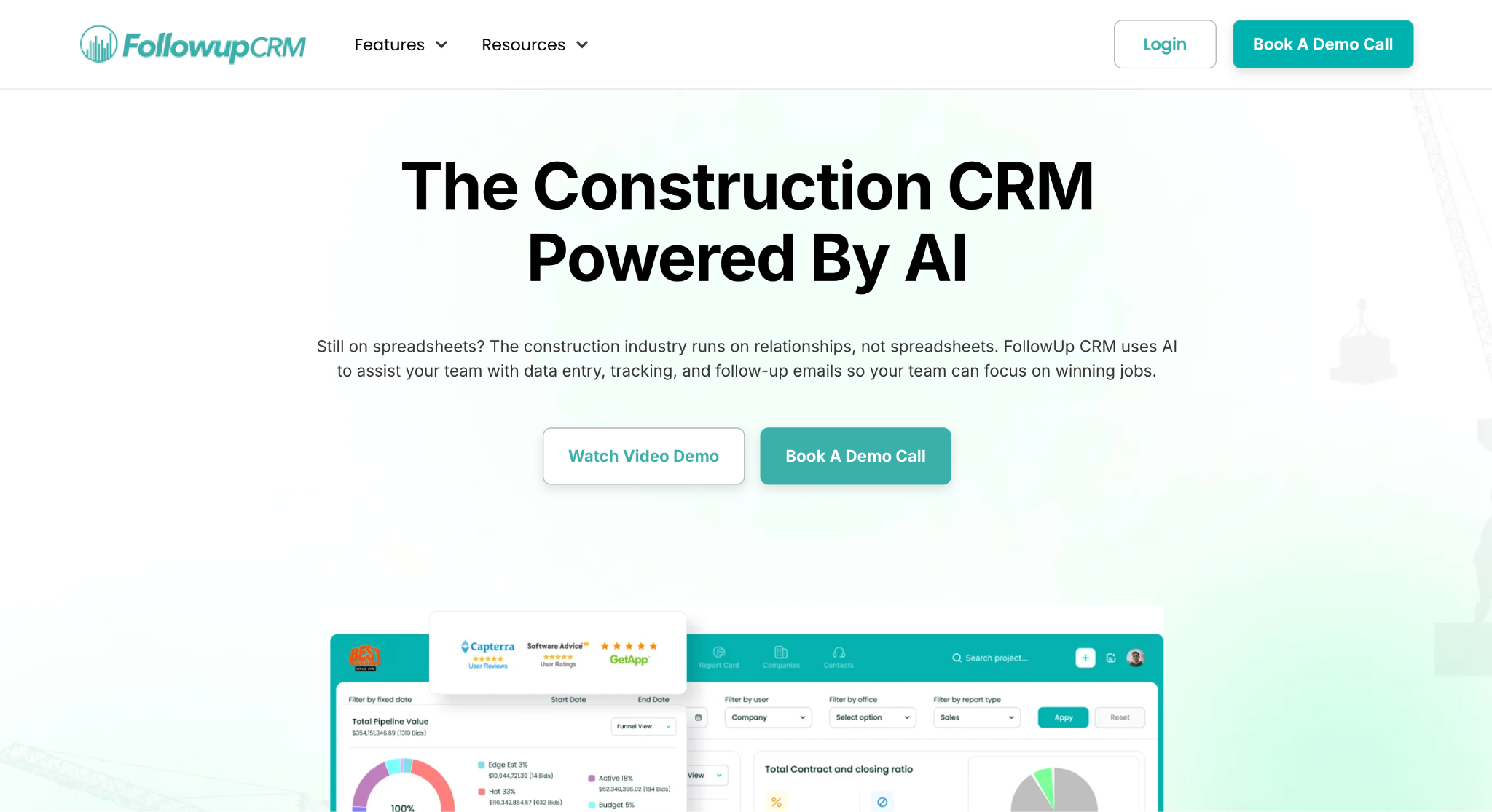
Followup CRM is a construction-specific sales and bid-tracking customer relationship management (CRM) platform, and remodeling is one of the trades it serves alongside roofing, electrical, glass, flooring, etc..
It covers the part of a remodel that happens before the crew shows up. That means capturing the lead, logging the bid, sending the proposal, and following up until the job is won.
That focus matters for remodelers because work arrives from every direction.
A commercial referral, a property manager with three units to renovate, and a general contractor requesting a tenant improvement quote all land in the same pipeline, each with its own follow-up date and bid deadline.
Every lead is logged the moment it comes in and tracked through each stage to close, so nobody has to remember who was promised a callback.
Key Features
- Lead and bid tracking: Imports leads from many sources and tracks each one's progress through the pipeline.
- Digital bid calendar: Keeps bid due dates visible to the team and supports reminders before submission deadlines.
- Proposal generator and e-sign: Creates professional, branded proposals from reusable templates and sends them for virtual signature.
- Sales and estimating dashboards: Real-time data on pipeline, close rates, and team performance.
- Email tracking: Logs Outlook and Gmail activity against the right deal or contact.
- Integrations: Connects with QuickBooks, Sage, Foundation, Procore, STACK, CompanyCam, and Hover.
Who It Fits
Followup CRM is ideal for remodeling contractors who bid on commercial and multi-unit work whose real bottleneck is tracking open bids and follow-ups rather than running the job site.
It works for a single estimator as well as a sales team, since every lead and bid lands in the same shared pipeline.
2. Buildertrend: Best for Change Orders and Full Remodel Project Management
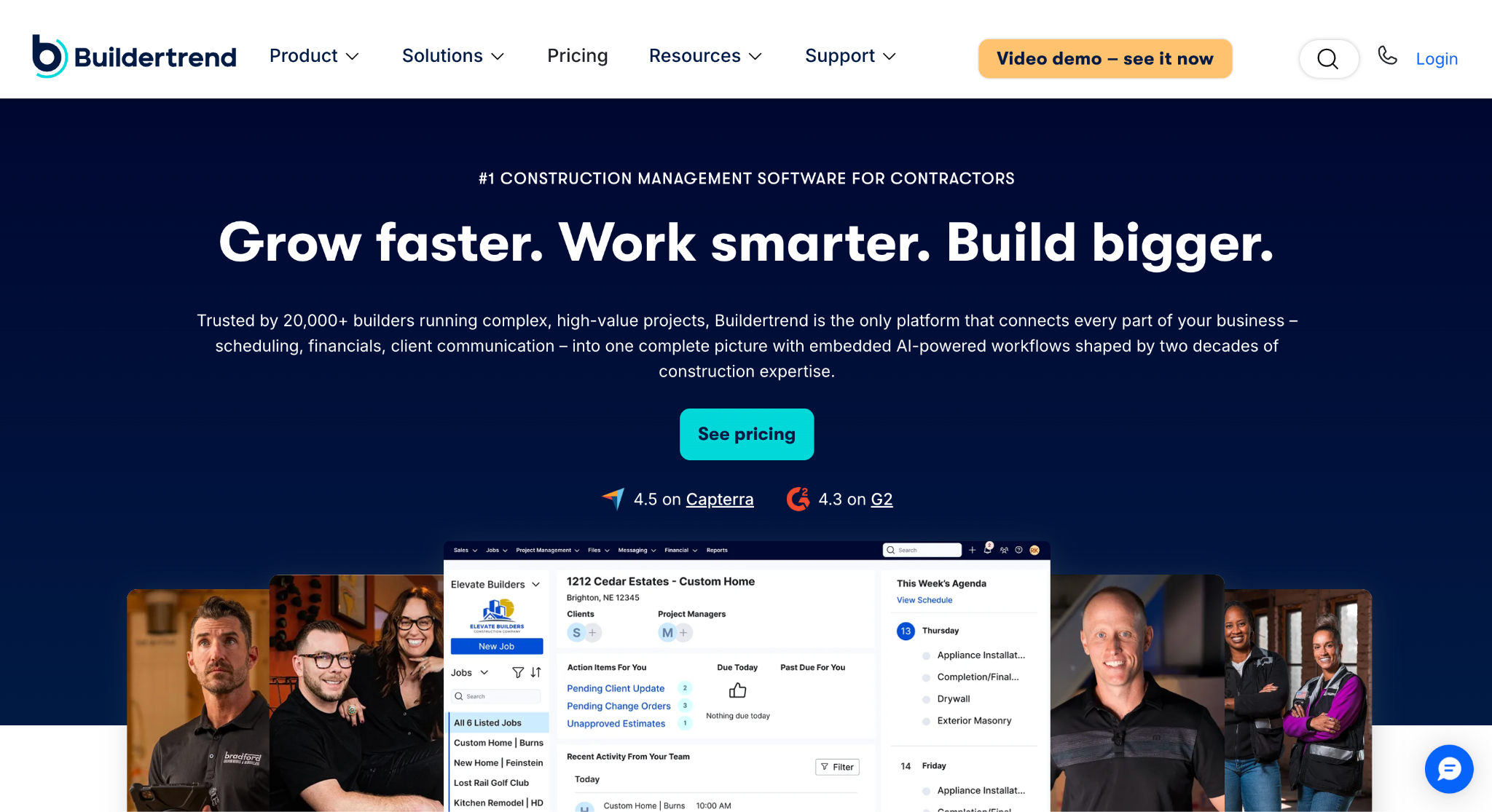
Image source: buildertrend.com
Buildertrend is construction management software for home builders, remodeling businesses, and contractors, with templates and a dedicated setup for kitchen, bath, and whole-home remodels.
Where it fits is the build phase, between a signed contract and the final walkthrough, when a remodeling company is running several projects at once, and each one keeps shifting.
Scope changes are the recurring problem it addresses. Opening a wall reveals something nobody planned for, and Buildertrend prices the change in labor and materials, sends it to the homeowner for approval, and ties the cost back to the budget.
Selections work the same way. Every finish and fixture the client picks is locked in with its actual material costs attached, so there are no surprises at the end.
Scheduling tools help teams sequence trades and tasks while allowing time for possible delays. Daily logs document job progress from the field, while the client portal keeps customers updated and allows homeowners to check progress from their phones.
AI Client Updates creates a homeowner-ready progress report from daily logs without the contractor writing a recap by hand.
Punch list items can be assigned to the right person and marked complete as they come up, and final payments and warranty items handle the closeout phase once the project is complete.
Key Features
- Change orders: Prices scope changes and sends them to the homeowner for approval.
- Selections: Locks in finish and fixture choices with real costs attached.
- Scheduling: Sequences trades with delay days built in.
- Daily logs and client portal: Field updates homeowners can follow from their phone.
Who It Fits
Buildertrend connects to QuickBooks and Xero, and it is a suitable choice for established remodeling businesses whose main challenge is keeping active projects on track rather than filling the pipeline.
3. Houzz Pro: Best for Design-Build Remodelers
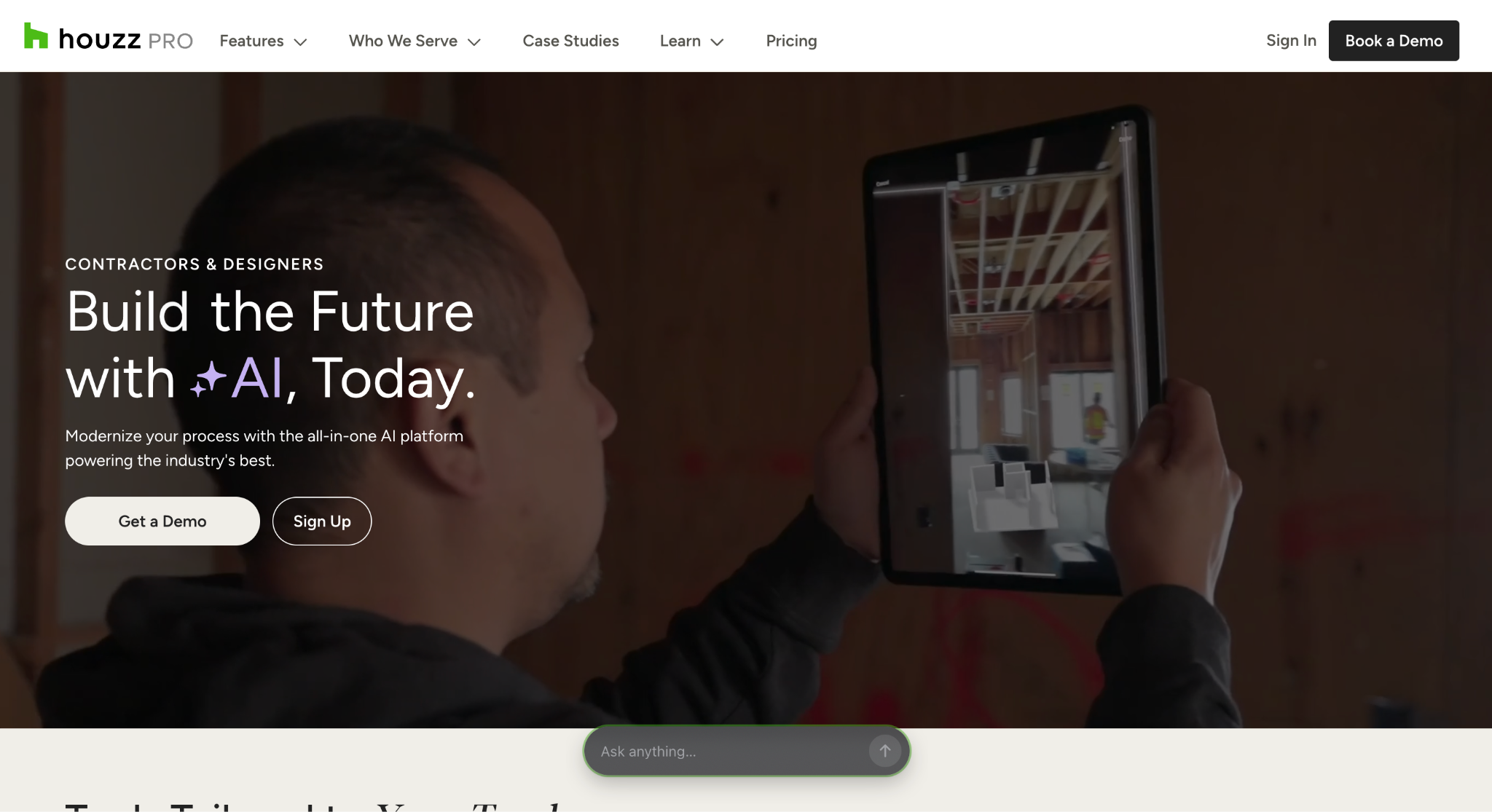
Image source: houzz.com
Houzz Pro is project management and design software from Houzz, built for residential remodeling contractors, home builders, and interior designers.
Its defining feature is the 3D Floor Plan tool, which is why it fits remodeling contractors who sell on design rather than on price alone.
A pro can scan a room with the mobile app to capture dimensions, create a 2D plan, and turn it into an editable 3D model.
Houzz has added AI features that create a 3D plan from an existing 2D drawing and create 3D models from product photos that can be placed in the design.
Plans can be presented as photorealistic renders, dollhouse and walkthrough views, or an augmented reality tour on site, and clients can leave comments directly on the floor plan.
Beyond design, the platform covers estimates and proposals built from templates, change orders, selections, scheduling with assignable tasks, daily logs, invoicing, and online payments.
A client dashboard gives homeowners a single place to review selections, track project status, and approve documents. QuickBooks integration handles the accounting side.
Key Features
- 3D Floor Plans: Room scanning, 2D to 3D conversion, renders, and augmented reality tours.
- Estimates and proposals: Pre-built and custom templates.
- Change orders and selections: Client approvals tracked in one place.
- Scheduling: Gantt, calendar, and list views with tasks assigned to team, subs, or clients.
Who It Fits
Houzz Pro also connects to the Houzz homeowner marketplace, so it’s well-suited for kitchen and bath specialists who win work through their portfolio and want the design presentation and the project tools in one subscription.
4. JobTread: Best for Job Costing and Cash Flow Control
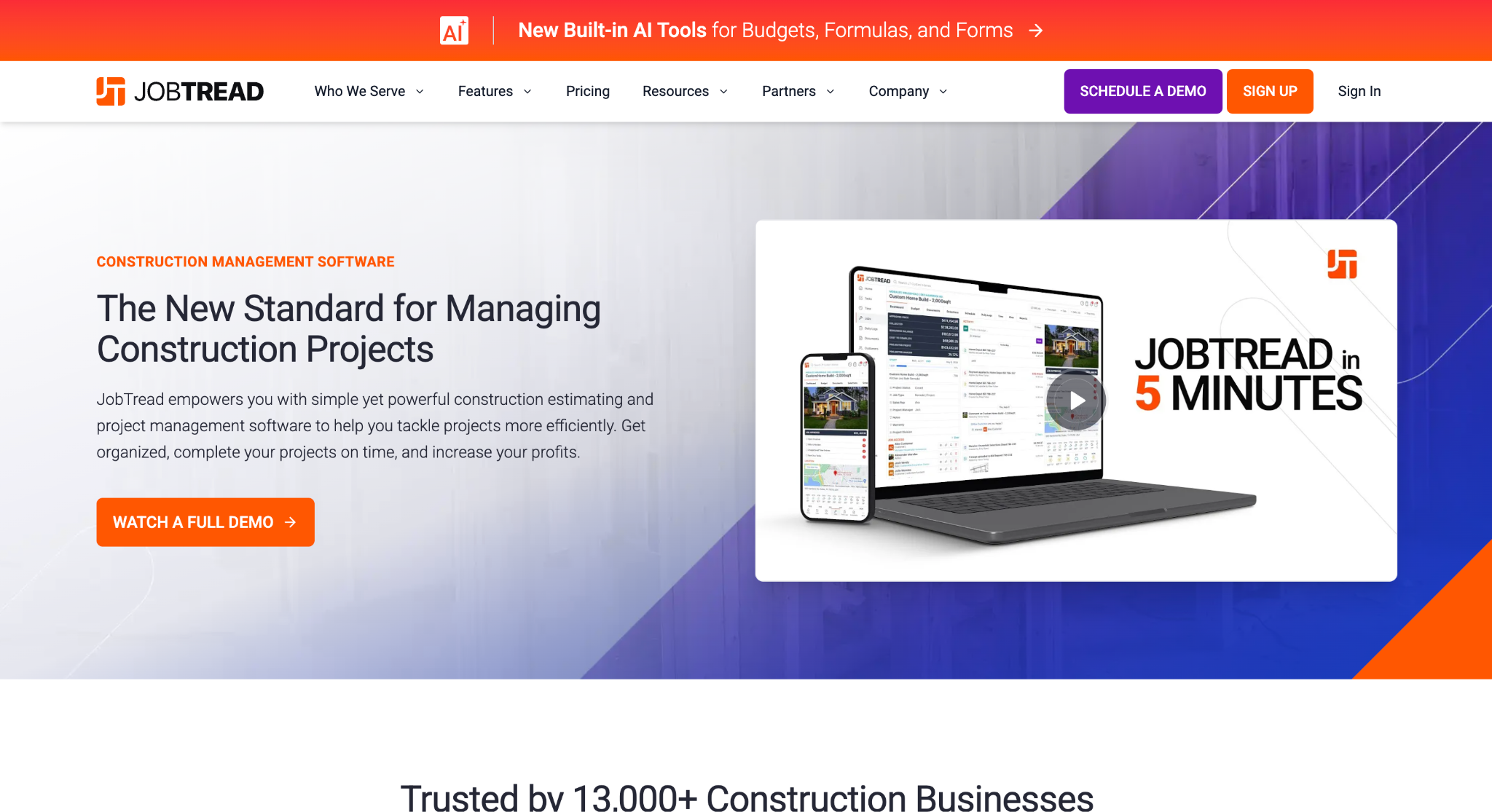
Image source: jobtread.com
JobTread is construction management and remodeling software for home builders, remodeling contractors, and specialty contractors, with a remodeler-specific offering. Its center of gravity is the budget.
Every estimate, materials purchase order, vendor bill, and change order feeds the same job costing data, so a remodeler can see estimated versus actual costs while the job is still open rather than after the invoice goes out.
That matters on a remodel because the number moves constantly. A homeowner upgrades the countertop, the plumber finds corroded supply lines, and the material costs on three line items shift.
JobTread tracks those changes against the budget in real time, reconciles vendor bills for materials with purchase orders, and shows cost variances by category, project phase, or individual item. Labor costs come in through built-in time tracking.
The platform also covers the earlier and later phases. Estimating, takeoff, a cost catalog, estimate templates, and contracts with e-signatures sit on the sales side, while tasks and scheduling, daily logs, selections and allowances, and a customer portal handle the build.
Customer invoices and online payments close it out, and JobTread connects to QuickBooks Online. Homeowner financing is offered through an Acorn Finance integration.
Key Features
- Job costing: Estimated versus actual costs by category, phase, or item.
- Estimating and takeoff: Cost catalog and estimate templates.
- Purchase orders and vendor bills: Reconciled against the budget in real time.
- Customer portal: Invoices, online payments, selections, and allowances.
Who It Fits
JobTread is a suitable fit for remodeling businesses running multiple projects at once who want cash flow visibility per project rather than a single company-wide number.
5. Buildxact: Best for Takeoffs That Help You Bid Faster
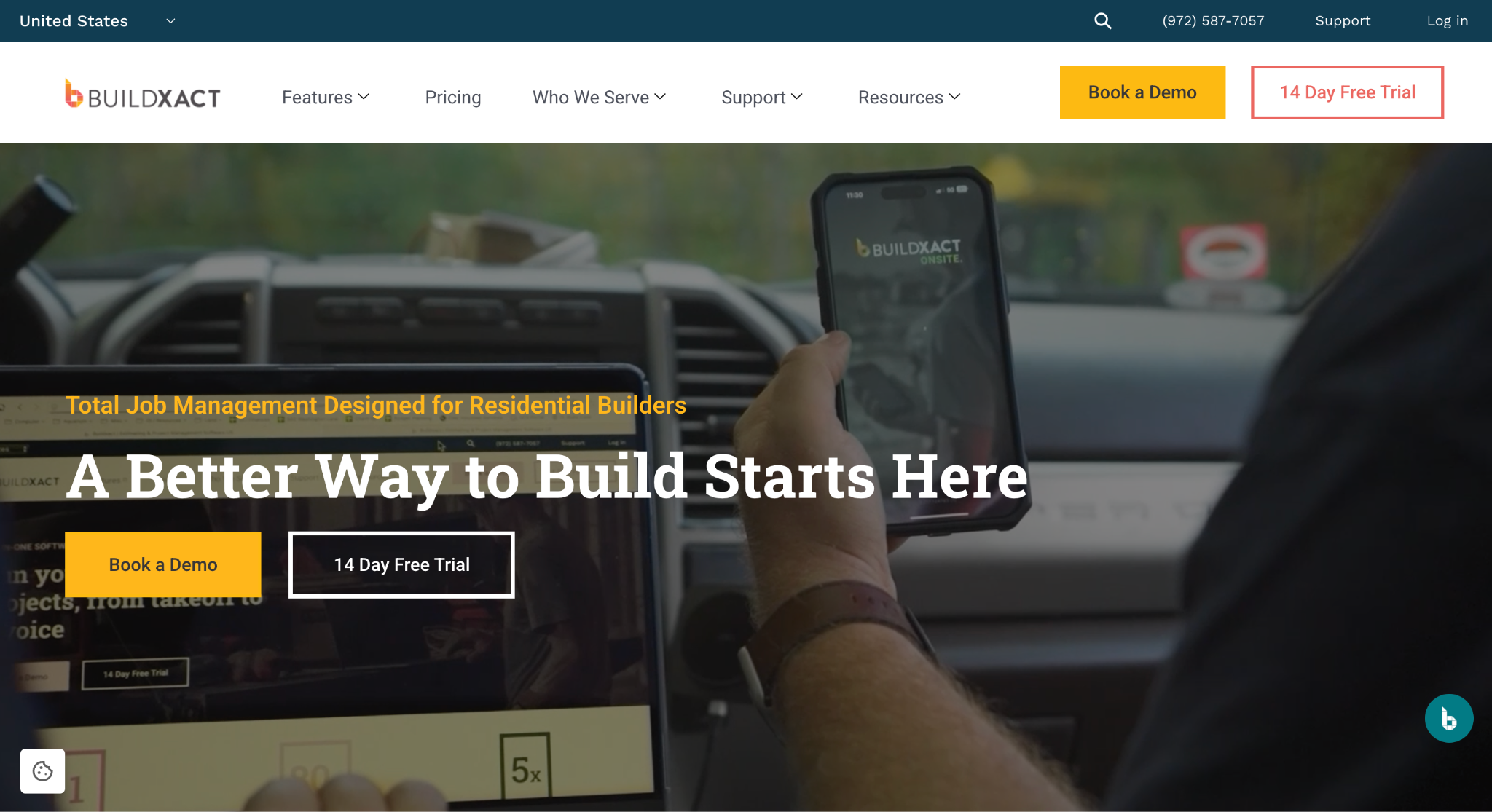
Image source: buildxact.com
Buildxact is remodeling estimating software built for residential construction contractors, and it fits remodelers whose main bottleneck is how long it takes to price a job. The core workflow starts with a digital takeoff.
Upload the plans, measure with a few clicks, and the material quantities flow into estimate tasks organized by category. If there are no plans, the Rendr integration captures a floor plan with a mobile device.
Costing is where the tool separates itself, on both materials and labor.
Material prices come from a connected dealer's live catalog, so a kitchen remodel bid uses current material prices rather than last quarter's spreadsheet. Labor rates for subcontractors can be added with overhead and markup built in.
The software lets you build estimate templates for common jobs and reuse them as project templates, which maintains consistent materials and labor rates and lets data from past projects inform future estimates.
Buildxact's AI assistant, called Blu, can create an estimate from a plain-language prompt, review an existing estimate for missing items, and assist with takeoffs.
Once the numbers are set, the estimate converts into a professional proposal with materials specifications and images, and clients can make selections and sign digitally.
Project schedules are created from the estimate, and cost tracking, invoicing, and QuickBooks and Xero integrations cover the build.
Key Features
- Digital takeoffs: Measure from uploaded plans or capture a floor plan through Rendr.
- Live material pricing: Pulled from connected dealer catalogs.
- Estimate templates: Reusable for common job types.
- Blu AI assistant: Builds and reviews estimates from prompts.
Who It Fits
Buildxact may do well for remodeling contractors who want to bid faster and send clear estimates without hiring a dedicated estimator.
6. Jobber: Best for Scheduling, Invoicing, and Client Experience on Small Crews
Image source: getjobber.com
Jobber is field service software for home service businesses, with a dedicated remodeling software setup for renovation contractors.
It fits a smaller remodeling crew that needs to get jobs on the calendar, keep the team moving between sites, and get paid without chasing.
Scheduling is the core. Active projects, upcoming work, and crew schedules sit in one calendar, which reduces scheduling conflicts and overlaps.
When plans change, the office can reschedule or reassign tasks, and Jobber notifies crews and clients automatically.
From the mobile app, crews can see project details and notes, attach photos with markups, run checklists, complete tasks, and handle time tracking on site, so office staff sees the same data without phone calls.
On the money side, invoices and clear estimates can be created from templates and delivered by text or email, with automatic follow-ups for overdue balances so you get paid faster.
Progress invoicing ties payment schedules to project milestones, and customers can pay online through a self-serve hub where they also review estimates, approve work, and sign documents.
Consumer financing through Wisetack is available on quotes. Job costing tracks labor costs, materials, and change orders as they happen.
Key Features
- Scheduling: One calendar for active jobs, upcoming work, and crew assignments.
- Mobile app: Job details, photo markups, checklists, and time tracking.
- Invoicing: Text or email delivery with automatic overdue follow-ups.
- Client hub: Online payments, estimate approval, and document signing.
Who It Fits
Jobber is a good fit for small remodeling businesses that want their crews and customers on the same page and prefer simpler software over a full construction management platform.
7. Procore: Best for Large Commercial Remodeling Projects
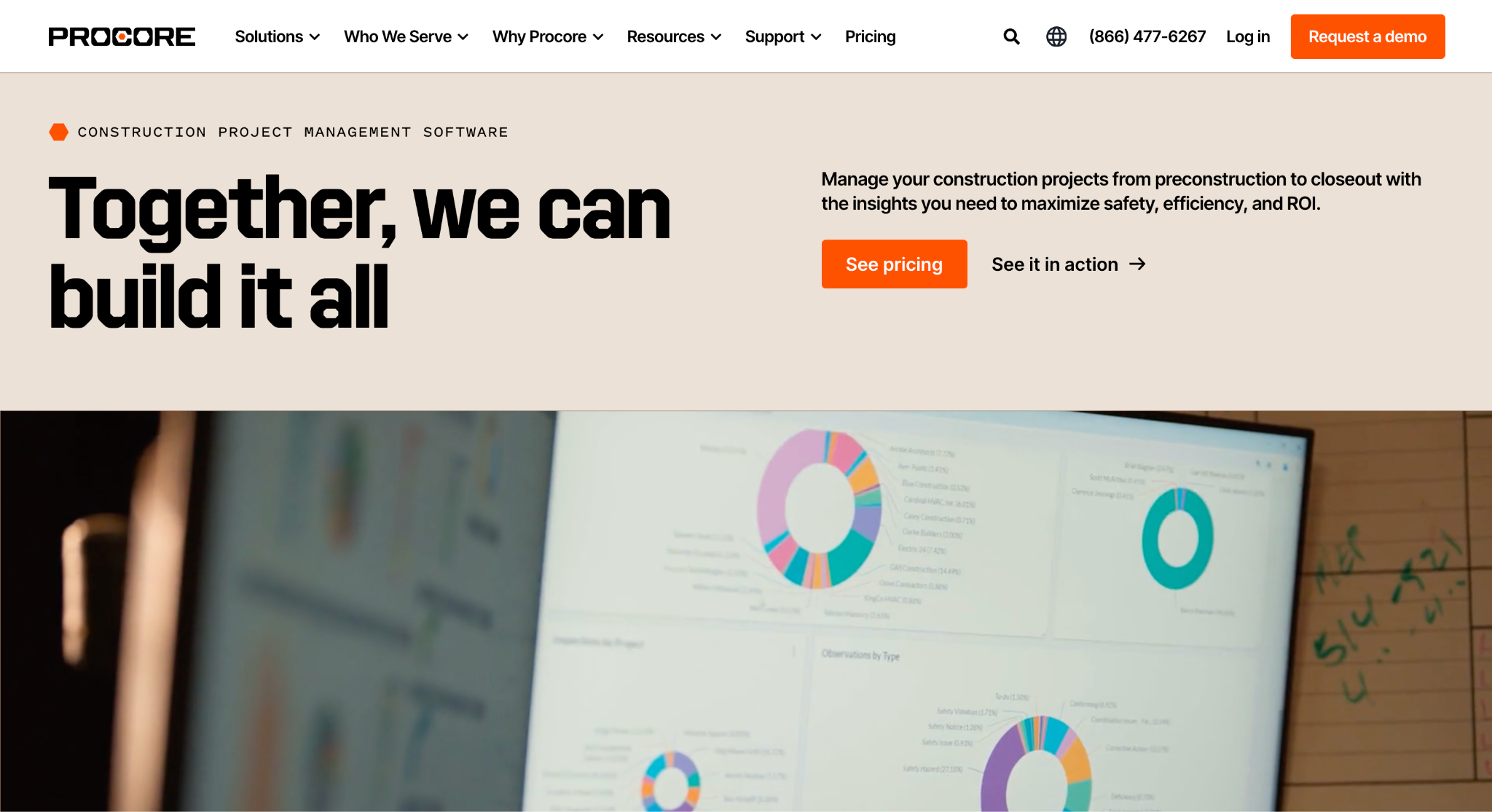
Image source: procore.com
Procore is a construction management platform used by owners, general contractors, and specialty contractors on commercial, residential, industrial, and infrastructure work.
It belongs on this list for remodeling contractors whose projects look more like commercial construction than kitchen upgrades, such as tenant improvements, multi-unit renovation projects, and buildouts with architects, engineers, and multiple subcontractors involved.
The relevant Procore product categories include Preconstruction, Project Management, Financial Management, and Workforce Management. Preconstruction covers planning, budgeting, estimates, and bidding.
Project Management handles the construction documents that drive a large renovation, including drawings, requests for information (RFIs), submittals, daily logs, and punch lists, so field and office teams work from the same current set.
Financial management gives visibility into budget data, commitments, change orders, and invoicing at the project and portfolio level. Workforce Management supports labor scheduling and productivity tracking.
Key Features
- Preconstruction: Planning, budgeting, estimating, and bidding.
- Project management: Drawings, RFIs, submittals, daily logs, and punch lists.
- Financial management: Budgets, commitments, change orders, and invoicing.
- Resource management: Labor scheduling and productivity tracking.
Who It Fits
Procore is built to scale with a construction team that has defined roles rather than an owner who does everything, and it usually runs alongside a construction ERP or accounting system rather than replacing it.
Procore may do well for remodeling firms that have grown into commercial work and need a solution their general contractor clients already recognize and will expect on future projects.
Remodeling Bids Never Go Cold With Followup CRM
Most remodeling businesses do not lose work because the estimate was wrong. They lose it because the follow-up never happened. A property owner asked for a revised scope, and nobody circled back.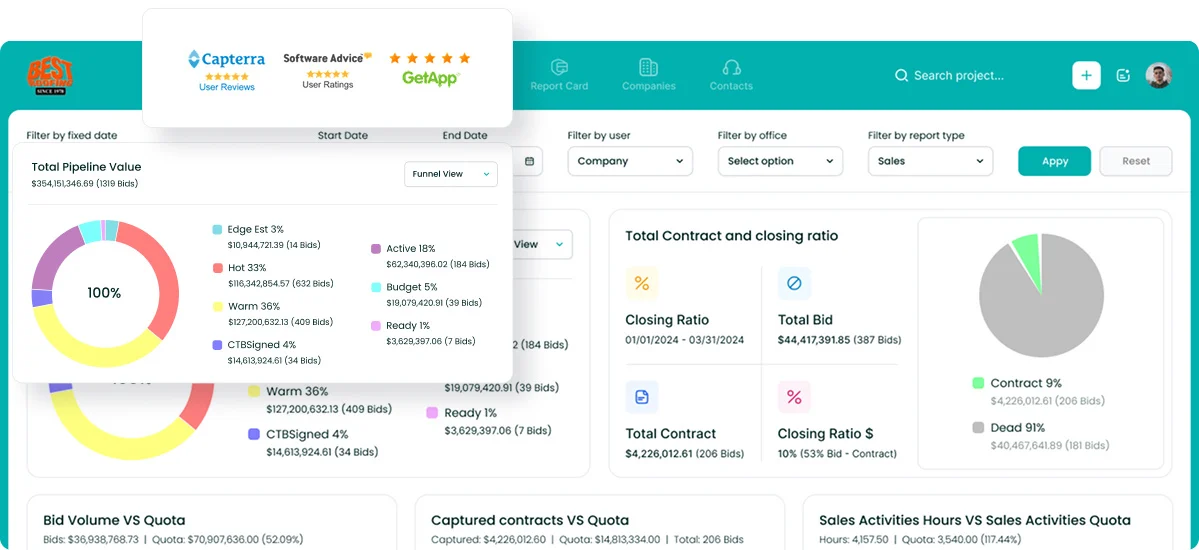
A property manager sent a request for three units, and it sat in an inbox. A general contractor's bid deadline passed while the estimator was on site.
Followup CRM was built to stop exactly that. Every lead, bid, and proposal lives in one pipeline view with a next action and a due date attached, so the whole team can see what is overdue and what is coming up.
Proposals go out from a generator that keeps them consistent, collects e-signatures, and emails activity logs itself to the right contact.
Sales dashboards show where deals are winning, stalling, or slipping, which is the data you need to decide which future projects are worth chasing and which are not.
It also plays well with the other tools remodelers already use, connecting to accounting systems, estimating platforms, and other remodeling software so the handoff from won bid to active job does not mean re-entering the same data twice.
FAQs About Remodeling Contractor Software
What is the best software for contractors?
It depends on which part of the business is holding you back. Contractors who lose margin during the build need remodeling software that handles scheduling and job costing. Contractors who lose jobs before the build starts need a sales and bid-tracking CRM.
Followup CRM covers that second problem for commercial and specialty construction contractors, including remodelers, by tracking every lead and bid from first contact to close.
What is the best remodeling estimating software?
A dedicated estimating tool handles takeoffs, pricing, and formatting clear estimates and proposals. What it usually does not handle is what happens after the estimate goes out.
Followup CRM connects to remodeling estimating software platforms like STACK and The Estimating Edge, so the finished estimate lands in a pipeline where follow-ups are scheduled and the bid deadline is visible to the whole team.
Is there a free app for contractors?
Free contractor apps exist, but they tend to cover a single task such as invoicing or time tracking, and they rarely scale with a growing remodeling business.
For a team whose real cost is missed follow-ups and lost bids, a construction-specific CRM pays for itself faster than a free tool with a feature gap and no support.
Followup CRM offers a live demo so you can see whether it fits before you commit.
What is the best software for home renovations?
Residential remodeling software falls into a few lanes: estimating, project management, design presentation, and sales tracking. Most renovation contractors end up using two or three remodeling software tools together.
If your challenge is winning the work and keeping clients informed while the bid is open, Followup CRM handles lead tracking, bid calendars, proposals, and client communication logging in one solution, and it connects to the other tools you use once the job is won.
How does a sales pipeline help a remodeling business win more work?
A sales pipeline moves open bids through committed next steps, from the first request and detailed estimate to a signed contract. That is how a remodeling business avoids the quiet losses where a client waits two weeks for a callback and hires someone else.
In Followup CRM, managers can review due or unassigned activities, assign items to the right salesperson, and keep each client and project scope conversation on schedule, helping the remodeling business avoid missed follow-ups.
The CRM Built For Construction Companies
No more disorganized data. Track your leads, bids, and customers all in one place.
Seamless Integration with:
✅ Foundation ✅ Viewpoint ✅ Sage and more
