



TL;DR
These are the top eight CRMs remodelers should shortlist in 2026, each with the use case it fits best:
- Followup CRM: Best for commercial remodelers that win work through bids.
- Buildertrend: Best for design-build remodelers that want CRM and project management in one.
- MarketSharp: Best for high-volume home improvement remodelers running lead generation.
- Builder Prime: Best for exterior remodelers that want sales and production in one system.
- improveit 360: Best for established remodelers that want Salesforce-based customization.
- Leap: Best for in-home sales teams closing at the kitchen table.
- JobNimbus: Best for roofing and exterior trades that need a mobile-first CRM.
- Houzz Pro: Best for design-led remodelers sourcing leads through Houzz.
What Is Remodeling CRM Software?
Remodeling CRM software is CRM software shaped around how remodelers and home improvement contractors win work.
It tracks each opportunity from the first inquiry through site visit, estimate, proposal, and signed contract, and it ties every contact, document, and email to the project it belongs to.
That matters because a remodeling sale is longer and messier than a typical sales process.
A commercial tenant improvement can involve a property manager, a general contractor, an architect, and a facilities lead before anyone signs. A residential kitchen can sit in the pipeline for months while the owner lines up budget and permits.
A system built for this keeps the full history in one record, so no one on the sales team has to reconstruct it from inboxes.
Who Uses Remodeling CRM Software?
Residential remodelers, design-build firms, custom home builders taking on renovation work, and home improvement contractors in exterior trades all run remodeling CRM software, alongside commercial renovation contractors bidding through GCs.
The common thread across that slice of the construction industry is a long sales cycle with several decision-makers and a bid or proposal at the end of it. Customer relationship management on construction projects has to hold up over months, not days.
Construction companies that sell through quick quotes, such as service plumbers, are usually better off using field service tools such as Jobber or ServiceTitan.
Remodeling CRM vs. General CRM Software
A general CRM can support complex sales, but home improvement contractors may need to configure bid stages, project records, and proposal workflows. Generic CRMs can require more setup and ongoing administration to match a remodeling sales process.
A remodeling CRM includes these workflows from the start. Check whether its default tools support formal bids, in-home appointments, or both.
Remodeling CRM vs. Construction Management Software
Construction management software runs the job after award. It covers production scheduling, daily logs, job costing, subcontractor coordination, and the client portal where owners approve selections.
A CRM covers everything before award. The two are complementary, and the best setups hand the won project from one to the other without anyone retyping it.
Some platforms on this list combine both sides, while others focus on the sale and connect to project management tools through integrations that manage projects after award.
Key Benefits of a Remodeling CRM
Here is what changes for a remodeling business once lead tracking and follow-up move out of spreadsheets and into CRM software built for construction companies.
One Customer Record for Home Improvement Contractors
Contacts, emails, site photos, and proposals stop living in personal inboxes and start living on the opportunity, which is where customer management belongs.
When a salesperson leaves, or an estimator is out for a week, the deal history stays with the company, and the next person picks up exactly where it left off.
Fewer Missed Bids and Follow-Ups
Every bid gets a due date the system tracks, and every follow-up becomes a task with an owner. A deadline buried in an email thread no longer costs the company a job it could have won. Automated follow-up sequences cover the quiet weeks when a prospect goes silent.
Sales Reporting Construction Firms Can Plan From
Managers see every open opportunity, its stage, and its value in one sales pipeline view. Win and loss reports show which lead sources and project types pay off, which turns forecasting into reading a dashboard instead of polling each salesperson.
Less Manual Data Entry
Automatic email logging and mobile access mean activity gets recorded as it happens, from the truck or the job site. That removes the end-of-day typing that makes most teams abandon CRM software within a few months.
What Remodeling CRM Software Should Cover After the Sale
Remodeling CRM software earns its keep before award, but the best platforms also hand clean data to whoever runs the job. Here is what to check on the project side, whether the CRM helps manage projects itself or hands them off.
Compare these capabilities with your existing project processes, since each platform structures project workflows differently.
Job Scheduling and Time Tracking
Once a bid is won, someone has to schedule crews, order materials, and keep multiple crews and multiple trades from landing on site the same morning.
Builder Prime, JobNimbus, and Leap include job scheduling with crew calendars, and some add time tracking so labor hours flow into job costing without a separate app.
Followup CRM stays focused on the sale and pushes the won bid to Procore or the ERP, so construction companies that already run job scheduling elsewhere keep one system of record instead of two.
Document Management and Project Details
Plans, revised drawings, site photos, and signed proposals should attach to the opportunity, then travel with it when the job starts. Good document management means a project manager opens the record and finds every project detail the estimator collected.
Followup CRM links each document to the contact and project through its Outlook and Gmail integration, so project details reach the field without anyone dragging files between folders.
Project Budgets and Financial Management
The approved estimate provides a starting point for project budgets. Detailed job costing then compares labor and materials against that budget, so profitability shows up during the project rather than at the final invoice.
Buildertrend, Builder Prime, and Houzz Pro handle this inside the platform and can process payments from the field.
Followup CRM relies on two-way integration with Foundation, Vista, Sage, and QuickBooks Online, which suits construction companies that want financial management to stay in accounting.
Task Management and Collaboration Tools
Routine tasks such as follow-up calls, permit submittals, and selection deadlines need an owner and a date.
Task management with automated reminders keeps those off sticky notes, and collaboration tools such as shared notes and client portals enhance communication between the office, the field, and the homeowner.
A platform that carries the task list through project completion makes it easier to manage jobs without a second tool, as long as customer management and bid tracking do not get buried under production features.
8 Best CRMs for Remodelers in 2026
The eight platforms below range from a sales and bid-tracking CRM built for commercial and specialty contractors to all-in-one systems that combine CRM with production, and lead-generation tools built around in-home selling.
Each entry notes the kind of remodeler the CRM software fits.
1. Followup CRM: Best for Commercial Remodelers That Win Work Through Bids
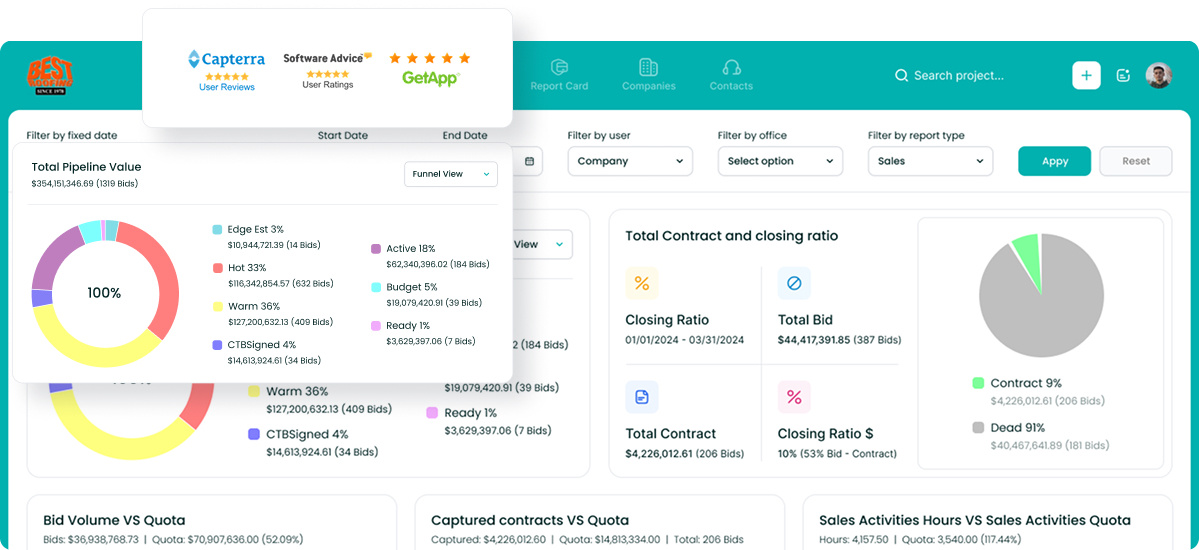
Followup CRM is a construction-specific sales and bid-tracking CRM for commercial and specialty trade contractors, with remodeling among the verticals it serves.
It is a strong fit for remodelers that win work through bids, estimates, and proposals rather than quick quotes, including firms doing tenant improvements, commercial renovations, and work referred by general contractors and property managers.
Every opportunity moves from lead intake through bid, proposal, and close in a pipeline shaped around construction sales.
Due dates sit on a digital bid calendar the whole team shares, so a GC’s deadline never depends on one person’s memory. Outlook and Gmail integration logs email activity against the right contact and project on its own.
Key Features
- Lead and bid tracking: Leads from any source land in one record with contact, project type, and stage.
- Proposal generator and e-sign: Branded proposals built from the deal record and signed virtually.
- Sales and estimating dashboards: Real-time pipeline value, close rates, and estimator performance.
- Email marketing: Campaigns and automated follow-up sequences run inside the CRM.
- Voice AI and Gregg AI Assist: Spoken call recaps become logged records, and drafts for comments and emails start from a prompt instead of a blank page.
Followup CRM integrates with Foundation, Vista, Sage, QuickBooks Online, Procore, BuildingConnected, CompanyCam, Outlook, Gmail, and more.
2. Buildertrend: Best for Design-Build Remodelers That Want CRM and Project Management in One
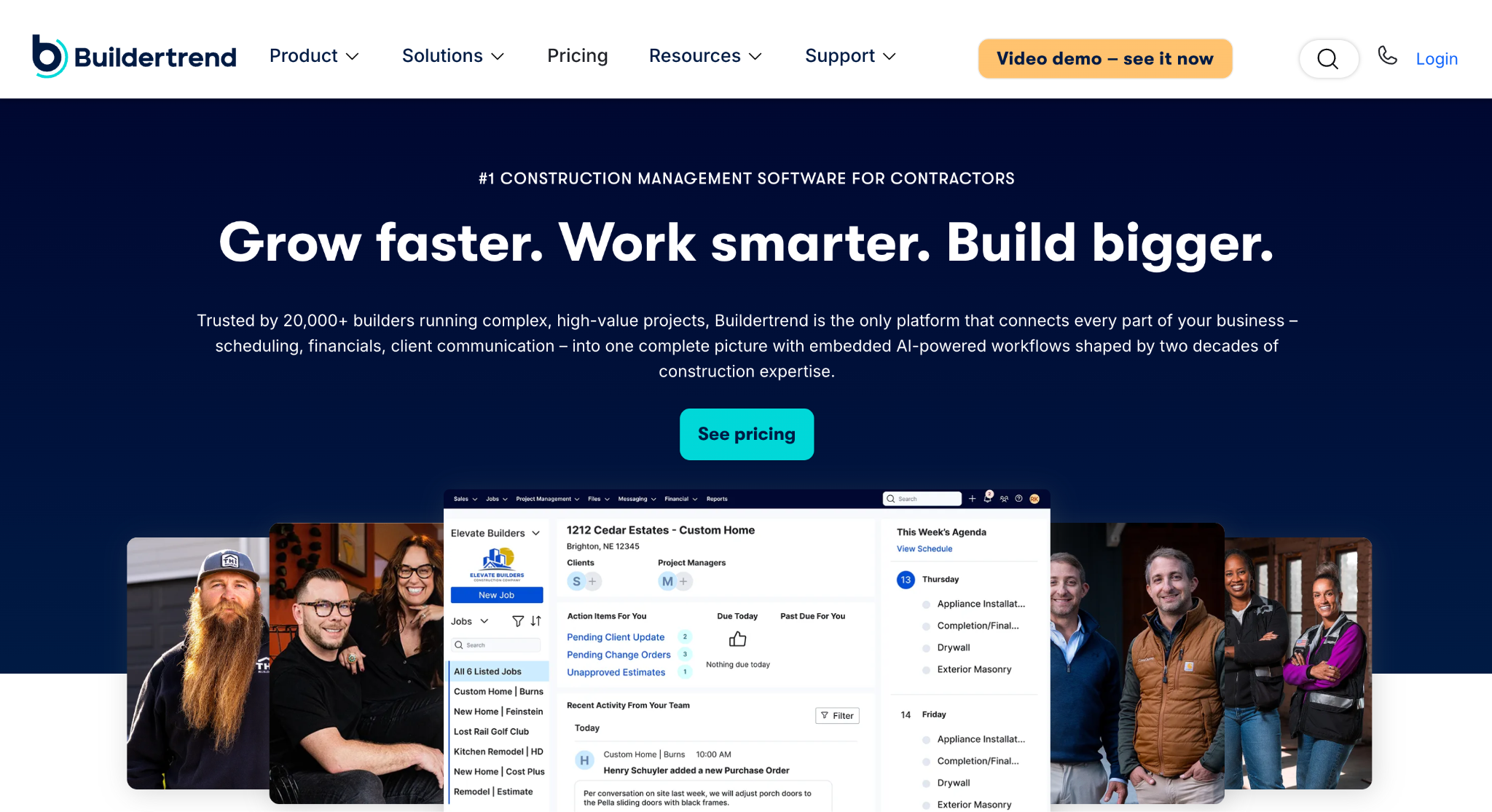
Image source: buildertrend.com
Buildertrend is construction project management software for home builders, remodelers, specialty contractors, and light commercial work. Its CRM Hub sits at the front of a platform that also runs scheduling, financials, and client communication.
It is a suitable choice for design-build remodelers with long client relationships, since a closed sale converts into an active project without re-entry and the homeowner keeps the same login from proposal through punch list.
Leads come in through the website contact page, Excel import, or the mobile app. Each lead carries its activity history, and templated proposals go out with digital signatures. Email marketing campaigns run from the same contact list.
Key Features
- CRM Hub: Captures and tracks every lead, then converts won deals into jobs.
- Proposals: Templated proposals with electronic signatures.
- Email marketing: Automated campaigns tied to the CRM contact list.
- Project tools: Scheduling, daily logs, time clock, change orders, and document storage after the sale.
- Customer management: Client portal with selections, messages, and survey and review requests.
Buildertrend integrates with multiple project management and accounting tools, and connects to HubSpot, Salesforce, and Pipedrive for teams keeping existing CRM software.
It suits large, multi-phase remodeling projects. Remodelers with long, bid-driven commercial cycles will want to confirm the pipeline tools match how they win work.
3. MarketSharp: Best for High-Volume Home Improvement Remodelers Running Lead Generation
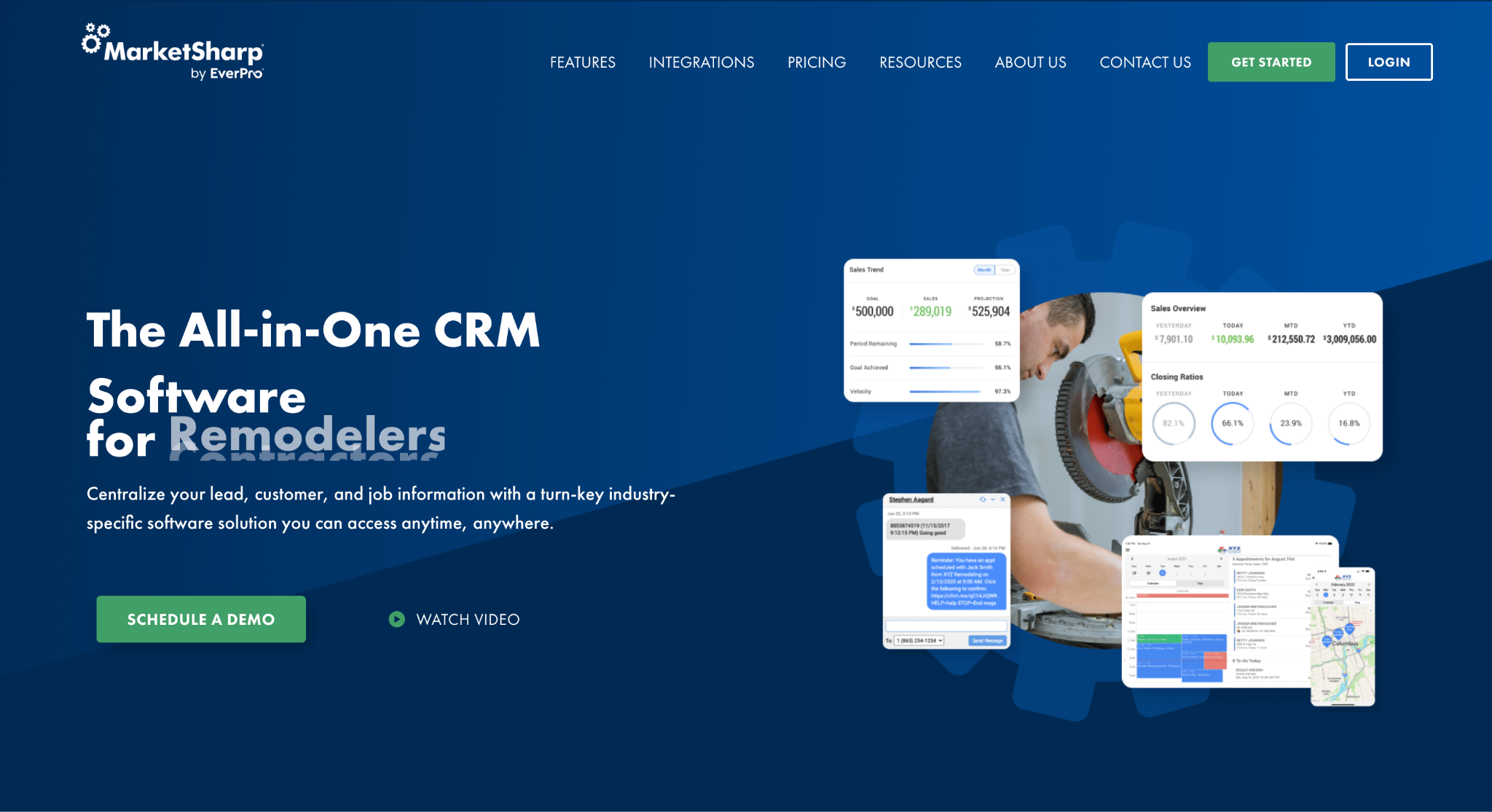
Image source: marketsharp.com
MarketSharp is all-in-one CRM software for remodelers and home improvement contractors, with a long history in replacement trades such as windows, siding, roofing, and baths.
Its marketing and appointment tools suit remodeling businesses that depend on a steady flow of new inquiries. The platform reports that thousands of residential contractors use it.
Lead generation features sit at the center. Automated marketing campaigns, job-site radius lead generation, and direct-mail targeting feed new inquiries into the CRM, where each lead is tracked through appointment, quote, and sale.
Reporting shows which advertising channels and salespeople produce results.
Key Features
- Lead generation and marketing automation: Campaigns, radius marketing, and direct mail run from the CRM.
- Appointment management: Sales appointment routing with map-based optimization.
- Mobile app: Reps navigate to appointments, build quotes, and collect payments in the field.
- Production and scheduling: Crew scheduling with route optimization, plus service and warranty management.
- Reputation management: Repeat and referral programs and review generation through integrated apps.
MarketSharp also offers online payment processing, a lending option, and integrations with lead providers and estimating tools.
The production side is lighter than its sales and marketing side, so remodelers running complex multi-trade jobs may pair it with a separate project management tool.
4. Builder Prime: Best for Exterior Remodelers That Want Sales and Production in One System
Image source: builderprime.com
Builder Prime is a remodeling CRM that combines lead management, estimating, production scheduling, and payments in one platform.
It serves kitchen, bath, basement, flooring, and cabinet remodelers, with dedicated versions for roofing, windows and doors, siding, gutters, and outdoor living.
It is a suitable option for exterior and replacement home improvement contractors that want the sales-to-production handoff handled in the same tool rather than through exports.
Every inquiry enters the system with its source and history, and automated email and text follow-ups go out while the team is on a job site. Estimates build from saved pricing, and proposals come out ready to sign.
Key Features
- Lead and contact management: Source tracking shows which marketing dollars turn into jobs.
- SMS and email automation: Follow-ups trigger as soon as a lead comes in or a phase completes.
- Estimating and proposals: Saved materials and labor pricing, with signable proposals.
- Scheduling and job management: Drag-and-drop schedules with crews and subs assigned by phase.
- Job costing and reporting: Labor, materials, and change orders tracked against budget in real time.
Builder Prime syncs with QuickBooks and connects to CompanyCam, GreenSky, Hover, EagleView, Angi, and Zapier. A mobile app gives field teams the day’s schedule, notes, and photos. A 14-day free trial is available.
5. improveit 360: Best for Established Remodelers That Want Salesforce-Based Customization
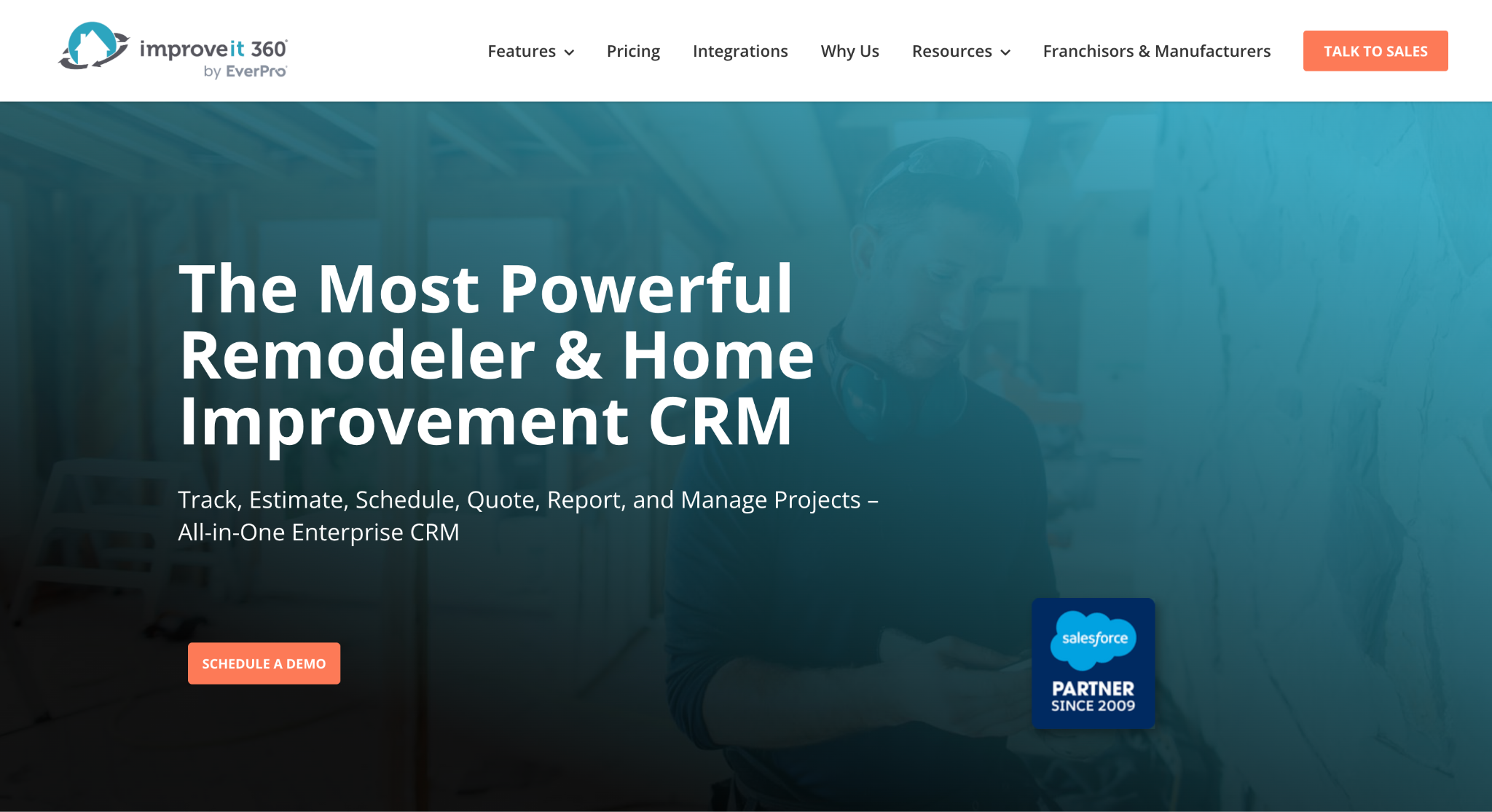
Image source: improveit360.com
improveit 360 is enterprise CRM software for high-volume remodelers and home improvement contractors, built on the Salesforce Platform. More than 15,000 contractors use it.
It is a good fit for established remodelers that have outgrown basic tools and want to standardize how every department works, from lead intake to production completion.
The CRM covers lead capture and routing, duplicate prevention, communication tracking, and appointment scheduling. On top of that, multi-stage workflows, automated tasking, data validation, and approval logic enforce the company’s process so steps cannot be skipped.
Because it runs on Salesforce, the platform can be configured to match existing workflows and extended through the AppExchange.
Key Features
- Lead capture and routing: Inquiries from any lead source assigned by rules, with duplicates caught on entry.
- Workflow automation: Multi-stage processes with automated tasks and approvals.
- Scheduling: Sales appointments, crew scheduling, and production timelines in one calendar.
- Payments: Deposits and full payments collected from the field through the mobile app.
- Integrations: Lead sources, measurement tools, call centers, and financial systems connected through Salesforce.
improveit 360 is a demo-led platform aimed at companies with the volume to justify an enterprise setup. Smaller remodeling businesses may find more structure here than they need.
6. Leap: Best for In-Home Sales Teams Closing at the Kitchen Table
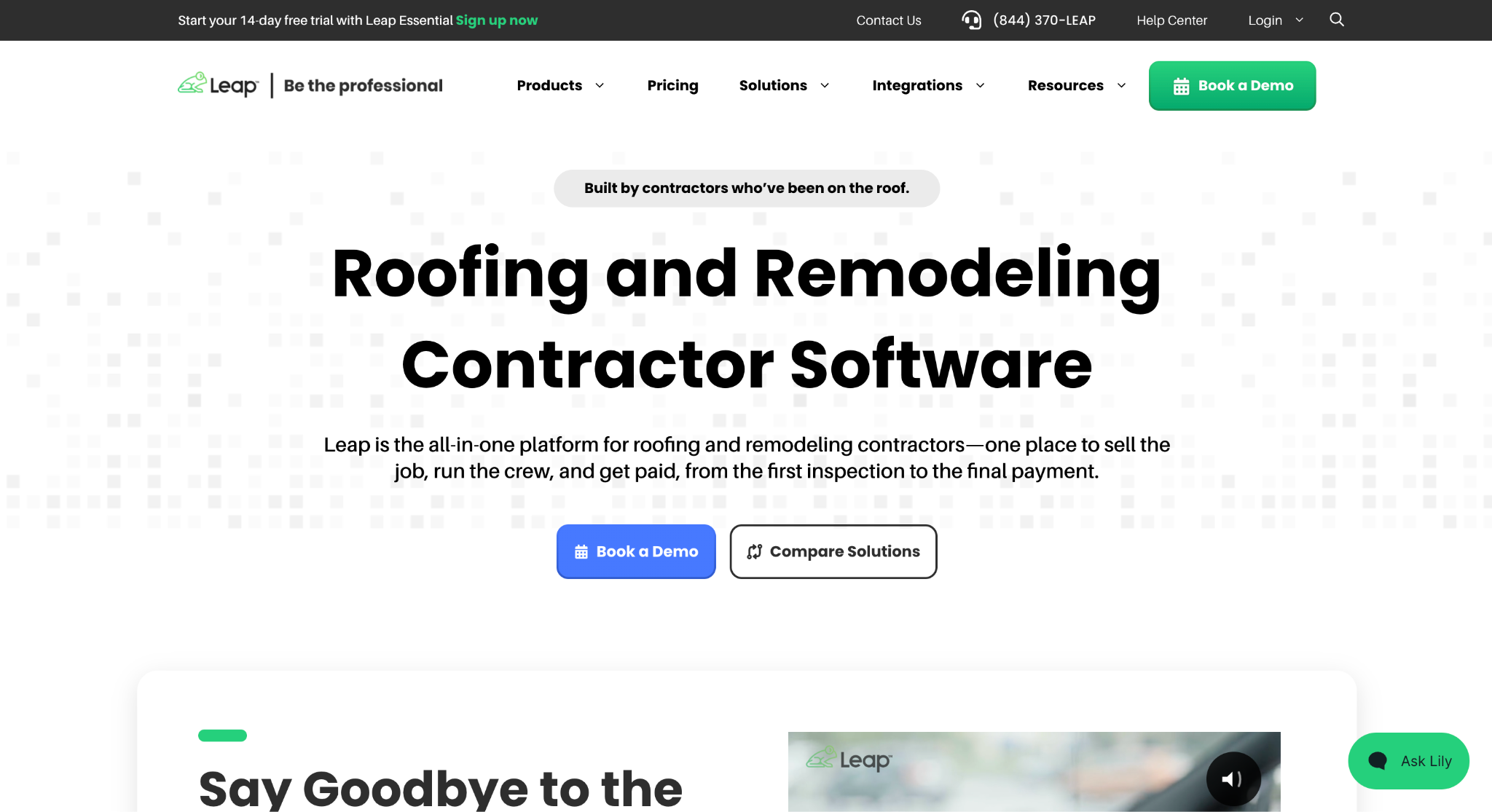
Image source: leaptodigital.com
Leap is a sales and production platform for residential home improvement contractors, including roofing, siding, windows, doors, kitchen and bath, and general remodeling. It combines Leap CRM for operations with SalesPro, an in-home sales app.
It is a suitable choice for remodelers whose selling happens in the homeowner’s living room, where the rep needs to present options, price the job, sign the contract, and arrange financing in one visit.
SalesPro runs the appointment on a tablet. Contracts adjust in real time as options change, required fields and if/then logic prevent errors, and the app works offline. Signed contracts flow into Leap CRM, where the job moves into production.
Key Features
- In-home sales app: Presentations, estimates, dynamic contracts, e-signature, and payment capture at the door.
- Consumer financing: Financing options presented inside the sales workflow.
- Leap CRM: Leads, appointments, jobs, crews, subcontractors, and material ordering.
- Separate calendars: Sales appointments and production crews scheduled on their own calendars.
- Integrations: 35 or more native connections, including AI sales coaching through Siro.
Leap is built around the residential in-home close. Commercial remodelers selling through formal bids to general contractors will find the workflow shaped around a different buyer.
7. JobNimbus: Best for Roofing and Exterior Trades That Need a Mobile-First CRM
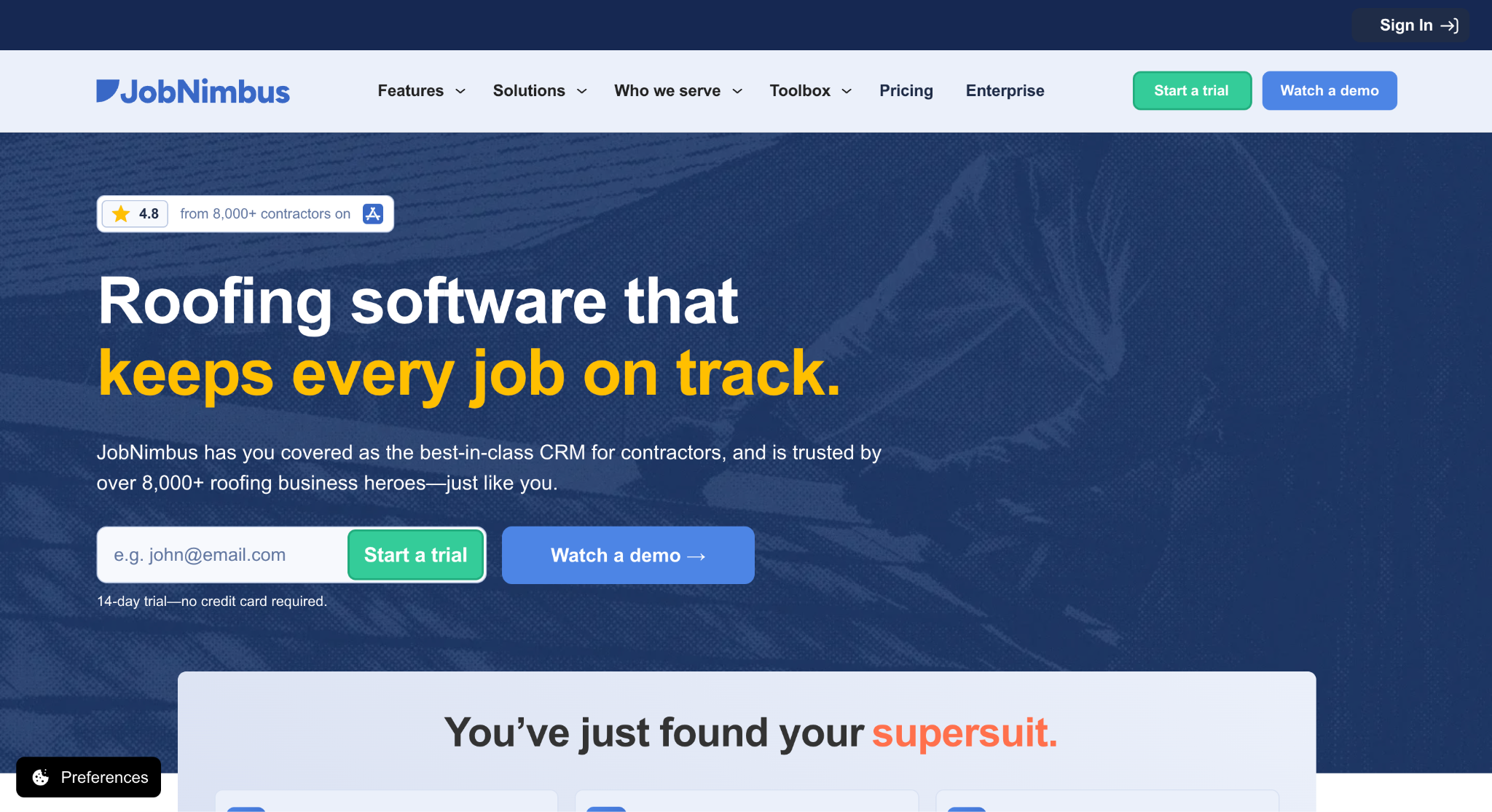
Image source: jobnimbus.com
JobNimbus is a CRM and business tool designed for roofing contractors, with versions for siding, gutters, fencing, solar, and other exterior trades. JobNimbus reports more than 8,000 roofing businesses on the platform.
It is a suitable option for home improvement contractors in exterior trades whose crews live on their phones and who want leads, production, and billing in one tool.
Boards are the signature feature. Every lead and job appears as a card moving through custom stages, so the office sees where each deal stands and where work is stuck. Automations move cards, send messages, and assign tasks based on triggers the company sets.
Key Features
- Boards and custom workflows: Visual pipelines for sales and production, adjusted to the company’s process.
- Engage: Two-way texting and email inside the platform, with caller ID.
- Estimates and proposals: Fast estimates plus SumoQuote for proposals customers sign on the spot.
- Material ordering: Orders sent to suppliers such as QXO, ABC Supply, and SRS from the estimate.
- Payments and financing: Invoices, text-to-pay, and customer financing with QuickBooks sync.
JobNimbus is strongest for roofing and exterior work. Interior remodelers and commercial contractors with formal bid cycles may find its workflows more specialized than their sales cycle calls for.
8. Houzz Pro: Best for Design-Led Remodelers Sourcing Leads Through Houzz
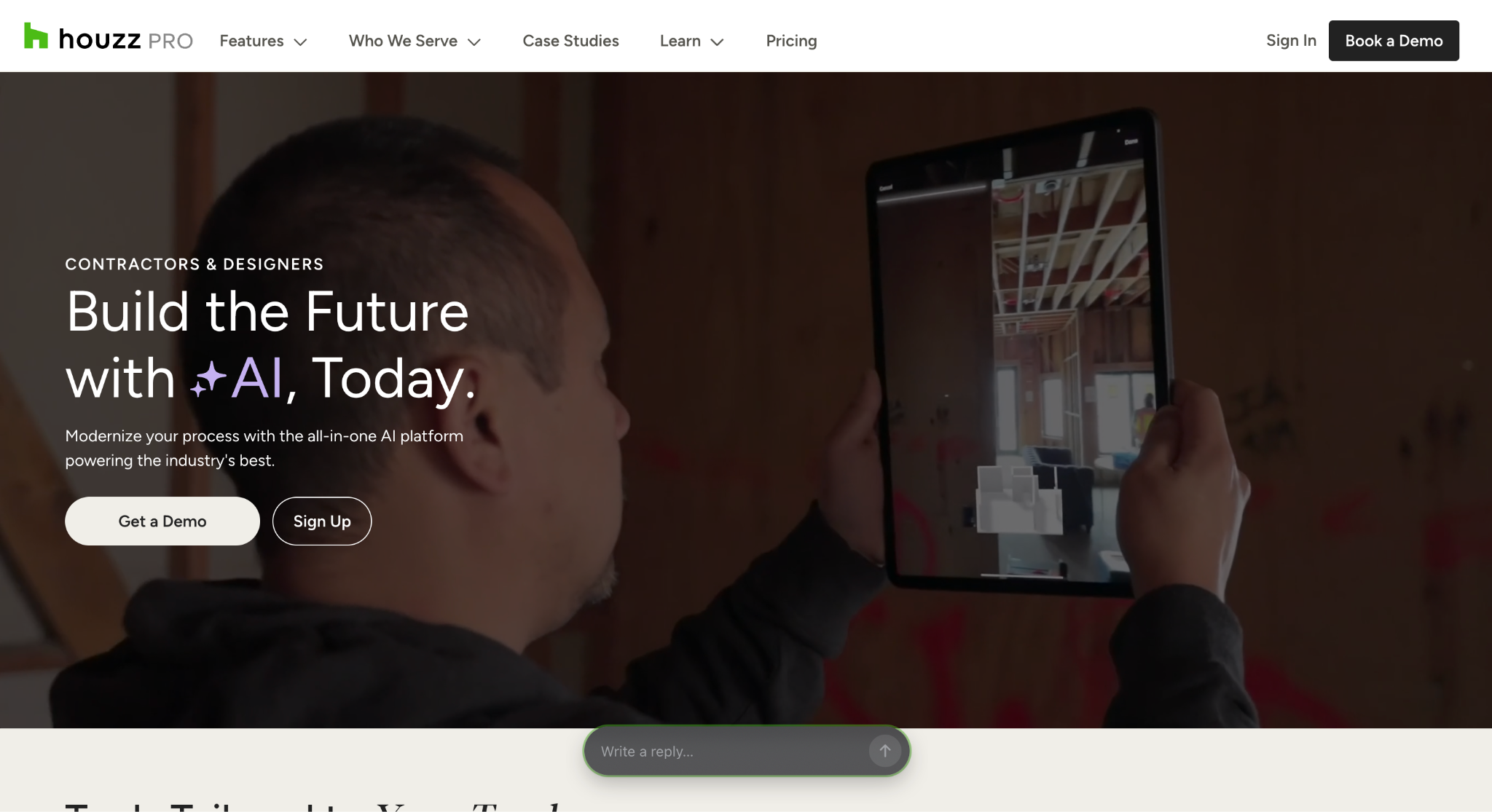
Image source: houzz.com
Houzz Pro is business management software for remodeling, build, and design professionals, with CRM software that manages inquiries from the Houzz marketplace alongside leads from referrals and other marketing efforts.
It is a good fit for design-led remodelers that already win work through their Houzz profile and want the lead, the proposal, and the project in one place.
Leads from Houzz arrive pre-qualified by a concierge team, and a Gmail extension creates leads from any email thread.
Clients can be emailed or texted from the desktop or mobile app, and a booking link lets homeowners schedule a consultation from the pro’s profile. When a lead becomes a project, the full communication history moves with it.
Key Features
- Lead management: Houzz inquiries and outside leads tracked in one pipeline with notes and activity.
- Estimates and proposals: Templates, takeoffs from uploaded plans, and e-signature approval.
- Client communication: Email, text, and a client portal with photo and document sharing.
- Design tools: 3D floor plans and product selections pulled from the Houzz catalog.
- Invoicing and payments: Branded invoices with online payments and QuickBooks Online sync.
Houzz Pro is built for residential design and remodeling work. Its value rises with how much of a firm’s pipeline comes through Houzz, so remodelers sourcing most work through GC relationships will see less of that benefit.
How Followup CRM Handles a Commercial Remodeling Sale
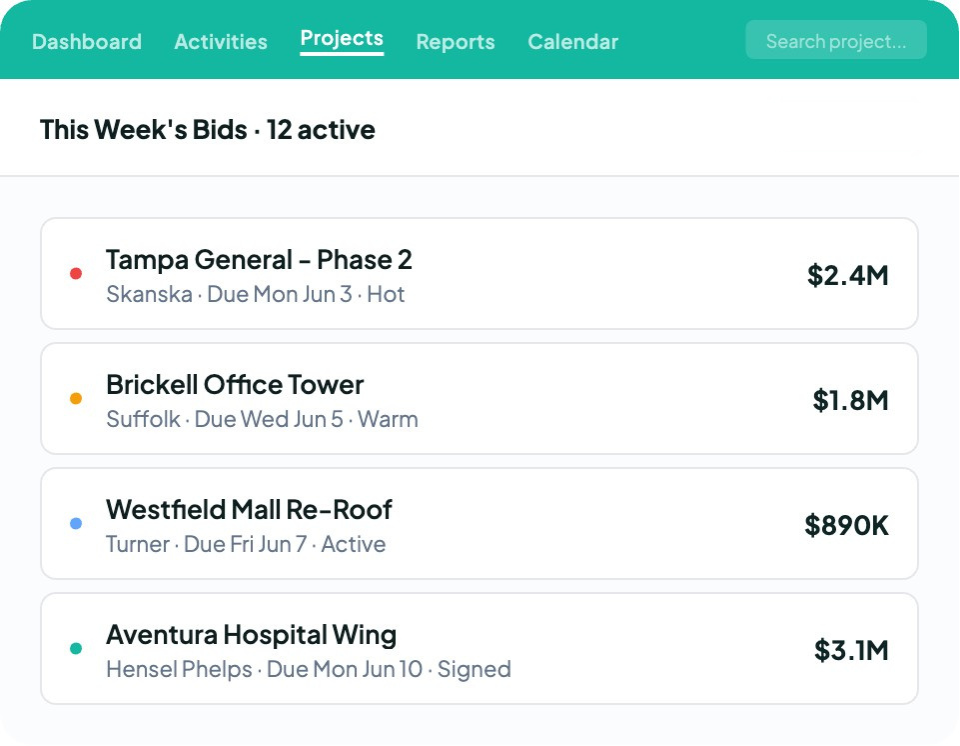
A commercial remodeling sale passes through more hands than a residential one. A property manager requests pricing, a general contractor sends a bid invitation, an architect issues revised drawings, and a facilities lead signs off months later.
Here is how Followup CRM carries that opportunity from first contact to a won job.
Lead Intake From GCs, Property Managers, and Referrals
Leads reach a remodeler from bid invitations, plan rooms, referrals, website inquiries, and repeat clients. Followup CRM stores each one with its contact, company, project type, and source, so business development can see which channels produce work that closes.
The Outlook and Gmail integration does the logging. An email thread with a GC about scope questions attaches to the right opportunity on its own, new contacts are created from the correspondence, and the record links to the project. Nobody retypes it later.
Bid Calendar and Pipeline Tracking
Every bid gets a due date on the shared bid calendar. A sales manager opens it on Monday and sees every proposal due that week, who owns each one, and which have gone quiet.
Reminders fire against those dates, so follow-up becomes a tracked task rather than a note in someone’s truck.
The pipeline view shows the sales funnel by bid stage and value, helping leadership identify stalled opportunities. Because the stages already match construction sales, leadership reads the dollar value at each stage without translating a generic funnel into bid terms.
Proposals, E-Sign, and Reporting
Once pricing is set, the proposal generator builds a branded proposal from the deal record and sends it for electronic signature. The signed document lands back on the opportunity, and the team can mark the deal as won.
Sales and estimating dashboards then show pipeline value, close rates, and performance by estimator, project type, and lead source. Team goals sit beside actual results, so a sales meeting runs off the dashboard.
Two-way ERP integration with Foundation, Vista, Sage, and QuickBooks Online carries won-job data forward, and a won bid can be pushed to Procore so the project team starts with the same information the sales team closed on.
Voice AI and Gregg AI Assist
Two AI tools cut the typing further. After a site walk, a salesperson speaks what happened, and Voice AI handles the data entry against the right record.
Gregg AI Assist drafts comments and emails from any record. The user picks a prompt, such as a follow-up reminder or a project summary, and one of four tones.
It works only from the context already on that record, does not send anything on its own, and leaves the final read and send to the person.
Mobile Access From the Job Site
The Followup CRM mobile app lets estimators log a site-walk conversation, check a bid status, add a contact, and review project details from a mobile device.
Web forms on the company site feed new inquiries straight into the pipeline, so customer management starts the moment a property manager submits a request.
How to Choose a CRM for Your Remodeling Business
For construction businesses, the right CRM depends on how work is won and who will use it every day.
A two-person kitchen and bath shop and a 40-person commercial renovation firm weigh these steps differently, so work through them before booking demos.
Map Your Sales Process Before Comparing Features
Write down how a lead becomes a signed job today. Where do leads come from, who qualifies them, how many bids go out each month, and who tracks the deadlines? That map is the specification the CRM has to fit.
A remodeler selling through formal bids to GCs and property managers needs bid stages, a shared calendar, and proposal tools built in. One selling through in-home appointments needs appointment routing and point-of-sale contracts.
Choosing software before mapping the process is how firms end up rebuilding their sales process around the tool.
Compare Setup Requirements
Compare construction CRM software and generic CRM software using the same sample opportunity. Ask each vendor to demonstrate lead intake, an estimate or bid, and a scheduled follow-up.
Confirm which steps work immediately, which require configuration, and who maintains those settings after launch.
Confirm Accounting and Estimating Integrations
The CRM should talk to the systems that run the rest of the company. Confirm the specific accounting or ERP platform, estimating tool, and email system you depend on, not the category.
Without those connections, the office re-enters the same project data in two or three places, and the CRM becomes one more silo.
Check the Mobile App Against Field Reality
Remodeling sales happen on site walks and in GC offices. A CRM that only works at a desk gets updated at the end of the day, if at all.
A construction CRM mobile app should cover the actions the field team takes, not a subset of desktop features. Run the free trial from a phone on a real site walk, not from a laptop in the office.
Ask About Onboarding and Ongoing Support
Consistent software adoption depends on clear responsibilities, practical training, and ongoing support. An intuitive interface helps, but so does a vendor that runs structured onboarding and answers questions after launch.
Ask what the free trial or demo period includes, and whether the vendor imports existing contacts during setup. Have new users complete routine tasks during the evaluation to identify a steep learning curve before rollout.
Small businesses should consider what they will need as they grow. Check whether pricing covers unlimited users or charges for each additional seat.
A scalable platform adds users and project types without a rebuild, and not all the features on a demo list get used, so weigh the ones your team will touch weekly.
No More Missed Follow-Ups With Followup CRM
Most CRM software was built for selling subscriptions or retail products and adapted to construction afterward. The result is a system estimators tolerate rather than use, and a pipeline that is accurate only on the day someone cleans it up.
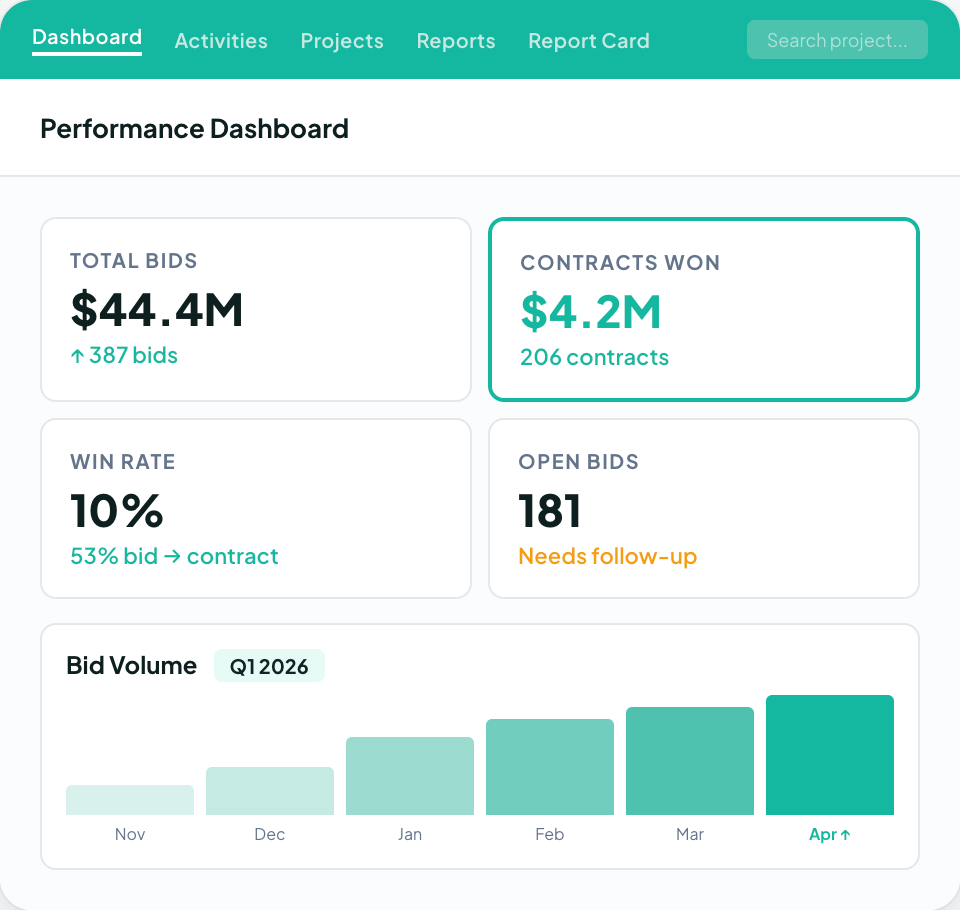
Followup CRM was built for commercial and specialty trade contractors from the start, which is why more than 4,000 construction professionals run their pipeline on it.
For remodelers and home improvement contractors, that means every bid invitation from a GC, every pricing request from a property manager, and every referral lands in one record with its contact, project type, and source.
Due dates sit on a shared calendar with the owner and the last activity in view.
Proposals go out branded and ready for signature, and dashboards show leadership exactly where the pipeline stands without a single spreadsheet.
The people who sell the work stay in the tools they already use. Outlook and Gmail log activity on their own, Voice AI turns a spoken site-walk recap into a logged record, and Gregg AI Assist drafts the follow-up note so nobody starts from a blank screen.
When a job is won, integrations with Foundation, Vista, Sage, and QuickBooks Online carry the data forward instead of asking the office to type it again.
FAQs About Best CRMs for Remodelers
What is the best CRM for remodelers?
It depends on how the remodeler sells.
Commercial remodelers that win work through bids, estimates, and proposals to general contractors and property managers get the most from Followup CRM, because its bid calendar, pipeline stages, and proposal tools match that process without custom setup.
Remodelers selling through in-home appointments have different needs, and a construction-specific system still beats a generic one for home improvement contractors in the field, integrations, and reporting that matter on a job.
What are the CRM systems used in the real estate field?
Real estate CRM software is built for agents and brokers.
They track listings, showings, buyer inquiries, and commission splits, and they are organized around property transactions rather than construction projects. A remodeler who adopts one ends up without bid tracking, proposal tools, or project-linked records.
Followup CRM covers the remodeler’s side of the relationship, which is the bid, the proposal, and the follow-up with the property owner or GC until the job is signed.
What is the best software for construction management?
Construction management software runs the job after award, with schedules, daily logs, change orders, and job costing. It is a separate category from a construction CRM, which handles everything before award.
The most useful setup pairs the two. Followup CRM manages leads, bids, and proposals, then hands the won project to accounting and ERP systems such as Foundation, Vista, and Sage through two-way integration.
Is there a free CRM for remodelers?
A free CRM, or a basic CRM with a free plan, can work for a one-person shop that only needs to track leads and contacts. Most remodeling businesses outgrow one as soon as bids, proposals, and project workflows need to live on the same record.
The CRM Built For Construction Companies
No more disorganized data. Track your leads, bids, and customers all in one place.
Seamless Integration with:
✅ Foundation ✅ Viewpoint ✅ Sage and more
