TL;DR
Here are the five best construction proposal software tools in 2026:
- Followup CRM
- Buildertrend
- Houzz Pro
- RedTeam
- JobTread
What Is Construction Proposal Software?
Construction proposal software is a tool that helps contractors create professional proposals, then send and track them without building each one from scratch.
Instead of manual data entry and hours of formatting, you start from customizable templates, pull in cost estimates, and send the finished document for an electronic signature.
The proposal creation process usually follows the same steps. You pick a template, add project specifications and cost breakdowns, apply your branding elements, and send the proposal to the client for approval.
The software handles the repetitive tasks, so the time spent on each proposal process drops from hours to minutes.
That speed plays a crucial role when you face tight deadlines. Automating repetitive tasks means you can submit bids on more projects without hiring extra office staff. It also protects accuracy.
When the numbers flow from your estimate straight into the proposal, there is less room for the copy-paste errors that turn a profitable job into a loss.
The result is simple. Professional-looking proposals go out faster, clients get a better first impression, and your team gets valuable time back for the work instead of the paperwork.
Key Features of Construction Proposal Software
Not every proposal tool earns its keep. These are the features that separate software worth paying for from a glorified document editor.
- Customizable templates: Proposal templates should do more than fill in a name. Look for tools that let you save your own layouts, apply branding elements, and reuse winning formats, so creating proposals for future projects takes minutes instead of hours.
- Estimate integration: The proposal should pull cost estimates and cost breakdowns directly from your estimating data. When numbers transfer automatically, there is no manual data entry and no risk of quoting a price that your margins cannot survive.
- E-signatures: Clients sign the moment they decide. Built-in electronic signatures remove the print-sign-scan loop that stalls deals and let you close while your competitors are still waiting on paperwork.
- Automation: Follow-up reminders, status notifications, and approval workflows keep proposals moving without anyone checking a spreadsheet. Automation is what turns a document tool into a sales tool, and it is where teams see real efficiency gains.
- Tracking and analytics: You should know when a client opens a proposal and how long each deal sits at every stage. That visibility tells you when to follow up and which proposals actually win work.
- Cloud-based access: Construction happens in the field, not at a desk. A cloud-based platform means your team can create, send, and check proposals from the job site, the truck, or the office.
- Integrations: The tool should connect with the other software your business runs on, from accounting software to CRM systems, so data entered once flows everywhere it needs to go.
Every tool on this list covers most of these boxes. The differences come down to who each platform is built for, which is what we cover next.
5 Best Construction Proposal Software Tools
Here are five tools that help construction professionals create winning proposals, each reviewed on its own features and characteristics.
1. Followup CRM
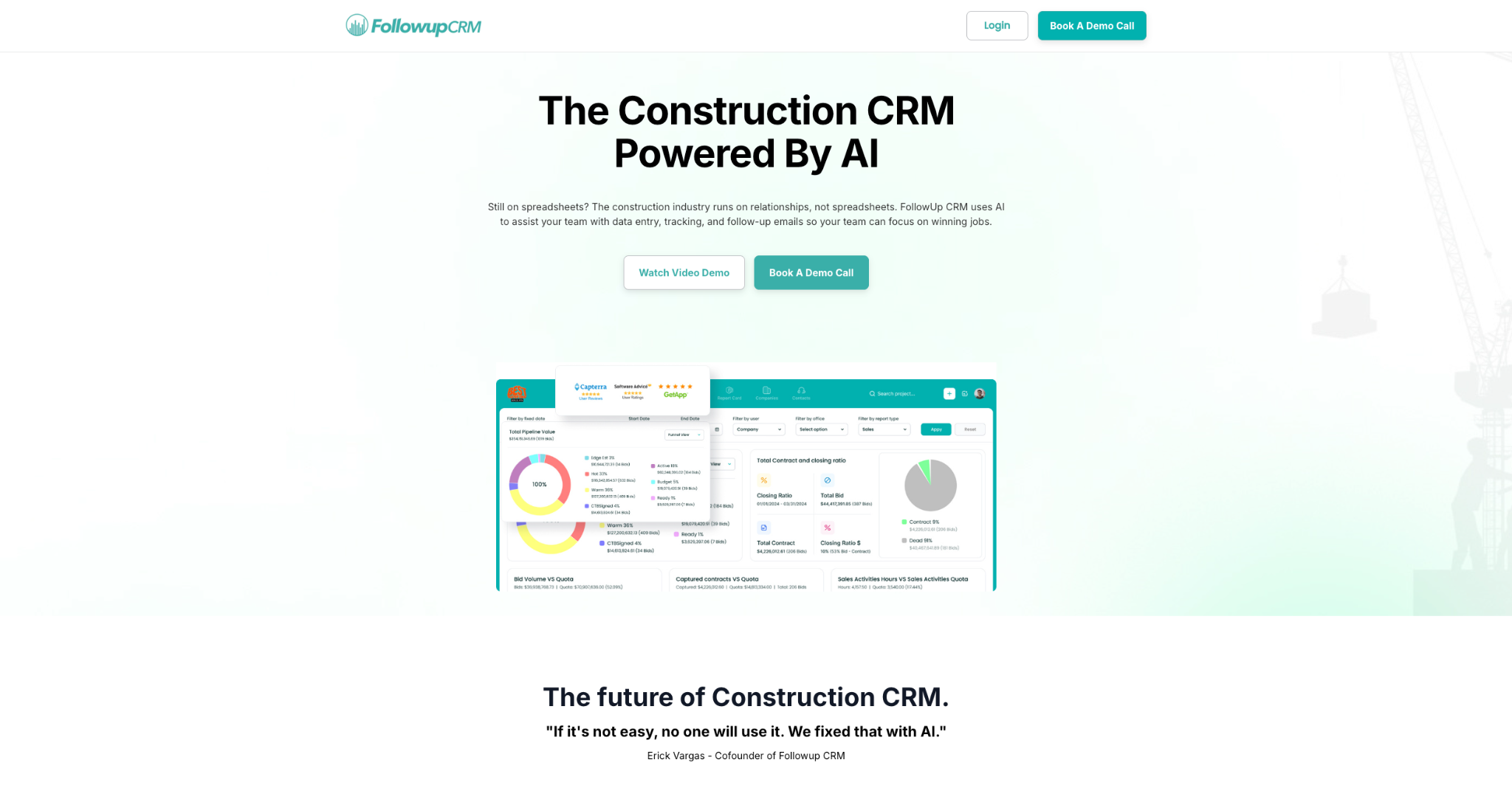
Followup CRM is a construction customer relationship management (CRM) platform built for commercial and specialty trade contractors, and its proposal generator works from the records your team already keeps.
To create a proposal, you open the project file and click Generate Proposal. The details entered in the sales file, including company name, contact name, and phone number, fill in automatically, so there is no retyping and no mismatched information.
From there, you pick a template, upload a cover image such as a team or office photo, and build out the sections. An introduction tab holds your company blurb or a letter from the president, and you can save it as a template so future proposals start prefilled. This elevates the look of your proposals and creates a consistent output from your team.
Sections can be reordered by dragging and dropping the tabs until the document flows the way you want.
What Sets Followup CRM Apart
Proposals in Followup CRM support interactive dynamic fields, including checkboxes, radio buttons, and dropdowns, so potential clients select options directly inside the document before they sign.
When it is ready, you click Send for Signing, the client signs virtually, and the signed proposal saves back to the project file automatically.
The follow-up strategies are covered, too. The Bid Proposal Report pulls every project with a delivered proposal or bid date and flags missing follow-up dates, so nothing sits unattended in the pipeline.
Key Features:
- Proposal generator with auto-fill: Project and contact data flows into the proposal, with no manual data entry.
- Dynamic fields and e-sign: Clients pick options with checkboxes or dropdowns and sign virtually in the same document.
- Reusable templates: Save introductions and layouts so the next proposal starts prefilled.
- Bid Proposal Report: Tracks every delivered proposal and flags missing follow-up dates.
- Digital bid calendar: Keeps the team on deadline with shared bid due dates.
- ERP integration: Two-way sync with construction accounting and ERP systems.
2. Buildertrend
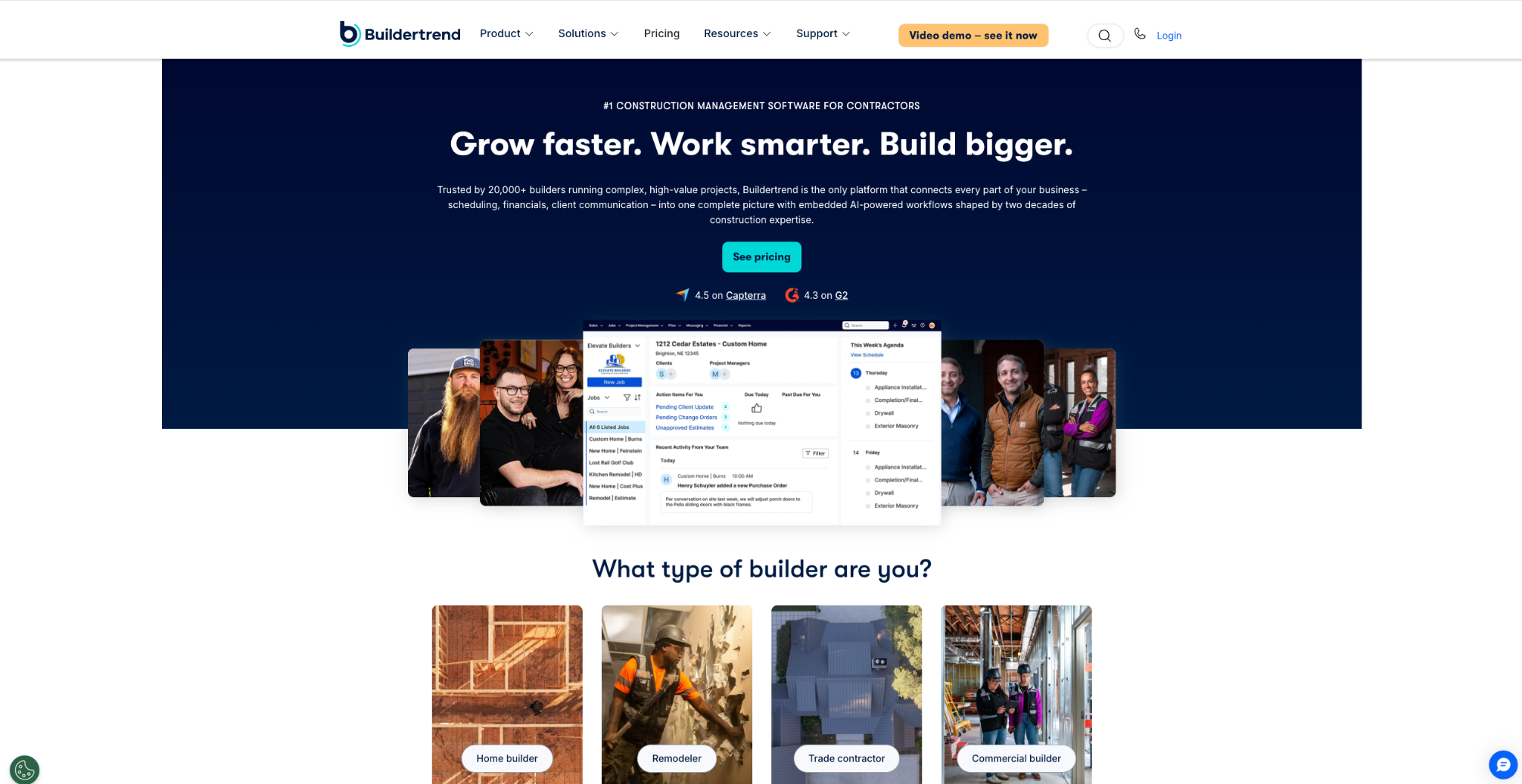
Image source: buildertrend.com
Buildertrend is an all-in-one construction management platform with a proposal feature built for residential builders.
Creating custom proposals is quick because you start from premade templates, and you can easily adjust everything to match your unique brand with graphics and personalization options.
The tool is set up for collaboration. Team members can work on the same proposal, leave comments directly on the document, and share feedback before anything goes to the client.
Once the proposal is approved, digital signatures are captured in the platform, so contracts are sent, signed, and stored in one place.
Buildertrend also connects proposals to its estimating side. Material and labor cost data feeds into the document, which reduces the risk of manual miscalculations.
For builders who want proposals inside a broader project management system, with scheduling, daily logs, and client communication in the same place, Buildertrend is a good fit.
Key Features:
- Customizable templates: Premade layouts with branding and personalization options.
- Digital signatures: Proposals are sent, signed, and stored in the platform.
- Team collaboration: Comments and feedback directly on the proposal document.
- Estimating integration: Cost data flows into proposals to reduce errors.
3. Houzz Pro
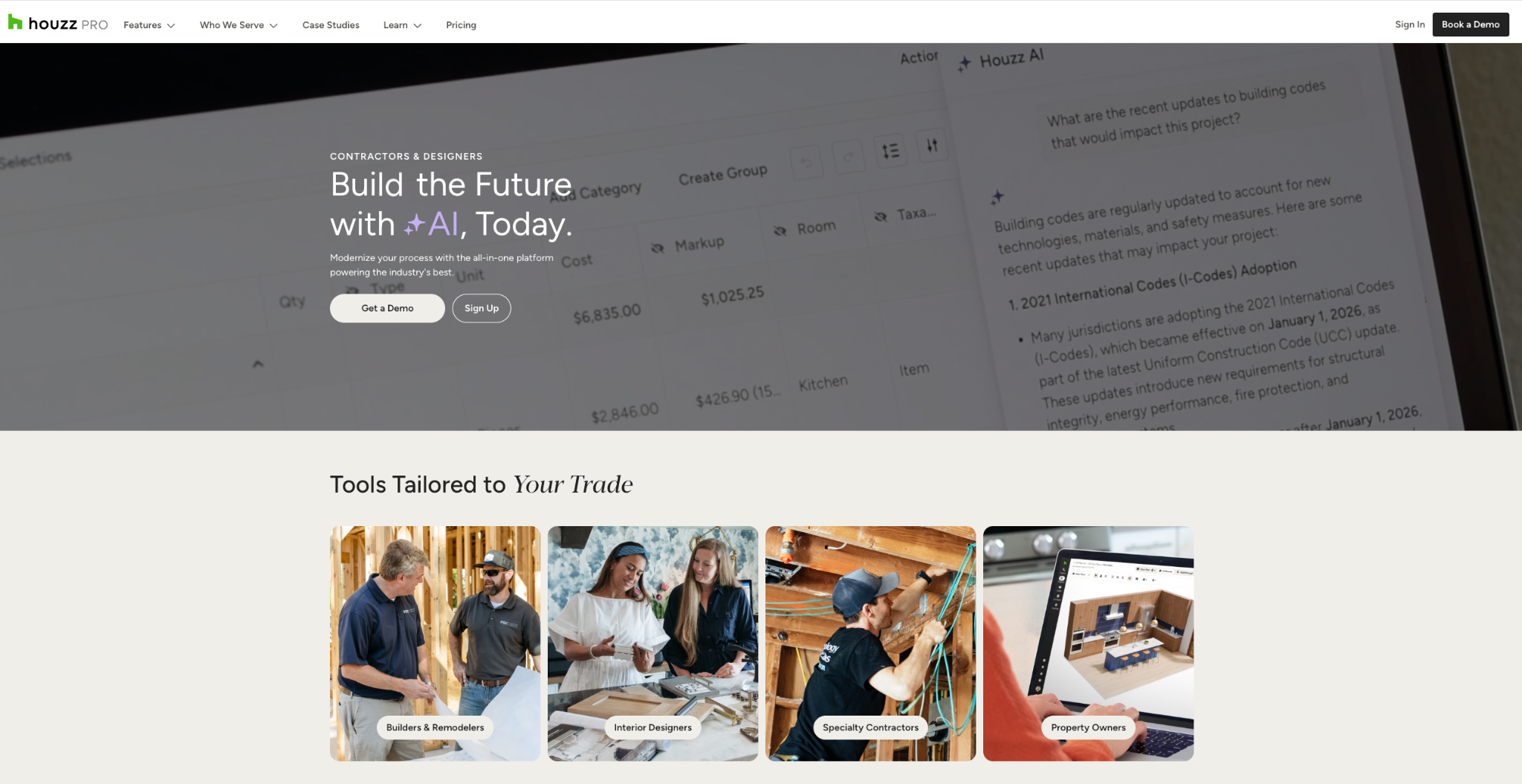
Image source: pro.houzz.com
Houzz Pro is a business management tool for residential remodelers and design professionals, and its proposal feature is built around speed.
The built-in takeoffs tool feeds measurements straight into the proposal, which removes manual calculations and reduces billing mistakes before the document ever reaches the client.
Everything in a Houzz Pro proposal can be customized. You can add line items, images, descriptions, memos, and payment schedules, or request a deposit upfront, shaping each document to client requirements.
Contractors can upload their own cost data and save it as a template, or draw on Houzz's database of local labor and material costs to keep upfront numbers accurate.
Clients review and approve proposals online, with an e-signature option to close the loop. The platform also connects to tools remodelers already use, including QuickBooks Online for accounting software sync and Gmail for lead management.
For remodeling pros who want takeoffs, proposals, and client approvals in one place, Houzz Pro is a suitable choice.
Key Features:
- Built-in takeoffs: Measurements flow into proposals without manual math.
- Customizable line items: Add descriptions, images, memos, and payment schedules.
- Cost database: Local labor and material costs for accurate upfront numbers.
- Online approvals: Clients review, approve, and e-sign proposals digitally.
4. RedTeam
Image source: redteam.com
RedTeam is construction management software built for commercial general contractors and subcontractors, with a proposal tool that covers the work from preconstruction through closeout. Its strength is keeping estimates and proposals connected.
Detailed cost estimates convert into client-facing documents, so the numbers your team priced are the numbers the client sees, along with project specifications and scope of work definitions.
The platform adapts to different contract types. Whether you are working on fixed price contracts, construction management projects, or time and materials proposals, the system fits the format to your specific requirements.
For teams bidding on a high volume of construction projects, RedTeam adds structure to the proposal process. You can assign roles, collaborate on drafts, and track every version, which keeps revisions under control when several people touch the same document.
Smart templates help with maintaining consistency in branding, making it a good fit for commercial firms that need accuracy and accountability at every step.
Key Features:
- Estimate-to-proposal flow: Cost estimates convert directly into client-ready proposals.
- Contract flexibility: Supports fixed price, construction management, and time and materials formats.
- Version tracking: Every revision is tracked, with roles assigned per team member.
- Smart templates: Consistent, branded proposals without manual formatting.
5. JobTread
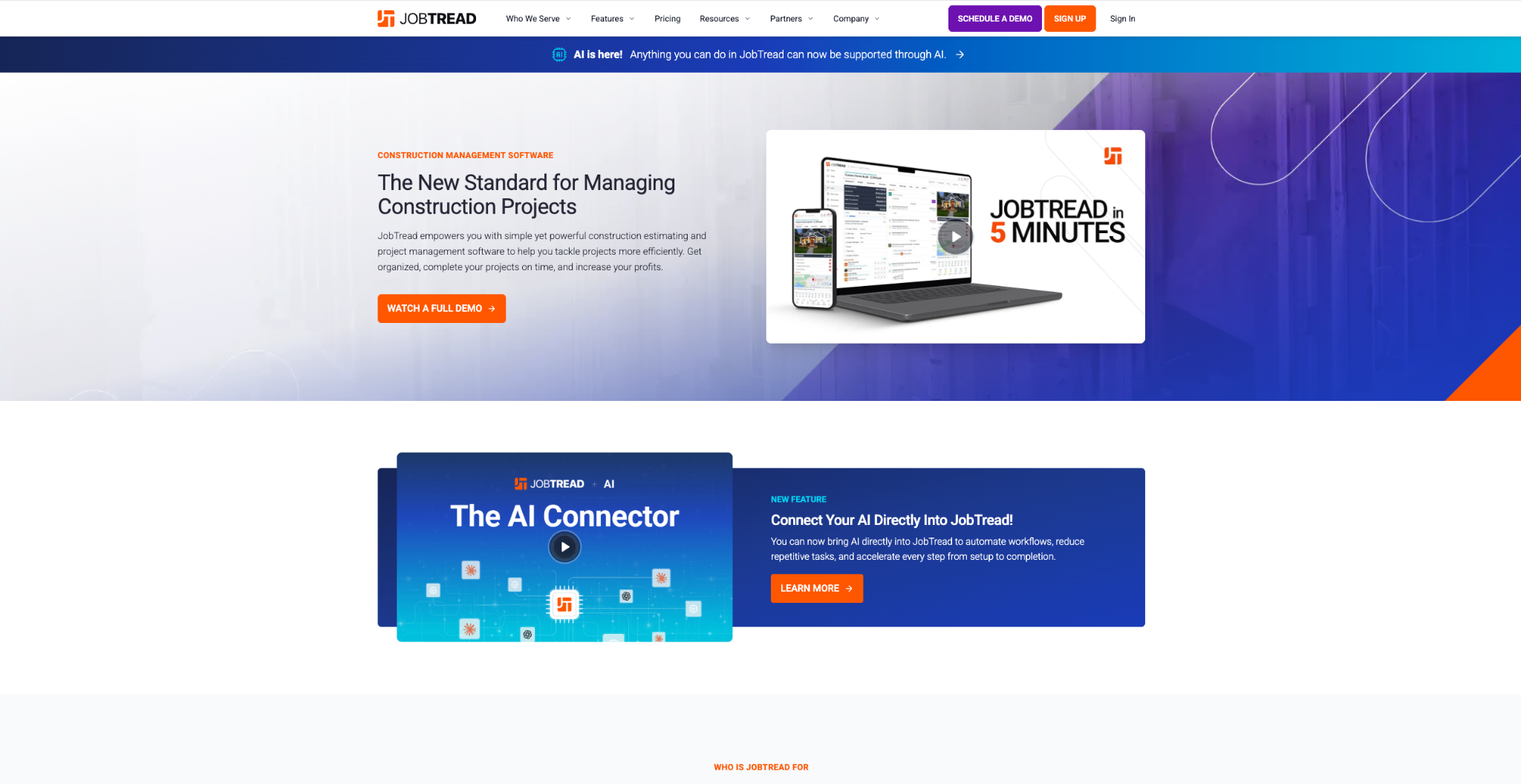
Image source: jobtread.com
JobTread is construction estimating and project management software for small to mid-sized contractors, known for its user-friendly interface. Its proposal workflow starts with the job budget.
You build the budget once, pulling line items from a pre-built cost catalog, then convert it into a client-facing proposal in minutes.
Because the proposal and the budget share the same data, there is no re-entry and no version confusion between what you priced and what you sent.
Proposals go out through a customer portal, where clients can review the document, expand attached photos and files, ask questions in a comment thread, and sign electronically. Approved numbers then flow into job costing without extra data entry.
The platform also handles phased work well. Contractors can issue a proposal for one phase, get it signed, and send the next phase later from the same budget.
For budget-focused construction teams that want estimates, proposals, and job costing tied together, JobTread is a useful option.
Key Features:
- Budget-based proposals: Estimates convert into branded proposals with no re-entry.
- Customer portal: Clients review, comment, and e-sign in one place.
- Cost catalog: Pre-built line items speed up proposal creation.
- Phased proposals: Multiple proposals can be issued from a single budget.
Win More Projects With Followup CRM
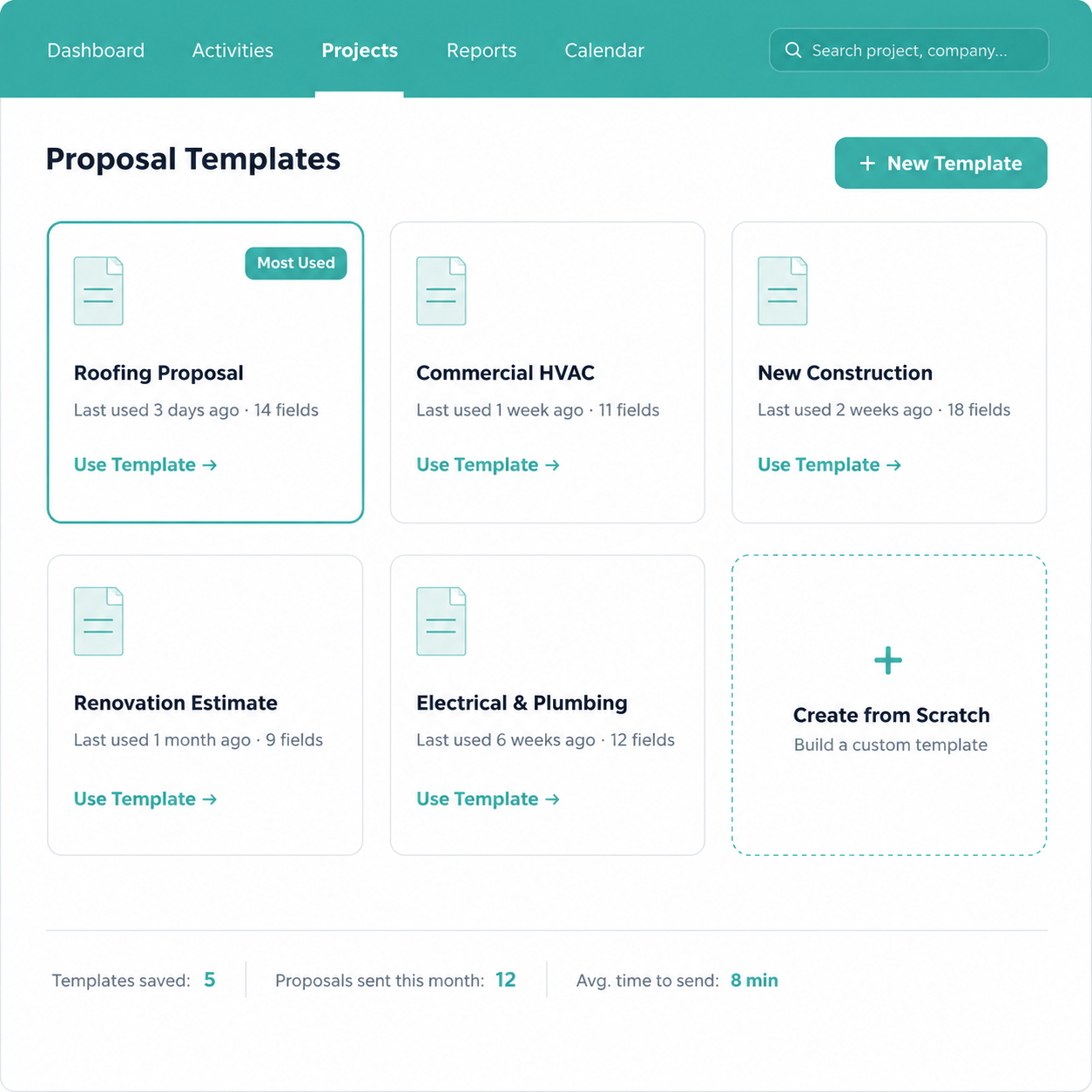
The right tools decide how many bids your team can realistically chase. When proposal creation, bid tracking, and follow-ups live in separate places, important details slip, and win rates suffer. Followup CRM was built to close that gap for commercial contractors.
Its proposal generator turns pipeline data into professional proposals in minutes, and the platform keeps working after you hit send.
Automated reminders make sure every open bid gets a follow-up, dashboards show leadership exactly where each deal stands, and email activity logs itself against the right project.
That combination is a genuine competitive edge: you spend less time on paperwork and more time in front of potential clients.
FAQs About Construction Proposal Software
What is the best proposal software?
For the construction industry, Followup CRM is the best option because proposals connect directly to lead and bid tracking.
Instead of a standalone document tool, contractors get proposal creation, e-signatures, and automated follow-ups inside one CRM, which shortens the sales cycle and keeps every bid moving.
Does Microsoft Word have a proposal template?
Yes, Microsoft Word offers free proposal templates. They work for basic documents, but everything stays manual: pricing, formatting, sending, and tracking.
Dedicated construction proposal software automates those steps, pulls in accurate cost estimates, and collects e-signatures, which saves hours on every bid compared to editing Word files.
What software is used to make construction plans?
Construction plans and drawings are created in computer-aided design (CAD) and building information modeling (BIM) tools such as AutoCAD and Revit.
That is a different job from proposal software, which handles the business side: pricing the work, presenting it to the client, and getting the contract signed so future projects keep coming in.
The CRM Built For Construction Companies
No more disorganized data. Track your leads, bids, and customers all in one place.
Seamless Integration with:
✅ Foundation ✅ Viewpoint ✅ Sage and more