

TL;DR
These are the eight best CRMs for general contractors in 2026:
- Followup CRM
- Buildr
- TrebleHook
- Procore
- Unanet CRM by Cosential
- Pipeline CRM
- Contractor Foreman
- HubSpot
What General Contractors Need From a CRM
A general contractor’s sales pipeline looks nothing like a retail funnel. Business development starts long before a bid invitation arrives, with relationships that take years to build with owners, developers, and architects.
Those client relationships are the asset. Repeat business from a property owner or a developer who trusts the firm is worth more than any single project, and a CRM for general contractors has to record every one of those customer interactions against the right account.
The construction process adds a second layer. Once an opportunity reaches the bidding stage, the general contractor sends invitations to roofing contractors, electrical subs, and mechanical firms, then tracks who responded and at what price.
A CRM does not have to run subcontractor management itself, but it does need to hold the project details, the bid due date, and the documents in a centralized system the whole team can open.
Then there is the handoff. When a job is won, project managers need the contacts, the scope, and the signed proposal without retyping any of it. Manual data entry at that point is where most construction businesses lose the thread between sales and delivery.
A construction CRM connects pursuit records with the wider project lifecycle. Delivery may remain in a separate project management platform, depending on the software.
Top 8 CRMs for General Contractors
The platforms below range from construction CRM tools built for sales to project management platforms with a bid module and general CRM systems that construction companies adapt. Each entry is reviewed on its own capabilities.
1. Followup CRM
Followup CRM is a construction-specific sales and bid-tracking CRM for commercial contractors. It is a strong fit for general contractors that win work through bids, estimates, and proposals, and more than 4,000 construction professionals run their sales process on it.
The platform follows each opportunity from lead intake through bid, proposal, and close. Leads arrive from many sources and move through a sales pipeline built around construction stages, so tracking leads never means translating a generic funnel into bid terms.
The digital bid calendar keeps every due date in front of the whole team, and notifications fire against those dates so a follow-up becomes a tracked task instead of a memory.
Outlook and Gmail integration logs email activity against the right contact and project without anyone copying it over.
Key Features
- Lead and bid tracking: Details, source, and stage recorded for each lead.
- Digital bid calendar: Shared view of bid due dates and who owns each one.
- Proposal generator and e-sign: Branded proposals sent for virtual signature.
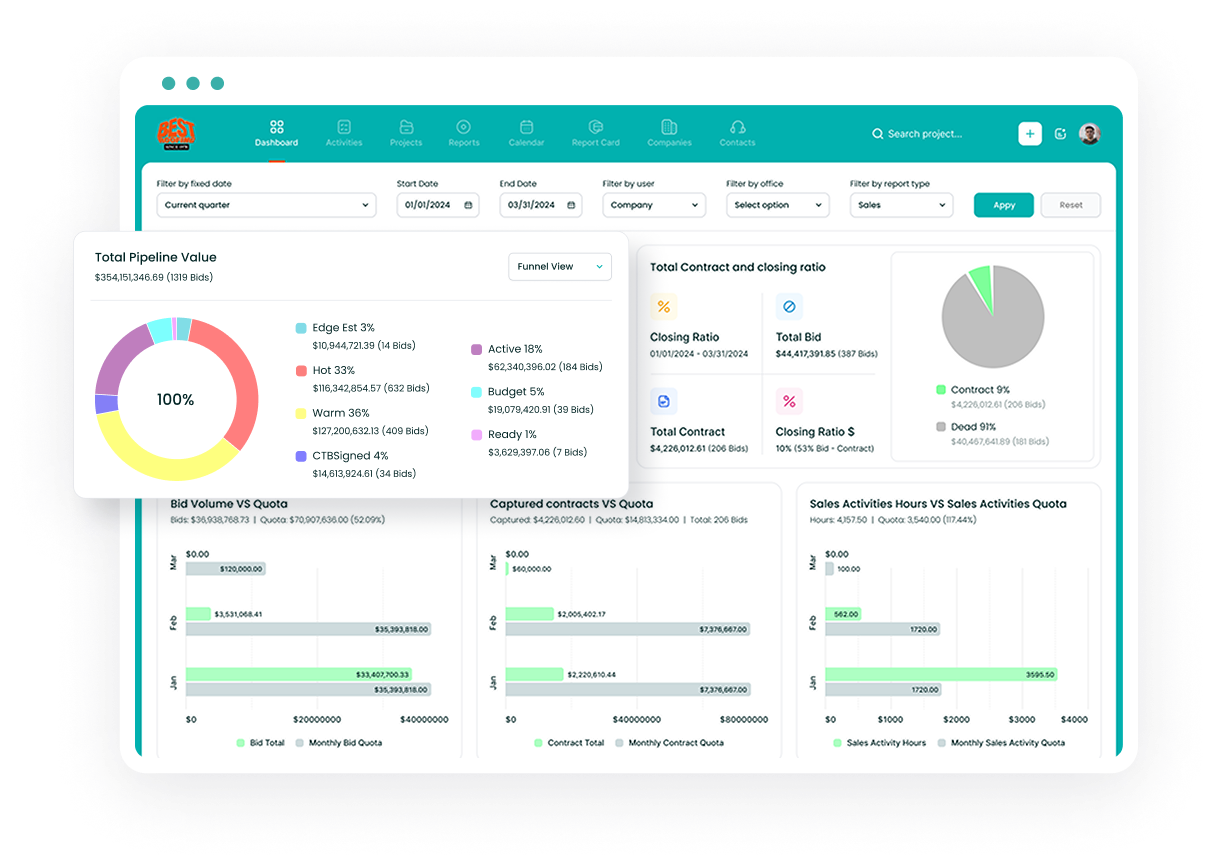
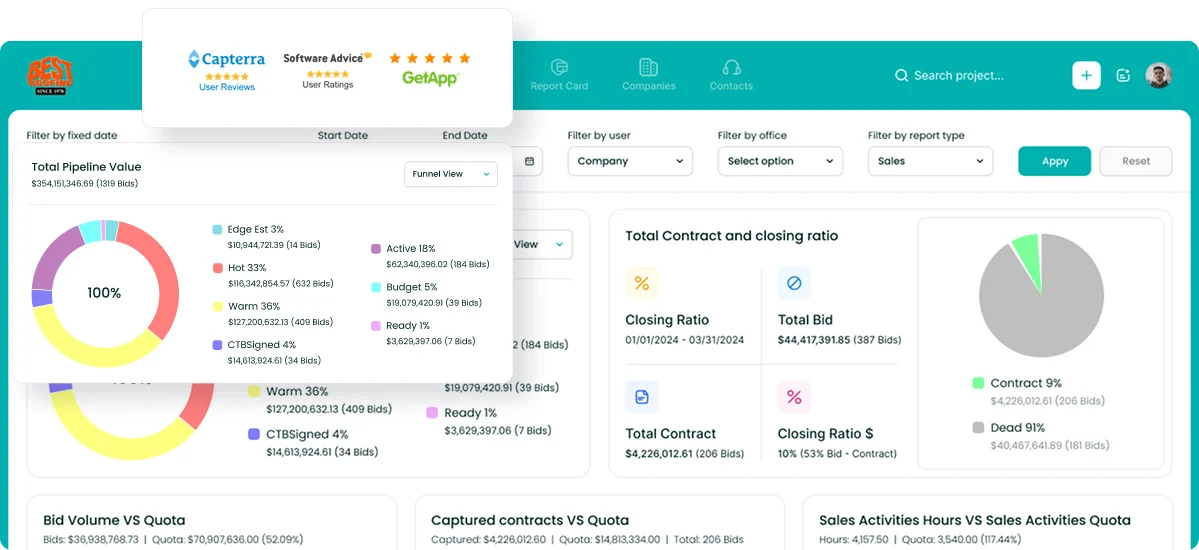
- Sales and estimating dashboards: Real-time pipeline value, close rates, and sales performance by estimator and project type.
- Voice AI: The user describes what happened after a site visit, and the system handles the data entry.
- Gregg AI Assist: Drafts comments and emails on any record from preset prompts and four tones. The user reviews and sends.
Followup CRM integrates with Foundation, Vista, Sage, QuickBooks, Procore, BuildingConnected, CompanyCam, Outlook, Gmail, and more.
Book a demo to see how Followup CRM handles your bid pipeline.
2. Buildr
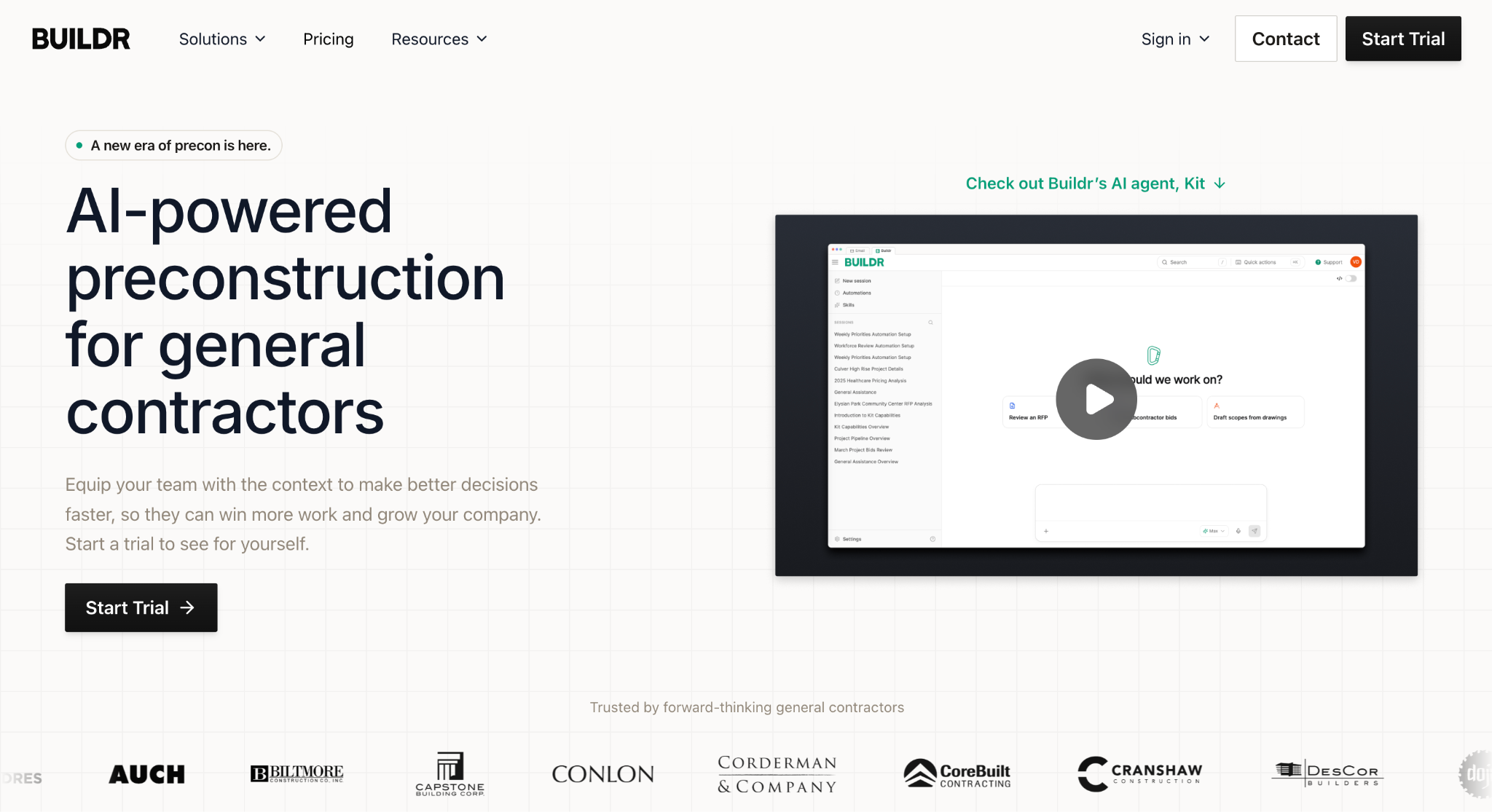
Image source: buildr.com
Buildr is a preconstruction platform for general contractors that combines a CRM with estimating, bidding, forecasting, and workforce planning.
Commercial general contractors can keep business development and estimating in one system, with unlimited seats.
The CRM ties companies, contacts, activities, RFPs, permits, and contracts to a single pursuit record, and that context carries into preconstruction once the lead is qualified.
Go/no-go decisions run on team-defined criteria, so the project evaluation stays consistent.
Kit, Buildr’s AI agent, now sits at the center of the product. It reads an uploaded RFP, drafts pursuit fields and next questions, turns RFP requirements into tasks, and generates dashboards and reports from Buildr data.
Key Features
- Pursuit tracking: Leads qualified into active opportunities with contacts, documents, and stage in place.
- Custom fields and activities: Unlimited, fully filterable fields shaped to the firm’s process.
- Mobile app: Kit tasks started, reviewed, and continued from the job site or the road, including voice input.
- Onboarding support: Historical data imports and workflow configuration handled by Buildr’s team.
- Procore integration: Awarded work connected to project execution.
Buildr is aimed at general contractors, so specialty contractors who sell their own bids to GCs will find the pursuit model shaped around a different side of the table.
3. TrebleHook
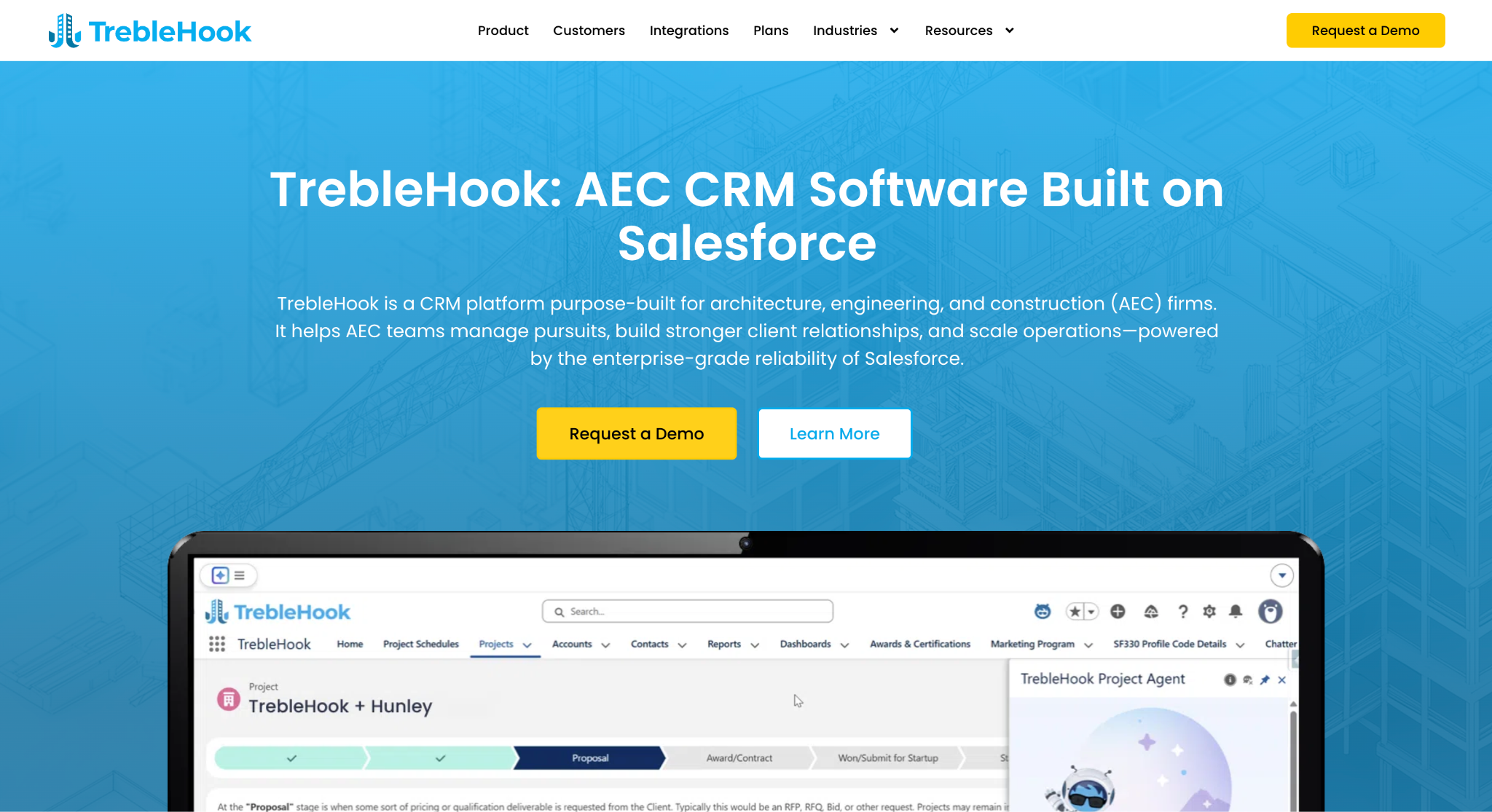
Image source: treblehook.com
TrebleHook is a CRM for architecture, engineering, and construction (AEC) firms, built on Salesforce, with a dedicated version for general contractors.
It is a good fit for mid-sized and larger GCs that want project-based sales tracking on a Salesforce foundation without building the construction layer themselves.
Every pursuit is tracked as a project rather than a generic deal. Configurable stages show its progress, while owners, design consultants, and subcontractors remain linked to the opportunity so the team can review past working relationships.
Client communications are logged automatically from email, calls, and meetings, which gives business development a full history before any call.
Key Features
- Project-focused sales pipeline: Sales stages, team members, and client contacts.
- Central pursuit database: Owners, architects, subs, and consultants tied to every project.
- Customizable dashboards: Pipeline health, hit rates, and backlog forecasts in real time.
- ERP and PM integration: Awarded projects pushed into Procore, with financial sync to Vista and Sage.
- Email and file integrations: Outlook, Gmail, and OpenAsset connected to the pursuit record.
TrebleHook runs on Salesforce, so firms get Salesforce administration along with it. Companies that want a lighter system may find that more platform than their sales process needs.
4. Procore
Image source: procore.com
Procore is a construction management platform for coordinating work after award, with a preconstruction layer that covers bid management and estimating.
It is a suitable option for larger general contractors managing complex projects with many stakeholders, especially firms that already run project execution on it. Procore reports that more than 15,700 construction teams use the platform.
The platform ties field and office together. Drawings, specifications, RFIs, submittals, daily logs, and budgets live in one system through the full project lifecycle, and the mobile app lets site teams update progress and documents as the job moves.
On the preconstruction side, bid management distributes project information to subcontractors, collects their bids, and tracks coverage by trade. That serves a general contractor buying out a job.
It is not a lead and sales pipeline CRM in the usual sense, so firms that track owner relationships and pursuits over long cycles typically pair it with a dedicated sales tool.
Key Features
- Bid management and estimating: Bid distribution, coverage tracking, takeoffs, and estimates in one place.
- Project management: Schedules, tasks, daily logs, photos, and punch lists for active jobs.
- Document management: Drawings, specs, RFIs, and submittals kept current for the whole team.
- Project financials: Budgets, contracts, change orders, and invoicing tied to field data.
- Mobile app: Field updates to progress, documents, and photos from the job site.
Procore suits larger general contractors with the budget and staff to run a full construction management platform, while smaller firms may find it more system than their bid volume needs.
5. Unanet CRM by Cosential
Image source: unanet.com
Unanet is a customer relationship management platform for AEC firms, connecting pursuits, relationships, and proposal records.
It is a good fit for mid-sized and larger general contractors whose business development runs through formal pursuits and proposal submissions, often with several offices or divisions reporting into one pipeline.
The platform is built around AEC objects such as firms, contacts, pursuits, and project histories rather than generic deals. Proposal production is the other half of the product.
Marketers pull project and personnel records straight from the CRM to assemble qualification packages and proposals, which is where firms submitting a high volume of responses tend to spend most of their time.
Champ Agents, Unanet’s AI layer, answers questions about pipeline, pursuits, and firm experience from the data already in the system.
Key Features
- Pursuit management: Opportunities tracked with go/no-go criteria, probability, and pipeline by office or division.
- Proposal production: Project and personnel data pulled into proposals and presentations.
- Outlook integration: Contacts, companies, and opportunities updated from within email.
- Mobile access: Client and pursuit records available in the field.
- Procore integration: Two-way connection between pursuits and awarded projects.
Unanet CRM is an enterprise product, and firms consolidating years of spreadsheets should plan for a configuration and migration period before the team is fully on it.
6. Pipeline CRM
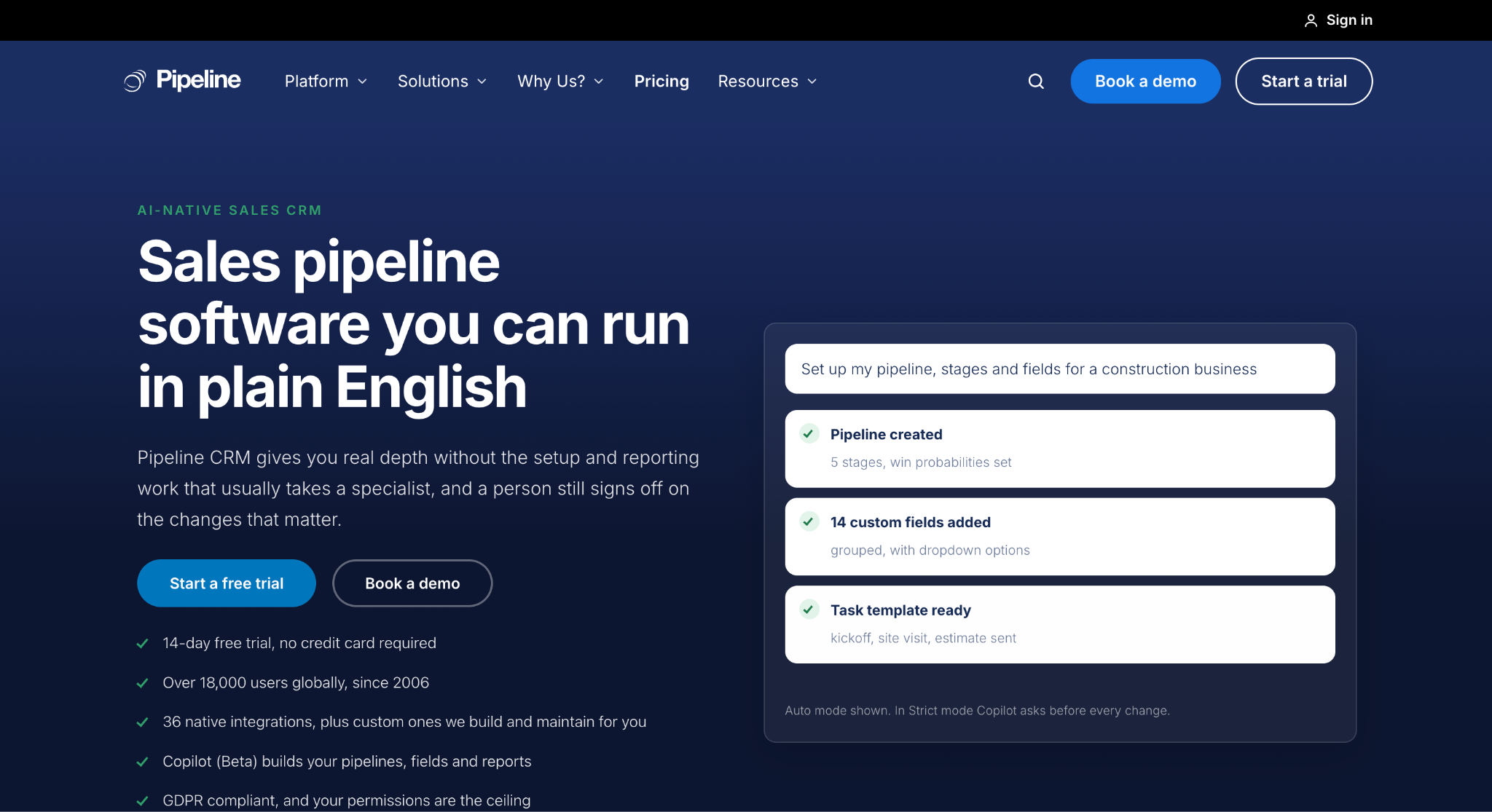
Image source: pipelinecrm.com
Pipeline CRM is a sales CRM with a construction edition for general contractors, custom home builders, and specialty trades, from small construction businesses to commercial firms.
Construction sales teams can track bids and connect accounting without adopting a full construction platform.
Multiple pipelines separate bids, active projects, and service work, with stages such as RFP received, takeoff, proposal sent, awarded, and contract signed.
Unlimited custom fields record bond limits, square footage, permit numbers, and the general contractor name on subcontractor deals, so the record carries the project data an estimator needs.
Change orders are logged against the parent deal with the signed amendment attached, and automations notify the project manager and update the contract value.
The QuickBooks Online and Desktop integration syncs customers, invoices, and payment status between sales and accounting.
Key Features
- Multi-pipeline bid tracking: Separate stages for bids, projects, and renewals, with weighted deal values.
- Custom fields: Project metadata on deals, people, and companies, plus conditional fields.
- Subcontractor handoffs: Trades, scope checklists, and contacts tagged to the job for operations.
- QuickBooks sync: Customer and invoice records aligned between the CRM and accounting.
- Mobile app: iOS and Android apps with a business card scanner for site walks and trade shows.
Pipeline CRM’s published construction customers lean toward custom builders and residential construction, so commercial general contractors should check that the pipeline fields match formal bid cycles.
7. Contractor Foreman
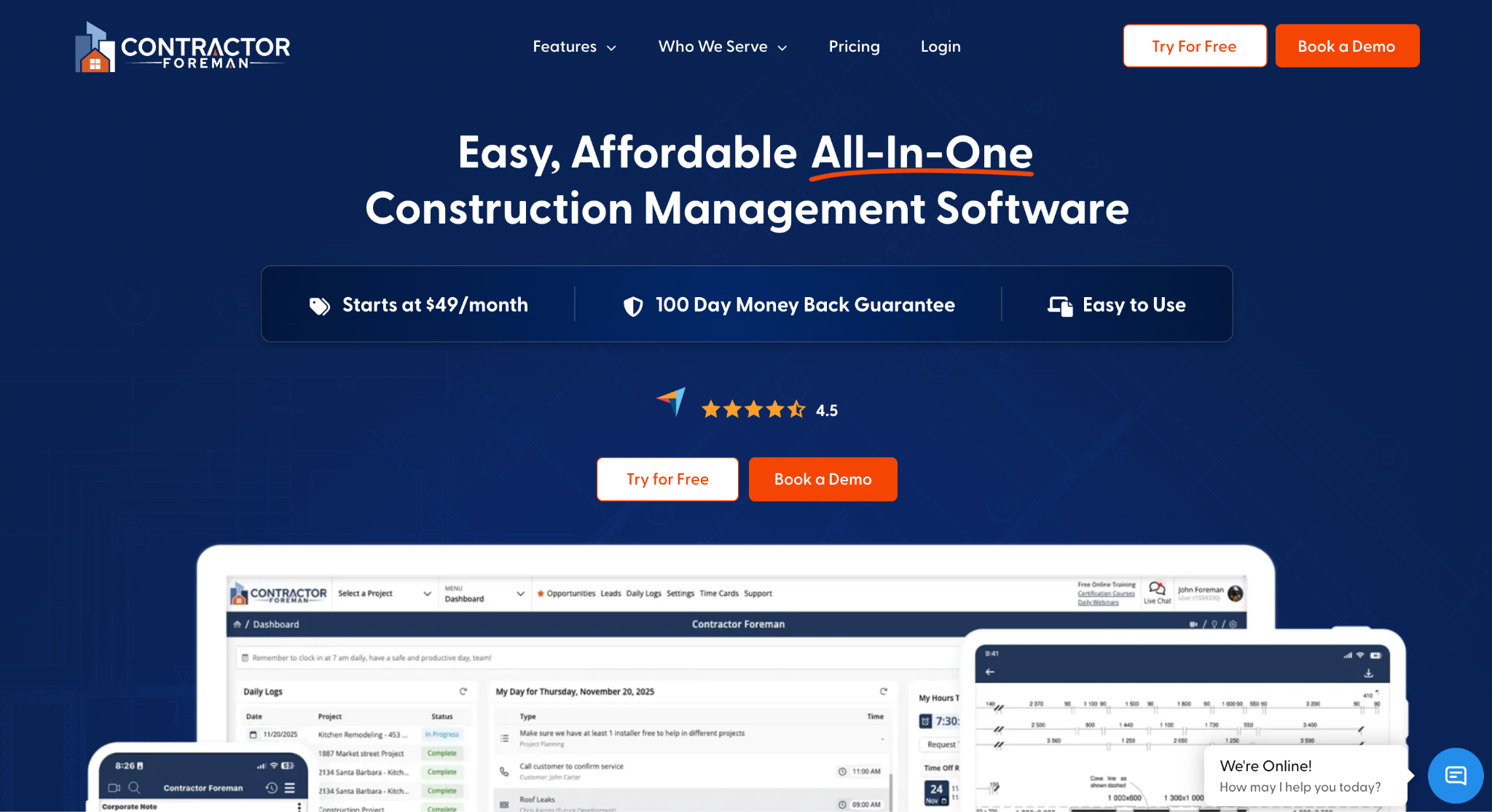
Image source: contractorforeman.com
Contractor Foreman is all-in-one construction management software for small and mid-sized contractors, covering sales, project management, scheduling, financials, and crew management under one subscription.
It is a suitable option for smaller general contractors that want CRM functions inside the same system that runs estimates, daily logs, and invoices, rather than a separate sales tool.
The sales side runs through the Leads Manager and Opportunities modules.
Leads are captured, tracked by status, and converted into opportunities, which carry a bid through stages until it becomes a project. Estimates are built from item libraries and templates, then turned into bids with status tracking.
The Client Portal gives customers a view of project progress, documents, and invoices, which cuts down on status calls once a job is underway. Many of its published customers are residential builders, so the portal is shaped around homeowner updates.
Key Features
- Leads Manager and Opportunities: Lead capture, status tracking, and conversion to projects.
- Estimates and bids: Line-item estimates with markups, converted into proposals and bids.
- Client Portal: Progress, documents, and invoices shared with customers.
- Project tools: Scheduling, daily logs, change orders, time cards, and punch lists in the same platform.
- Integrations: QuickBooks, CompanyCam, Zapier, Angi Leads, and Google and Outlook Calendar.
Contractor Foreman is a project management platform first. Firms with long commercial pursuits and formal proposal cycles may find the sales modules lighter than the rest of the product.
8. HubSpot
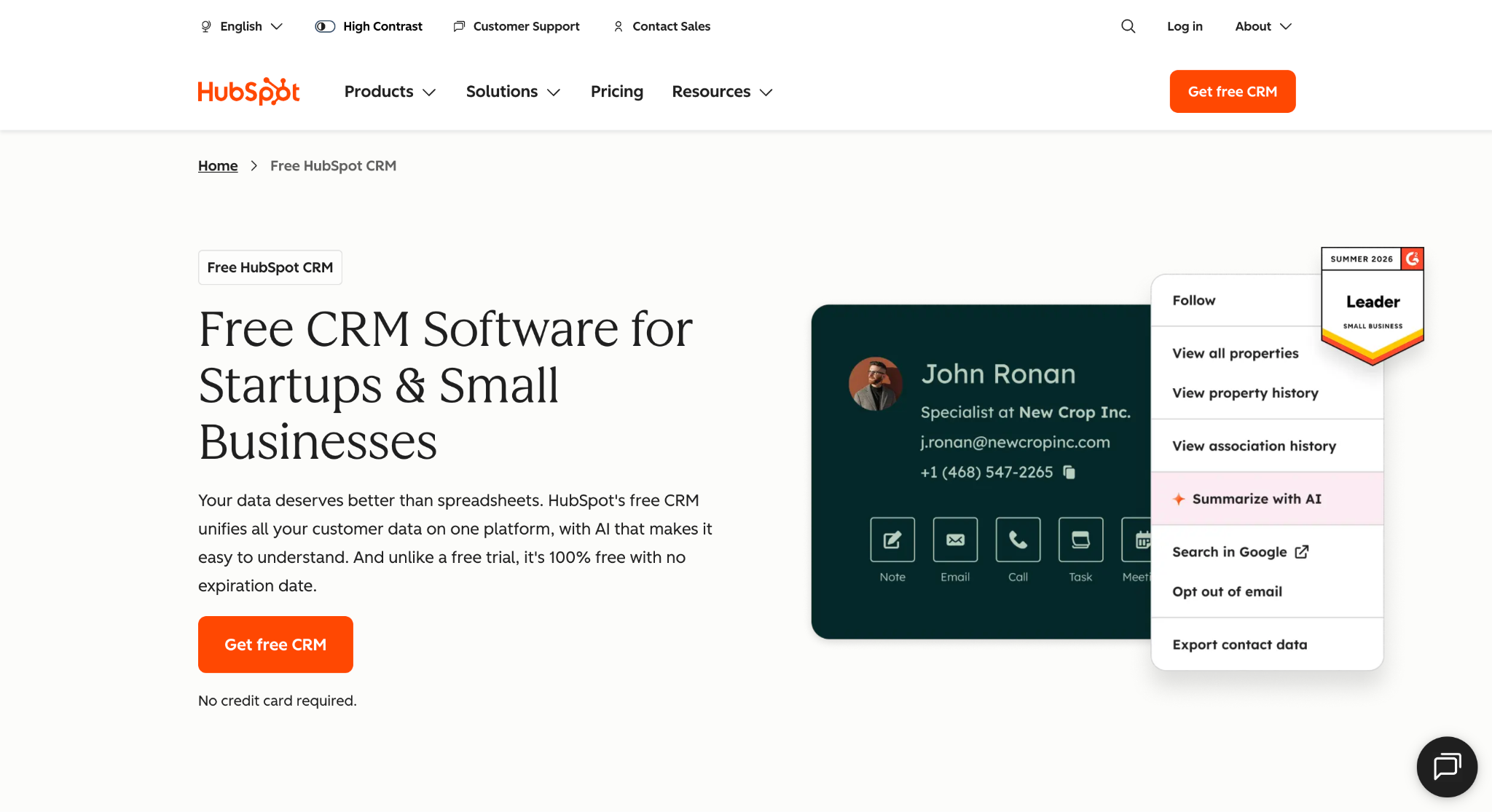
Image source: hubspot.com
HubSpot is a general-purpose CRM platform with marketing, sales, and service tools built on one shared contact database it calls the Smart CRM.
It is a useful option for construction companies that want lead management and marketing automation in the same place, and its free edition is a common first step for firms moving off spreadsheets.
Contacts, companies, and deals have associated records, keeping customer data and activity history connected. Deal pipelines are visual and editable, so stages can be renamed to construction milestones, and multiple pipelines can separate divisions or project types.
Email tracking logs opens and replies, and forms and a meeting scheduler handle lead capture from the website.
Breeze Assistant answers questions about pipeline patterns and stalled deals, and Smart Deal Progression prepares a pre-call brief, takes notes, and suggests CRM updates after a meeting for the rep to approve.
Key Features
- Contact and deal management: Records, activity logs, and communication history in one place.
- Customizable pipelines: Drag-and-drop stages with forecasting by deal likelihood.
- Marketing tools: Email campaigns, landing pages, and forms tied to the same contacts.
- Breeze AI: Pipeline analysis, meeting prep, and post-call CRM updates.
- App marketplace: Thousands of integrations plus two-way data sync with common business tools.
HubSpot is not built for the construction industry. Bid calendars, proposal workflows tied to plans and specs, and construction-specific fields all need to be configured or added through integrations.
How to Choose a CRM for General Contractors
The right CRM software depends on how your firm wins work and who has to use it every day. Mid-sized construction firms and large general contractors weigh these factors differently, so work through the four checks below before booking demos.
Match the CRM to Your Sales Process
Write down how a pursuit becomes a signed contract in your company today. Where do leads come from, who makes the go/no-go call, how many bids go out each month, and who owns the follow-up after a proposal is submitted?
That map is the specification the CRM has to fit. A firm that sells through formal bids and proposals needs bid stages, a shared calendar, and proposal tools built in.
Industry-specific tools cover those construction-specific workflows without custom setup, while generic CRM systems have to be configured to match them.
Choosing a tool before mapping the process is how firms end up rebuilding their business processes around the software instead of the other way around.
Confirm Integrations With Your Existing Systems
The CRM should connect to the other software that runs the company: accounting software or ERP, estimating tools, and email at a minimum.
Without those connections, the team re-enters the same data in two or three places, and the CRM becomes one more silo.
Ask each vendor about its integration capabilities and confirm the specific systems you depend on, not the category.
A CRM that connects to your accounting and project management platforms carries a won project into the field with its contacts, documents, and financial details intact.
Firms with several business units or offices should also confirm that reporting can roll up by division without a separate database for each one.
Check Mobile Access on the Job Site
Construction sales happen in trucks, on site walks, and in owners’ offices. A CRM that only works well at a desk gets updated at the end of the day, if at all, and the pipeline goes stale within a week.
Mobile access has to cover the critical tasks estimators handle in the field: logging a conversation, checking a bid status, and adding a contact on the spot.
Confirm that the mobile app handles those actions fully rather than offering a stripped-down version of the desktop view.
Evaluate Reporting and Team Adoption
Leadership needs to see sales performance without chasing spreadsheets. Look for real-time dashboards showing pipeline value, close rates, and win/loss trends by estimator, project type, or lead source.
That data is the basis for continuous improvement in how the firm bids, because it shows which pursuits were worth the estimating hours and which were not.
Then test the system with the people who will live in it. Bring estimators and business developers to the demo and run a real scenario: a lead arriving, a bid going out, a follow-up getting scheduled.
Poor adoption kills more CRM projects than missing features do, so count the clicks for everyday tasks and check whether the field team could do them from a phone.
No More Tracking in Spreadsheets and Inboxes With Followup CRM
Most general contractors know which opportunities are live. Fewer can say, on any given Monday, which proposals are due this week, who owns each follow-up, and which owner relationships have gone quiet since the last project closed.
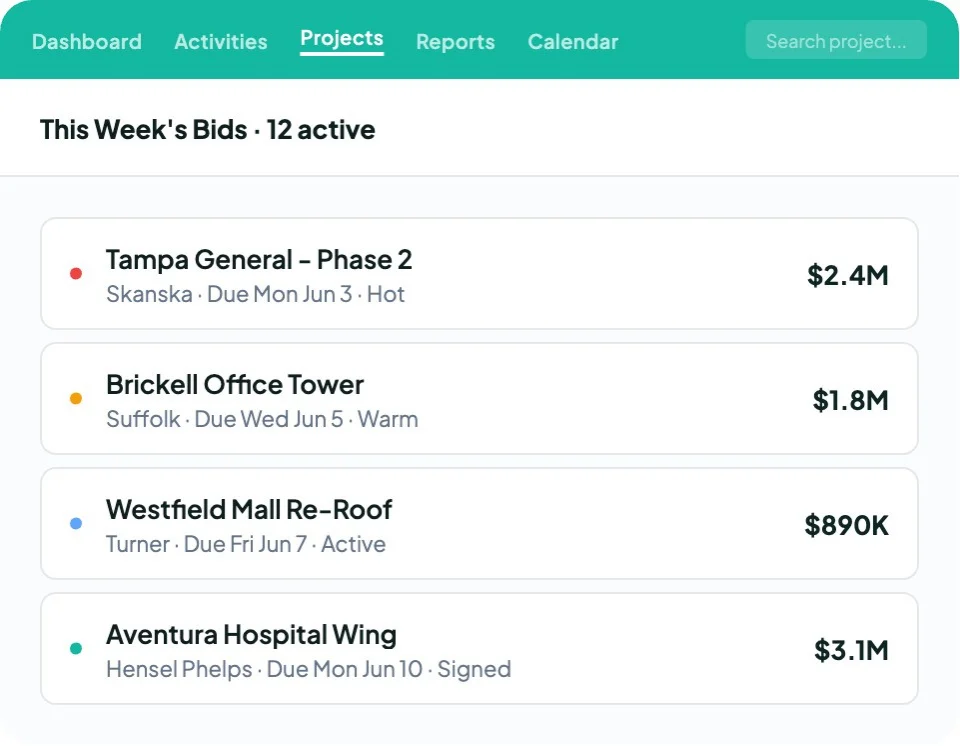
That information usually lives in three spreadsheets and a dozen inboxes.
Followup CRM was built for commercial contractors from the start, and more than 4,000 construction professionals run their sales process on it.
Leads from bid invitations, referrals, and website forms land in one record with their source and project type. Bids sit on a shared calendar with the due date, the owner, and the last activity in view.
Proposals go out branded and ready for signature, and the signed document lands back on the deal.
The people who sell the work stay in the tools they already use. Outlook and Gmail log activity on their own, Voice AI turns a spoken recap into a logged record, and Gregg AI Assist drafts the follow-up note so nobody starts from a blank screen.
When a job is won, integrations with Foundation, Vista, Sage, QuickBooks, and Procore carry the data forward instead of asking the office to type it again.
See how Followup CRM handles a real pursuit, from lead intake to signed proposal. Book a demo call.
FAQs About CRM for General Contractors
Can I build my own CRM for free?
Yes. You can build a basic CRM with free tools, although hosting, integrations, maintenance, and support may add costs. A free CRM plan is another option.
Followup CRM provides construction bid stages, a shared calendar, and proposal tools for firms that prefer an existing system.
Can ChatGPT make a CRM?
Yes. ChatGPT can help create a custom CRM, including its interface and code. Available tools may also support hosting and data storage.
The business still needs to test permissions, integrations, backups, and reliability. Followup CRM offers an existing construction CRM with bid tracking and proposal tools.
What is the best CRM system for construction companies?
The best CRM for a construction company is the one that mirrors how it sells. General-purpose CRM tools can be configured to fit, while construction-specific platforms may reduce the setup needed for bid tracking and proposals.
General contractors and specialty contractors that win work through bids, estimates, and proposals get the most from Followup CRM, because its pipeline stages, digital bid calendar, and proposal generator match that process out of the box.
What is the best construction CRM software for construction businesses with complex projects?
For construction businesses handling complex projects, the best construction CRM software connects sales opportunities with project records.
Followup CRM keeps client data, project details, documents, and bid dates together, linking client management and customer communications to construction projects. Its project pipeline shows each opportunity’s stage, with reminders supporting follow-ups.
How does construction CRM software support business development?
Construction CRM software supports business development by helping firms track projects and follow-ups for multiple projects. Shared customer interactions strengthen customer management and help improve customer service, supporting client satisfaction, customer satisfaction, and business growth.
Workflow automation reduces manual task management for sales teams, while organized records support project planning.
The CRM Built For Construction Companies
No more disorganized data. Track your leads, bids, and customers all in one place.
Seamless Integration with:
✅ Foundation ✅ Viewpoint ✅ Sage and more