

TL;DR
- HubSpot: The easier platform to adopt. A free CRM, a clean interface, and strong marketing automation make it a suitable starting point for small businesses and mid-market contractors.
- Salesforce Sales Cloud: More customization and more advanced capabilities, but most companies need an administrator or implementation partner to shape it around construction sales.
- Neither platform: No bid calendars, no construction-style proposals, and no native integrations with construction accounting systems out of the box. Both can be configured toward that, at a cost in time and setup work.
- Pricing: Per user on both. HubSpot Sales Hub starts free and scales to Enterprise, while Salesforce runs from Starter Suite to Max. Only Starter Suite can be billed monthly on the Salesforce side.
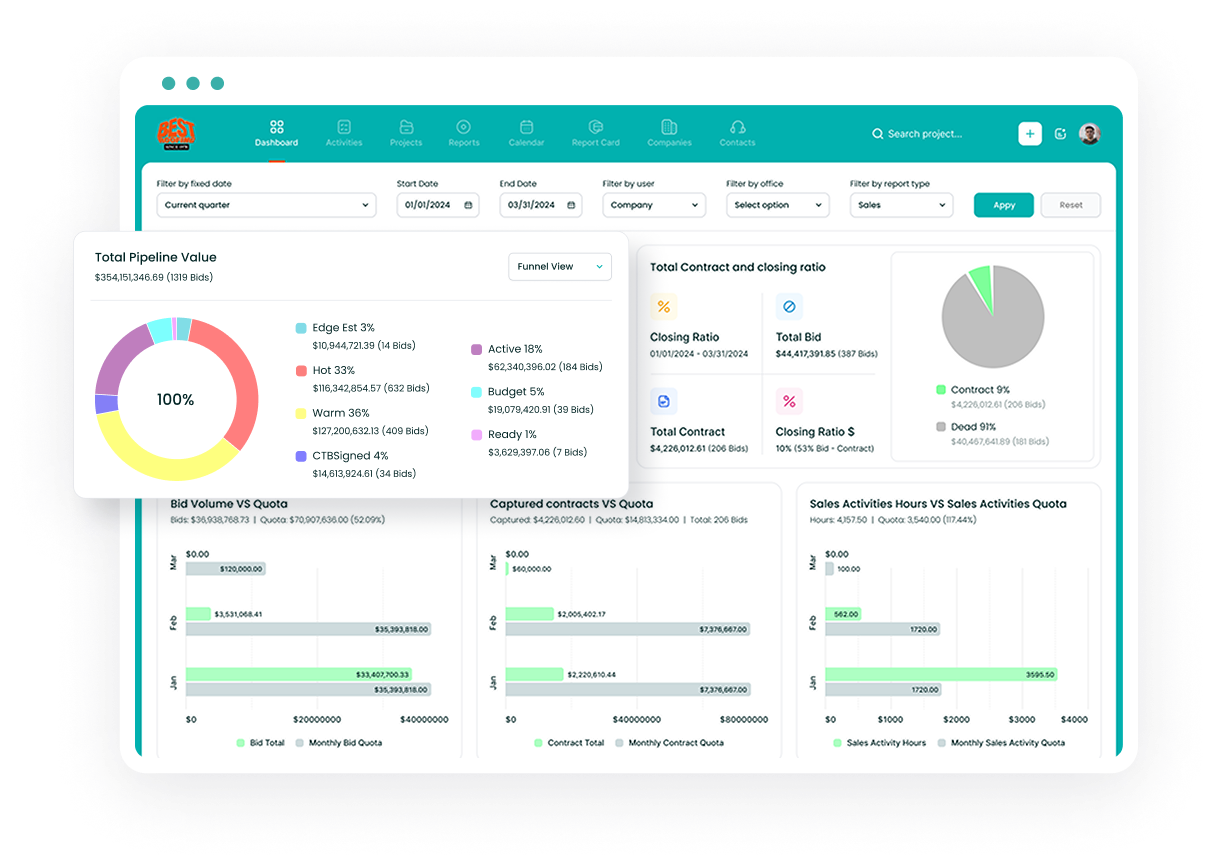
- Followup CRM: Built for commercial and specialty trade contractors, with bid tracking, a digital bid calendar, proposal generation, and enterprise resource planning (ERP) integrations included.
HubSpot vs Salesforce: Overview
Both platforms cover contact management, deal management, customizable dashboards, email integration with Gmail and Outlook, and a mobile app.
The differences show up in how much setup each one needs, where quoting lives, and what the top tiers include. The table below summarizes the main points before the detailed comparison.
|
Comparison Point |
HubSpot |
Salesforce Sales Cloud |
|
Built for |
General-purpose CRM with a marketing-led history |
General-purpose CRM with an enterprise sales focus |
|
Free option |
Free CRM, up to two users on Sales Hub Free |
Free Suite, plus a 30-day trial of paid editions |
|
Paid editions |
Starter, Professional, Enterprise |
Starter Suite, Pro Suite, Core, Advanced, Max |
|
Quoting and e-signature |
Revenue Hub, Professional edition and above |
Quotes from Pro Suite upward, Revenue Cloud add-on for full CPQ |
|
AI |
Breeze Assistant and agents, running on HubSpot Credits |
Agentforce, available from Core upward with Flex Credits |
|
Construction integrations |
QuickBooks native; construction ERPs through the HubSpot Marketplace or custom work |
Accounting and construction ERPs through AppExchange apps, partners, or MuleSoft |
|
Billing |
Starter and Professional billed monthly or annually, Enterprise annual |
Only Starter Suite can be billed monthly; all other editions are annual |
What Is HubSpot?
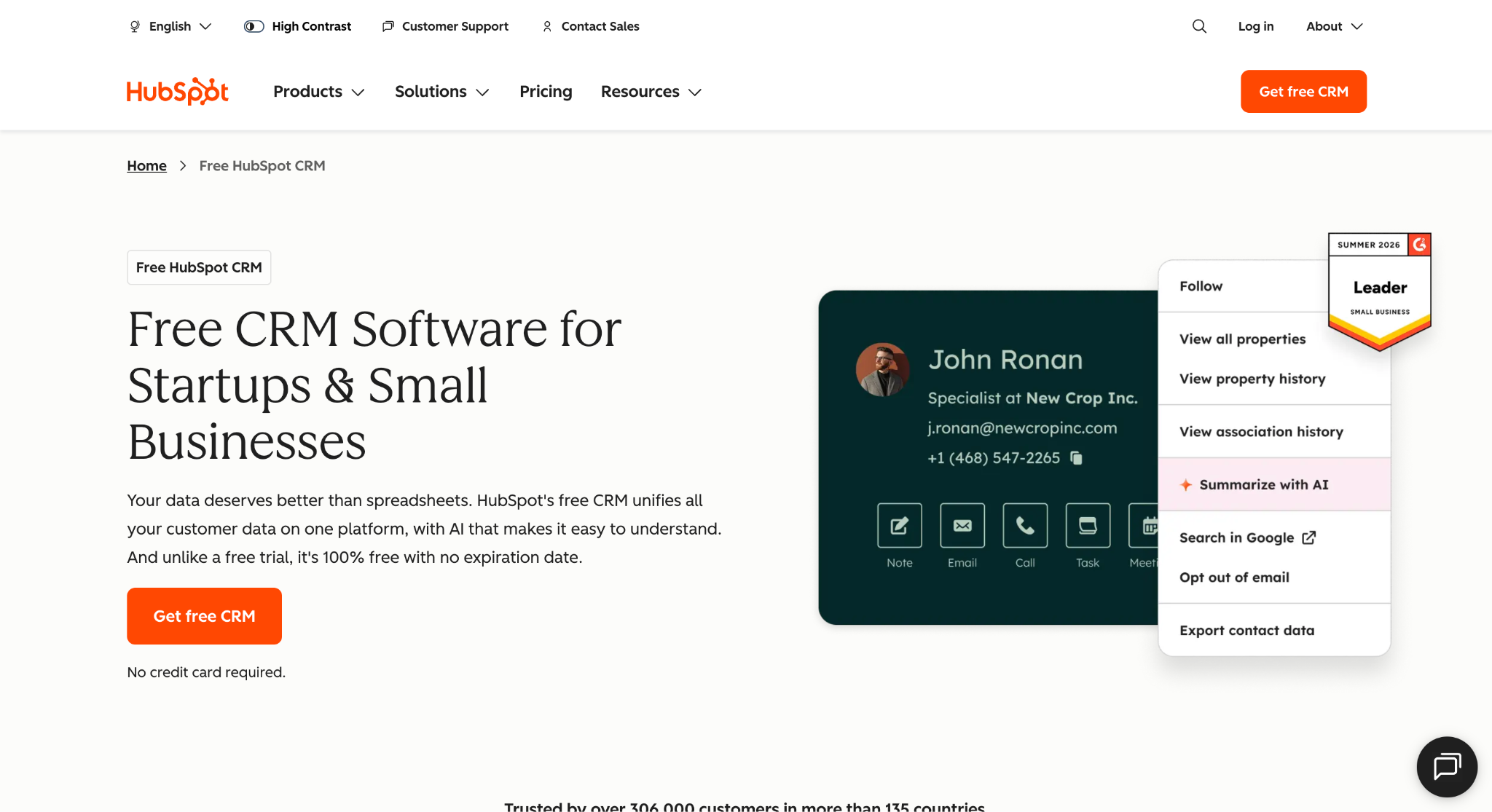
Image source: hubspot.com
HubSpot is a cloud CRM platform founded in 2006 and best known for its free CRM and inbound marketing tools.
The foundation is what HubSpot calls Smart CRM, and everything else is sold as a Hub on top of it: Marketing Hub, Sales Hub, Service Hub, Content Hub, Data Hub, and Revenue Hub.
The free tier covers contact management, deal pipelines, meeting scheduling, live chat, and basic reporting, with Sales Hub Free capped at two users.
Paid Sales Hub editions add sales automation workflows, email sequences, forecasting, custom reporting, playbooks, and calling minutes for sales calls.
Marketing Hub handles email, forms, landing pages, and marketing automation. Quotes, configure-price-quote (CPQ) tools, contracts, e-signature, invoices, and payments sit in Revenue Hub, which is a separate product from Sales Hub.
Breeze is HubSpot’s AI layer, with an assistant for drafting and summarizing plus agents for prospecting, data enrichment, and customer service. The HubSpot Marketplace lists more than 2,000 apps, and QuickBooks Online has a native integration.
For contractors, HubSpot helps most with the basics: visual pipelines with stages mapped from lead to won job, mobile access for CRM updates from the jobsite, and automated follow-up tasks after an estimate goes out.
The platform is user-friendly, and HubSpot users range from two-person shops to enterprise customers.
What Is Salesforce?
Image source: salesforce.com
Salesforce launched in 1999 as one of the first cloud CRM tools, and Sales Cloud remains its core sales product. Service Cloud, Marketing Cloud, and Revenue Cloud are sold separately, so a company buying Salesforce for sales is buying Sales Cloud and whatever it needs around it.
Sales Cloud ships in five paid editions. Starter Suite covers lead, account, contact, and opportunity management with built-in sales flows and lead routing.
Pro Suite adds more customization and automation, sales quoting, forecasting, and access to AgentExchange.
Core, which replaced the former Enterprise Edition, adds advanced pipeline management, opportunity scoring, conversation intelligence, API access, Agentforce, and Premier Success support.
Advanced replaced Unlimited and layers on a security suite, while Max replaced the Agentforce 1 edition and includes unmetered Agentforce for Sales.
Customization is where Salesforce separates itself. Flow Builder handles automation, Lightning App Builder reshapes screens, custom objects model anything a standard record cannot, and sandboxes let admins test changes before they go live.
AppExchange adds thousands of third-party apps.
That depth cuts both ways for construction companies.
Salesforce offers a way to model multi-stakeholder opportunities and long sales cycles, but the most common reasons contractors switch away from Salesforce come down to administration overhead and the cost of bending a general tool toward bid-based selling.
HubSpot vs Salesforce: Feature and Pricing Comparison
The two platforms overlap on standard CRM features, so the useful comparison is how each one handles the parts of construction sales that generic tools tend to miss. The six areas below cover pipeline tracking, proposals, integrations, setup, AI, and pricing.
Pipeline and Bid Tracking
HubSpot pipelines are visual boards with drag-and-drop stages. Starter allows up to 15 pipelines per account, Professional 100, and Enterprise 350, so a contractor can run separate pipelines for different trades or project types.
Deal records accept custom properties, which is how most construction teams add bid due dates, general contractor names, and project values.
Salesforce handles the same work through opportunity management with a customizable sales process. Core and above add pipeline inspection, deal insights, and opportunity scoring, and approval processes can gate a bid before it goes out.
Custom fields and record types let an admin model bids, change orders, and awarded projects separately.
The gap is the same on both platforms. A bid due date is just another date field, so there is no shared calendar of what is due this week, and nothing flags an estimate that has been sitting with the estimator too long.
A construction CRM treats the bid deadline as the center of the workflow instead of an add-on property.
Proposals and Quoting
Quoting on HubSpot lives in Revenue Hub, not Sales Hub. The free tier covers invoices and payment links.
Revenue Hub Professional, which starts at $95 per month, adds quotes, contracts, and e-signature, with Enterprise adding quote rules and advanced approvals. Breeze can draft a quote from a prompt, and signed quotes flow into contract records and billing.
Salesforce includes quotes, products and price books, contracts, and orders from Pro Suite upward. Full CPQ with pricing rules and discount guardrails is a Revenue Cloud add-on starting at $150 per user per month, and e-signature usually comes from an AppExchange app.
Both platforms quote the way software and services companies quote: line items, unit prices, and totals. A construction proposal is a different document, with scope narratives, exclusions, alternates, and the contractor’s branding.
On either platform, that document typically gets built in Word or a separate proposal tool, then attached to the record by hand.
Integrations With Construction Software
Email integration with Gmail or Outlook is included on every edition of both platforms, and both log emails and meetings against the right contact. Calendar sync and meeting scheduling are standard as well.
Beyond that, the integration ecosystem favors general business tools. The HubSpot Marketplace carries more than 2,000 apps, including a native QuickBooks Online connection, and Data Hub or Zapier covers most of what the marketplace does not.
Salesforce has AppExchange, MuleSoft for on-premises data sources, and a Web Services API that is included in Core and available as a paid add-on on lower editions.
Construction accounting and ERP systems such as Foundation, Vista, Sage, or Spectrum are where contractors feel the difference.
Neither vendor lists native integrations with these systems on its pricing pages, so connecting them usually means a partner-built app, middleware, or a custom integration that someone has to maintain.
Estimating tools and project management platforms follow the same pattern. The sales data lands in the CRM, the job data lands somewhere else, and keeping the two aligned becomes a manual task.
Customization, Setup, and Implementation Partners
HubSpot is built so a sales manager can configure most of it without a developer. Custom properties, pipelines, workflows, and dashboards are all drag-and-drop, and the interface stays consistent from the free plan up.
Custom objects, which let a team model something like a project or a change order as its own record, require an Enterprise subscription. HubSpot requires paid onboarding on Professional and Enterprise, and its Solutions Partner directory lists agencies that handle larger rollouts.
Salesforce assumes an administrator from the start. Flow Builder, Lightning App Builder, custom objects, record types, and permission sets give an admin control over almost every screen and process, and sandboxes on Core and above let changes get tested before release.
The trade-off is that most companies beyond Starter Suite work with Salesforce consultants or certified implementation partners to set it up, and someone keeps that role afterward.
For a contractor, the question is who owns the system. HubSpot leans on the sales team to configure it. Salesforce leans on an admin or partner, which fits companies that already have one and creates a hiring decision for those that do not.
AI Features: Breeze vs Agentforce Sales
Breeze is HubSpot’s AI brand. The Breeze Assistant drafts emails, summarizes records, and answers questions inside the CRM, while Breeze agents handle prospecting research and outreach, data enrichment, and customer service replies.
Agent Builder is available from Starter. Selected agents and AI actions consume HubSpot Credits. Included monthly allowances are 500 for Starter, 3,000 for Professional, and 5,000 for Enterprise. Extra credits cost $0.010 each. Call transcription and coaching start at Professional.
Salesforce calls its AI Agentforce. Agentforce Sales capabilities include sales emails, account research, prospecting, and lead nurture, and they are available from Core upward, with 500,000 Flex Credits included on Core, one million on Advanced, and 2.75 million on Max.
Max includes unmetered Agentforce for Sales. On Core and Advanced, the Agentforce for Sales add-on starts at $125 per user per month. Conversation intelligence and call summaries are also Core features.
On both platforms, the AI is tuned to outbound selling: researching accounts, writing sequences, and scoring leads. None of it is built around logging a site visit or a bid walk, which is where construction salespeople lose the most time on data entry.
Pricing Structure
HubSpot pricing for Sales Hub is per seat. The free tier supports up to two users. Starter is listed at $7 per seat per month with an annual commitment and a new-customer discount, or $20 billed monthly.
Professional is $90 per seat per month billed annually or $100 billed monthly, plus a required one-time onboarding fee of $1,500. Enterprise is $175 per seat per month on an annual contract, plus $3,500 for onboarding.
Starter uses Core Seats, Professional and Enterprise use Sales Seats, and view-only seats are free. Revenue Hub, needed for quotes, starts at $90 per month for Professional and $175 for Enterprise.
Salesforce’s sales pricing is also per user. Starter Suite is $25 per user per month, Pro Suite $100, Core $195, Advanced $395, and Max $550. Only Starter Suite can be billed monthly; every other edition is billed annually, and most Salesforce licenses run on annual contracts.
Agentforce for Sales starts at $125 per user per month as an add-on, and Revenue Cloud starts at $150. Premier Success support is included from Core upward.
Total cost on either platform depends on seat count, onboarding, add-ons, and any partner time for setup, so a quote for your actual team size is the only reliable number.
When HubSpot Makes Sense
HubSpot is a suitable fit for a contractor whose sales effort is tied closely to marketing.
If the company runs email campaigns to general contractors and property managers, captures leads from its website, and wants the same system to nurture those leads and track deals, HubSpot does that on one platform without a developer.
It may also do well for small businesses that want to start free and grow into paid tiers as the sales team expands. The free CRM covers contact management and deal pipelines, and the step up to Starter is small. A two- or three-person sales team can be running in a day.
The strain shows up once bidding becomes the core of the sales process.
Bid due dates, proposal documents, and accounting integrations all require workarounds, and contractors who moved off HubSpot tend to describe the same pattern: the marketing side worked, the bid tracking did not.
When Salesforce Makes Sense
Salesforce is a suitable choice for larger construction companies that already run an IT function and want one CRM platform shared by sales, service, and other departments.
Companies that pick Salesforce usually need its depth: territory management, multi-level approval processes, complex permission models, or reporting that rolls up dozens of estimators and offices.
It may do well for enterprise customers with a dedicated admin and budget for implementation partners, where the ability to model every step of a long, multi-stakeholder pursuit outweighs the setup time.
The integration ecosystem is broad enough that a well-funded team can connect almost anything, given the right partner.
Mid-market contractors without that infrastructure often find the opposite. The platform can be shaped into a bid-tracking tool, but the shaping is ongoing work, and routine changes like adding a pipeline stage or a report tend to wait on whoever administers the system.
Why Followup CRM Is Worth a Look
Followup CRM is a construction CRM built for commercial and specialty trade contractors, and the bid-centered workflow HubSpot and Salesforce require you to assemble is the default here. It is trusted by 4,000+ construction professionals.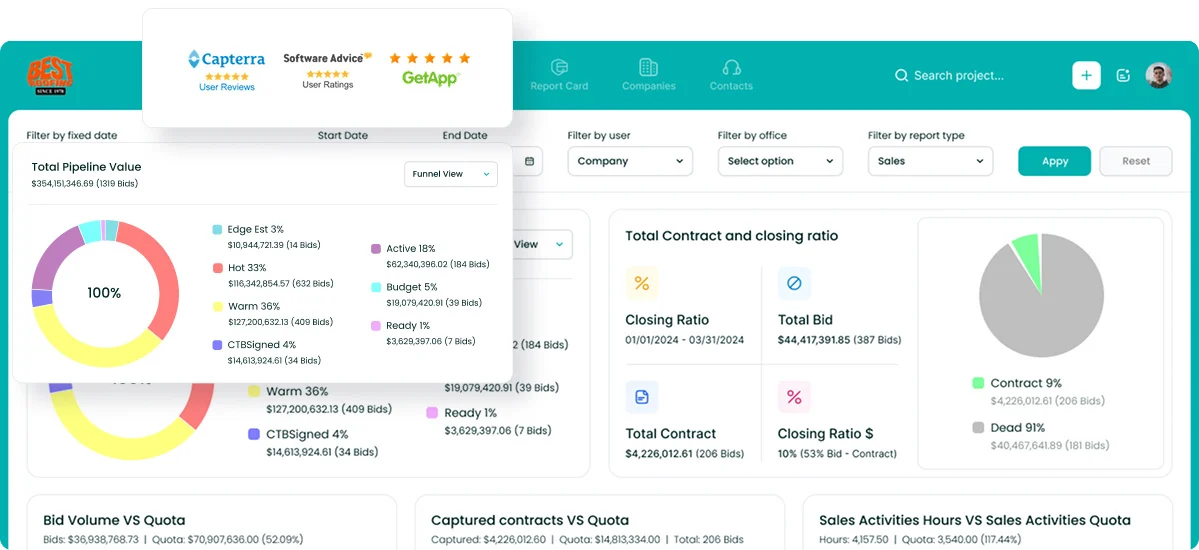
Lead and bid tracking follows every opportunity from intake through estimate, proposal, and close. The digital bid calendar gives the whole team one shared view of due dates, so nothing slips while the estimator is on a site.
The proposal generator builds branded proposals with the scope and formatting contractors use and sends them for e-signature from the same record. Sales and estimating dashboards show pipeline, hit rates, and performance by salesperson without a reporting project first.
Email tracking through Outlook and Gmail logs activity against the right project automatically.
Voice AI lets a salesperson speak what happened after a bid walk and have the data entry handled, and Gregg AI Assist drafts comments and emails from the record a user is already in, with prompt and tone options and the user making the final call before anything is saved or sent.
Integrations cover the systems contractors already run, including Foundation, Vista, Spectrum, Sage, QuickBooks, Procore, BuildingConnected, and CompanyCam, with two-way ERP sync so sales and accounting stay aligned.
Enjoy Full Control Over Every Bid With Followup CRM
Most construction companies that run HubSpot or Salesforce arrive at the same place after a year.
The contact records are fine, the dashboards look good in a leadership meeting, and the actual bid process still lives in a spreadsheet, an inbox, and the estimator’s memory.
Due dates get missed because no one built a calendar. Proposals go out from Word because the CRM only knows line items. Accounting never sees the awarded job until someone re-enters it.
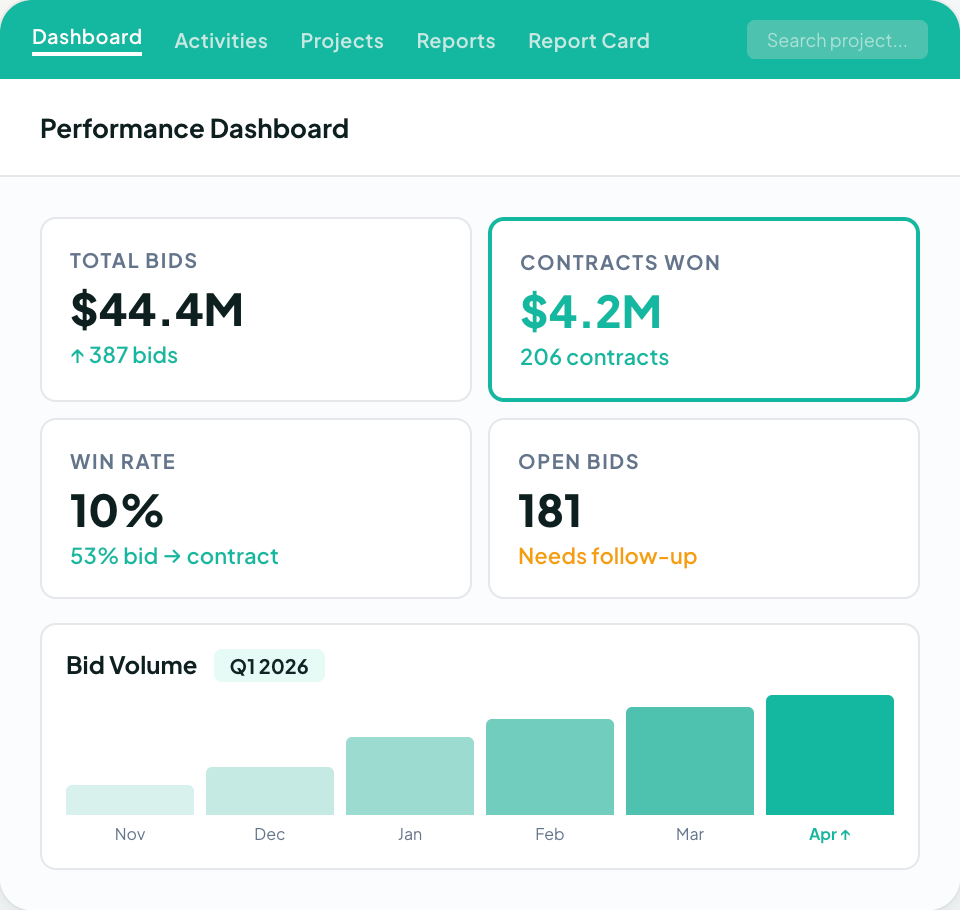
Followup CRM removes that gap because it was designed around how contractors sell. Bids, proposals, follow-ups, and reporting live in one place, the bid calendar is shared with the whole team, and the ERP integration carries awarded work into accounting without double entry.
Voice AI and Gregg AI Assist handle the data entry and drafting that salespeople put off, so pipeline reports stay current without chasing anyone.
More than 4,000 construction professionals run their sales process on it, and most teams are working in the system after a couple of short onboarding calls rather than a months-long implementation.
Bring your current pipeline, your bid list, and the questions you have about your existing CRM, and see how each one maps to the platform.
Request a live demo of Followup CRM.
FAQs About HubSpot vs Salesforce
Who is Salesforce’s biggest competitor?
Microsoft Dynamics 365 is generally considered Salesforce’s biggest direct competitor at the enterprise level, with HubSpot the main rival for small businesses and mid-market teams. For construction companies, though, the real alternative is a purpose-built platform.
Followup CRM competes for that use case with bid tracking, a digital bid calendar, proposal generation, and ERP integrations that general CRM tools do not include.
Is HubSpot replacing Salesforce?
No. Both platforms continue to grow, and they serve different buyers: HubSpot wins teams that want fast setup and marketing automation, while Salesforce wins companies that need deep customization and an admin to run it.
Neither is replacing the other, and neither is built around construction sales. Contractors weighing the two often get further by starting from a construction CRM like Followup CRM.
Is Salesforce bigger than HubSpot?
Yes. Salesforce is the larger company by revenue and holds the largest share of the CRM market, while HubSpot is the larger name in the small-business and mid-market segment. Size is not the same as fit.
A contractor’s sales process depends on bid deadlines and proposals, which is why many choose Followup CRM over either platform.
What are the key factors when comparing HubSpot CRM and Salesforce CRM?
Start with who will own the setup, where quoting lives, how each platform connects to your accounting system, and how the tiers handle scalability.
HubSpot offers a free CRM, a Starter tier, HubSpot Professional with sequences and forecasting, and Sales Hub Enterprise with advanced features such as custom objects and conversation intelligence.
Salesforce pricing runs from Starter Suite to Max, with the advanced features concentrated in Core and above.
The CRM Built For Construction Companies
No more disorganized data. Track your leads, bids, and customers all in one place.
Seamless Integration with:
✅ Foundation ✅ Viewpoint ✅ Sage and more