

TL;DR
These are the seven best Pipeline CRM alternatives in 2026, starting with the one built for contractors:
- Followup CRM: Best for construction sales and bid-tracking.
- Pipedrive: Best for visual pipeline management.
- HubSpot CRM: Best for connected sales and marketing.
- Zoho CRM: Best for configurable sales processes.
- Zendesk Sell: Best for account management and growing sales teams.
- Close: Best for calling and outbound outreach.
- Insightly: Best for sales and project management.
Why Teams Switch From Pipeline CRM
Pipeline CRM, formerly PipelineDeals, has been around since 2006 and is built for sales teams of roughly 5 to 50 people. It covers the basics well.
Deals move through a visual pipeline, contacts and companies sit in one place, email syncs from Google and Outlook, and reporting shows where each deal stands and how the team is performing.
Newer additions include automated email campaigns, an AI email assistant, Map Views for field reps, and a project management module on the higher plans.
The limits show up as a company grows or its sales process gets more specialized. Custom fields are capped at 25 on Start and 35 on Develop, which limits teams that track detailed project and customer information.
Marketing tools stop at email, so lead generation, landing pages, and lead scoring still need separate tools.
Pipeline CRM offers construction setup guidance, including bid due dates, estimate amounts, and proposal templates. Contractors should compare that configuration work with a construction-specific CRM.
Teams that bid in volume often find that pipeline management software for construction needs bid tracking and estimating workflows that a general tool does not provide.
None of that makes Pipeline CRM a bad product. It just means certain teams outgrow it, and the seven tools below each cover one of those gaps.
7 Best Pipeline CRM Alternatives in 2026
Each tool below is reviewed on its own, based on what the vendor’s own site says it does.
Start with the one that matches your industry and team size, then check the How to Choose section for the questions that separate a good fit from a bad one.
1. Followup CRM: Best for Construction Sales and Bid-Tracking
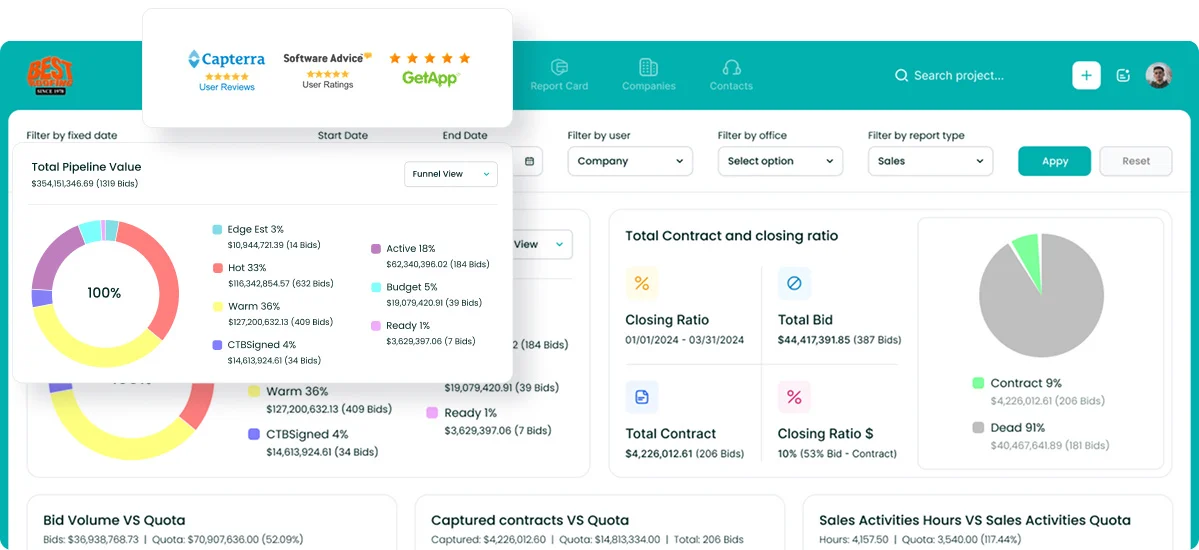
Followup CRM is a construction sales and bid-tracking CRM used by 4,000+ construction professionals. It is a strong fit for commercial contractors, general contractors, and subcontractors who sell through bids rather than a generic deal funnel.
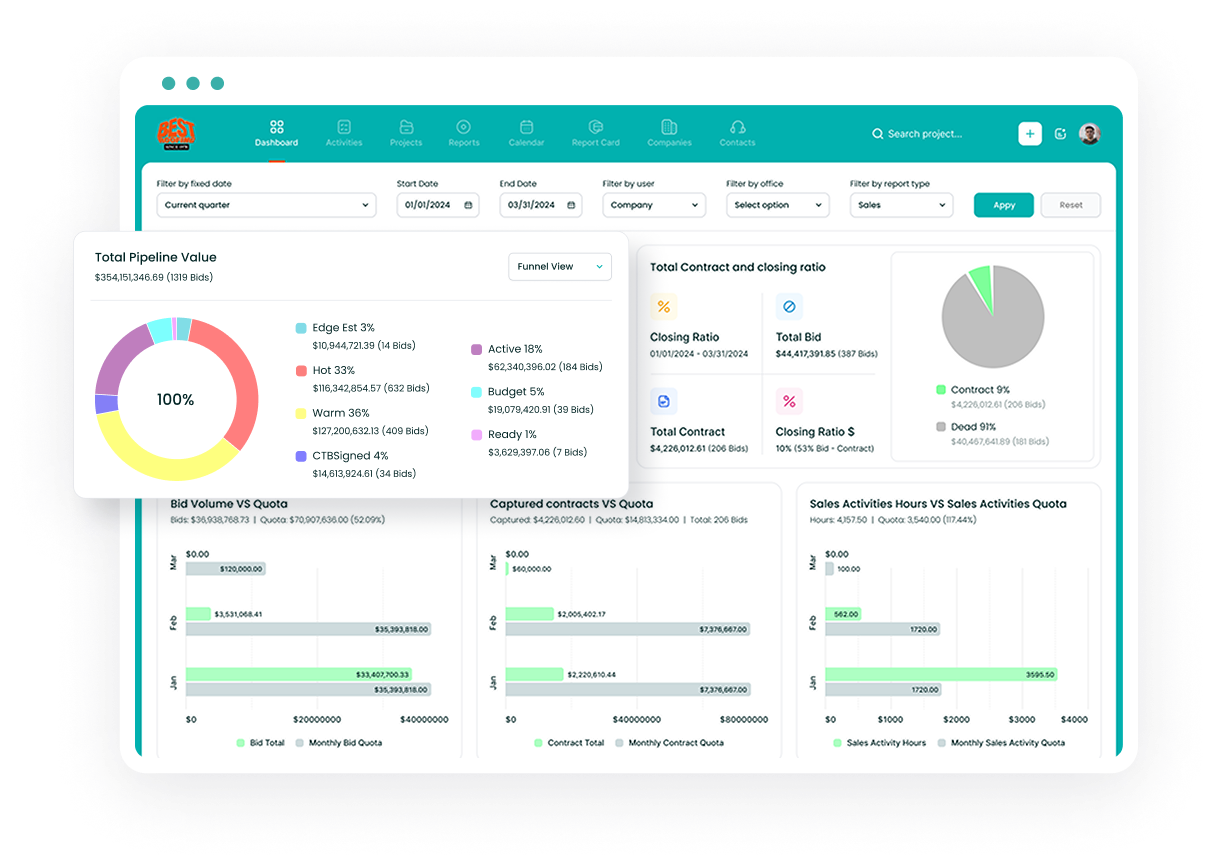
The system follows every opportunity from first contact through bid, estimate, proposal, and close, with a shared digital bid calendar so no due date slips and a pipeline view that shows which bids are qualified and who owns them.
Sales and estimating dashboards report close rates, win and loss results, and activity per rep, and managers can set targets per team. The proposal generator builds branded proposals and sends them for e-signature.
Voice AI handles data entry, so a salesperson describes a site visit out loud and the record updates itself, while Gregg AI Assist drafts follow-up notes and summarizes a project from the record.
Integrations include Foundation, Vista, Sage, ComputerEase, Procore, QuickBooks, Outlook, Gmail, and Zapier.
Key Features
- Lead and bid tracking: every lead, bid deadline, and estimate in one pipeline.
- Digital bid calendar: shared due dates for the whole estimating team.
- Proposal generator and e-sign: branded proposals signed virtually.
- Voice AI and Gregg AI Assist: spoken updates and drafted follow-ups replace manual work.
- Construction ERP integrations: two-way sync with accounting and project systems.
Request a demo to see Followup CRM in action.
2. Pipedrive: Best for Visual Pipeline Management
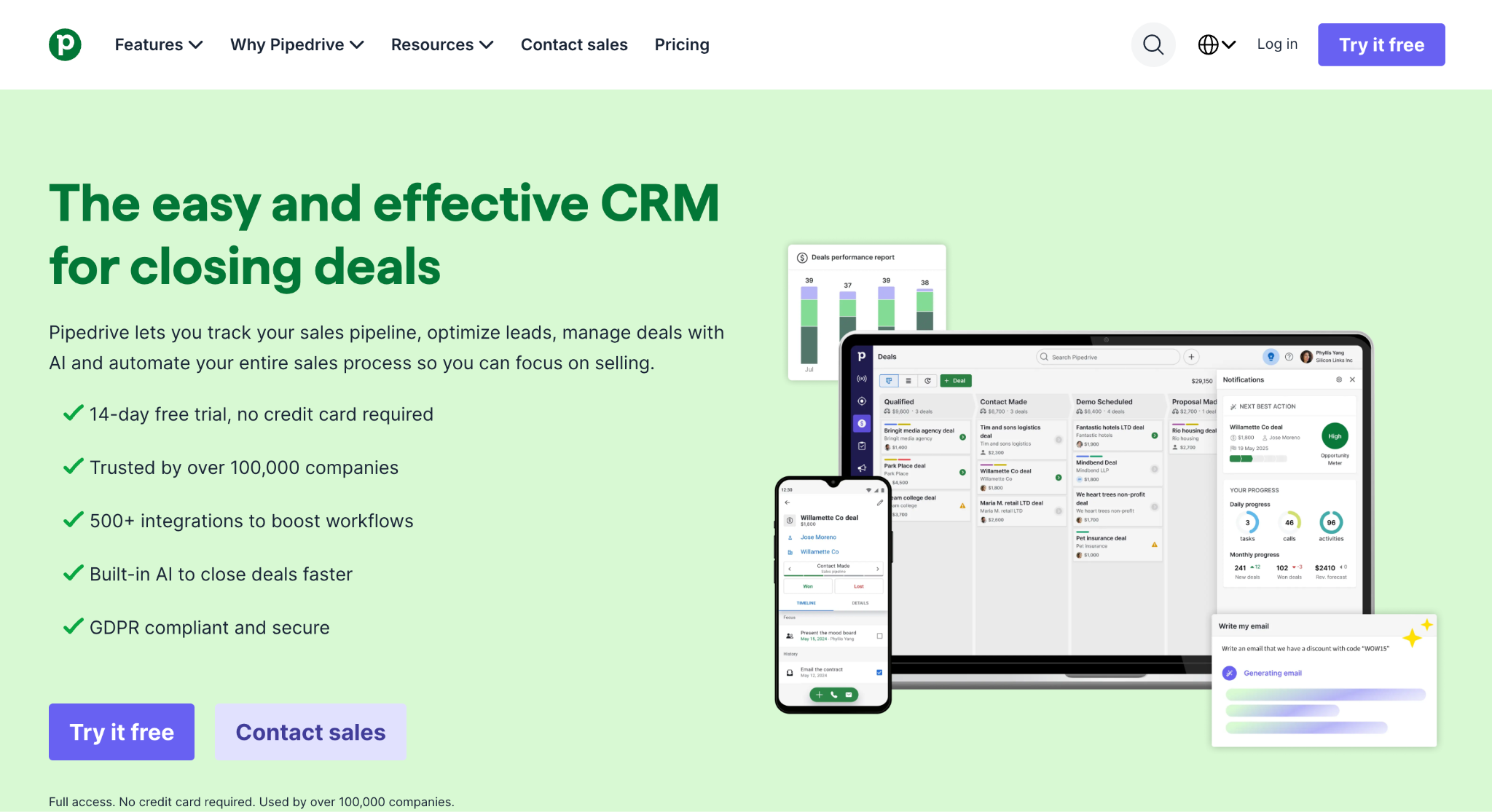
Image source: pipedrive.com
Pipedrive is a general sales CRM built around activity-based selling, the idea that reps control the actions that lead to a close even if they cannot control the outcome. Its visual pipeline is the center of the product.
Deals move through custom stages; each one carries scheduled activities, and the interface pushes reps toward the next call or email. Lead management, email sync, and reporting round out the core, and the mobile app lets reps log calls and notes in the field.
Pipedrive is a suitable option for small sales teams with a clear, repeatable process. Nova, its meeting intelligence feature, prepares a pre-call brief, transcribes the call, and drafts the CRM update afterward.
An AI sales assistant flags which deals to focus on, and AI reporting generates reports from a typed prompt. Email marketing, project management, and lead generation are offered as separate Pipedrive products rather than core features.
The Marketplace connects to more than 500 tools, including Google Workspace, QuickBooks, and Slack.
Key Features
- Visual pipeline: custom stages with activities attached to every deal.
- Nova meeting intelligence: pre-call briefs, transcripts, and drafted updates.
- AI sales assistant and reporting: deal recommendations and prompt-based reports.
- Smart Docs: trackable proposals and documents sent from the deal.
- Marketplace: 500+ integrations.
3. HubSpot CRM: Best for Connected Sales and Marketing
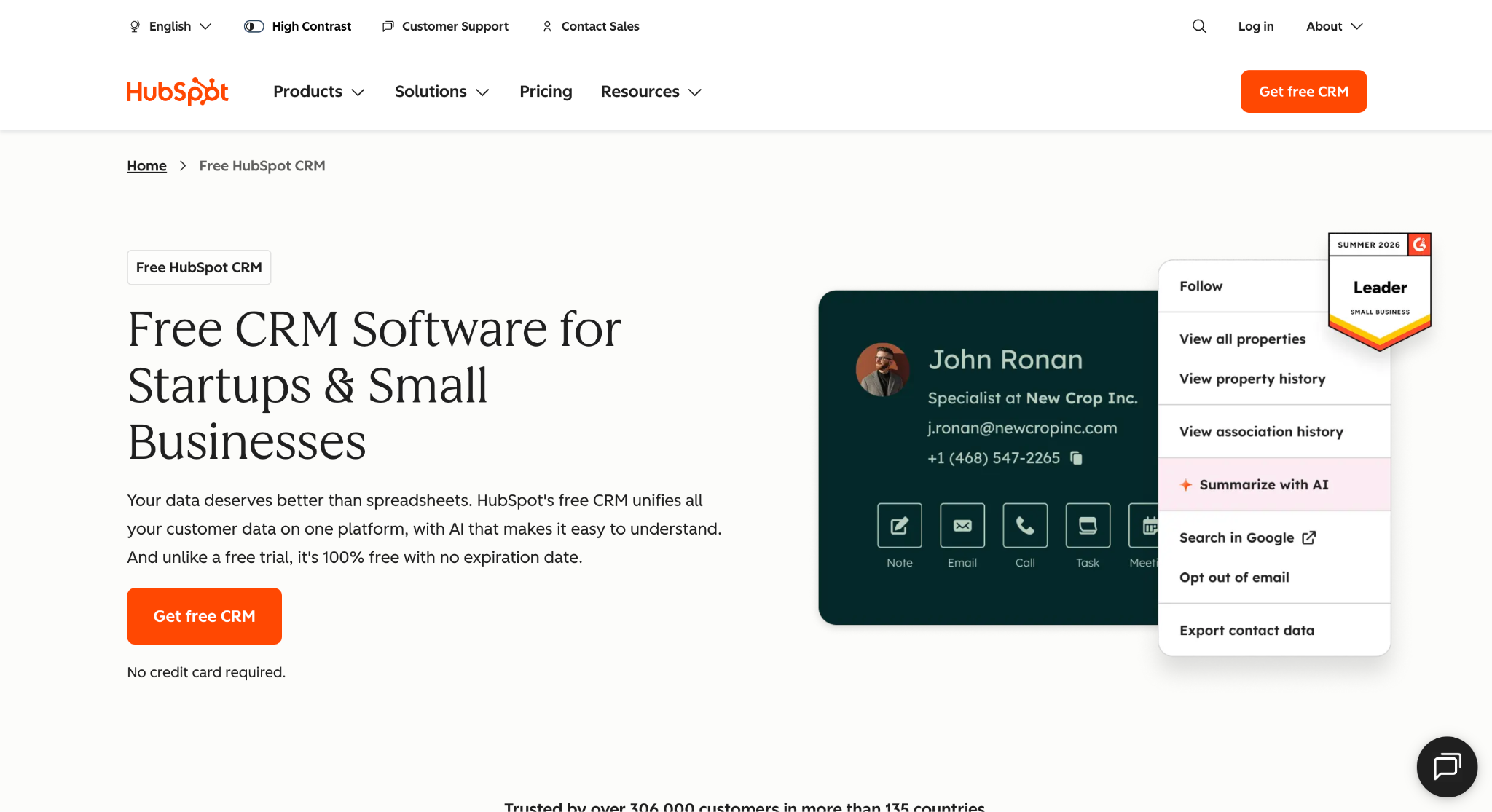
Image source: hubspot.com
HubSpot CRM is the foundation of HubSpot’s customer platform, which bundles marketing, sales, and service tools on one data model. Feature availability depends on the products, seats, and subscription tiers purchased.
The CRM handles contact management, deal pipelines, tasks, email tracking, meeting scheduling, and a reporting dashboard that pulls data from every hub. Breeze Assistant, HubSpot’s AI, researches companies, preps sales calls, and summarizes records.
Where HubSpot stands out is the marketing side. Forms, landing pages, email marketing, ad management, and live chat all feed new leads straight into the same contact records the sales team works from, so lead generation and deal closure live in one platform.
Sales Hub adds sequences, forecasting, and lead scoring on paid tiers, and the Marketplace connects more than 2,000 apps. HubSpot is a good fit for companies that run inbound marketing and want sales reps and marketers looking at the same customer data.
It works well for small businesses and scales to enterprise accounts, with the usual trade-off that the sales process is generic rather than built for a specific industry.
Key Features
- Contact and deal management: records, pipelines, and activity history in one place.
- Marketing tools: forms, landing pages, email marketing, and ads tied to the CRM.
- Breeze Assistant: AI research, call prep, and record summaries.
- Sales Hub: sequences, forecasting, and lead scoring.
- App Marketplace: 2,000+ integrations.
4. Zoho CRM: Best for Configurable Sales Processes
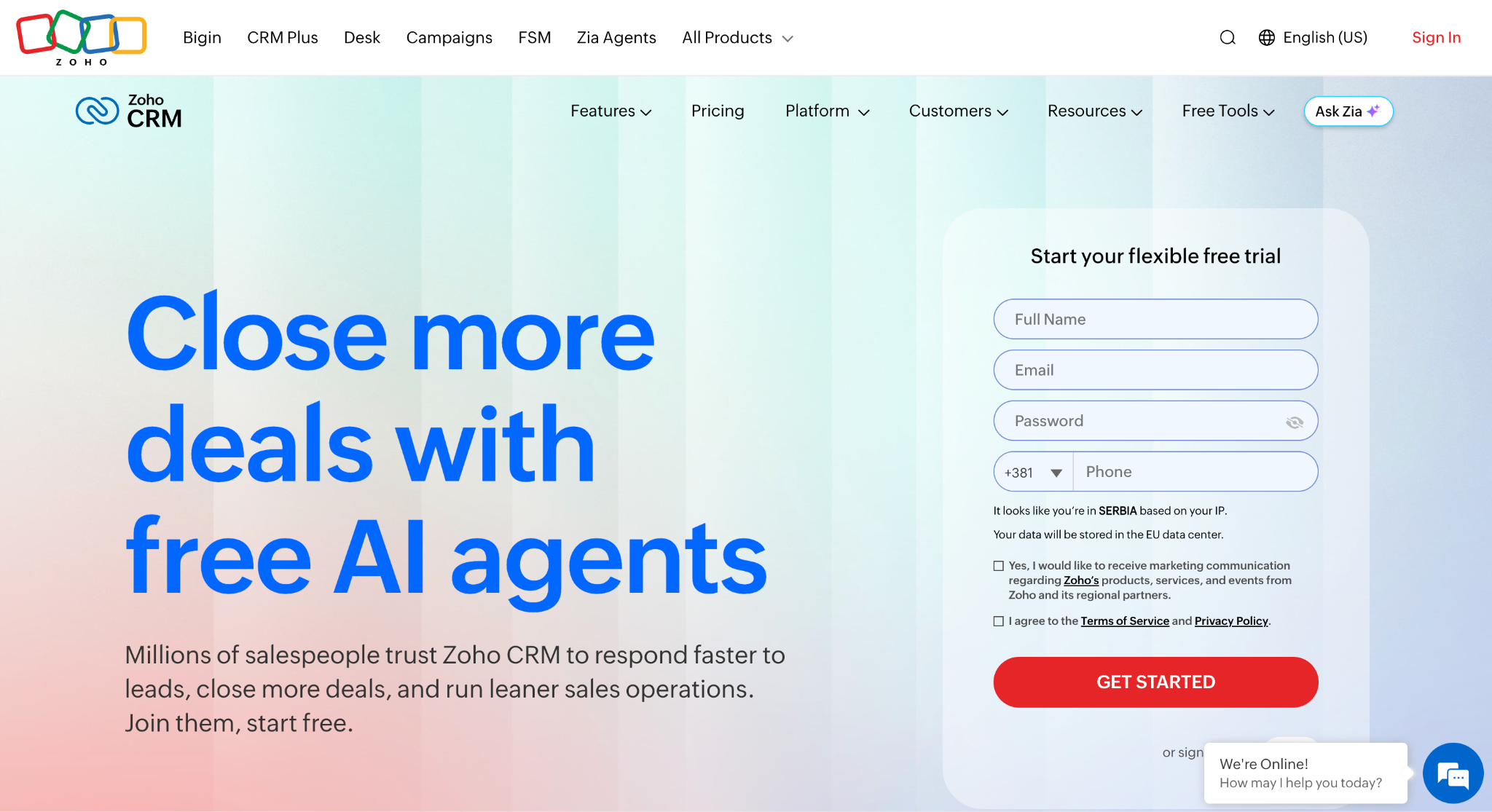
Image source: zoho.com
Zoho CRM is a customizable sales CRM and part of the wider Zoho suite, which includes accounting, help desk, email campaigns, and project tools.
The core covers pipeline management, forecasting, territory management, and configure-price-quote, with workflow automation to take care of contact tracking, follow-ups, and record updates.
Zia, Zoho’s AI, predicts deal outcomes, flags anomalies in sales data, suggests the best time to contact a lead, and drafts emails.
Process tools are where Zoho CRM goes deeper than most. Blueprint maps a sales process step by step and forces reps to follow it, Cadences automate branching follow-up sequences, and Journey Orchestration models the full customer journey.
Canvas lets admins redesign the interface without code, and Portals give customers and partners their own login.
Zoho CRM is a suitable choice for teams that want a lot of control over how the CRM looks and behaves, and for companies already using other Zoho apps. The flip side is that setup takes real effort, and the industry-specific layer still has to be configured by hand.
Zoho CRM’s permanent free plan supports up to three users, although advanced features require a paid edition.
Key Features
- Sales force automation: pipeline, forecasting, territories, and CPQ.
- Zia AI: predictions, anomaly detection, and email drafting.
- Blueprint and Cadences: enforced sales processes and automated follow-ups.
- Canvas: no-code interface customization.
- Zoho suite: native connections to Books, Desk, Campaigns, and more.
5. Zendesk Sell: Best for Account Management and Growing Sales Teams
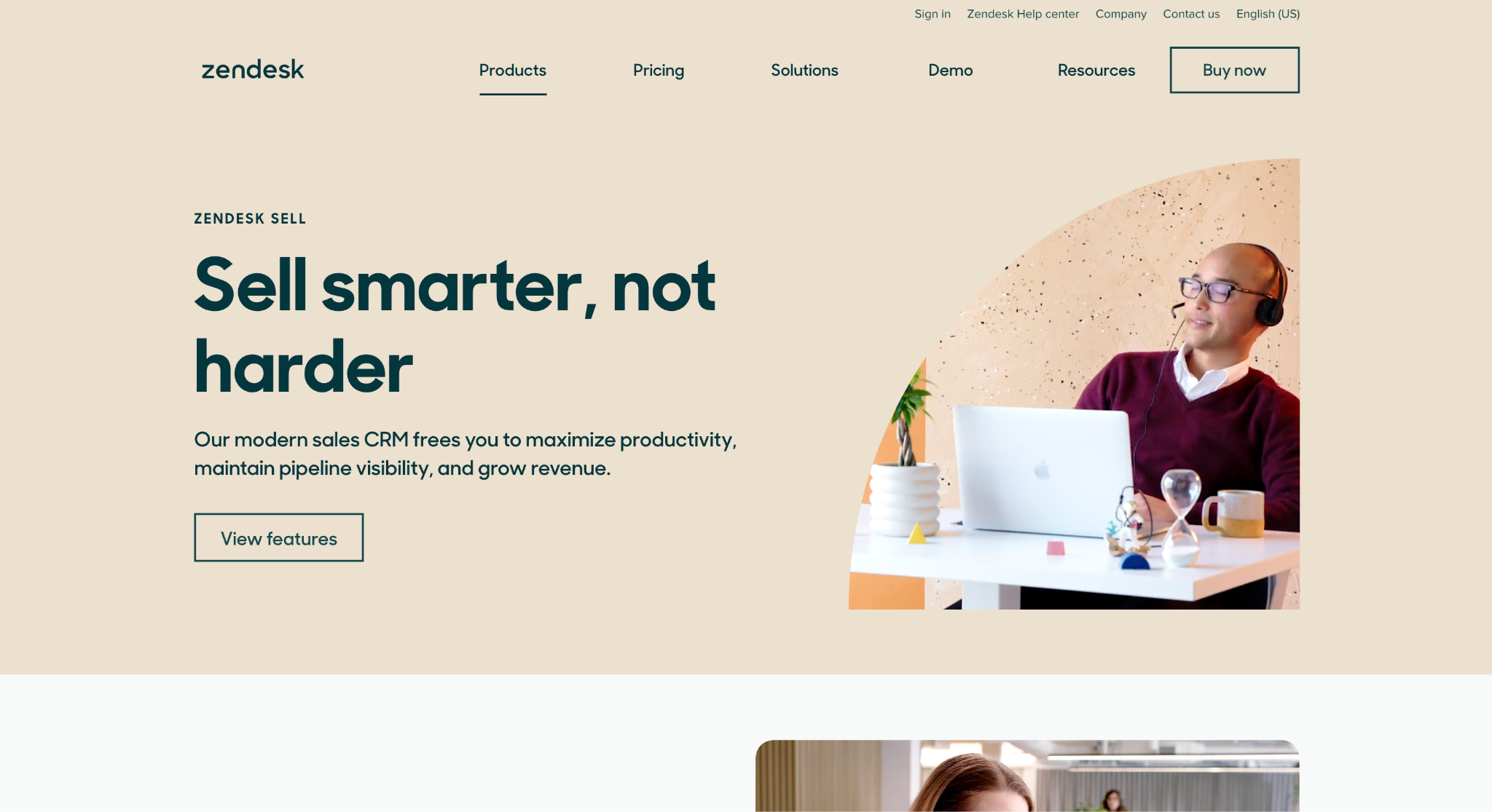
Image source: zendesk.com
Zendesk Sell is the sales CRM from the company best known for customer service software, and that pairing is its main angle.
Reps see contact and deal management, activity tracking, and prospecting tools in one interface, while the same customer records are visible to support agents working in Zendesk.
For companies that already run service on Zendesk, that gives sales and support a shared view of each account instead of two separate contact lists.
The pipeline side covers forecasting, real-time pipeline reporting, and triggers that automate tasks so reps stay on target. Lead and deal scoring, task automation, and advanced permissions sit on the higher plans.
Custom objects from the Zendesk Sunshine platform extend leads, contacts, and deals with extra data, and open APIs plus a marketplace handle connections to marketing automation and billing tools. The mobile app includes geolocation for field reps.
Zendesk Sell is a suitable option for small and mid-sized sales teams that want account management and support history in the same system, especially where post-sale service is a big part of the customer experience.
Teams without a Zendesk footprint get a capable but general sales CRM.
Key Features
- Contact and deal management: leads, contacts, and deals with activity tracking.
- Shared customer view: sales and support records in one platform.
- Forecasting and pipeline reporting: real-time visibility into the sales process.
- Triggers and task automation: automated follow-ups and rep assignments.
- Mobile app with geolocation: full CRM access in the field.
6. Close: Best for Calling and Outbound Outreach
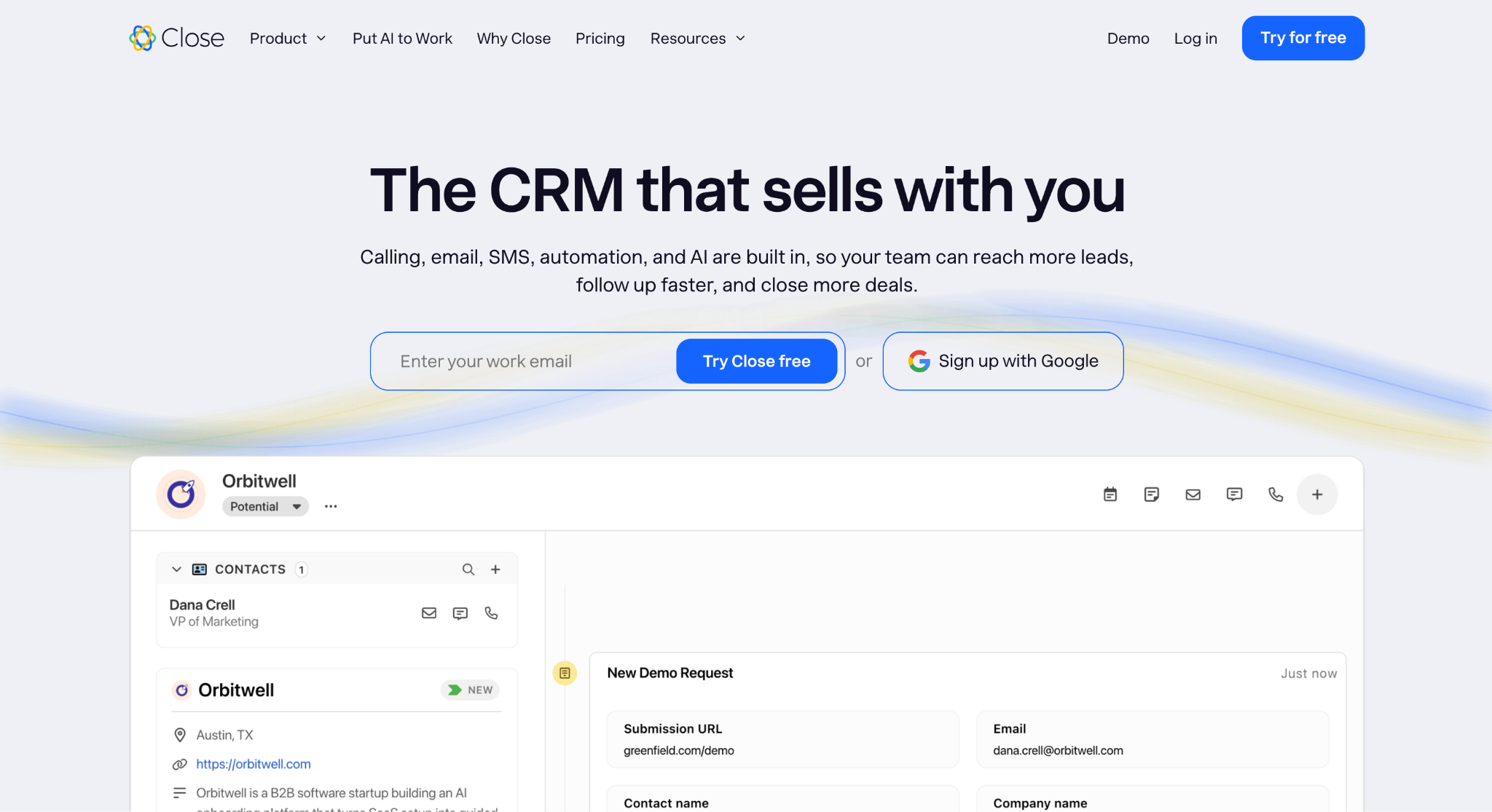
Image source: close.com
Close is a sales CRM built for inside sales teams that live on the phone. Calling, email, and SMS run from one inbox, and every conversation is logged against the lead automatically.
A power dialer works from Smart Views, which are saved lead lists filtered by any criteria, so a rep opens the list, hits dial, and Close moves through the queue without manual dialing in between.
AI Notes capture what was said on each call, so details do not get lost waiting to be typed up.
Automation is a core piece. Workflows send the first email, follow with a text, and queue a call for a rep, so new leads get the same fast response at any hour.
Chloe, the AI sales agent, can call leads, ask qualifying questions, book meetings, and update the record on its own. Voice Agents are live, with other agent types in beta. Reporting covers pipeline, activity, and forecasting, and integrated forms capture leads straight into the CRM.
More than 100 integrations include Zapier, Gmail, Microsoft 365, WhatsApp, and HubSpot. Close may do well for sales reps running high-volume outbound, and less so for teams whose deals move through bids and site visits rather than calls.
Key Features
- Calling, email, and SMS inbox: every channel in one place, logged automatically.
- Power dialer and Smart Views: work through prioritized lead lists without manual dialing.
- Workflows: multi-step sequences that follow up on their own.
- Chloe AI agent: calls, qualifies, and books meetings.
- Reporting: pipeline, activity, and forecasting.
7. Insightly: Best for Sales and Project Management
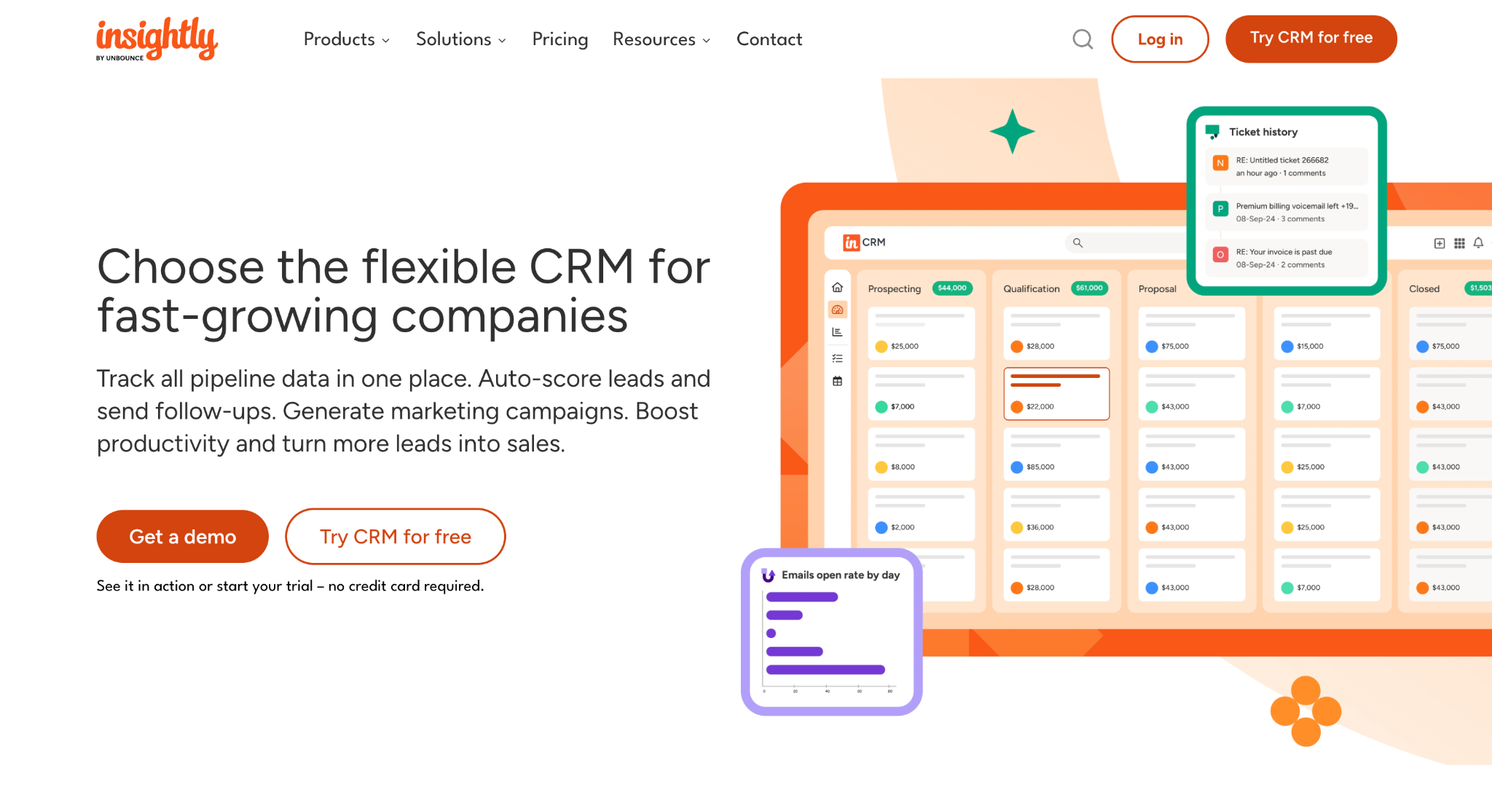
Image source: insightly.com
Insightly is a CRM for fast-growing companies that want sales and post-sale delivery in the same system. The sales side covers lead capture, lead distribution rules, and customizable opportunity pipelines with a real-time view of where each deal stands.
Products, price books, and quotes let reps build branded quotes from the opportunity record and track them through a quote pipeline. Workflow automation handles reminders, emails, record updates, and webhooks, and validation rules keep data entry clean.
The feature that sets Insightly apart is project management. A won opportunity can become a project with linked records and selected supporting information. The delivery team then tracks work through pipelines and milestones.
Copilot, Insightly’s AI, summarizes records, drafts email replies, and updates data from a prompt.
AppConnect links more than 2,000 apps without code, including QuickBooks, NetSuite, DocuSign, and Microsoft, and separate marketing automation and support ticketing products share the same customer data.
Insightly is a good fit for professional services, manufacturing, and consulting firms that sell a project and then deliver it. Contractors should test how its sales and project tools handle bid deadlines, estimating handoffs, and accounting connections.
Key Features
- Pipeline and lead management: routing rules and customizable opportunity pipelines.
- Project and task management: won deals convert to projects with milestones.
- Products, price books, and quotes: branded quotes from the opportunity record.
- Copilot AI: record summaries, email replies, and prompt-based updates.
- AppConnect: 2,000+ no-code integrations.
How to Choose the Right Pipeline CRM Alternative
Start with the problem that prompted the switch. Use these five checks to shortlist products and test the remaining options during a demo or trial.
Match the CRM Software to Your Sales Process
A CRM should mirror how your team actually sells, not force a generic funnel onto it. Contractors bid, estimate, and chase submittals, and replacing a general CRM with one built for construction usually fixes more than any amount of customization would.
Inside sales teams need calling built in. Service-heavy companies need support history on the same record.
Check the Data Model and Custom Fields
Check how the data model links customer information with deals, bids, and projects. Count the custom fields you need today and the ones you will need as the team grows, then confirm the limit.
Check whether the system supports the objects your business tracks, such as bids, projects, or quotes, or whether you would be bending contact and deal records to fit.
During the demo, test imports from other tools and ask about migration charges and mandatory onboarding fees
Compare Automation Tools
Every vendor says it automates repetitive tasks. Ask what that means in practice. Some tools automate follow-ups and record updates, some run multi-step sequences, and some put AI on the phone. Match the depth of automation to the manual work your reps actually do each day.
Weigh Contact Management and Marketing Tools
Decide whether marketing belongs in the CRM. Companies that generate new leads through inbound campaigns benefit from forms, landing pages, and email marketing tied to the contact list.
Companies that win work through bids and referrals mostly need strong contact management and reporting, and can skip the marketing layer.
Decide Between Cloud and On-Premises
All seven tools on this list are cloud-hosted, which keeps setup short and updates automatic.
On-premises CRM software still exists for companies with strict data residency rules, but it narrows the field to a handful of enterprise vendors and adds IT overhead that small businesses rarely want.
Use Followup CRM and Never Lose Bids Because Nobody Followed Up
Most contractors do not lose work because the estimate was wrong. They lose it because a bid deadline slipped, a follow-up call never happened, or the proposal sat in someone’s inbox while a competitor moved first.
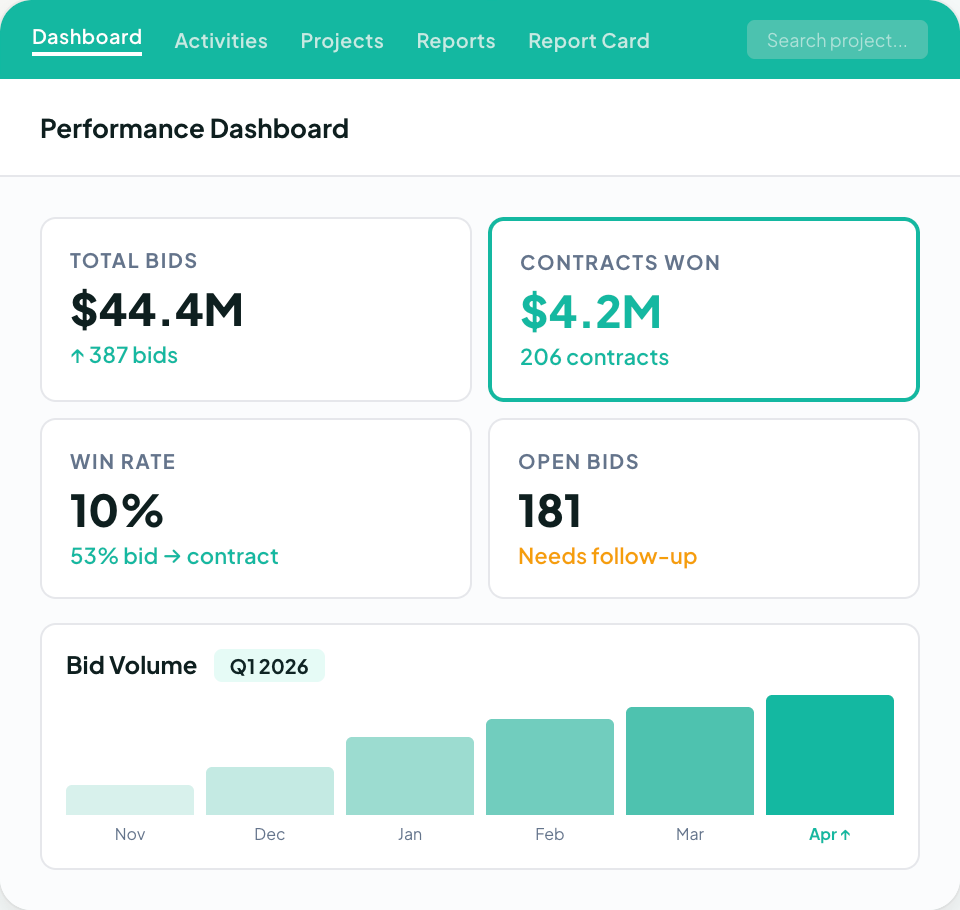
A general sales CRM can track a deal, but it was never built around a bid calendar, an estimating team, or the way commercial work actually closes.
Followup CRM was built by contractors for exactly that gap. Every lead, bid, estimate, and proposal lives in one pipeline, bid due dates sit on a shared calendar, and dashboards show close rates and win and loss results by rep and by team.
Voice AI handles the data entry, so your salespeople spend their time with general contractors and property owners instead of the keyboard.
More than 4,000 construction professionals already run their sales process this way, with integrations into Foundation, Sage, Vista, Procore, QuickBooks, and the rest of the construction stack.
FAQs About Pipeline CRM Alternatives
Is Pipeline CRM a good CRM?
Pipeline CRM suits small teams that want a visual pipeline, contact management, and reporting. Its custom-field limits and automation options vary by plan.
Contractors should test its bid workflow against Followup CRM, which is built around commercial sales, deadlines, and proposals.
What are the top three CRM systems?
There is no single top three, because the best CRM depends on how a company sells. For general sales teams, HubSpot, Zoho CRM, and Pipedrive are among the most widely used.
For commercial contractors, Followup CRM is the one built around bids, estimates, and proposals, with integrations into construction accounting systems that general CRMs do not offer.
How much does Pipeline CRM cost?
Pipeline CRM starts at $25 per user per month billed annually, or $29 billed monthly. Develop and Grow cost more, and enterprise pricing is available on request.
Compare subscription costs with setup work and required add-ons. Commercial contractors should also assess Followup CRM’s construction-specific workflow.
Is Pipedrive CRM a good Pipeline CRM alternative?
Pipedrive CRM suits small sales teams needing a visual sales pipeline, activity tracking, and basic sales automation.
Contractors comparing Pipeline CRM and Pipedrive alternatives usually land on Followup CRM, since it is designed around bids, estimates, and project deadlines that better match their sales cycle.
What reporting capabilities should a Pipeline CRM alternative have?
Reporting capabilities should show sales performance, each deal’s stage and close date, and which sources bring new accounts. Sales pipeline management reports should update from everyday work.
Followup CRM uses lead tracking, bid, and proposal records to report win-and-loss results, helping teams manage relationships as more users join.
The CRM Built For Construction Companies
No more disorganized data. Track your leads, bids, and customers all in one place.
Seamless Integration with:
✅ Foundation ✅ Viewpoint ✅ Sage and more