

TL;DR
Here are the eight best CRM tools for the construction industry, each with the segment it fits best:
- Followup CRM: Best for commercial and specialty trade contractors.
- Procore: Best for general contractor project management.
- Buildertrend: Best for home builders and remodelers.
- AccuLynx: Best for residential roofing and restoration contractors.
- Pipeline CRM: Best for contractors who want sales tied to QuickBooks.
- Jobber: Best for service contractors running recurring jobs.
- Zoho CRM: Best for field sales teams visiting job sites.
- HubSpot: Best for contractors focused on marketing and lead generation.
What Is a CRM for the Construction Industry?
A CRM for the construction industry tracks leads, bids, client relationships, and follow-ups before and after a contract is signed.
General customer relationship management software can support complex sales, but construction firms may need to configure project records, bid stages, and stakeholder relationships.
Construction firms sell differently. A single commercial opportunity can involve a general contractor, an architect, an owner’s representative, and several subcontractors, and the sales cycle can run for months before an award.
A construction CRM accounts for that. It stores client data and contact history in one centralized system, keeps bid due dates visible to the whole team, and ties estimates, proposals, and documents to the right project.
Lead tracking shows which sources produce work and which do not. Reporting shows close rates by salesperson, by trade, and by project type.
The result is that construction professionals stop managing their pipeline from memory and spreadsheets. Leadership gets a real view of what is bidding, what is likely to close, and what revenue looks like next quarter.
That visibility is the difference between guessing and planning.
Construction CRM Software vs. General CRM vs. Job Management Tools
These three categories overlap, which is why so many construction companies buy the wrong one.
General CRM software covers contacts, deals, and email. It works for any industry and connects to thousands of apps. What it lacks is construction context.
There are no bid calendars, no cost code fields, no proposal templates for trade work, and no sense of the difference between a bid, an award, and a change order. Teams end up rebuilding those pieces with custom fields and spreadsheets.
Job management tools and project management tools sit on the other side of the award.
They handle scheduling, daily logs, document management, subcontractor management, and task management for project managers who need to manage projects already won. They are rarely built to track leads or run a sales pipeline.
Construction CRM software fills the space between the two. It provides industry-specific tools for the pre-award side: lead intake, bid tracking, estimating handoff, proposals, and follow-up.
The best options also integrate with existing systems on the project and accounting side, so data entered once during the sale carries into execution without being retyped. If your biggest problem is winning work, this is the category to shop in.
Top 8 CRM Software Tools for Construction
No single CRM fits every construction business. A commercial subcontractor chasing bids, a custom home builder, and a service plumber all sell differently, so the tools below are grouped by the kind of company each one serves.
Start with the entry that matches how you win work.
1. Followup CRM: Best for Commercial and Specialty Trade Contractors
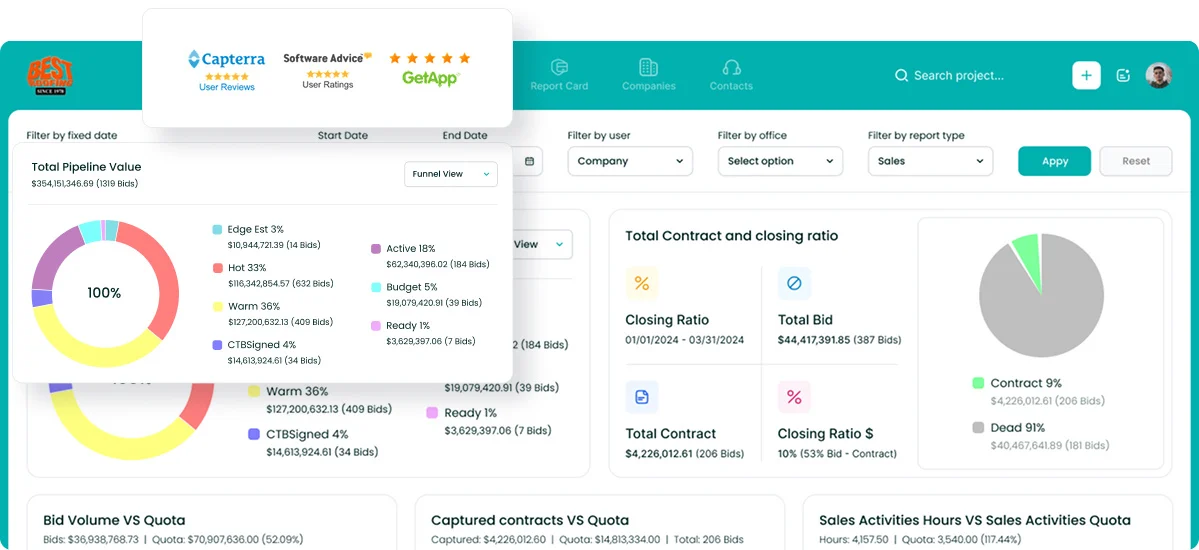
Followup CRM is a construction-specific sales and bid-tracking CRM built for commercial contractors, general contractors, and subcontractors. It replaces the spreadsheets most sales teams use to track opportunities and gives leadership a live view of the pipeline.
The platform is used by more than 4,000 construction professionals, with roofing, electrical, glass and window, waterproofing, concrete, and flooring among the trades it serves.
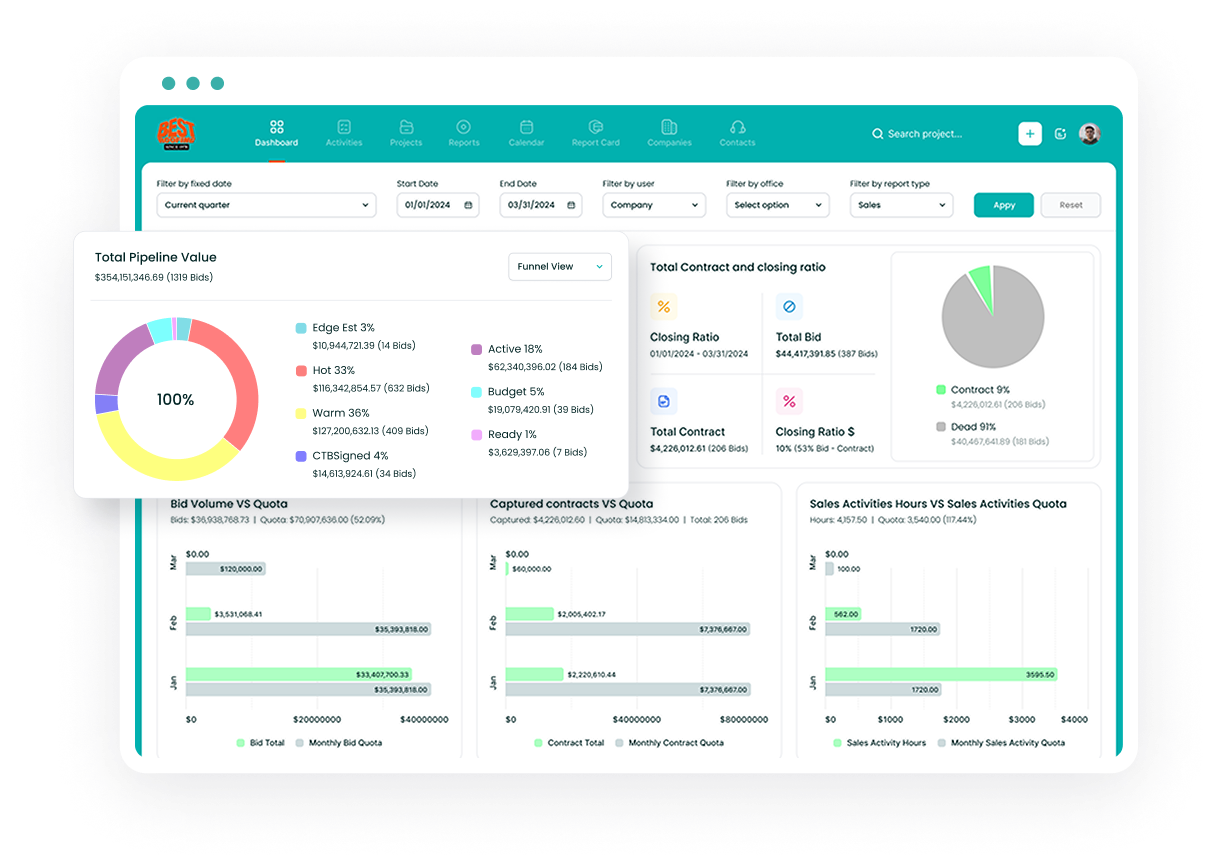
The system follows a job from lead intake through bid, estimate, proposal, and close. Every contact, document, and bid due date sits on the right record, and the digital bid calendar keeps the whole team on deadline.
Gmail and Outlook integration logs email activity automatically, which removes most manual data entry from the sales process.
Voice AI takes that further by letting a salesperson speak what happened after a site visit while the CRM handles the entry. Gregg AI Assist drafts follow-up emails and status notes from the record it is opened on.
Key Features
- Lead and bid tracking with a shared digital bid calendar.
- Proposal generator with built-in e-signature.
- Sales and estimating dashboards showing pipeline, close rates, and team performance.
- Voice AI and Gregg AI Assist for faster data entry and follow-up drafting.
- Integrations with Procore, Foundation, Sage, Viewpoint Vista, QuickBooks, BuildingConnected, and STACK.
2. Procore: Best for General Contractor Project Management
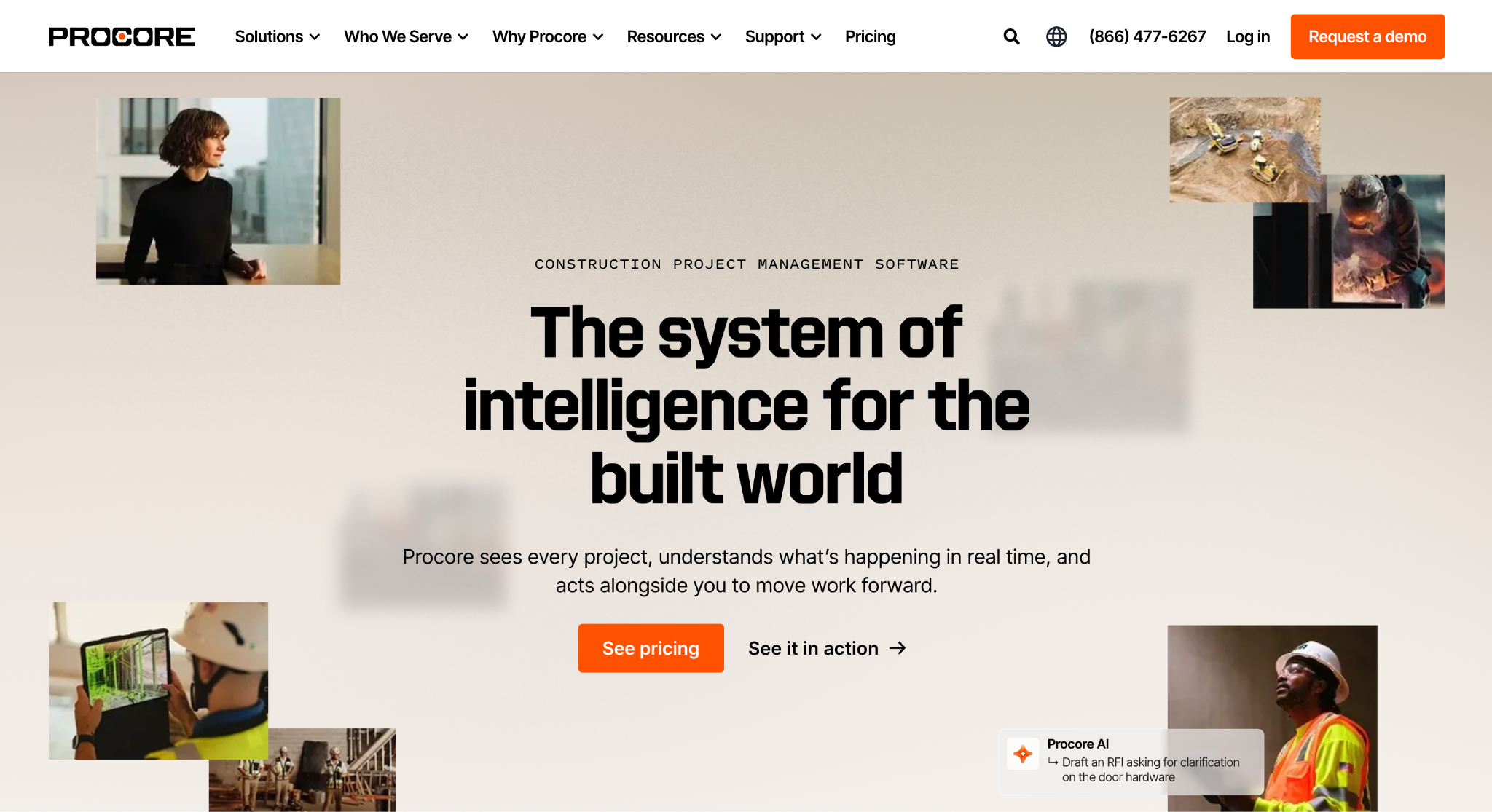
Image source: procore.com
Procore is a construction management platform rather than a sales CRM in the traditional sense, and that distinction matters when deciding whether it belongs on your shortlist.
Its preconstruction tools cover the bid side for general contractors who manage subcontractor bids on their own projects.
Bid Management distributes bid packages, collects bids, and tracks coverage in one place, while Prequalification helps vet trade partners from the Procore Construction Network.
Estimating handles quantity takeoffs and builds proposals that connect to the project budget once work begins.
Procore connects preconstruction and delivery tools throughout the entire project lifecycle. Its project management workflows cover drawings, requests for information (RFIs), submittals, daily logs, and scheduling.
Financial management tracks budgets, change orders, invoicing, and time. Analytics consolidate project and portfolio data so executives can see performance company-wide.
Key Features
- Bid Management for distributing packages and tracking bid coverage.
- Prequalification and the Procore Construction Network for vetting partners.
- Estimating with digital takeoffs tied to the project budget.
- Full project and financial management after award.
Procore is a suitable choice for large general contractors who want one system from preconstruction through closeout. Smaller firms and subcontractors focused mainly on tracking their own sales pipeline may find it more platform than they need.
3. Buildertrend: Best for Home Builders and Remodelers
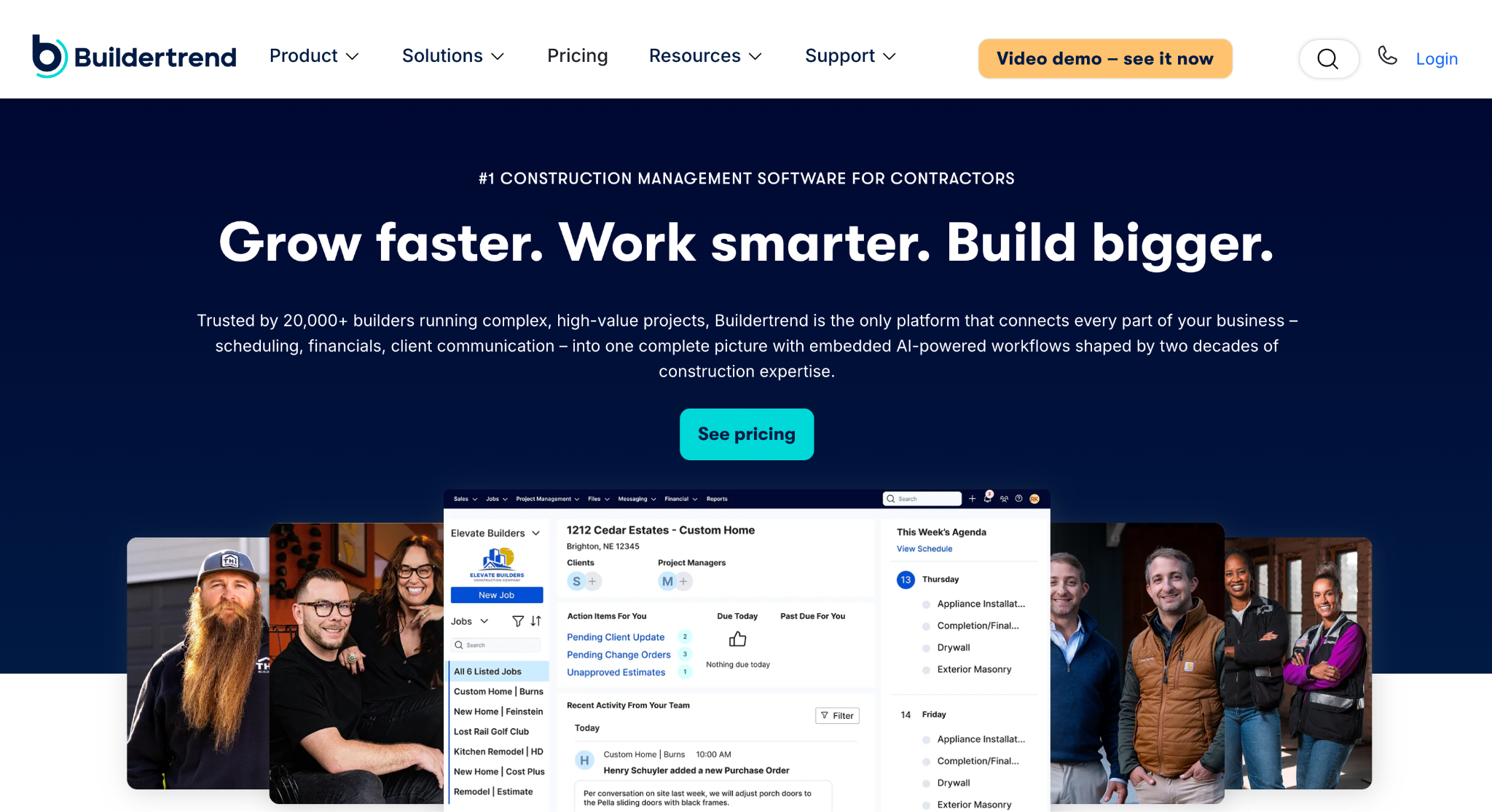
Image source: buildertrend.com
Buildertrend is an all-in-one construction management platform for home builders and remodelers, and its sales tools come standard with the subscription.
The CRM Hub captures leads from a website contact form, Excel imports, or the mobile app, then tracks every call, meeting, and email on the lead record so nothing slips.
Map and calendar views help salespeople organize site visits, and automatic activity tracking shows when a homeowner was last contacted.
Proposals are built from customizable templates and signed electronically, and once a contract is approved, the details flow into estimating, budgeting, scheduling, and the rest of the construction process without re-entry.
Email Marketing keeps prospects warm with templated campaigns tied to CRM contact lists. A Client Portal handles communication, selections, and updates during the build, which supports client satisfaction after the sale.
Key Features
- CRM Hub with lead capture, activity tracking, and map views.
- Proposals with templates and electronic signatures.
- Email Marketing with segmented audiences and automation.
- Direct handoff into project planning, scheduling, and financial tools.
Buildertrend is a good fit for residential builders who want sales and project management in one platform. Companies that only need a sales tool may find the broader feature set more than they will use.
4. AccuLynx: Best for Residential Roofing and Restoration Contractors
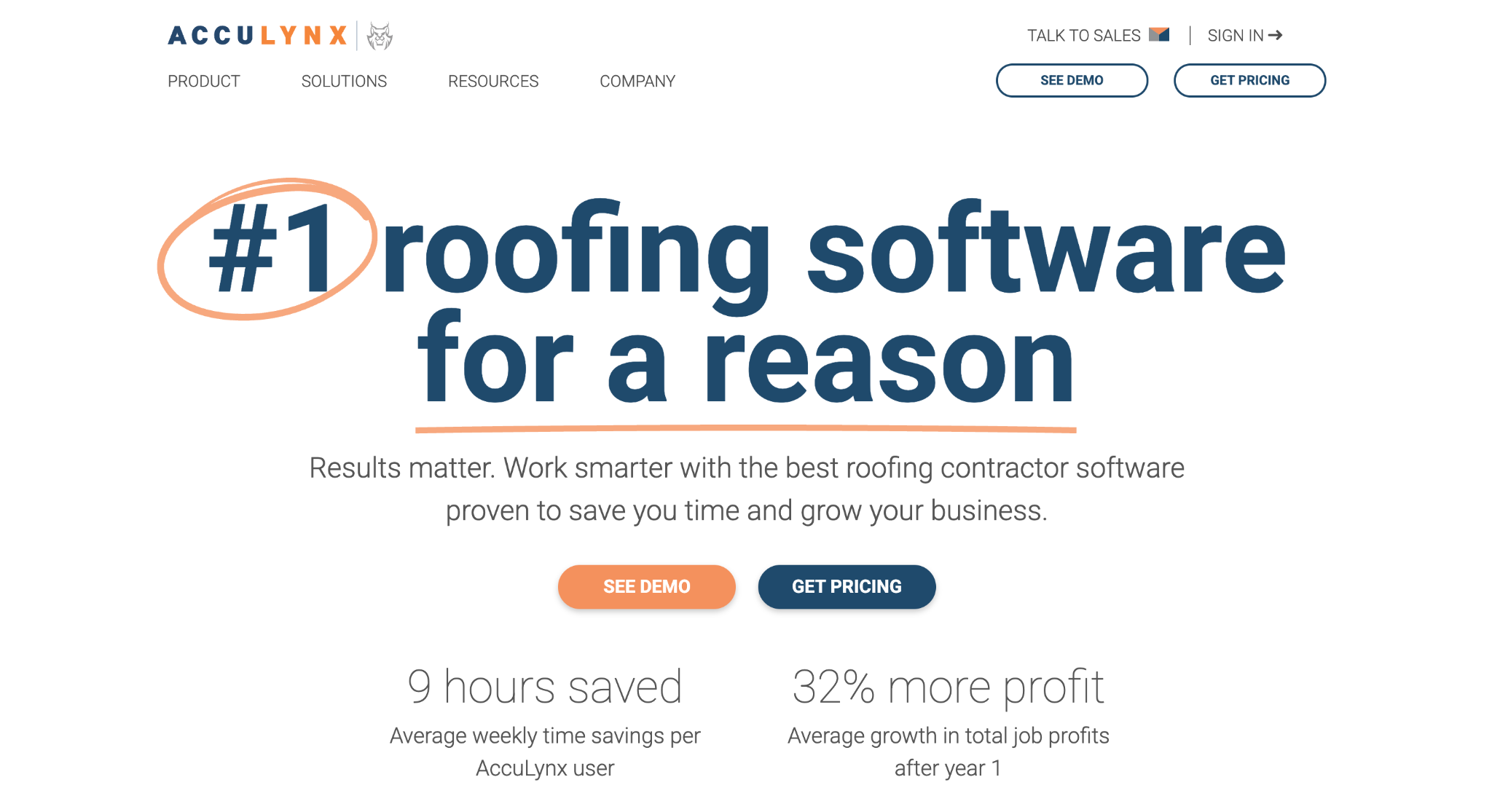
Image source: acculynx.com
AccuLynx is an all-in-one business management platform built exclusively for roofing contractors, and its CRM and sales features cover the pipeline from the first lead to a signed contract.
Leads are uploaded automatically, assigned a status, and prioritized for follow-up so the team spends its time on the strongest opportunities. Lead intelligence adds AI-powered scoring on top of that, and real-time analytics show how the sales team is performing.
Estimates and contracts are built inside the platform and signed electronically. Aerial measurement integrations auto-populate roof dimensions into estimates, which shortens the time between inspection and proposal.
Every email, two-way text, photo, and document lives on the job record, so a salesperson walking up to a homeowner’s door has the full history in hand.
Once a job is sold, production and labor calendars, material ordering, and QuickBooks integration carry it through to invoicing.
Key Features
- Lead management with statuses, prioritized follow-ups, and lead intelligence.
- Estimates, contracts, and e-signatures in one workflow.
- Aerial measurement integrations for faster, more accurate estimates.
- Emails, two-way texting, photos, and documents on every job record.
AccuLynx is a good fit for residential roofers and storm restoration companies that want sales and production in one roofing-specific system. Contractors outside roofing will find most of the workflow built around that trade.
5. Pipeline CRM: Best for Contractors Who Want Sales Tied to QuickBooks
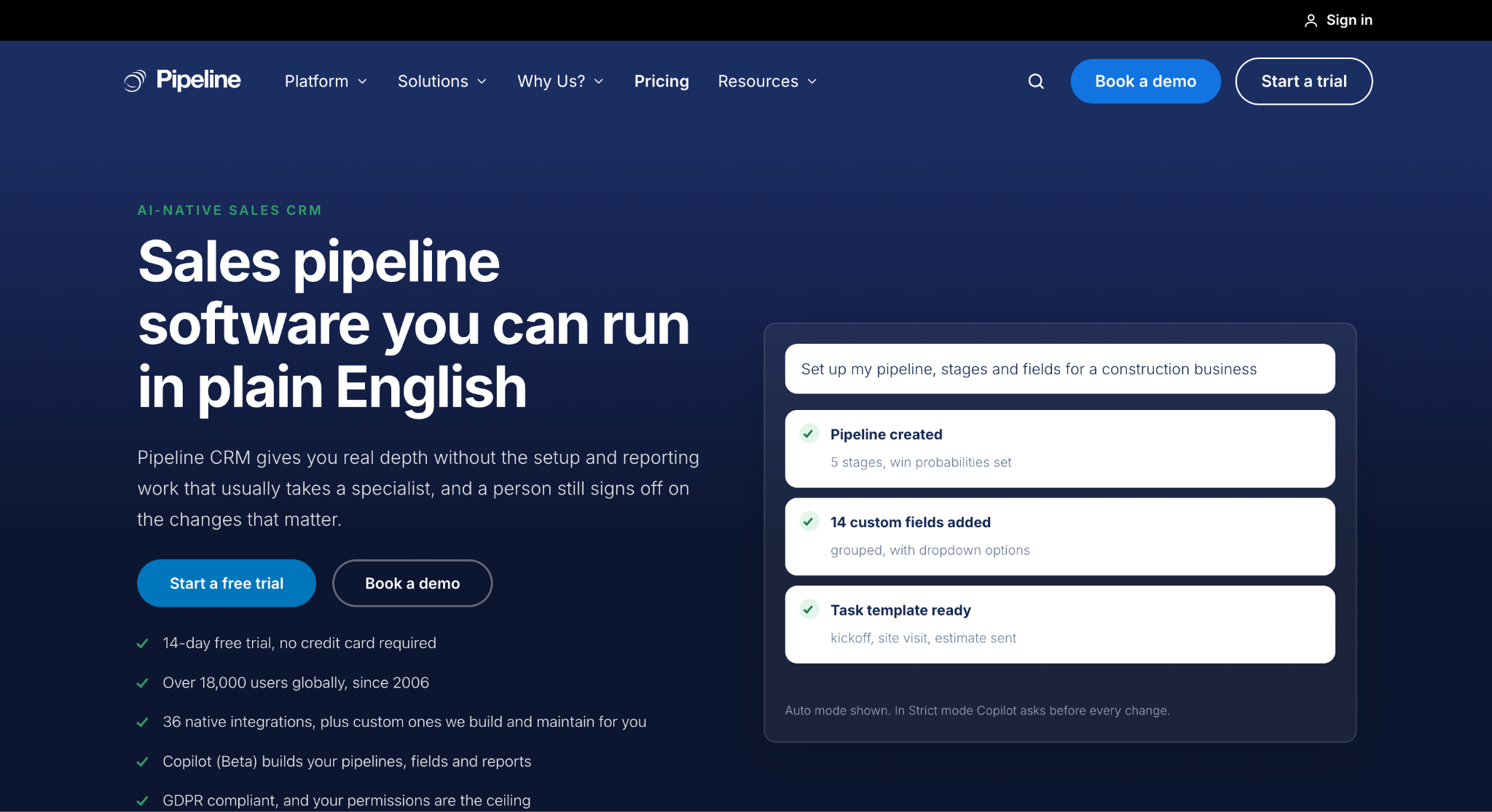
Image source: pipelinecrm.com
Pipeline CRM is a general sales CRM with a construction configuration aimed at general contractors, custom builders, and specialty trades. Its main draw for contractors is how closely it connects the project pipeline to accounting.
The native QuickBooks integration, for both Online and Desktop, syncs customers, invoices, and payment status, so a deal marked won flows to the books without double entry.
The pipeline itself is built from custom stages such as RFP received, takeoff, proposal sent, and awarded, and multi-pipeline views let a company separate bids, active projects, and service work.
Custom fields record project details such as square footage, bond amount, and permit number. Limits vary by plan.
Change orders are logged against the parent deal with the signed scope attached, and tags mark which trades and subcontractors move with the job when sales hands it to operations.
The mobile app includes a business card scanner for capturing contacts on site walks.
Key Features
- QuickBooks Online and Desktop sync for customers, invoices, and payments.
- Multiple pipelines with custom bid stages and weighted deal values.
- Custom fields and automations for change orders and handoffs.
- Mobile app with business card scanning and site visit notes.
Pipeline CRM is a suitable option for contractors whose biggest frustration is the gap between sales and accounting. Companies that need deeper bid calendars or estimating ties may need to add tools alongside it.
6. Jobber: Best for Service Contractors Running Recurring Jobs
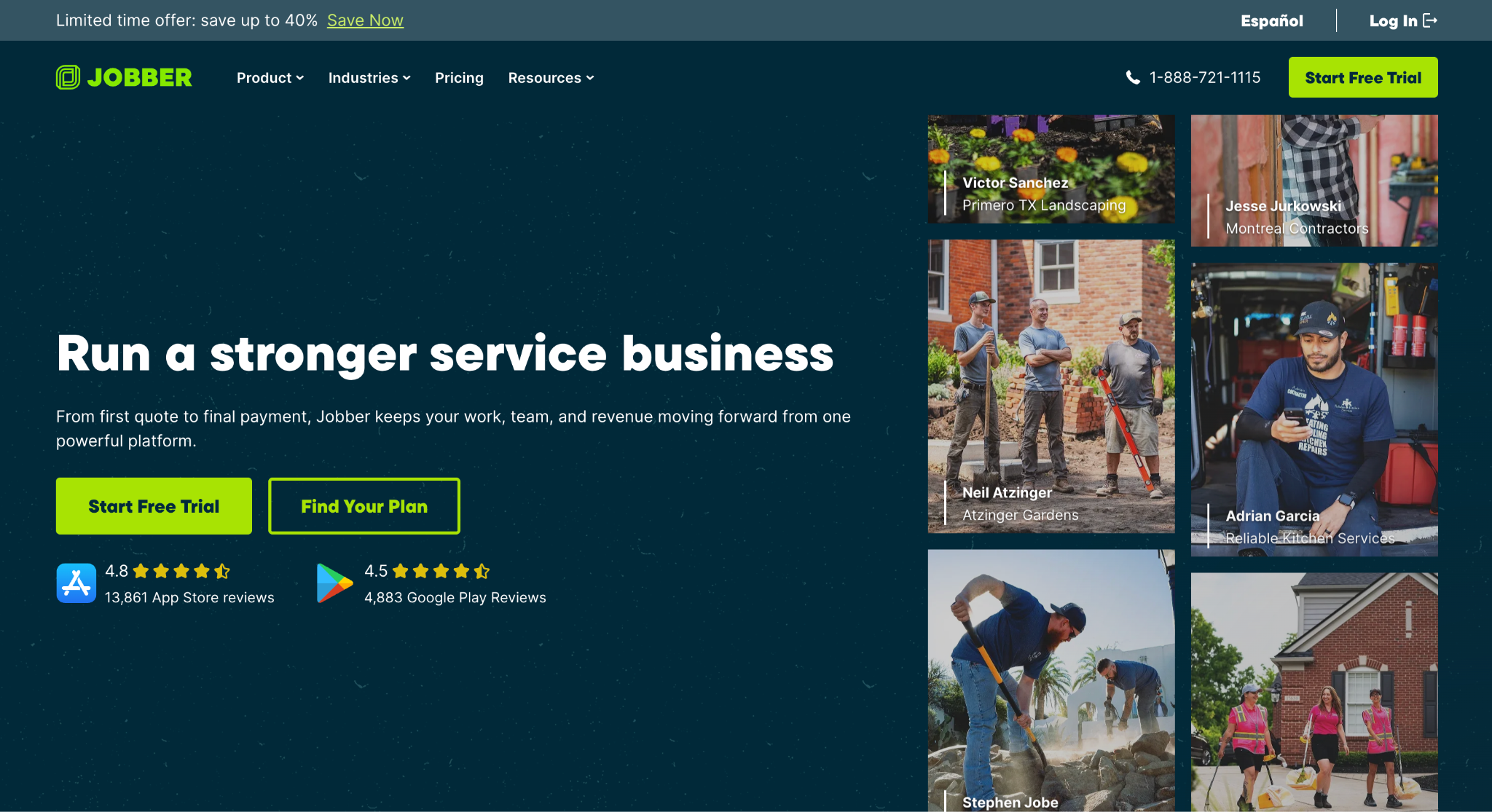
Image source: getjobber.com
Jobber is field service software for home service businesses, and it serves plumbing, HVAC, electrical, roofing, painting, and general contracting companies that sell service calls and repeat work rather than long bid cycles.
The Client Manager holds contact details, property information, job history, and the full communication record, with the option to tag contacts as leads and manage them separately from active clients.
The sales side runs on Requests, Quotes, and Online Booking. Work requests come in from a website form or client hub, quotes are sent by text or email with automated follow-ups, and customers approve them and pay deposits in a self-serve portal.
Scheduling, map routing, and on-my-way texts handle the day’s critical tasks once work is booked.
Automated visit reminders and job follow-ups help improve customer service without adding office staff, and invoicing, online payments, and job costing close the loop. QuickBooks Online sync keeps the accounting side current.
Key Features
- Client Manager with job history, communication history, and lead tagging.
- Quotes with automated follow-ups, online approvals, and deposits.
- Scheduling with map routing, visit reminders, and two-way texting.
- Invoicing, payments, and job costing with QuickBooks Online sync.
Jobber may do well for service contractors with high job volume and short sales cycles. Commercial contractors bidding large projects will find it built for a different kind of work.
7. Zoho CRM: Best for Field Sales Teams Visiting Job Sites
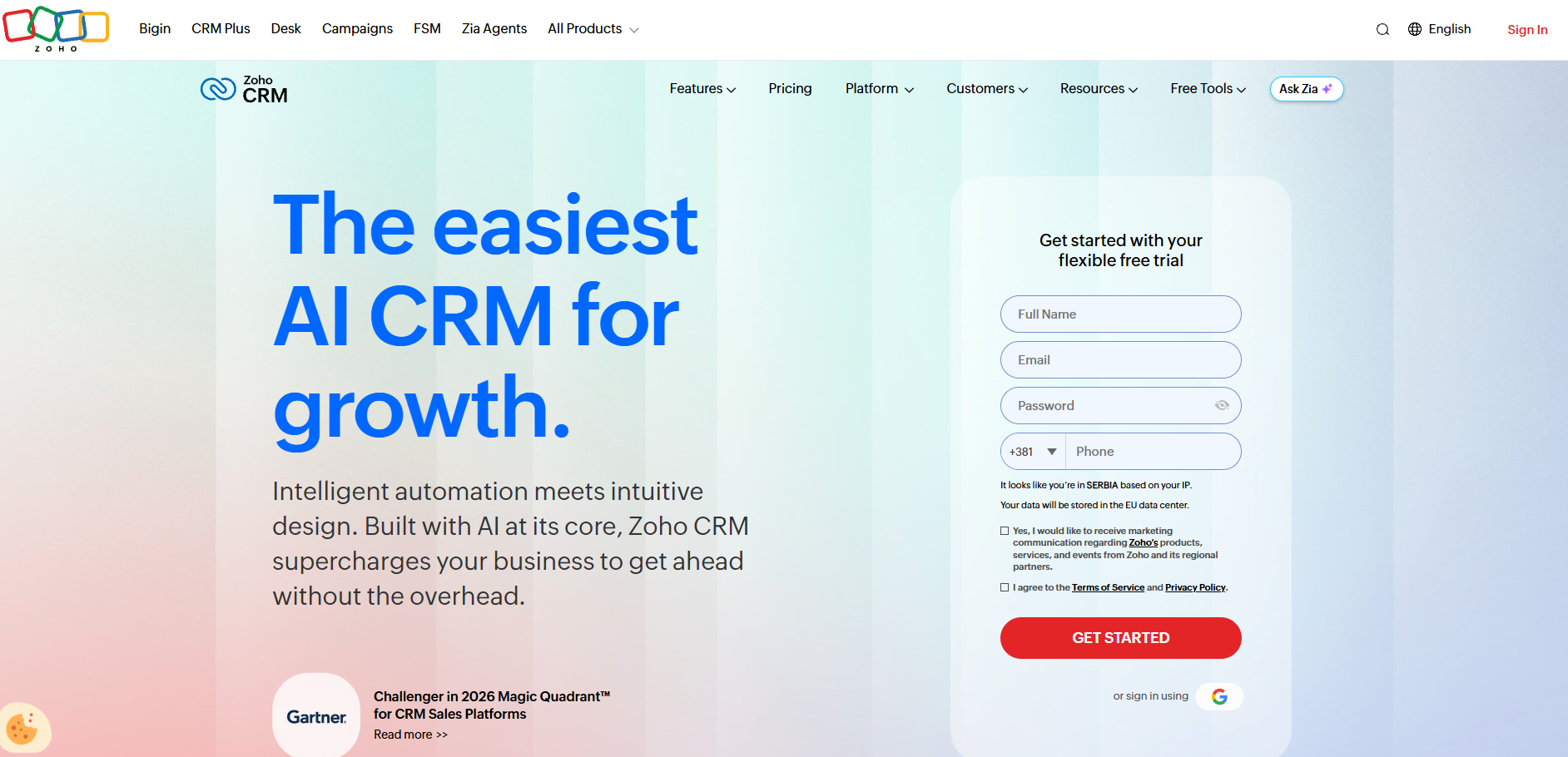
Image source: zoho.com
Zoho CRM is a general-purpose CRM, and its mobile app is the reason it suits construction sales teams that spend their week driving between sites.
Salespeople can check in at a client’s location to record the visit, find nearby customers and open opportunities with the Near Me view, and review notes and attachments before a meeting. Offline access means a rep in a basement or a remote site can keep working and sync later.
On the desktop side, custom modules and layouts let a company shape the CRM around its own business processes, so a bid, a site visit, and a change request can each have their own record type.
Blueprint workflows enforce the steps a deal has to pass through before it moves forward. Territory management helps companies with several business units or regional offices assign leads and report by area.
Zia, Zoho’s AI assistant, surfaces reminders, alerts, and suggestions for each rep.
The platform also connects to Zoho’s own accounting and project tools for teams that want to stay inside one suite.
Key Features
- Mobile app with check-in, Near Me, and offline access.
- Custom modules, layouts, and Blueprint workflows.
- Territory management for multi-office companies.
- Zia AI alerts and reminders.
Zoho CRM is a suitable choice for construction firms with active outside sales teams. Construction-specific items like bid calendars and estimating ties require configuration rather than coming built in.
8. HubSpot: Best for Contractors Focused on Marketing and Lead Generation
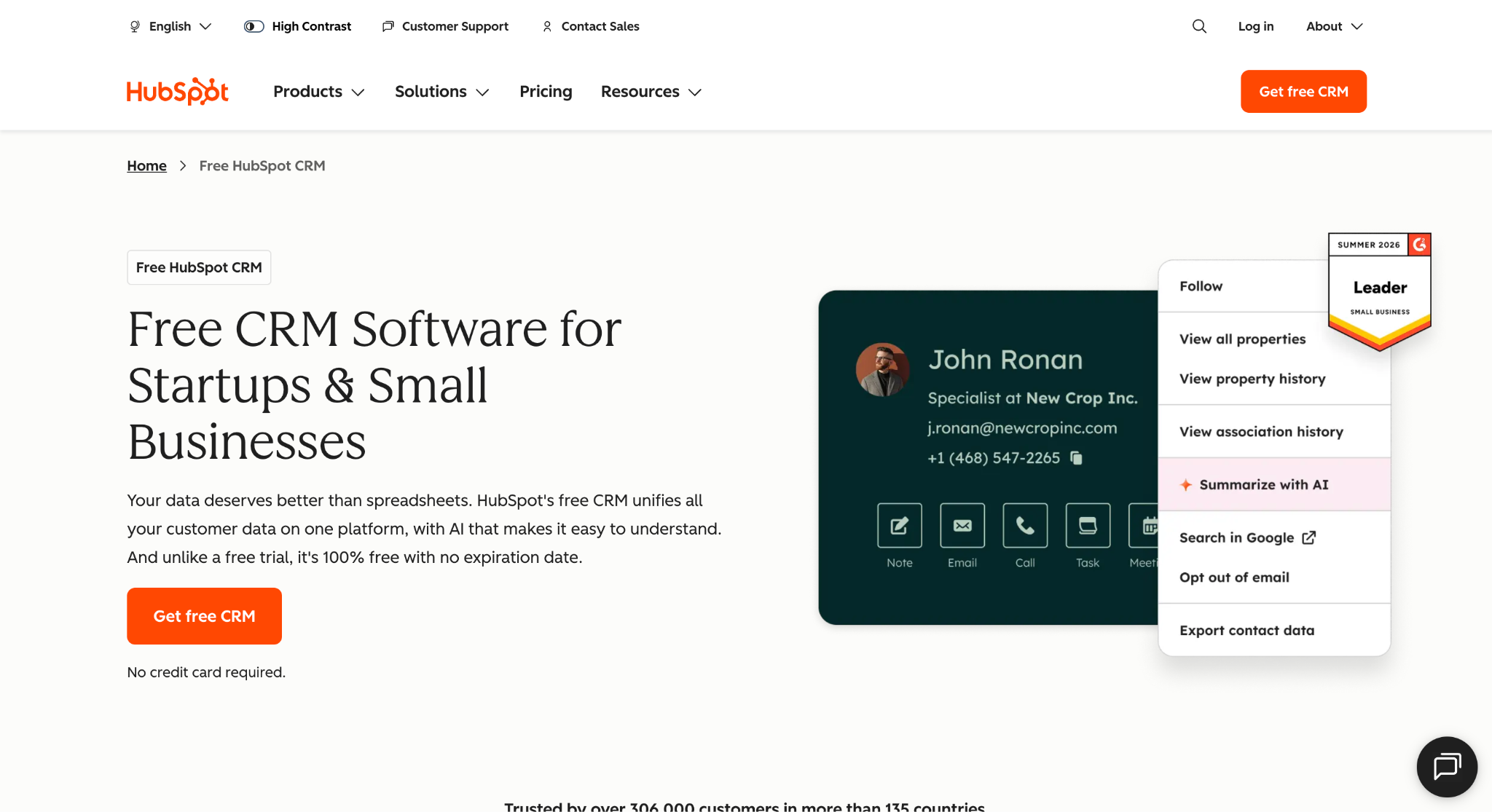
Image source: hubspot.com
HubSpot CRM, now branded as the Smart CRM, is the shared data layer under HubSpot’s marketing, sales, and service hubs, and that marketing connection is what sets it apart for contractors.
Website forms, landing pages, live chat, and email campaigns feed leads directly into the CRM, so a construction company investing in inbound marketing can see which campaigns produce bids and which produce noise.
The sales side covers contact and company records, a deal pipeline with customizable stages, email tracking, meeting scheduling, and quotes with electronic signatures and payment collection. Reporting dashboards show pipeline performance and sales activity.
HubSpot’s free tools cover the core CRM and never expire, with paid hubs adding automation, sequences, and additional pipelines.
The mobile app keeps records current from the field, and an app marketplace connects the platform to a wide range of accounting and project tools.
Key Features
- Forms, landing pages, chat, and email campaigns tied to the CRM.
- Deal pipeline with customizable stages and activity tracking.
- Quotes with e-signatures and payment collection.
- Reporting dashboards and a mobile app.
HubSpot is a good fit for construction companies whose growth plan leans on marketing and online lead capture.
It carries no construction-specific features out of the box, so bid tracking and estimating workflows have to be built with custom properties or add-on tools.
How to Choose the Best CRM Software for Your Construction Business
The right CRM software depends less on feature counts and more on how your company wins work. Start by mapping your sales process.
If revenue comes from bids and proposals with long decision cycles, you need bid tracking, a bid calendar, and estimating handoffs at the center of the tool. If it comes from service calls and repeat customers, quoting speed and scheduling matter more.
Next, check integration capabilities against your existing systems.
A CRM that cannot talk to your accounting software, estimating tool, or project management platform creates a second copy of every record. Mid-sized construction firms running an ERP should confirm two-way sync, not just an export.
Then look at adoption. Salespeople and estimators will only use a system that fits how they already work, so mobile access, automatic email logging, and fast data entry decide whether the CRM gets used or ignored.
Reporting is the last check. Leadership should be able to see close rates, pipeline value, and salesperson performance without building spreadsheets.
Run a demo with your own live bids rather than sample data. The tool that handles your real business operations cleanly is the one to pick.
Benefits of Using CRM Software for Construction Companies
The benefits of CRM software for construction show up in the sales numbers first, but they reach every part of the business.
Better Client Management
Customer data, project details, and every customer interaction sit on one record, so anyone on the team can pick up a client relationship where the last person left off. Customer communications stop depending on who remembers what was promised.
Clearer Sales Performance
Dashboards show pipeline value, close rates, and win/loss results by salesperson and project type. Leadership can plan business development around real numbers instead of estimates.
Less Admin
Workflow automation handles follow-up reminders, email logging, and task creation, which frees construction teams to spend time on clients rather than data entry.
Control Over Multiple Projects
A CRM solution lets you track projects from first contact through award, so complex projects with many contacts and long timelines do not fall apart between sales and operations. Project data moves into execution instead of being retyped.
Room for Business Growth
The best construction CRM software scales with the company. Adding salespeople, territories, or new trades means adding users, not new spreadsheets.
Customer management also improves after the sale, since the history of every construction project stays on file for repeat work and referrals.
Build a Profitable Backlog With Followup CRM
Most construction sales teams know exactly which bid they lost last quarter because nobody followed up in time.
The problem is rarely effort. It is that leads, bid dates, estimates, and client conversations are scattered between inboxes, a shared spreadsheet, and someone’s notebook, and no single person can see the whole pipeline.
Followup CRM puts every lead, bid, and follow-up in one place built for how contractors sell.
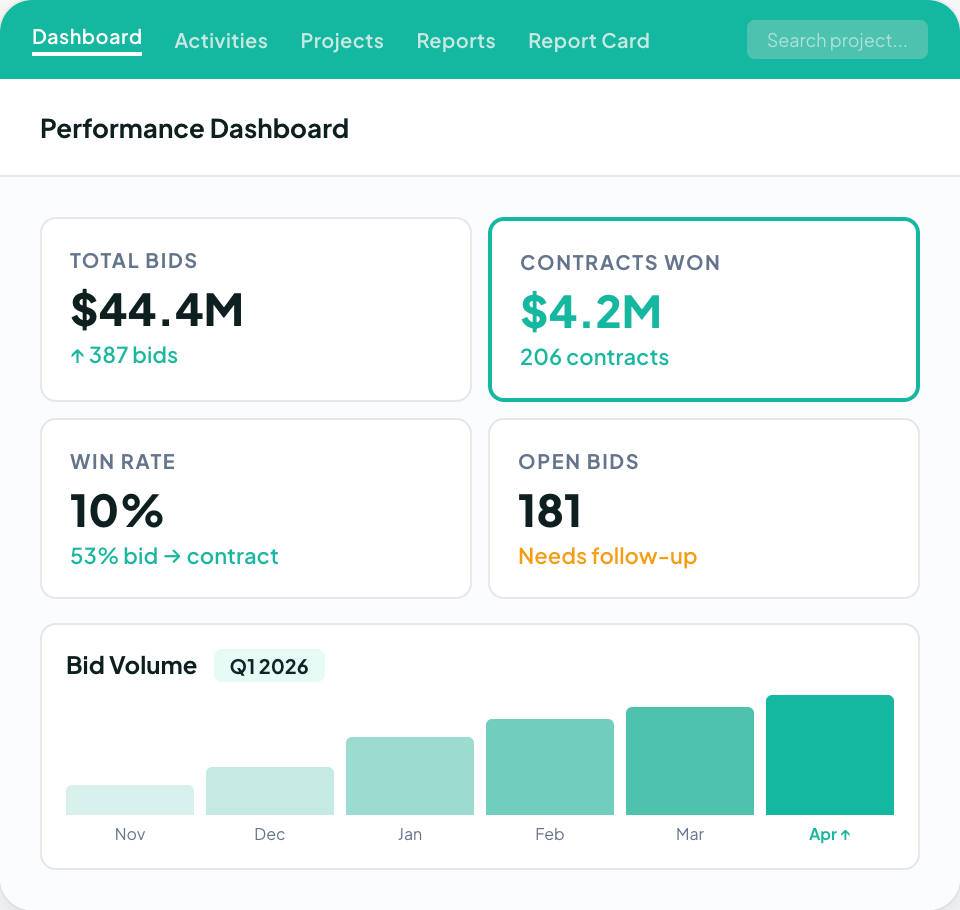
The digital bid calendar keeps due dates visible to the whole team, the proposal generator and e-signature shorten the gap between estimate and signed contract, and the dashboards show close rates and pipeline value without anyone building a report.
Email logging, Voice AI, and Gregg AI Assist cut the data entry that makes salespeople avoid a CRM in the first place. More than 4,000 construction professionals already run their sales process on it.
FAQs About CRM for Construction Industry
What is the best CRM for builders?
Followup CRM is the top choice for commercial builders, general contractors, and specialty trade contractors that win work through bids.
It combines bid tracking, proposals, and sales dashboards with integrations for construction accounting and project management systems.
What are the top three CRM platforms?
The top three depend on the segment. A construction-specific sales CRM such as Followup CRM leads for bid-driven contractors because it tracks leads, bids, proposals, and follow-ups in one system and connects to construction accounting and ERP software.
All-in-one platforms that bundle sales with project management suit companies that want one tool for everything, and general CRMs work for teams that mainly need contact and pipeline management.
Can a construction CRM work with project management software?
Yes. A CRM system tracks leads, bids, and client communications, while project management software coordinates delivery.
Followup CRM connects with Procore and construction accounting systems to transfer supported project data from sales into the tools used to run the job.
The CRM Built For Construction Companies
No more disorganized data. Track your leads, bids, and customers all in one place.
Seamless Integration with:
✅ Foundation ✅ Viewpoint ✅ Sage and more