



TL;DR
- Fergus is job management software for trade businesses. It covers quoting, job scheduling, job tracking, invoicing, timesheets, and team management in one app.
- Plumbers, electricians, HVAC technicians, builders, and other trades, mostly crews of 1 to 20 people, with larger teams of 50 or more also supported.
- Plans start at A$53 per user per month for Essentials and A$77 per user per month for Pro, billed month to month with a 14-day free trial.
- Fergus manages jobs after you win them. It is not a sales customer relationship management (CRM) platform, so commercial contractors still need dedicated bid and pipeline tracking.
- If winning more bids is the problem you are solving, try Followup CRM and see how commercial contractors manage their sales pipeline efficiently.
What Is Fergus Job Management Software?
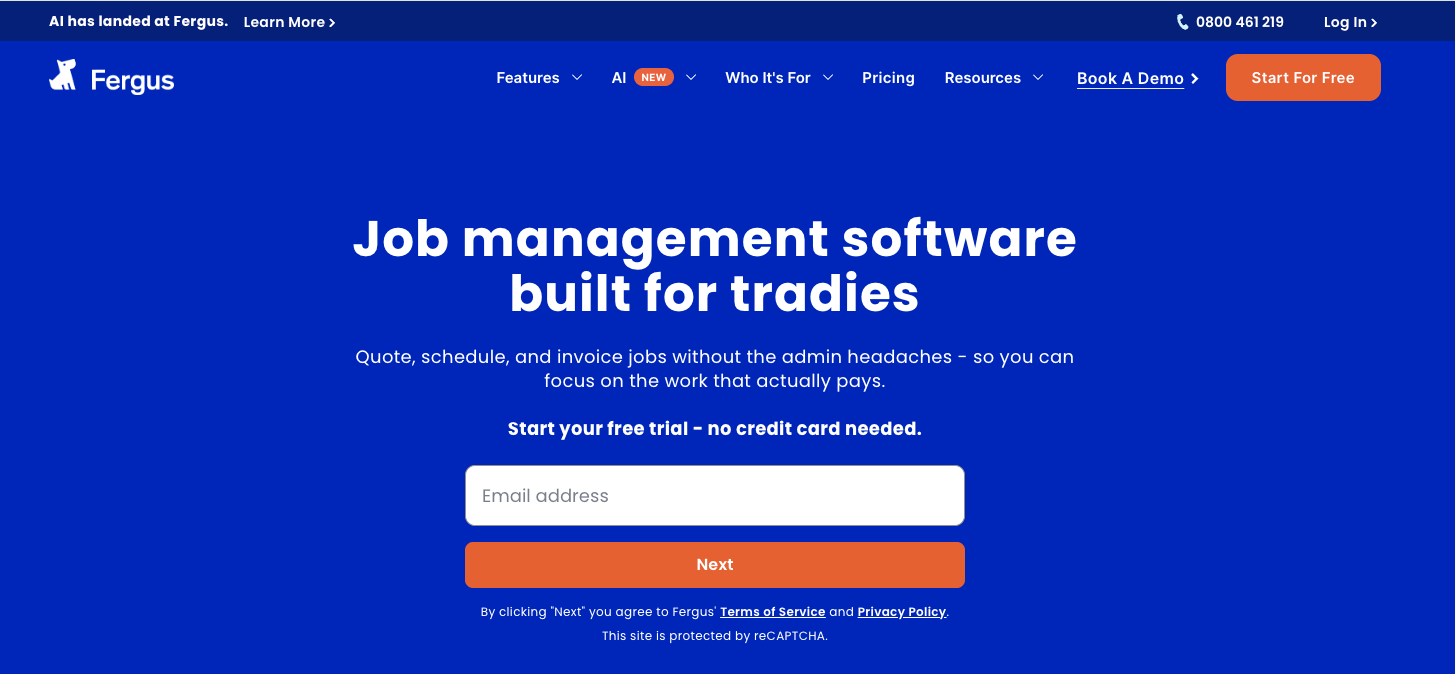
Image source: fergus.com
Fergus is cloud-based job management software for trade and field service businesses. Every job moves through a visual workflow from inquiry to invoice, so the office and field staff always see the current job status without chasing phone calls.
It runs on desktop and mobile, and the Fergus Go app brings quoting, time tracking, and job details to the phone, so the crew can manage jobs on site instead of saving paperwork for the evening.
Fergus is positioned for small to medium trade businesses. The company states it mostly serves crews of 1 to 20, though larger operations run teams of 50 or more on the platform. Support is free and local to Australia and New Zealand, available by phone, live chat, and email.
There are no setup fees and no lock-in contracts, and accounts are billed month-to-month in Australian dollars.
Fergus Key Features
Fergus bundles the core tools a trade business needs to run daily operations. The features below are the ones that define the platform.
Quoting and Estimates
Fergus lets users build accurate quotes with supplier price books, so material costs pull from real, current pricing instead of guesswork.
Quotes convert into jobs once accepted, which removes double entry and keeps customer info attached to the work from day one.
The platform also supports estimates for larger projects and job phases, which break bigger jobs into stages that can be scheduled, costed, and invoiced separately. That structure suits builders running progressive claims on longer residential work.
For a trade business that wins work through fast, professional quotes, this is the part of Fergus that carries the most weight.
Job Scheduling and Job Cards
Scheduling runs on a drag-and-drop calendar where managers assign work and see what every team member has on.
Schedules display in day, week, or month views, which helps avoid double-booking field staff. Each job gets a job card that holds quotes, purchase orders, notes, photos, progress, and customer details in one place.
Team members open the job card on their phone and see everything they need before arriving on site. Timesheets are built in, so employees track time against jobs and the office gains visibility into labor costs without collecting paper.
Invoicing and Fergus Pay
Fergus creates invoices from job details, which cuts admin time and reduces the missed charges that eat into margins. Invoices in Australia are GST-compliant, with goods and services tax (GST) applied automatically.
Fergus Pay adds Tap to Pay on iPhone and Android, so field staff can take card payments the moment a job reaches completion. Invoicing can also trigger at job completion to speed up cash collection.
For small crews where the owner does the books on weekends, faster invoicing is often the single most profitable change the software delivers.
Supplier and Accounting Integrations
Integrations are a genuine strength here. Fergus connects with more than 100 suppliers, including Reece, Tradelink, and Mitre 10, and imports supplier invoices automatically, matching them to the right job.
That means material costs land on the correct job without manual keying, and nothing gets missed at billing time. On the accounting software side, Fergus syncs contacts, invoices, and payments with Xero, MYOB, and QuickBooks, which keeps the books clean without double handling.
A Zapier integration extends connections to thousands of other apps when a business needs custom workflows.
AI Tools
Fergus has added an artificial intelligence (AI) layer to the platform. Fergus Assistant answers questions about jobs, costs, and business numbers on demand.
The mobile Go Assistant lets field staff type or speak updates on site, covering job notes and time entries without typing on a small screen. The company also promotes Fergus AI as a broader admin-handling capability.
These tools are newer additions, so businesses evaluating Fergus should test them during the trial and judge how much admin time they actually save in practice rather than relying on marketing descriptions.
Fergus Pricing and Free Trial
Fergus publishes its pricing, which makes budgeting simple. In Australia, the Essentials plan starts at A$53 per user per month, and the Pro plan starts at A$75 per user per month.
Both plans include quoting and estimating, job cards, timesheets, the calendar, materials tracking, supplier integrations, and the mobile app.
Pro adds capabilities such as checklists, forms, job phases, phone support, and automatic supplier invoice matching, where Essentials handles supplier invoices manually.
Billing runs month to month, with no setup fees and no lock-in contracts, so businesses can add or remove users as the crew changes. The pricing page also lists separate user types for staff who only need timesheet access.
Fergus offers a 14-day free trial of the Essentials plan, and no credit card is required to start it. That trial window is enough to run a few real jobs through the system, from quote to invoice, and see whether the workflow fits how the business operates.
A free trial also makes it easy to test the mobile app with field staff before committing, which is where adoption succeeds or fails for most trade companies.
Is Fergus the Right Fit for Your Trade Business?
Fergus is a good fit for small and medium trade businesses that live on service calls and residential or light commercial jobs.
Plumbers, electricians, HVAC technicians, roofers, builders, and cleaning companies are its named industries, and the feature set matches how those crews work.
If the daily pain is quoting from the truck, scheduling a full day of callouts, tracking time and materials, and getting invoices out before the weekend, Fergus covers that job management loop well.
The Australian localization is a real advantage for local businesses.
Automatic GST handling, safe work method statements (SWMS) for job safety compliance, and direct connections to Australian suppliers mean the platform works the way businesses already operate, rather than forcing a workaround-heavy setup built for the US market.
Fergus is suitable for teams that want their accounting software to stay in charge of the books. It runs the operational side and syncs the financial data back to Xero, MYOB, or QuickBooks, which keeps financial visibility high without replacing the accountant's system.
Businesses of that profile, roughly a solo operator up to a few dozen people doing job-based trade work, will find that Fergus does what it promises.
Where Fergus Falls Short for Commercial Contractors
Fergus manages jobs. It does not manage the sales cycle that wins them. That distinction matters little for a two-person plumbing outfit running reactive callouts, but it becomes the whole problem for commercial contractors who bid for work.
A commercial contractor's revenue depends on a pipeline of bids, each with a hard due date, an estimator attached, and a general contractor relationship behind it.
That work needs construction CRM capabilities that job management software does not carry, such as lead and bid tracking, a shared bid calendar, proposal generation with e-signature, follow-up sequences, and win-loss reporting by customer and project type.
Fergus has inquiry management for incoming service requests, which works for reactive trade work. It is not built to track dozens of open bids through a months-long sales cycle, log every estimator conversation, or show leadership close rates by salesperson.
Contractors who try to run bids through job management tools usually end up back in spreadsheets, and construction sales management software exists precisely because that approach breaks as bid volume grows.
If that describes your business, the fix is a sales platform purpose-built for construction, not a bigger job management plan.
Use Followup CRM to Boost Your Sales Process and Win More Work
Plenty of contractors run their jobs with real discipline while their bids live in a spreadsheet nobody updates. Deadlines slip, follow-ups get forgotten, and leadership finds out about a lost bid weeks after it happened.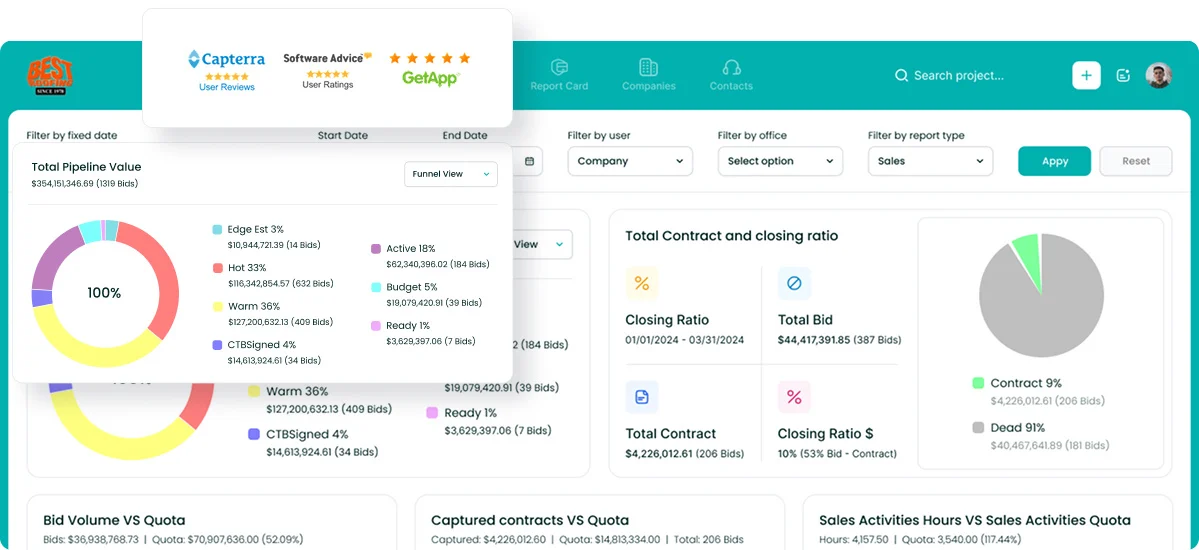
If that sounds familiar, the gap is not in your job management. It is in your sales process.
Followup CRM is a construction CRM built for commercial and specialty trade contractors. It tracks every lead and bid from first contact through proposal and close.
A digital bid calendar keeps the whole team on deadline, automated reminders make sure no follow-up gets missed, and sales dashboards show pipeline, close rates, and team performance in real time.
The proposal generator builds branded proposals and collects e-signatures, and Gregg AI Assist drafts follow-up emails and status notes so your salespeople spend their time selling.
It also connects with the tools contractors already run, including Sage, Foundation, Vista, Procore, QuickBooks, Outlook, and Gmail.
FAQs About Fergus Software
How much does Fergus software cost per month?
Fergus costs A$53 per user per month on the Essentials plan and A$77 per user per month on the Pro plan, billed month to month in Australian dollars with no lock-in contracts or setup fees.
Both plans include quoting, job cards, timesheets, and supplier integrations, which help small crews control costs and see where the money goes on every job.
Who owns Fergus?
Fergus is a privately held company founded by Dan Pollard, a plumber with a long history in the trades who built the software after running his own plumbing business.
It operates as Fergus Software Limited, headquartered in Auckland, New Zealand, and reports that more than 25,000 tradespeople use the platform around the world.
Is Fergus free?
No, Fergus has no free version. It offers a 14-day free trial of the Essentials plan, and you can sign up without a credit card. The mobile app runs on any iOS or Android device, so a crew can test it in the field during the trial.
Contractors weighing up sales tools at the same time can watch a video demo of Followup CRM to see how the bid-tracking side works.
What is the best job management software for tradesmen?
That depends on the size of the business and the type of work.
Fergus is a good fit for small residential trade crews, and user feedback often points to its visual workflow and how much time it saves on quoting and invoicing, which makes daily life on the tools easier and lets owners focus on billable work instead of paperwork.
Commercial contractors have a second problem to solve: winning the work in the first place, and that is where a construction CRM like Followup CRM comes in.
Is Fergus a CRM tool?
No. Fergus is job management software focused on running jobs, not managing a sales pipeline. Commercial contractors who need lead tracking, bid calendars, proposals, and follow-up automation get those from a construction CRM such as Followup CRM.
The CRM Built For Construction Companies
No more disorganized data. Track your leads, bids, and customers all in one place.
Seamless Integration with:
✅ Foundation ✅ Viewpoint ✅ Sage and more
