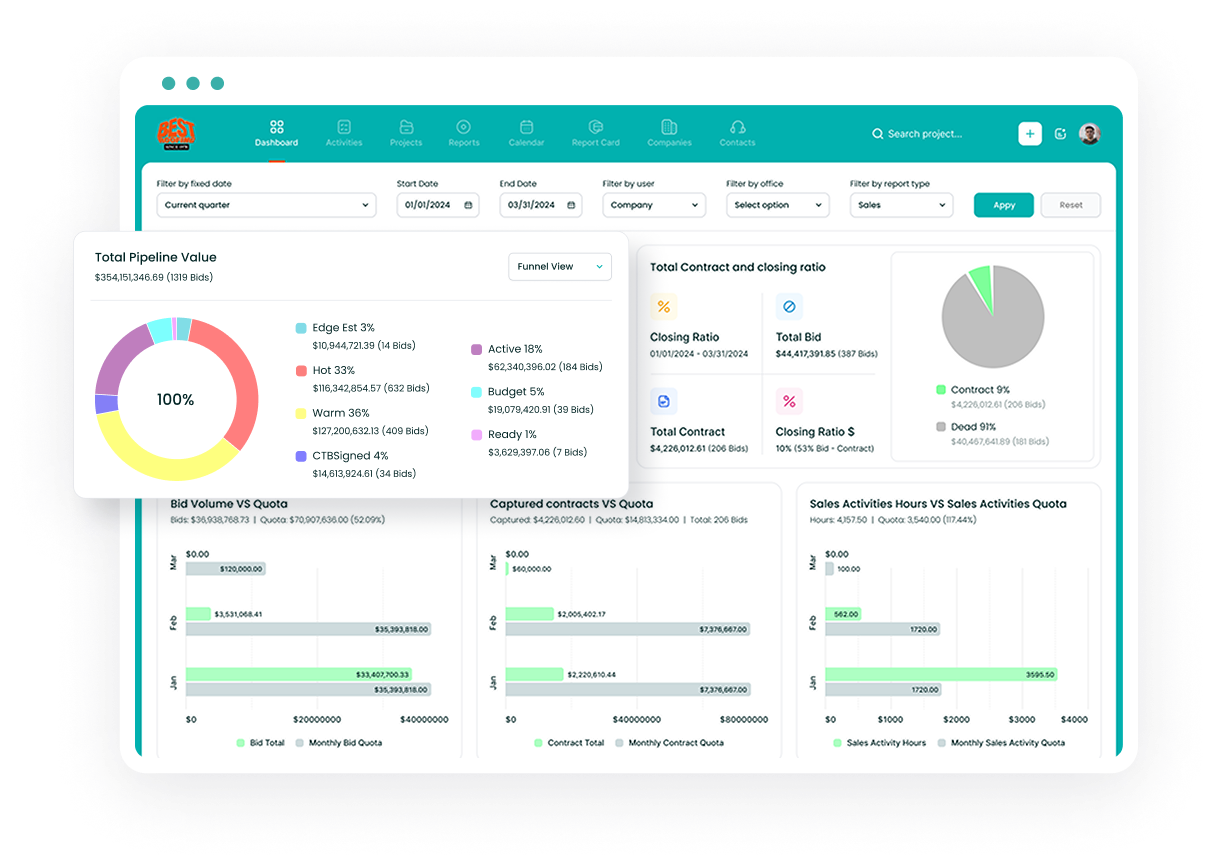


TL;DR
These are the six home improvement CRM tools worth shortlisting in 2026, each with the use case it fits:
- Followup CRM: Best for commercial bid tracking and follow-up.
- Builder Prime: Best for estimating, production, and payments in one system.
- LeadPerfection: Best for call center and canvassing teams.
- improveit 360: Best for Salesforce-based customization.
- MarketSharp: Best for marketing automation and lead generation.
- Jobber: Best for home service scheduling and invoicing.
What Is a Home Improvement CRM?
A home improvement CRM is software designed specifically for contractors who sell, schedule, and complete projects on a customer's property.
It stores client information, project details, and every customer interaction in one record. That record follows the job from initial contact through estimate, signed contract, and final payment.
Most CRMs on the general market are built for companies that sell products or subscriptions. They can track leads, but they have no place for bids, site visits, or material orders.
A CRM for home improvement adds those steps, so sales reps, the office, and the field crew stay on the same page.
With all the information in one place, teams manage interactions faster and build stronger customer relationships, which shows up in customer satisfaction and referrals.
For a small business, CRM means fewer spreadsheets and sticky notes. For a larger company, it means pipeline visibility for every branch and salesperson.
What to Look for in CRM Software for Home Improvement Companies
The best CRM for one company can be the wrong pick for another. These four areas cover the specific needs most home improvement businesses share.
Lead Management and Follow-Up
New leads arrive from web forms, referrals, lead providers, and bid invitations. Good lead management puts them in one queue with a lead source attached, so you can see which marketing efforts pay off.
Reminders and lead nurturing sequences then prompt your team to follow up with old leads before they go cold. Consistent CRM lead tracking also shows where deals stall, which helps sales reps close more deals.
Estimates, Proposals, and Payments
Customers judge a company by its paperwork. Look for professional estimates built from saved pricing, proposals that can be signed electronically, and payment collection or payment tracking tied to the job.
Fewer manual steps here save time and shorten the wait between a yes and a deposit. A clear, fast quote also lifts the overall customer experience.
Scheduling and Job Management
Once the sale closes, someone has to start scheduling jobs, crews, and deliveries. Some CRM tools include job management and project management tools for that work. Others hand the won job to a separate system.
Either approach works, as long as the crew on site sees the same project details the salesperson collected.
Reporting and Integrations
A CRM system should show sales by rep, lead source, and job type without a spreadsheet export. Those numbers guide business growth decisions, such as where to spend on marketing.
It should also connect to your accounting software and email, so customer data is entered once. Ask each vendor which integrations come standard before you sign.
6 Best CRM Options for Home Improvement Businesses in 2026
The six CRM options below serve different parts of the home improvement industry. One is a sales and bid-tracking CRM for commercial contractors. Others combine sales with production, and some are built around call centers, marketing, or field service.
Each entry is a standalone review, so start with the use case closest to how your company wins work.
1. Followup CRM: Best for Commercial Bid Tracking and Follow-Up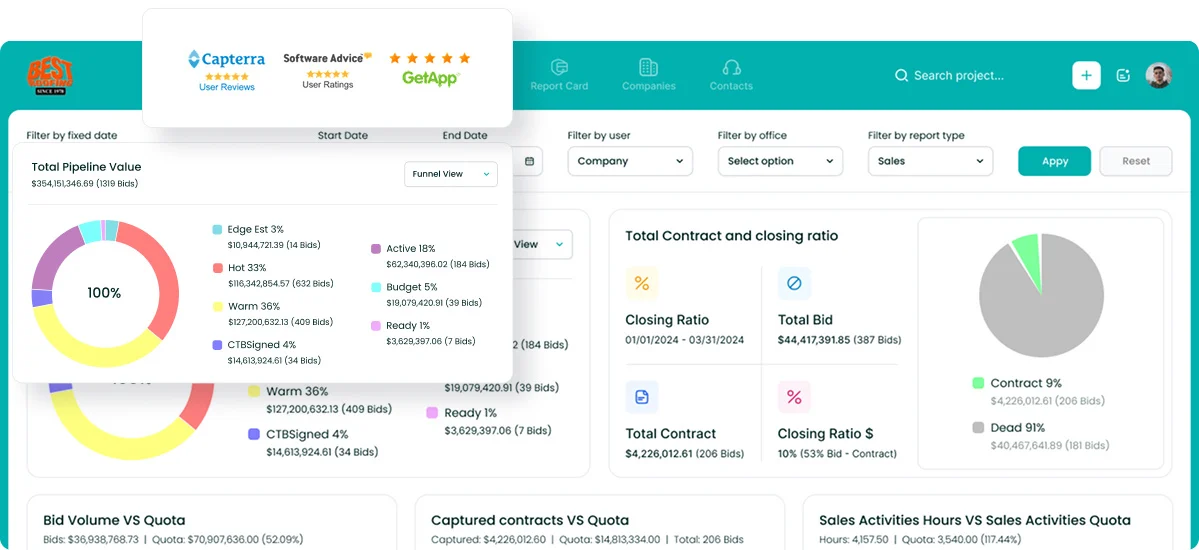
Followup CRM is a construction-specific sales and bid-tracking CRM for commercial and specialty trade contractors. Roofing, remodeling, flooring, electrical, and glass and window contractors are among the trades it serves.
It is a strong fit for improvement and renovation contractors that win work through bids and proposals to property managers, property owners, and general contractors.
The pipeline follows the way contractors sell. A lead comes in, a bid goes out, a proposal gets signed, and each step has its own stage.
The digital bid calendar shows every due date to the whole team, and reminders prompt a follow-up after each proposal is sent. Emails from Outlook and Gmail attach to the right contact and project without manual logging.
Key Features
- Lead and bid tracking: Lead tracking pulls leads from many sources into one record with their progress through the pipeline.
- Proposal generator and e-sign: The proposal generator builds branded proposals and sends them for virtual signature.
- Sales and estimating dashboards: Pipeline value, close rates, and team performance update in real time.
- Team goals and reporting: Sales targets sit next to win and loss reports for each team.
- Voice AI and Gregg AI Assist: These artificial intelligence (AI) tools turn a spoken update into a logged record and draft comments and emails for you to review.
Followup CRM connects to accounting, project management, field, and email tools through its integrations, including Foundation, Vista, Sage, QuickBooks, Procore, CompanyCam, Outlook, and Gmail.
Book a demo to see Followup CRM in action today.
2. Builder Prime: Best for Estimating, Production, and Payments in One System
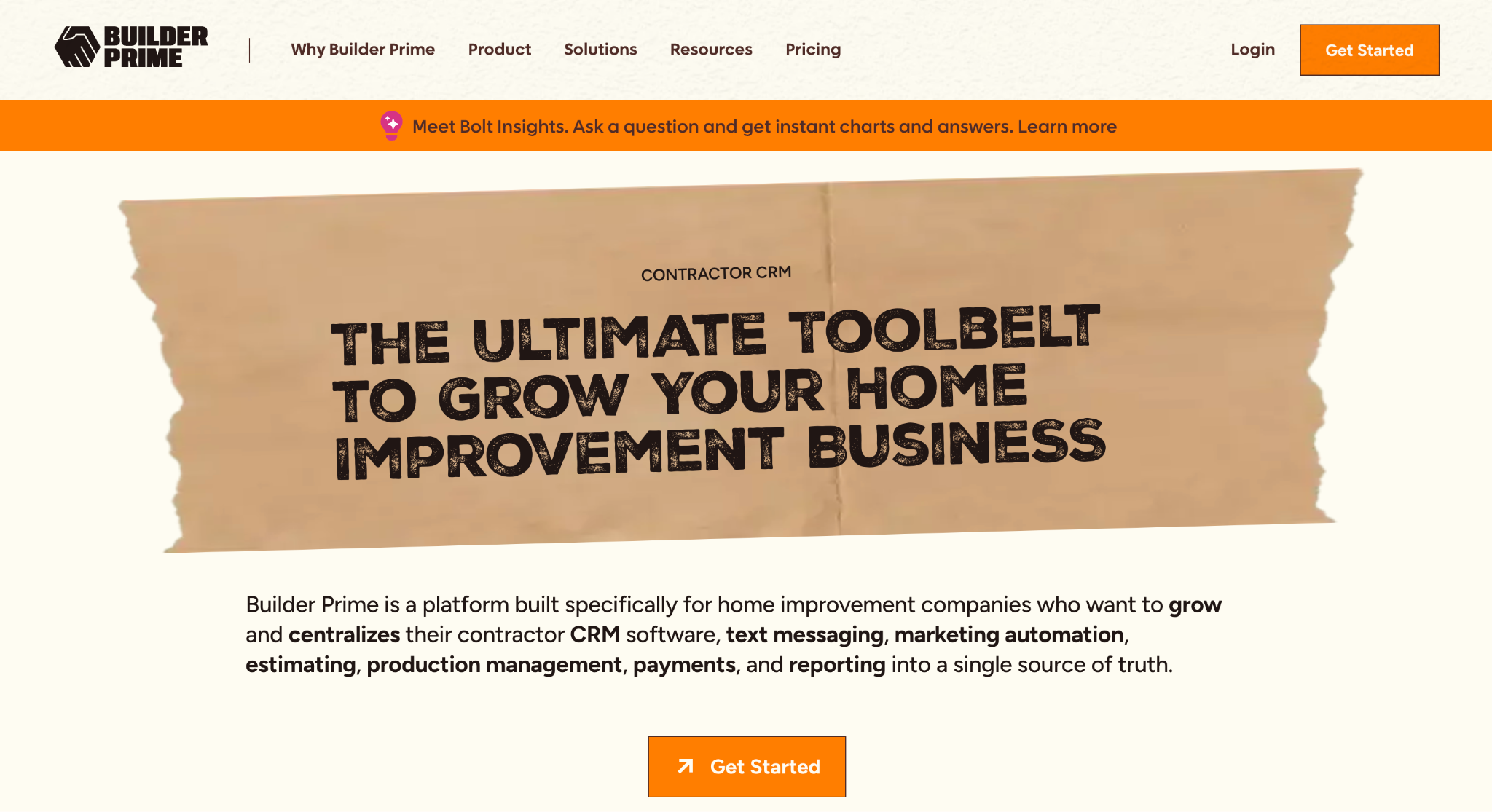
Image source: builderprime.com
Builder Prime is a platform built for home improvement companies that want CRM, text messaging, estimating, production management, payments, and reporting in one system.
It is a suitable option for home improvement contractors who want the handoff from sales to production to stay in one tool.
Automated lead tracking and follow-ups respond to new leads while the team is on a job. Estimates are built on site with digital signatures, and job costs are calculated at the same time.
Key Features
- CRM and lead tracking: Automated follow-ups keep new leads from being missed.
- Text messaging: A conversations dashboard holds automated and personal messages in one place.
- Estimating: Branded estimates come with digital signatures and job costing.
- Production management: Time cards, work orders, subcontractor management, and production scheduling sit in the same platform.
- Payments: Electronic invoicing and in-app card payments are included, and invoices sync with QuickBooks.
Reporting tracks key metrics automatically, so owners can review sales and production numbers without manual input.
3. LeadPerfection: Best for Call Center and Canvassing Teams
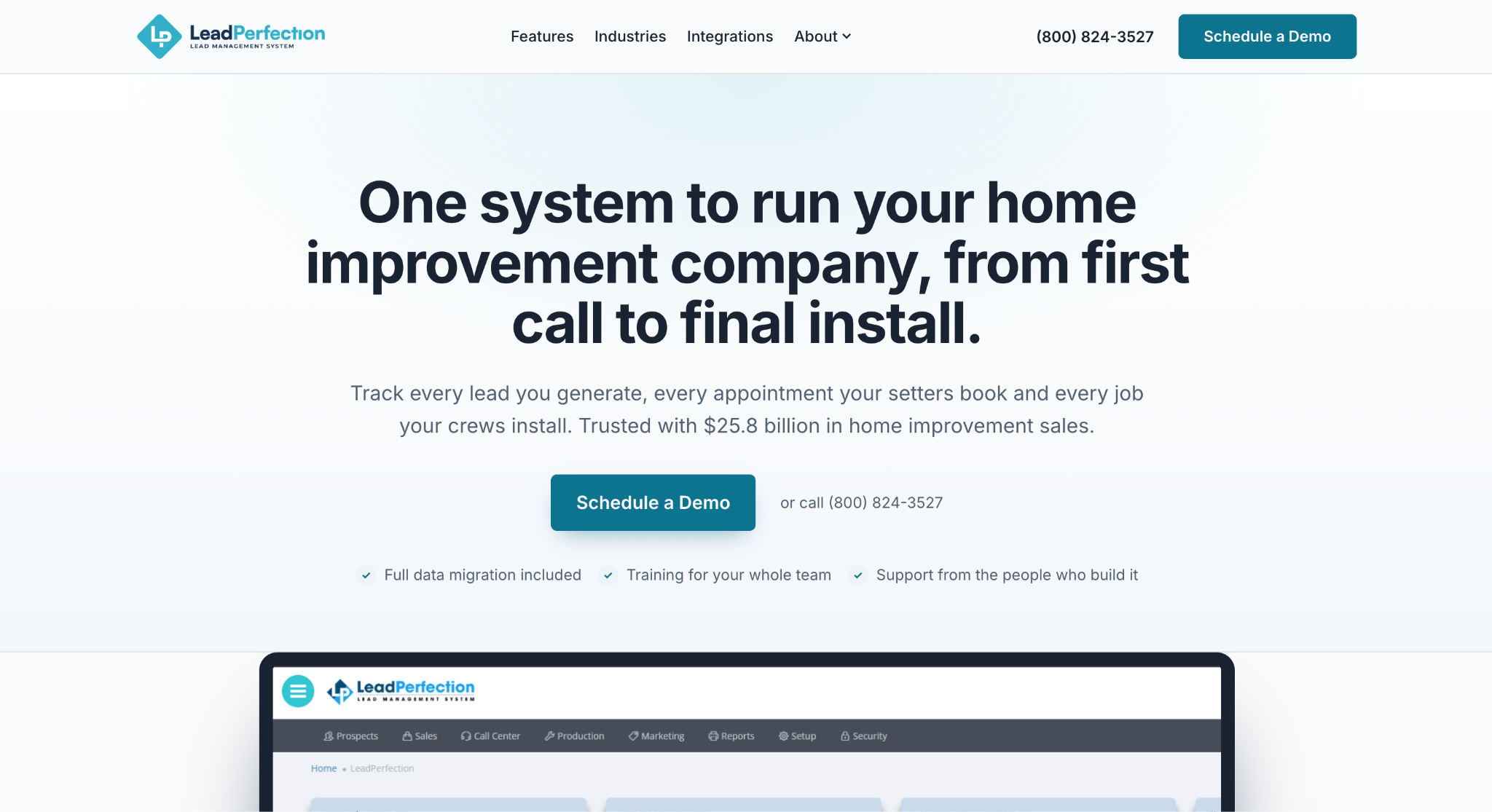
Image source: leadperfection.com
LeadPerfection is home improvement software that puts leads, the call center, sales reps, marketing, and production in one system. It has been in development since 2000 and is built only for home improvement and home services companies.
It is a good fit for companies that run appointment setters and several sales reps. Leads from the web, events, and call-ins enter one pipeline and are sorted into calling queues. Managers can then assign each appointment using close rates by rep and lead source.
Key Features
- Lead capture: Internet, event, promoter, and call-in leads share one pipeline.
- Call center tools: Calling queues, scheduled callbacks, and confirmation calls support appointment setters.
- Sales management: Rep availability, zip code territories, and close rates guide appointment assignment.
- Marketing tracking: Results and cost analysis are reported by marketing source.
- Mobile apps: LP Salesman, LP Installer, and CanvassMaster cover reps, crews, and door-to-door canvassing.
LeadPerfection also tracks production milestones and syncs customers, invoices, and payments with QuickBooks Online.
4. improveit 360: Best for Salesforce-Based Customization
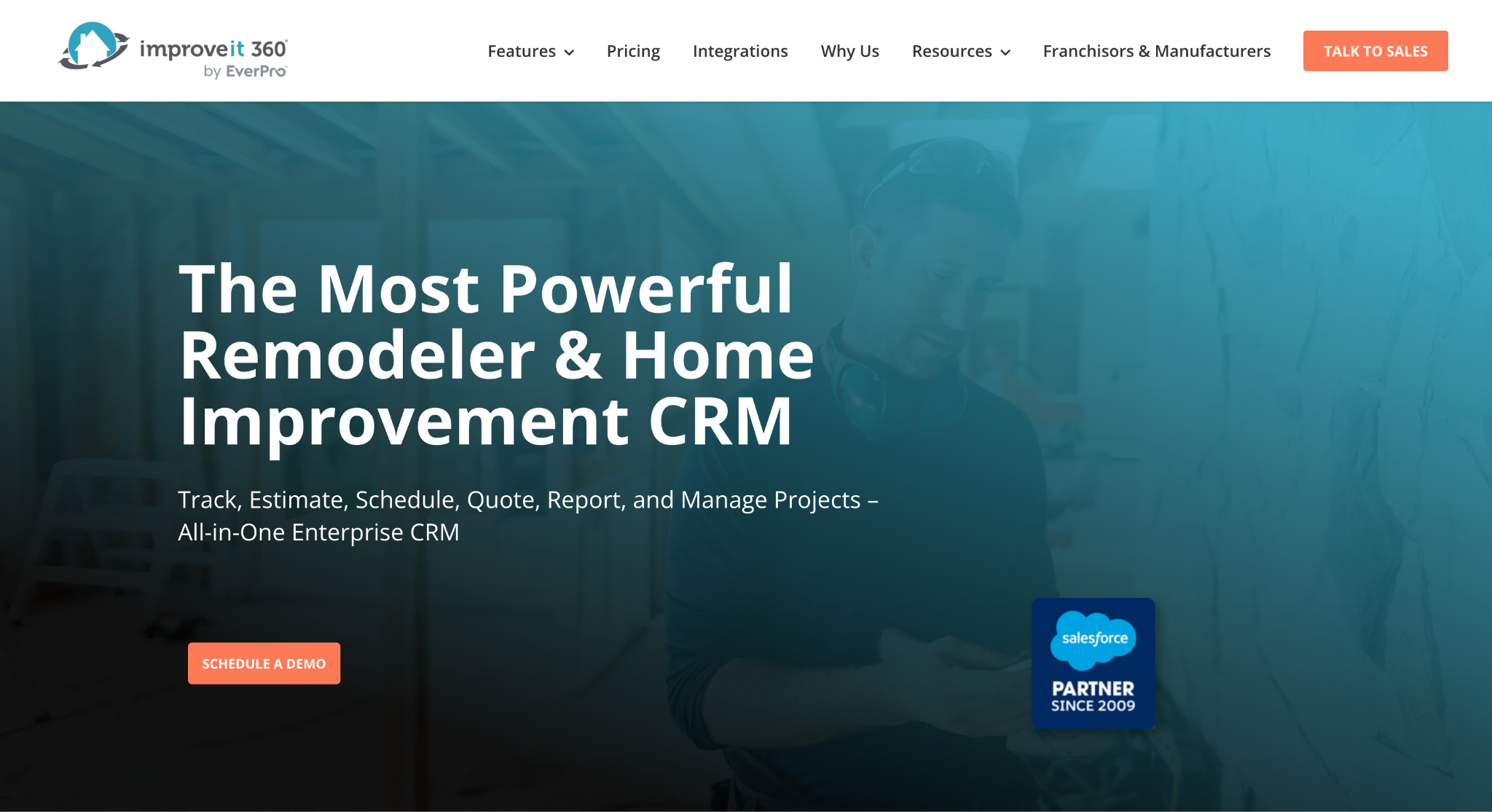
Image source: improveit360.com
improveit 360 is an enterprise CRM built on the Salesforce Platform for contractors, remodelers, and home improvement companies, including franchises and dealer networks. The company has been a Salesforce partner since 2009.
It may do well for larger companies that want a customizable CRM system and have the volume to support an enterprise setup.
Desktop and mobile apps cover lead and customer management, appointment scheduling, sales, project management, and reporting. Each new customer gets a dedicated resource who builds an implementation plan.
Key Features
- CRM and lead management: Leads arrive instantly and are nurtured with automated communications.
- Appointment scheduling: Block scheduling is part of the appointment tools.
- Sales tools and quoting: Quoting tools and automated marketing campaigns support the sales team.
- Project management: Trackable job costs, templated tasks, and payment and financing options are included.
- Reporting: Automated reports and dashboards show real-time data.
5. MarketSharp: Best for Marketing Automation and Lead Generation
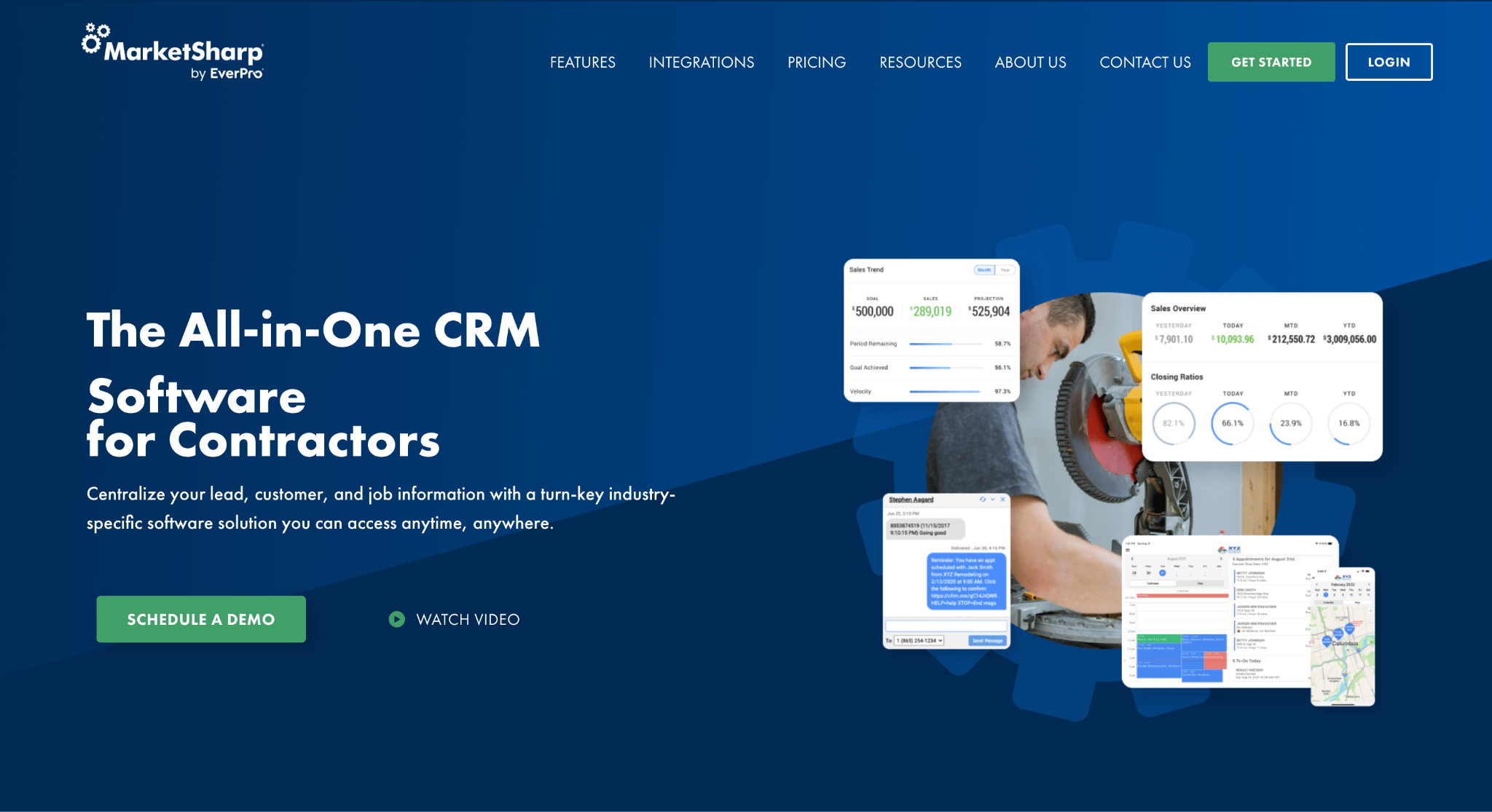
Image source: marketsharp.com
MarketSharp is all-in-one CRM software for contractors, remodelers, and home pros. It centralizes lead, customer, and job information, with much of the feature set aimed at lead generation and marketing.
It is a suitable choice for home improvement professionals who depend on a steady flow of new inquiries and repeat business from existing customers.
Leads from the company website and lead providers flow into the database, where follow-up campaigns work unsold leads toward more profitable sales.
Key Features
- Custom lead capture: Website inquiries create lead records automatically.
- Jobsite radius marketing: Direct mail reaches the neighbors of completed jobs.
- MarketSharp Email: More than 40 built-in campaigns include follow-ups and review requests.
- Dashboards and reports: Customizable dashboards and automatic reports show performance in real time.
- Reputation management: Repeat and referral programs keep past customers engaged.
6. Jobber: Best for Home Service Scheduling and Invoicing
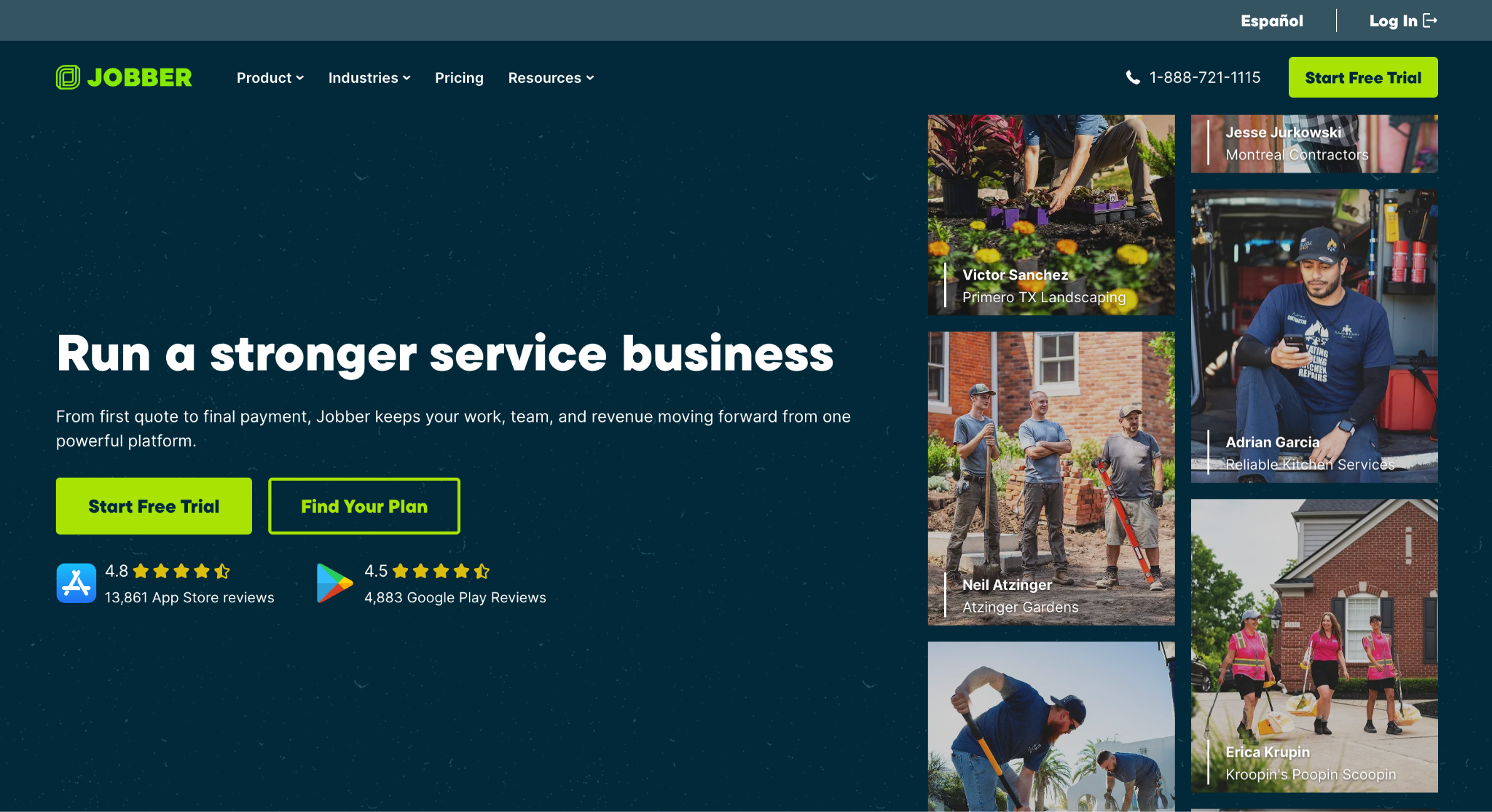
Image source: getjobber.com
Jobber is field service software with a built-in CRM for home service work such as handyman, painting, plumbing, landscaping, and cleaning.
It suits field service businesses that sell through quick quotes and repeat visits. Client profiles hold job history and past emails and texts, and contacts can be tagged as leads so they are managed apart from active clients.
Automated booking confirmations and on-my-way texts keep customers informed.
Key Features
- Client manager: Custom client profiles are searchable from the office or the field.
- Quotes: Quotes are built in minutes and followed up automatically.
- Scheduling: A drag-and-drop calendar organizes the work.
- Client Hub: An online client portal sits alongside online booking.
- Invoicing and payments: Invoices are paired with credit card processing.
Jobber also offers an AI Receptionist that answers calls and texts, books jobs, and captures leads.
How to Choose the Right CRM for Home Improvement Work
Most CRM options look alike in a demo. These three steps help you find the right CRM before you commit.
- Map how you win work: Write down how a lead becomes a signed job today. A company that sells through bids to general contractors needs bid stages and a shared calendar. One that sells in the home needs appointment routing and contracts signed on a tablet.
- Check the tools you already use: List your accounting software, email, and estimating tools, then confirm each one connects. Replacing a stack of favorite tools with one system only helps if customer info moves with it. Contractors that bid commercial work can hold the top construction CRM software tools to the same checklist.
- Test it with the people who will use it: Ask sales reps and office staff to log a lead, send a proposal, and schedule a follow-up during the demo. Ask what the support team covers during setup, and whether the system will still fit as your business grows.
Use Followup CRM and Win More Bids
A missed follow-up is rarely about effort. The bid went out, the week got busy, and the reminder lived in someone's head.
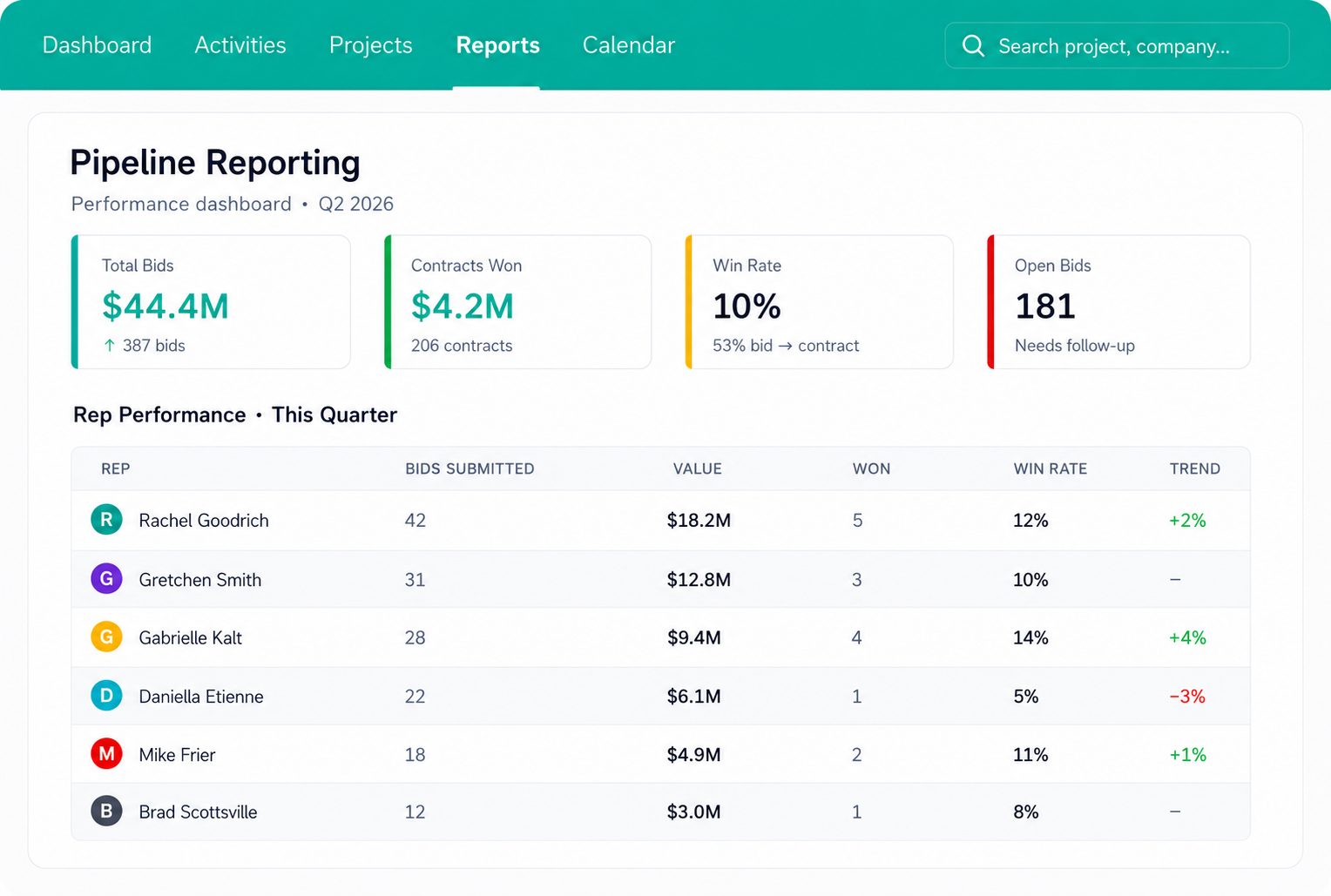
Followup CRM was built for commercial and specialty trade contractors, and more than 4,000 construction professionals now use it. Every lead, bid, and proposal sits in one record with its contact, due date, and last activity.
The shared bid calendar shows what is due this week and who owns it. Proposals go out branded and ready for signature. Dashboards give leadership pipeline value and close rates without a spreadsheet.
Outlook and Gmail log emails automatically, and Voice AI turns a spoken recap into a record, so your team spends less time typing.
When a job is won, integrations with construction accounting systems such as Foundation, Vista, and Sage carry the data forward.
FAQs About Home Improvement CRM
What is the best CRM for home builders?
It depends on how the builder wins work. Builders that sell through bids, estimates, and proposals to developers, property owners, and general contractors need bid tracking, a shared bid calendar, and proposal tools.
Followup CRM covers that sales cycle for commercial and specialty trade contractors and connects to construction accounting systems, so the sales team and the office work from the same numbers.
What are the top three CRM platforms?
There is no single top three, because the answer changes with the way a company sells. General platforms such as Salesforce and HubSpot serve many industries and can require setup work to fit contractor sales processes.
For commercial contractors that track bids and proposals, Followup CRM is a strong choice because bid stages, due dates, and follow-up reminders are already part of the product.
Will CRM be replaced by AI?
AI will not replace CRMs. It is becoming part of it. AI can handle data entry and first drafts, but a contractor still needs one system that holds contacts, bids, and history, and people still own the customer relationships.
Followup CRM takes that approach. Voice AI logs a spoken update, and Gregg AI Assist drafts comments and emails that the user reviews and sends. Contractors comparing an AI CRM for contractors should check what the AI does on its own and what it leaves to the user.
The CRM Built For Construction Companies
No more disorganized data. Track your leads, bids, and customers all in one place.
Seamless Integration with:
✅ Foundation ✅ Viewpoint ✅ Sage and more