TL;DR
Here are the seven best AI CRMs for contractors in 2026, starting with our top pick:
- Followup CRM
- JobNimbus
- Buildertrend
- Procore
- JobTread
- Jobber
- AccuLynx
What Is an AI CRM for Contractors?
A CRM is software that manages a company's leads, contacts, and deals in one place. For contractors, that means tracking bids from first contact through estimate, proposal, and award.
An AI CRM for contractors takes the same job and adds automation. It handles routine data entry, flags deals that need a follow-up, and pulls patterns out of your pipeline that would be hard to spot by hand.
The difference matters in construction, where a single bid can involve dozens of documents, contacts, and deadlines.
A generic CRM built for retail or software sales rarely accounts for bid due dates, estimate revisions, or the long timelines that come with commercial work. A contractor-focused tool is built around those realities.
The AI layer is where these platforms have advanced recently. Common features include automatic activity logging, suggested next steps, and voice-to-text entry so field crews can update records without typing.
Used well, this cuts the admin work that keeps sales teams from selling and gives leadership a clearer read on what is likely to close.
How Does It Work?
Most AI CRMs for contractors follow the same basic flow. A lead comes in from a website form, an email, a referral, or a bid board, and the system creates a record for it.
From there, the CRM tracks every touch, including calls, emails, job site visits, and proposals, and ties them to the right job.
The AI works in the background of that process. It logs emails and calls automatically, so nobody has to update the record by hand. It watches for deals that have gone quiet and prompts the team to reach out.
Some tools score contacts or bids by how likely they are to close, which helps reps focus on the work worth chasing.
At the reporting end, the platform turns that activity into pipeline and performance dashboards. Leadership sees win rates, bid volume, and team output without building a spreadsheet, so decisions rest on current numbers instead of gut feel.
Top 7 AI CRM for Contractors
Here is a closer look at each platform, what it does well, and who it fits best.
1. Followup CRM
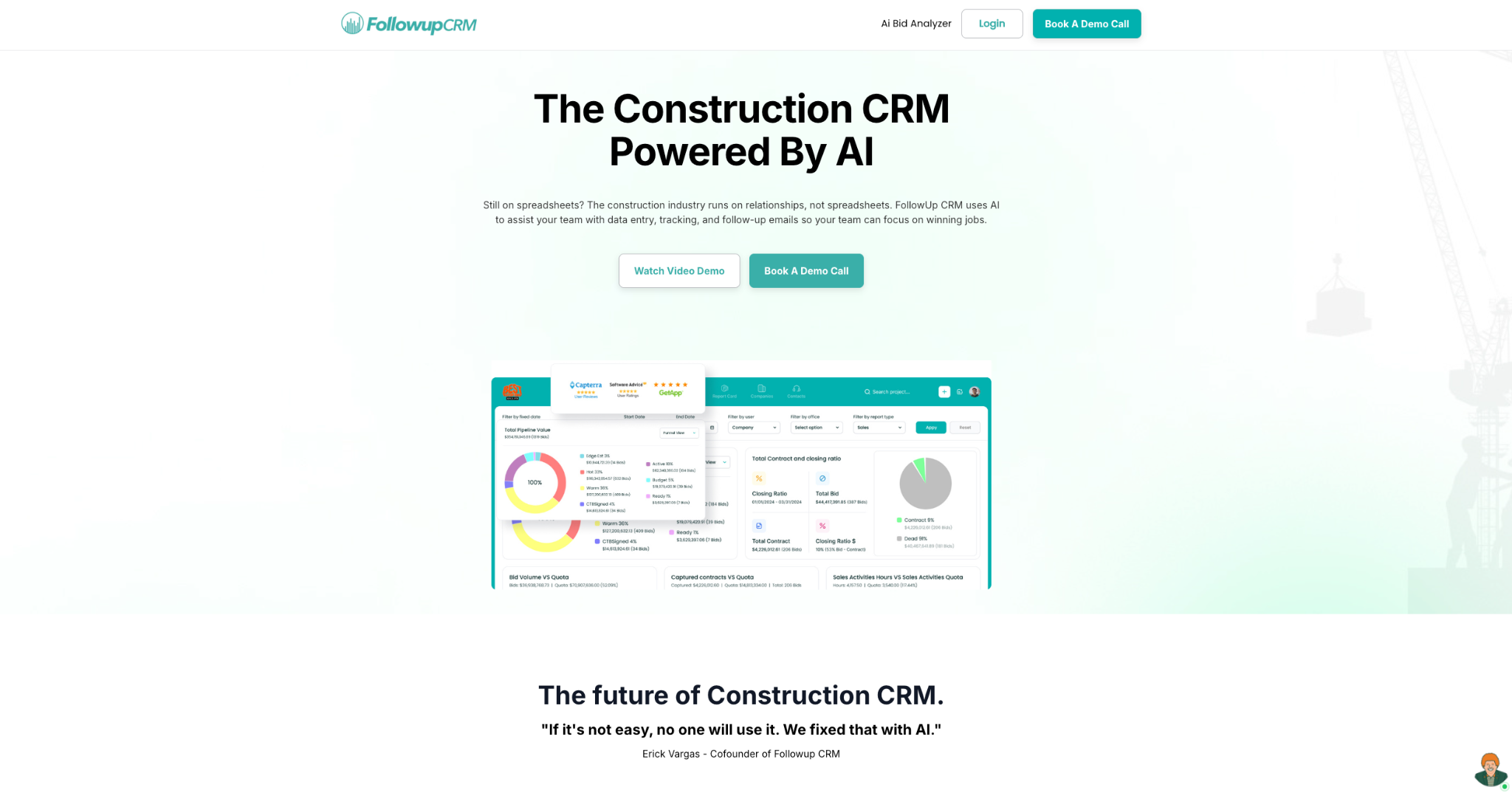
Followup CRM is a construction-specific CRM built for contractors who win work through bids. That focus makes it a great fit for commercial general contractors, specialty trades, and subcontractors.
The platform is built around bid and lead tracking. It imports leads from many sources, tracks each one through the pipeline, and keeps every bid due date on a shared bid calendar so the team stays on deadline.
Sales and estimating dashboards show pipeline, close rates, and team performance in real time, while automated reminders keep follow-ups on schedule.
With its AI features, the platform helps cut the admin work that slows sales teams down. It assists with data entry, activity tracking, and follow-up emails, and its Voice AI feature lets a contractor speak on the go so the system logs it.
That way, instead of waiting until the end of the day to enter information, updates happen in real time, when they’re still fresh.
Because every company sells differently, the CRM is highly customizable. Teams can tailor fields, pipeline stages, and permissions to match their own process.
The Proposal Generator with e-signature, integrations with Outlook, Gmail, and construction ERP systems round out the platform, making that bid-first design the main draw.
Key Features
- Bid and lead tracking: Imports leads from multiple sources and tracks each one through the pipeline from first touch to close.
- Digital bid calendar: Puts every bid due date on a shared calendar so the whole team stays on deadline.
- Sales and estimating dashboards: Show pipeline, close rates, and team performance in real time.
- AI assistance: Helps with data entry, activity tracking, and follow-up emails so reps spend less time on admin.
- Voice AI: Lets contractors speak about what happened on a job while the system handles the data entry.
- Follow-up automation: Sends task and follow-up reminders tied to the pipeline so no bid stalls.
- Customizable pipeline: Lets teams tailor fields, stages, and permissions to match how they sell.
- Proposal Generator and e-sign: Builds branded proposals and sends them for virtual signature.
- Integrations: Connects with Outlook, Gmail, construction ERP and accounting systems to log activity and sync records.
Want to see it firsthand? Book a demo today!
2. JobNimbus
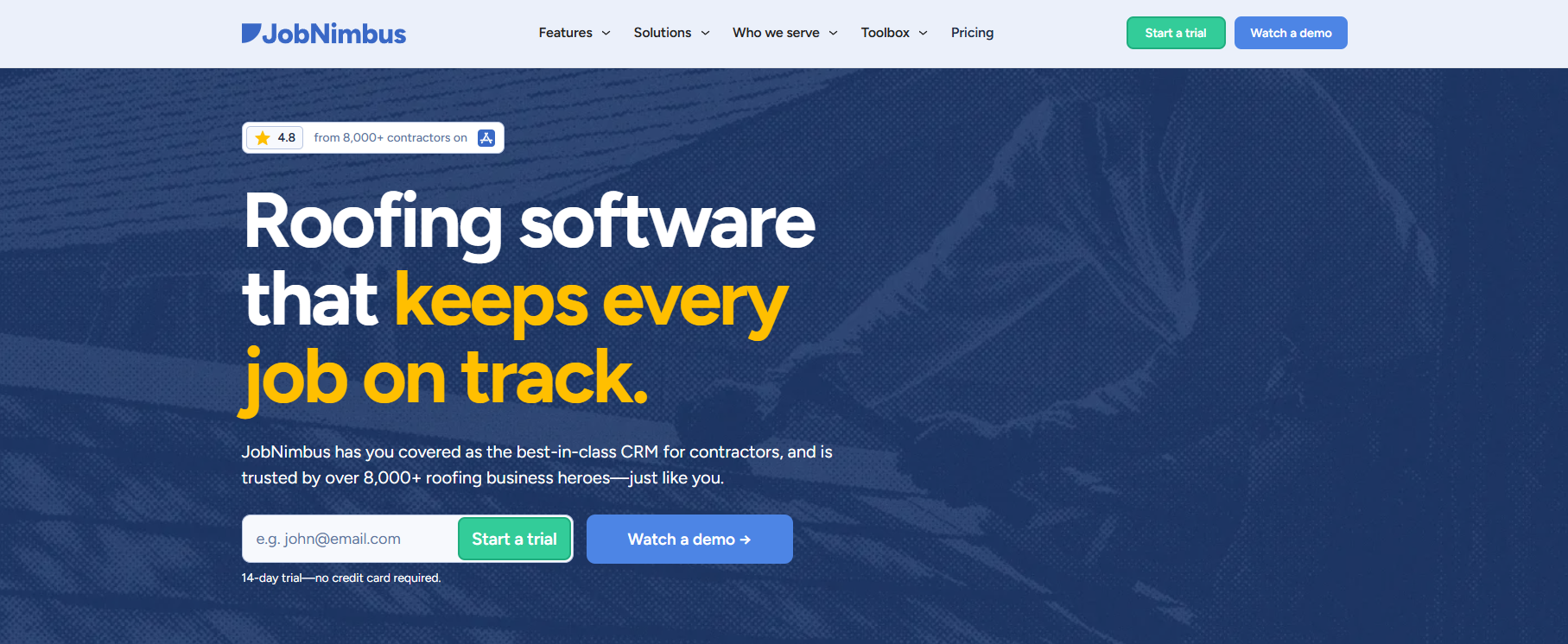
Image source: jobnimbus.com
JobNimbus is a CRM and project management platform built for roofing and exterior contractors. It is designed around the roofing sales cycle rather than adapted from a general sales tool, so the workflow tends to match how these teams operate day to day.
The core of the platform is a visual pipeline. Jobs move through stages like lead, inspection, estimate, and contract on a drag-and-drop board, so the team can see where every job stands. Automation handles tasks like creating contacts from new leads and sending emails at set stages.
On the AI side, its AssistAI feature answers inbound calls and captures lead details, which can help when crews are on a roof or a storm drives a spike in call volume. A newer voice-command tool, Scout, was in closed beta as of early 2026.
JobNimbus also includes estimating, material ordering, photo documentation, and QuickBooks integration, which keeps most of the sales and production processes in one system.
Key Features
- Visual sales pipeline: Kanban-style boards track each job through the stages of the roofing sales cycle.
- AI call answering: AssistAI answers inbound calls and captures lead information automatically.
- Workflow automation: Creates contacts and sends stage-based emails without manual effort.
- Estimating and material ordering: Builds estimates and places supplier orders within the platform.
- QuickBooks integration: Syncs financial data to reduce duplicate entry.
3. Buildertrend
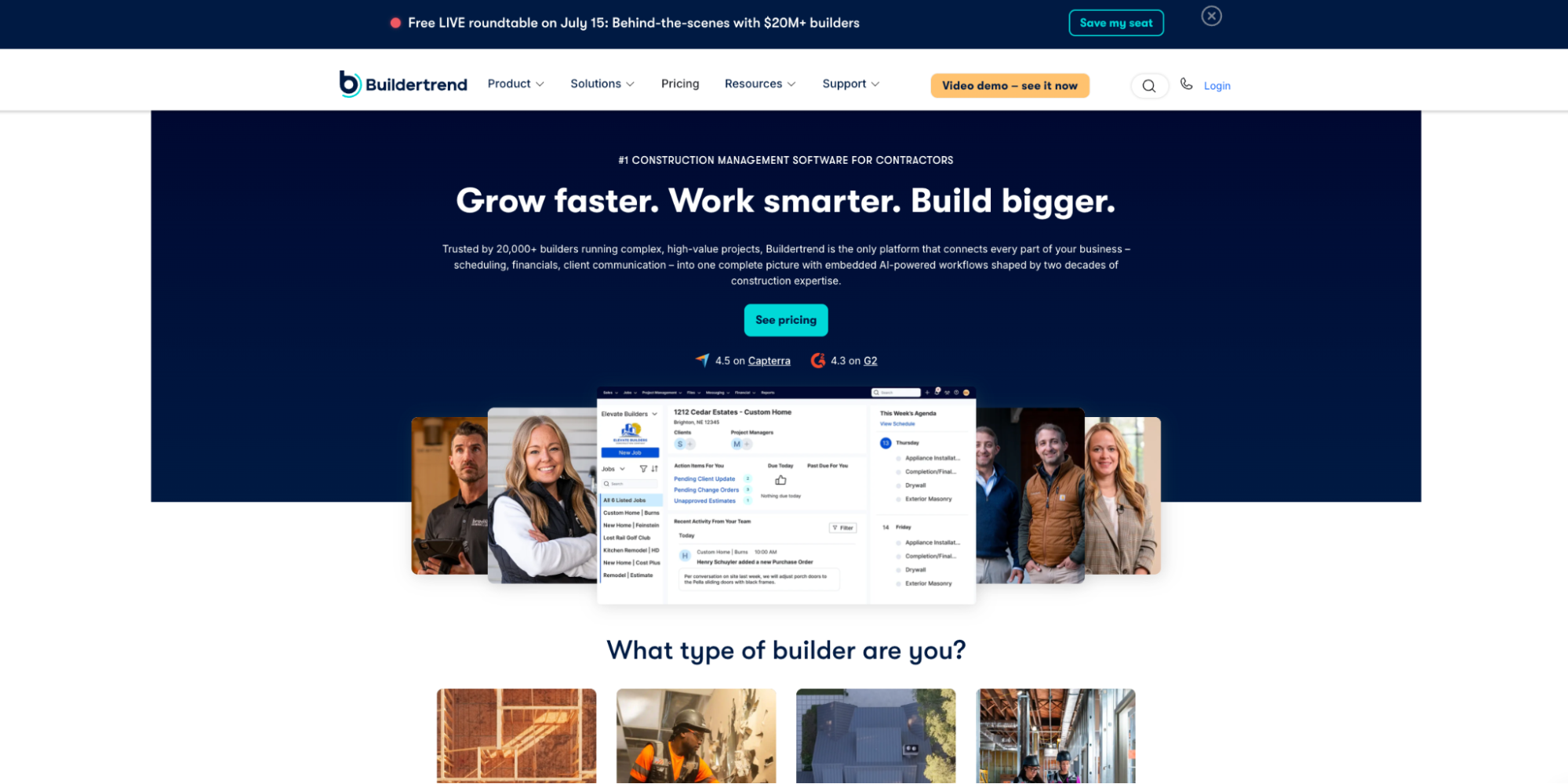
Image source: buildertrend.com
Buildertrend is a construction management platform for home builders, remodelers, and specialty contractors. It brings sales, project management software, and financials into one system, with a CRM hub that handles the sales side from first lead to signed contract.
The CRM lets teams capture leads through several methods, track them through the sales process, and send templated proposals.
Once a lead becomes a job, the same platform manages schedules, daily logs, change orders, and budgets, so information carries over without re-entry. This makes it a fit for teams that want their sales pipeline connected to project delivery.
Buildertrend adds AI features built into these workflows. AI Client Updates turn job activity into written summaries for homeowners. AI Bill Capture reads incoming bills and pulls out vendor details, line items, and cost codes to cut manual entry.
An AI Search tool lets users ask questions about their projects in plain language. The platform also integrates with QuickBooks and Xero for accounting.
Key Features
- CRM hub: Captures and tracks leads from first contact through signed contract.
- AI client updates: Turn job activity into written progress summaries for clients.
- AI bill capture: Extracts vendor, line-item, and cost-code details from incoming bills.
- Project and financial management: Handles schedules, daily logs, change orders, and budgets in one place.
- Accounting integrations: Connects with QuickBooks and Xero.
4. Procore
Image source: procore.com
Procore is a construction management platform built mainly for larger commercial contractors. It covers project management, financials, quality, and safety, with a CRM and bid management that handle the sales and preconstruction side of the business.
The CRM tracks leads and opportunities and ties them to the bidding process, so sales data does not sit apart from project execution.
Its bid management tool lets teams create bid packages, invite subcontractors, compare bids side by side, and convert a winning bid into a subcontract or purchase order. Because everything runs on one platform, a won bid can carry its details straight into an active project.
Procore has built out an AI layer as well. Its Copilot assistant searches project data and summarizes documents, while Procore Agents automate routine tasks like scheduling and RFIs.
Key Features
- Construction CRM: Tracks leads and opportunities and links them to bidding and projects.
- Bid management: Creates bid packages, invites subs, and compares bids in one dashboard.
- AI copilot: Searches project data and summarizes documents on request.
- Procore agents: Automate routine tasks such as scheduling and RFIs.
- Broad integrations: Connects with hundreds of third-party construction and accounting tools.
- Integration with Followup CRM: The two tools integrate to bridge your sales process and project management workflow.
5. JobTread
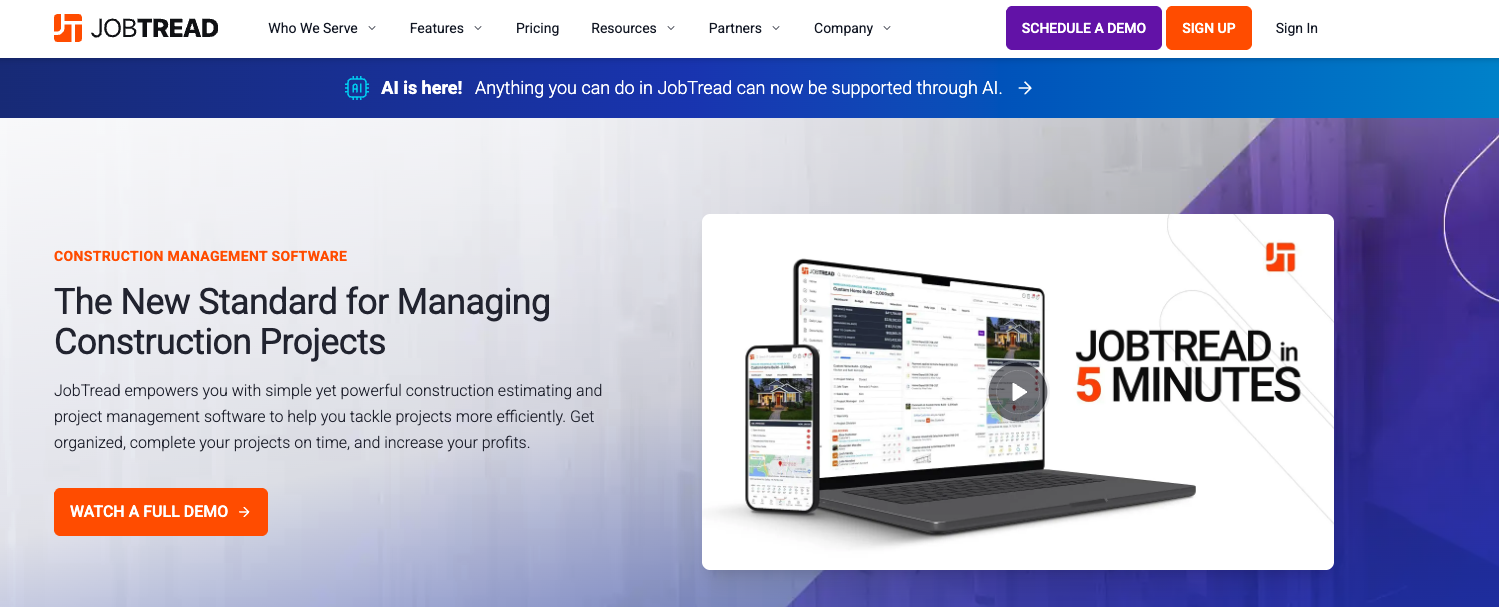
Image source: jobtread.com
JobTread is a construction management platform with a built-in CRM, aimed at small to midsize contractors. It takes a budget-first approach, tying estimates, proposals, schedules, and job costs to the same job record so the numbers stay connected from sales through completion.
The CRM manages leads, customers, vendors, and subcontractors, with web-to-lead forms that drop new inquiries straight into the system. From there, teams build estimates, send proposals, and track each job through custom pipeline stages.
Customer and vendor portals keep communication in one place, and free external users make it easier to loop in subs and clients.
On the AI side, JobTread released the AI Connector that links tools like Claude or ChatGPT to a company's job data. It can turn multi-step tasks into a single typed or spoken request, such as building an estimate, creating a schedule, or reviewing performance.
The platform also offers estimating, takeoff, budgeting, and job costing in one system.
Key Features
- Construction CRM: Manages leads, customers, vendors, and subs with web-to-lead capture.
- Budget-First estimating: Ties estimates, proposals, and job costs to each job record.
- AI Connector: Links AI tools to job data to handle multi-step tasks from one request.
- Customer and vendor portals: Keep sub and customer communication in one place.
- Takeoff and job costing: Covers estimating through cost tracking in a single platform.
6. Jobber
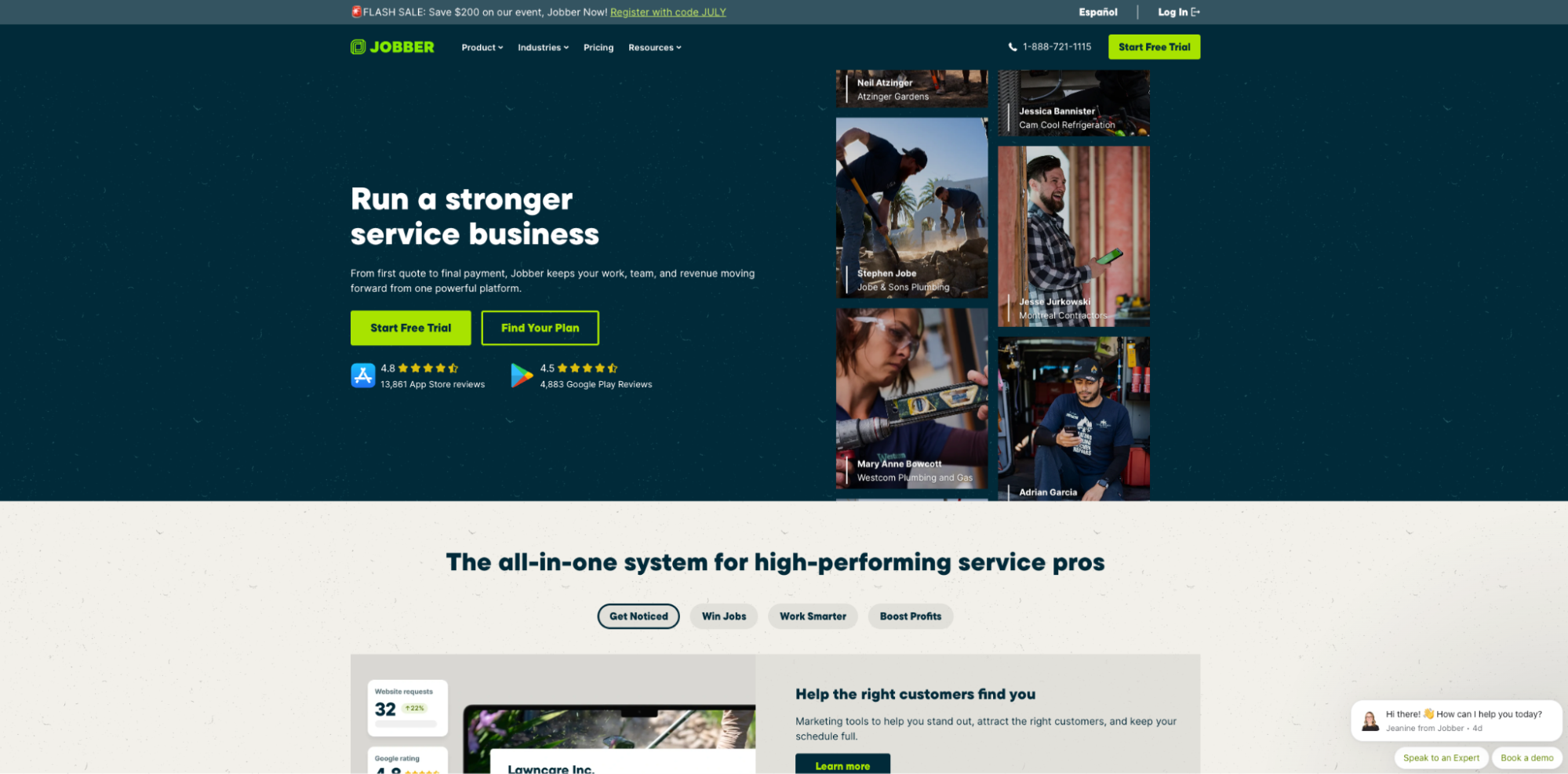
Image source: getjobber.com
Jobber is a field service platform built for home-service trades such as HVAC, plumbing, electrical, and landscaping. It combines a CRM with scheduling, quoting, invoicing, and payments in one system, with a mobile app aimed at teams that work primarily in the field.
The CRM keeps customer details, job history, and communication in one place, so office and field staff work from the same records.
Teams can build quotes with line items and optional add-ons, send automated follow-ups on pending quotes, and give clients a self-service portal to approve work and pay online. Scheduling and dispatch tools round out the day-to-day operations.
Jobber offers a set of AI features under Jobber Copilot. It can draft quotes from customer requests, analyze business data, suggest automations, and answer questions about how the business is running.
A separate AI Receptionist add-on answers calls and books jobs when the team is busy. These tools are shaped around field service work rather than general office tasks.
Key Features
- CRM and Client Hub: Stores customer records and gives clients a self-service portal.
- Quoting and invoicing: Builds quotes with add-ons and sends automated follow-ups.
- Jobber Copilot: Drafts quotes, analyzes business data, and suggests automations.
- AI Receptionist: An add-on that answers calls and books jobs automatically.
- Scheduling and dispatch: Coordinates crews and routes from a mobile app.
7. AccuLynx
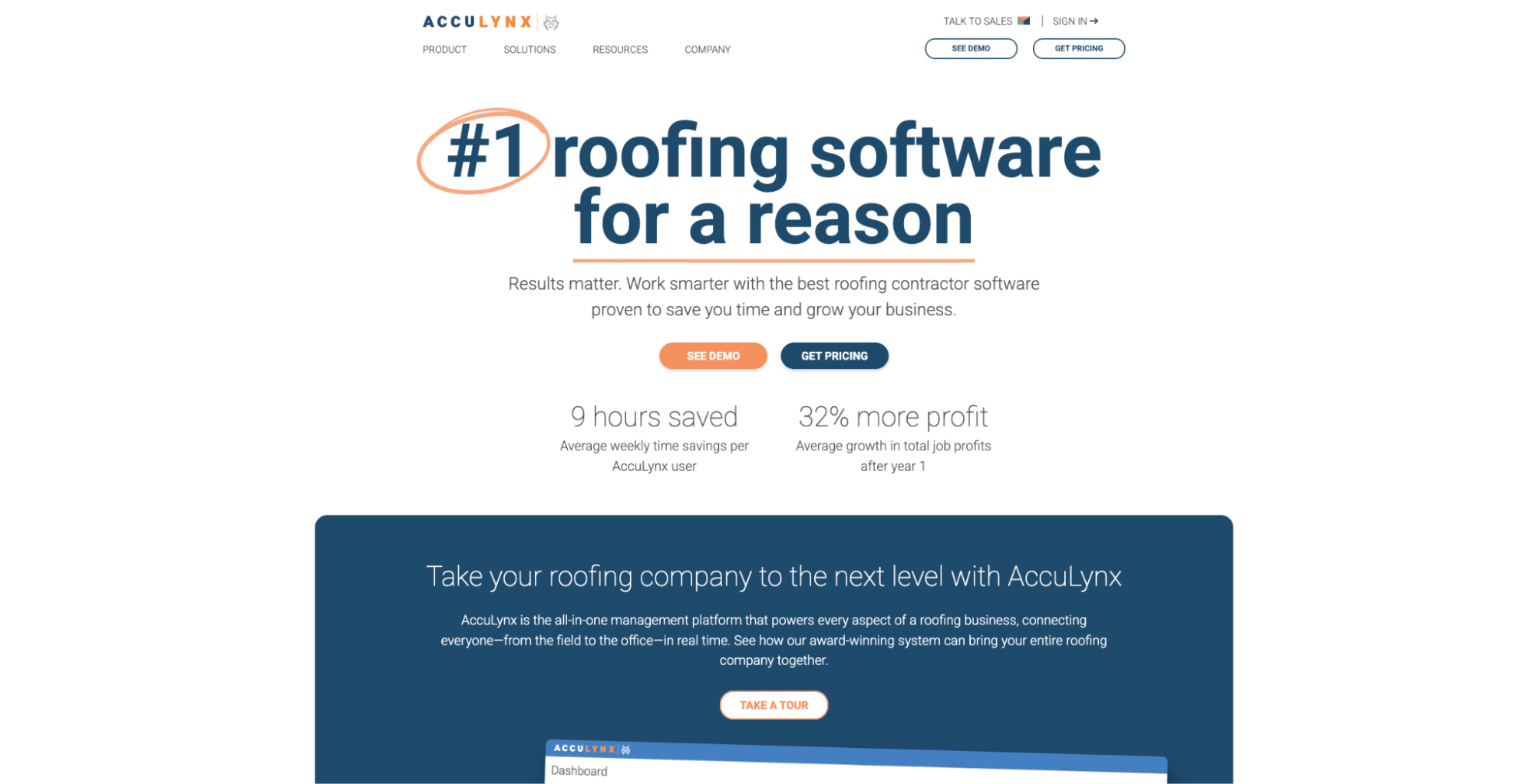
Image source: acculynx.com
AccuLynx is a business management platform built specifically for roofing contractors, with a strong focus on residential insurance restoration and retail roofing. It brings the sales pipeline, production, and financials into one system designed around how roofing companies operate.
The CRM tracks each job from initial lead to signed contract, keeping contacts, activities, documents, and correspondence together in the job file. Built-in AI ranks lead records by how likely each one is to buy, which helps teams prioritize follow-ups.
Estimating tools pull in aerial measurement data and live material pricing, and estimates convert to contracts in a few clicks. For insurance work, AccuLynx includes dedicated stages for claims tracking, supplement management, and adjuster communication.
Beyond sales, the platform handles production scheduling, material ordering through supplier integrations, job costing, and invoicing, with QuickBooks integration to reduce duplicate entry.
Key Features
- Roofing CRM: Tracks jobs from lead to contract with full history in the job file.
- AI lead intelligence: Ranks leads by their likelihood to buy.
- Insurance restoration workflows: Dedicated stages for claims, supplements, and adjuster communication.
- Estimating and measurements: Uses aerial measurement data and live material pricing.
- Supplier integrations: Places material orders directly from the platform.
Key Benefits of AI CRM for Contractors
A CRM built for contractors does more than store contacts. When it adds AI, the payoff shows up in everyday sales work. Here is what contractors gain from the right platform:
- Less time on data entry: The CRM logs calls, emails, and activity on its own, so your team spends less time updating records and more time selling.
- Fewer missed bids: Automated reminders and follow-up prompts keep every bid deadline and stalled deal in view, so no opportunity gets forgotten.
- Clear pipeline visibility: Real-time dashboards show where each deal stands, which jobs are close to closing, and how the team is tracking against its targets.
- Faster, consistent proposals: Built-in proposal and estimate tools help you send professional, branded documents in less time and with fewer errors.
- Smarter use of your team's effort: Lead scoring and pipeline data help reps focus on the work most likely to win instead of chasing every lead equally.
- Better decisions from real numbers: Win and loss reports give leadership a current read on performance, so planning rests on data rather than guesswork.
How to Choose the Right CRM for Your Business
The right contractor CRM depends on the kind of work you do and how your entire operation runs. A few points help you narrow the field.
Start with your trade. A roofing contractor working on insurance claims has different needs than a general contractor bidding on commercial projects or electrical contractors booking emergency repairs.
Construction management software shaped around your workflow needs less customization than generic software built for any industry.
Look at how you win work. If your business runs on bids, you want strong bid and lead tracking, a shared bid calendar, and follow-up automation so no deadline slips. Factor in your sales cycle length, since long bid cycles and quick service call work need different tools.
Compare the CRM features that matter most to you. Lead scoring, client communication tools, and mobile access each solve a different problem, so match them to the gaps that slow your team down.
Also, check integrations and data security. Connecting your accounting, email, and estimating software keeps records in sync, and the CRM should scale as your job volume grows.
Best Practices for Implementing a Contractor CRM
Buying a CRM is only the first step. Rolling it out with a solid plan decides whether your team actually uses it. These practices help:
- Map your pipeline first: Set the CRM stages to match how you manage jobs from the first lead to project completion, so the pipeline mirrors your real process.
- Bring in clean data: Import current leads and client details and clear out duplicates, so customer management starts from accurate records.
- Train the whole team: Make sure project managers and field crews both know how to log job progress and update job details, since the CRM only works when everyone uses it.
- Automate the routine steps: Turn on follow-up reminders, smart scheduling, and stage-based tasks early, so the system handles the busy work from day one.
- Centralize your records: Keep job site photos, documents, and document control in one place instead of separate systems spread around the business.
- Connect and review: Link your accounting and estimating tools, then check reports after a few weeks and adjust stages and permissions to fit your field operations.
Close More Deals With Followup CRM
Choosing the right contractor CRM comes down to fit. The best option is the one built for how your contracting business actually wins work, not a general tool bent to fit the trade.
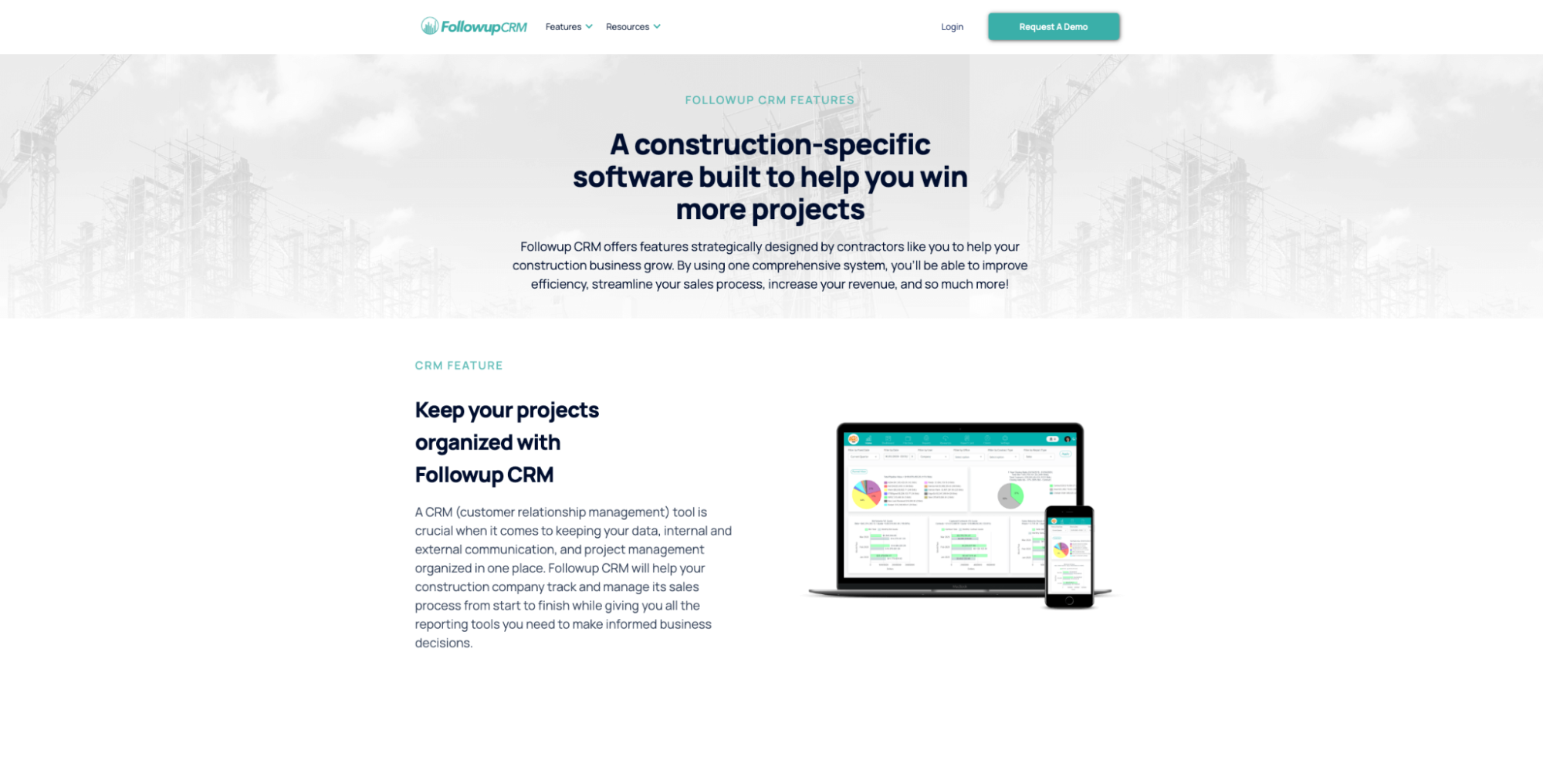
That is where Followup CRM stands out for contractors who live by their bids. It is built around the sales side of construction, tracking every lead, bid, and follow-up through the project lifecycle from first contact to signed contract.
Instead of separate systems for leads, bids, and reporting, it keeps your sales deals and customer interactions in one place, so nothing slips through the cracks.
The payoff is a clearer pipeline and stronger client communication. Real-time dashboards show close rates and team performance, follow-up automation keeps every bid on schedule, and consistent communication supports client satisfaction and the repeat business that follows.
For teams tired of tracking bids in spreadsheets, that bid-first focus is the difference maker.
Ready to find out how it fits your sales process? Book a demo with Followup CRM today!
FAQs About AI CRM for Contractors
What is the best AI for contractors?
The right one depends on the gap you are filling.
AI that logs customer interactions, ranks leads, answers calls, or drafts quotes can cut busywork in a field service workflow.
Match the tool to the tasks that slow your team down, rather than the longest feature list, and check that it fits your job types and how you run your entire operation.
What is the best CRM for contractors?
The best CRM is the one built for how your contracting business wins work.
A roofing contractor handling emergency repairs has different needs than a general contractor bidding commercial projects or multi-trade shops juggling complex projects.
Bid-driven teams should weigh strong bid tracking and follow-up automation, while high-volume shops may value job scheduling and mobile access more.
How do AI CRMs work with project management tools?
AI CRMs manage leads, bids, follow-ups, and customer communication before a job starts. Once a deal is won, they can pass customer and project details into the system your team uses for scheduling, budgeting, job tracking, and field updates.
The CRM Built For Construction Companies
No more disorganized data. Track your leads, bids, and customers all in one place.
Seamless Integration with:
✅ Foundation ✅ Viewpoint ✅ Sage and more