TL;DR
Here are five WorkflowMax alternatives for Australian businesses, each built for a different kind of work:
- Followup CRM: Best for commercial contractor sales and bid tracking.
- Total Synergy: Best for architecture and engineering project management.
- Simpro: Best for multi-trade field service operations.
- Buildxact: Best for residential builders’ estimating and takeoffs.
- Xero Projects: Best for a native Xero integration with basic job tracking.
Why Look for a WorkflowMax Alternative
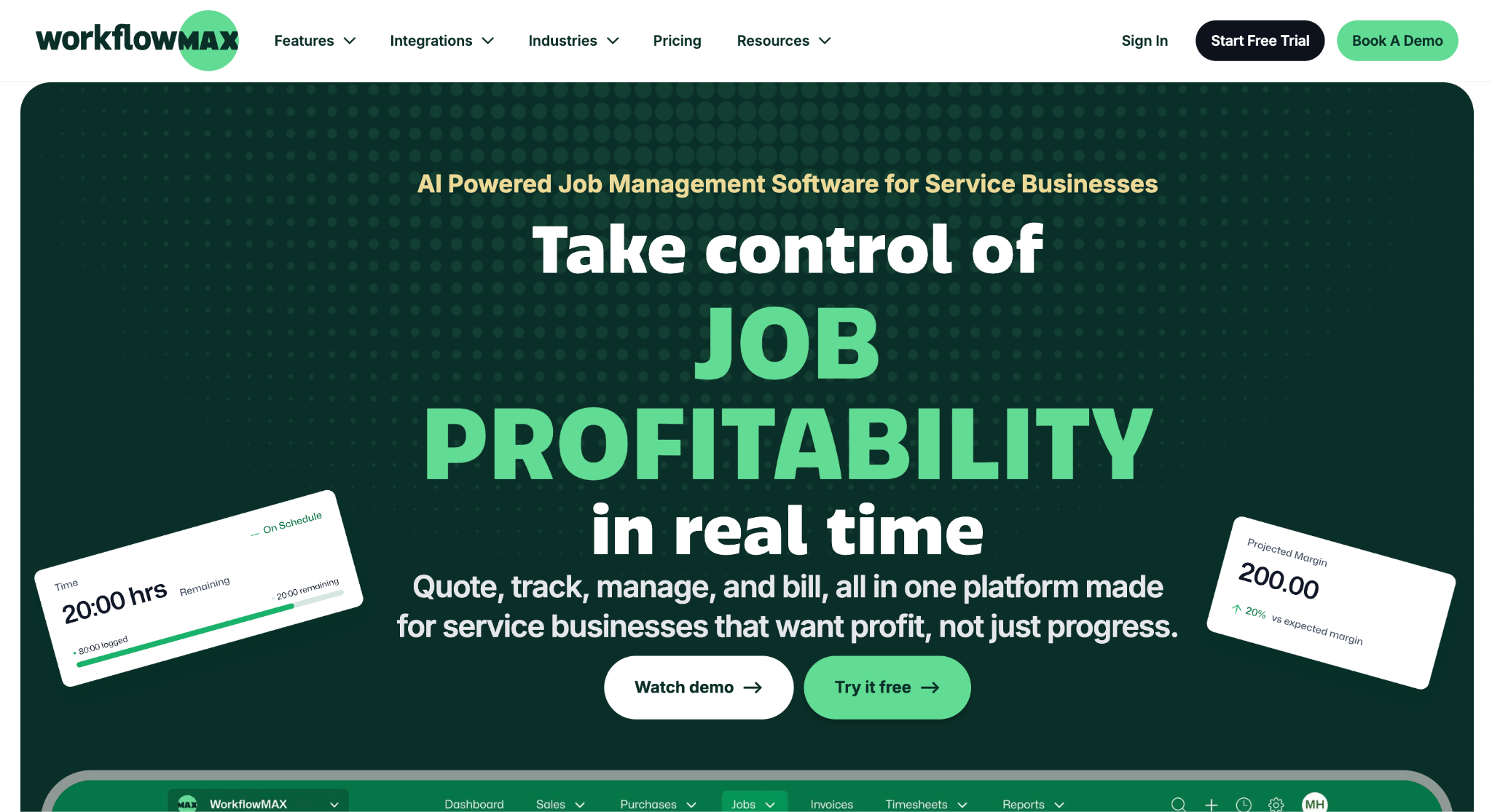
Image source: workflowmax.com
WorkflowMax by BlueRock is the rebuilt version of the product Xero retired in June 2024.
Xero kept Xero Practice Manager, which runs on the same original technology, for accountants and bookkeepers, and handed the WorkflowMax brand to BlueRock, a Melbourne advisory firm that had implemented the software for clients for years.
The current platform covers quoting, job management, timesheets, purchase orders, invoicing, and reporting, with industry pages for architects, engineers, creative agencies, business consultants, and building and construction.
It syncs with Xero and QuickBooks, links documents to SharePoint, Box, Dropbox, and Google Drive, and prices per user in AUD, NZD, GBP, and USD, so it serves Australia, New Zealand, and the UK from one product. A 14-day trial is available without a card.
The reasons to look elsewhere are mostly about fit. The lead manager, which is the customer relationship management (CRM) layer, only comes with the Pro and Advanced plans, and it tracks leads rather than formal tenders with due dates and bid documents.
Firms with technicians in the field need dispatch and asset maintenance, which is not what WorkflowMax is built around.
Design practices often want staged fees and resourcing built for their discipline, and some former users simply want job tracking that lives inside Xero rather than beside it.
5 Best WorkflowMax Alternatives for Job Management in Australia
None of these five tools replaces WorkflowMax feature for feature, and that is the point.
Each one goes deeper in one area where WorkflowMax stays general: the sales pipeline, design-practice finances, field crews, residential estimating, or Xero itself. Start with the problem you need solved.
1. Followup CRM: Best for Commercial Contractor Sales and Bid Tracking
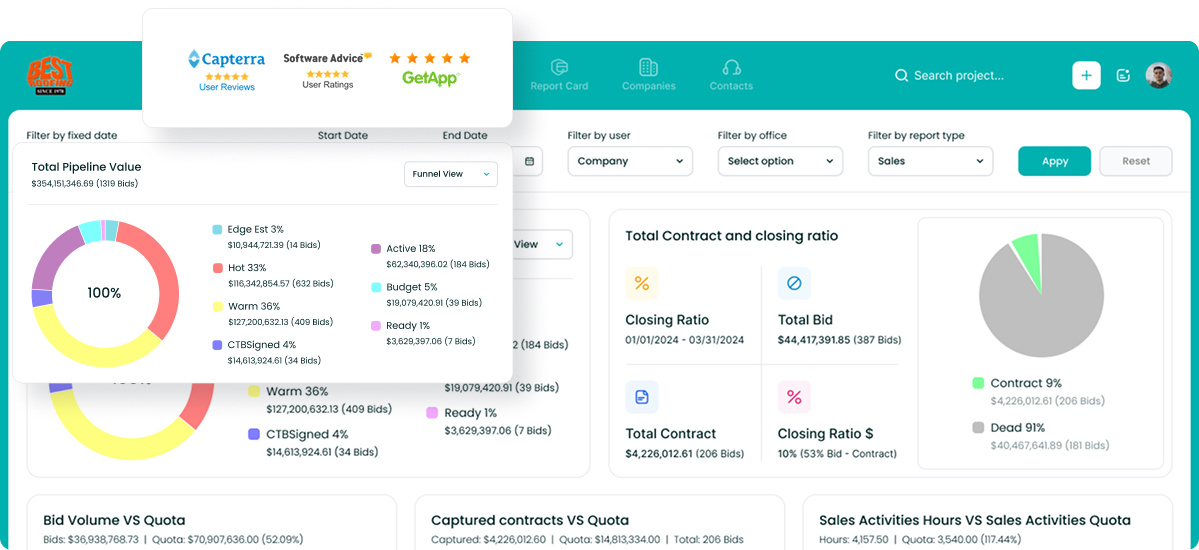
Followup CRM is a sales and bid-tracking CRM built for commercial contractors, general contractors, and subcontractors.
It covers the pre-award side of the business that job management tools handle lightly: lead intake, bid due dates, estimates, proposals, and the follow-up calls that decide whether a tender turns into a job.
Roofing, electrical, concrete, waterproofing, glass, and flooring contractors make up much of its user base, and more than 4,000 construction professionals work in it today.
The digital bid calendar is the feature that separates it from a lead manager. Every tender sits on a shared calendar with its due date, documents, and owner, so nothing is submitted late or forgotten.
Email tracking logs every conversation against the right deal, and the pipeline view shows which bids are moving and which have gone quiet.
For firms that already run a formal prequalification and tender process, bid tracking software like this is what keeps that process visible to the whole team.
Key Features
- Lead and bid tracking with a shared digital bid calendar.
- Proposal generator and e-sign for branded proposals sent for virtual signature.
- Sales and estimating dashboards showing pipeline, close rate, and team performance.
- Voice AI that turns a spoken update into a logged activity.
- Integrations with QuickBooks, Foundation, Vista, Sage, Procore, BuildingConnected, STACK, CompanyCam, Outlook, and Gmail.
Followup CRM focuses on sales and bid tracking rather than timesheets or invoicing. It does not offer a native Xero integration.
Book a demo and see how it fits your business today.
2. Total Synergy: Best for Architecture and Engineering Project Management
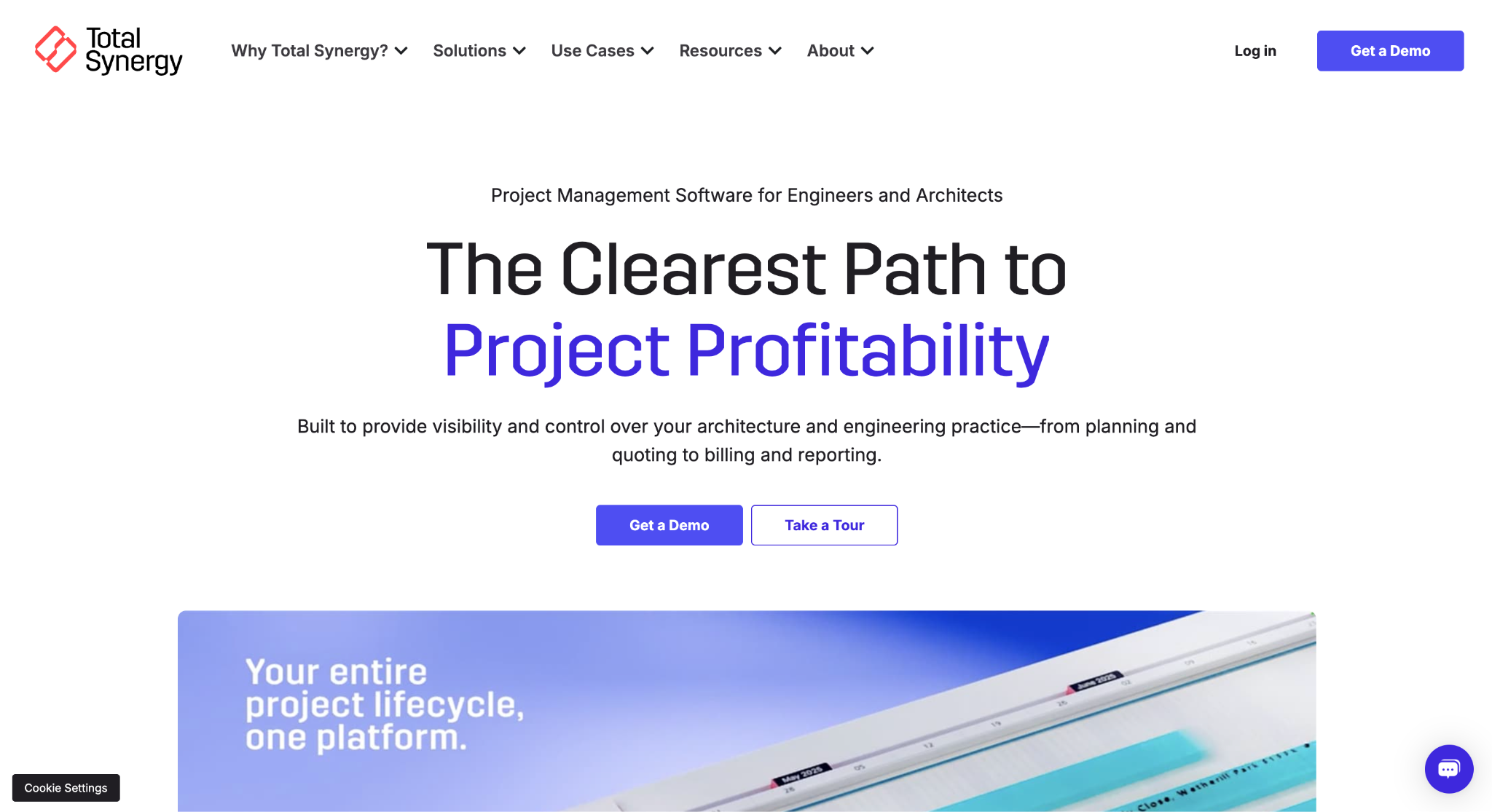
Image source: totalsynergy.com
Total Synergy is project management software for architecture, engineering, and construction design practices. It connects project delivery with staffing, billing, and financial reporting.
That narrow focus shows in the product. Projects are structured around staged fees, disciplines, and sub-consultants, which generic job management tools tend to approximate with workarounds.
The platform runs the full project lifecycle: budgets and quotes, resource allocation, time and expense tracking, invoicing, revenue forecasting, and document control.
Dashboards cover projects, finance, people, and sales, and optional add-ons extend it with HR, CRM, and an API. Onboarding runs over several weeks with a dedicated consultant, so it is an implementation rather than a sign-up.
Key Features
- Staged budgets and quotes built around how design practices bill.
- Resourcing that shows who is on what and where capacity sits.
- Revenue forecasting from live project and timesheet data.
- Document control for drawings and project files.
- Integrations with Xero, MYOB AccountRight Live, QuickBooks Online, Sage, SharePoint, Microsoft Teams, and Zapier.
Total Synergy is a good fit for design practices that outgrew WorkflowMax’s general-purpose job structure. It is demo-led, with no self-serve trial.
3. Simpro: Best for Multi-Trade Field Service Operations
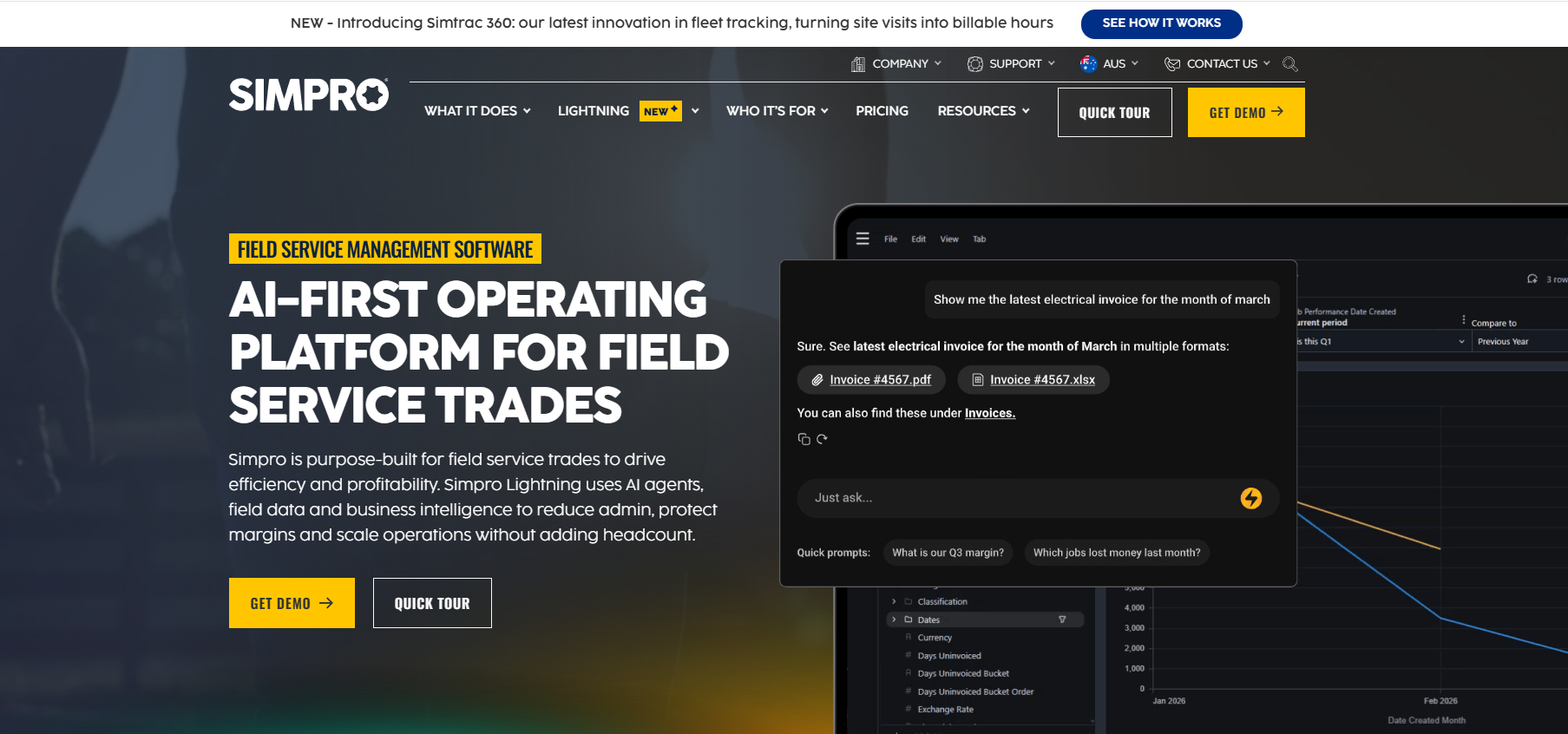
Image source: simprogroup.com
Simpro is field service management software for trade businesses that send technicians to job sites: electrical, plumbing, HVAC, fire protection, security, and solar among them.
Where WorkflowMax tracks jobs from the office, Simpro connects the office to the field. Technicians work from a mobile app with the job history, materials, and safety forms in front of them, and the office sees updates as they happen.
It handles both service work and project work. On the service side, that means scheduling and dispatch, recurring maintenance planning, and invoicing on site.
On the project side, it supports estimating with live supplier pricing, variations captured from the field, progress claims, and retention tracking against contract terms. Inventory management and a reporting layer sit underneath both.
Key Features
- Estimating and quoting with pre-built assemblies and supplier catalogues.
- Scheduling and dispatch for crews working multiple sites.
- Mobile field app with digital forms, notes, and signatures.
- Progress claims and retention for staged project billing.
- Integrations with Xero, MYOB, QuickBooks, Sage Intacct, and wholesaler catalogues such as Reece and Rexel.
Simpro suits trade companies that have outgrown a job tracker and need the field connected. Pricing is custom and the sales process is demo-led.
4. Buildxact: Best for Residential Builders’ Estimating and Takeoffs
Image source: buildxact.com
Buildxact is job management software for residential builders and renovators, and estimating is where it earns its place on this list.
Plans are measured with a digital takeoff tool, quantities flow into an estimate, and live pricing from connected suppliers feeds the material lines, so a quote reflects what the timber and fittings cost this week rather than last quarter.
Its AI assistant, called Blu, scales plans, builds estimates from saved recipes, and checks a finished estimate for missed items.
Once a job is won, the same platform runs scheduling, cost tracking against the estimate, variations with digital signatures, and invoicing, with an accounting integration to keep the books current.
The three plans, Foundation, Pro, and Master, step up from estimating and quoting to full job management for builders running several projects at once. A 14-day trial is available.
Key Features
- Digital takeoffs measured directly from uploaded plans.
- Estimating and quoting with live supplier pricing.
- Scheduling and cost tracking against the original estimate.
- Variations approved by digital signature.
- Invoicing with accounting integration.
Buildxact is a sensible choice for home builders whose biggest time sink is quoting. It is not built for commercial tendering or for firms billing by the hour.
5. Xero Projects: Best for a Native Xero Integration With Basic Job Tracking
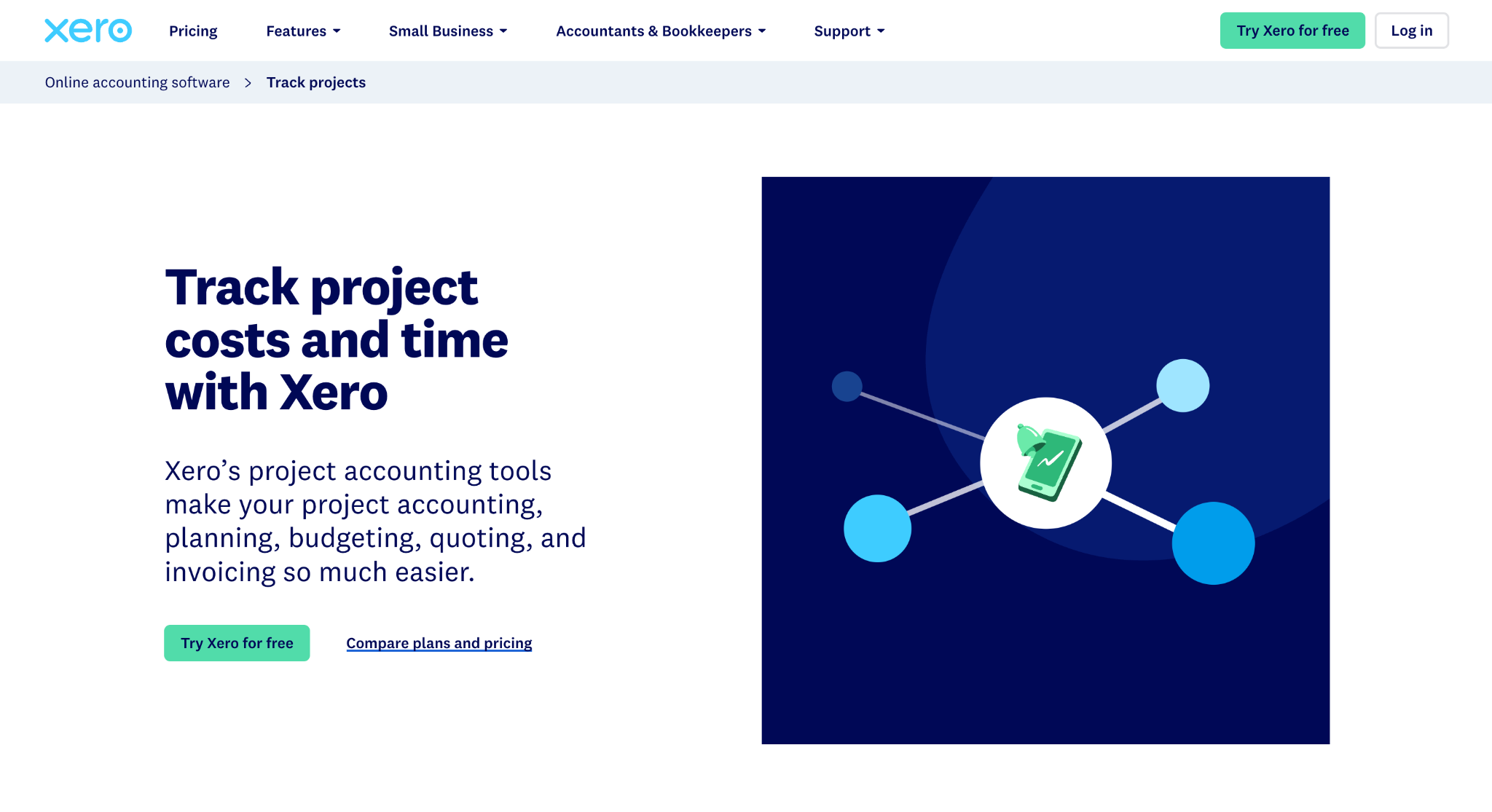
Image source: xero.com
Xero Projects offers basic job tracking within the Xero ecosystem for former WorkflowMax users who want fewer separate systems.
There is no integration to configure because there is nothing to connect. Projects, time, costs, quotes, and invoices all live in the same Xero organisation, and payroll can pull hours straight from the Projects timesheet.
The feature set is deliberately small.
Each project is broken into tasks with estimated time and expenses, staff log time with a start-stop timer or location-based tracking on the mobile app, bills and expenses are linked to the project, and invoices go out as fixed-price or time-and-materials.
Reports show which jobs are over budget and which are profitable. In Australia, it is included for 10 users on the Ultimate plans, with a per-user charge above that.
Key Features
- Project budgets broken down by task, time, and expenses.
- Time tracking with a timer and location-based mobile entry.
- Quotes and invoices generated from tracked time and costs.
- Project profitability reports inside standard Xero reporting.
- Payroll link that reuses Projects timesheets for pay runs.
Xero Projects suits small firms whose jobs are simple and whose main requirement is accurate billing. It has no scheduling, no document management, and no sales pipeline.
What Happens to Your WorkflowMax Data When You Switch
If you keep the same accounting system, successfully synced invoices, bills, and payments remain there. Before switching, check for unsynced records and export your WorkflowMax data.
Review clients, contacts, open jobs, quotes, timesheets, job costs, and attached files. Decide which records to import and which to retain as a searchable archive.
Start with the exports. Client, contact, and job lists come out as CSV files that download to a computer, and most of the tools above import contacts and jobs from a spreadsheet.
Timesheet history is the part that rarely transfers cleanly, since every platform structures time differently.
Expect some manual intervention here. For a small firm, copy and paste from the export into the new system is often faster than building an import template that gets used once.
Tracking categories deserve a specific check. They belong to Xero, not WorkflowMax, so they survive the switch. What disappears is the mapping that sent each invoice line to the right category, and that has to be rebuilt in whichever tool issues invoices next.
Also, download or re-link any documents stored in WorkflowMax or a connected drive, and plan the cutover for a quiet point like a month-end so the delay between closing jobs in one system and opening them in another is short.
How to Choose the Right WorkflowMax Alternative
Choose a solution around the work your team performs and the service your customers expect.
A firm losing tenders because follow-ups slip has a sales problem, and a tool that tracks hours beautifully will not fix it. A firm whose technicians phone the office for job details has a field problem. Name the gap first, and the shortlist usually falls to two tools.
Then look at how each one handles your accounting. Every tool here connects to something, but integration depth varies: some push invoices only, others sync payments back, map account codes, and move timesheets into payroll.
Ask how the software integrates with your accounting system and which data flows through the connection. Test a sample invoice before committing.
The same goes for implementation. A self-serve trial and a multi-week onboarding with a consultant are both legitimate, but they suit different team sizes and budgets.
Check the user limits and plan minimums before you fall in love with a feature on the top tier. Read reviews from firms in your own trade rather than aggregate scores, and decide whether sales belongs in the same system as delivery.
Many commercial contractors find a construction sales process runs better in a dedicated CRM, with job delivery handled next door.
Never Lose Track of Tenders With Followup CRM
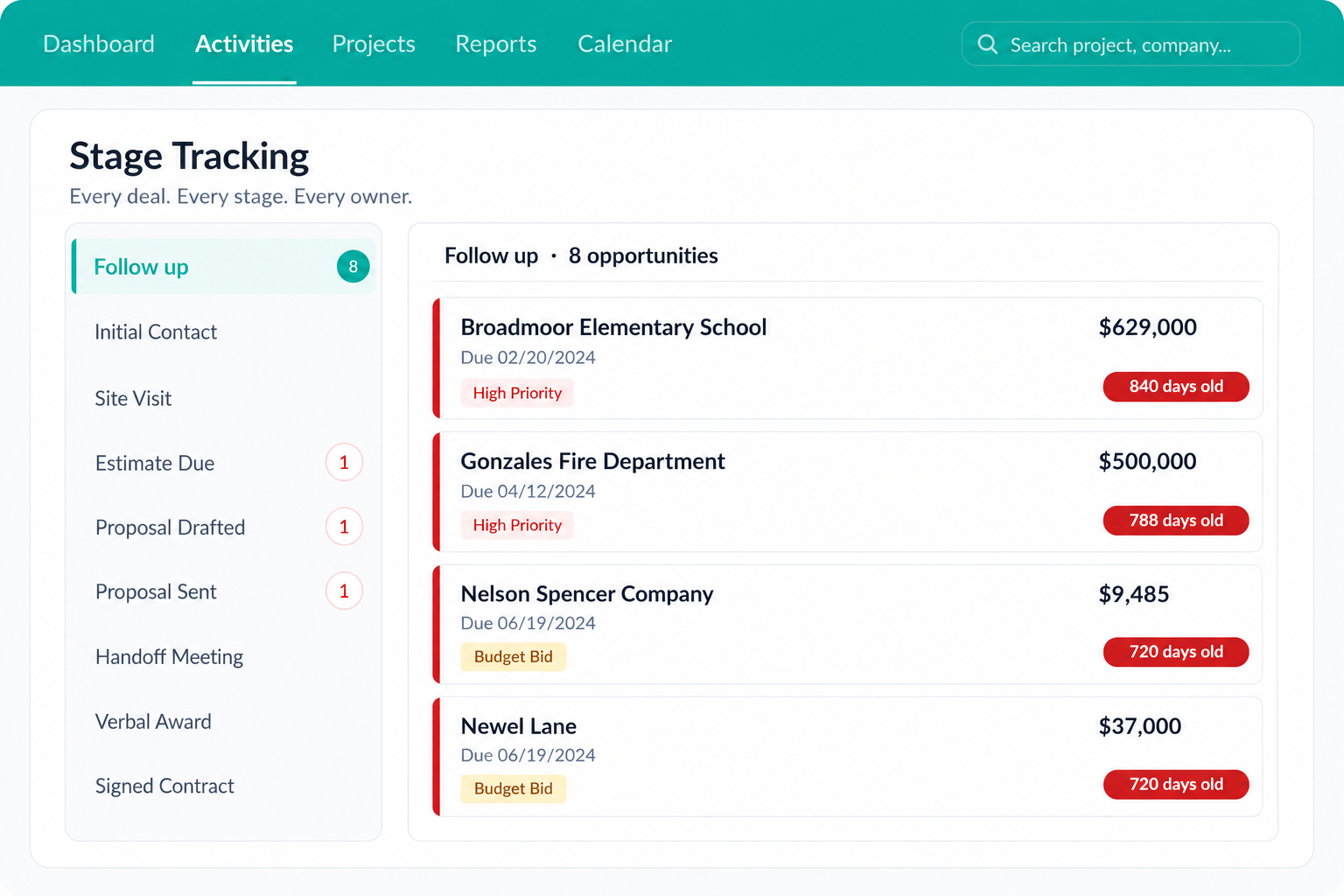
Most of the tools in this list manage work after it is won. Bids, follow-up calls, and unanswered proposals often remain in email threads or spreadsheets.
For a commercial contractor, this stage involves coordinating tender deadlines, pricing, and follow-ups with prospective clients.
Followup CRM puts the pre-award pipeline in one place. Every lead has an owner, every tender has a due date on a shared bid calendar, and every call and email is logged against the deal so nobody has to ask what happened last.
Dashboards show close rates by estimator and which bids have gone quiet, which is the visibility that turns a reactive sales team into one that follows up on time.
Thousands of contractors already run their sales process this way, and the power of it is simple: fewer tenders fall through the cracks.
FAQs About WorkflowMax Alternatives
What is the monthly cost of WorkflowMax?
WorkflowMax monthly pricing starts at AUD 12.22 per user for Essentials (3–25 users), AUD 22 for Pro (minimum 5), and AUD 37.78 for Advanced (minimum 10). Quarterly billing saves 5%; annual billing saves 10%. All plans offer a 14-day trial without a card.
Followup CRM is priced per team on request, so the demo is where that conversation happens.
What are some alternatives to Projectworks?
Alternatives to Projectworks include Total Synergy for design practices, WorkflowMax for general job management, and Xero Projects for basic time tracking and invoicing.
Commercial construction firms focused on winning tenders can use sales software such as Followup CRM to manage bids and follow-ups.
What is WorkflowMax in Xero?
WorkflowMax was job management software owned by Xero and used as the foundation for Xero Practice Manager. Xero retired it on 26 June 2024. WorkflowMax by BlueRock now connects to Xero as a separate app.
Followup CRM does not offer a Xero integration. It manages pre-award sales and syncs with QuickBooks and construction accounting systems.
The CRM Built For Construction Companies
No more disorganized data. Track your leads, bids, and customers all in one place.
Seamless Integration with:
✅ Foundation ✅ Viewpoint ✅ Sage and more